



You worked the booth for three days. You talked to 200 people. You scanned badges, collected cards, and jotted notes on the back of a few.
Then you got home. Half the scans didn't sync. Wi-Fi dropped during the busiest hour. The business cards are a rubber-banded stack on your desk, and by the time someone types them into the CRM, the leads have already gone cold.
This is the failure mode that trade show lead software exists to prevent. According to MarketIntelo (2025), the global trade show lead retrieval market reached $0.6B in 2025 and is projected to hit $1.2B by 2034, with cloud-based deployment already accounting for 58.3% of revenue. Exhibitors are moving off paper fast: TradeShowPro Events (2026) reports that 54% of exhibitors now use lead retrieval apps, up from 41% in 2023, and 78% of those who switched to digital capture say they would never go back.
The point of a trade show lead retrieval app is not just to scan a badge. It is to turn a booth conversation into structured, qualified, exportable lead data before the momentum dies, and to move that data into your pipeline fast enough to matter for follow-up and trade show ROI.
What's inside
This guide compares six tools for trade show lead capture, retrieval, qualification, and export. It is written for exhibitor marketers, demand gen managers, field marketers, and sales ops partners who care about pipeline and attribution, not just event logistics.
Tools were selected against four criteria:
- Offline capture that survives conference Wi-Fi
- Badge scanning and business card scanning support
- Lead qualification: ratings, notes, and survey fields
- CRM sync plus clean CSV or Excel export
TL;DR
- Best for included platform capture: Eventleaf pairs a badge-scanning lead retrieval app with a free starter tier, so smaller exhibitor teams get capture without a separate contract.
- Best for offline capture and custom forms: QuickTapSurvey runs fully offline and lets you build flexible qualification forms with lead scoring and alerts.
- Best for broader event management fit: Cvent LeadCapture standardizes onsite capture and qualification inside a full event suite.
- Best for Salesforce teams: vCapture by Validar connects capture directly to Salesforce lead management.
- Best for organizer-run retrieval: CompuSystems delivers badge scanning plus survey and action-code workflows through its CompuLEAD suite.
What is trade show lead software?
Trade show lead software is a mobile lead capture app for trade shows that lets exhibitors scan attendee badges or business cards, qualify each contact on the spot, and export or sync that data into a CRM for follow-up.
It replaces the paper-and-spreadsheet workflow with a structured system that captures clean data at the booth and moves it downstream. Think of it as an event scanner alternative that does more than record a name.
Core capabilities to expect:
- Badge scanning software: read event badge QR or barcode formats to pull attendee contact details instantly
- Business card scanning: OCR capture for contacts who never registered or forgot their badge
- Note taking: attach context from the conversation to each lead
- Lead scoring and qualification: rate leads hot/warm/cold, apply tags, or fill survey fields
- Offline capture: keep scanning when the venue Wi-Fi drops, then sync later
- Export: clean CSV export or Excel export for manual handoff
- CRM sync: push qualified leads into Salesforce, HubSpot, or your marketing automation tool
The best tools cover the full workflow: capture, qualify, export, and sync. The weaker ones stop at the scan and leave you to reconstruct context later.
When to use trade show lead software
Capture leads when Wi-Fi is unreliable
Conference Wi-Fi buckles under thousands of devices, usually right when your booth traffic peaks. A tool with true offline lead capture stores every scan and note locally, then syncs once the connection recovers. If your capture app depends on a live connection to record a lead, you will lose data during the exact hour that matters most. Offline mode is not a nice-to-have on a show floor. It is the baseline.
Qualify leads before the booth conversation ends
A name and email is a contact, not a lead. Ratings, notes, and survey fields let you capture intent while the conversation is still fresh: budget signals, use case, timeline, competitor mentions. This booth lead capture context is what lets sales prioritize the follow-up queue instead of blasting 200 identical emails. Lead scoring at the booth means your best leads get called first.
Move event data into CRM fast
The half-life of a trade show lead is short. Every day between the scan and the first touch drops your conversion odds. Fast CRM sync, or at minimum a clean export you can upload the same night, is what protects pipeline and keeps attribution intact. If your data sits in an app for a week, the event may as well not have happened.
Comparison table
Here is how the six tools compare on intended use, differentiator, pricing, and rating. Verify current pricing and ratings against each vendor before you buy, since event pricing often varies by show.
| # | Product | Best for | Key differentiator | Pricing | G2 rating |
|---|---|---|---|---|---|
| 1 | Eventleaf Lead Retrieval App | Exhibitors needing fast badge-based capture | Lead retrieval bundled with the Eventleaf platform, free starter tier | Free up to 100 attendees/year; Basic $1/attendee; Professional $2/attendee | 4.7/5 |
| 2 | QuickTapSurvey | Offline capture with custom qualification forms | Full offline data collection with flexible forms and alerts | Pro from $41/mo billed annually | Not listed |
| 3 | Cvent LeadCapture | Exhibitors inside a full event suite | Standardized capture within the Cvent event platform | Quote-based | 4.3/5 |
| 4 | vCapture by Validar | Salesforce-centric event teams | Capture connected directly to Salesforce lead management | Quote-based | 4.3/5 |
| 5 | CompuSystems | Organizer-run lead retrieval | CompuLEAD badge scanning with survey and action codes | Contact for pricing | 4.0/5 |
| 6 | Attendify | Registration, check-in, and badge printing | Onsite accreditation and badge printing with a free app | Free app; demo for badge printing | Not listed |
Best trade show lead software for 2026
1. Eventleaf Lead Retrieval App / Eventleaf Leads App
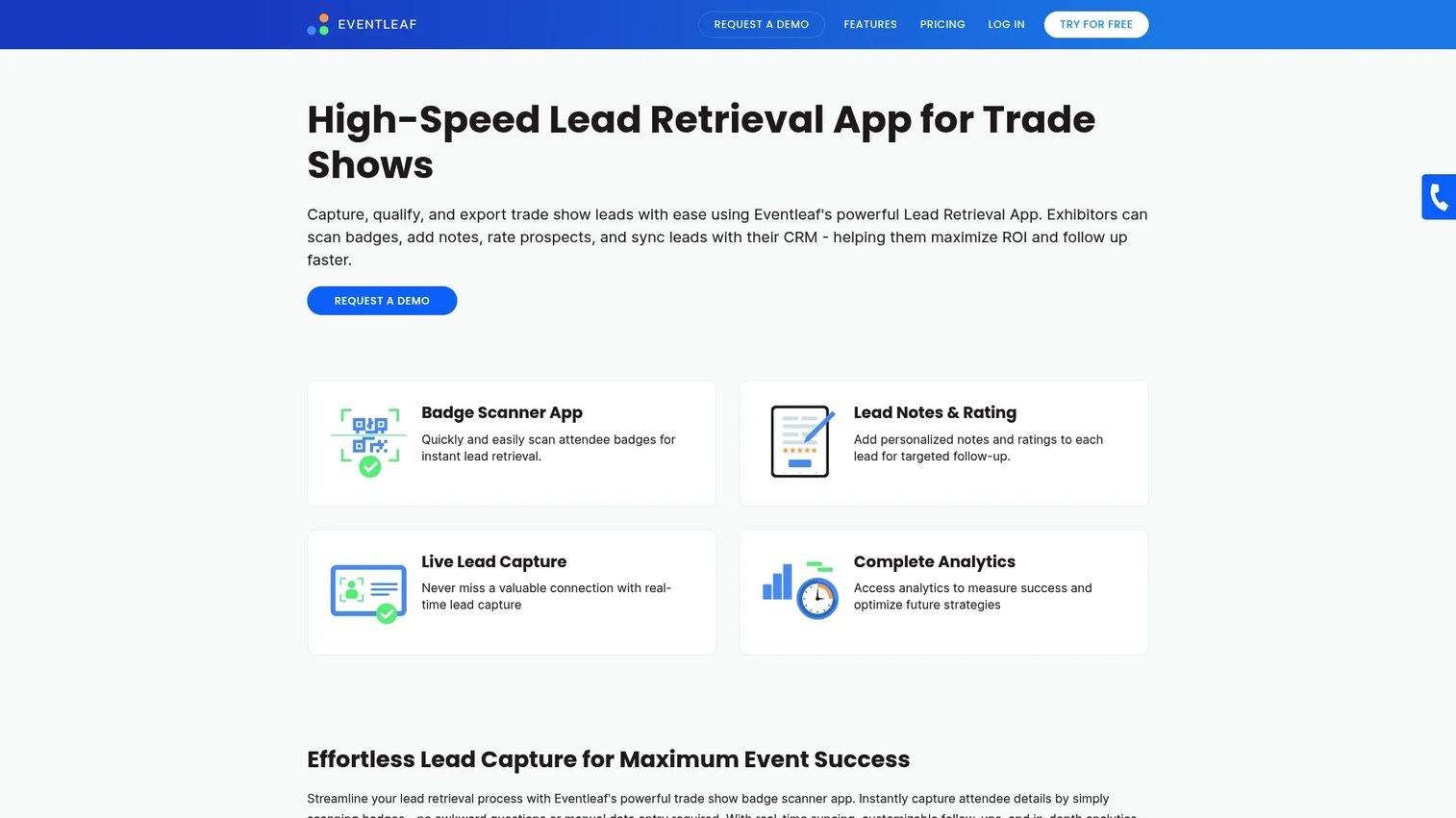
Eventleaf is a lead capture app for trade shows built by Jolly Technologies. It lets exhibitors scan badges, rate leads, add notes, and export contacts, all inside the broader Eventleaf event platform. Because the lead retrieval app ships with the platform rather than as a bolt-on, smaller teams can start capturing without negotiating a separate scanner rental at each show.
Best for: trade show exhibitors who want fast badge-based lead capture and follow-up without a standalone lead retrieval contract.
Key features
- Badge scanning for fast lead capture
- Lead rating and notes on each contact
- CSV and Excel export for follow-up
- Attendee info display on scan
- Multilingual support for international shows
Why choose Eventleaf: if you value a free starting point and a single platform that handles registration and lead retrieval together, Eventleaf fits teams that do not want to stitch together separate event tools. It suits exhibitors running a handful of shows a year more than teams that need deep CRM automation out of the box.
Eventleaf pricing: the Starter plan is free for up to 100 attendees per year. Basic is $1 per attendee and Professional is $2 per attendee. The Ultimate plan is custom priced. Pricing reflects the Eventleaf platform plans that include the lead retrieval app.
2. QuickTapSurvey
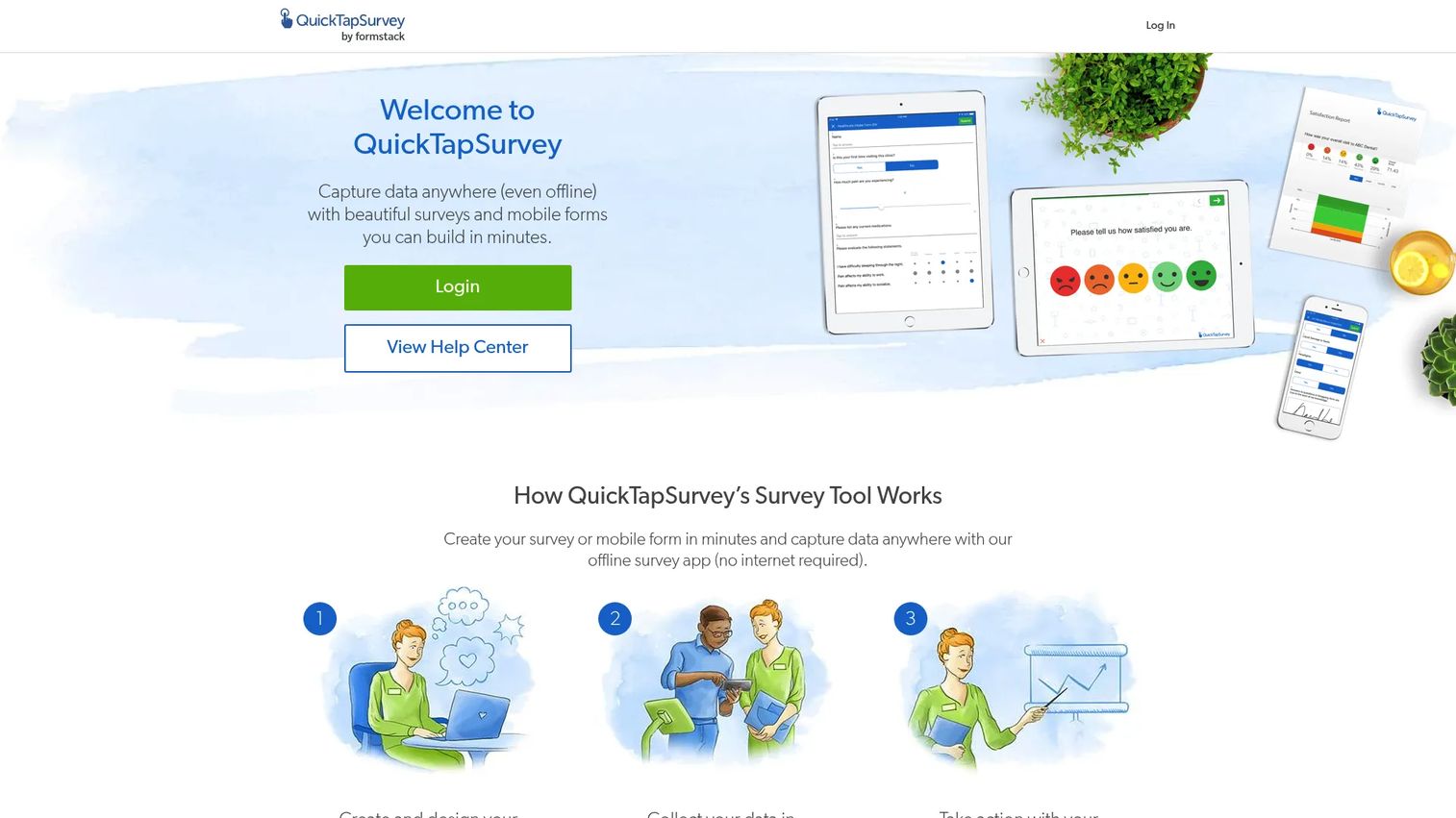
QuickTapSurvey is survey and data-collection software built for mobile, offline, and field use. Instead of relying purely on badge scans, it lets you build custom capture forms so booth staff ask the qualifying questions that matter to your funnel. Because it runs offline, it keeps collecting responses when the venue network drops, then syncs once you are back online.
Best for: teams that want offline lead capture with flexible qualification forms rather than badge-only scanning.
Key features
- Offline survey and lead collection
- Advanced and premium question types
- Custom branding and white label
- Lead scoring through form logic
- Alerts and custom response flows
Why choose QuickTapSurvey: if your qualification depends on structured questions, not just a scanned badge, the form flexibility here is the draw. It is a strong fit for iPad lead capture and Android lead capture setups where you want to control exactly what data gets collected. Teams that only need to scan and export may find it more than they need.
QuickTapSurvey pricing: a 14-day free trial includes all features with 10 responses on one device. Pro is $41 per month billed annually and Premium is $84 per month billed annually. Pricing scales with the number of devices, and enterprise pricing is available for 25 or more devices.
3. Cvent LeadCapture
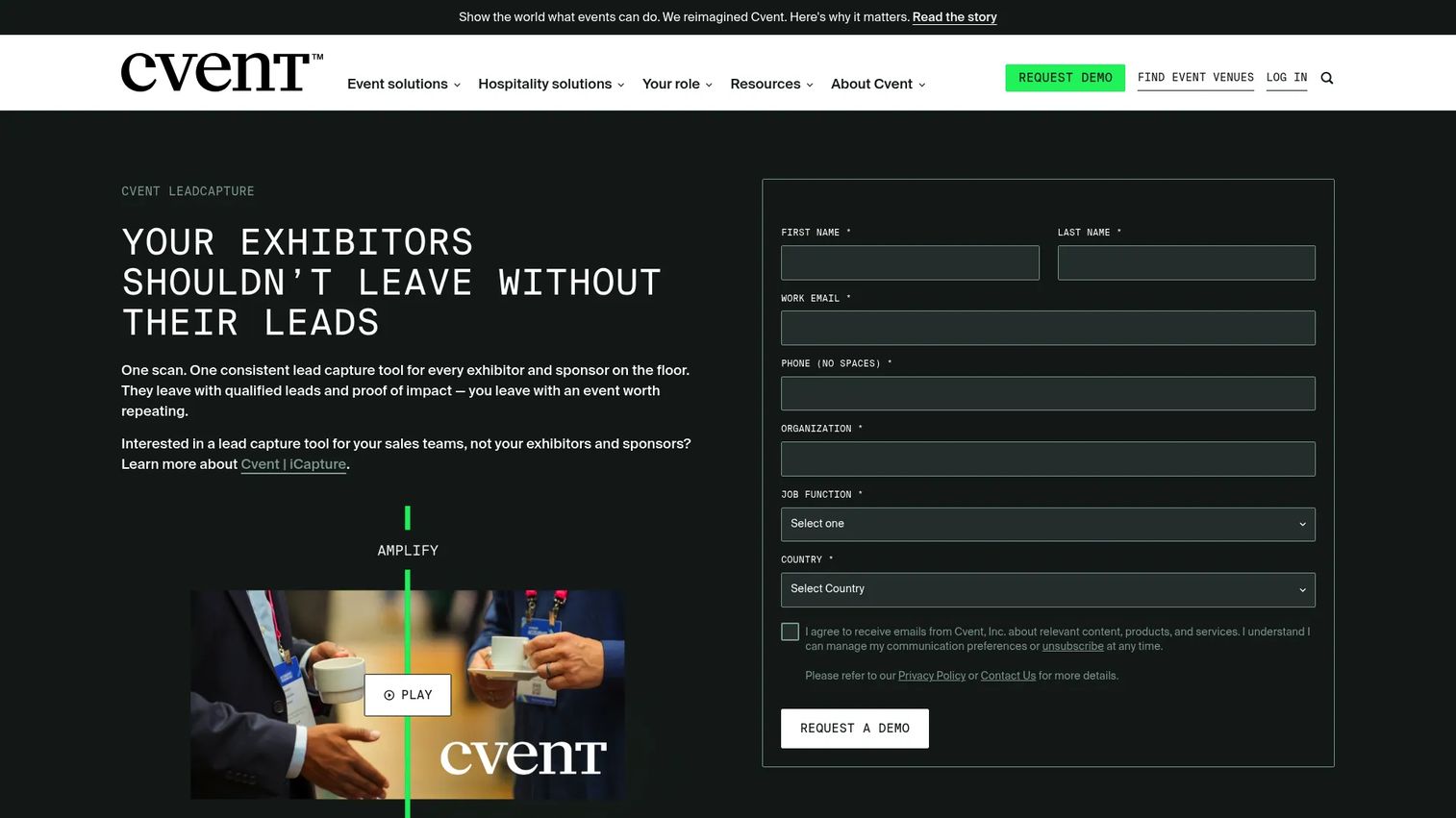
Cvent LeadCapture is event lead retrieval software for exhibitors and sponsors, built inside the larger Cvent event platform. It lets booth staff scan badges or business cards, qualify and rate leads in real time, and export or push data into a CRM. For teams already standardized on Cvent for event management, the lead capture module keeps onsite data in the same place as the rest of the event.
Best for: event organizers and exhibitors who want standardized onsite capture and qualification within a full event suite.
Key features
- Scan attendee badges or business cards
- Qualify, rate, and take notes on leads in real time
- Export leads with CRM integration support
- ROI reporting on captured leads
- Universal lead capture across multiple events
Why choose Cvent LeadCapture: if your organization already runs on Cvent, using its native lead capture keeps your event data consistent and avoids a second vendor. Standalone exhibitors at a single show may find a lighter tool faster to spin up.
Cvent LeadCapture pricing: Cvent lists LeadCapture license types, including a LeadCapture License, Universal Lead Capture, and a LeadCapture Badge Kit API, but does not publish numeric pricing. Pricing is quote-based, so you will need to contact Cvent for a figure tied to your event volume.
4. vCapture by Validar
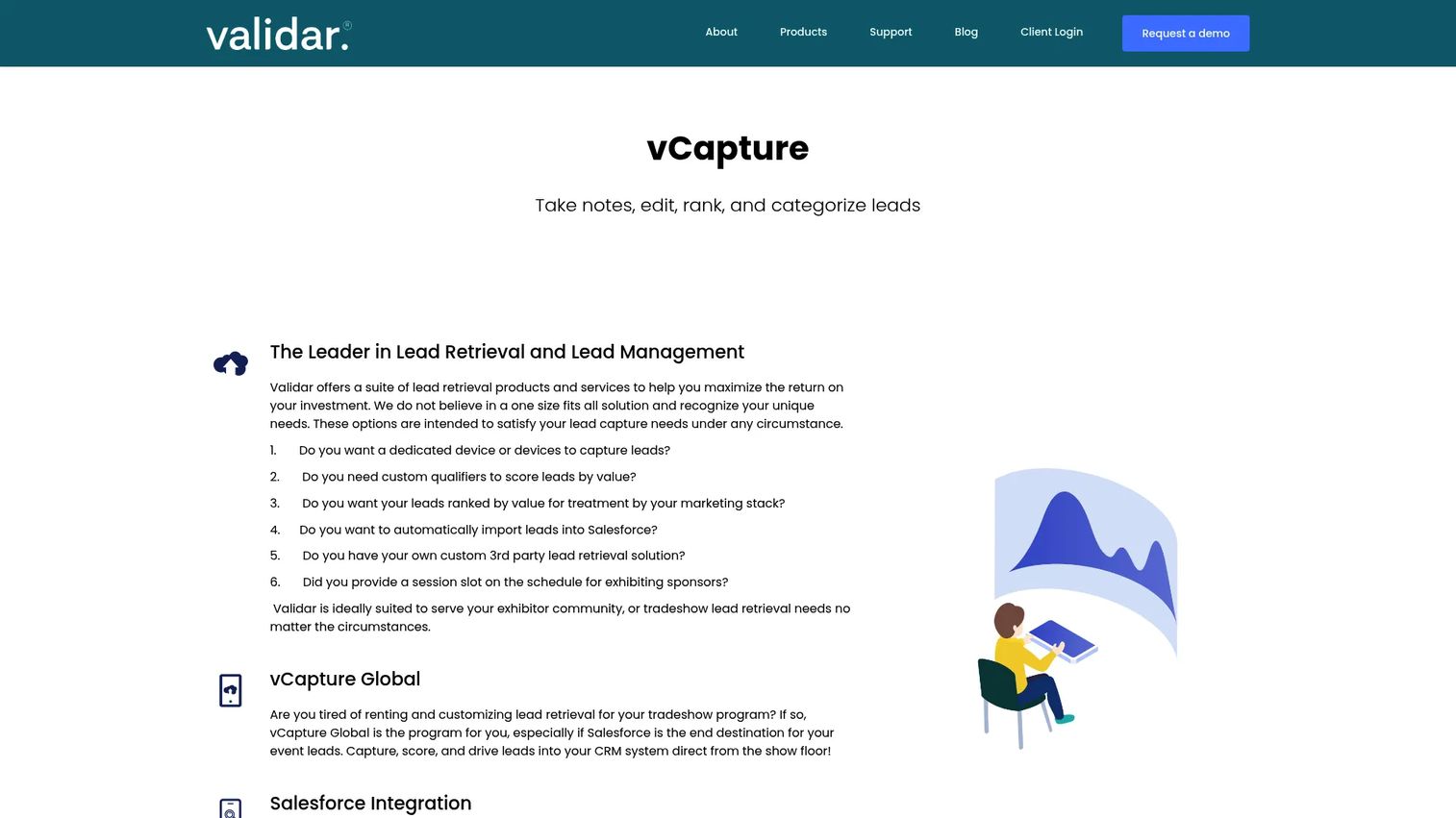
vCapture by Validar is a lead retrieval and lead management product for events, with a clear Salesforce lean. Booth staff can scan business cards and capture leads on mobile devices, then take notes, rank, and categorize each lead. Its Lead Import for Salesforce, available on the AppExchange, moves captured leads straight into Salesforce for follow-up.
Best for: event teams that want lead capture connected directly to Salesforce lead management.
Key features
- Take notes, edit, rank, and categorize leads
- Salesforce integration and Lead Import via AppExchange
- Business card scanning on mobile devices
- Lead scoring and categorization
- Customizable capture fields
Why choose vCapture: if Salesforce is your system of record, the native AppExchange path shortens the distance between a booth scan and a routed, scored lead. Teams on other CRMs will get less out of the Salesforce-first design.
vCapture pricing: Validar does not publish public pricing on its product page and uses a Get A Quote flow. Some event-specific charges are referenced in its terms, but no product price is listed publicly, so request a quote for your event lineup.
5. CompuSystems
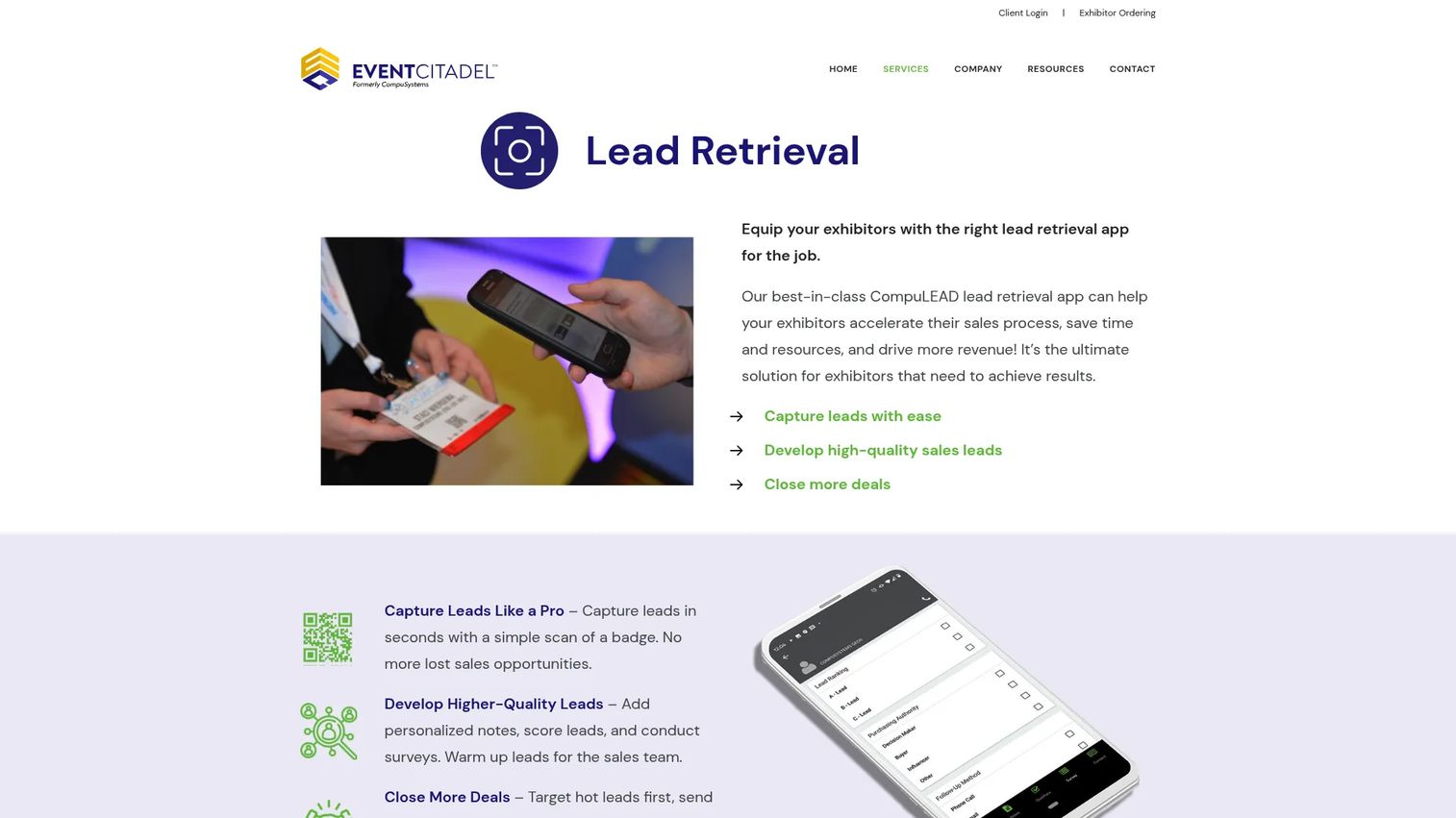
CompuSystems is event lead retrieval software centered on its CompuLEAD product suite, widely offered through show organizers. It combines badge scanning with lead qualification through notes, surveys, and action codes, so exhibitors can categorize interest right at the point of scan. It also supports CRM integration and reporting for downstream follow-up.
Best for: trade show exhibitors who need lead capture and follow-up workflows, often through the show's official retrieval provider.
Key features
- Badge scanning lead capture
- Lead qualification with notes and surveys
- Action code and survey workflows
- CRM integration
- Reporting on captured leads
Why choose CompuSystems: when CompuSystems is the official lead retrieval provider for a show you exhibit at, using CompuLEAD means guaranteed badge compatibility on that floor. Its action-code and survey workflow suits teams that want to tag lead intent quickly on tablet-based capture.
CompuSystems pricing: CompuSystems product materials direct you to call for information and pricing, which typically varies by show and package, so budget on a per-event basis.
6. Attendify
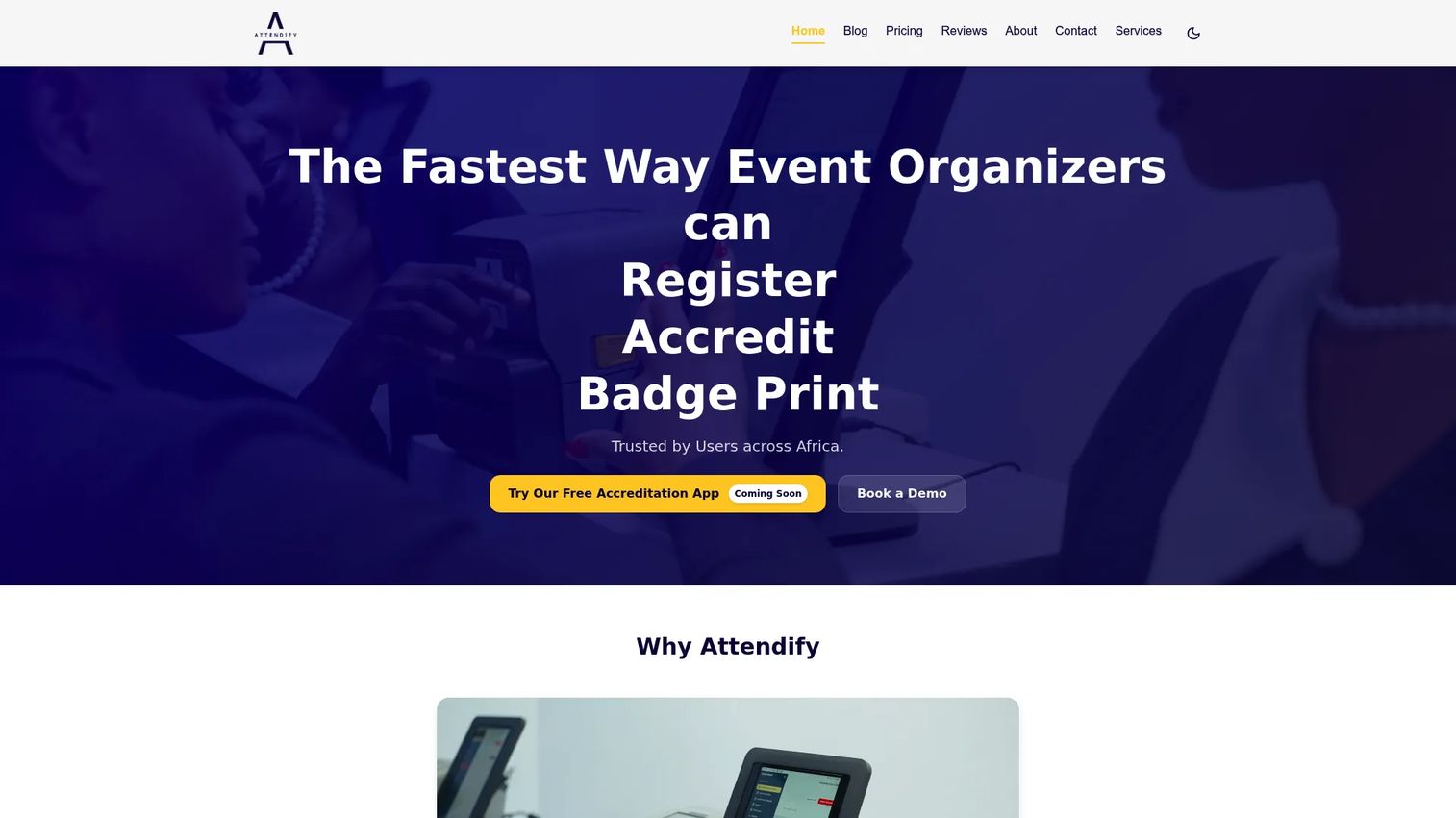
Attendify is event registration, accreditation, badge printing, and attendance tracking software. It handles onsite accreditation with QR codes and instant lookups, professional badge printing, and real-time attendance reporting. For organizers who own the registration and check-in layer, Attendify covers the badge infrastructure that lead retrieval depends on.
Best for: event organizers who need registration, check-in, and badge printing workflows onsite.
Key features
- Fast onsite accreditation with QR codes
- Instant attendee lookups
- Professional badge printing
- Real-time attendance tracking
- Reporting on check-ins
Why choose Attendify: Attendify sits more on the organizer side of the event than the exhibitor side, so it is the pick when you own registration, accreditation, and badge printing rather than pure exhibitor lead retrieval. Exhibitors focused only on scanning leads at a booth will lean toward the capture-first tools above.
Attendify pricing: Attendify offers a free accreditation app and a demo request for badge printing. No public numeric pricing was shown on the pages reviewed, so request a demo for a quote on the full registration and badge printing package.
Considerations
Before you commit to any trade show lead capture app, run through this checklist against your actual event workflow.
Offline reliability
Ask exactly how the tool behaves when Wi-Fi drops. Does it store scans and notes locally, and does it sync automatically once the connection returns, or does someone have to trigger it? Test the offline mode before the show, not during it. A tool that silently fails to record leads when the network is down will cost you the highest-traffic hour of the day.
Qualification flexibility
Scanning a badge gets you a contact. Qualification gets you a lead. Verify that you can rate leads, add notes, apply tags, and build survey or custom fields that match your funnel. If your team runs lead scoring downstream, confirm the captured fields map to the scores your sales team already uses.
Export and CRM workflow
Confirm both the manual and automated paths. Clean CSV export and Excel export matter for the same-night upload. Native CRM sync into Salesforce, HubSpot, or your marketing automation tool matters for scale. Check whether sync is real time or batched, and whether field mapping is something you configure or something the vendor handles.
Device and team support
Confirm the app runs on the devices your booth staff will actually use: iPad lead capture, iPhone, and Android lead capture. Check how many devices a plan covers and whether adding staff mid-show is possible. Booth teams change, and license limits should not block a scan.
Event operations fit
Look past the single show. Verify booth staffing permissions, whether captured leads are visible across your team in real time, and whether you can reuse the setup across multiple events. If CompuSystems or Cvent is the show's official provider, confirm badge compatibility before assuming your own tool will read the badges on that floor.
Conclusion
The right trade show lead retrieval app depends on your workflow, not the sticker price of the scanner rental.
If you want capture bundled with registration and a free starting tier, Eventleaf is the practical pick. If your qualification runs on structured questions and you need bulletproof offline lead capture, QuickTapSurvey earns the look. Teams standardized on a full event platform will find Cvent LeadCapture keeps data consistent. Salesforce shops should shortlist vCapture by Validar, and exhibitors at shows where CompuSystems runs retrieval will get guaranteed badge compatibility from CompuLEAD. Attendify fits the organizer side, covering registration and badge printing.
Match the tool to how your team captures, qualifies, exports, and follows up. Fast CRM sync and clean export are what turn a busy booth into pipeline, and pipeline into measurable trade show ROI. Pick for the post-event follow-up you want, then work backward to the scanner.
FAQs
Lead retrieval usually means scanning an event badge to pull an attendee's registration details, often through the show's official provider. Lead capture is broader: it includes badge scanning plus business card scanning, notes, ratings, and custom forms. Most modern tools do both, but if a show only offers basic retrieval, you may want a capture app for the qualification layer.
Yes, the good ones do. True offline lead capture stores scans, notes, and form responses locally on the device, then syncs when the connection returns. This matters because conference Wi-Fi routinely fails during peak booth traffic. Always test offline mode before the event and confirm whether syncing is automatic or manual.
Neither is universally better; they solve different gaps. Badge scanning is faster and pulls verified registration data, so it is ideal for attendees with badges. Business card scanning covers people who forgot a badge, walk-ups, and partners. The strongest conference lead capture tools support both so you never lose a contact at the booth.
Rate each lead hot, warm, or cold as you talk, and attach a quick note on their use case, budget signal, or timeline. Use custom survey fields for the two or three questions that actually predict a good fit. Doing this at the booth, while the conversation is fresh, is what lets sales prioritize follow-up instead of treating every scan the same.
At minimum, expect clean CSV export and Excel export so you can upload leads the same night. Better tools add native CRM sync into Salesforce, HubSpot, or your marketing automation platform. Check that exported fields include your notes, ratings, and qualification data, not just name and email, so context survives the handoff.
As fast as possible. Trade show leads decay quickly, and each day between the scan and the first touch lowers your conversion odds. Real-time or near-real-time CRM sync is ideal; a same-night CSV upload is the acceptable fallback. Leads that sit in an app for a week undercut both pipeline and attribution.
Prioritize offline reliability, qualification flexibility, and a clean export or CRM sync path, in that order. Confirm the app runs on your booth devices across iPad, iPhone, and Android, and that plan device limits fit your staffing. Then check whether captured fields map to your lead scoring model so the data is useful for post-event follow-up, not just a name dump.










