You approved three open roles two weeks ago. One is live on your careers page. One is stuck in a draft nobody published. One went out to a single board and pulled four applicants, all unqualified.
That gap between "we're hiring" and "candidates can actually find and apply to the role" is where most hiring pipelines leak. It rarely shows up as a single dramatic failure. It shows up as slow distribution, listings scattered across boards with no shared tracking, and a recruiting workflow that lives in one person's head.
The market has grown up fast around this problem. The global job board software market was valued at USD 533.73 million in 2023 and is projected to reach USD 1,180.47 million by 2032 at a 7.78% CAGR, according to Dataintelo (2024). Buyers are consolidating scattered posting tasks into systems that post once and distribute everywhere.
For a founder or operating leader, the question is not "how do we post a job." It is "how do we make hiring repeatable so it does not route through me." That is what the right job posting software actually solves: faster distribution, cleaner performance tracking, and a workflow your team can own without you in every loop.
What's inside
This guide covers seven job posting software tools built for teams that need repeatable hiring, not one-off listings. It is aimed at founders and operators who want distribution speed, brand control, and reporting they can act on.
We selected and ordered tools based on four criteria that matter most at scale:
- Distribution coverage: how many boards and channels each tool publishes to
- Branding and careers pages: control over your career site, white-label options, and custom domains
- Analytics and reporting: visibility into views, applies, and source performance
- Setup and stack fit: how quickly a team can implement, migrate, and integrate
TL;DR
Short on time? Here are the fast picks by scenario:
- Best overall for an end-to-end hiring workflow: SmoothHiring, for one-click distribution plus AI screening and a branded careers page
- Best for white-label job boards: JBoard, for launching and monetizing a branded board with no code
- Best for simple multi-board posting: CareerPlug, for franchise and multi-location hiring
- Best budget-conscious branded board: SmartJobBoard, for associations and niche communities
- Best for a polished branded hub: Niceboard, for a clean board you can stand up quickly
- Best for structured applicant handling: JobBoard.io, for a hosted board with built-in candidate tracking
- Best for enterprise-style board operations: Madgex, for large organizations and career centers
What job posting software is
Job posting software is a tool that lets teams create, distribute, and manage job listings across multiple job boards and careers pages from a single place. Instead of logging into each board separately, you build a listing once and push it out through automated job distribution, then track how each channel performs.
It differs from adjacent categories in a few ways. A basic applicant tracking system manages candidates once they apply, but does not always handle multi-board posting. A generic CMS can host a careers page but has no candidate routing or job distribution logic. Manual posting means copying and pasting the same role into board after board, with no shared analytics. Job posting software sits across all of these: it is the distribution and publishing layer that feeds the rest of your hiring stack.
Core features to look for in a job posting tool:
- One-click or multi-board posting: publish a role to many job board platforms at once
- Branded careers page or job board: a custom career site or white-label board on your own domain
- Analytics and reporting: views, applies, source performance, and conversion tracking
- Applicant tracking or candidate routing: move applicants into a workflow, not just an inbox
- Screening and filtering: candidate screening, resume parsing, and AI screening where available
- Integrations and workflow automation: connections to your ATS, CRM, calendar, and email
- No-code setup: easy implementation and low-maintenance operation after launch
Mobile matters more every year. Mobile job applications now represent 61% of all candidate interactions on job boards, according to eJobSiteSoftware (2026). Any tool you shortlist should render cleanly on a phone.
When to use job posting software
Post jobs across many boards at once
If you have several roles opening in the same quarter, manual posting stops scaling around the third board. Automated job distribution lets you publish once and syndicate to the boards where your candidates actually look. This is the moment to adopt a tool: when openings need to go live quickly, consistently, and everywhere at the same time.
Build a branded hiring experience
When employer brand is part of how you compete for talent, a generic third-party listing works against you. A branded career site or white-label job board keeps candidates inside your world, with your logo, your voice, and your custom domain. Use this when you want candidate trust and brand consistency from the first click to the apply button.
Track which listings actually perform
You cannot fix what you cannot see. When you need to know which boards, roles, or locations drive qualified applicants, analytics and reporting become the point of the tool. Strong performance tracking shows source of hire, application conversion, and drop-off, so you can shift spend toward the channels that work and cut the ones that do not.
Job posting software comparison
Here is a side-by-side view of all seven tools. Pricing and ratings reflect each vendor's published values at the time of writing. Where a vendor does not list public pricing, that is noted directly.
| # | Product | Best for | Key differentiator | Pricing | G2 rating |
|---|---|---|---|---|---|
| 1 | SmoothHiring | End-to-end hiring workflow | Post to 200+ boards plus AI screening | From $149/mo | Not yet rated |
| 2 | JBoard | White-label job boards | No-code board builder with monetization | From $249/mo | 4.9/5 |
| 3 | CareerPlug | Franchise and multi-location hiring | Hiring plus retention and onboarding | Quote-based | 4.7/5 |
| 4 | SmartJobBoard | Budget-conscious branded boards | AI matching for associations and niches | Custom | 4.4/5 |
| 5 | Niceboard | Polished branded hub | Fast custom-domain board setup | From $399/mo | 4.7/5 |
| 6 | JobBoard.io | Structured applicant handling | Hosted board with built-in tracking | From $449/mo | 4.3/5 |
| 7 | Madgex | Enterprise career centers | Managed platform with CMS and API | Custom | Not listed |
Best 7 job posting software tools for 2026
1. SmoothHiring
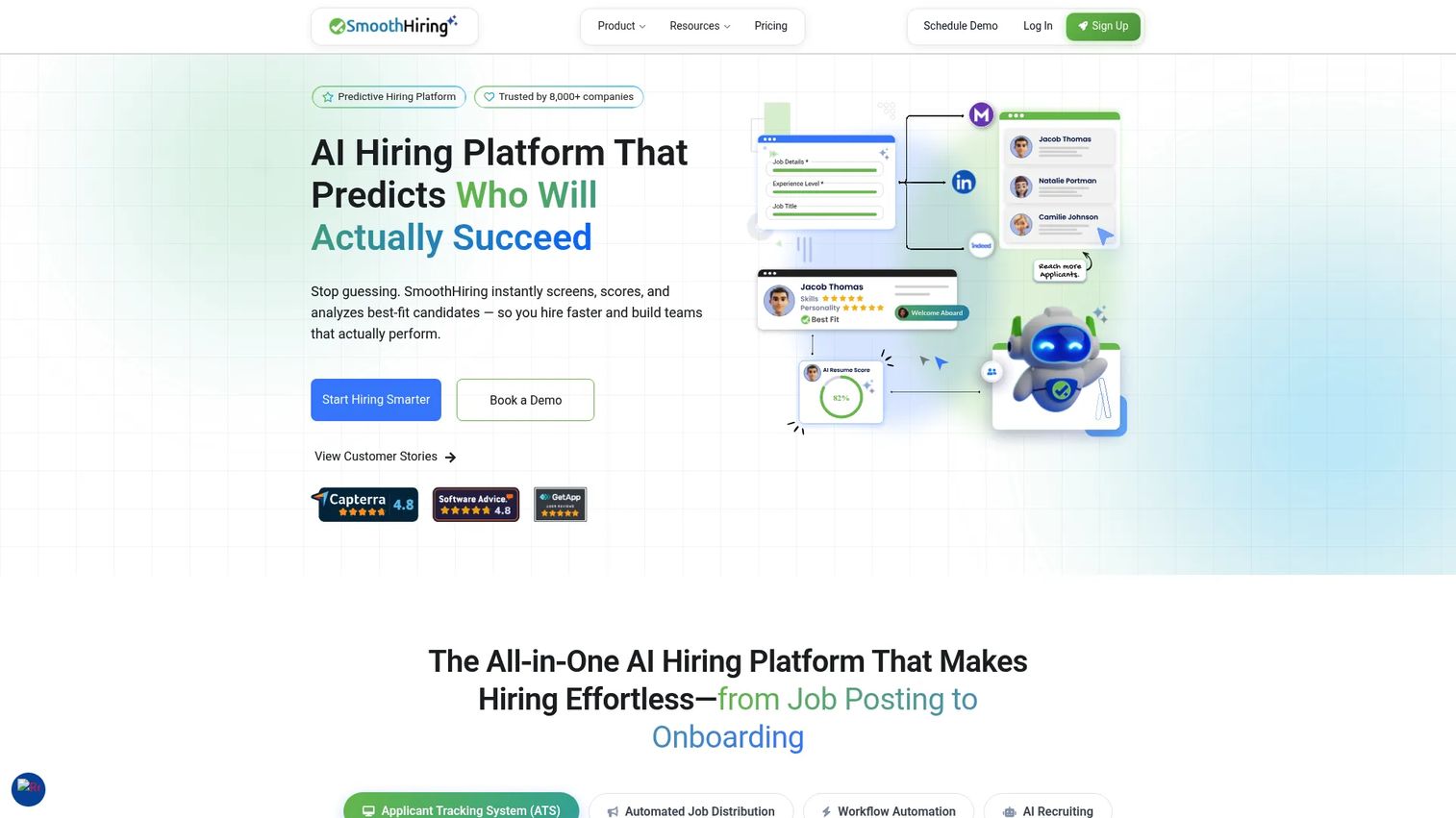
SmoothHiring is an AI-powered hiring platform that combines job distribution, applicant tracking, and predictive screening in one system. You post a role once and it goes out to 200+ job boards, then AI candidate recommendations surface the applicants most likely to fit. For a founder who wants hiring to run without constant hands-on management, that combination of distribution plus automation is the draw.
The branded no-code careers page means candidates apply inside your brand, not a generic portal. And because screening and distribution live in the same tool, you cut the number of systems your recruiting workflow has to touch.
Best for: SMBs and scaling teams that want predictive hiring, an ATS, and broad job-board distribution in one place.
Key strengths
- Post jobs to 200+ job boards
- AI candidate recommendations and screening
- Branded no-code careers page
- Applicant tracking built into distribution
Why choose SmoothHiring: If your team is small and every hour of recruiting ops counts, SmoothHiring reduces the manual load by handling posting, screening, and tracking together rather than stitching three tools into a workflow.
SmoothHiring pricing: Starter is $149/mo, Growth is $229/mo, and Scale is $469/mo, all billed monthly. Enterprise is custom-priced per project. A 14-day free trial is available with no credit card required.
2. JBoard
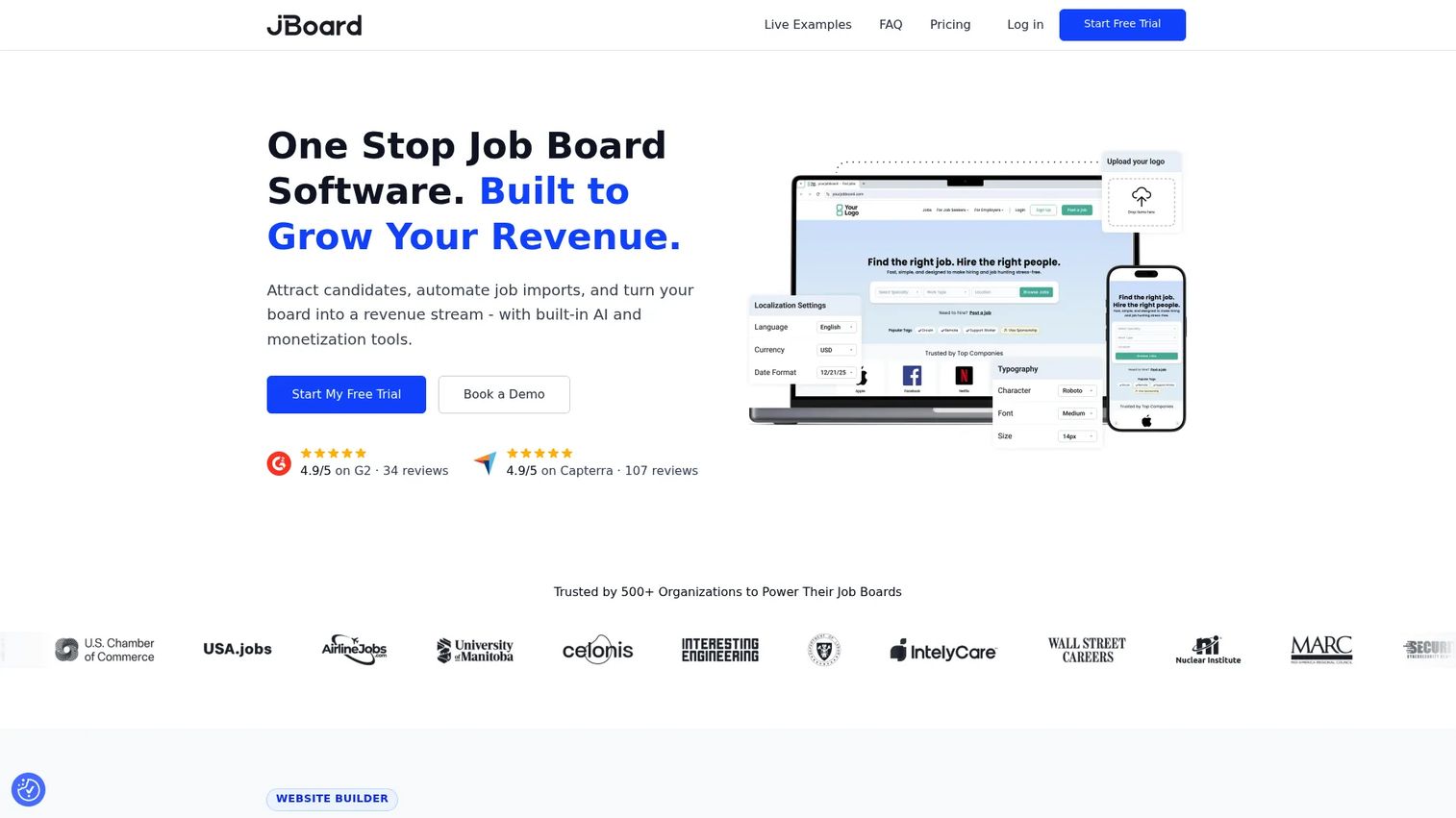
JBoard is no-code job board software for teams that want to launch and monetize a branded job board without custom development. It ships with a website builder, a custom domain, job aggregation with AI backfill to keep the board populated, and monetization tools including paid job postings, subscriptions, and resume database access.
If your goal is a standalone job portal, whether for a niche community, a media property, or an industry association, JBoard is built around that job rather than around posting to third-party boards.
Best for: Teams and marketplaces that want a custom-branded hiring destination they can run and monetize themselves.
Key strengths
- Website builder with custom domain
- Job aggregation and AI backfill
- Monetization tools: paid postings, subscriptions, resume access
- No-code setup and migration support
Why choose JBoard: Pick JBoard when the board itself is the product. The no-code builder and monetization tools mean you can turn a careers page into a revenue line without engineering time.
JBoard pricing: Standard is $249/month, Advanced is $449/month, and Scale is $849/month, billed monthly. Annual billing discounts are available. There is no free tier, but a free trial is offered.
3. CareerPlug
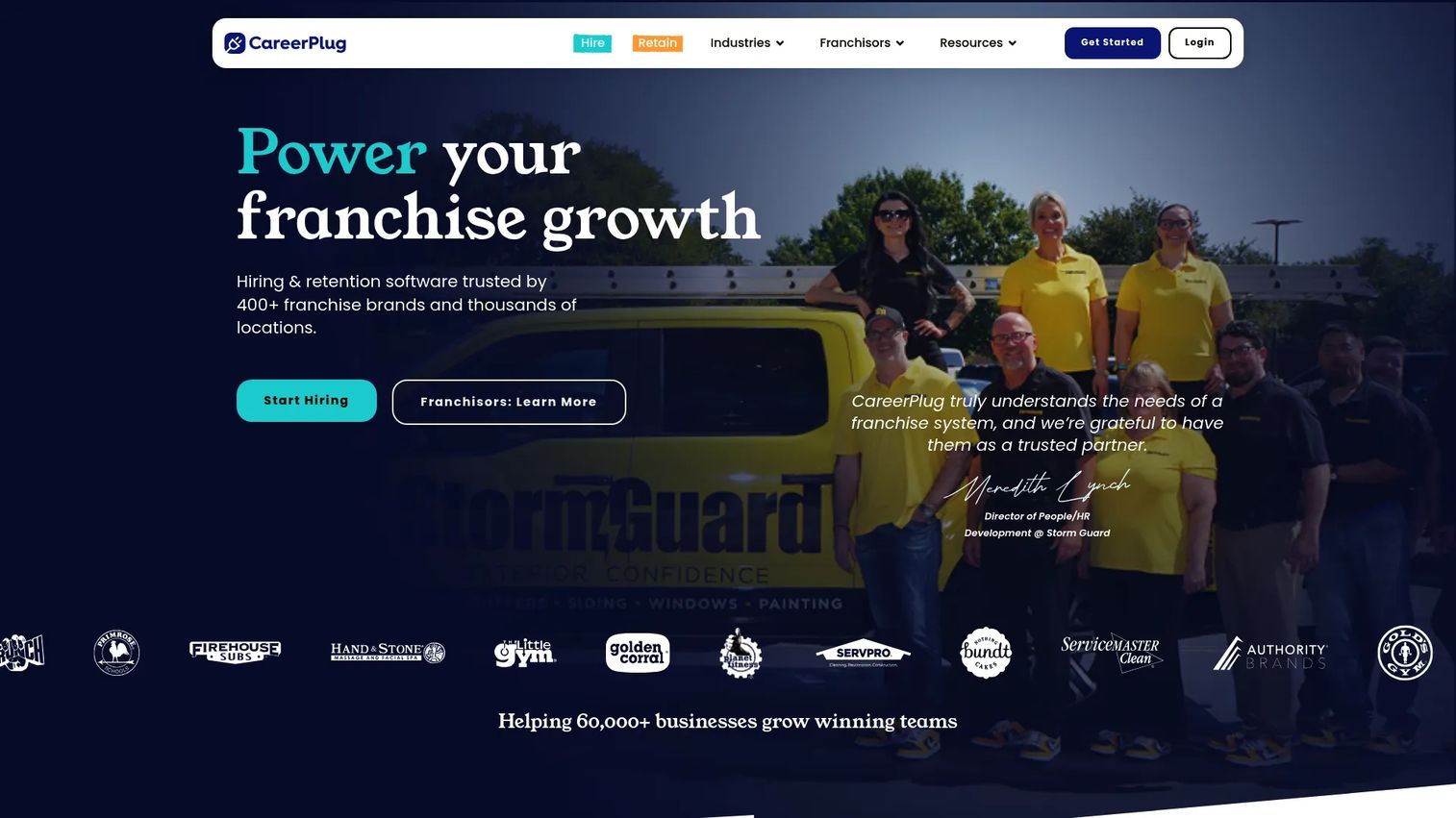
CareerPlug is hiring and retention software built for franchise brands and growing multi-location businesses. It pairs job postings and branded careers pages with interview scheduling, candidate evaluation, and onboarding tools that carry a new hire past the offer and into retention.
The strength here is simple multi-board posting wrapped in an easy-to-use workflow. For operators running many locations, the ability to keep hiring consistent across sites without heavy admin is the whole point.
Best for: Franchise systems and multi-location businesses that need distribution plus retention workflows in one platform.
Key strengths
- Job postings and branded careers pages
- Interview scheduling and candidate evaluation
- Onboarding and employee retention tools
- Multi-location and franchise hiring support
Why choose CareerPlug: If your hiring problem is coordinating many locations rather than filling one role, CareerPlug's franchise focus and retention tooling fit that operational reality better than a pure posting tool.
CareerPlug pricing: CareerPlug offers Limited, Hire, and Grow plans with monthly and annual billing intervals, both on annual commitments. Public numeric pricing is not listed on its site, so request a quote directly.
4. SmartJobBoard
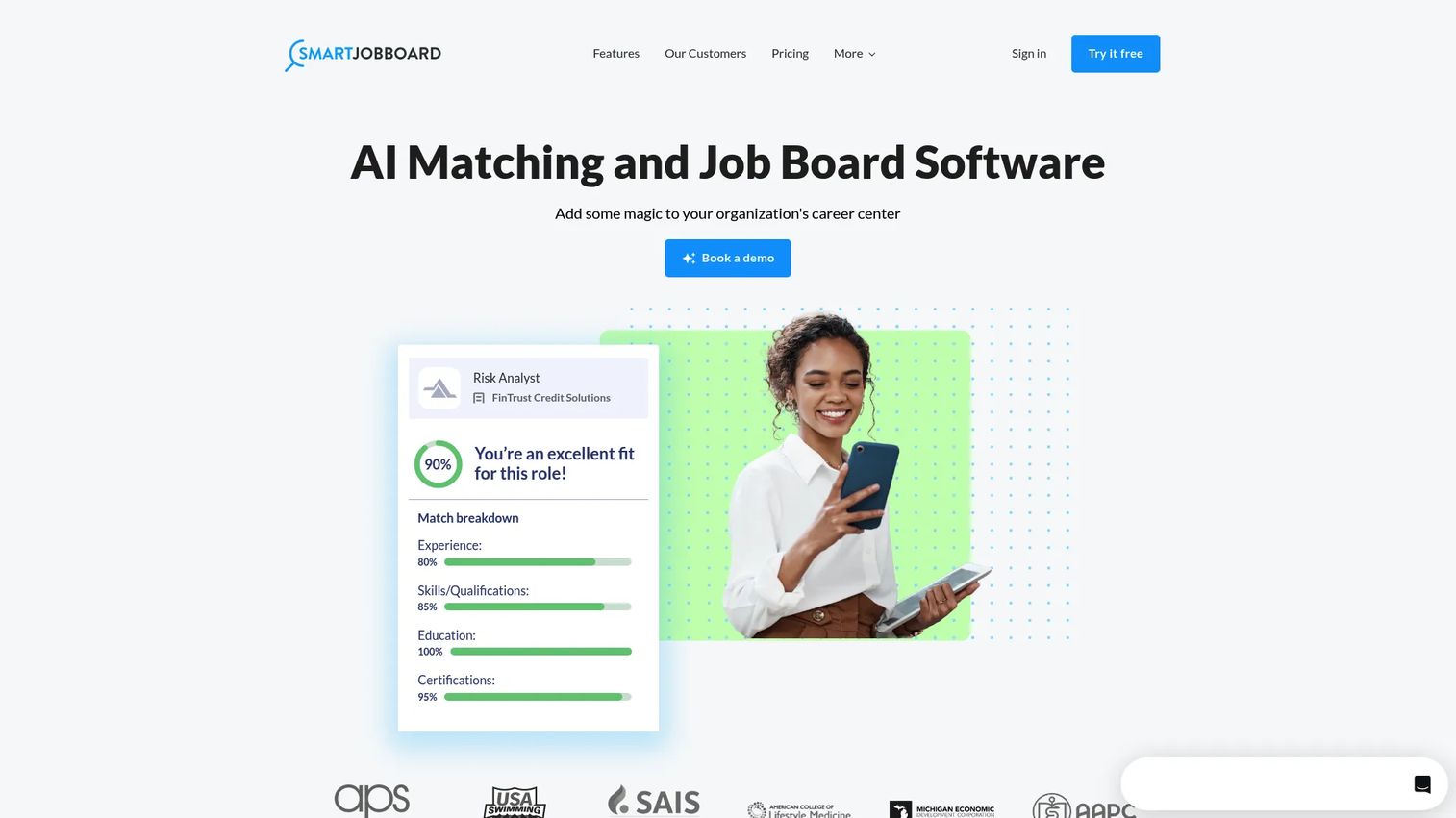
SmartJobBoard is job board software for building branded career centers with AI-driven matching and employer hiring tools. It offers one-click candidate discovery, customizable design, and integrations, aimed at organizations that want a capable branded board without a large implementation lift.
It appeals to buyers who need a lot of job portal capability but do not want to run a heavy build. Associations, nonprofits, and education organizations tend to fit this profile: a branded board, matching, and employer accounts, without an enterprise budget.
Best for: Associations, nonprofits, and education orgs that want a branded job board with matching and employer tools.
Key strengths
- AI-driven candidate matching
- One-click candidate discovery
- Customizable design and branding
- Integrations with existing systems
Why choose SmartJobBoard: Choose SmartJobBoard when you want a branded, matchable job board that appeals to a niche membership base and does not demand a big technical investment to launch.
SmartJobBoard pricing: SmartJobBoard presents pricing as either a revenue-share or a flat-fee subscription. No public numeric price is listed on its site, so pricing comes through a sales conversation or demo.
5. Niceboard
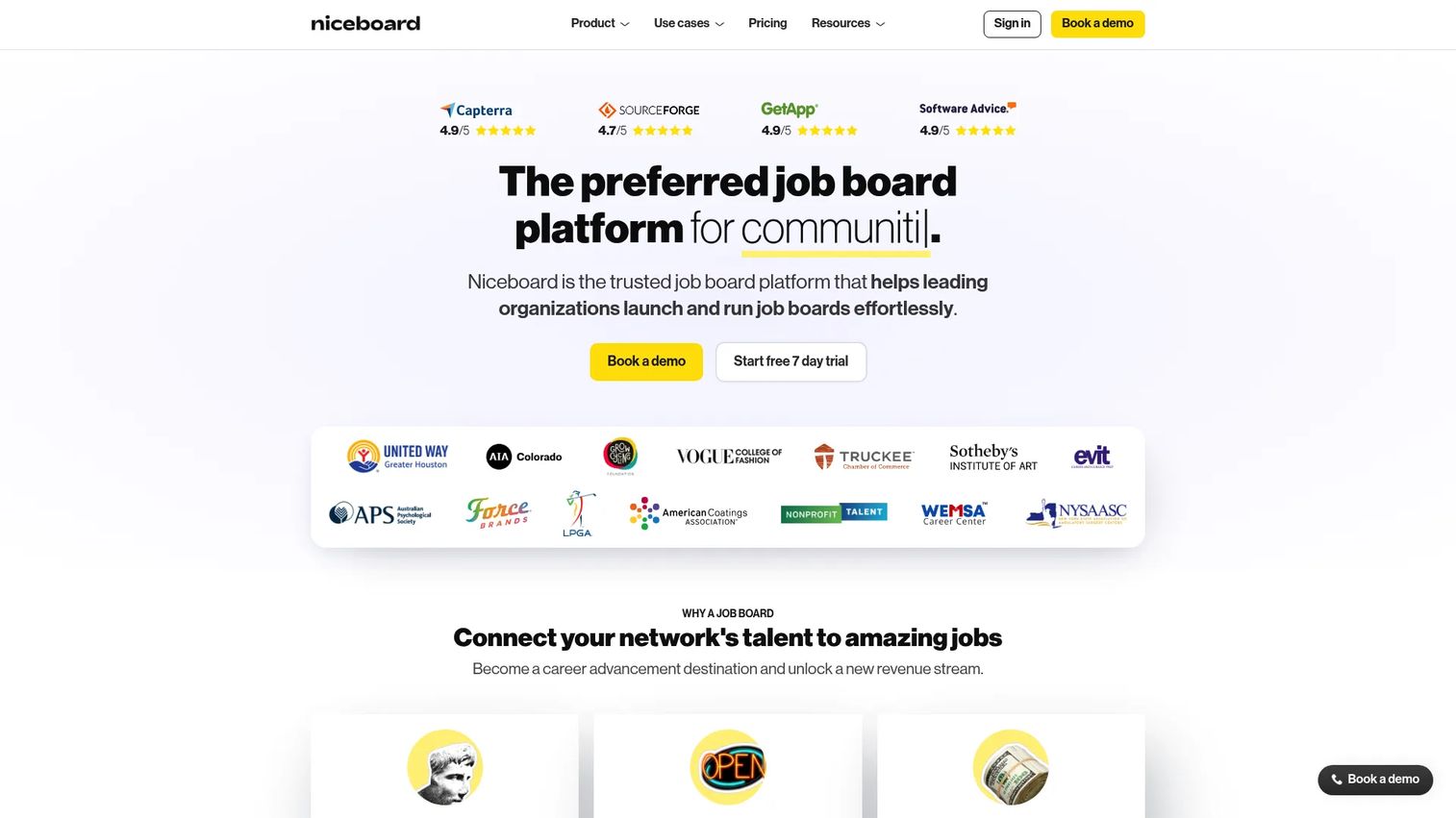
Niceboard is job board software for launching and managing polished, branded job boards fast. It includes a custom domain and branding, Stripe payments and employer accounts, plus SEO, Google for Jobs, and email alert support out of the box.
The appeal is ease of setup and lightweight maintenance. If you want a clean, professional board with your own domain and do not want to babysit it, Niceboard covers branding, publishing controls, and candidate job alerts without a complicated admin layer.
Best for: Companies and communities that want a customizable, monetizable job board they can stand up quickly.
Key strengths
- Custom domain and branding
- Stripe payments and employer accounts
- SEO, Google for Jobs, and email alerts
- Fast setup and low maintenance
Why choose Niceboard: Niceboard fits teams that value a polished candidate-facing board and simple ongoing management over deep custom configuration. It is a fast route to a branded board that ranks and monetizes.
Niceboard pricing: Core is $399/month monthly or $319/month billed annually. Advanced is $599/month monthly or $479/month billed annually. An Enterprise and Associations plan is custom-priced, and a 7-day free trial is available.
6. JobBoard.io
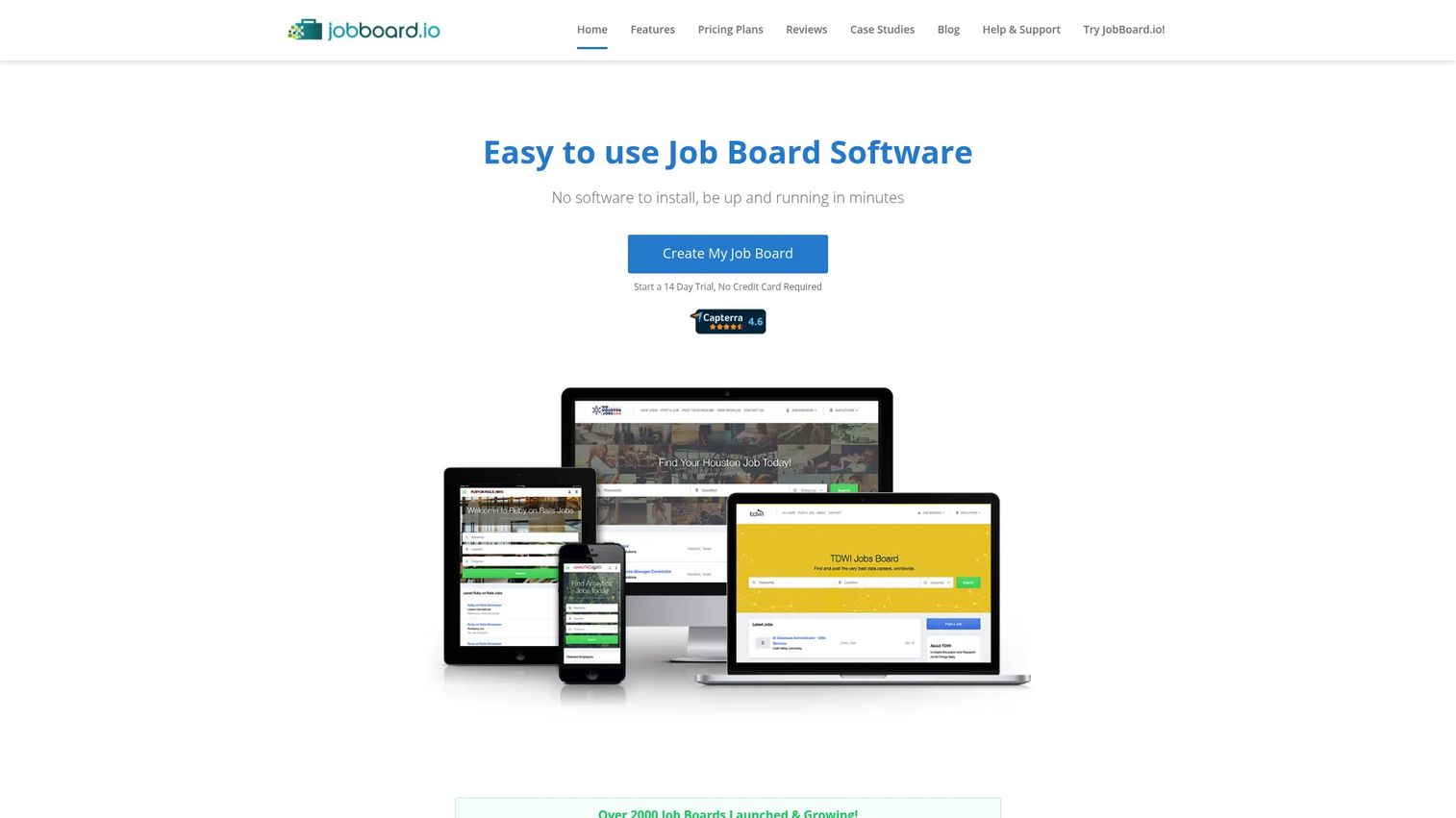
JobBoard.io is hosted job board software for creating, managing, and monetizing job boards with structured applicant handling built in. It pairs an intuitive admin panel and responsive mobile design with a candidate profile database, employer profiles, and a frictionless apply process.
For teams that want more structure than a basic board, the built-in candidate tracking and employer accounts give you an ATS-style flow inside the board itself. Blogging and SEO features help the board attract organic candidate traffic over time.
Best for: Teams launching or running a monetized job board that want built-in applicant tracking and SEO features.
Key strengths
- Intuitive admin panel and responsive mobile design
- Candidate profile database and employer accounts
- Frictionless apply process
- Blogging and SEO optimization
Why choose JobBoard.io: Choose JobBoard.io when you want a hosted board with real candidate management baked in, not a posting utility bolted onto a website. The admin panel keeps applicant handling structured as volume grows.
JobBoard.io pricing: Basic is $449/month and Professional is $649/month, both billed monthly. Enterprise is custom-priced through sales. There is no free tier.
7. Madgex
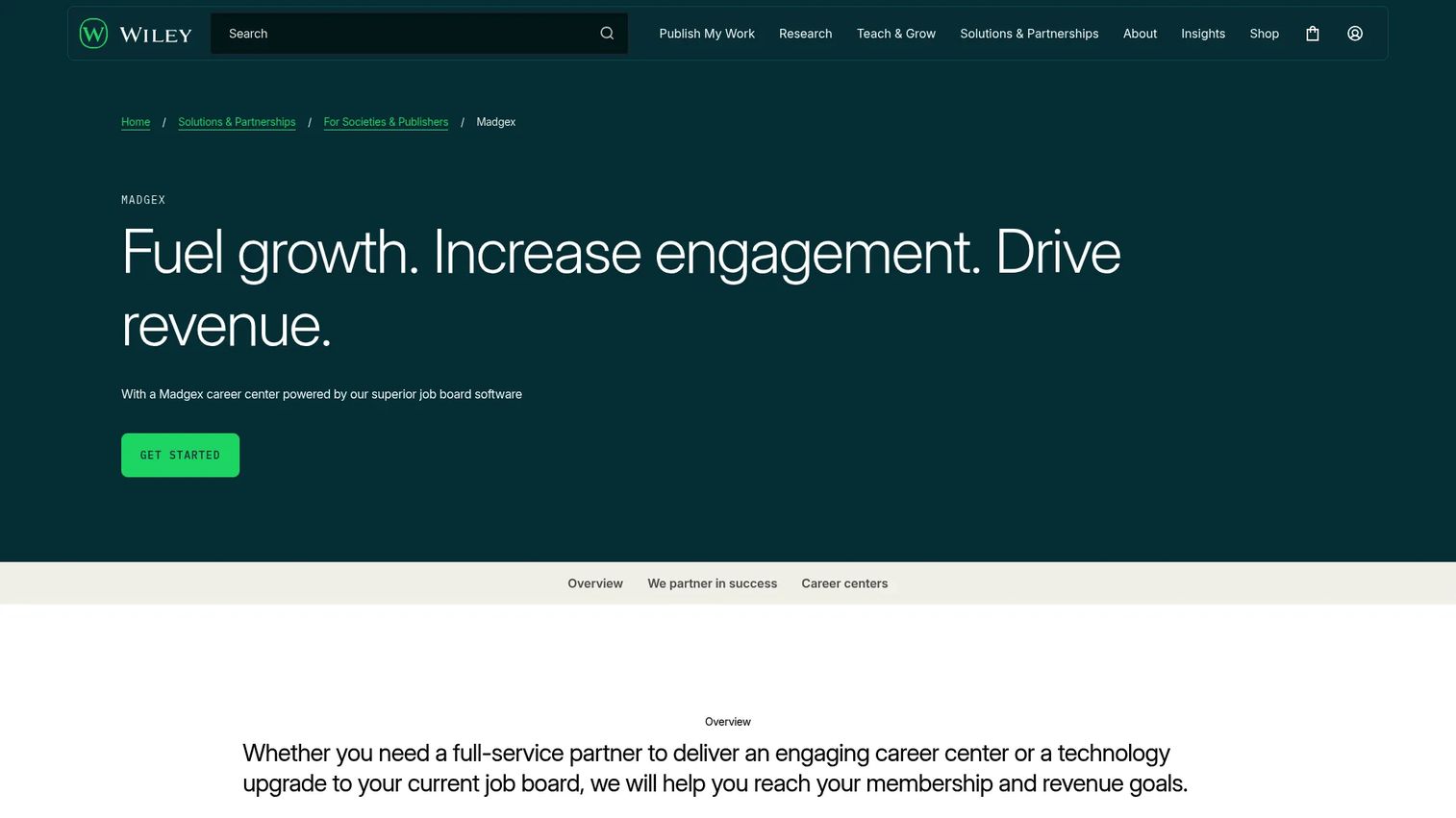
Madgex provides a SaaS job board and career center platform built for jobseeker, recruiter, CMS, and API workflows. It is the most enterprise-oriented option here, with a dedicated jobseeker site, a recruiter services site, a content management system, standard job posting and export web services via API, and single sign-on for supported applications.
For larger organizations and associations that need governance, accessibility, and scale, Madgex is designed around complex operations rather than quick self-serve setup. The API and CMS give teams control over how the career center behaves at volume.
Best for: Associations and larger organizations that need a managed job board or career center platform with governance and scale.
Key strengths
- Jobseeker site and recruiter services site
- Content management system (CMS)
- Standard job posting and export web services (API)
- Single sign-on and accessibility-focused features
Why choose Madgex: Madgex suits organizations that treat their career center as core infrastructure and need API access, CMS control, and accessibility support. It is built for scale and governance rather than lightweight posting.
Madgex pricing: Madgex does not publish public pricing on its site. Pricing is arranged directly through the vendor based on your platform and service needs.
Considerations before you choose
Distribution coverage
Confirm how many boards and channels a platform can publish to, then check whether those boards match where your candidates actually look. A tool that posts to 200 boards you do not need is worth less than one that hits the ten niche boards your industry uses. Google for Jobs integration is a common baseline worth confirming.
Branding and careers pages
Check whether the tool supports a branded career site, white-label publishing, and a custom domain. If employer branding is part of your hiring strategy, candidates should experience your brand from the first listing through the apply flow. Careers page customization and mobile rendering both matter here.
Analytics and reporting
Confirm the platform tracks views, applies, source performance, and conversion. For a founder, this is how you tell whether hiring spend is working. Weak reporting turns recruiting into guesswork; strong performance tracking lets you shift budget toward the channels that produce qualified applicants.
Setup and maintenance burden
Judge how much admin work the system creates after launch, not just during setup. Favor no-code setup and easy implementation that reduce recruiting ops load rather than adding manual steps. Ask about migration support if you are moving off an existing tool or careers page.
Integrations and workflow fit
Check for integrations with your ATS, CRM, calendar, and email, plus any workflow automation you rely on. The tool should fit the stack your team already uses. A job posting tool that does not connect to your applicant tracking creates the fragmentation you were trying to remove.
Conclusion
The right pick depends on how much of the hiring process you want to own internally. For an end-to-end workflow with distribution and AI screening in one system, SmoothHiring is the strongest all-around choice. For a white-label board you run and monetize, JBoard leads. CareerPlug fits franchise and multi-location operators, while SmartJobBoard and Niceboard suit teams that want a branded board without a heavy build. JobBoard.io adds structured applicant handling, and Madgex serves enterprise career centers that need governance and API control.
Your next step is simple. Shortlist two tools that match your stage, then compare them head-to-head on posting coverage, brand controls, and reporting. Run one live role through each, watch where candidates come from, and let the analytics decide. The tool that gives your team a repeatable hiring workflow, not just a place to post, is the one worth keeping in your stack.
FAQs
Job posting software lets you create a job listing once and distribute it across multiple job boards and careers pages from a single place. It handles distribution, publishing, and usually some reporting on how each channel performs. Many tools add candidate routing, screening, and analytics so hiring runs as a workflow rather than a manual posting chore.
No, though they overlap. An applicant tracking system manages candidates after they apply: pipelines, stages, and communication. Job posting software focuses on getting the role in front of candidates through multi-board posting and branded careers pages. Some platforms, like SmoothHiring and CareerPlug, combine both so distribution and applicant tracking live in one system.
It varies widely by tool. Some platforms distribute to 200 or more boards through automated job distribution, while board-builder tools focus on hosting your own branded board rather than syndicating out. What matters more than raw count is whether the boards match where your candidates actually search, so check coverage against your industry and location.
Yes. Most tools support branded careers pages or white-label job boards with your logo, colors, and a custom domain. Options range from lightweight careers page customization to fully standalone job portals you can monetize. If employer branding is central to your hiring, confirm the level of control and mobile rendering before you commit.
Most platforms include analytics covering views, applies, source performance, and conversion. This reporting shows which boards and roles drive qualified candidates so you can shift spend toward what works. Depth varies, so if performance tracking is a priority, confirm the platform reports source of hire and application drop-off, not just raw view counts.
Yes. Editing and reposting a live listing is a standard feature across job posting tools. You can update the description, requirements, or location and push the change across connected boards, though how quickly each external board reflects the edit can vary. Some tools also let you schedule expiration and automatic reposting.
Usually not. Most job posting software is built for no-code setup, so a recruiter or operator can launch a board or careers page without engineering help. Board builders like JBoard and Niceboard emphasize easy implementation and custom domains you can configure yourself. For enterprise platforms with API and CMS control, expect a more involved setup with vendor support.
Most tools offer integrations with common ATS platforms, CRMs, calendars, and email so job posting fits the stack you already run. Confirm the specific connections you need before buying, since integration depth varies. The goal is to reduce tool sprawl, so a platform that connects cleanly to your existing hiring workflow is worth more than one that creates another silo.