



Your backlog has 340 items. Twenty are from last quarter's sales asks. Fifteen are bugs nobody reproduced. A dozen are ideas a stakeholder dropped in Slack and never mentioned again.
The problem was never generating ideas. It's keeping the queue usable, ranked, and connected to the decisions you actually defend in roadmap reviews.
The Scrum Guide (2020) is explicit here: the Product Backlog is "an ordered list" and its ordering is a living responsibility, not a one-time setup. Order drifts the moment new requests land. And they always land.
That drift is the real cost. When priorities aren't visible, engineering builds the loudest request instead of the highest-value one. When traceability breaks, you can't explain why something was deferred. The right backlog management tool fixes both. It keeps prioritization honest, makes backlog refinement fast, and ties each item back to the roadmap.
This guide compares seven of them for 2026. If your evaluation stack overlaps with buyer-facing product experiences, tools like interactive demos and self-serve exploration surfaces sit alongside your backlog work rather than inside it.
What's inside
This guide is for product managers, product owners, and PM leaders comparing product backlog management tools in 2026.
We selected tools on four criteria that actually decide fit:
- Usability and adoption: can your whole team use it without weeks of training
- Customization: statuses, fields, scoring, and workflow structure
- Integrations: how it connects to delivery, feedback, and roadmap artifacts
- Scalability and pricing: governance, reporting, and cost as the backlog grows
By the end you'll know which tool fits delivery tracking, which fits idea prioritization, and which fits roadmap traceability.
TL;DR
- Best overall for structured product teams: Jira, for issue tracking, Scrum and Kanban boards, and deep workflow customization
- Best for prioritizing product ideas and feedback: Productboard, for turning customer input into ranked work
- Best for roadmap planning and release alignment: Aha! Roadmaps, for strategy-to-release traceability
- Best for Microsoft-centered teams: Azure DevOps, for backlog work that sits next to repos and pipelines
- Best for lightweight visual backlog boards: Trello, for small teams and early-stage products
- Best for all-in-one task and product workflow management: ClickUp, for teams that want one workspace
- Best for cross-functional collaboration: Asana, for coordinating many stakeholders around backlog work
Prioritize based on where your backlog breaks down: delivery, discovery, or roadmap.
What is product backlog software
Product backlog software is a tool for centralizing, organizing, prioritizing, and tracking product ideas, features, bugs, and technical work in one ordered place. The backlog is not a static to-do list. It is a ranked queue that changes as priorities, insights, and constraints change.
Good product backlog management gives PMs one source of truth instead of scattered docs, Slack threads, and spreadsheets. It supports the ongoing work of deciding what comes next and why.
Core capabilities to expect:
- Backlog prioritization: ranking and re-ranking work as an ongoing process, not a one-time sort
- Visual backlog management: Kanban board views, list views, and drag-and-drop reordering
- Tags, filters, and search: organize backlog items by theme, priority, component, or persona
- Collaboration: shared context across product, engineering, design, and stakeholders
- Sprint planning and backlog refinement: clean and rank work before it enters a sprint
- Roadmap and release traceability: connect each item to a product roadmap and to shipped work
One distinction trips up new PMs. The product backlog is the full ordered list of everything that might get built. The sprint backlog is the subset a team commits to for one iteration. Backlog refinement (also called backlog grooming) is the recurring review that keeps the product backlog ranked and ready before sprint planning pulls from it.
Different tool types solve different parts of this job:
| Tool type | What it centers on | Typical user |
|---|---|---|
| Issue trackers | Delivery, issue tracking, sprint execution | Engineering-led product teams |
| Product discovery tools | Idea capture, feedback, prioritization | Product managers |
| Roadmap platforms | Strategy, release planning, traceability | Product leaders |
| Lightweight boards | Simple visual backlog organization | Small or early-stage teams |
When to use product backlog tools
Align priorities across stakeholders
Requests come from sales, support, leadership, and customers all at once. A backlog tool becomes necessary when those competing asks need to live in one ranked list instead of five inboxes. Everyone sees where their request sits and why. That visibility ends the "why isn't my thing built yet" conversation before it starts.
Run backlog refinement without chaos
Backlog refinement is where good backlogs stay healthy. A tool lets you clean stale items, merge duplicates, add estimates, and re-rank before sprint planning. Filters and tags make a 300-item backlog reviewable in an hour. Without that structure, refinement becomes a meeting nobody wants to attend.
Connect ideas to roadmap and shipped work
Traceability matters most when you have to defend a decision. When a stakeholder asks why a feature slipped, roadmap traceability lets you show the ranking, the constraint, and the tradeoff. A backlog tool that links items to the product roadmap and to shipped work turns that defense into a two-minute answer.
Quick checklist before you commit to a tool:
- Can requests from every team land in one ranked queue?
- Does refinement stay fast at 200+ items?
- Can you trace any item from idea to roadmap to shipped?
- Will engineers, designers, and stakeholders actually use it?
Comparison table
Use this table to shortlist fast. Scan the "Best for" column to find your primary job, then check pricing and rating before you read the full section.
| # | Product | Best for | Key differentiator | Pricing | G2 rating |
|---|---|---|---|---|---|
| 1 | Jira | Structured delivery and issue tracking | Deep Scrum/Kanban boards with workflow customization | Free; paid from $7.91/user/mo | 4.3/5 |
| 2 | Productboard | Prioritizing product ideas and feedback | Customer feedback repository feeding prioritization | Free; Plus from $19/maker/mo | 4.3/5 |
| 3 | Aha! Roadmaps | Roadmap planning and release alignment | Strategy-to-release traceability and scoring | Enterprise at $124.99/user/mo | 4.4/5 |
| 4 | Azure DevOps | Microsoft-centered engineering teams | Backlog boards next to repos and pipelines | Free for 5 users; then $6/user/mo | 4.2/5 |
| 5 | Trello | Lightweight visual backlog boards | Simple drag-and-drop cards and lists | Free; Standard from $5/user/mo | See G2 |
| 6 | ClickUp | All-in-one product and work management | Multi-view flexibility in one workspace | Free; Unlimited from $7/user/mo | 4.7/5 |
| 7 | Asana | Cross-functional backlog coordination | Workload and collaboration across stakeholders | Free; Starter from $10.99/user/mo | See G2 |
The best fit depends on whether your team needs delivery tracking, idea prioritization, or roadmap traceability. Pick the column that matches your biggest gap.
Best 7 product backlog tools for 2026
1. Jira
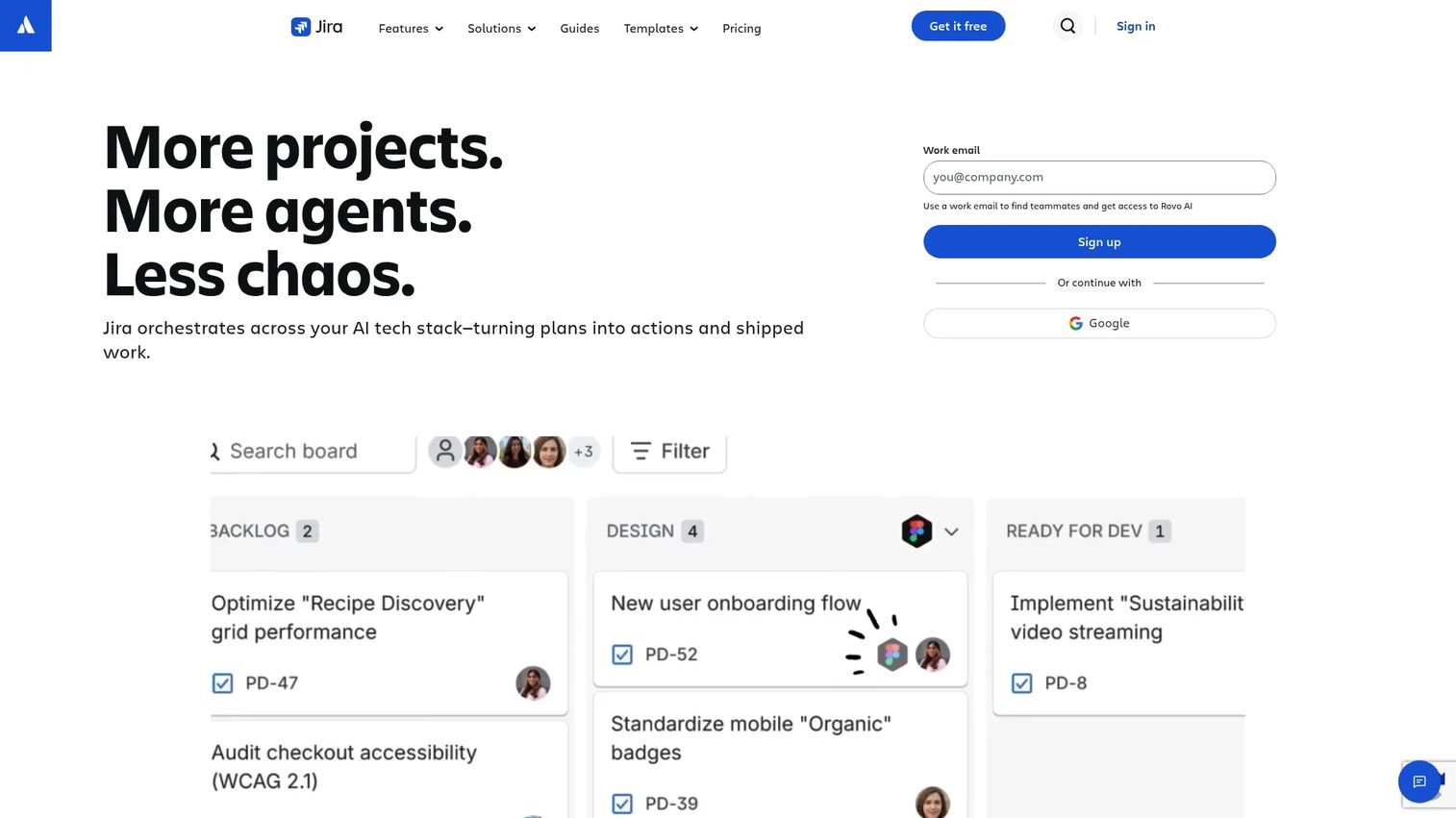
Jira from Atlassian is the default for teams that run delivery in an agile motion. It pairs issue tracking with Scrum and Kanban boards, dedicated backlog views, and sprint planning. Over 80% of agile teams rely on Jira for backlog and issue tracking, per FixAgile citing the 2025 State of Agile Report. That gravity matters when you're hiring engineers who already know it.
Jira's strength is workflow customization. You define statuses, fields, and transitions that match how your team actually works, then rank the backlog with drag-and-drop and bulk edits. Roadmap traceability comes through timelines that link backlog items to larger initiatives and releases.
Best for: Product and engineering teams that need flexible issue tracking and sprint execution in one system.
Key strengths
- Backlog, boards, timelines, calendars, and summary views
- Reports and dashboards for sprint and backlog health
- Automation and AI-assisted work features
Why choose Jira: If your engineers live in the Atlassian world already, Jira removes the handoff friction between planning and delivery. It rewards teams willing to configure it to their process.
Jira pricing: Free forever for up to 10 users. Standard starts at $7.91 per user per month, Premium at $14.54 per user per month, and Enterprise pricing is available by contacting sales.
2. Productboard
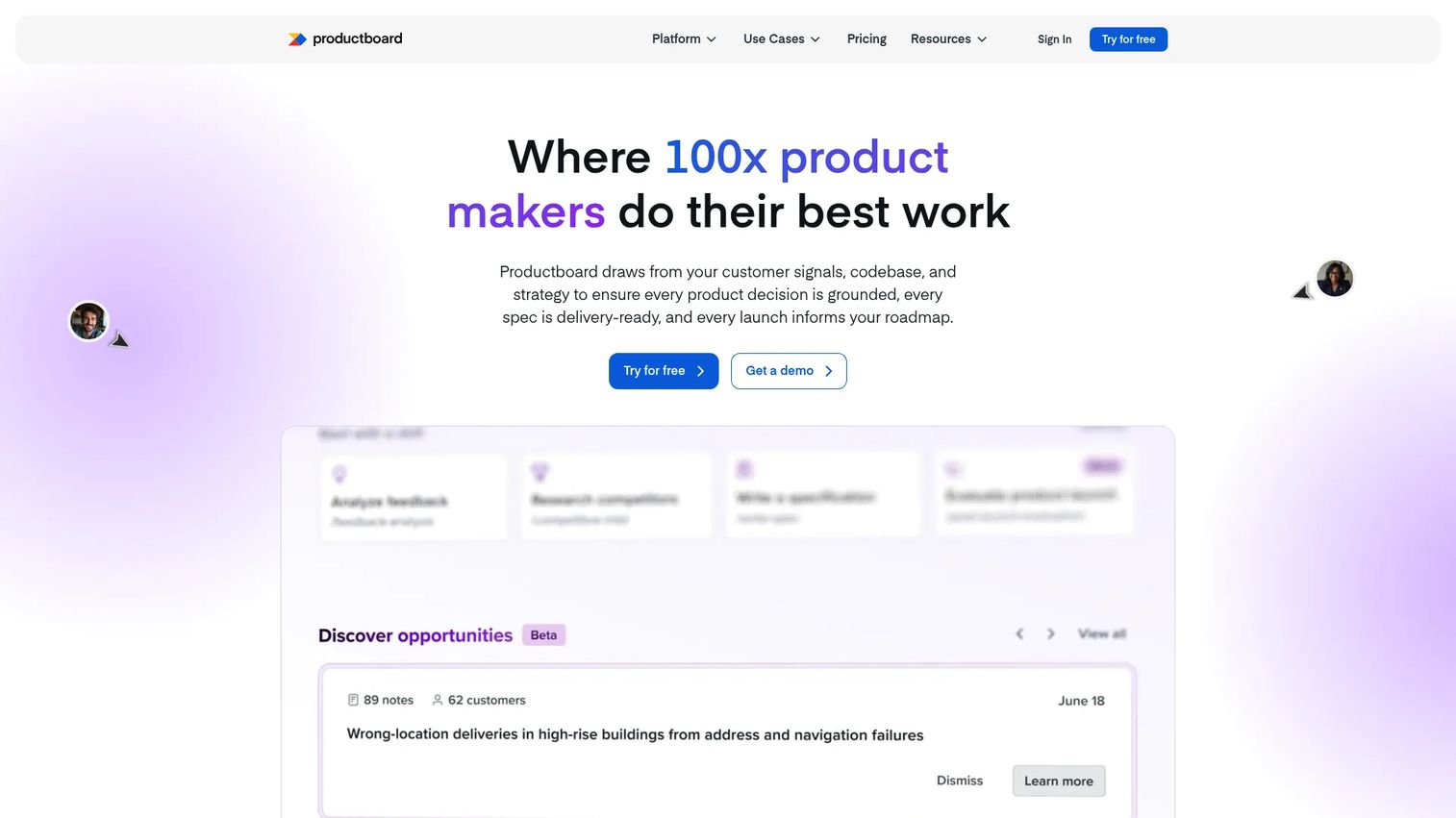
Productboard is built for the discovery side of the backlog. It aggregates customer feedback into a central repository, then feeds that signal into prioritization. Instead of ranking work by gut, you rank it against evidence of what customers actually asked for.
For PMs, the pull is customer-driven prioritization. You capture feedback from sales, support, and users, tie it to features, and use custom scoring formulas to decide what earns a spot on the product roadmap. The feedback loop stays visible from raw input to shipped feature.
Best for: Product teams that want to prioritize product ideas against real customer input.
Key strengths
- Customer insights repository and feedback forms
- Roadmaps and release planning
- Prioritization, custom formulas, and collaboration tools
Why choose Productboard: Choose it when your prioritization arguments keep coming down to "whose opinion wins." Productboard replaces opinion with a traceable line from feedback to decision.
Productboard pricing: Free forever plan available. Plus starts at $19 per maker per month billed annually, Business at $59 per maker per month with a two-maker minimum, and Enterprise is custom with a five-maker minimum.
3. Aha! Roadmaps
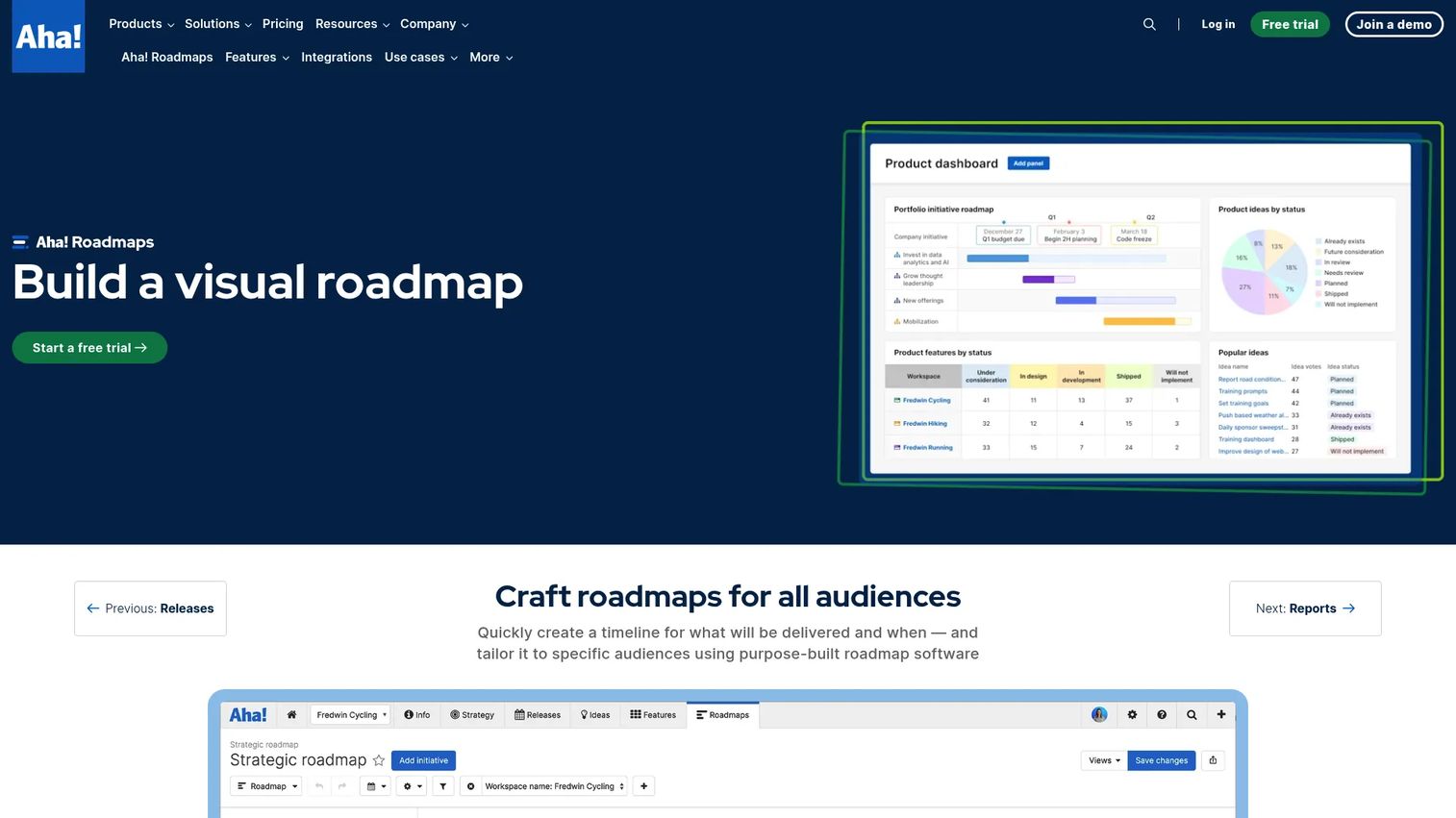
Aha! Roadmaps treats the backlog as one layer in a larger planning system. It connects strategy, goals, and initiatives down to features and releases, so backlog prioritization ties directly to why the work exists. This is a strategic planning hub, not just a task board.
Value scoring is the standout. You rank backlog items against defined criteria, then use that score to drive release planning and roadmap decisions. Traceability runs from idea to feature to release, which is exactly what PMs need when defending a roadmap to leadership.
Best for: Product teams that want strategy-to-release roadmapping and release planning in one system.
Key strengths
- Visual roadmaps with templates and custom timeline views
- Strategy, goals, initiatives, features, and release planning
- Reporting dashboards and product analytics
Why choose Aha! Roadmaps: Pick it when the roadmap conversation, not the sprint board, is where your deals and decisions get made. It integrates with tools like Jira and Azure DevOps so delivery stays connected.
Aha! Roadmaps pricing: The Enterprise plan is listed at $124.99 per user per month, with annual and monthly billing options and a 30-day free trial of Enterprise features.
4. Azure DevOps
Azure DevOps fits organizations already standardized on Microsoft. Azure Boards handles agile planning, backlog views, and Kanban board tracking, and it sits next to Azure Repos and Azure Pipelines. For engineering-led teams, that adjacency means backlog work never leaves the same environment as code and CI/CD.
The backlog experience covers work item tracking, sprint planning, and board views that keep engineering aligned. Because planning and delivery live in one suite, issue tracking flows straight into the repos and pipelines where the work ships.
Best for: Teams that want an integrated Microsoft-native platform for planning, repos, and pipelines.
Key strengths
- Azure Boards for agile planning and Kanban tracking
- Azure Pipelines for CI/CD across any language and platform
- Azure Repos for unlimited private Git repositories
Why choose Azure DevOps: Choose it when your engineering org is Microsoft-centered and wants backlog, code, and deployment under one roof. The tight coupling is the whole point.
Azure DevOps pricing: The Stakeholder tier is free. The Basic plan is free for the first five users, then $6 per user per month. Basic + Test Plans is $52 per user per month.
5. Trello
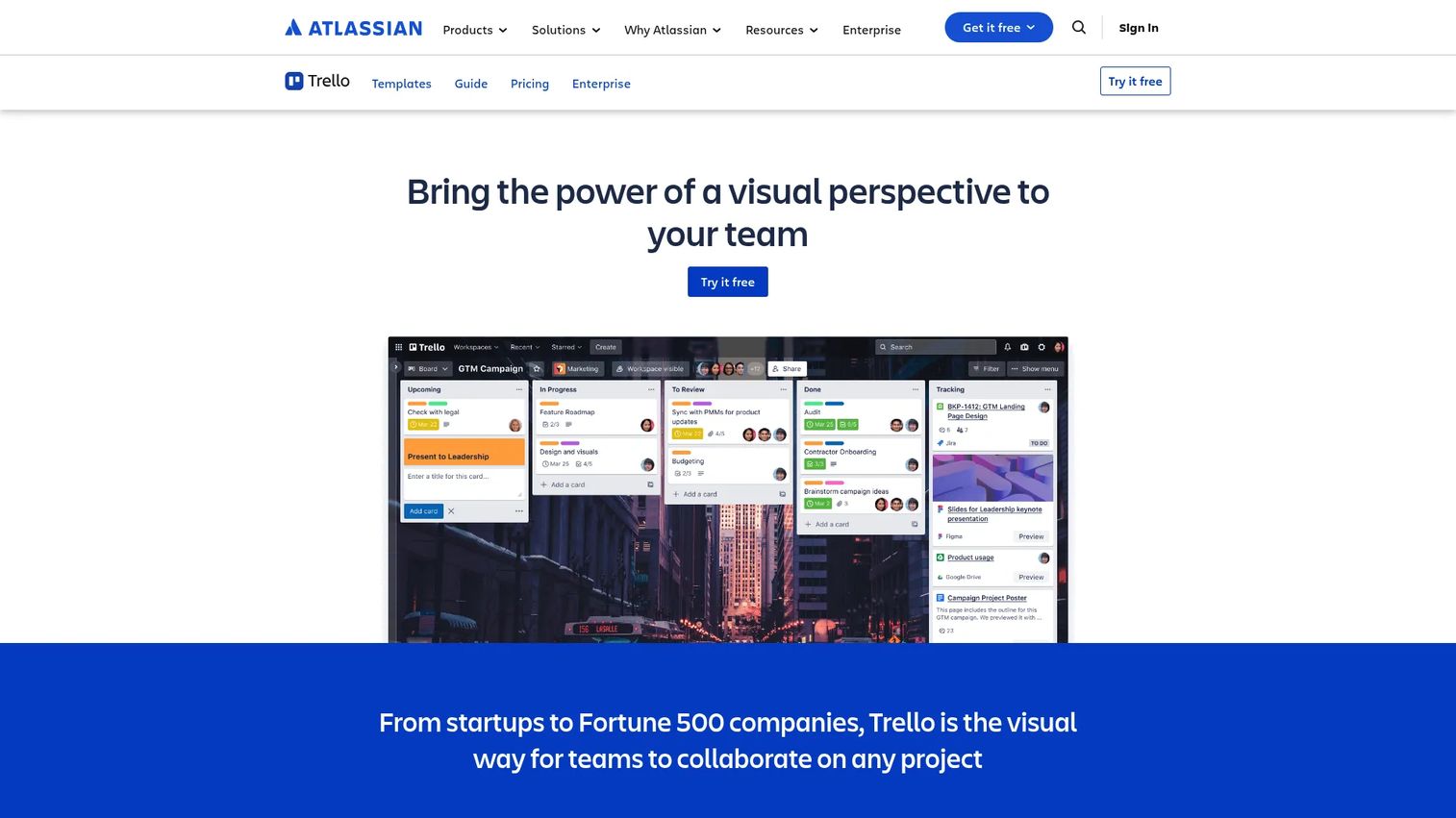
Trello is the fastest way to get a visual backlog running. Boards, lists, and cards give you drag-and-drop prioritization with almost no setup. For a small team or an early-stage product, that simplicity is the feature. You can have a working backlog in ten minutes.
Trello performs best when your backlog is small enough to manage visually and your traceability needs are light. As a product scales into complex scoring, dependency mapping, and roadmap linkage, teams often layer on Power-Ups or graduate to a structured product-management system for those deeper needs.
Best for: Small teams and early-stage products that want a simple visual board.
Key strengths
- Boards, lists, and cards for task tracking
- Power-Ups and integrations with Atlassian tools
- Views and AI features on paid plans
Why choose Trello: Pick it when speed and clarity beat depth. Trello gets a backlog visible and shareable without a configuration project.
Trello pricing: Free plan available. Standard is $5 per user per month billed annually, Premium is $10 per user per month billed annually, and Enterprise is $17.50 per user per month billed annually.
6. ClickUp
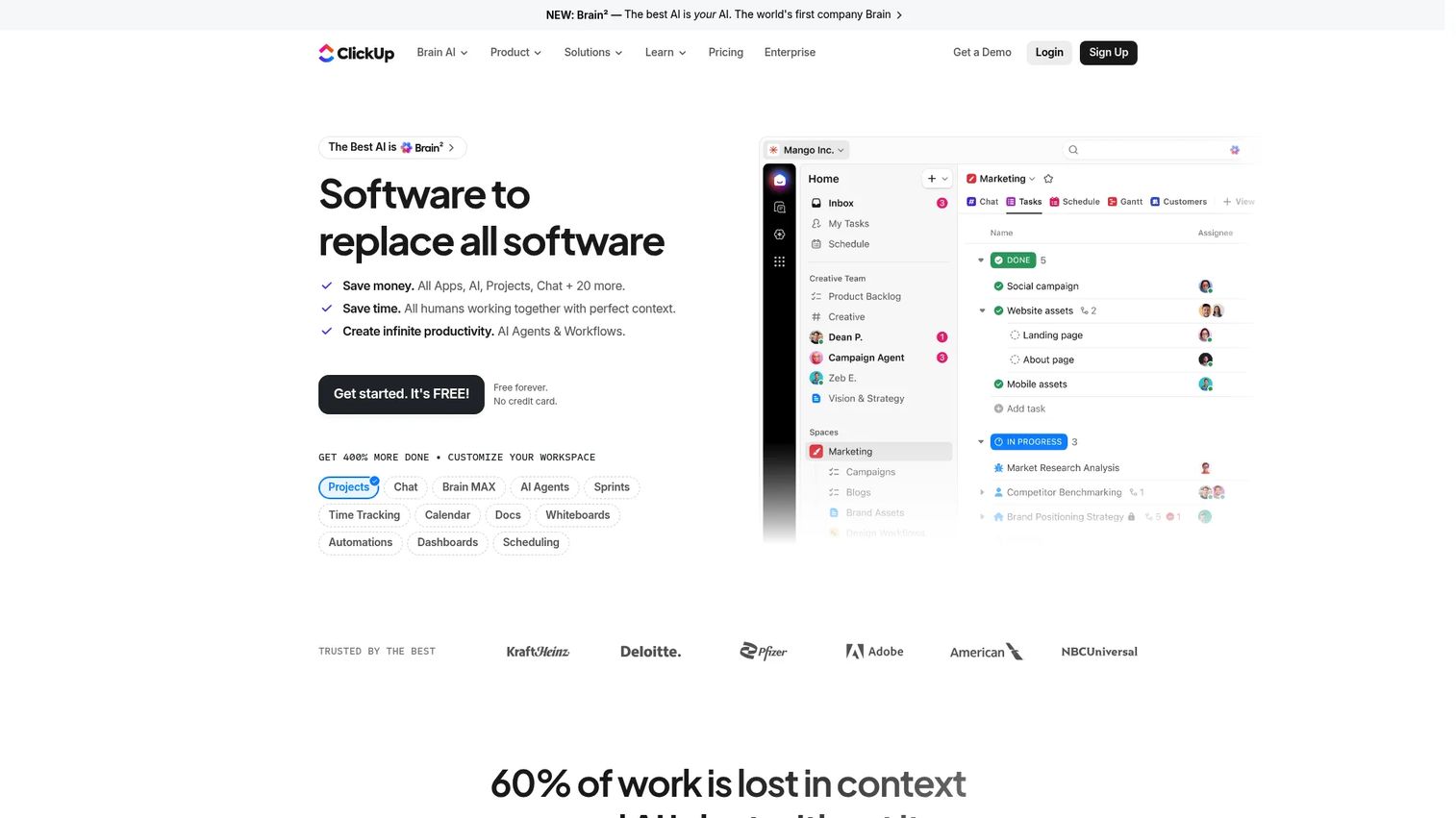
ClickUp fits teams that want one workspace for product work and everything adjacent to it. Customizable lists, boards, and task views let you organize the backlog how you think, then switch views without moving data. Tags, filters, and multiple view types make it flexible enough to serve product, ops, and marketing in the same tool.
For backlog work, the multi-view flexibility is the draw. A PM can run a prioritized list view while engineering works a Kanban board and leadership reads a timeline, all from the same underlying backlog. That reduces the tool sprawl that fragments so many product orgs.
Best for: Teams that want a highly customizable all-in-one tool for backlog and adjacent work.
Key strengths
- Unlimited tasks
- Collaborative docs
- Native time tracking
Why choose ClickUp: Choose it when consolidating tools matters as much as backlog management itself. ClickUp trades some specialization for breadth across a single workspace.
ClickUp pricing: Free Forever plan available. Unlimited is $7 per user per month billed yearly, Business is $12 per user per month billed yearly, and Enterprise is custom.
7. Asana
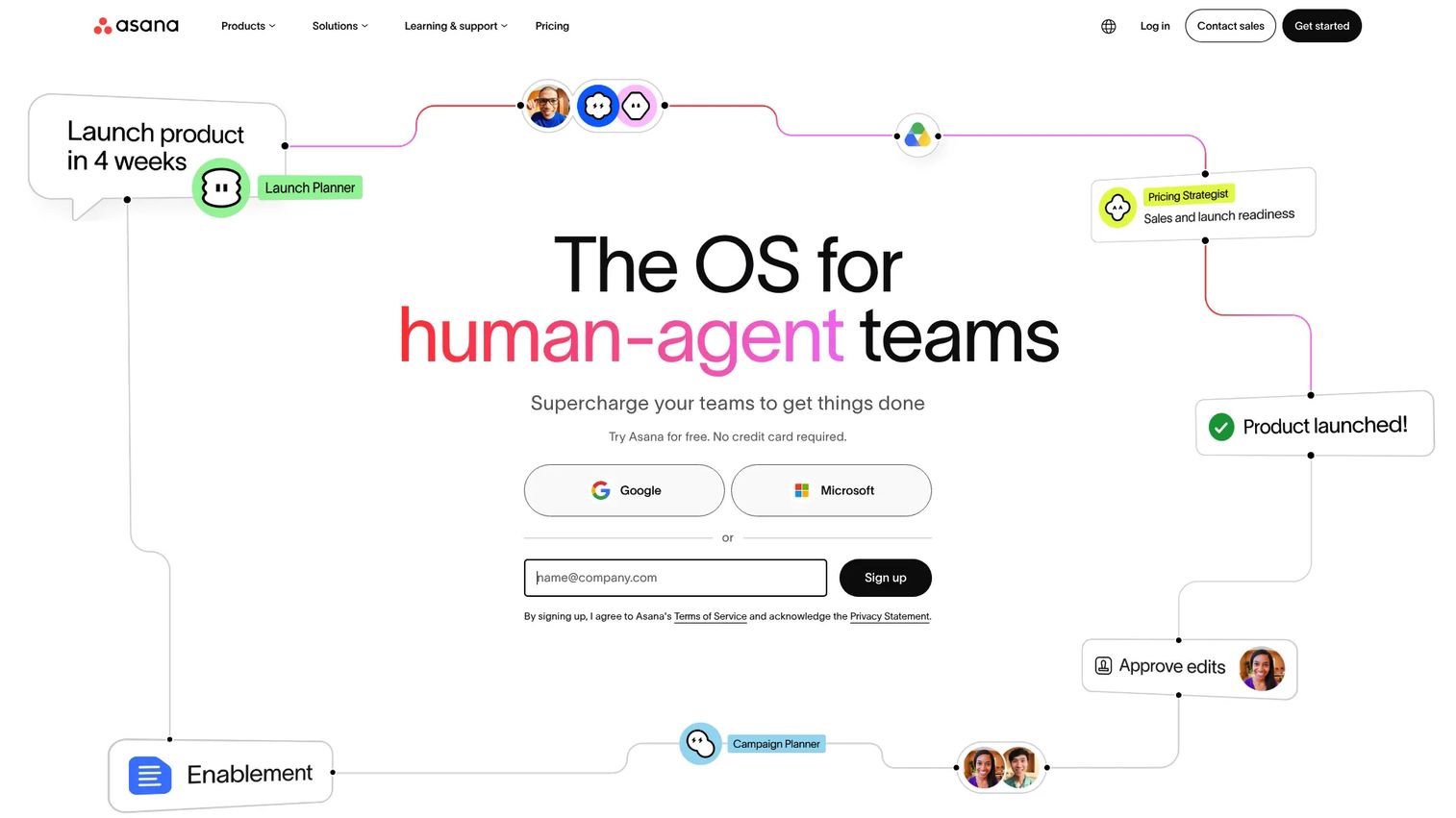
Asana is built for cross-functional work management, which makes it strong for backlog coordination across many stakeholders. Task intake, prioritization, and multiple views help product teams keep requests organized while marketing, design, and ops stay in the loop. Workload views show who is overcommitted before a sprint starts.
For product teams that coordinate a lot of moving parts, Asana's collaboration features keep the feedback loop tight. You capture requests, rank them, and give every function visibility into what's next without forcing them into an engineering tool.
Best for: Product teams that coordinate backlog work across many stakeholders.
Key strengths
- Tasks and projects with clear ownership
- Timeline, Gantt, board, and calendar views
- Goals, portfolios, reporting, and automations
Why choose Asana: Pick it when cross-functional coordination is your bottleneck, not raw sprint mechanics. Asana keeps non-engineering stakeholders engaged with the backlog.
Asana pricing: Personal plan is free. Starter is $10.99 per user per month billed annually, Advanced is $24.99 per user per month billed annually, and Enterprise and Enterprise+ are available by contacting sales.
Considerations
Usability and team adoption
A backlog tool only works if the whole team uses it. Evaluate whether PMs, engineers, designers, and stakeholders can navigate it without heavy training. Over 41% of enterprises have implemented agile planning tools to improve team collaboration, per Business Research Insights (2026), but adoption dies fast when the tool feels like overhead. Run a real pilot with your actual backlog before you commit.
Customization and workflow fit
Check whether the tool supports your backlog structure: your statuses, custom fields, scoring model, and refinement cadence. A rigid tool forces your process to bend to its opinions. A flexible one bends to yours. Map your current workflow first, then test whether the tool can represent it without workarounds.
Integrations and traceability
Assess how the tool connects to your delivery stack, feedback sources, and roadmap artifacts. Roadmap traceability lives or dies on integrations. If your feedback sits in one tool, your delivery in another, and your roadmap in a third, you need connectors that keep them in sync. Broken links mean manual copying, and manual copying means drift.
Scalability and governance
Look for permission controls, reporting, and process support as the backlog grows. Cloud-based solutions hold over 65% market share in product backlog management tools, per a LinkedIn Pulse market report (2026), largely because they scale without infrastructure work. A 40-item backlog and a 4,000-item backlog need very different governance. Buy for where you're going.
Pricing and packaging
Compare seat costs, feature gating, and whether the model fits your team size. Free tiers are generous for small teams, but the features you actually need for backlog prioritization and roadmap traceability often sit in higher plans. Price the plan you'll grow into, not the one you start on.
Conclusion
The right product backlog tool depends on where your backlog breaks down. For structured delivery and issue tracking, Jira is the default. For prioritizing product ideas against customer feedback, Productboard leads. For roadmap planning and release traceability, Aha! Roadmaps is built for it. Azure DevOps fits Microsoft-centered engineering orgs, Trello suits small teams that want a fast visual board, ClickUp consolidates product and adjacent work, and Asana coordinates cross-functional stakeholders.
A practical next step: pick one tool for structured delivery, one for idea prioritization, and one for roadmap planning, then run each against your real backlog for a sprint or two. The tool that keeps your backlog ranked, refined, and traceable without becoming another maintenance burden is the one worth paying for.
Start with the gap that hurts most, and test the fit before you roll it out to the whole team.
FAQs
The product backlog is the full ordered list of everything that might get built: features, bugs, and technical work. The sprint backlog is the subset a team commits to for a single sprint. The product backlog is owned and continuously reordered by the product owner, while the sprint backlog belongs to the team executing that iteration.
Prioritize backlog prioritization and reordering, visual management with Kanban and list views, tags and filters, and collaboration across product and engineering. For most teams, roadmap traceability and integrations with your delivery stack matter just as much. Match the feature set to whether your gap is delivery, discovery, or roadmap planning.
For many Scrum backlog software needs, yes. Over 80% of agile teams rely on Jira, per FixAgile citing the 2025 State of Agile Report, and its Scrum boards, sprint planning, and workflow customization are hard to beat for engineering-led delivery. That said, teams focused on customer feedback or roadmap strategy may get more from Productboard or Aha! Roadmaps.
They give you one ranked queue instead of scattered requests, plus scoring models to rank work against value, effort, or customer demand. Drag-and-drop reordering and custom fields make re-ranking fast as priorities shift. The result is a backlog where the top items reflect actual priority, not who asked loudest.
Backlog grooming, now more commonly called backlog refinement, is the recurring review that keeps the product backlog ranked and ready. You clean stale items, merge duplicates, add estimates, and re-rank before sprint planning pulls from the top. Done regularly, it keeps refinement short and sprint planning smooth.
Not always, but roadmap traceability turns a backlog from a task list into a decision tool. When you can trace an item from idea to roadmap to shipped work, you can defend prioritization to stakeholders in minutes. Tools like Aha! Roadmaps and Productboard build this in; issue trackers often rely on integrations to connect the two.
Trello is the fastest start for small teams and early-stage products, with drag-and-drop boards and almost no setup. ClickUp and Asana also offer generous free tiers if you expect to scale into more complex prioritization and cross-functional coordination. Start light and upgrade when your traceability needs outgrow the board.
Refine on a regular cadence, cap what stays in the active backlog, and archive or reject items that no longer fit the roadmap. Use tags and filters so a large backlog stays reviewable, and score items so ranking is objective rather than reactive. A backlog that isn't groomed regularly always drifts toward chaos, regardless of the tool.










