Most AR projects die in the maintenance phase, not the build phase. A team spends months on a compelling AR experience, ships it, and then faces the real problem: 3D assets scattered across folders, no way to update copy without a developer ticket, and zero signal on whether users actually engaged. The global AR market hit $210.96 billion in 2026 according to Fortune Business Insights, and more than 55% of enterprises have already implemented AR in some form, per ReAnIn (2025). The investment is real. The operational gap between launching an AR experience and running it repeatably is where most programs stall.
For product managers, the question is rarely "should we do AR?" It's "how do we build AR content operations that survive a product release cycle?" The right augmented reality content management software answers that question by giving non-technical teams control over 3D assets, triggers, publishing, and analytics without filing a ticket every time something changes.
What's inside
This guide compares 14 AR content management software options for product managers evaluating the category in 2026.
- Who it's for: PMs at SaaS, retail, industrial, training, and experience-led companies
- Selection criteria: AR content management relevance, asset type support, publishing workflow, analytics depth, and maintainability without constant engineering involvement
- Pricing and G2 ratings: Verified from each vendor's pricing page and live G2 listing
- What you'll get: A comparison table, per-tool breakdowns, and a buyer checklist
TL;DR
- Best overall AR CMS: BUNDLAR for teams that need no-code AR creation, content management, publishing, and analytics in a single workflow
- Best for 3D asset pipelines: echo3D for teams managing large 3D libraries with cloud storage and API access
- Best for XR device management: ArborXR for teams deploying AR or VR content across managed device fleets
- Best for WebAR campaigns: Zapworks for marketing and product teams building browser-based AR experiences
- Best for industrial or training AR: SynergyXR and Reflekt One for enterprise teams running XR-guided workflows
- Best for 3D product visualization: ARitize 3D and CGTrader for retail and commerce teams converting product assets into AR-ready 3D content
What is ar content management software?
AR content management software is a platform for creating, organizing, publishing, updating, and measuring augmented reality experiences and the digital assets behind them.
This is a different category from general CMS platforms, which manage webpages and standard digital content. It also differs from AR SDKs, which help developers build AR functionality into apps but rarely give non-technical teams content control. And it differs from 3D asset marketplaces, which may supply models but don't always manage AR publishing workflows.
Key capabilities to look for in an AR content management system:
- 3D model and media asset management: Storage, versioning, and reuse of models, animations, images, video, audio, and labels
- No-code or low-code AR scene creation: Visual editors that let product, marketing, or training teams build without engineering
- Trigger support: Image markers, markerless AR, QR codes, and geolocation triggers
- Publishing controls: Links, apps, QR codes, previews, and WebAR deployment
- Version control and update workflows: The ability to push changes without rebuilding an experience
- AR analytics: Scans, views, interactions, completion, and engagement data
- Integrations: Connections to commerce systems, CRMs, DAMs, and analytics platforms
- Governance: Roles, permissions, approvals, and team controls
The PM-specific concern is maintainability. If every AR update requires a developer ticket, the AR program decays with every product release. The best AR CMS tools give content owners control over update cadence, so the asset lifecycle management doesn't collapse when the product ships.
When to use ar content management software
Update AR content without filing an engineering ticket
Teams reach for an AR CMS when marketers, trainers, or product teams need to change copy, swap assets, or adjust calls to action on a live AR experience. If your current AR workflow sends every content change through a sprint, you're creating a maintenance bottleneck that compounds with every release cycle. Look for tools with visual editors, template-based authoring, and role-based controls that keep engineers focused on product work.
Centralize 3D assets across campaigns and training flows
AR content breaks down operationally when models, animations, images, and supporting media live in scattered folders across teams. An AR asset management platform centralizes those assets, keeps versions current, and lets teams reuse content across multiple experiences. PMs should assess storage limits, format support, tagging, and version history before selecting a tool for multi-team or multi-campaign use.
Measure whether AR experiences move the metrics
AR should be instrumented like any product surface. PMs need scan rates, session depth, interaction paths, completion rates, and conversion events tied back to activation, adoption, or support deflection. Check that the tool exports data to your analytics stack, not just its own dashboard. Without that signal, AR becomes a one-way investment with no iteration loop.
AR content management software comparison
The table below covers all 14 tools with verified pricing and G2 ratings. Prices are from each vendor's official pricing page. G2 ratings are from each tool's live listing.
| # | Product | Best for | Key differentiator | Pricing | G2 rating |
|---|---|---|---|---|---|
| 1 | BUNDLAR | No-code AR content operations | Full AR CMS: Creation, publishing, sharing, and analytics | Custom pricing | N/A |
| 2 | Ctruh Studio | 3D and AR immersive commerce | AI-powered browser-native 3D and XR creation | Custom pricing | 5.0/5 |
| 3 | ArborXR | XR device fleet management | Device enrollment, app deployment, kiosk control | From $7/device/month | 4.8/5 |
| 4 | echo3D | 3D asset pipelines | Cloud storage, optimization, and WebAR delivery | Free tier available | 4.4/5 |
| 5 | CGTrader | 3D model sourcing | 2M+ model marketplace plus AI-powered 3D generation | From $9.99/month | 4.5/5 |
| 6 | Zapworks | WebAR and brand campaigns | No-code WebAR creation with world and image tracking | From $12.99/month | 4.5/5 |
| 7 | EvolveAR | Marketing and business AR | No-code AR creation with campaign management and analytics | From $99/month | 4.0/5 |
| 8 | MagicLens | Industrial product visualization | 3D visualization using CAD data (acquired by CareAR 2022) | Contact for pricing | 4.8/5 |
| 9 | SynergyXR | Enterprise XR training and collaboration | No-code XR platform across AR, VR, MR, and Apple Vision Pro | Custom pricing | 4.3/5 |
| 10 | Reflekt One | Industrial AR instructions | No-code AR work instructions with CAD and rich-media reuse | Custom pricing | 4.4/5 |
| 11 | Arbi | AI-powered recruiting (note: Redirects to Neuroscale) | AI talent sourcing and screening platform | From $79/seat/month | N/A |
| 12 | INDE Broadcast AR | Broadcast and event AR | Large-screen AR for venues, events, and brand activations | Project-based pricing | N/A |
| 13 | Reality Engine | Real-time AR production | Real-time 3D and AR graphics workflows | Contact for pricing | N/A |
| 14 | ARitize 3D | Ecommerce 3D product visualization | AI conversion of 2D images to 3D and AR product models | Custom pricing | 4.5/5 |
Best 14 AR content management software tools for 2026
These tools cover a range of AR content jobs, from full AR CMS platforms to 3D asset management, XR device deployment, product visualization, and specialized broadcast AR. Compare them by workflow fit, maintenance burden, analytics capability, and integration requirements before booking demos.
1. BUNDLAR
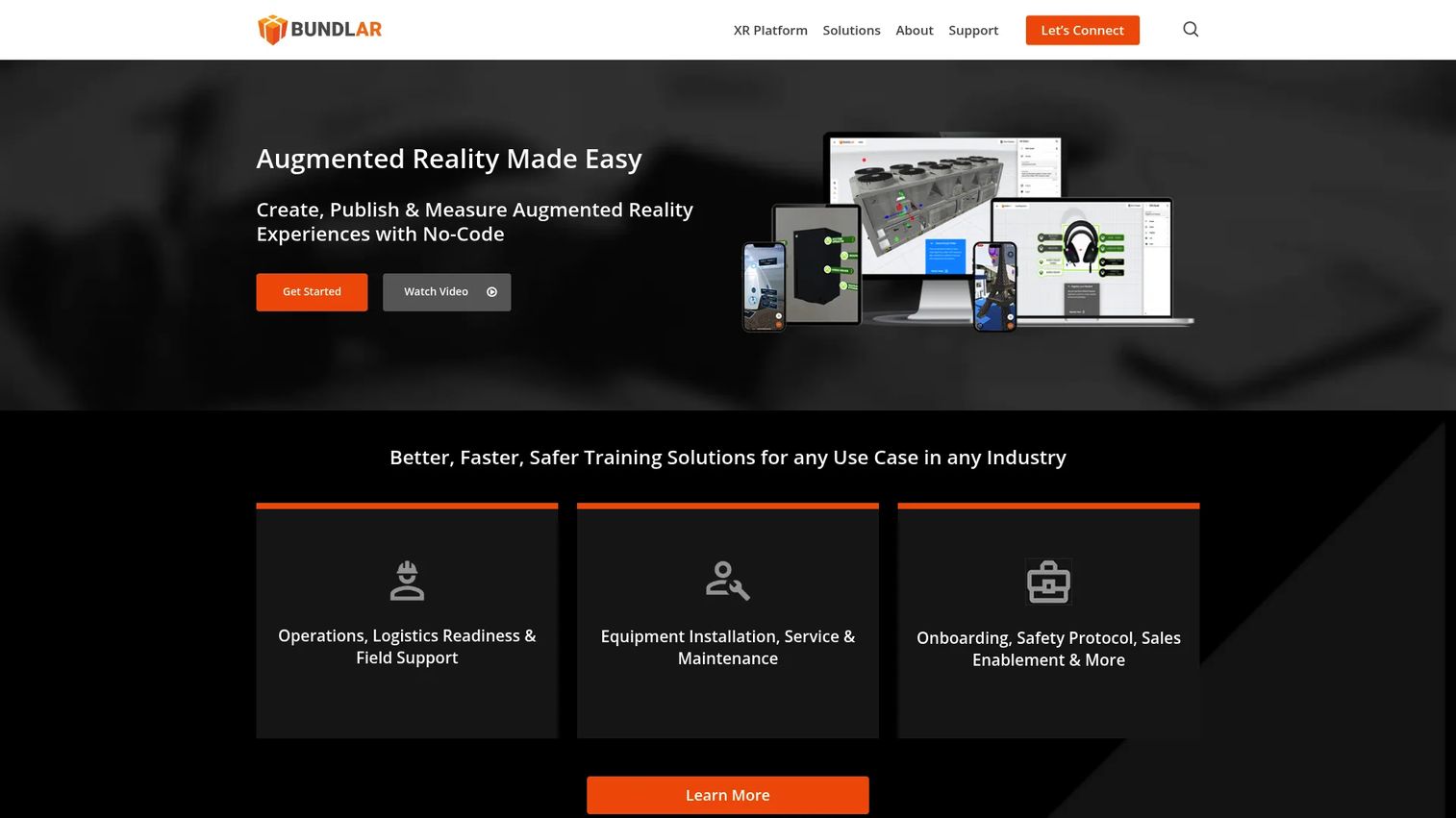
BUNDLAR is a no-code augmented reality platform built specifically for creating, publishing, managing, and measuring AR experiences. It handles a wide range of content types including 3D models, video, audio, images, labels, buttons, PDFs, and media cards. Teams can trigger experiences via image markers, markerless AR, or geolocation, then share them through QR codes, bundle codes, or custom links.
Best for: Organizations that need a dedicated AR CMS covering the full cycle: Authoring, publishing, and performance tracking without rebuilding experiences from scratch.
Key features
- No-code drag-and-drop AR builder
- Video, audio, 3D models, labels, PDFs, and media card support
- Image marker, markerless, and geo-triggered experiences
- QR codes, bundle codes, and shareable previews
- Analytics for online and offline AR interactions
Why choose BUNDLAR: BUNDLAR is the most direct category match for teams searching for augmented reality content management software. For PMs, the key question is whether its no-code workflow supports fast iteration without adding to the engineering backlog. It covers both the content creation and the measurement side, which is the combination most AR CMS buyers actually need.
BUNDLAR pricing: BUNDLAR sells through Professional, Enterprise, and Federal tiers, but prices aren't displayed on the public pricing page. Contact sales for package details, seat limits, and analytics access levels.
2. Ctruh Studio
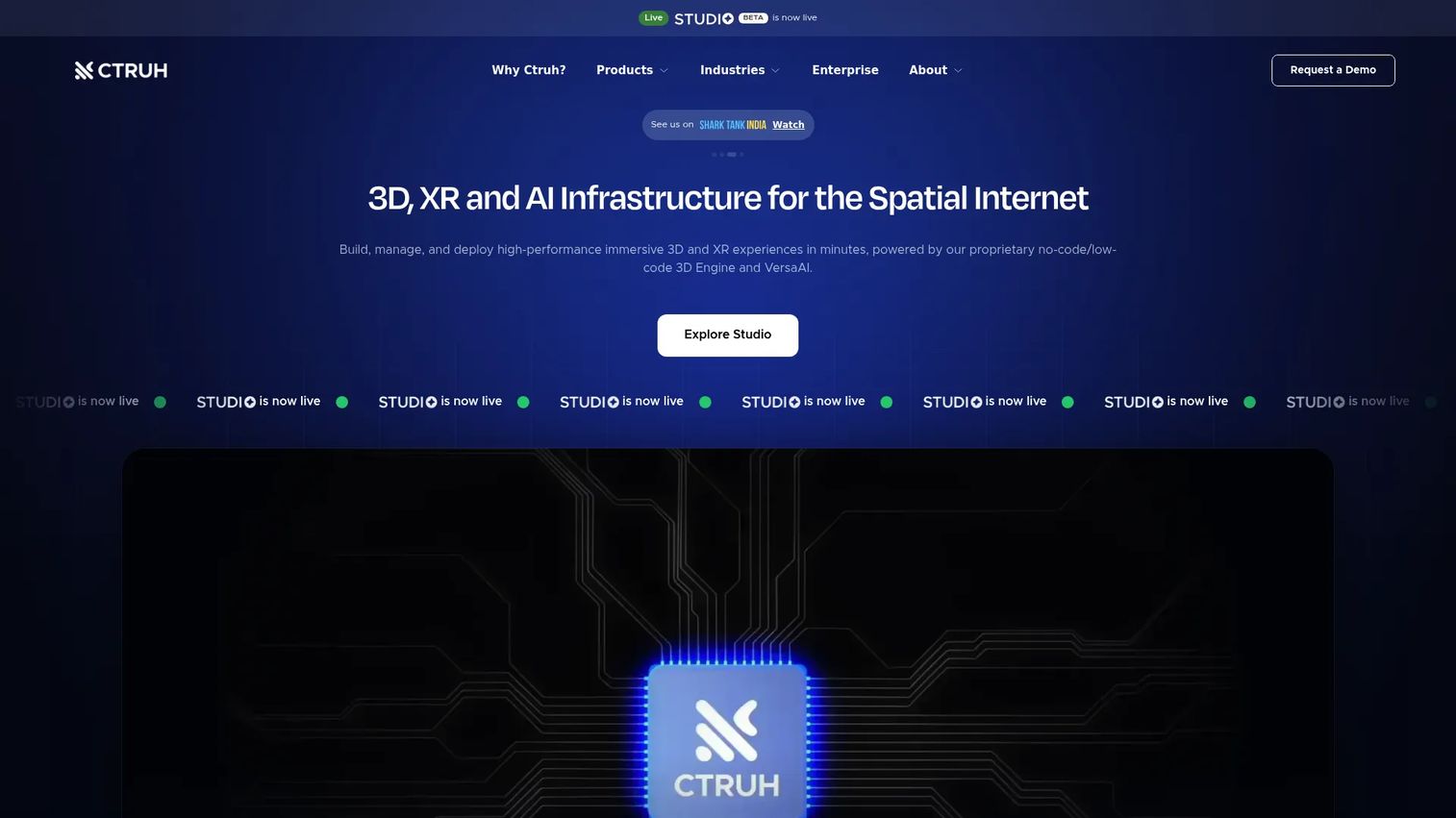
Ctruh Studio is an AI-powered, browser-native platform for building interactive 3D, AR, XR, and immersive commerce experiences. It covers 3D visualization, AR experiences, virtual try-on, 3D configurators, and AI-generated 3D assets and marketing creatives. The whole workflow runs in the browser, which removes the installation friction common in desktop-based 3D tools.
Best for: Retail, e-commerce, real estate, and automotive teams that need visually rich immersive experiences without a custom 3D development cycle.
Key features
- 3D visualizer and scene creation
- AR experiences and virtual try-on
- 3D configurator for product customization
- Immersive store builds
- AI-generated 3D assets and marketing creatives
Why choose Ctruh Studio: Product and marketing teams that want high-quality 3D output but don't have engineering bandwidth for a custom build will find Ctruh Studio's browser-native approach practical. The AI-assisted asset generation reduces the time cost of getting production-ready 3D content into an AR workflow.
Ctruh Studio pricing: Contact sales for seat count, publishing limits, asset storage, and team feature details.
G2 rating: 5.0/5, based on 16 reviews in G2's AR Content Management Systems category.
3. ArborXR
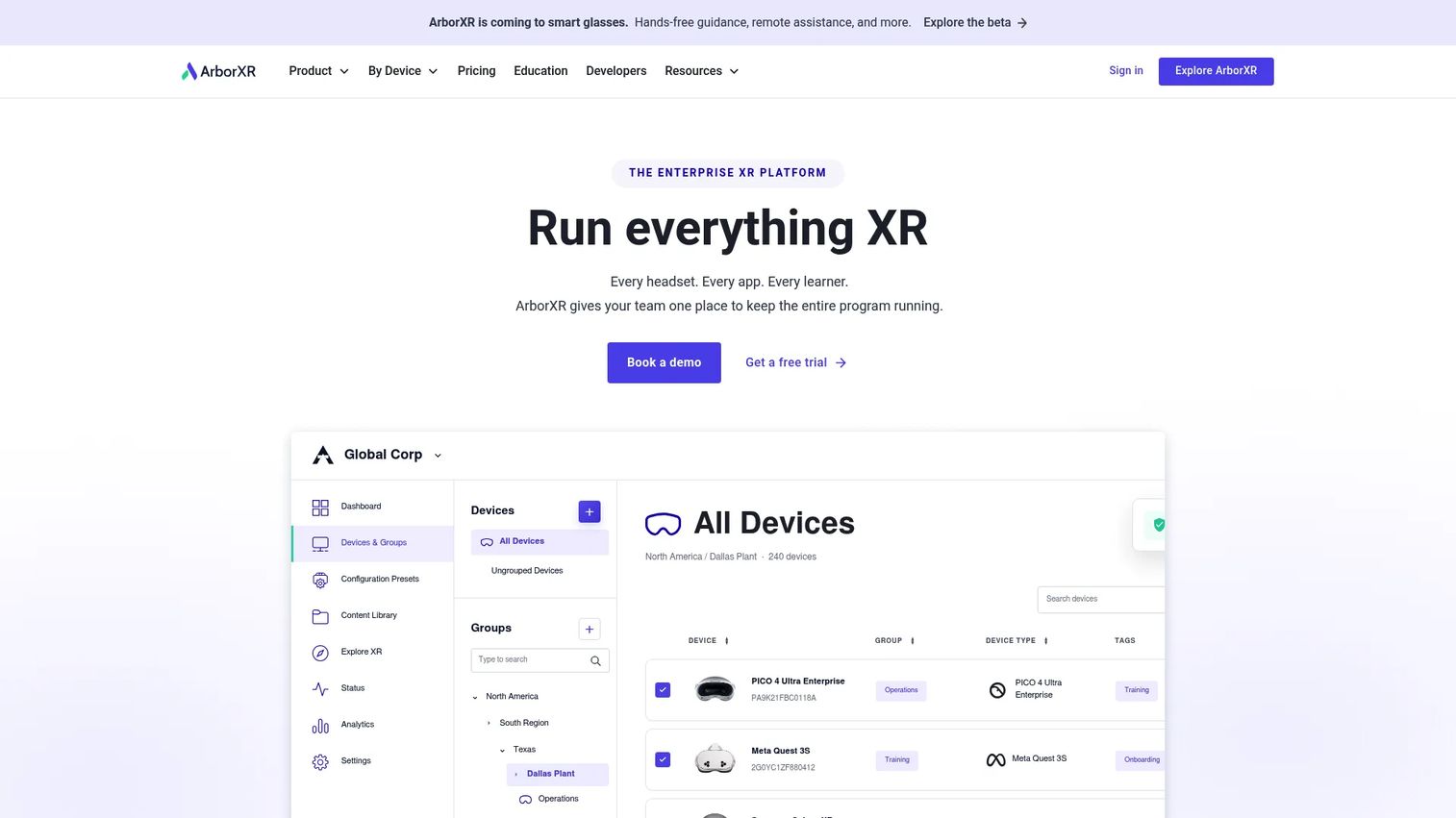
ArborXR is an enterprise XR device management platform for managing AR and VR headsets, distributing apps and content, and controlling what users can access on devices. It handles device enrollment, remote deployment, kiosk mode, app updates, and user group controls at scale. This is adjacent to AR CMS authoring tools but highly relevant for PMs whose primary challenge is operational rollout rather than content creation.
Best for: Teams managing AR or VR content distribution across device fleets, including training programs, conference experiences, or field deployments.
Key features
- XR device setup, enrollment, and bulk management
- Remote deployment of apps, videos, files, and WebXR content
- Kiosk and launcher modes for controlled user experiences
- Remote troubleshooting and device monitoring
- User and group access controls
Why choose ArborXR: Choose ArborXR when the AR content already exists but distribution, device control, and version rollout are the bottlenecks. It doesn't replace an AR authoring tool; it sits on top of one to solve the asset performance management and deployment problem at scale.
ArborXR pricing: Starter plans run $7 per device per month (billed annually), Essential plans at $10 per device per month (billed annually), and Enterprise plans are custom. Education pricing starts at $4 per device per month for the Classroom tier.
G2 rating: 4.8/5
4. echo3D 3D digital asset management platform
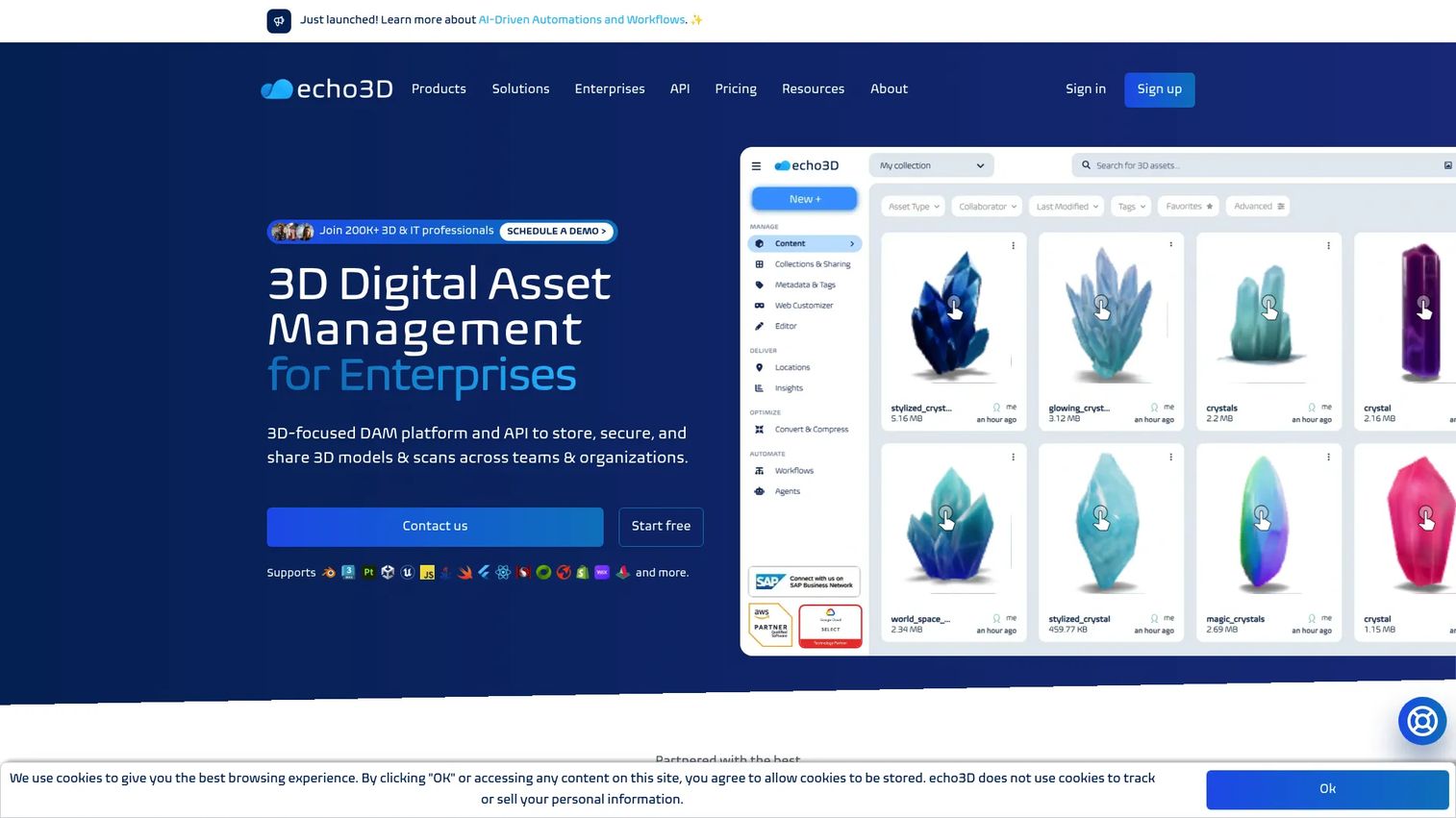
echo3D is a cloud-based platform for storing, organizing, optimizing, versioning, securing, and delivering 3D assets for AR, VR, and spatial computing applications. It provides a centralized 3D asset management system with file conversion, compression, API access, WebAR viewing via shareable links and QR codes, and CDN delivery. PMs evaluating echo3D should think of it as backend infrastructure for the 3D asset pipeline, not a front-end AR authoring environment.
Best for: Product teams that need cloud infrastructure for large 3D asset libraries, particularly those building AR apps, WebAR experiences, or spatial computing workflows across multiple platforms.
Key features
- Centralized 3D asset storage, tagging, and metadata management
- 3D file conversion, compression, and optimization
- Version control, permissions, and collaboration tools
- WebAR viewer with shareable links and QR codes
- REST API, SDKs, and CDN delivery
Why choose echo3D: Use it when the asset pipeline is the constraint, not the experience creation. PMs should validate how echo3D connects to their front-end AR stack and product architecture before adoption. The free tier makes it accessible for teams at the proof-of-concept stage.
echo3D pricing: The Free plan includes 10 monthly credits and 1 GB storage. Custom plans add enterprise features including advanced compression, version control, access management, and dedicated support.
G2 rating: 4.4/5
5. CGTrader
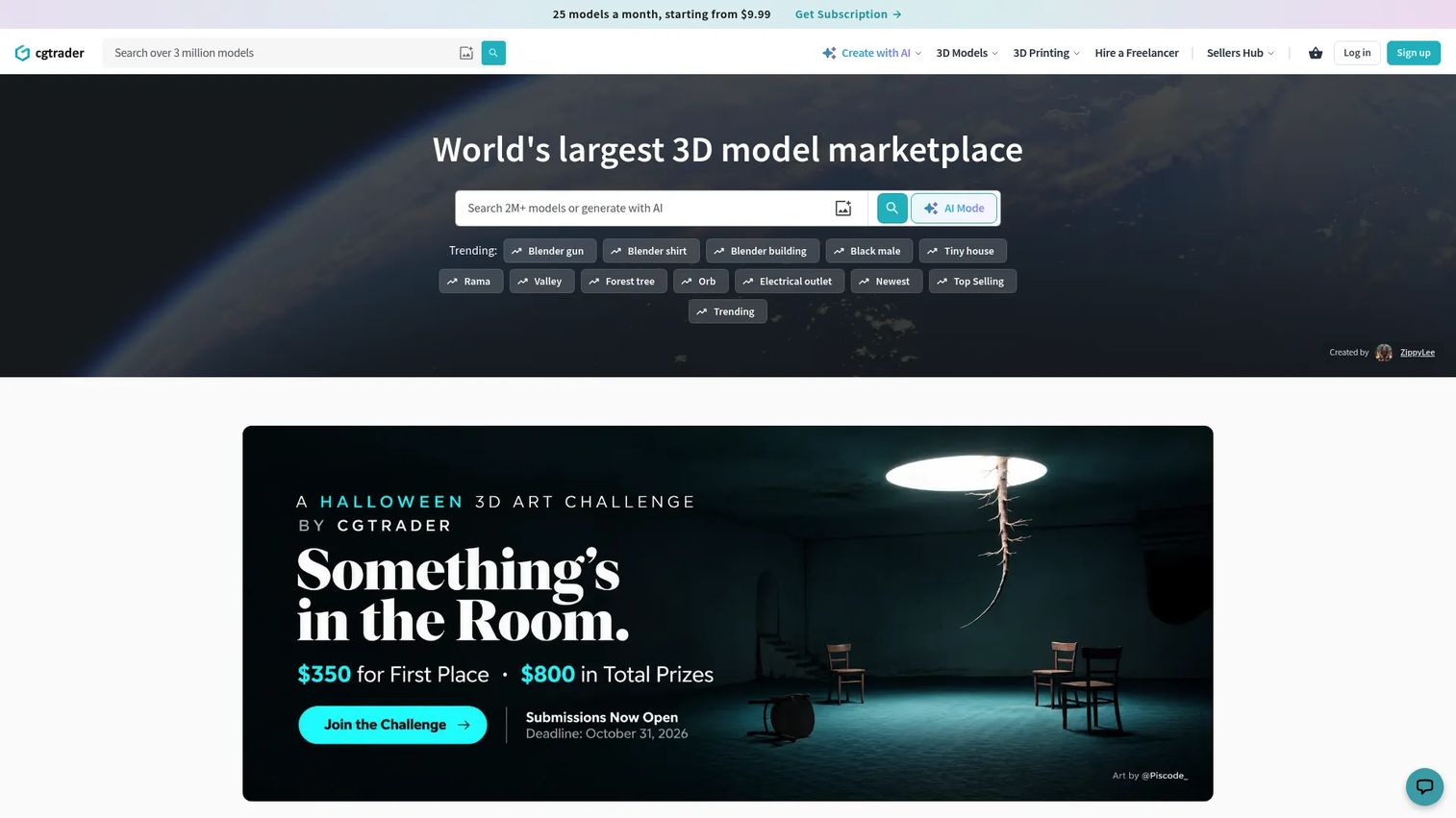
CGTrader is a 3D model marketplace and enterprise 3D content provider with over 2 million licensable models spanning gaming, architecture, film, and 3D printing. It also offers AI-powered tools for image-to-3D conversion, text-to-3D generation, remeshing, texturing, and animation. Enterprise teams can access subscription libraries with commercial licensing or commission custom 3D production. CGTrader is not a pure AR CMS, but it solves the content supply problem that often blocks AR programs.
Best for: Teams that need 3D models or custom 3D production before building AR experiences, particularly in retail, gaming, architecture, and manufacturing.
Key features
- 3D model marketplace with 2M+ assets and commercial licensing
- AI-powered image-to-3D and text-to-3D generation tools
- Subscription access to curated libraries (Essentials and Premium tiers)
- Custom 3D modeling and enterprise 3D services
- AR-ready asset formats and product visualization support
Why choose CGTrader: Use it when the bottleneck is content supply, not authoring or publishing. PMs should verify asset rights, model quality, format compatibility, and how assets will flow into their chosen AR publishing stack. Individual marketplace assets are priced separately from enterprise 3D services.
CGTrader pricing: The Essentials subscription runs $9.99/month for 25 stock downloads from an 800K+ asset library. Premium is $34.99/month for 25 premium downloads from a 1.7M+ model library. CGTrader AI offers 5 free AI generations to start.
G2 rating: 4.5/5
6. Zapworks
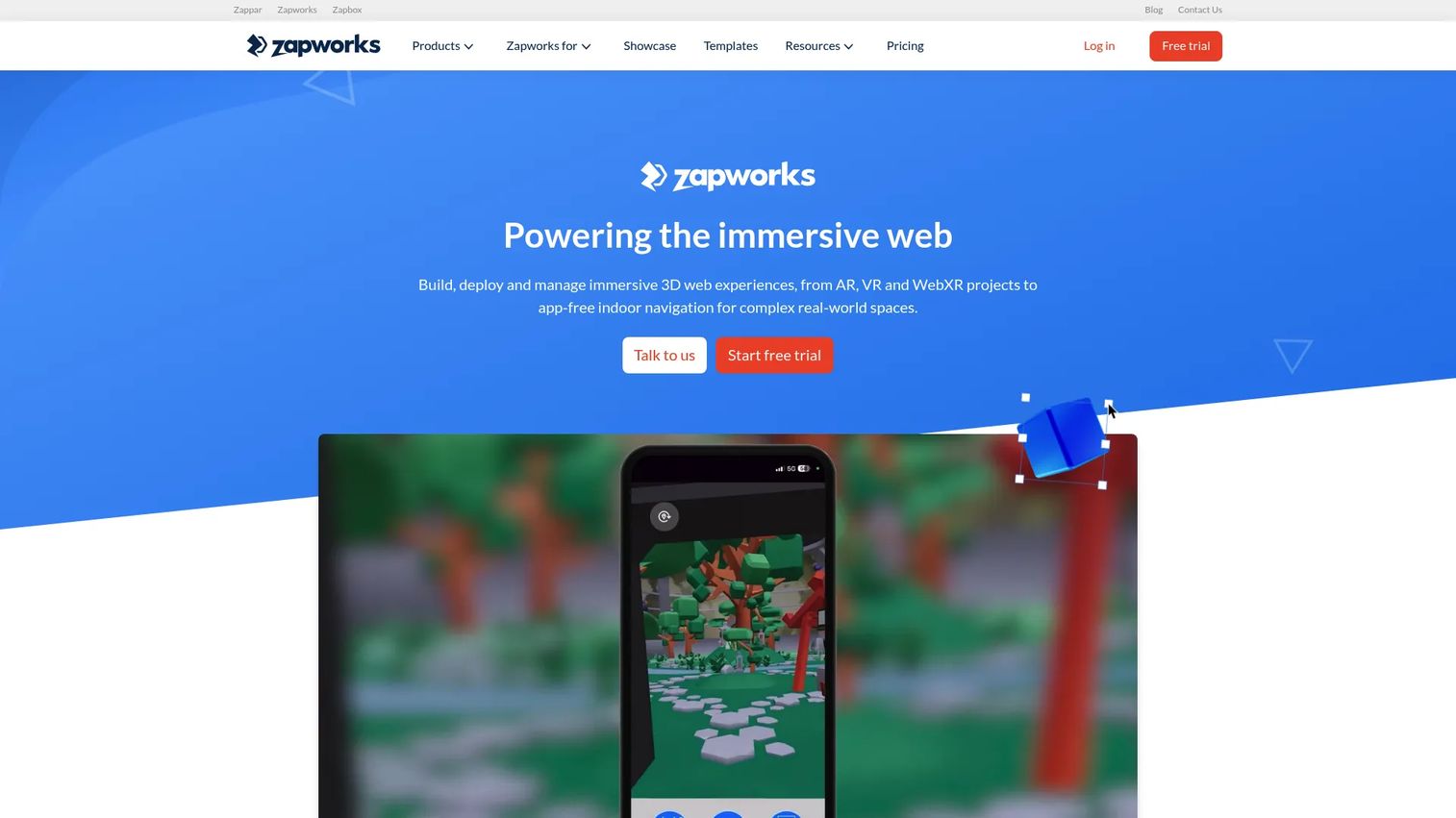
Zapworks is an immersive-web platform for creating, deploying, and managing AR, VR, WebXR, and app-free experiences. It offers Zapworks Designer for no-code 3D experience creation, Mattercraft for browser-based 3D authoring, and Zapworks Spaces for app-free indoor navigation. Publishing is one-click and cross-device. Analytics integrations connect to Google Analytics and Microsoft Clarity, which matters for PMs who need AR data inside their existing instrumentation stack.
Best for: Marketing, product, and agency teams building WebAR campaigns and interactive brand experiences that run in a browser without an app download.
Key features
- No-code 3D experience creation with Zapworks Designer
- Browser-based 3D authoring with Mattercraft
- Image, face, world, and curved-surface tracking
- One-click web deployment and cross-device publishing
- AR analytics integrations with Google Analytics and Microsoft Clarity
Why choose Zapworks: It's the strongest option for teams that need a creative AR production workflow with campaign-oriented deployment. PMs should validate technical fit if the AR experience needs to connect to product data or commerce flows, since Zapworks is more campaign-centric than CRM-integrated. A 14-day trial is available to test before committing.
Zapworks pricing: Developer plans run $12.99/month (or $64.99/year) for non-commercial use. Pro plans are $315/month (or $2,640/year) for commercial projects. Enterprise plans include custom hosting, white-labeling, and priority support at custom pricing.
G2 rating: 4.5/5
7. EvolveAR
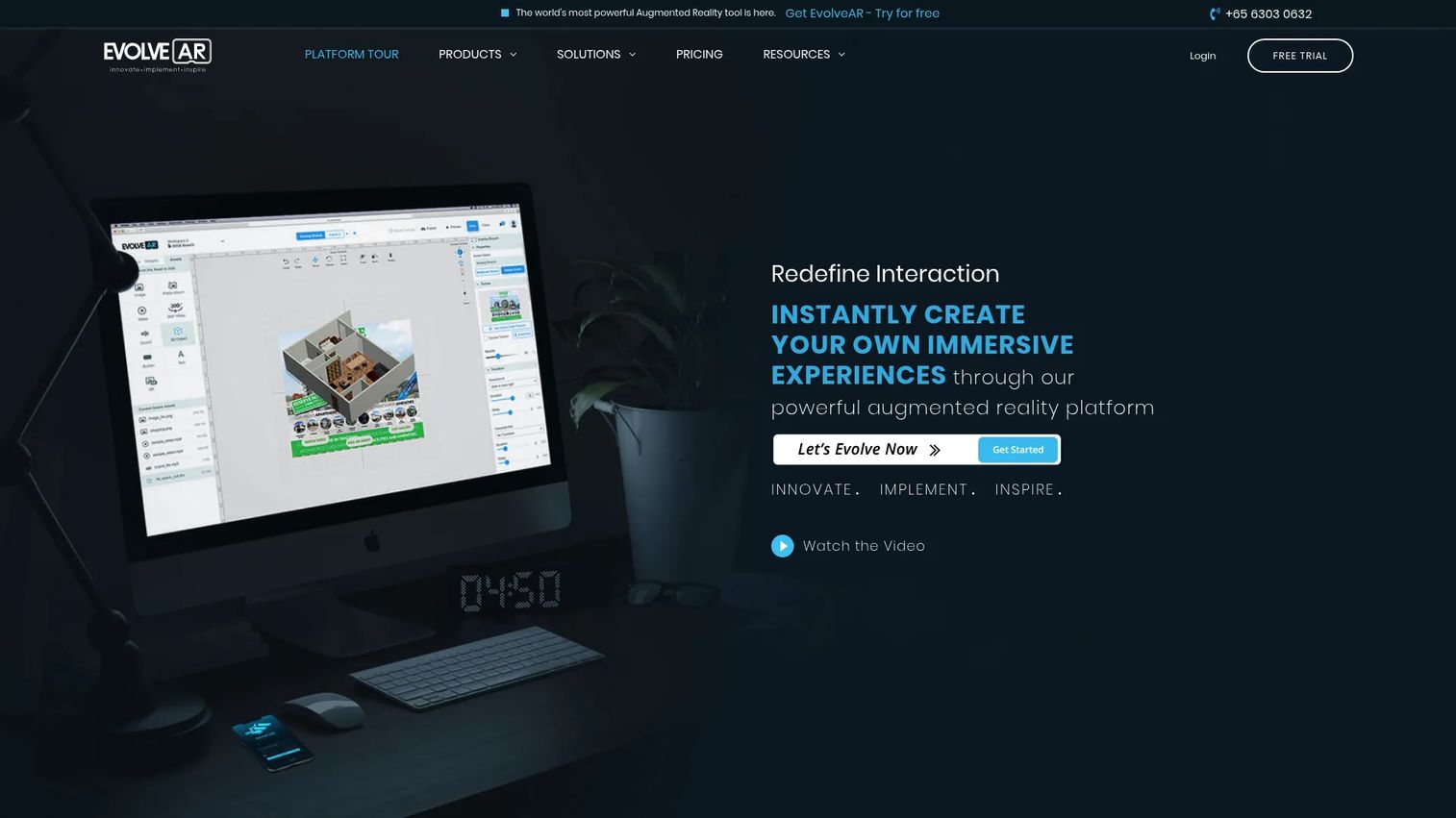
EvolveAR is a no-code augmented reality platform for creating, publishing, and analyzing immersive AR experiences. It supports 3D models, animations, video, images, audio, and 360-degree video. Teams can manage multiple scenes and campaigns, add interactive call-to-actions and social widgets, and access real-time AR analytics. WebAR is supported without requiring an app download.
Best for: Small businesses, agencies, and marketing teams creating AR campaigns, product visualizations, and WebAR experiences with limited technical resources.
Key features
- No-code drag-and-drop AR creation
- 3D models, animations, videos, images, audio, and 360-degree video
- Multiple scenes and campaign management
- Interactive CTAs and social widgets
- Real-time AR analytics and reporting
Why choose EvolveAR: It's a practical entry point for teams that want AR output without raw SDK work. PMs should note the 12-month minimum contract requirement and verify that the analytics depth meets their measurement needs before committing. The Advanced tier adds 3D experiences, animations, and fuller analytics, but comes with a $1,000 initial setup fee alongside the monthly rate.
EvolveAR pricing: Basic plans run $99/month. Advanced plans are $299/month plus a $1,000 initial setup fee. Agency plans are custom. A 7-day free trial is available before purchase.
G2 rating: 4.0/5
8. MagicLens
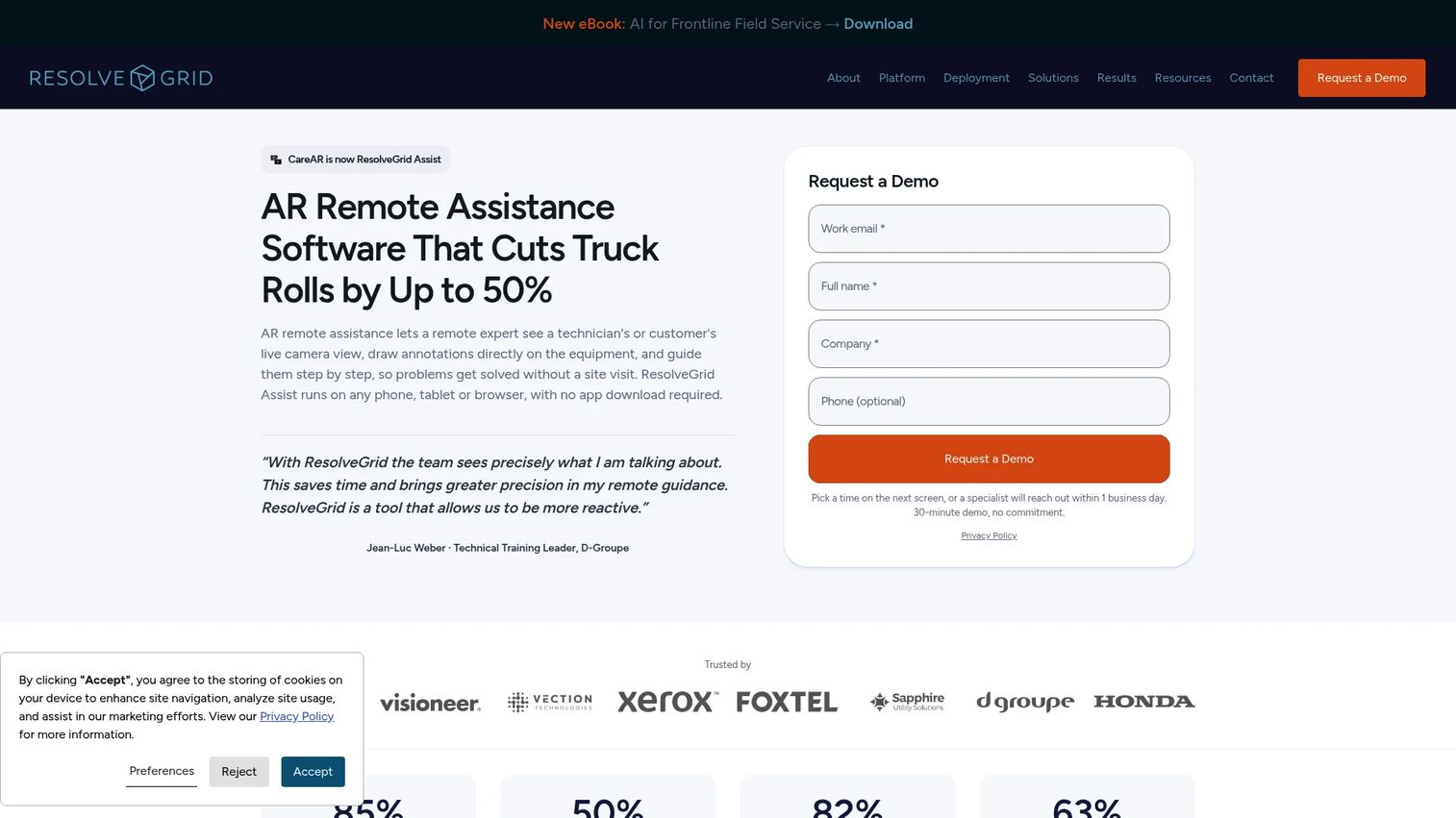
MagicLens was a 3D visualization and augmented-reality platform for industrial product visualization, originally built to showcase complex products using CAD data and video simulations. It was acquired by CareAR in January 2022. The platform's core capabilities centered on high-quality model rendering and AR-enriched product content. PMs evaluating this tool should check current availability directly with CareAR, as the product's roadmap has evolved post-acquisition.
Best for: Industrial product visualization and AR-enhanced sales or service experiences where CAD-to-AR conversion matters more than general campaign publishing.
Key features
- 3D content visualization using CAD data
- Video simulations for AR-enriched 3D content
- High-quality model rendering
- AR-enhanced product content for sales and service
- Integration with CareAR's broader field service platform
Why choose MagicLens: Position it for use cases where visual understanding of a complex physical product affects purchase decisions or technician performance. PMs should contact CareAR directly to understand the current product scope, pricing, and how MagicLens capabilities integrate into the CareAR service platform.
MagicLens pricing: MagicLens pricing is now managed through CareAR. Contact CareAR for current package details, integration terms, and licensing options.
G2 rating: 4.8/5
9. SynergyXR
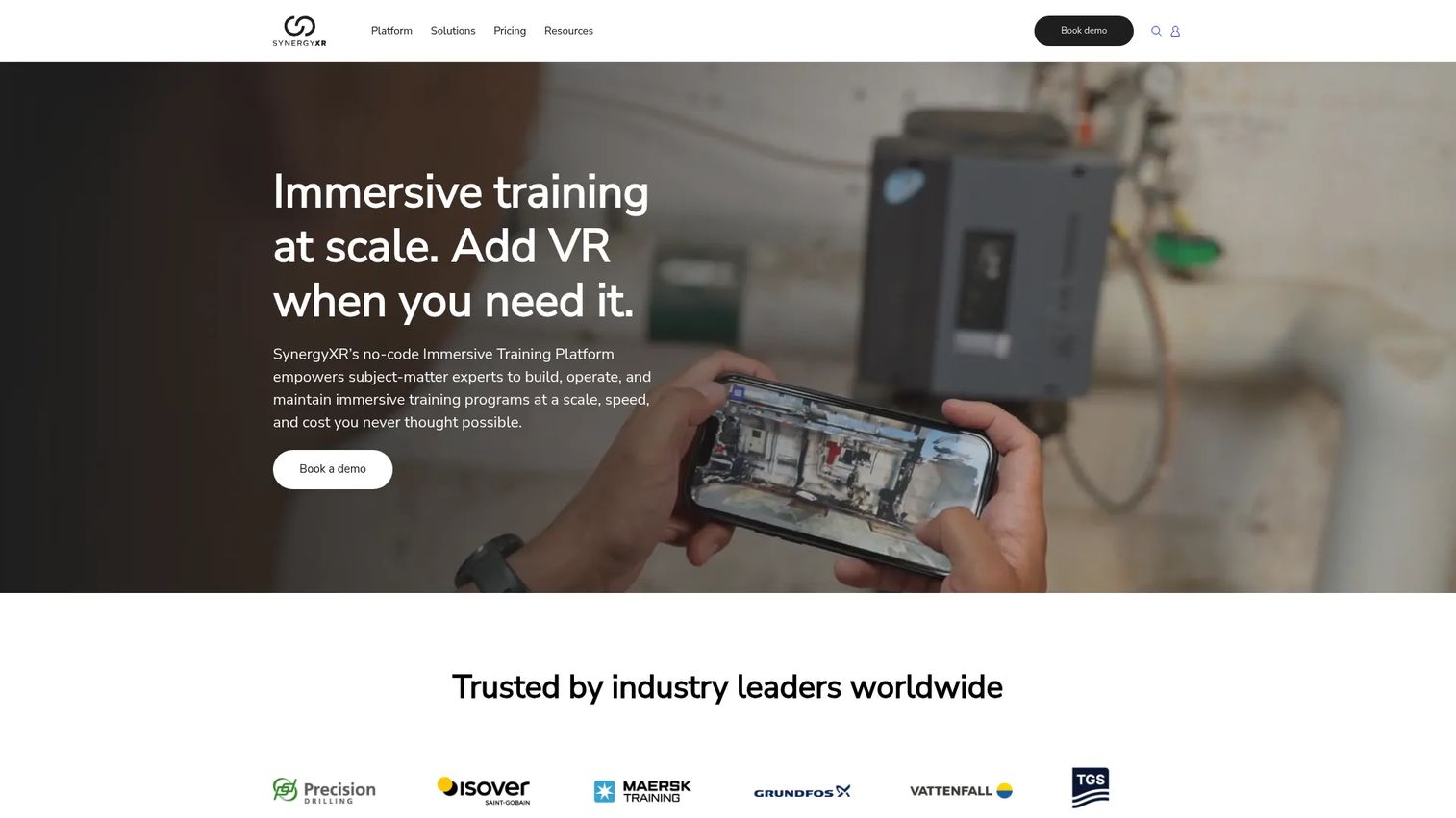
SynergyXR is a no-code, cloud-based extended reality platform for creating, managing, and deploying immersive learning, collaboration, and operational experiences across XR devices. It supports AR, VR, MR, PC, Mac, iOS, Quest, HTC Vive, PICO, and Apple Vision Pro, which is a broader device footprint than most XR training tools. Multi-user collaboration and training sessions run across that device range simultaneously.
Best for: Enterprise manufacturing, energy, and industrial organizations building XR-based training programs, onboarding flows, remote collaboration sessions, and operational readiness workflows.
Key features
- No-code XR experience creation and management
- Multi-user collaboration and training sessions
- Cross-platform support across AR, VR, MR, PC, iOS, and major headsets
- 3D content import and asset management
- Enterprise user management and access controls
Why choose SynergyXR: Strong fit when the product goal is training, onboarding, or operational readiness rather than marketing AR. PMs should assess how easily content owners can update training modules as workflows evolve. The no-code editor reduces the product management tools overhead, but enterprise pricing means this is a serious commitment.
SynergyXR pricing: Pricing is customized per organization. Contact sales for package details, device limits, user count, and support tiers.
G2 rating: 4.3/5
10. Reflekt One
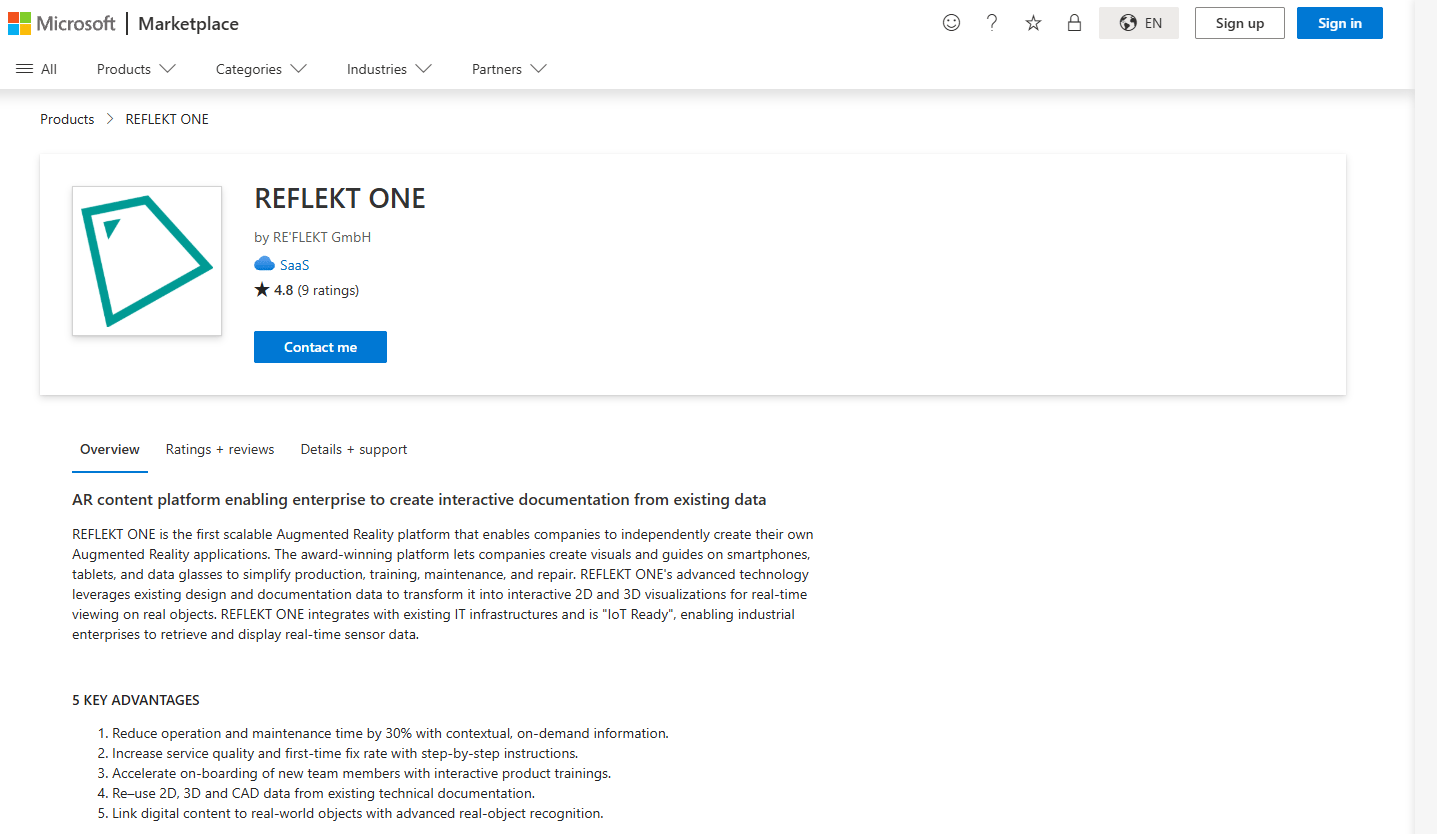
Reflekt One is an enterprise augmented reality platform for creating interactive industrial instructions, visualizations, training, maintenance, and operational experiences. It supports no-code AR application creation, interactive step-by-step instructions, and reuse of 2D, 3D, CAD, rich-media, and video content across workflows. Industrial teams use it to reduce errors, support field technicians, and keep work instructions current without rearchitecting experiences after every process change.
Best for: Industrial organizations building AR-guided instructions for maintenance, field service, quality control, and technical training.
Key features
- No-code AR application creation
- Interactive step-by-step instructions
- 2D, 3D, CAD, and rich-media content reuse
- Service workflow and maintenance guidance tools
- Enterprise deployment controls
Why choose Reflekt One: Position it around high-stakes operational workflows where AR must reduce errors and support technicians in the field. PMs evaluating Reflekt One should ask about authoring seat counts, viewer access, CAD format support, integration options, and deployment model when contacting sales.
Reflekt One pricing: Reflekt One uses custom enterprise pricing. Contact sales for authoring seat limits, viewer access terms, and CAD integration details. No public pricing figures are available.
G2 rating: 4.4/5, based on 12 reviews.
11. Arbi
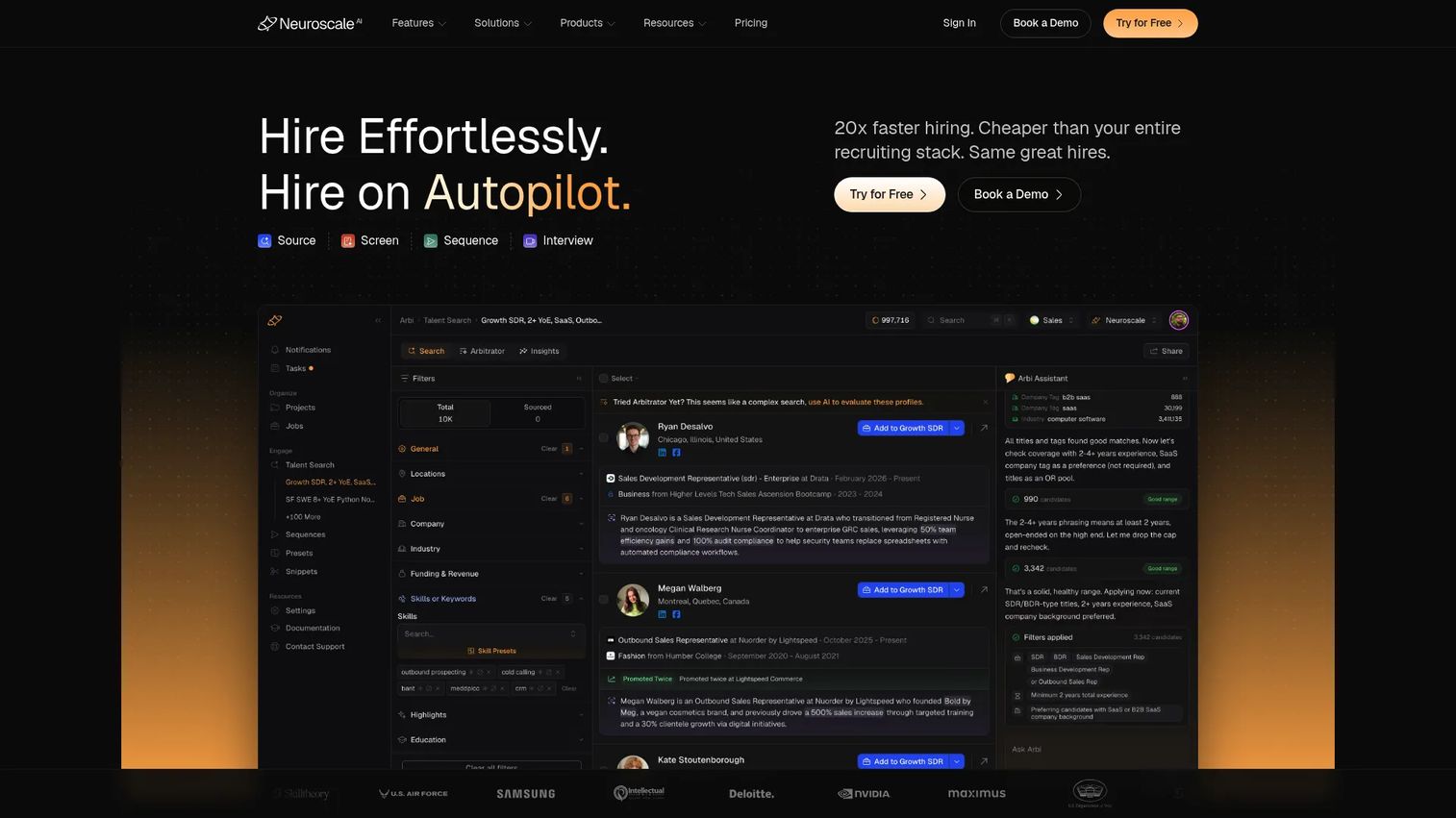
Arbi now redirects to Neuroscale.ai, an AI-powered recruiting platform for sourcing, screening, outreach, and structured interviewing. The platform currently serves recruiting teams rather than AR content management use cases. PMs researching Arbi for AR content management should be aware that the product has pivoted and the current offering is unrelated to augmented reality.
Best for: Recruiting teams looking to automate talent sourcing, candidate evaluation, outreach sequencing, and structured interviewing workflows.
Key features
- AI talent sourcing with natural-language and Boolean search
- AI candidate screening with explainable scoring
- Personalized multi-channel outreach sequences
- Structured video interviews with scored summaries
- Talent-market analytics and ATS integrations
Why choose Arbi: If your team is evaluating Arbi for AR content management, note that the product has shifted category. For recruiting automation, the platform covers sourcing through structured interviews in a single AI-driven workflow.
Arbi pricing: Solo plans run $79 per seat per month (billed annually). Growth plans are $179 per seat per month, Business plans are $279 per seat per month, and Enterprise plans are custom.
12. INDE Broadcast AR Development
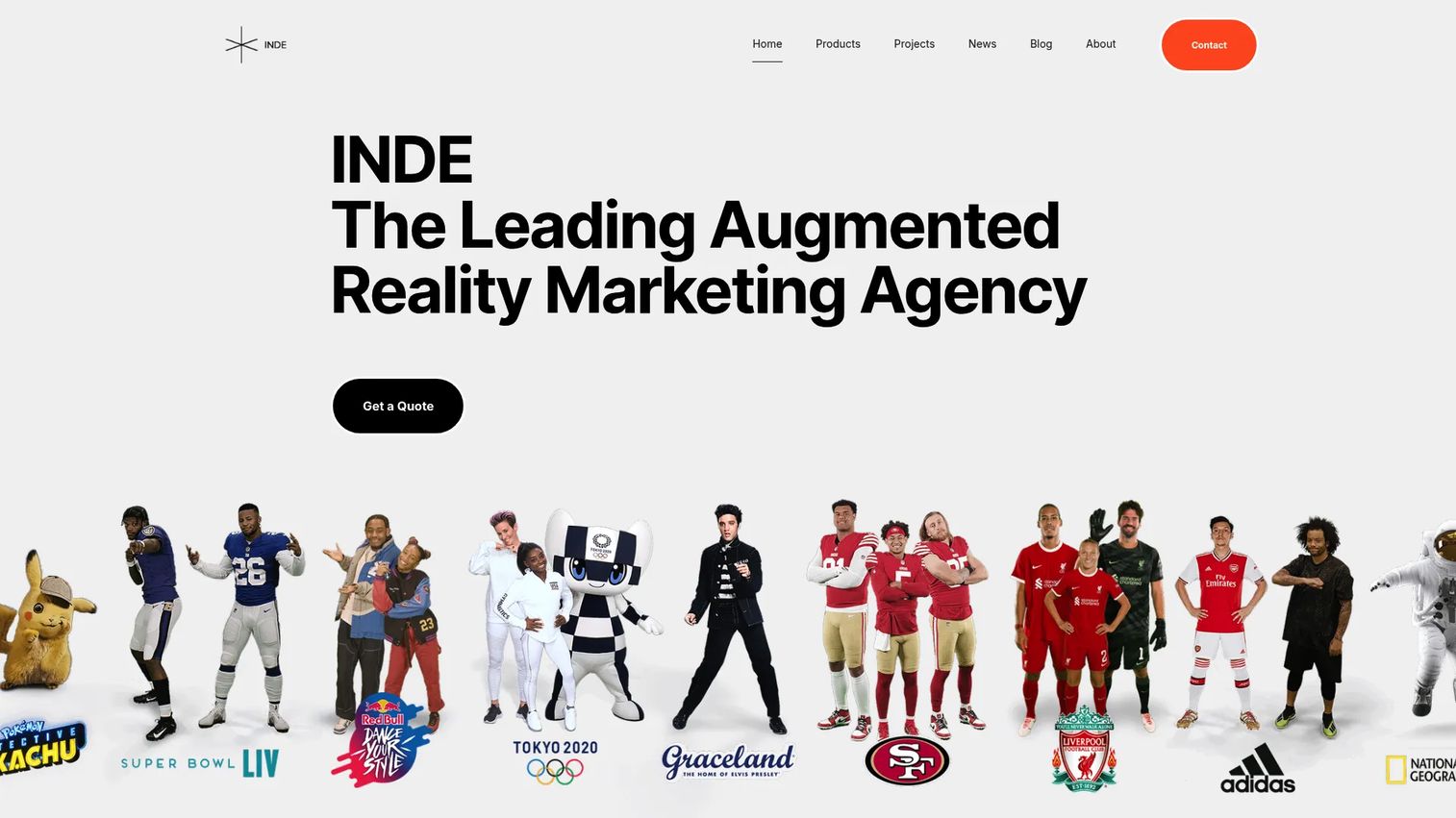
INDE Broadcast AR Development develops and deploys large-screen augmented reality experiences for live events, venues, museums, retail, entertainment, and brand activations. Its BroadcastAR platform enables device-free group AR engagement without app downloads, interactive gaming and gamification, digital scene control, instant photo and video sharing via SnapShare, and end-to-end concept, content, hardware, installation, and support services. This is a specialized production partner rather than a self-serve AR CMS.
Best for: Organizations building broadcast, event, or live AR experiences at scale, including venues, retailers, and entertainment brands that need turnkey AR production.
Key features
- Large-screen AR experiences for screens and projection systems
- Device-free group engagement with no app download required
- Interactive gaming, quizzes, and gamification through BroadcastAR Interactive
- Instant photo and video sharing via SnapShare
- End-to-end concept, content, hardware, installation, and support
Why choose INDE Broadcast AR: Choose it when the output needs production depth and custom installation rather than self-serve content updates. PMs should treat this as a production engagement, not a platform subscription. Pricing depends on project scope, production requirements, installation needs, and ongoing support.
INDE Broadcast AR pricing: Project-based pricing. Contact INDE to discuss scope, hardware requirements, installation needs, and support terms.
13. Reality Engine
Reality Engine is a real-time 3D graphics and AR production platform for live, studio, and broadcast environments. Based on available information, it targets high-production AR use cases including virtual production workflows and live rendering. The platform's homepage was inaccessible during research, so detailed feature and pricing claims could not be verified from primary sources.
Best for: Teams producing real-time AR graphics for live broadcasts, virtual production, or studio environments where real-time rendering is the core requirement.
Key features
- Real-time 3D graphics and live rendering
- Broadcast AR workflows
- Virtual production tools
- Production integrations
Why choose Reality Engine: Relevant for high-production AR contexts rather than everyday PM-managed content operations. This is less about no-code content management and more about real-time visual production at broadcast quality. PMs should contact Reality Engine directly to verify current capabilities, pricing, and hardware requirements.
Reality Engine pricing: Contact Reality Engine for licensing terms, hardware requirements, support packages, and production services.
14. ARitize 3D
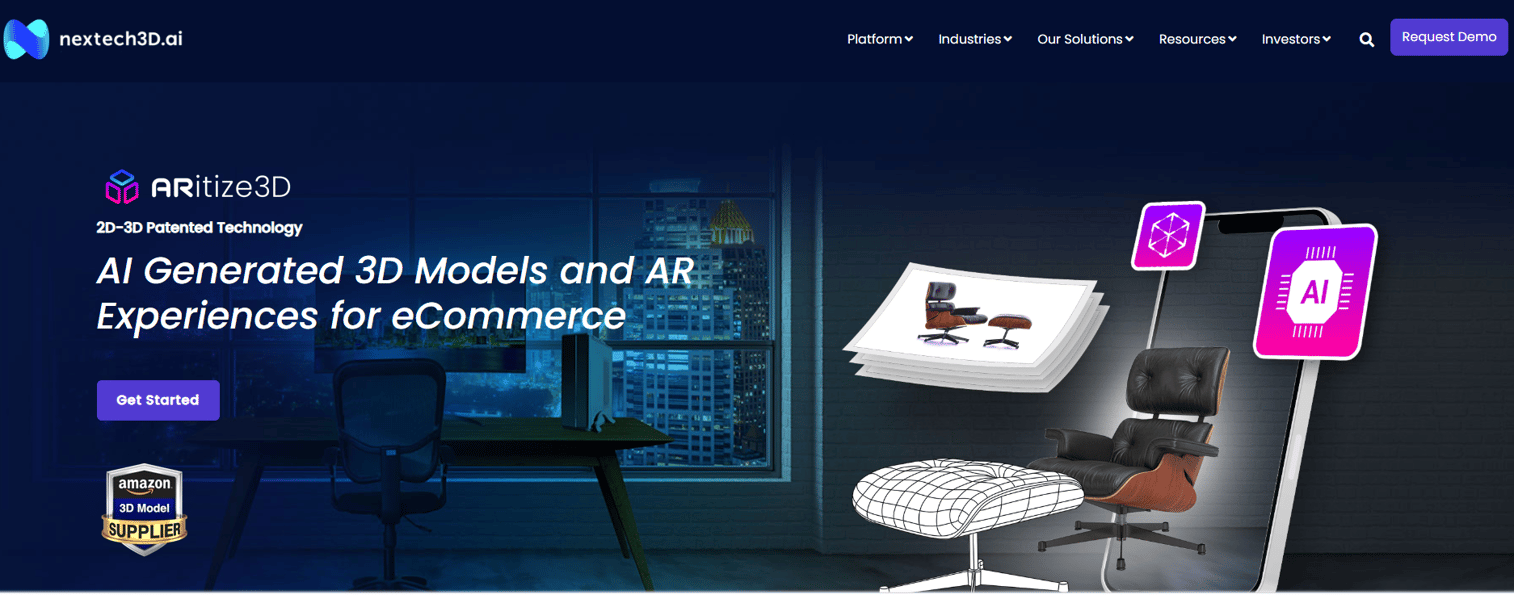
ARitize 3D is an e-commerce solution that converts 2D product images or CAD files into 3D and augmented-reality product models for online shopping experiences. It uses AI-powered conversion workflows, supports product customization including real-time color and material changes, and delivers 3D and WebAR content through ARitize Swirl banners compatible with e-commerce platforms. The platform covers asset hosting and publishing alongside 3D model creation.
Best for: Retail, e-commerce, and manufacturing teams that need scalable 3D product visualization and AR shopping experiences, particularly for product catalog-scale production.
Key features
- AI-powered conversion of 2D images and CAD files into 3D and AR models
- 3D product visualization and WebAR integration across devices
- Real-time product customization (colors, parts, materials)
- ARitize Swirl 3D and AR product banners
- Hosting and publishing of 3D assets for e-commerce
Why choose ARitize 3D: Use when the goal is helping customers evaluate products visually before buying. PMs should check model quality, production turnaround, commerce platform integrations, and analytics coverage before committing. The platform references a monthly hosting fee alongside creation costs, but numeric pricing is not publicly displayed.
ARitize 3D pricing: Contact NexTech AR for project pricing, pilot terms, scale engagement options, and enterprise SLA details.
G2 rating: 4.5/5, based on 2 reviews.
Considerations when choosing ar content management software
Match the platform to the AR job
"AR CMS" covers authoring, asset management, device deployment, 3D model sourcing, and broadcast production. Before evaluating vendors, define which job is the actual constraint: Is it content creation, asset pipeline, device distribution, or something else? A team deploying AR to 500 headsets needs ArborXR; a team creating WebAR campaigns needs Zapworks. Mismatching the platform to the job creates technical debt and maintenance overhead.
Check who can update the experience
Product managers should ask whether product, marketing, training, or operations team members can update AR content without engineering involvement. Look for visual editors, version control, reusable templates, and approval workflows. If the only path to update an AR experience runs through a developer sprint, the AR program will fall behind product changes within one or two release cycles.
Verify asset and trigger support
Not all AR CMS tools support every asset format or trigger type. Check for 3D format compatibility, animation support, image markers, markerless AR, QR codes, geolocation, and WebAR. Assuming capability without verification is a common evaluation mistake. Teams relying on CAD data, for example, need to confirm format support before selecting a platform. For a broader view of AR visualization software in this category, compare tools against your specific asset requirements.
Look for analytics you can act on
The tool should expose scans, session launches, interaction depth, drop-off points, completion rates, and conversion events. Tie those signals back to PM metrics: Activation, adoption, feature engagement, and support deflection. If the analytics sit in a closed dashboard with no export path, you can't connect AR performance to your existing product analytics infrastructure.
Evaluate integration and governance needs
Cover CRM connections, commerce integrations, DAM compatibility, analytics pipelines, SSO, roles, permissions, and team management before selecting a tool. A siloed AR workflow that can't connect to the product stack creates attribution gaps and reporting blind spots. Enterprise PMs should confirm security certifications and data residency terms as part of the evaluation.
Conclusion
The right AR content management software depends on the job your team is actually trying to do. BUNDLAR is the most direct match for teams searching for a full AR CMS workflow. echo3D handles the 3D asset infrastructure job. ArborXR solves device fleet management and content distribution. Zapworks covers WebAR campaigns. SynergyXR and Reflekt One fit industrial and training AR programs. CGTrader and ARitize 3D serve commerce teams that need 3D product content at scale.
Before booking demos, define the AR job clearly: Is it content creation, asset pipeline management, device deployment, analytics, or specialized production? That single question will rule out half the list before you spend time in vendor calls.
One note on Arbi: The platform has pivoted to AI recruiting and is no longer an AR content management tool. Evaluate the remaining 13 options against your actual AR workflow requirements.
If your team also needs interactive product demos for onboarding, sales enablement, or product education alongside AR content management, explore Guideflow's demo automation platform separately from your AR CMS evaluation.
Start your journey with Guideflow today!
FAQs
AR content management software is a platform for creating, organizing, publishing, updating, and measuring augmented reality experiences and the 3D assets that power them. It differs from a general CMS in that it manages AR-specific assets such as 3D models, image markers, markerless triggers, QR codes, and geolocation anchors alongside publishing workflows designed for AR deployment rather than webpage management.
A general CMS manages webpages, blog posts, images, and standard digital content. An AR CMS manages 3D models, animations, AR scene configurations, AR triggers, and interaction data from AR sessions. The asset types, publishing targets, and analytics events are fundamentally different. A general CMS can store a 3D file, but it can't author an AR experience, manage image markers, or track scan-level engagement data.
No-code teams should prioritize visual editors, reusable templates, built-in publishing via QR code or link, and real-time analytics they can access without a data pipeline. BUNDLAR and Zapworks both offer no-code authoring environments with publishing controls. EvolveAR is another option at a lower price point, though the 12-month minimum contract is worth factoring into the evaluation.
An AR CMS fits teams that need to manage, update, and measure AR content repeatedly without engineering involvement. An AR SDK fits teams building custom AR functionality into an app, where developers need low-level control. Many programs need both: An SDK to build the initial AR capability inside a product, and a CMS layer to give non-technical teams control over content updates and campaign publishing.
PMs should prioritize no-code content editing, 3D asset format support, publishing controls that fit their distribution channels (WebAR, app, QR), analytics that export to their existing instrumentation stack, and update workflows that don't require engineering tickets. Maintainability across frequent release cycles matters more than feature breadth. A tool that needs developer involvement every time copy changes will create a growing backlog with every product release.
Pricing varies significantly by model. Zapworks starts at $12.99/month for non-commercial use and $315/month for commercial projects. EvolveAR starts at $99/month. ArborXR starts at $7 per device per month. echo3D has a free tier. BUNDLAR, SynergyXR, Reflekt One, and ARitize 3D all use custom pricing based on project scope, seat count, and deployment volume. When comparing costs, factor in authoring seats, viewer limits, asset storage, publishing volume, analytics access, and contract length.
Yes, when the tool supports 3D product models, AR previews, mobile WebAR viewing, and e-commerce integrations. ARitize 3D specifically converts product images and CAD files into AR-ready 3D models and delivers them through WebAR banners compatible with e-commerce platforms. CGTrader's AI tools also support image-to-3D conversion for product visualization use cases. Retail teams should verify model creation turnaround, catalog-scale production capacity, and commerce platform compatibility before selecting a tool.
Track scans, session launches, dwell time, interaction depth, content completion, and repeat usage as the core AR engagement signals. Connect those to PM metrics: Activation rate for onboarding AR flows, feature adoption for in-product AR guides, conversion rate for commerce AR previews, and support ticket deflection for AR-assisted help content. PMs should confirm that the AR CMS exports engagement data to their analytics stack rather than keeping it in a closed dashboard, so AR performance can be connected to broader product and business outcomes. For related coverage on 3D visualization software and how it fits product workflows, see the linked guide.