



You built one clean product shot. Now it lives on a landing page, three ad variants, an email header, a carousel post, and a print one-pager. Every one of those surfaces wants a different resolution, and the original was never big enough for half of them.
So you stretch it. The result looks soft, the edges blur, and the whole asset now reads a little cheaper than the product it's selling. Image quality shapes perceived trust, and the AI image upscaling market hit $6.32B in 2025 on its way to $44.7B by 2033 at a 27.8% CAGR, according to Grand View Research (2026). People are spending real money to stop shipping fuzzy visuals.
An AI image upscaler fixes the practical problem. It enlarges a low-resolution file and rebuilds detail instead of just spreading the pixels you already had. The job is not to redesign the asset. The job is to make it sharp enough for wherever it's about to run.
What's inside
This guide compares four image upscaler tools for marketers, creators, and teams who need better-looking visuals without booking design time.
Here's how the picks were chosen:
- Who it's for: Growth and digital marketers reusing campaign assets across channels
- Selection criteria: Output quality, ease of use, pricing access, and workflow fit
- Coverage: Browser, desktop, and free or open-source options
- What it answers: What each tool replaces, where it fits, and the quality bar it meets
No single winner. The right pick depends on your output standard and how your team actually works.
TL;DR
- Best free image upscaler: Upscayl runs locally on your desktop, is open source, and costs nothing for the core app.
- Best for brand-safe browser access: Adobe Firefly gives you fast upload-and-download upscaling inside a name you can defend to legal.
- Best for advanced quality and photo restoration: Topaz Labs is built for photographers who care more about detail than convenience.
- Best for API and automation workflows: Cloudinary handles image upscale free in the browser plus programmatic delivery for teams already running media at scale.
- The tradeoff: Free desktop tools cost time to install and manage. Browser tools trade some control for speed. API tools pay off only when volume justifies the setup.
What is image upscaling software
Image upscaling software enlarges a low-resolution image to a higher resolution while rebuilding detail so the result stays sharp instead of turning blurry.
Simple resizing spreads existing pixels across a bigger canvas. An AI upscaler does something different: It predicts what the missing detail should look like based on models trained on millions of images, then paints it in. That's why an AI image upscaler produces cleaner edges than the "enlarge" button in your standard editor.
For marketers, the distinction matters most on assets that get reused past their original spec. AI image upscaling software accounted for 67.1% of the market, per a Grand View Research citation (2026), because interpolation alone can't keep up with modern channel resolution demands.
Here's what to evaluate in any image upscaler:
- Edge clarity: Do lines and text stay crisp, or do they smear?
- Artifact control: Does the tool invent weird textures or halos around objects?
- Batch support: Can it process a folder of images at once?
- Export quality: What file formats and resolutions come out the other end?
The common use cases break down cleanly:
- Product photos: Sharpening catalog and PDP imagery for larger displays
- Social posts: Sizing up assets for high-resolution feeds and stories
- Old photos: Photo restoration on legacy brand assets and archives
- Print-ready work: Hitting print-quality upscaling standards for physical collateral
When to use
Fix low-res assets without redesigning everything
You have a usable asset. It just needs size and clarity, not a full redo. Maybe the source file got compressed, or the only version you can find is a thumbnail from an old deck. Upscaling gets you a clean, larger version in minutes instead of tasking design for a rebuild you don't have time for.
Prepare product images for campaigns and landing pages
Polished visuals move numbers on conversion-focused pages. A soft product photo undercuts perceived quality right where a buyer decides. Run your hero and gallery images through a photo upscaler before they hit a landing page or ad set, and you protect the perceived value of what you're selling.
Restore old photos or reused brand assets
Sometimes upscaling is cleanup, not just enlargement. Legacy logos, founder photos, and archival product shots often survive only as small, degraded files. A tool with strong photo restoration recovers detail and sharpness so those assets stay usable in modern campaigns.
Comparison table
The comparison below weighs each tool on who it serves best, what sets it apart, current pricing from vendor pages, and G2 ratings where a verified listing exists. Pricing reflects each vendor's live pricing page as of August 2026.
| # | Product | Best for | Key differentiator | Pricing | G2 rating |
|---|---|---|---|---|---|
| 1 | Adobe Firefly | Brand-safe browser upscaling | Generative AI inside the Adobe ecosystem | Free tier, paid from $9.99/mo | 4.4/5 |
| 2 | Topaz Labs | Highest-quality restoration | Deep photo and video enhancement models | From $9/mo billed annually | Not listed |
| 3 | Upscayl | Free, open-source desktop use | Local processing, no cloud upload required | Free app, Pro from $24.99/mo | Not listed |
| 4 | Cloudinary | API and automation workflows | Media delivery plus programmatic upscaling | Free tier, paid from $99/mo | 4.4/5 |
The buying pattern is straightforward. Reach for Adobe when you want trusted, easy browser use. Choose Topaz when image quality is the whole point. Pick Upscayl when budget drives the decision and you're fine working on the desktop. Go Cloudinary when upscaling is one step inside a larger media pipeline.
Best image upscaling software for 2026
1. Adobe Firefly
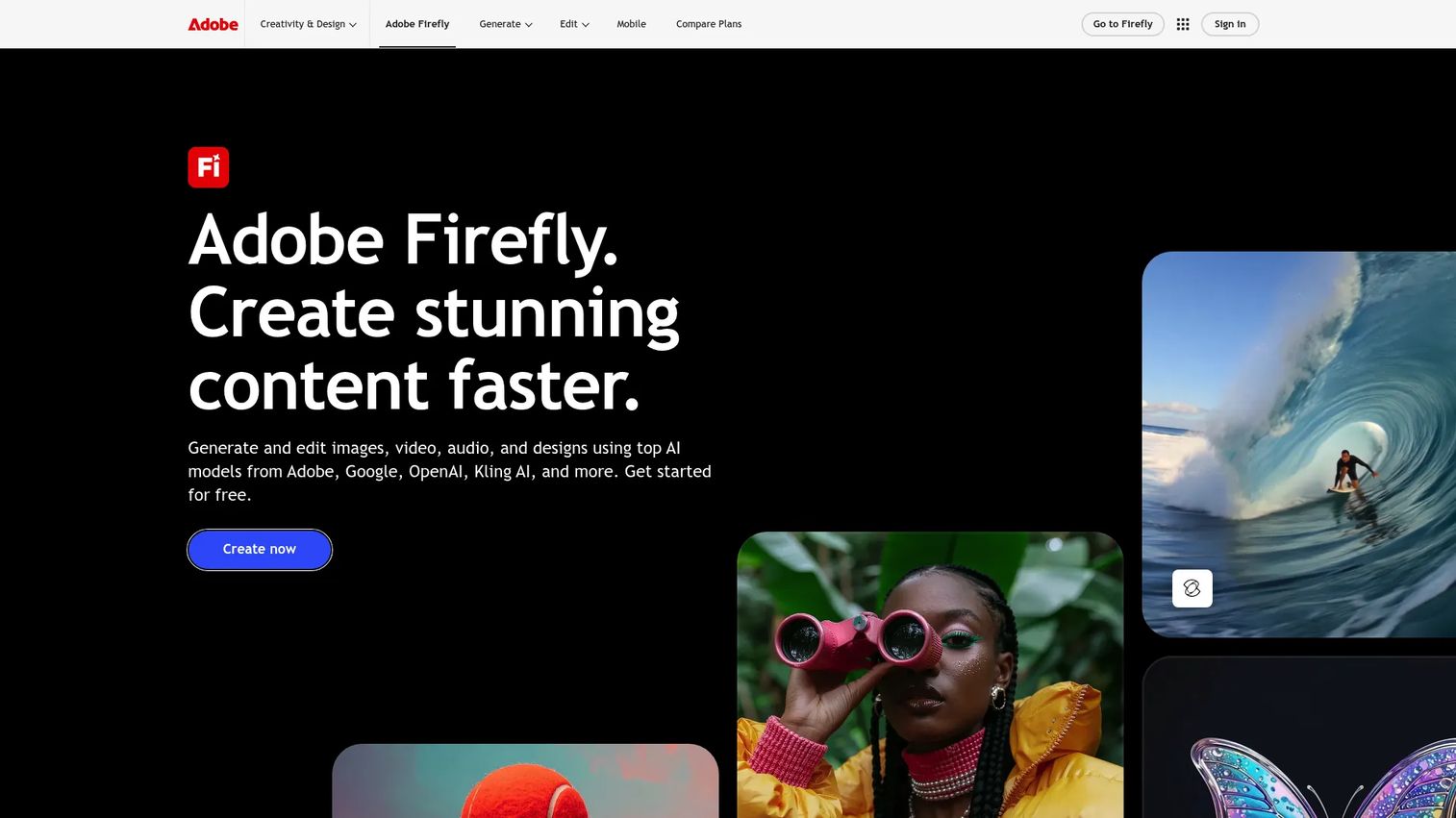
Adobe Firefly is Adobe's generative AI creative tool for producing and editing images, video, audio, and text effects. It runs in the browser, so you upload a file, apply the enhancement, and download the result without installing anything. For marketers already living inside Creative Cloud, it keeps upscaling in a workflow the rest of the team recognizes.
The appeal here is less about squeezing out maximum detail and more about speed plus brand safety. Firefly is trained on licensed and Adobe Stock content, which matters when legal asks where your generative assets came from. That's a real answer to the "can we defend this in an audit" question that stalls a lot of AI tool adoption.
Best for: Marketing teams that want fast, brand-safe image editing without leaving the Adobe ecosystem.
Key features
- Text-to-image and image generation
- Generative Fill and standard image editing tools
- Video and audio generation plus translation
- Browser-based upload and download workflow
- Licensed training data for commercial use
Why choose Adobe Firefly: If your creative stack already runs on Adobe, Firefly adds generative and enhancement capabilities without a new vendor relationship or a procurement fight. It's the convenience-and-trust pick, not the deepest restoration engine.
Adobe Firefly pricing: Firefly offers a free plan with limited daily generations. Paid tiers run from Standard at $9.99/month, to Pro at $19.99/month, Pro Plus at $49.99/month, and Premium at $199.99/month.
Firefly holds a 4.4/5 rating on G2.
2. Topaz Labs

Topaz Labs makes AI-powered photo and video enhancement software with a reputation for detail-heavy output. Its image tools cover unblur, sharpen, denoise, relight, upscale, restoration, face enhancement, and background removal, so a single asset can go through several corrections in one pass. It works across a web app and desktop products depending on the plan you pick.
This is the tool photographers and quality-first marketers reach for when the result has to survive close inspection. If you're prepping product photography for print or restoring degraded archival shots, the depth of Topaz's models shows up in the before-and-after. It rewards teams that care about the last 10% of quality.
Best for: Photographers and quality-focused marketers who need high-detail upscaling and restoration.
Key features
- Image models for unblur, sharpen, denoise, and relight
- Upscale, restoration, and face enhancement in one workflow
- Video enhancement including upscaling, stabilization, and interpolation
- SDR-to-HDR conversion for video
- Unlimited cloud rendering on eligible image plans
Why choose Topaz Labs: Topaz performs best when quality matters more than simplicity. The tradeoff is a steeper workflow than a one-click browser tool, which pays off for print, catalog, and photo restoration work where detail is non-negotiable.
Topaz Labs pricing: The lowest public price is Topaz Image Web at $9/month billed annually. Topaz Photo runs $39/month, and Topaz Video runs $59/month, with higher Pro and collection tiers listed on the site.
A verified G2 rating for Topaz Labs was not available at publication, so treat the quality reputation as sourced from its own tool documentation and product pages.
3. Upscayl

Upscayl is an AI image upscaler with a free, open-source desktop app plus an optional cloud service. The desktop version runs cross-platform and processes images locally on your machine, so files never leave your device. For a budget-conscious team or a solo creator, that combination of free and private is hard to beat.
Local processing is the standout here. There's no upload step, no per-image credit meter, and no data-handling conversation with your security lead. You install the app, point it at an image, and let your own hardware do the work. It's the pragmatic choice when you upscale image files regularly but can't justify a subscription for it.
Best for: Budget-conscious teams and creators who want a free picture upscaler that runs offline.
Key features
- Cross-platform desktop app
- Local, on-device processing
- Free and open-source core application
- Cloud upscaling with AI image generation and editing
- No mandatory account for desktop use
Why choose Upscayl: Upscayl fits when cost and data control outweigh polish. The tradeoff is a desktop install and self-managed workflow rather than a hosted browser tool, which suits creators and lean teams fine.
Upscayl pricing: The desktop app is free. The cloud service lists a free trial at $0 and a Pro Plan at $24.99/month, with a Business tier shown but not publicly priced.
A verified G2 rating for Upscayl was not available at publication.
4. Cloudinary
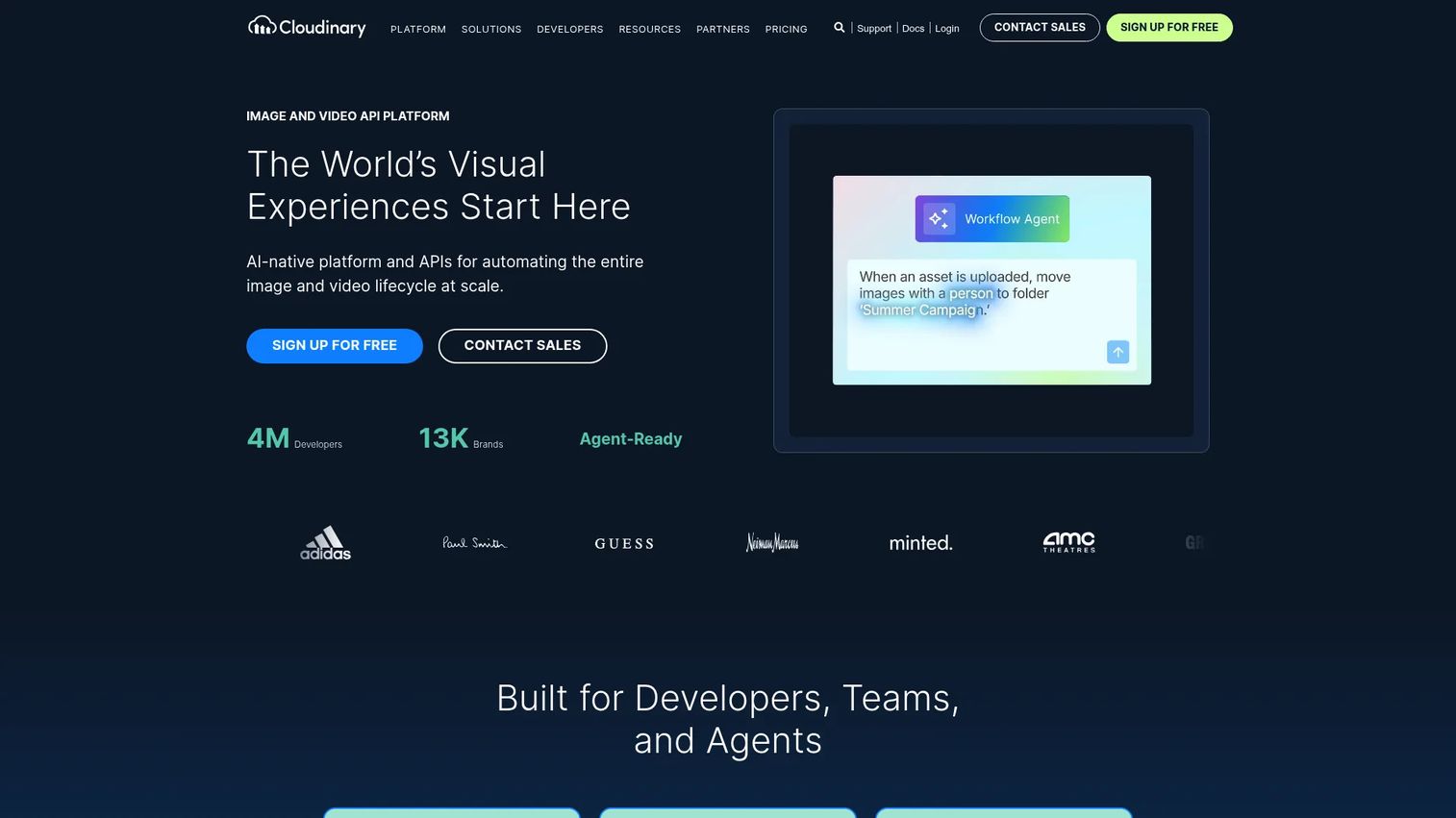
Cloudinary is an AI-powered image and video platform for managing, transforming, and delivering media at scale. It offers a browser-based image upscale free tool for one-off edits, but the real value sits in its API and transformation pipeline. Teams already using Cloudinary for asset management can add upscaling as one automated step rather than a manual task.
This is the automation pick. If you're running high image volume across landing pages and campaigns, Cloudinary lets you upscale programmatically instead of touching each file by hand. Cloud-based deployment is projected to hold 58.0% share of this market in 2026, per Fact.MR (2026), and Cloudinary is built squarely for that model.
Best for: Teams that need developer-friendly media APIs plus asset management and optimization at scale.
Key features
- Image and video transformations via API
- CDN-based optimized delivery
- Digital asset management and search
- Browser-based upscale tool for quick edits
- Programmatic batch image upscaling
Why choose Cloudinary: Cloudinary earns its place when upscaling is part of a media pipeline, not a standalone creative edit. The tradeoff is a developer-centric setup that's overkill for a marketer who just needs one sharper image now.
Cloudinary pricing: Cloudinary has a free-forever tier. Paid plans start at Plus for $99/month and Advanced at $249/month, with Enterprise priced on a custom quote.
Cloudinary holds a 4.4/5 rating on G2.
Considerations
Before you add another tool to a stack you're probably trying to trim, run each option against the criteria below.
Output quality and artifact control
Test with your own worst-case asset, not a demo image the vendor picked. Upscale a real product photo and a real screenshot, then zoom to 200% and check the edges, text, and any fine texture. Halos, smearing, and invented detail are the failure modes that read as cheap in a live campaign.
Browser, desktop, or API workflow
Delivery format drives adoption. A browser tool means anyone on the team can use it today. A desktop app means an install and local files. An API means engineering involvement, which is worth it only when volume justifies the ticket. Match the format to who actually needs to upscale image files.
Batch processing and volume
One-off editing works until it doesn't. If you're sizing a full product catalog or a season of campaign creative, batch image upscaling turns a full day into a background task. Confirm the batch limits before you commit, since some tools gate volume behind higher tiers.
Pricing and usage limits
Free plans, credits, and enterprise packaging change the real cost fast. A free browser tool can carry hidden per-image limits, while a subscription might be cheaper per asset at volume. Tie the price back to how many images you actually process each month, not the sticker number.
Brand and workflow fit
Sometimes ecosystem compatibility beats raw quality. If your team runs on Adobe, a native fit reduces training and approval friction. If you already manage media in Cloudinary, adding upscaling there avoids one more login. The best product photo upscaler is often the one your team will actually adopt.
Conclusion
Four tools, four clear jobs. Adobe Firefly is the convenience-and-brand-trust pick for teams that want fast browser upscaling they can defend to legal. Topaz Labs is the choice when restoration and print-grade quality outweigh simplicity. Upscayl delivers free, open-source, offline value for budget-conscious creators. Cloudinary fits teams automating image work across a larger media pipeline.
The mistake is defaulting to the cheapest option. Start with your output quality bar and your workflow, then match the tool to both. A free desktop app that you never install saves nothing, and a powerful API you can't staff sits idle.
Pick one, run your worst real asset through it this week, and judge the before-and-after at full zoom. That single test tells you more than any spec sheet.
FAQs
An AI image upscaler enlarges a low-resolution image and rebuilds missing detail using models trained on large image sets. Unlike basic resizing, it predicts what sharper edges and textures should look like rather than just stretching existing pixels. The result is a bigger file that stays clean instead of turning blurry.
Use an AI-based tool rather than the standard enlarge function in a basic editor. Start from the highest-resolution source you have, then let the upscaler add detail on top. Check the output at full zoom for artifacts before you ship it, since aggressive upscaling can introduce halos or invented texture.
Photos, product shots, and illustrations with clear subjects tend to upscale cleanly. Heavily compressed files, tiny thumbnails, and images with lots of fine text are harder and may show artifacts. The better your starting file, the better the enlarged version looks.
For most landing page, social, and email work, yes. A browser-based image upscaler produces results sharp enough for digital channels and requires no install. For high-detail print or archival photo restoration, a dedicated desktop tool usually pushes quality further.
Simple resizing spreads your existing pixels across a larger canvas, which softens the image. Upscaling with AI rebuilds detail, so edges and textures stay sharp at the new size. Resizing is math on pixels you already have; upscaling predicts pixels you don't.
Yes. Upscayl is free and open source, runs on the desktop, and processes images locally without a subscription. Adobe Firefly and Cloudinary also offer free tiers, though those carry daily or usage limits that a heavy workflow can hit quickly.
To a degree. Tools with unblur and sharpen models, like Topaz Labs, recover meaningful detail from mildly blurry or degraded images. Severe blur or very low-resolution sources have limits, so treat upscaling as improvement rather than a guaranteed rescue.
For quality-first product photography headed to print or large displays, Topaz Labs leads on detail. For fast, brand-safe edits inside an existing creative stack, Adobe Firefly works well. For high-volume catalog work, Cloudinary automates batch image upscaling across your media pipeline.










