The schedule says the project is on track. The superintendent's weekly plan says otherwise.
This gap is where most construction delays actually live. It is not a planning failure. It is a handoff failure between the master schedule that lives in a planner's laptop and the weekly reality that field crews are actually working from. According to Growth Market Reports (2025), the construction scheduling software market was valued at $2.81 billion in 2025 and is projected to reach $6.75 billion by 2034. That growth is happening because spreadsheets and disconnected Gantt charts cannot keep pace with the complexity of modern project delivery.
The real question is not whether to move off spreadsheets. Most teams already know they should. The question is which scheduling model your team will actually update every week, and which platform fits that model without creating another data silo.
This guide maps the category clearly, so you can shortlist the right tool before requesting a demo.
What's inside
This guide compares 12 construction scheduling software tools across CPM planning, field execution, Lean planning, and contractor scheduling.
- Who each tool fits: Enterprise programs, general contractors, specialty trades, home builders, and service contractors
- How these tools were selected: Scheduling depth, field adoption, pricing transparency, mobile capability, and integration breadth
- A verified comparison table with current pricing and G2 ratings
- A buyer checklist for evaluating tools before signing a contract
TL;DR
- Best for enterprise CPM scheduling: Primavera P6 for capital programs, complex dependencies, and owner-required project controls
- Best for connected project operations: Procore for general contractors that want scheduling inside a broader construction management suite
- Best for field-led lookahead planning: Outbuild for linking master schedules to weekly work plans and field accountability
- Best for Lean pull planning: Touchplan for teams running collaborative planning around reliable commitments
- Best for residential builders: Buildertrend for scheduling tied to client communication and home-building operations
- Best free starting point for field teams: Fieldwire with a free Basic plan covering up to 5 users and 3 projects
What is construction scheduling software?
Construction scheduling software is a digital system that helps project teams plan work, sequence dependencies, assign resources, track progress, and adjust delivery plans as site conditions change.
The category splits across five distinct operating models, and choosing the wrong model is more expensive than choosing the wrong vendor within the right model.
Five types of construction scheduling software
CPM and project-controls scheduling: Critical-path method tools for complex dependencies, baselines, float, cost-loaded schedules, and formal owner reporting. Fits capital projects and programs where schedule logic needs governance.
Construction management suites: Platforms where scheduling sits alongside RFIs, drawings, submittals, daily logs, budget tracking, and team communication. Reduces context switching for general contractors managing multiple workflows.
Collaborative lookahead and Lean planning tools: Pull planning, constraint removal, weekly work planning, and production reliability. Focuses on making the next three to six weeks of work executable, not just planned.
Residential and specialty contractor systems: Client-facing schedules, subcontractor coordination, service appointments, and job costing. Fits recurring jobs and smaller project portfolios.
Flexible work-management platforms: Configurable grids, Gantt charts, and automation that fit teams needing adaptability. Useful for cross-functional reporting but should not substitute for deep CPM controls on complex work.
Key features to look for
- Master schedules with dependency logic and critical-path views
- Lookahead schedules with weekly commitments and constraint tracking
- Mobile field updates, photos, and task notifications
- Baseline versus actual tracking and schedule variance reporting
- Role-based access for owners, project executives, and superintendents
- Import and export support for established scheduling file formats
- Dashboards that surface risk before the weekly status meeting
When to use construction scheduling software
Replace disconnected spreadsheet schedules
When schedules are versioned through email attachments and updated by one person, the rest of the team is always working from yesterday's plan. A controlled scheduling platform with role-based access gives field teams and project executives the same current view. The transition only works when the team agrees on a single data owner and an update cadence.
Connect master planning to weekly field execution
A CPM schedule establishes project logic, but field teams need short-interval plans, constraint lists, and weekly commitments to actually execute it. The right platform surfaces schedule changes to both office and site before the impact reaches the crew. Many teams need two connected layers, not one giant schedule.
Coordinate crews and subcontractors across active jobs
Multi-project organizations need a live planning view to catch schedule conflicts, workforce bottlenecks, and equipment availability gaps before they reach the site. Software that connects commitments across multiple active projects gives operations leaders an earlier warning than a weekly status meeting ever could.
Construction scheduling software comparison
The right tool depends on the type of schedule the team needs to run. A contractor managing 30 service appointments per week needs a different system than a general contractor delivering a hospital or data center. Review the operating model first, then shortlist within it.
| # | Product | Best for | Key differentiator | Pricing | G2 rating |
|---|---|---|---|---|---|
| 1 | Primavera P6 | Enterprise CPM and project controls | Advanced critical-path scheduling with portfolio management | From $275/hosted user | 4.0/5 |
| 2 | Microsoft Project | Microsoft-ecosystem project scheduling | Gantt, dependencies, and Microsoft 365 integration | From $10/user/mo (billed yearly) | 4.0/5 |
| 3 | Procore | General contractors, connected project operations | Scheduling inside a full construction management suite | Custom pricing | 4.6/5 |
| 4 | Autodesk Build | Autodesk Construction Cloud users | Schedule visibility connected to documents and field workflows | Custom pricing | N/A |
| 5 | Outbuild | Field-led lookahead and weekly work planning | Master schedule to weekly commitment integration with AI tools | From $999/mo (billed annually) | 4.8/5 |
| 6 | Planera | Visual CPM scheduling and resource planning | Digital planning canvas with Monte Carlo risk simulation | Custom pricing | N/A |
| 7 | Touchplan | Lean pull planning and constraint management | Collaborative planning built around reliable commitments | Custom pricing | 4.3/5 |
| 8 | Smartsheet | Configurable cross-team schedule tracking | Flexible sheets, dashboards, automation, and portfolio views | From $9/member/mo (billed yearly) | 4.4/5 |
| 9 | Buildertrend | Residential builders and remodelers | Scheduling connected to client communication and financials | Custom pricing | N/A |
| 10 | Fieldwire | Mobile field coordination | Task-driven field management with a free starting tier | Free; paid from $39/user/mo (billed annually) | 4.5/5 |
| 11 | Buildxact | Small builders needing estimating-to-scheduling flow | Estimating, takeoffs, and job schedules in one workflow | From $0 (Go); paid from $169/mo billed annually | 4.3/5 |
| 12 | Jobber | Service contractors and recurring field jobs | Scheduling, dispatch, quoting, and invoicing for home service | From $29/mo (billed annually) | 4.6/5 |
Best 12 construction scheduling software tools for 2026
These tools cover different operating models. Match the tool to the scheduling model your team will actually run, not to the longest feature list.
1. Primavera P6
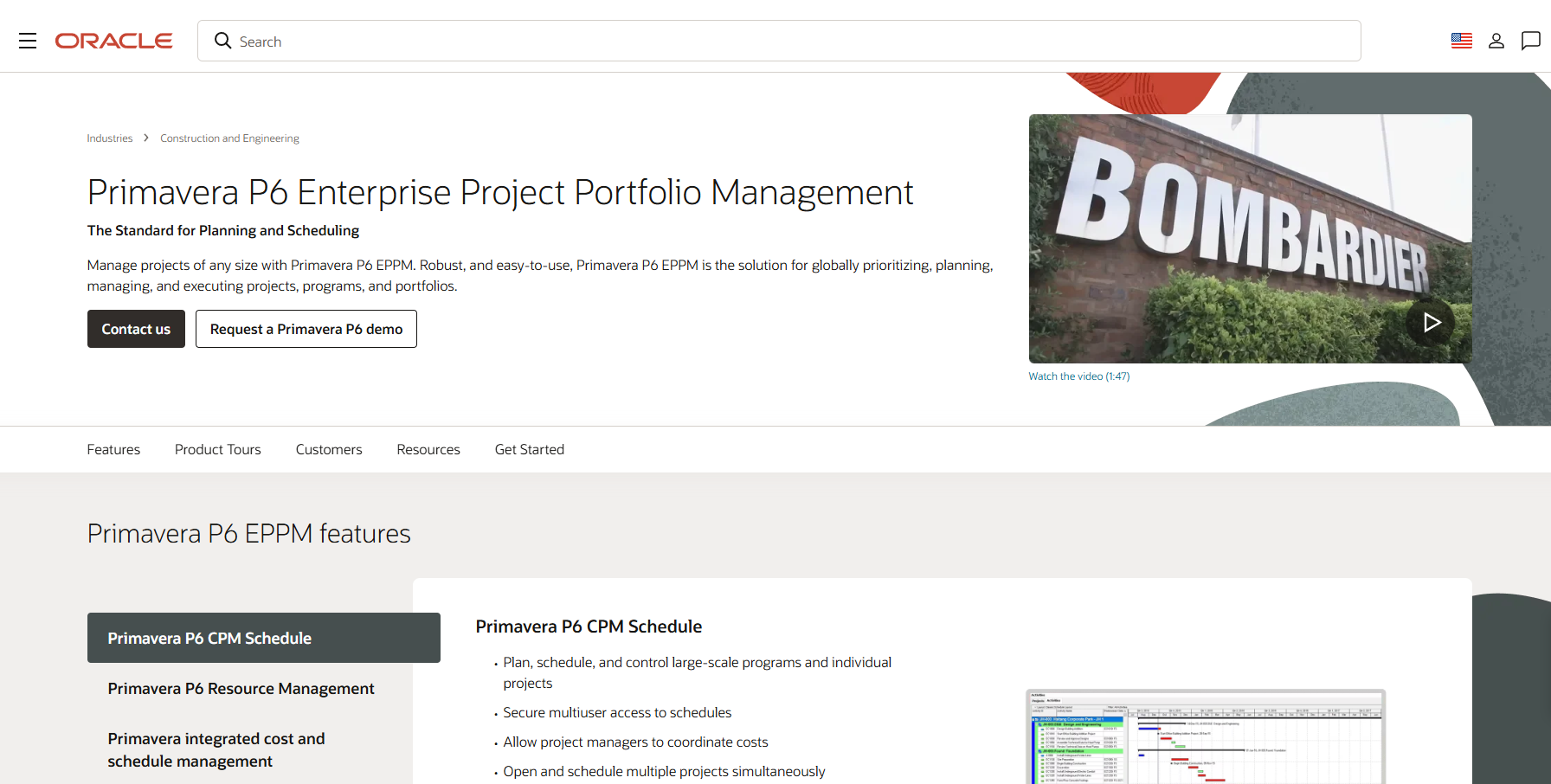
Primavera P6 is Oracle's enterprise project portfolio management platform, purpose-built for complex capital programs, infrastructure, EPC, and owner-driven environments. It handles detailed critical-path logic, resource loading, cost integration, and formal schedule reporting across large project portfolios. When an owner or program manager requires a defensible schedule with full audit history, P6 is the standard most of the industry defers to.
Best for: Project controls teams on large capital programs where owner requirements mandate formal CPM scheduling and portfolio governance.
Key features
- CPM scheduling with critical-path and float analysis
- Baselines, schedule versions, and variance comparison
- Resource and cost loading across activities
- Multi-project portfolio management and analytics
- Imports and exports for industry-standard schedule formats
Why choose Primavera P6: P6 is the right shortlist candidate when schedule rigor matters more than lightweight field adoption. Plan for trained scheduler expertise, a dedicated implementation owner, and companion workflows for field-facing teams.
Primavera P6 pricing: Oracle's U.S. public-sector price list shows a hosted named-user option at $275 per user and a perpetual application-user license at $3,850. Pricing for broader enterprise and cloud deployments requires a direct Oracle quote.
G2 rating: 4.0/5
2. Microsoft Project
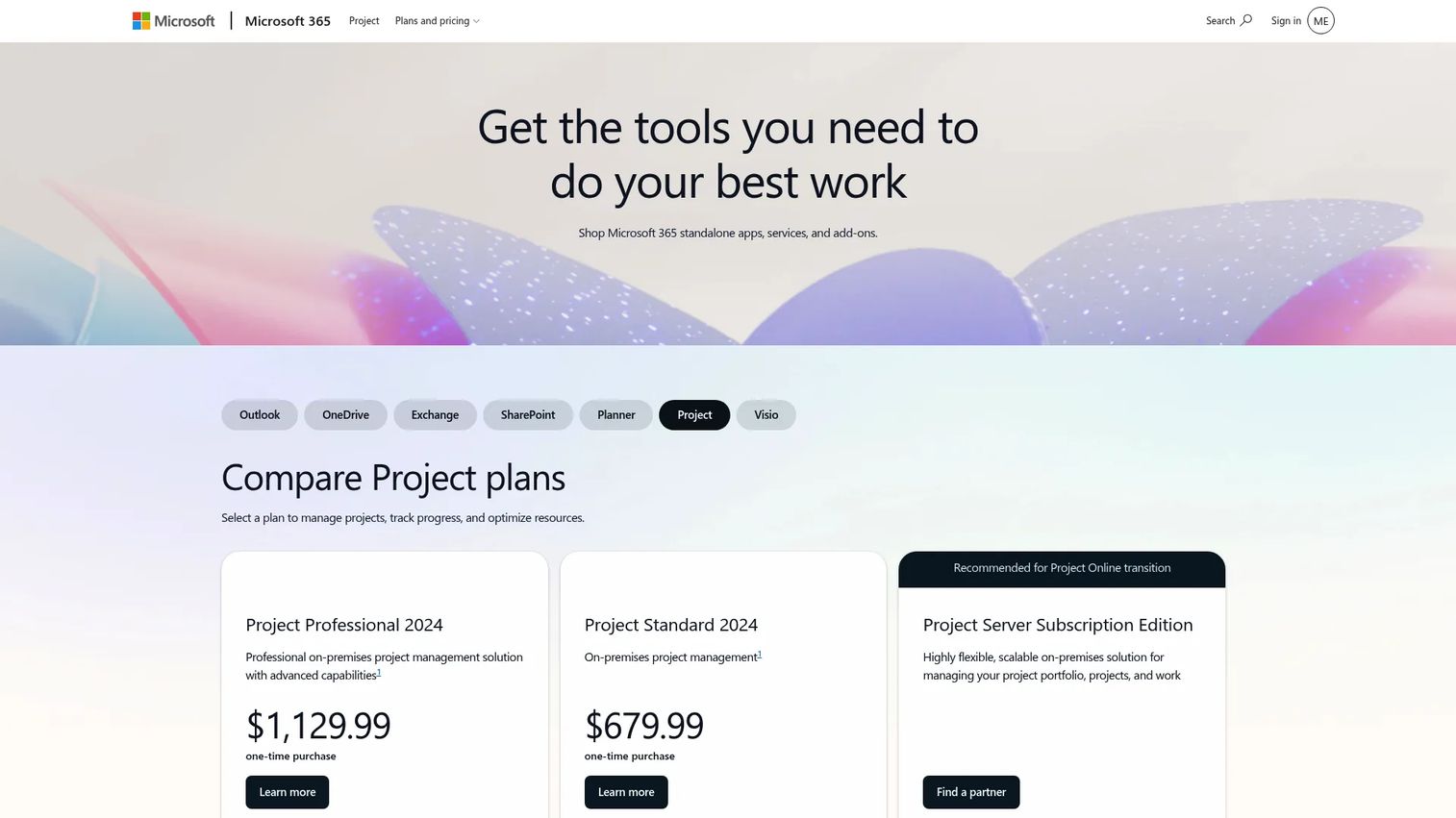
Microsoft Project is a widely recognized scheduling tool for teams that already operate inside the Microsoft 365 environment. It covers task dependencies, Gantt timelines, resource assignments, and portfolio reporting views. Project managers who need structured schedule logic and can work within Microsoft's collaboration ecosystem often default to it before evaluating construction-specific alternatives.
Best for: Organizations standardized on Microsoft 365 that need disciplined schedule logic and familiar planning workflows without moving to a construction-specific platform.
Key features
- Gantt charts, timelines, milestones, and critical-path views
- Task dependencies and resource assignments
- Portfolio reporting and dashboards
- Microsoft 365 integration including Teams and SharePoint
- Subscription and one-time-purchase licensing options
Why choose Microsoft Project: It earns a place when existing Microsoft adoption is high and the team needs structured Gantt-based scheduling. Validate field accessibility, construction-specific workflow depth, and real-time collaboration before making it the operational hub.
Microsoft Project pricing: Planner Plan 1 starts at $10 per user per month, billed yearly. Planner and Project Plan 3 is $30 per user per month, billed yearly. Desktop editions are available as one-time purchases: Project Standard 2024 at $679.99 and Project Professional 2024 at $1,129.99. Basic Planner is included in Microsoft 365.
G2 rating: 4.0/5
3. Procore
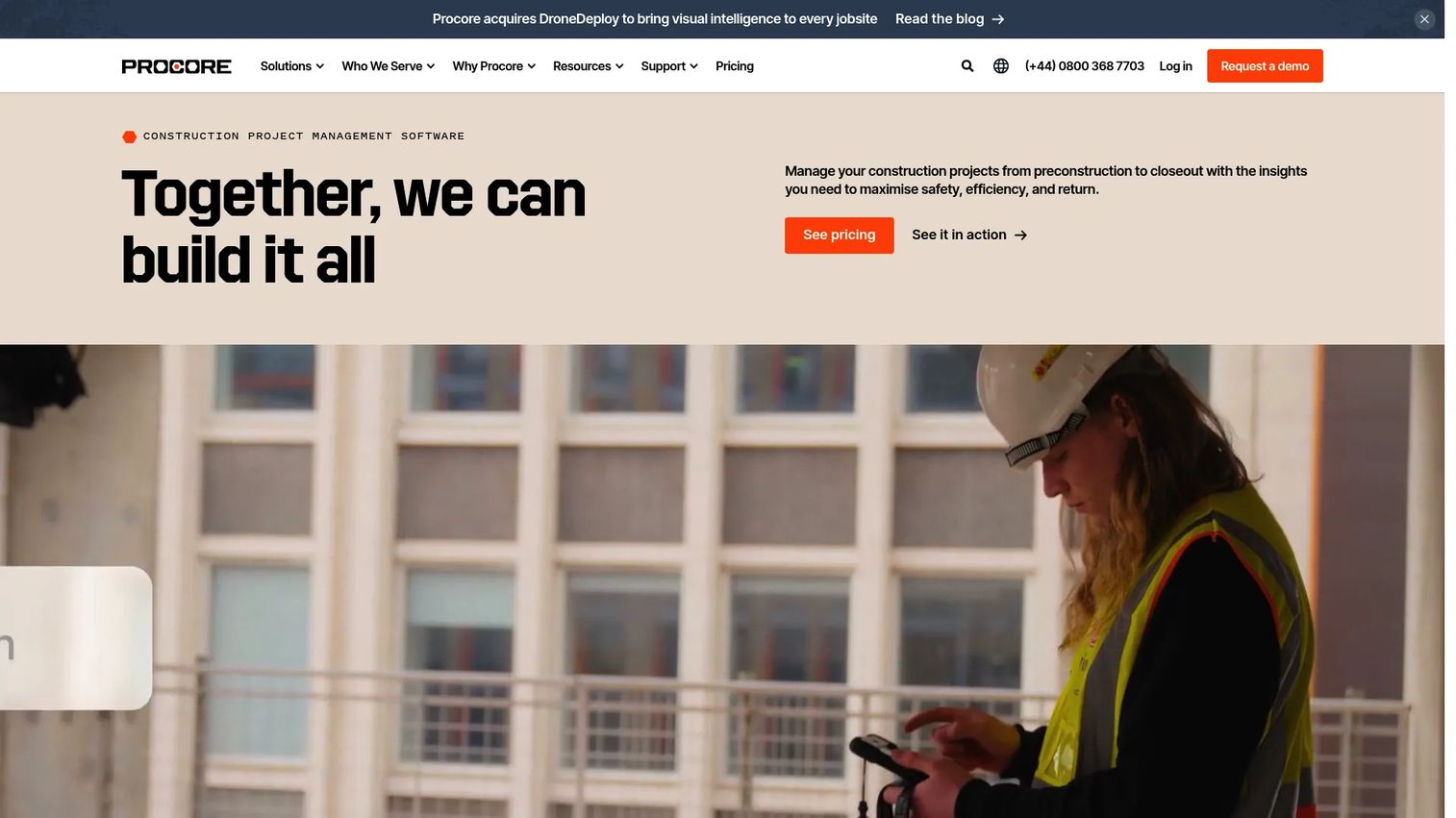
Procore is a construction management platform that places scheduling alongside drawings, RFIs, daily logs, financial workflows, and team communication. The schedule is part of a broader project record, which means a superintendent's field update can land in the same system where the project executive reviews budget performance. For mid-market and enterprise general contractors that want fewer disconnected systems, that connected record is the core value proposition.
Best for: Mid-market and enterprise general contractors that want schedule visibility connected to field, financial, and document workflows in a single platform.
Key features
- Project schedule management with task and dependency tracking
- Document and drawing management with version control
- Daily logs, issues, and field workflows
- Budget tracking, change orders, and project financials
- Analytics and AI-enabled project insights
Why choose Procore: Procore earns evaluation when the contractor wants to reduce context switching between field, office, and executive teams. Validate scheduling depth, implementation scope, and pricing structure against whether a full suite is genuinely needed.
Procore pricing: Procore prices by annual construction volume (ACV) and selected product modules. Contracts include unlimited users and unlimited data storage. Request a quote from Procore's sales team for a specific figure.
G2 rating: 4.6/5
4. Autodesk Build
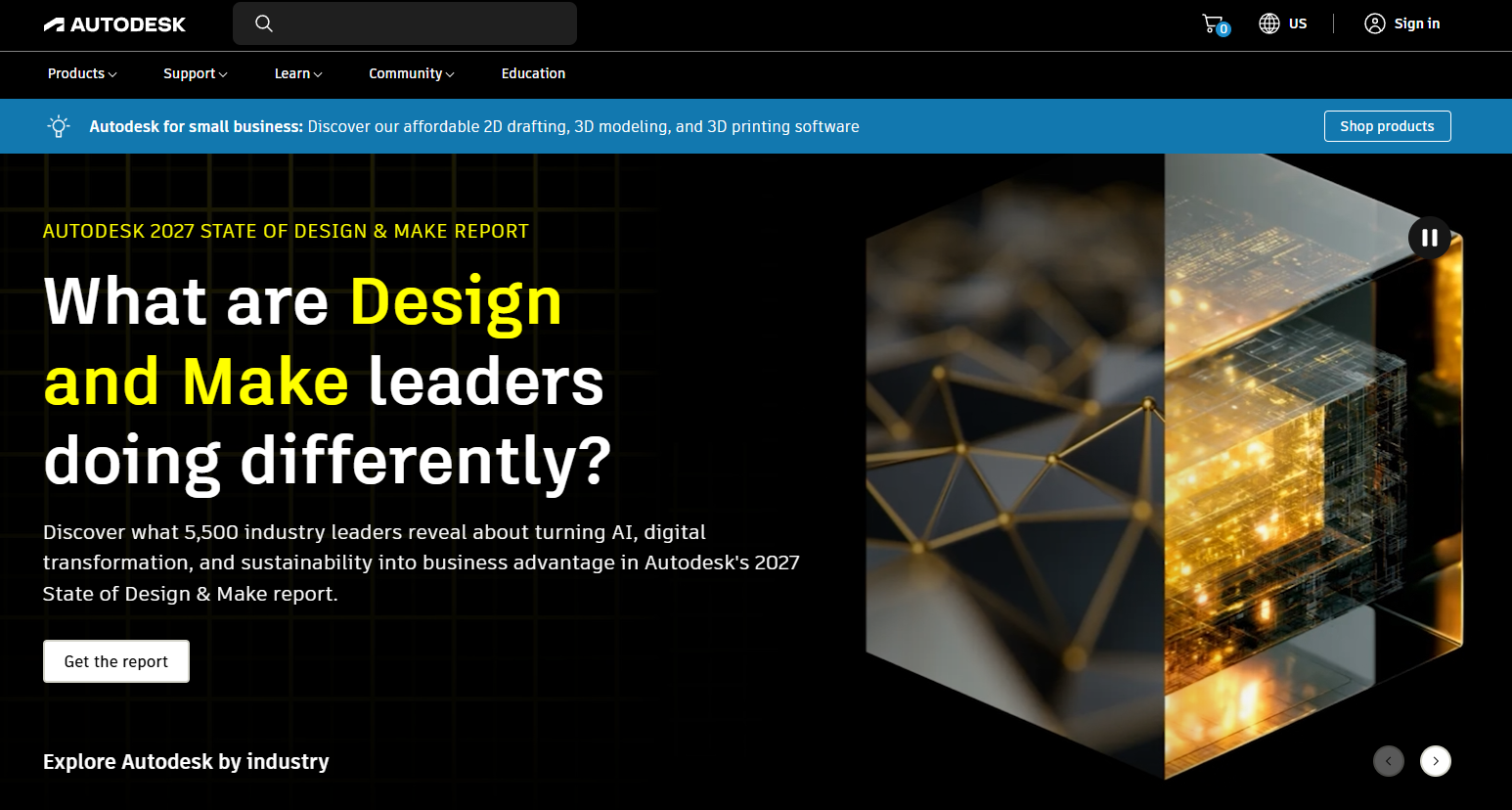
Autodesk Build connects schedule visibility to construction documents, field data, cost management, and project collaboration within the Autodesk Construction Cloud. Teams already using Autodesk for design and document management find that Build extends those workflows into project execution without requiring a separate system for RFIs, submittals, or field issue tracking.
Best for: Contractors and owners with active Autodesk Construction Cloud adoption who want schedule coordination connected to their existing document and field workflows.
Key features
- Schedule coordination and project timeline management
- Document management with versioning, markups, and approvals
- RFIs, submittals, meeting minutes, and field issue tracking
- Cost management for budgets, contracts, and change orders
- Autodesk ecosystem connections across design, preconstruction, and operations
Why choose Autodesk Build: The value is keeping schedule-related work connected to the drawings and model-centered workflows the team already uses. Assess whether the team needs dedicated CPM depth or primarily needs better project coordination.
Autodesk Build pricing: Autodesk lists Build 550, Build 5000, and Build Unlimited sheet plans. Contact Autodesk sales for current pricing on each tier.
5. Outbuild
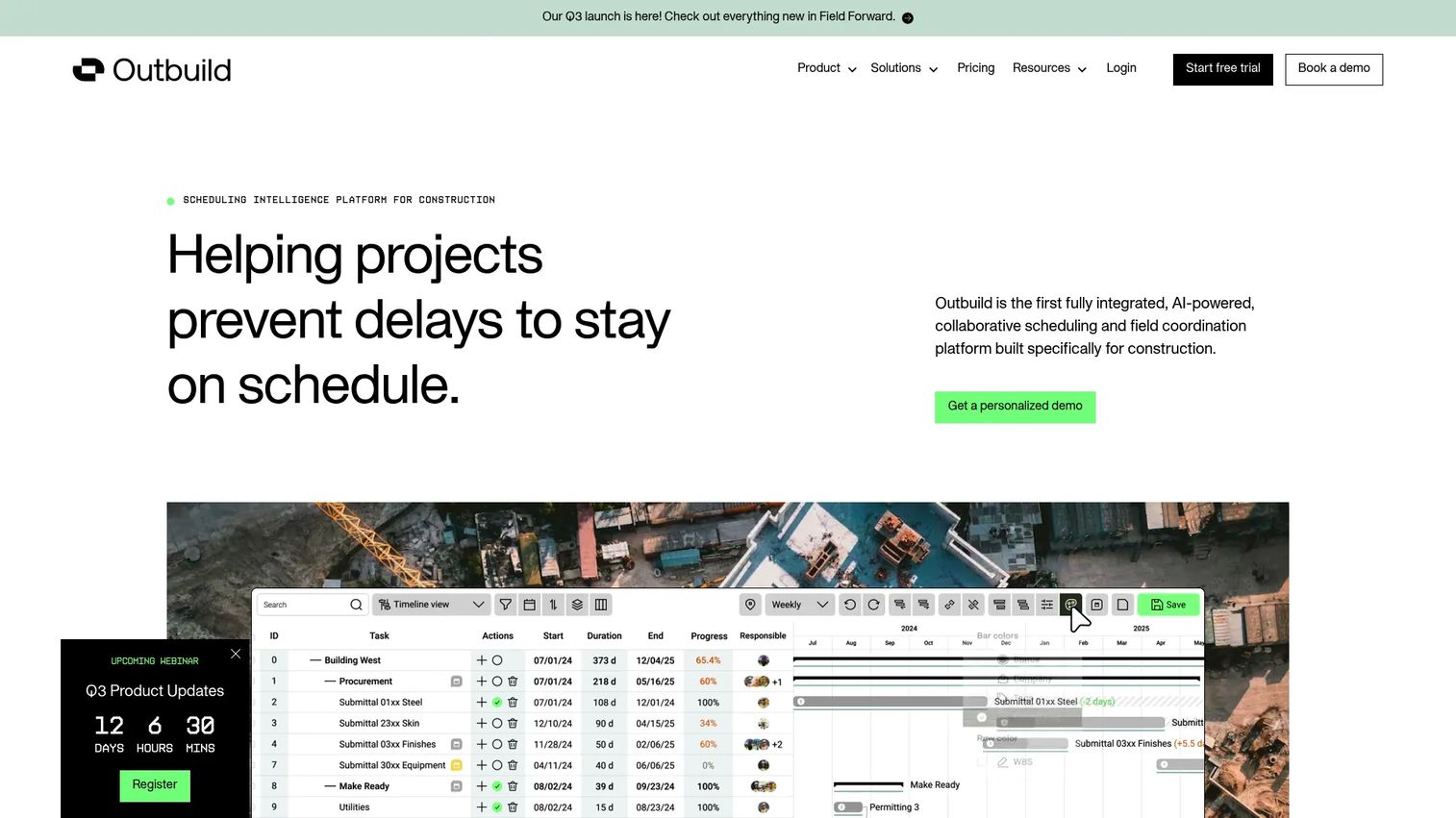
Outbuild connects master schedules, lookahead plans, weekly work plans, and field production data in a single AI-powered platform. Where most scheduling tools stop at the Gantt chart, Outbuild is built to make the plan executable: Field teams log progress, roadblocks surface automatically, and schedule impacts are visible before they compound. It integrates directly with Procore and Autodesk Construction Cloud for teams that already have a construction management layer.
Best for: General contractors and trade partners that have a master schedule but need a repeatable execution rhythm connecting weekly commitments to field accountability.
Key features
- Master schedule integration with CPM and critical-path planning
- Lookahead and weekly work plan management
- Roadblock tracking with schedule-impact visibility
- Real-time analytics and portfolio dashboards
- AI scheduling and field-reporting tools
Why choose Outbuild: Choose it when the schedule exists but weekly production control is missing. It is purpose-built for the gap between what the planner produced and what the superintendent actually works from.
Outbuild pricing: Core plan starts at $999 per month, billed annually, with unlimited users and projects. Pro plan adds executive dashboards, risk analysis, and advanced performance tracking at custom pricing.
G2 rating: 4.8/5
6. Planera
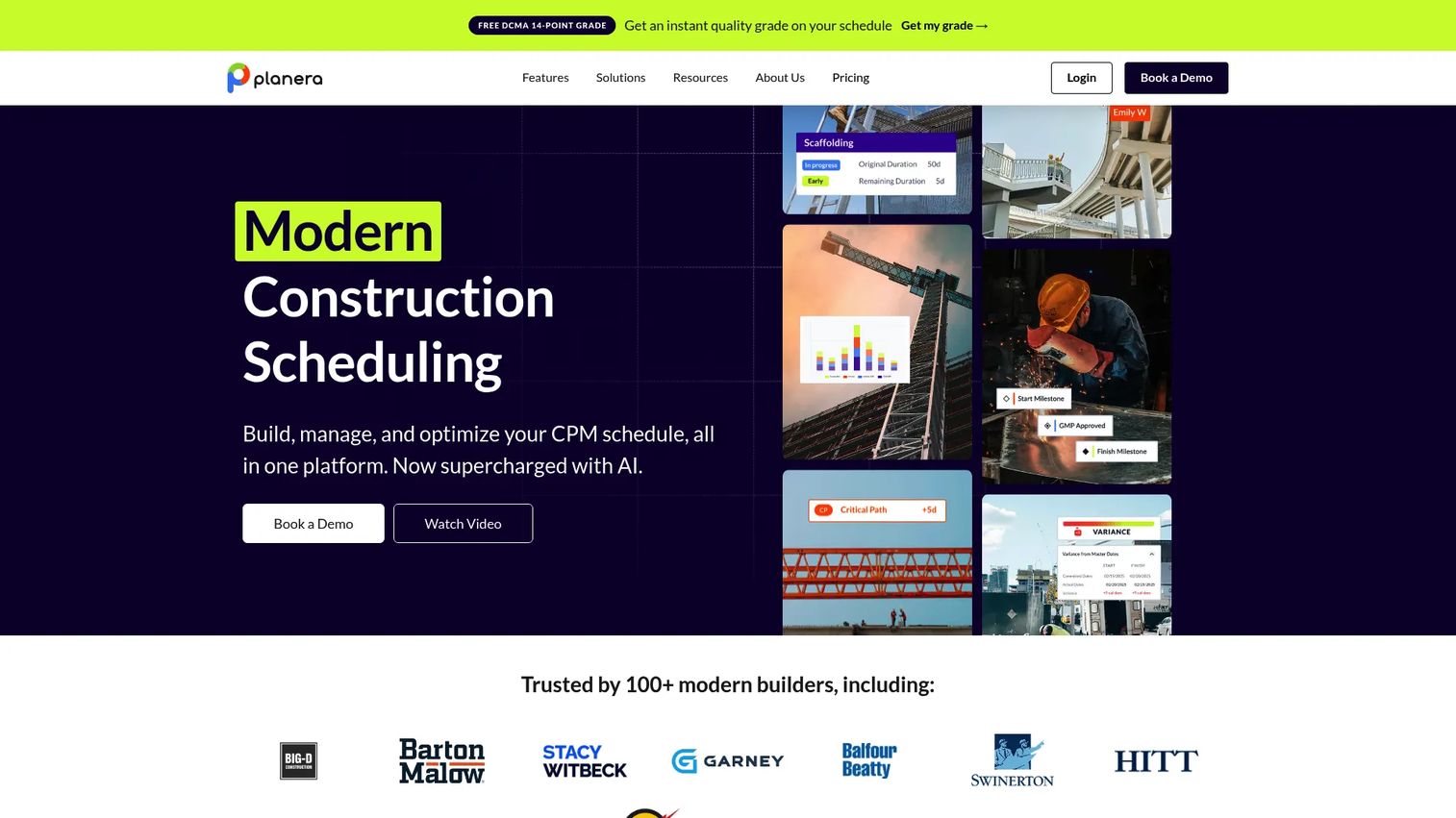
Planera is a cloud-based construction scheduling platform built around a visual CPM canvas with resource coordination, risk simulation, and schedule-quality analysis. Teams that find traditional Gantt-only tools too rigid to collaborate around often respond to Planera's approach: The schedule is a shared workspace, not a document one planner controls. It imports from Primavera P6 and Microsoft Project, making it accessible for teams migrating from established scheduling programs.
Best for: Contractors that want collaborative CPM scheduling, workforce and equipment planning, and visual schedule analysis across active projects.
Key features
- CPM Canvas and Gantt scheduling with float and critical-path analysis
- Resource loading for labor and equipment
- Monte Carlo risk simulation and DCMA quality checks
- Progress tracking, baselines, and S-curves
- Imports from Primavera P6, Microsoft Project, and Excel; Procore and Autodesk integrations
- AI scheduling assistant and field schedule access on iPad
Why choose Planera: It fits teams trying to make the schedule more accessible to operations and field leaders, not just to a dedicated scheduler. The resource coordination capability prevents crew and equipment conflicts before they reach the site.
Planera pricing: Customized pricing based on project and company needs. Contact Planera for a quote.
7. Touchplan
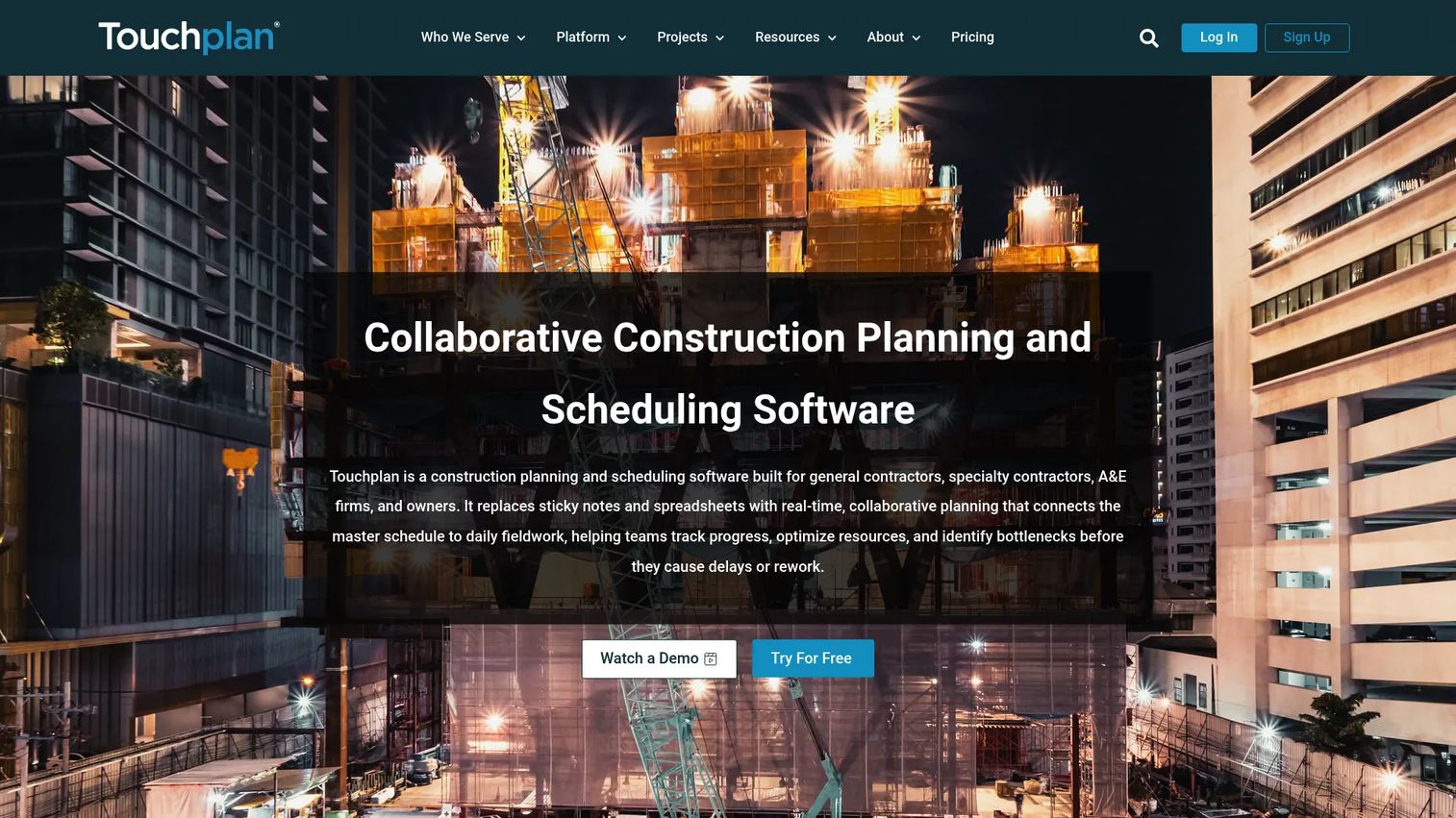
Touchplan is built around Lean construction principles, specifically pull planning, lookaheads, constraint removal, and weekly work planning. Rather than cascading tasks from a master schedule, Touchplan asks trades and foremen to commit to what they can reliably complete, then tracks the reliability of those commitments over time. The result is a production-reliability metric that most Gantt-based tools cannot produce.
Best for: Project teams running Last Planner System practices, pull planning sessions, and weekly coordination rituals with foremen and trade partners.
Key features
- Collaborative pull planning workflows
- Lookahead schedule management with constraint tracking
- Commitment reliability tracking and production analytics
- Master schedule alignment and real-time field updates
- Mobile access and project dashboards
Why choose Touchplan: Choose it when the project team wants more reliable handoffs between trades and earlier visibility into blockers. The key evaluation question is whether superintendents, foremen, and trade partners will use it in weekly planning sessions.
Touchplan pricing: Custom project packages with unlimited users, mobile access, training, and customer success support. Contact Touchplan for pricing. A 14-day free trial and a 30-day pilot option are available.
G2 rating: 4.3/5
8. Smartsheet
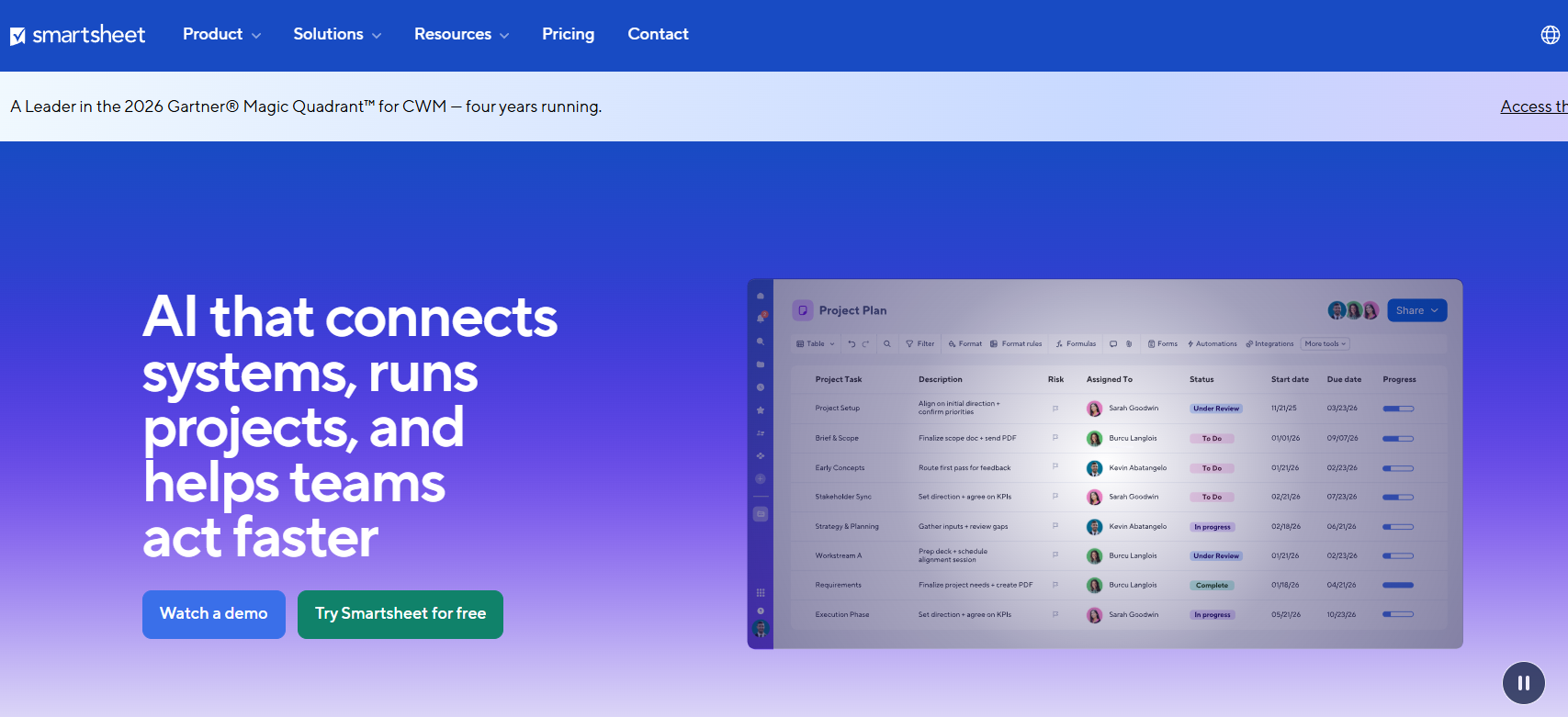
Smartsheet is a configurable work-management platform that supports project schedules, portfolio dashboards, workflow automation, forms, and reporting. It is not a construction-specific tool, but teams that need cross-functional visibility and already manage work in a spreadsheet-like environment often adopt it for schedule tracking. The distinction matters: Smartsheet can track a construction schedule, but it does not calculate critical path the way a purpose-built scheduling program does.
Best for: Teams that need configurable schedule tracking across projects and have strong internal process ownership to build and maintain the structure.
Key features
- Gantt, grid, card, calendar, and timeline views
- Dashboards, reports, and portfolio tracking
- Workflow automation and document generation
- Forms and update requests for field or subcontractor input
- Resource management and AI-assisted features
Why choose Smartsheet: It works when cross-functional reporting and configurability lead the decision. Construction-specific templates do not replace dependency logic or field execution workflows on complex projects.
Smartsheet pricing: Pro plan is $9 per member per month, billed yearly. Business is $19 per member per month, billed yearly. Enterprise and Advanced Work Management use custom pricing. A free plan and free trial are available.
G2 rating: 4.4/5
9. Buildertrend
Buildertrend is a construction management platform designed for home builders, remodelers, and specialty residential contractors. Scheduling connects directly to client selections, purchase orders, subcontractor bids, daily logs, and project financials, so the schedule is not separate from the job. For residential businesses where client communication and contractor coordination drive the day, that integration reduces the number of separate systems the team has to maintain.
Best for: Residential builders and remodelers that need customer-facing project coordination alongside scheduling, financials, and subcontractor management.
Key features
- Project scheduling with task and milestone management
- Client communication portal and selections management
- Subcontractor bid management and coordination
- Estimates, budgets, purchase orders, invoices, and payments
- Daily logs, change orders, and document management
Why choose Buildertrend: It is a practical fit when the schedule needs to support client experience and subcontractor coordination in the same workflow. Teams running complex enterprise CPM requirements should verify scheduling depth separately before standardizing.
Buildertrend pricing: Pricing is personalized based on builder type and annual revenue. Plans include unlimited users and unlimited projects. Contact Buildertrend for a quote; personalized demos are available.
10. Fieldwire
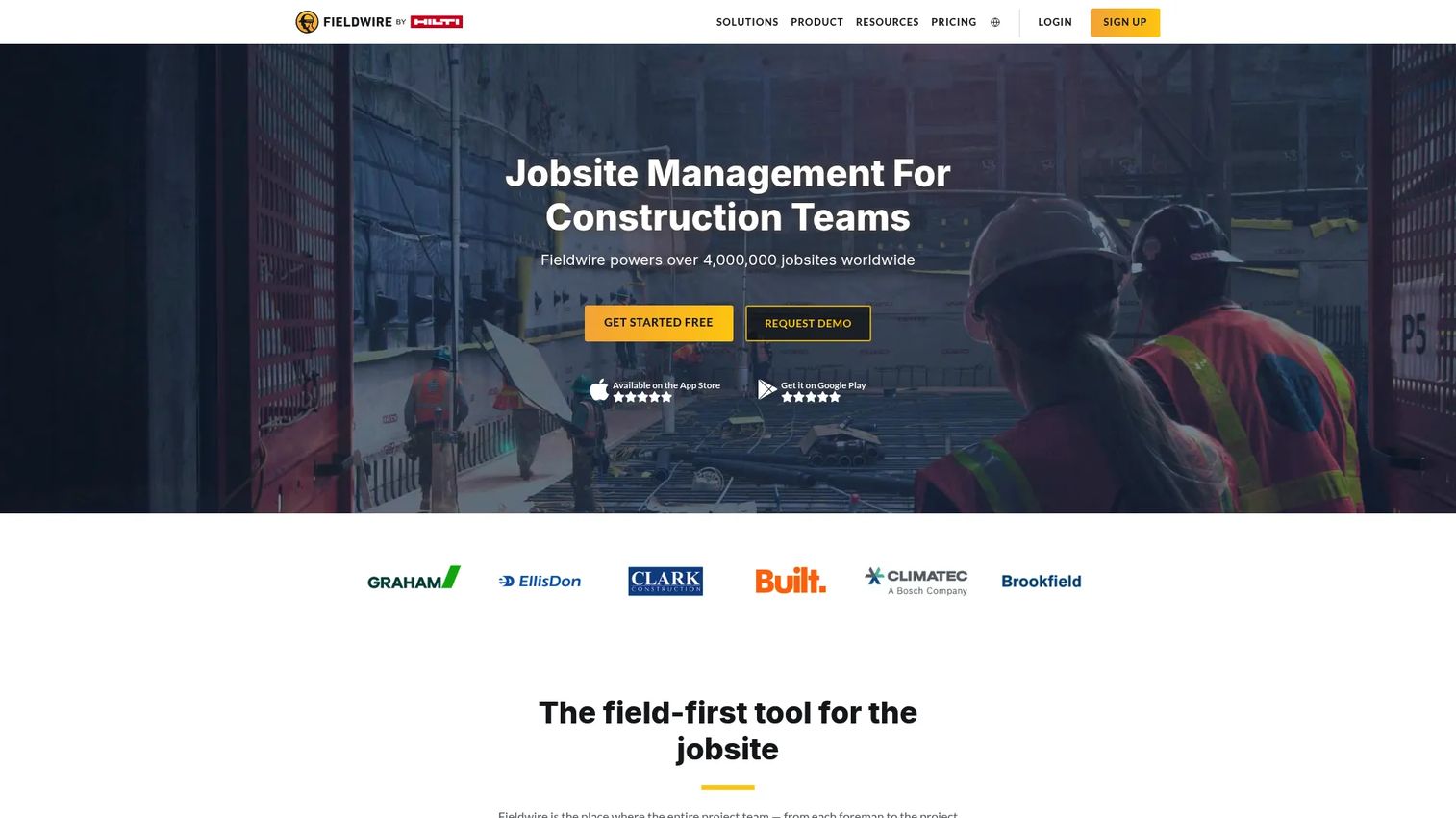
Fieldwire is a construction field management platform built for the daily work of the site team. Task assignment, plan access, punch lists, inspections, field reporting, and mobile coordination are its core strengths. Scheduling in Fieldwire is a field execution layer, not a CPM engine, which makes it effective when frontline adoption is the priority and master schedule management happens in a separate system.
Best for: Superintendents, foremen, and field teams that need schedule-adjacent task and coordination tools on mobile devices.
Key features
- Task management with photos, videos, checklists, and notifications
- Plan viewing, version control, markups, and measurements
- Punch lists, inspections, and progress reporting
- Custom forms, RFIs, submittals, and change orders
- BIM viewer, offline mobile access, and integrations
Why choose Fieldwire: It earns a place when frontline adoption and mobile visibility are the primary constraints. Teams needing formal CPM calculations or portfolio-level schedule controls should evaluate whether a master scheduling layer is also required.
Fieldwire pricing: Basic is free for up to 5 users, 3 projects, and 100 sheets. Pro is $39 per user per month, billed annually. Business is $64 per user per month, billed annually. Business Plus is $89 per user per month, billed annually.
G2 rating: 4.5/5
11. Buildxact
Buildxact links estimating, digital takeoffs, job management, and scheduling for smaller residential builders and remodelers. The value for a small construction business is that a job does not require two separate systems from quote to project delivery. An estimate moves directly into a schedule, and costs track against the original takeoff throughout the job.
Best for: Small residential builders and remodelers that want estimates, job costs, and schedules connected without managing separate estimating and project tools.
Key features
- Digital takeoffs and estimating with AI assistant Blu
- Job scheduling and milestone management
- Supplier management, purchase orders, and invoicing
- Cost tracking with accounting integrations
- Client portal and professional quoting
Why choose Buildxact: It reduces handoffs between estimating and project delivery for smaller construction businesses. Assess whether the scheduling depth and trade coordination features match the job complexity your team manages.
Buildxact pricing: Go plan is free to start with five complimentary credits. Foundation is $199 per month or $169 per month billed annually. Pro is $399 per month or $339 per month billed annually. Master is $599 per month or $509 per month billed annually. Annual plans require a 12-month commitment and save 15%.
G2 rating: 4.3/5
12. Jobber
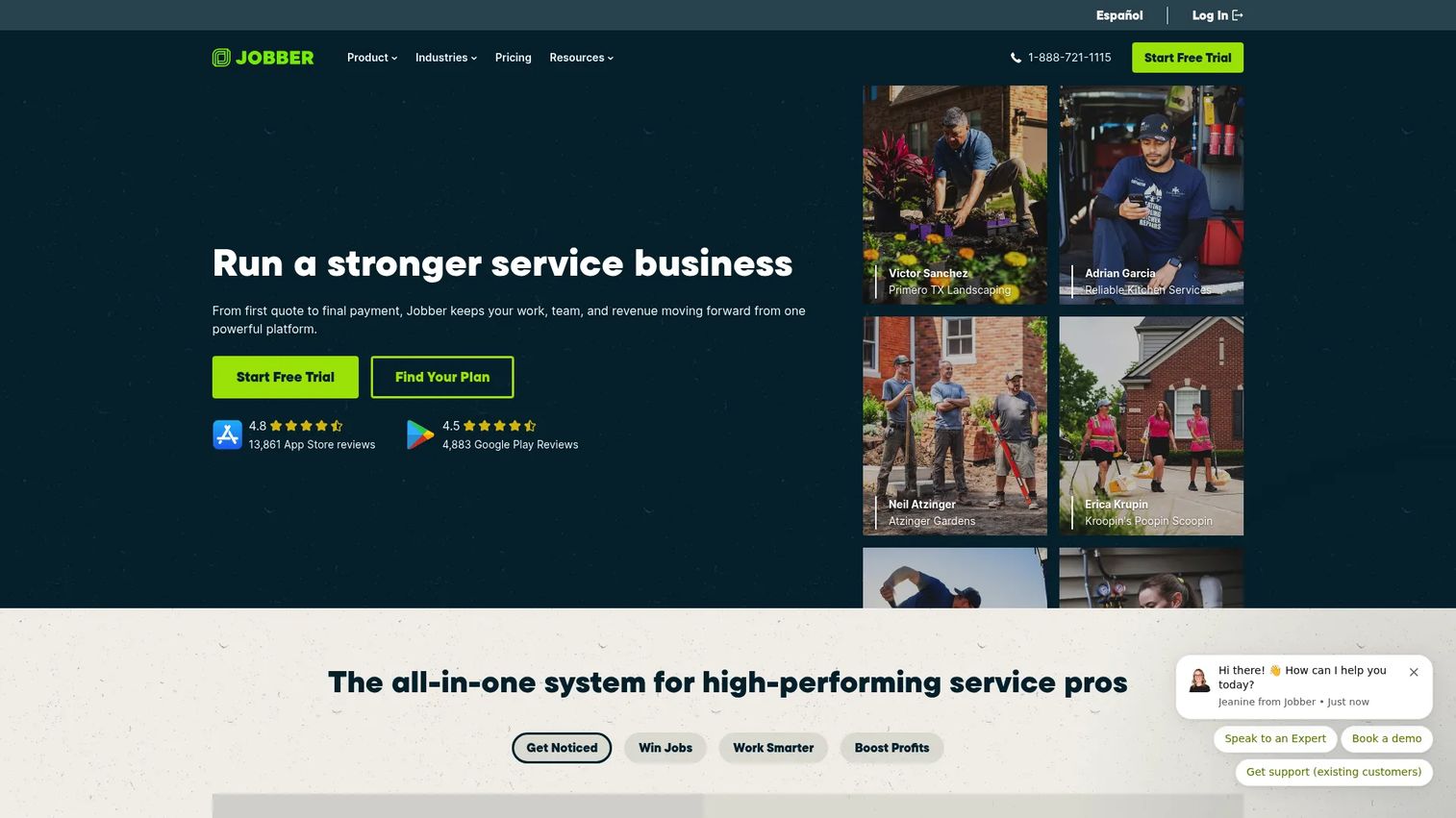
Jobber is all-in-one software for home service businesses managing customers, recurring job scheduling, quoting, invoicing, payments, and field-team coordination. The scheduling model is built around appointments and service routes, not CPM logic or project dependencies. For a plumbing company, landscaping business, or HVAC contractor running dozens of recurring jobs per week, Jobber's dispatch and customer communication tools do the work that a project scheduling platform cannot.
Best for: Service contractors managing recurring field appointments, crew dispatch, customer communication, and invoicing in a single platform.
Key features
- Drag-and-drop job scheduling and dispatch calendar
- Online booking and automated customer reminders
- Quotes, invoices, and online payment processing
- Client management hub with communication history
- Job tracking, time tracking, forms, and profitability reporting
Why choose Jobber: Choose it when the schedule revolves around recurring field service work rather than a multi-year construction project. It handles the customer relationship and payment cycle alongside scheduling, which project-controls tools do not.
Jobber pricing: Core is $29 per month, billed annually. Connect is $99 per month, billed annually. Grow is $149 per month, billed annually. Plus is $399 per month, billed annually. A 14-day free trial is available.
G2 rating: 4.6/5
Considerations when choosing construction scheduling software
Match the platform to the schedule type you need
Distinguish between a CPM master schedule, a weekly production plan, a residential project schedule, and a service dispatch calendar before shortlisting. A platform that excels in one model often underperforms in another. The operating model drives the selection; features come second.
Verify field adoption before signing a contract
Ask superintendents, foremen, project engineers, and subcontractor coordinators to test the workflow before committing. A schedule that requires duplicate data entry will go stale within weeks. Field adoption is a buying criterion, not an implementation assumption.
Check how the platform handles your current data
Review imports, exports, and API connections against the schedule files, project data, and cost systems you already use. For teams migrating from Primavera P6 or Microsoft Project, test a live project file before the contract is signed. The depth of schedule logic that survives the import varies significantly across platforms.
Understand how pricing scales with your team
Construction software prices by users, projects, annual contract value, or modules, and sometimes by a combination. Model the cost at current headcount and again at the number of active projects you expect next year. A per-user tool that looks affordable at 10 seats can change the math significantly at 50.
Assign schedule ownership before go-live
Software does not fix unclear accountability. Define who owns the master schedule, who updates lookaheads, how field progress is verified, and what happens when planned work slips. A well-implemented tool with clear ownership outperforms a better tool with no one accountable for keeping it current.
Conclusion
Construction scheduling software is not one category. It is five distinct operating models, and the right tool is the one that matches the schedule your team will actually run every week.
Primavera P6 holds the standard for formal CPM and project controls on complex programs. Microsoft Project fits teams already committed to the Microsoft environment. Procore and Autodesk Build suit general contractors that want scheduling inside a broader project operations platform. Outbuild, Planera, and Touchplan are the strongest candidates when field planning and production reliability are the priority. Buildertrend, Buildxact, and Jobber fit specialized residential and service contractor operating models. Smartsheet and Fieldwire work best when configurability or frontline mobile adoption leads the evaluation.
Start by defining the schedule your team needs to run every week. Then ask each vendor to demonstrate that workflow using one of your active projects, not a polished generic demo. If you sell software into the construction technology space and want buyers to experience your product's scheduling workflows before a live call, Start your journey with Guideflow today!
FAQs
General contractors typically need schedule visibility connected to field and project operations. Evaluate Procore and Autodesk Build if the priority is a connected construction management suite, Outbuild or Planera if field-led lookahead planning is the gap, and Touchplan for teams running Lean construction workflows. The right pick depends on whether the team needs CPM rigor, field coordination, or both.
Primavera P6 is the standard for sophisticated CPM on capital programs, infrastructure, and owner-driven projects. Microsoft Project fits teams that need structured Gantt-based scheduling within the Microsoft ecosystem. Planera is worth evaluating for teams that want collaborative CPM with visual planning and risk simulation.
It can replace most spreadsheet-based planning workflows, but only when the team agrees on data ownership, update cadence, and who verifies field progress. Software without adoption creates a more expensive version of the same problem. Set the process before the platform goes live.
The master schedule is the high-level, dependency-driven project plan covering the full project duration. A lookahead schedule is the short-term execution plan, typically three to six weeks out, that identifies constraints, weekly commitments, and near-term work sequences. Many teams need both, connected to each other.
Mobile capability varies by product category. Field-oriented platforms like Fieldwire and Jobber are designed for mobile-first workflows with strong task, issue, and update features. Project-controls platforms like Primavera P6 are primarily designed for planners and project managers at a desktop. Check mobile functionality against the specific roles that need it.
Costs vary by product type and pricing model. Fieldwire starts free for small teams. Smartsheet starts at $9 per member per month. Outbuild's Core plan starts at $999 per month for unlimited users. Procore and Autodesk Build price by annual construction volume or project scope and require a custom quote. Verify current pricing directly with each vendor before budgeting.
Many construction platforms support imports from P6 or Microsoft Project, but the depth of schedule logic preserved during import differs. Planera and Outbuild both document P6 and Microsoft Project import support. Test a live project file in the target platform before committing to a migration. Some platforms preserve dependencies and baselines; others flatten the schedule to tasks.
Four questions cut through the evaluation quickly. First: What specific schedule problem are we solving, and who currently owns the schedule? Second: Who updates the system every week, and what makes them stop? Third: What existing tools does this replace or integrate with? Fourth: What metric proves the rollout worked after one quarter? If you cannot answer all four before signing, slow down the process.