Your LinkedIn outreach sends 100 connection requests weekly. Your reply rate dropped from 18% to 7%. Your CRM is full of accepted connections that never replied. You add more volume. You buy another seat. You write new sequences. The number keeps sliding. This isn't a volume problem. It's a stack problem. The wrong combination of tools turns LinkedIn into a noise machine.The right combination turns it into a forecastable pipeline channel.
LinkedIn still drives the majority of B2B social traffic. Its members carry real buying authority, which is why the category has not slowed down. No single tool wins in 2026. Most teams overspend on volume while underinvesting in what happens after the click. The 11 tools below are worth evaluating for pricing, tradeoffs, and limitations.
Guide overview and selection criteria
This guide covers 11 LinkedIn lead generation tools across four jobs: outreach, prospecting, inbox, and post-click conversion. Selection criteria: account safety, measurable outcomes, CRM integration depth, and scalable pricing.
Each section includes pricing, G2 ratings, strengths, and when it earns its place in your stack.
Key takeaways for LinkedIn lead generation
- Four jobs: outreach, prospecting, inbox, and post-click conversion.
- Cloud vs. browser: cloud suits multi-account agencies; browser suits solo operators.
- Reply rate: matters most; volume alone destroys pipeline.
- Interactive demos: in LinkedIn DMs lift reply rates by removing friction.
- Sales Navigator: the underlying data layer for most tools.
- Free tiers: work under 50 leads per week; paid tools pay back in saved hours.
What LinkedIn lead generation tools actually do
LinkedIn lead generation tools help B2B teams find, contact, and convert prospects. They automate searching, messaging, and follow-ups on top of LinkedIn.
In practice, the category does four jobs:
- Prospecting and enrichment. Extract clean lists from Sales Navigator with verified emails.
- Outreach automation. Send connection requests, messages, and follow-ups across LinkedIn and email.
- Inbox and CRM management. Unify replies and push activity into HubSpot, Salesforce, or Pipedrive.
- Post-click conversion. Convert LinkedIn clicks into intent signals and meetings.
The category accelerated from 2024 onward for three reasons: LinkedIn tightened its API, multi-channel outreach became default, and AI personalization enabled one-to-one messaging at scale.
Cloud-based tools run on dedicated servers with fixed IPs per account, safer for multiple accounts. Browser-based tools run from Chrome extensions, cheaper but riskier at high volume.
When to use a LinkedIn lead generation tool
Not every team needs LinkedIn lead generation tools. Here are the situations where the math works.
- Sending 50+ connection requests weekly manually. Automation pays for itself in time saved.
- Reply rates dropping. Better targeting and personalization fix this, not volume.
- Running multi-channel outreach. LinkedIn, email, and calls need orchestrated sequences.
- Scaling the SDR team. Manual workflows don't standardize across reps.
- CRM missing LinkedIn data. Enrichment tools close the account-to-buying-committee gap.
- Meeting-to-pipeline conversion weak. Post-click experiences matter more than send volume.
- Running ABM. Contact-level personalization needs the right data layer.
If none of those describe your team, hold off. More tools won't fix a positioning problem.
Comparison table: the 11 best LinkedIn lead generation tools for 2026
The table below summarizes the 11 tools for 2026, showing intent, use case, pricing, and G2 ratings. Pricing is current as of early 2026 based on each vendor's public site.
| # | Product | Intent Key | Use case | Pricing | G2 rating |
|---|---|---|---|---|---|
| 1 | HeyReach | Outreach automation | Multi-account agencies and sales teams | From $79/sender/mo | 4.7/5 |
| 2 | Expandi | Outreach automation | Personalized solo and small-team outreach | From $99/mo | 4.6/5 |
| 3 | Waalaxy | Outreach automation | Founders new to LinkedIn automation | Free / from €19/mo (Pro, annual) | 4.6/5 |
| 4 | Dripify | Outreach automation | Sales managers needing team analytics | From $39/user/mo (Basic, annual) | 4.6/5 |
| 5 | Dux-Soup | Outreach automation | Budget-conscious solo operators | From $14.99/mo | 4.3/5 |
| 6 | PhantomBuster | Prospecting and automation | Growth ops building custom workflows | From $69/mo | 4.4/5 |
| 7 | Evaboot | Prospecting and enrichment | Cleaning Sales Nav exports | Credit-based, starter ~$9 | 4.6/5 |
| 8 | Apollo.io | Prospecting and outreach | Full-stack outbound on one platform | Free / from $49/user/mo (annual) | 4.7/5 |
| 9 | Taplio | Inbound via content | Founders building inbound on LinkedIn | From $39/mo | 4.1/5 |
| 10 | Clay | Enrichment and workflows | Technical growth marketers | From $167/mo (Launch, annual) | 4.9/5 |
| 11 | Lemlist | Multi-channel outreach | LinkedIn plus email plus calls | From $63/user/mo (Email Pro, annual) | 4.5/5 |
Always verify pricing on each vendor's site before purchase. Plans and tiers shift quarterly.
1. HeyReach
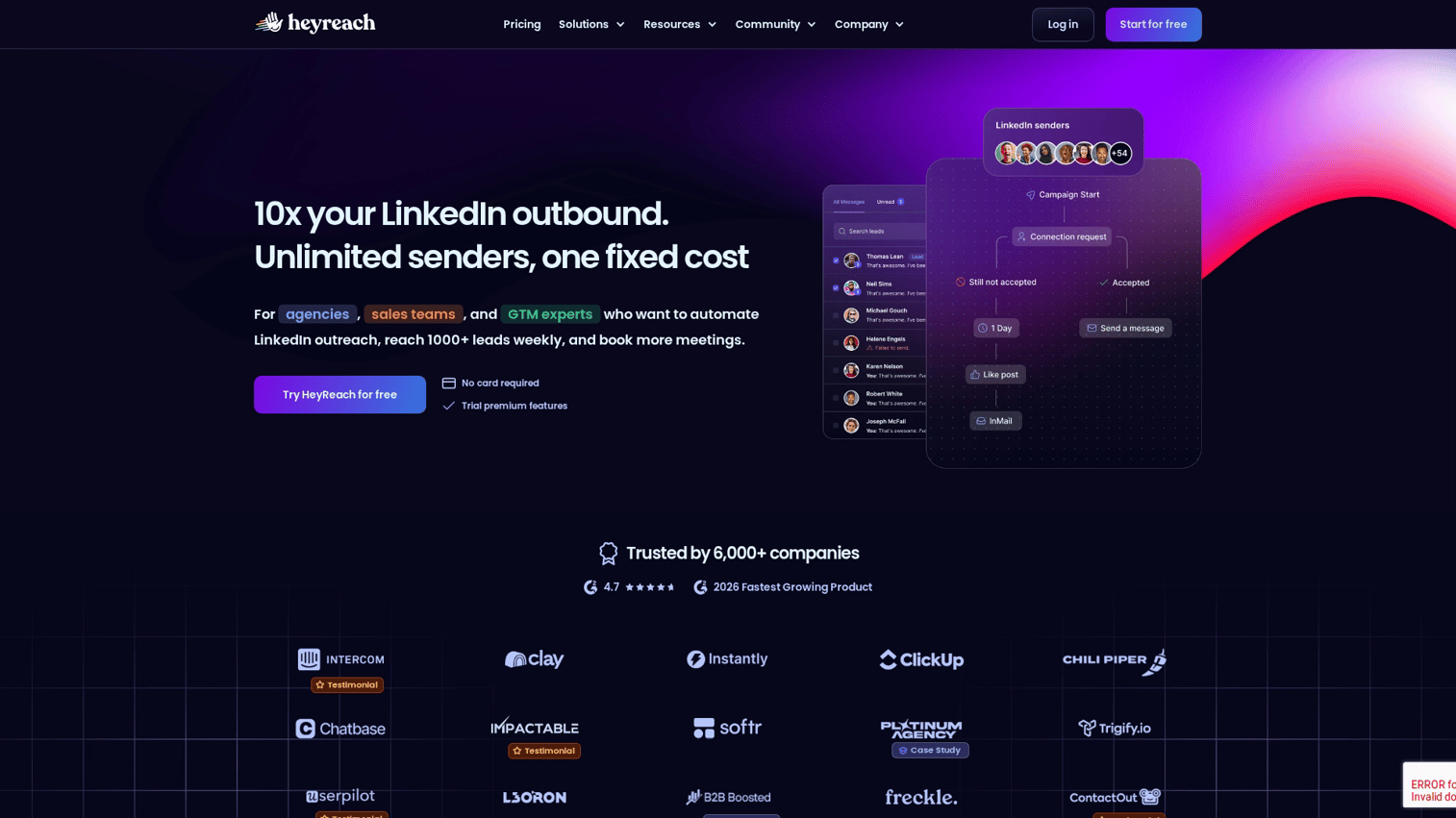
HeyReach is a cloud-based platform for agencies running multiple senders. It unifies senders, sequences, and replies with sender rotation built in.
Best for: Agencies and B2B teams managing 3 or more LinkedIn senders.
Key strengths
- Unified inbox across multiple LinkedIn accounts in one workspace
- Sender rotation to spread volume safely across accounts
- A/B testing on messages, subject lines, and sequence steps
- Native CRM integrations with HubSpot, Salesforce, and Pipedrive
- Webhook support for routing replies into Slack and custom workflows
- Cloud-based architecture with dedicated IPs per account
Why choose HeyReach: If you're running outbound for clients or scaling an SDR team beyond two seats, HeyReach assumes multiple senders. The agency pricing tier often pays for itself in saved ops time.
Pricing: From $79 per sender per month on the Growth plan, with Agency ($999/mo for 50 senders) and Unlimited ($1,999/mo) tiers above that.
2. Expandi
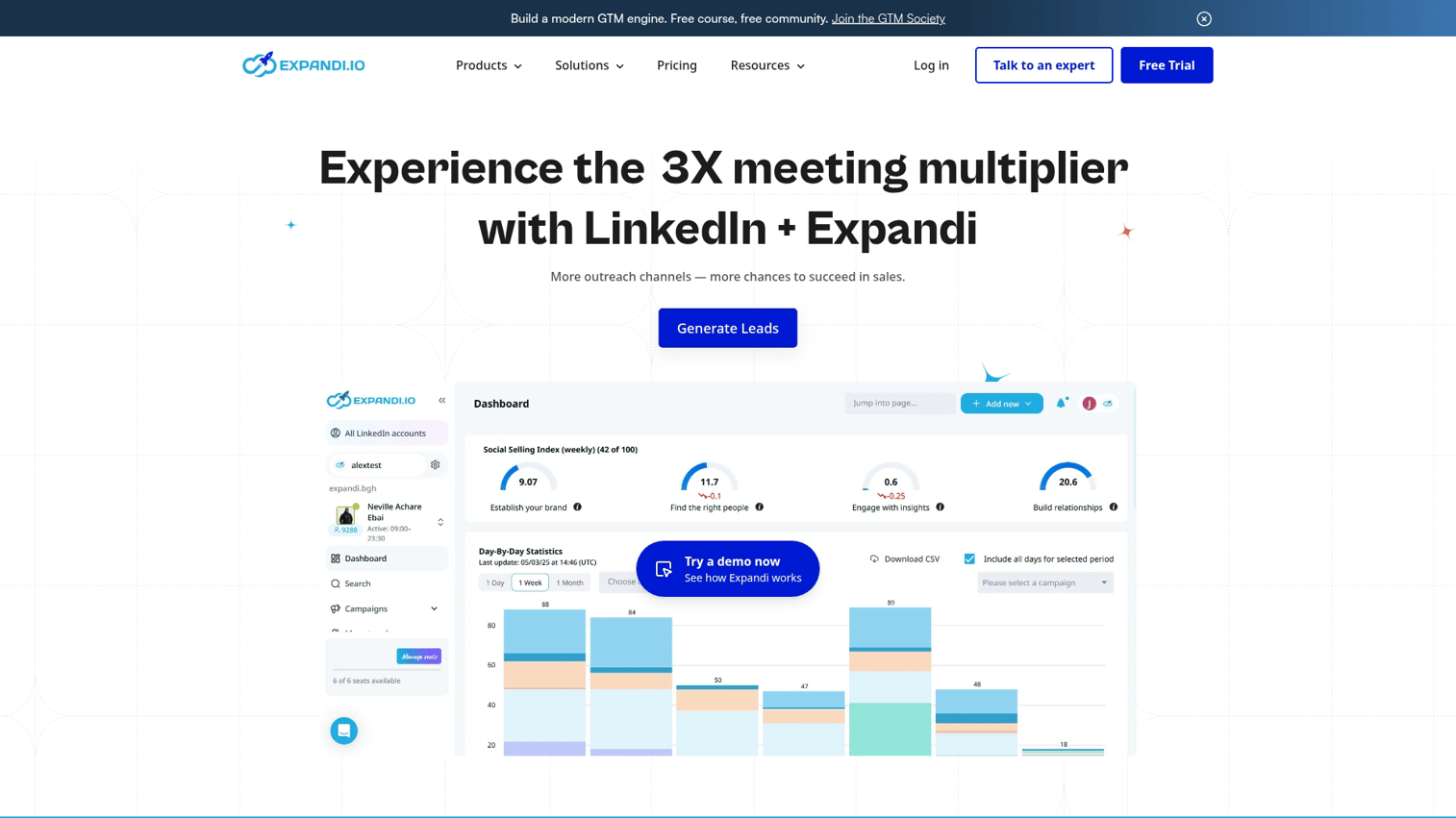
Expandi is a cloud-based tool known for dynamic image personalization and smart inbox consolidation. It runs on dedicated IPs and supports Sales Navigator plus Recruiter.
Best for: Solo operators and small teams running highly personalized LinkedIn outreach.
Key strengths
- Smart inbox with reply detection and tagging
- Dynamic image and GIF personalization per recipient
- Dedicated IP for each LinkedIn account
- Smart sequences with conditional logic
- Sales Navigator and Recruiter support
- Webhook integrations into HubSpot, Salesforce, and Zapier
Why choose Expandi: Dynamic image personalization lifts reply rates. When prospects see their logo, the message reads researched, not blasted.
Pricing: From $99 per month per LinkedIn account, or $79 per month billed annually.
3. Waalaxy
Waalaxy is a French-built LinkedIn and email tool popular in Europe for its freemium plan. It runs as a Chrome extension with cloud backend.
Best for: Founders, freelancers, and small teams new to LinkedIn automation.
Key strengths
- Generous free tier (80 LinkedIn invites per month) for users testing the channel
- Pre-built sequence templates for common use cases
- LinkedIn plus email combined in one sequence
- Browser extension that's quick to install
- Built-in email finder for outreach beyond LinkedIn
- AI Prospect Finder for lookalike sourcing
Why choose Waalaxy: It's the easiest entry point. You can send a sequence in under an hour. As your team grows, graduate to deeper analytics.
Pricing: Free plan with 80 invites/mo. Pro from €19/mo (annual) or €39/mo (monthly). Business (LinkedIn + email) from €69/mo (annual) or €139/mo (monthly).
4. Dripify
Dripify is a cloud-based tool focused on drip campaigns and team analytics. The dashboard breaks down activity, response rates, and conversion by sender.
Best for: Sales managers who need team-wide visibility into LinkedIn outreach activity.
Key strengths
- Drip campaigns with conditional logic and delays
- Team analytics dashboard showing per-rep performance
- Built-in safety limits to stay under LinkedIn thresholds
- CSV export for leads, replies, and activity
- Zapier integration for connecting to CRM and ops tools
- Cloud-based with 24/7 sequence execution
Why choose Dripify: Managers running 5+ SDRs can track weekly sends with a dashboard. Drip campaign logic is solid and safety limits keep account risk low.
Pricing: Basic from $39/user/mo (annual) or $59/mo (monthly). Pro from $59/mo (annual) or $79/mo (monthly). Advanced from $79/mo (annual) or $99/mo (monthly).
5. Dux-Soup
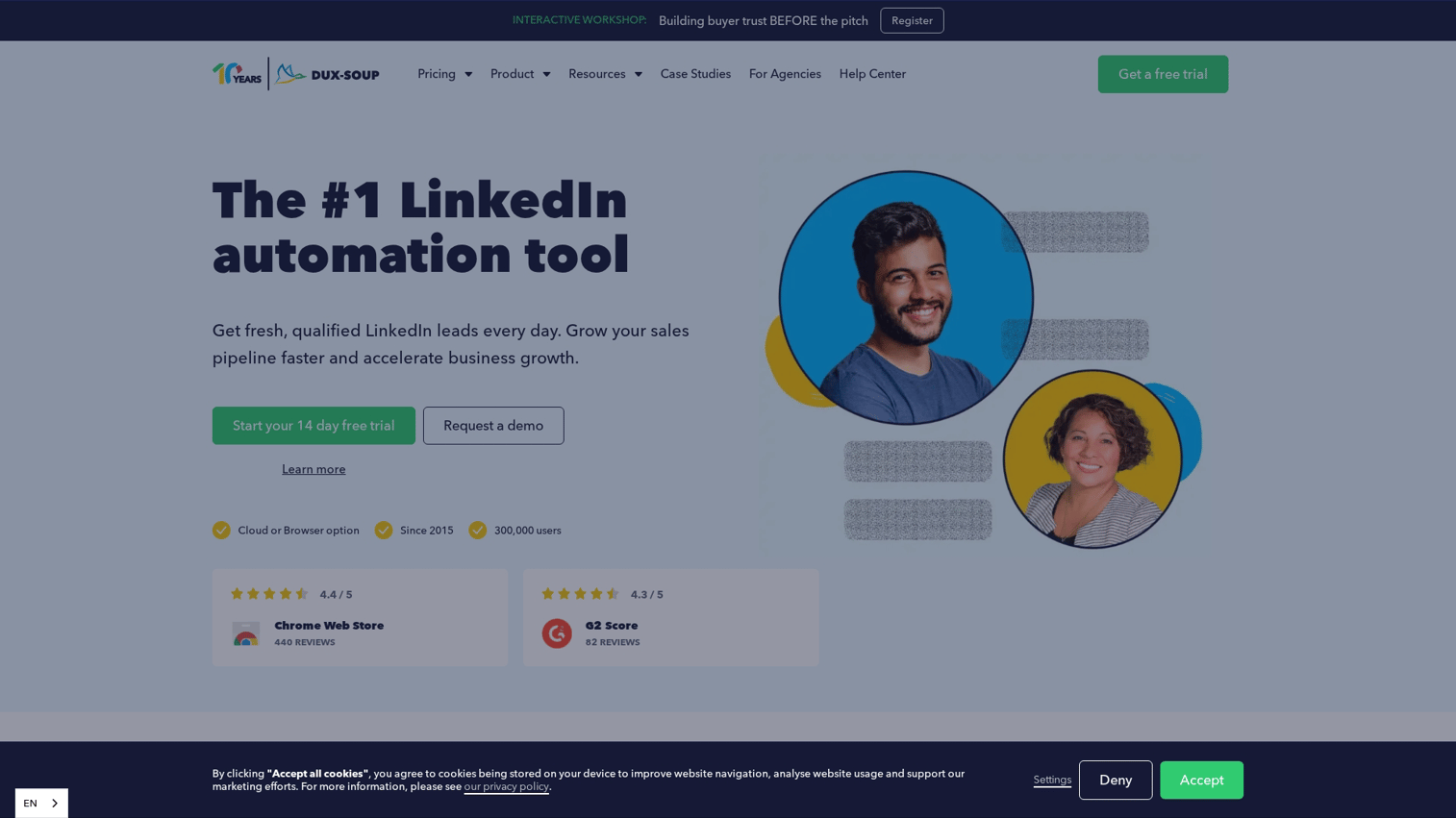
Dux-Soup is the cheapest credible option for solo operators. It runs as a Chrome extension with optional cloud upgrade for unattended sequences.
Best for: Budget-conscious solo operators and consultants.
Key strengths
- Lowest entry price in the category
- Sales Navigator integration for advanced filtering
- Profile visit and view automation
- CRM export and webhook support
- Large user base and active community
- Optional cloud upgrade for unattended sequences
Why choose Dux-Soup: Dux-Soup Pro at $14.99/month covers essentials without a $99 cloud commitment. The browser-based model means more involvement, but the price reflects that.
Pricing: Pro from $14.99 per month. Turbo and Cloud tiers above that.
6. PhantomBuster
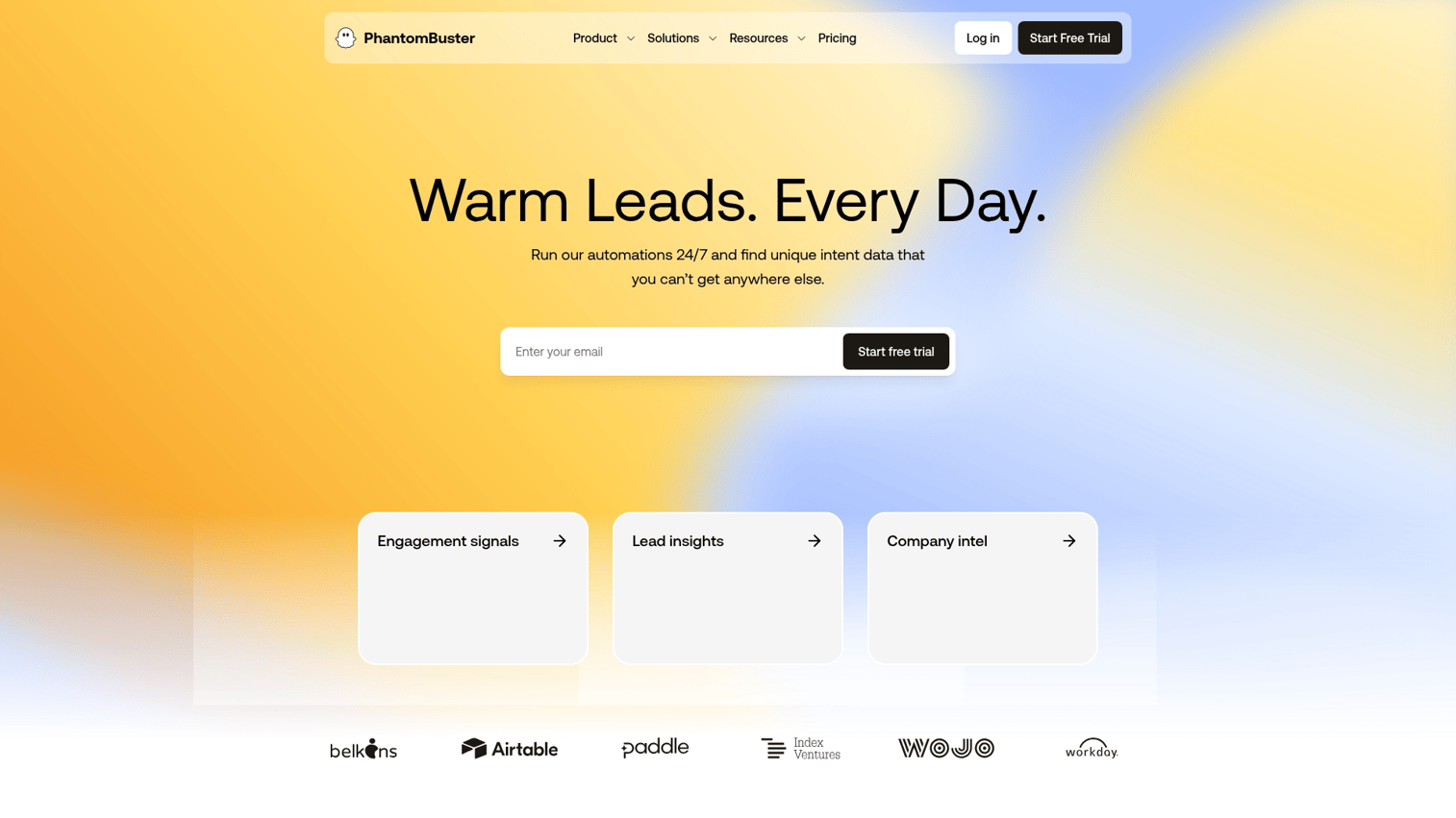
PhantomBuster is a cloud-based platform with 100+ pre-built workflows for LinkedIn scraping and enrichment.
Best for: Growth marketers and ops teams who need flexible scraping and workflow automation.
Key strengths
- 100+ pre-built workflows for LinkedIn and beyond
- Sales Navigator scraping with deep filtering
- Profile enrichment and email discovery
- CSV export and API access
- Chained workflows for multi-step automations
- Cloud execution with scheduled runs
Why choose PhantomBuster: Scrape a Sales Nav list, enrich with emails, and push to CRM without code. It handles complex workflows beyond simple sequences.
Pricing: from $69 per month on the Starter plan.
7. Evaboot
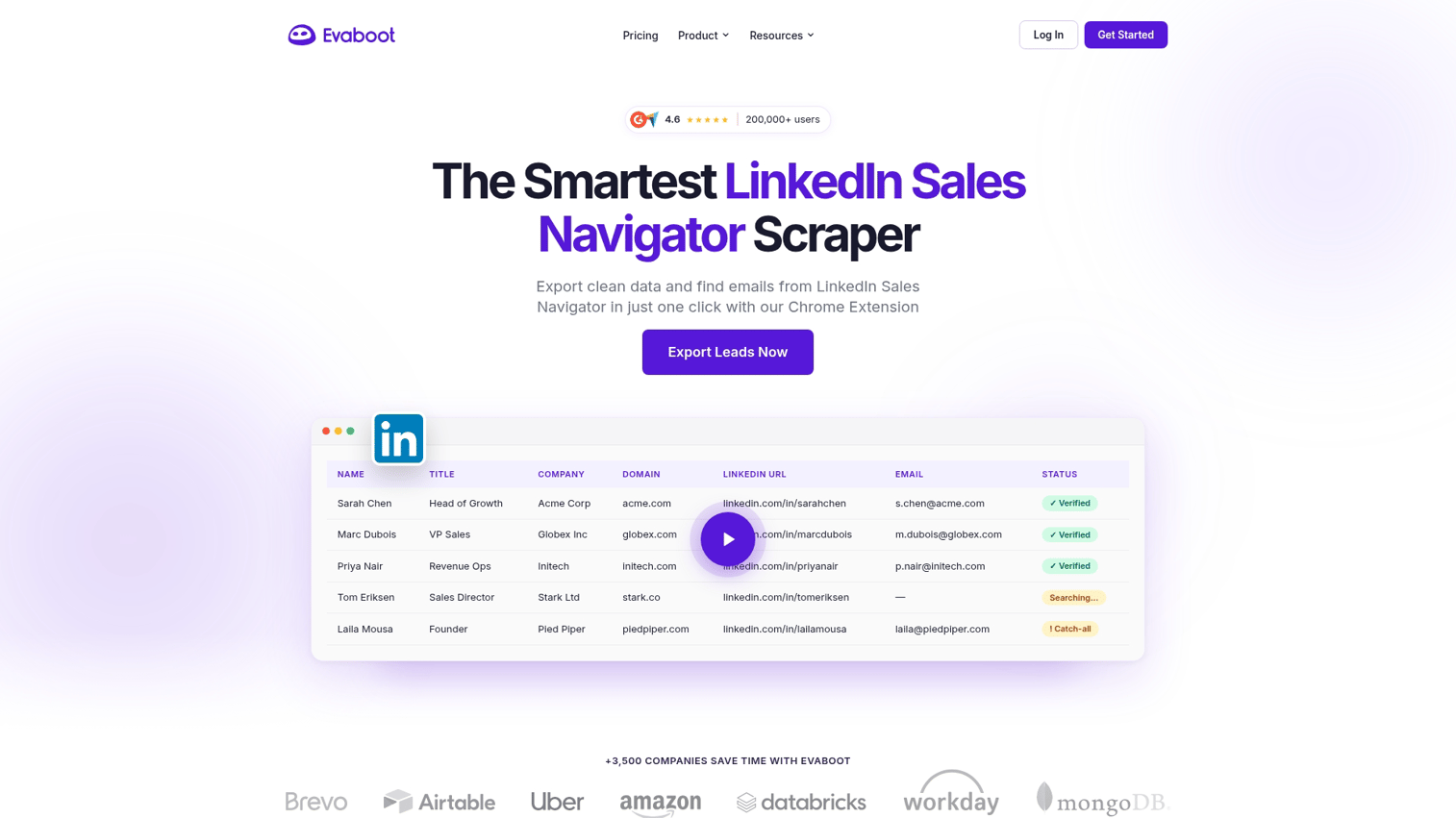
Evaboot cleans Sales Navigator exports and finds verified emails for your list.
Best for: Anyone using LinkedIn Sales Navigator who needs cleaner exports and verified emails.
Key strengths
- Sales Navigator export with automatic cleanup of bad data
- Email finder and verifier with bounce protection
- Filter export by lead, account, or list
- CSV-ready output for any downstream tool
- Pay-per-credit pricing without monthly commitment
- Chrome extension that works inside Sales Navigator
Why choose Evaboot: Most tools assume your list is clean. Evaboot bridges that gap at low cost.
Pricing: Credit-based, starter packs from around $9. Subscription plans for higher volume.
8. Apollo.io
Apollo.io is an end-to-end sales platform with a 275M+ contact database and sequencing. For a wider view of database options, see our breakdown of lead intelligence software.
Best for: Full-stack outbound teams that want one platform for data and outreach.
Key strengths
- 275M+ B2B contact database with verified emails
- LinkedIn Chrome extension for one-click prospecting
- Email sequencing with AI-assisted writing
- CRM-grade pipeline and deal tracking
- Native integrations with HubSpot, Salesforce, and Outreach
- Generous free tier for solo operators
Why choose Apollo: If you need a contact database and sequencer, Apollo replaces both. The LinkedIn extension is solid for prospecting, and Apollo doubles as the data and email layer for your LinkedIn-specific tools.
Pricing: Free tier available. Paid plans from $49 per user per month on annual billing ($59 monthly).
9. Taplio
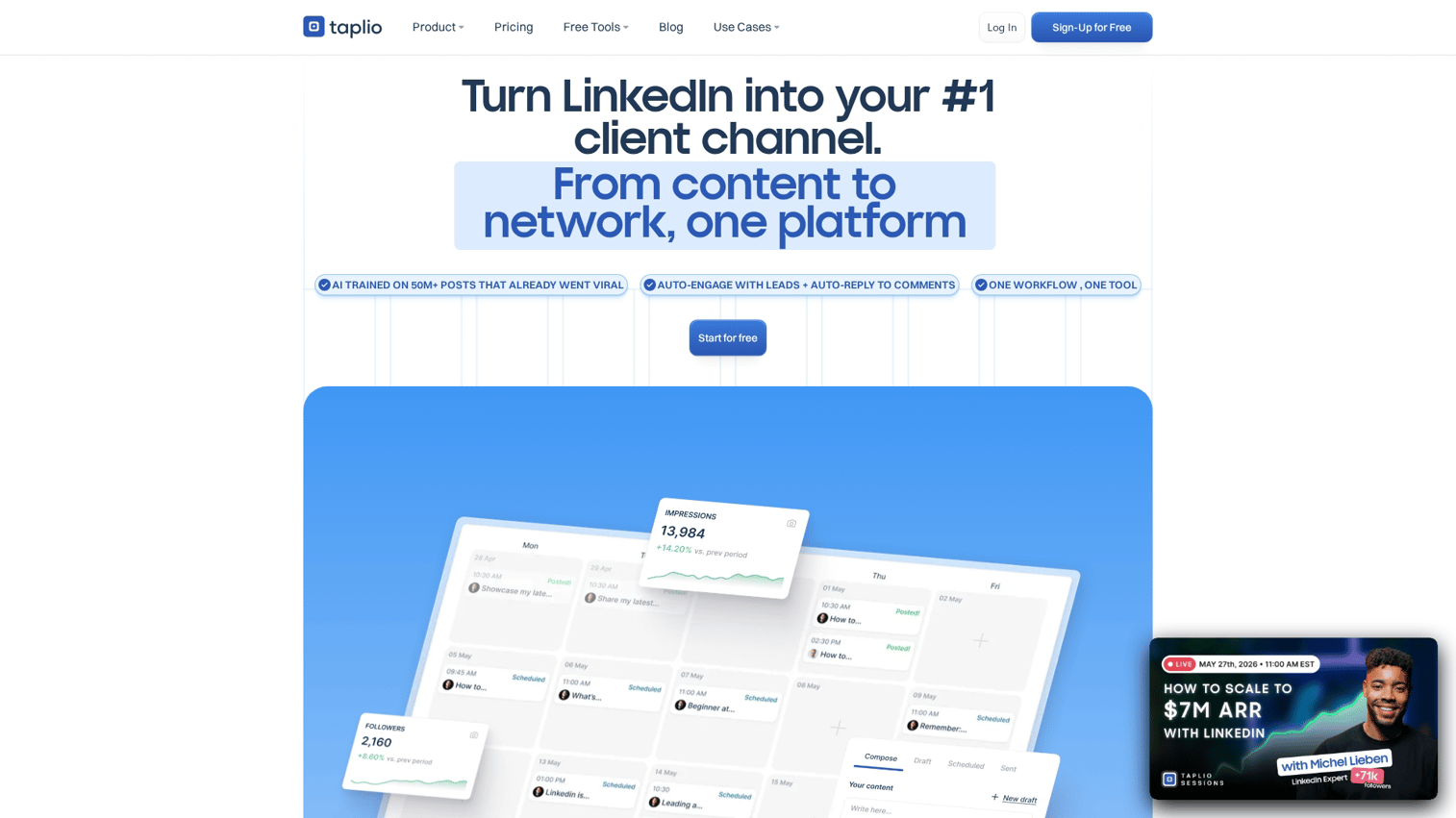
Taplio is an AI-powered content tool that builds inbound pipeline through organic posting. It's the only inbound-oriented tool in this list and pairs naturally with outreach platforms.
Best for: Founders and growth marketers building inbound LinkedIn pipeline through content.
Key strengths
- AI post generation trained on top-performing LinkedIn content
- Content scheduler with optimal posting times
- Lead discovery from users who engaged with your posts
- Analytics on post reach, engagement, and follower growth
- Viral post library for inspiration and remixing
- Inbox management for inbound DMs
Why choose Taplio: If reply rates are dropping, build inbound so outbound works better.
Pricing: Starter from $39/mo (monthly). Standard from $69/mo. Pro from $199/mo. Note: Starter includes zero AI credits, so most teams using AI features move to Standard or Pro.
10. Clay
Clay is a data enrichment platform combining 100+ sources and AI research agents.
Best for: Technical growth marketers and RevOps teams building custom enrichment workflows.
Key strengths
- 100+ data providers in a single waterfall
- AI research agents that find custom data points (hiring signals, funding, tech stack)
- Advanced filtering and segmentation
- Native CRM sync with HubSpot, Salesforce, and Pipedrive
- Integrations with every major outreach tool, including HeyReach and Lemlist
- Spreadsheet-style interface that's familiar to ops teams
Why choose Clay: For narrow ICPs needing custom signals, Clay builds enrichment. It feeds every other tool with better data.
Pricing: Launch from $167/mo (annual) or $185/mo (monthly). Growth from $446/mo (annual) or $495/mo (monthly). Clay restructured pricing on March 11, 2026; the legacy Starter ($149/mo), Explorer ($349/mo), and Pro ($800/mo) plans remain available only to existing customers.
11. Lemlist
Lemlist is a multi-channel platform combining LinkedIn, email, and calls in one orchestrated sequence. Pair it with outreach software and sales engagement tools to round out the stack.
Best for: Teams running sequenced LinkedIn plus email plus phone outreach.
Key strengths
- Multi-channel sequences across LinkedIn, email, and calls
- Dynamic image and video personalization
- AI sequence builder trained on top-performing campaigns
- Email warm-up tool included
- B2B contact database with verified emails
- Native integrations with HubSpot, Salesforce, and Pipedrive
Why choose Lemlist: If you mix LinkedIn and email, Lemlist consolidates them. The warm-up tool removes deliverability problems.
Pricing: Email Pro from $63/user/mo (annual) or $79/mo (monthly). Multichannel Expert from $87/mo (annual) or $109/mo (monthly). The $39/mo Email Starter plan was discontinued for new customers in February 2025.
How to choose the right LinkedIn lead generation tool
Choosing among LinkedIn lead generation tools matters. The wrong tool buys activity; the right tool buys pipeline.
- Safety architecture. Cloud-based tools carry lower account risk than browser-based bots.
- CRM integration depth. Native integrations beat Zapier and CSV exports.
- Reply rate vs. send volume. Volume tools suit early stage; reply-rate tools suit scale.
- Multi-channel orchestration. LinkedIn-only tools go deeper; multi-channel tools coordinate across channels.
- Post-click conversion. Interactive demos embedded in DMs convert clicks to intent.
- Pricing model. Match per-seat, per-sender, or credit-based to your cost structure.
- Reporting depth. Tools that tie activity to closed-won revenue are worth more.
- Compliance. GDPR and data residency matter in EU and regulated markets.
Conclusion
LinkedIn lead generation isn't one tool. It's a stack of 2 to 3 tools doing different jobs. Reply rate beats send volume. The biggest gain comes from converting clicks you already get. Pick one outreach tool matching your team size. Pick one data layer (Sales Navigator plus Evaboot at minimum). Then add the post-click conversion layer that turns LinkedIn clicks into pipeline. That's where Guideflow lives. Browse the demo showcase to see what's possible.
Start your journey with Guideflow today!
FAQs about LinkedIn lead generation tools
It depends on your motion and where you need leverage. For agencies running multiple sender accounts, HeyReach is the default. For solo operators on a budget, Waalaxy or Dux-Soup. For highly personalized outreach, Expandi. Then add a post-click layer like Guideflow to convert replies and profile clicks into pipeline (instead of pushing everyone straight to “book a call”).
Cloud-based tools with dedicated IPs carry lower account risk than browser-based bots. LinkedIn enforces tighter weekly limits on connection requests (around 100 per week). Stay under daily limits and rotate senders if running multiple accounts. Teams getting banned run aggressive volume on free or grey-market tools.
Range: $15 per month (Dux-Soup Pro) to $185+ per month (Clay). Most teams spend $300 to $800 across 2 to 3 tools. Add LinkedIn Sales Navigator at $99 per month as a near-mandatory layer. Apollo and Waalaxy have credible free tiers.
Technically yes, but you lose advanced search filters. Without Sales Nav, targeting collapses to keyword search, producing worse lists. Budget for Sales Navigator if running serious outbound. It's the cheapest and highest-leverage line item.
Cold outreach: 8% to 15% is solid, 20%+ is exceptional. Under 5% suggests targeting or messaging problems. The biggest lift comes from replacing "book a call" with an interactive 90-second experience. Removing the meeting commitment removes the cognitive cost.
Most tools integrate natively with HubSpot, Salesforce, and Pipedrive. HeyReach, Apollo, Lemlist, Dripify, and Guideflow push activity data into the CRM. Browser-only tools usually require Zapier or CSV exports. If CRM is the system of record, prioritize native integrations. For a deeper look at picking one, see our best CRM software breakdown.
Lead generation covers prospecting, enrichment, outreach, inbox management, and post-click conversion. A complete stack covers all five jobs with 2 to 3 tools. A tool that only sends requests is an outreach automation tool, not a full platform.