A production line sits idle because a $12 bracket did not arrive. Meanwhile, the warehouse has six months of a component you barely use, tying up cash you needed for payroll. Both problems trace back to the same root cause: the timing between demand, materials, and production never lined up.
That is the exact gap material requirements planning software closes. An MRP system takes your demand signals, breaks products down through the bill of materials, checks current inventory and open orders, factors in supplier lead times, and tells you what to buy or make and when. The stakes are not small. The global MRP systems market was valued at USD 7.56 billion in 2025 and is projected to reach USD 15.4 billion by 2034 at an 8.2% CAGR, according to Dataintelo (2025). Manufacturers are investing because spreadsheets stop scaling the moment SKUs, suppliers, and orders multiply.
Choosing the right material planning software is harder than it looks, because the label covers everything from lightweight tools for a 10-person shop to full manufacturing resource planning systems for multi-plant operations. If you are evaluating tools right now and want a shortlist rather than another definition page, this guide maps seven strong options to the manufacturing scenarios they actually fit. If your evaluation also touches adjacent buying decisions, our roundups of lead scoring software and marketing resource management platforms follow the same buyer-first approach.
What's inside
This guide is for manufacturing leaders, operations managers, and supply chain teams comparing MRP software in 2026. We looked at seven tools spanning small-shop MRP through enterprise-grade manufacturing ERP.
Each tool was assessed on the criteria that matter when materials, money, and machine time are on the line:
- Planning depth (BOM handling, netting, lead-time logic)
- Inventory visibility and control
- Procurement and production scheduling support
- ERP integration and data alignment
- Fit across different manufacturing sizes and modes
The goal is a decision-ready shortlist, not a feature dump.
TL;DR
- Best for consolidating software into one system: Odoo, an open-source suite where MRP sits alongside inventory, accounting, and CRM.
- Best for mid-market cloud ERP: Acumatica Cloud ERP, with unlimited-user licensing and cross-functional visibility.
- Best for small product manufacturers: Katana, a modern interface for production planning and real-time inventory.
- Best MRP-first tool for small plants: MRPeasy, built around the core sales-order-to-purchasing planning flow.
- Best affordable ERP/MRP for SMBs: ERPAG, covering inventory, purchasing, and production without enterprise overhead.
- Best for capacity-heavy shop floors: DELMIAWorks, with deep production scheduling and finite capacity planning.
What is material requirements planning software?
Material requirements planning software is a manufacturing tool that converts demand into a precise plan for what materials to buy, what to produce, and when to do both. It does this by reading a handful of core inputs and running them through planning logic.
The inputs an MRP system depends on:
- Demand: sales orders, forecasts, and the master production schedule
- Bill of materials: the full component structure of every product you make
- Inventory: current on-hand balances and reserved stock
- Lead times: how long suppliers and internal processes take
- Open orders: purchase orders and production orders already in flight
From those inputs, MRP software typically does the following:
- Nets requirements: subtracts what you have and what is already ordered from what you need
- Plans purchases: generates procurement recommendations timed to lead times
- Schedules production: sequences work orders and manages work in progress
- Flags shortages: surfaces gaps before they stall the line, driving shortage prevention
A quick distinction matters here. MRP focuses on materials and production planning. ERP is broader, wrapping finance, HR, sales, and operations into one system, and most modern MRP capability now ships inside a manufacturing ERP or a dedicated production planning software module. Higher-level planning systems (like S&OP or advanced demand planning suites) sit above MRP and feed it strategy.
Capacity planning is the other layer buyers underrate. Basic tools assume infinite capacity and simply tell you what to make. Stronger tools apply finite capacity planning, checking whether your machines, labor, and shifts can actually hit the schedule. When capacity is your real bottleneck, that difference decides whether the plan is fiction or fact.
When to use material requirements planning software
When demand is changing faster than your spreadsheets can handle
Manual planning breaks the moment a forecast shifts mid-month. One changed order ripples through dozens of components, and rebuilding the spreadsheet by hand invites errors. MRP software recalculates the full plan when inputs change, so you adjust orders and production without starting over. Real-time updates mean the plan reflects reality, not last week's assumptions.
When stockouts or excess inventory keep hurting margins
If you are alternating between emergency purchase orders and dead stock, your planning logic is guessing. Good inventory control software for manufacturing times material replenishment to actual need, using lead times and reorder logic instead of gut feel. That balance is where inventory optimization lives: fewer shortages, less cash frozen on the shelf.
When procurement, production, and inventory teams need one plan
Handoff errors multiply when purchasing, the shop floor, and the warehouse each work from a different version of the truth. A shared MRP system gives every team one plan and one set of numbers. Procurement planning software inside that system means buyers order against the same schedule production is running, cutting the miscommunication that causes both late deliveries and overbuying.
Comparison table
Read this table as a fast fit-check, not a final verdict. Match the "Intent" column to your situation first, then use the "Key use case" column to confirm the tool handles your manufacturing model. Pricing reflects publicly listed starting points where available; several enterprise tools quote custom. G2 ratings are current at time of writing.
| # | Product | Intent | Key use case | Pricing | G2 rating |
|---|---|---|---|---|---|
| 1 | Odoo | Consolidate ERP + MRP | All-in-one modular suite for growing manufacturers | Free tier; from US$31.10/user/mo | 4.2/5 |
| 2 | Acumatica Cloud ERP | Mid-market cloud ERP | Unlimited-user ERP with manufacturing planning | Custom quote | 4.4/5 |
| 3 | Katana | Small-to-mid product makers | Real-time inventory and production planning | Free tier; from $299/mo | Not listed |
| 4 | MRPeasy | MRP-first for small plants | Sales order to purchasing planning flow | From $5/user/mo | 4.6/5 |
| 5 | ERPAG | Affordable SMB ERP/MRP | Inventory, purchasing, production for SMBs | From $49/mo | 4.7/5 |
| 6 | DELMIAWorks | Capacity-heavy operations | Manufacturing ERP/MES with finite scheduling | Custom quote | 4.1/5 |
1. Odoo
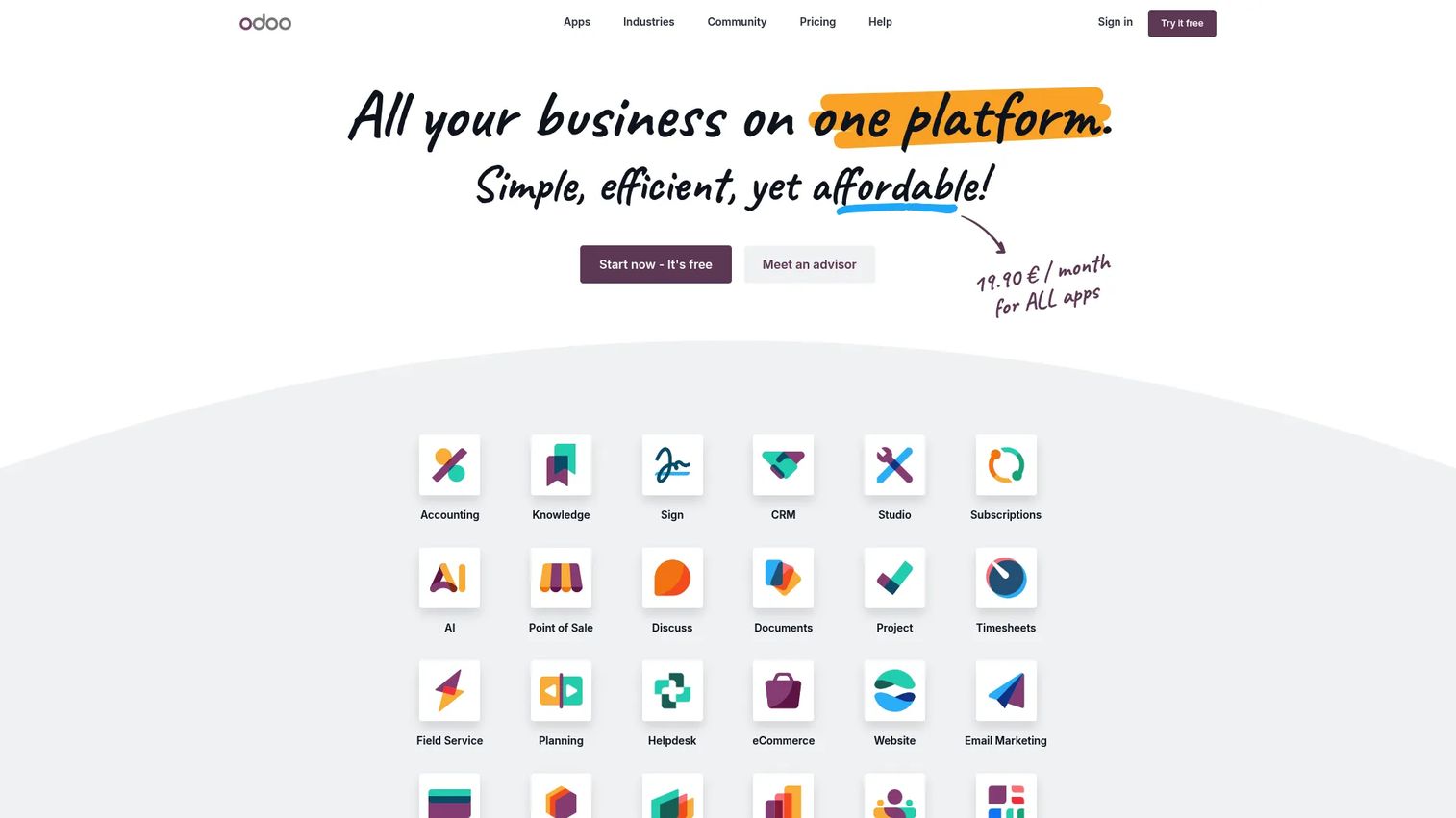
Odoo is an open-source suite of business apps where MRP is one module among dozens, sitting next to inventory, accounting, CRM, and eCommerce. Its manufacturing module handles bills of materials, work orders, replenishment, and shop floor operations, and it connects directly to the inventory and purchasing apps. For teams that want their material planning software and their finance and sales systems in one place, that native integration is the whole pitch.
Best for: Growing manufacturers that want an all-in-one modular ERP with a genuinely free entry tier.
Key strengths
- All apps in one place: Standard and Custom plans include every Odoo app, so MRP, inventory, and accounting share one database.
- Flexible deployment: Run it on Odoo Online, Odoo.sh, or on-premise depending on your IT constraints.
- Custom-tier extensibility: Odoo Studio, multi-company support, and the external API in the Custom plan let you tailor workflows and connect other systems.
Why choose Odoo: If your pain is software sprawl, tools that do not talk to each other, and duplicate data entry across systems, Odoo's consolidation story is hard to beat. It fits teams comfortable configuring a flexible platform rather than buying a rigid, prebuilt manufacturing tool. The modular model also lets you start with one or two apps and expand as operations grow.
Odoo pricing: Odoo offers a One App Free tier that includes a single app with unlimited users on Odoo Online. The Standard plan starts at US$31.10 per user per month billed yearly, and the Custom plan starts at US$61.00 per user per month billed yearly. Standard and Custom both include all apps, while Custom adds Odoo Studio, multi-company, external API, and full deployment options. Pricing verified from Odoo's pricing page.
2. Acumatica Cloud ERP
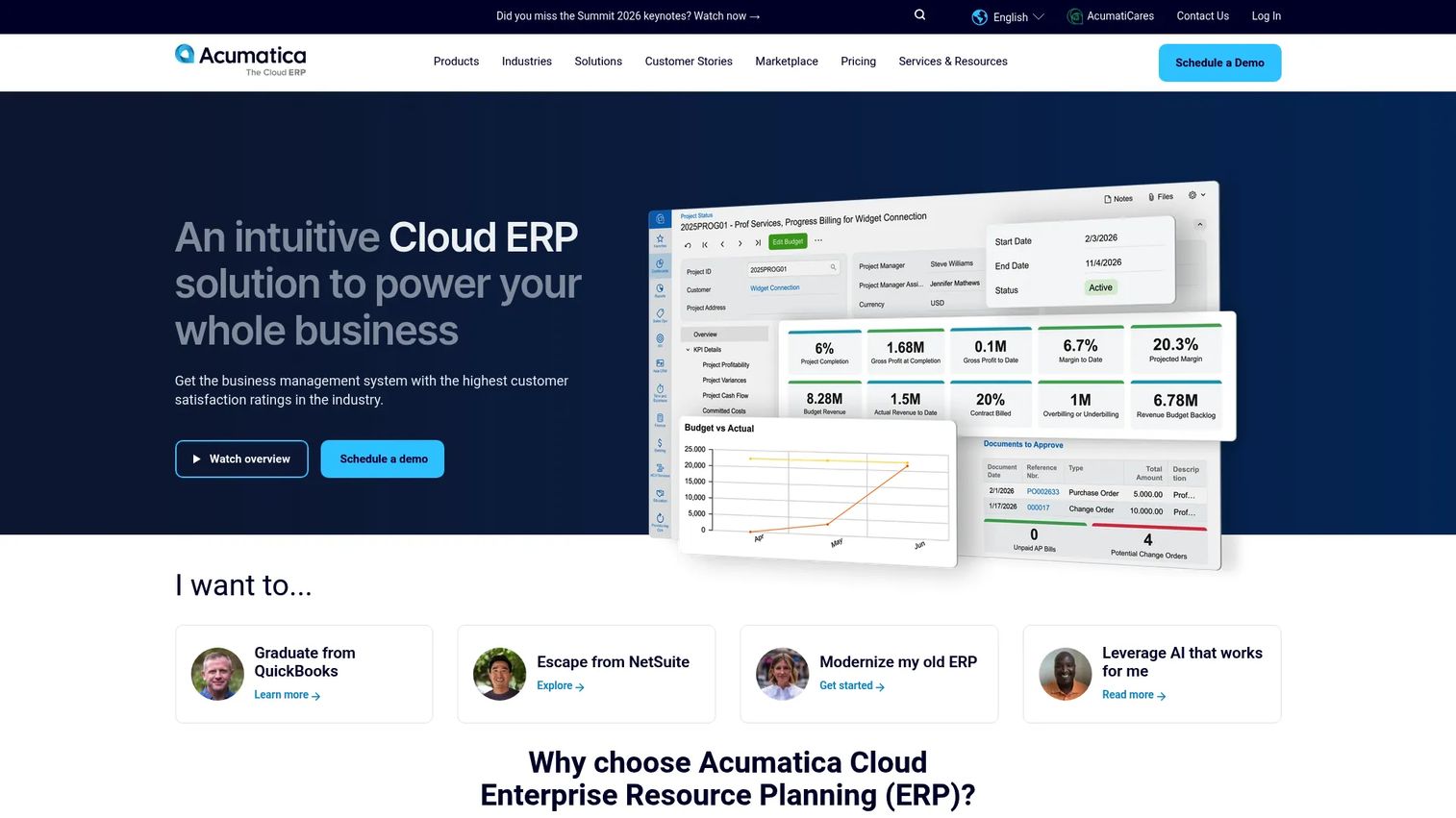
Acumatica Cloud ERP takes an ERP-first approach to manufacturing, folding material planning, inventory, purchasing, and order management into a broader cloud business platform. For teams that see MRP as one function inside a wider operational system, rather than a standalone tool, Acumatica keeps production data aligned with finance, projects, and CRM in a single environment.
Best for: Mid-market companies that want a flexible, unlimited-user cloud ERP with manufacturing planning built in.
Key strengths
- Unlimited-user licensing: Consumption-based pricing means you scale by usage, not by adding seats for every planner or floor lead.
- Cross-functional visibility: Financial management, project accounting, CRM, and BI live in one system, so multi-location inventory and orders stay in sync.
- Open integrations: Industry editions and open APIs let you connect existing tools and extend the platform to fit your workflows.
Why choose Acumatica: The unlimited-user model is a genuine differentiator for growing teams where seat-based pricing punishes expansion. Acumatica fits operations that need MRP alongside strong finance and multi-entity visibility, especially when several sites or warehouses share one plan. It rewards buyers who want an ERP backbone first and treat material planning as one connected piece.
Acumatica pricing: Acumatica uses custom, tailored pricing based on the applications you deploy, your usage and resource needs, and your deployment preference. A public starting price is not listed; the company directs prospects to request a custom pricing review. Confirm current terms directly with Acumatica.
3. Katana
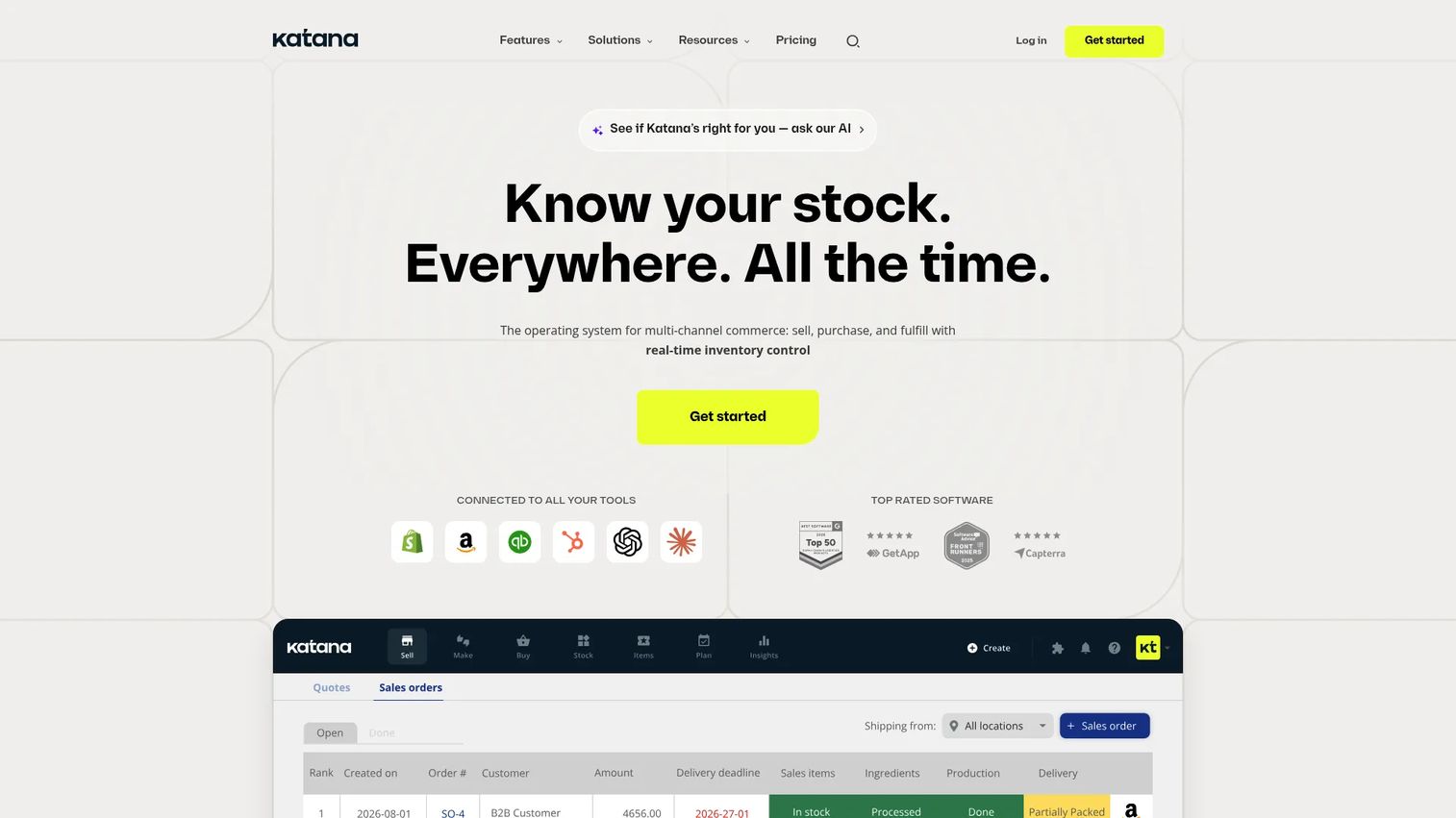
Katana is cloud inventory and manufacturing software built for product businesses that want a modern, visual interface without heavy ERP complexity. It brings real-time inventory, manufacturing planning, and shop floor execution into one view, which suits smaller teams that need speed over configuration depth. Sales orders, production, and stock levels update together, so the plan reflects what is actually happening.
Best for: Small to mid-sized manufacturers and product brands that need inventory, production, and sales operations in one clean system.
Key strengths
- Real-time inventory management: Stock levels update as orders and production move, so you always see true available-to-promise quantities.
- Manufacturing planning and shop floor execution: Plan production and coordinate the floor in one interface, handling make-to-order and batch production.
- AI forecasting and replenishment: Built-in forecasting and replenishment logic help time material orders to demand.
Why choose Katana: Katana appeals to teams that find full ERP overkill but have outgrown spreadsheets. The interface is approachable enough that a small operations team can run it without a dedicated systems admin. It is a strong fit for product companies doing make-to-order or batch work that need clear inventory visibility and simple, fast operational flow.
Katana pricing: Katana offers a permanent free tier. The Core plan starts from $299 per month and includes unlimited users, unlimited SKUs, unlimited integrations, and one inventory location. The Advantage plan uses custom pricing on an annual contract for teams needing more locations and advanced features. Pricing verified from Katana's site.
4. MRPeasy
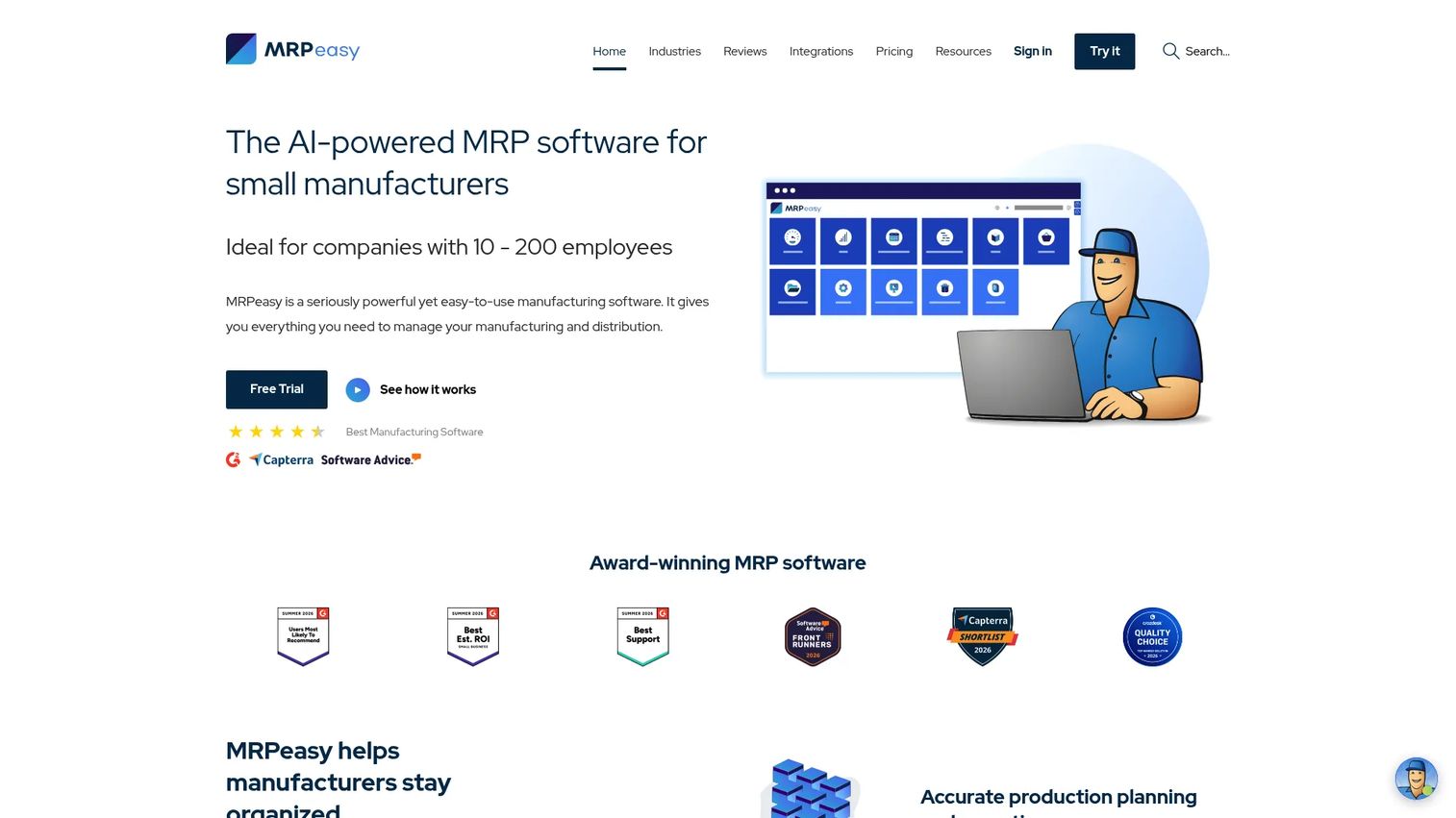
MRPeasy is a cloud-based MRP and ERP tool built specifically for small manufacturers and distributors. Its strength is a clean, MRP-first planning flow: sales orders drive BOM-based requirements, which net against inventory to generate production orders and purchasing recommendations. For a small plant that wants proper planning logic without enterprise weight, it hits a practical middle ground.
Best for: Small manufacturers and growing teams that want an easy-to-use MRP system with real planning depth.
Key strengths
- Production planning and scheduling: Sequence production orders and manage the shop floor with clear scheduling views.
- Inventory management with lot and serial tracking: Full traceability supports quality control and recalls in regulated or serialized production.
- BOM, procurement, and shop floor reporting: Multi-level bills of materials feed procurement planning and shop floor reporting in one flow.
Why choose MRPeasy: MRPeasy is a fit when you specifically want MRP as the center of gravity, not a bolt-on to a general ERP. The setup is manageable for teams without deep IT resources, and the traceability features matter for manufacturers with quality or compliance requirements. It serves smaller plants and scaling operations that need reliable planning without a long implementation.
MRPeasy pricing: MRPeasy uses user-based monthly pricing with a five-user minimum. Plans range from Enroller at $5 per user per month, Starter at $15, Professional at $30, Enterprise at $60, to Unlimited at $120 per user per month, with more advanced functions unlocking in higher tiers. Pricing verified from MRPeasy's pricing page.
5. ERPAG
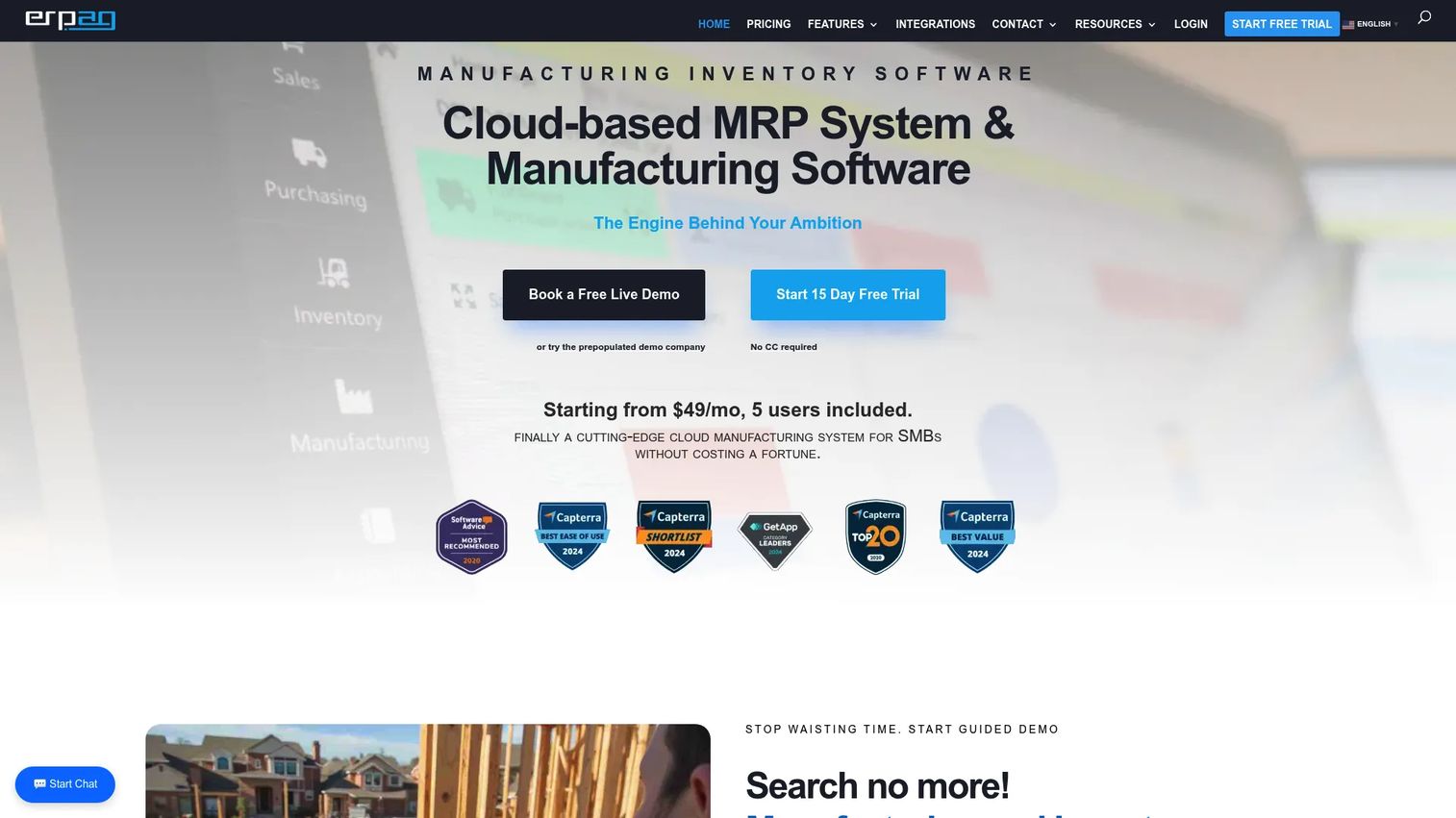
ERPAG is a cloud ERP and MRP platform aimed at small and midsize businesses, covering inventory, manufacturing, sales, purchasing, and integrations. It gives SMB manufacturers and distributors operational breadth (BOM management, production, and procurement planning software in one place) without the cost or complexity of enterprise systems. For buyers who need more than a single-function tool but less than a full ERP rollout, it lands in a useful range.
Best for: SMBs needing cloud ERP/MRP with manufacturing, inventory, and order management in one affordable package.
Key strengths
- Inventory and manufacturing management: Track stock and run production with BOM support across your product lines.
- Sales, CRM, and purchasing: Order management and procurement sit alongside manufacturing, keeping the buy-make-sell cycle connected.
- Integrations: Connect ERPAG to the other tools in your stack to keep data aligned.
Why choose ERPAG: ERPAG suits smaller teams that want operational coverage across inventory, purchasing, and production without enterprise-level overhead or long implementations. The flat monthly plans with predictable per-user add-ons make budgeting straightforward for a growing SMB. It is a practical option when you need workflow breadth more than deep, specialized planning.
ERPAG pricing: ERPAG lists three paid plans: Basic at $49 per month, Professional at $99 per month, and Advanced at $199 per month. All plans include five users, with each additional user at $9 per month, and the site advertises a 15-day free trial. Pricing verified from ERPAG's pricing page.
6. DELMIAWorks
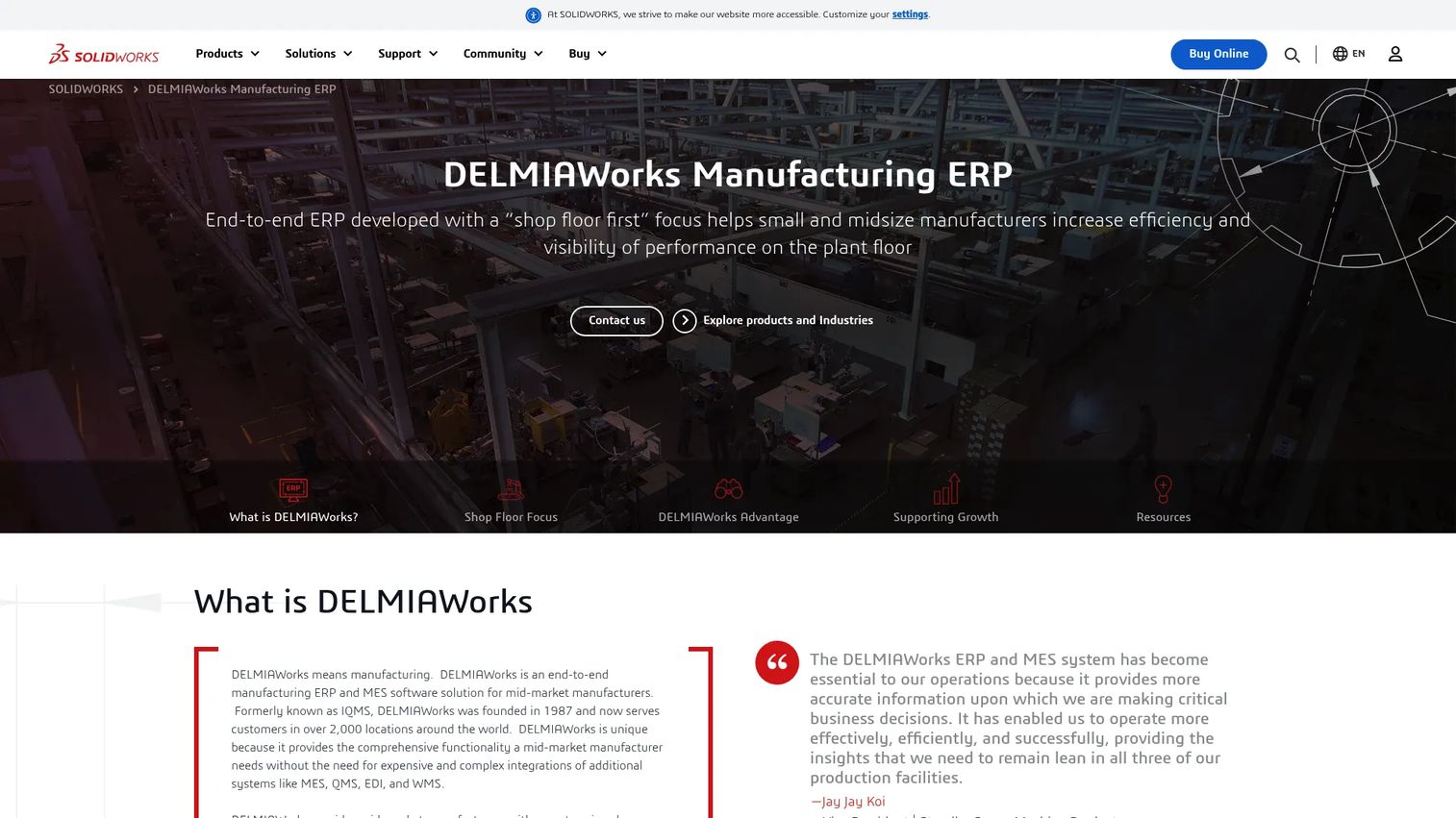
DELMIAWorks is an end-to-end manufacturing ERP and MES platform built for mid-market manufacturers that need tight control over the shop floor. It combines material planning with real-time production monitoring, integrated quality management, and supply chain visibility in one system. Where it stands apart is depth in production scheduling, capacity planning, and labor planning, which makes it a serious option when capacity, not materials, is your primary constraint.
Best for: Mid-market manufacturers needing a single ERP/MES platform with strong scheduling and shop floor control.
Key strengths
- Real-time production monitoring: See what is happening on the floor as it happens, tying MES data back to the plan.
- Integrated quality management: Quality control lives inside the same system as planning and production, not in a separate tool.
- End-to-end supply chain management: Material planning, procurement, and finite scheduling connect across the full operation.
Why choose DELMIAWorks: When your bottleneck is machine and labor capacity rather than raw material availability, DELMIAWorks earns its place through constraint-aware, finite capacity planning and shop floor scheduling. It is a broader operational system, so it fits manufacturers ready to run planning, quality, and production monitoring on one platform. That depth makes it a strong choice for complex, capacity-heavy operations.
DELMIAWorks pricing: DELMIAWorks does not list public pricing and directs visitors to contact sales. Given the platform's scope across ERP and MES, pricing depends heavily on your operation's size and modules, so request a quote directly from DELMIAWorks for current figures.
Considerations
Before you commit, run every shortlisted tool through this checklist. The differences that matter most rarely show up in a feature grid.
Match the tool to your manufacturing model
Discrete manufacturers assemble parts into products; process manufacturers work in formulas and batches; batch and mixed-mode operations blend both. A tool built for discrete assembly will struggle with recipes and yields, and vice versa. Name your model first, then evaluate. This single decision eliminates half the list for most buyers.
Check planning depth, not just inventory screens
A slick inventory dashboard is not the same as strong planning logic. Verify how the tool handles multi-level bills of materials, lead-time offsets, pegging (tracing demand to supply), and how it schedules. Ask for a demo using your own BOM structure. The planning engine, not the interface, is what prevents shortages.
Confirm ERP and accounting integration
Material plans are only as good as the data feeding them. Check that order, finance, procurement, and production data stay aligned, whether through a native ERP or clean ERP integration. Disconnected systems recreate the exact data-entry errors you are trying to eliminate.
Evaluate capacity planning honestly
Ask directly: does the tool assume infinite capacity, or does it run finite capacity planning against real machine and labor constraints? If capacity is your bottleneck, a tool that only plans materials will generate schedules you cannot execute. Get a clear answer before you buy.
Think about maintenance and ownership
Every MRP system needs an owner. Evaluate setup effort, data hygiene requirements, and who on your team will maintain BOMs, lead times, and inventory accuracy over time. A powerful tool with stale data produces confident, wrong answers.
Conclusion
The right material requirements planning software depends less on the longest feature list and more on matching the tool to how you actually manufacture. Odoo and Acumatica Cloud ERP fit teams that want MRP inside a broader ERP backbone. Katana, MRPeasy, and ERPAG serve small and mid-sized manufacturers who need real planning depth without enterprise weight. DELMIAWorks earns its place when capacity and shop floor control are the primary constraints.
Your next step depends on maturity. If your operation is straightforward, start with the simplest fit and book a demo using your own BOM and lead-time data. If your operations span multiple sites, modes, or heavy capacity constraints, prioritize demos of the ERP-centric options and stress-test their planning engines. Either way, keep the decision lens fixed: materials, scheduling, procurement, inventory, and capacity have to work together as one plan, not five disconnected screens. Get that alignment right and the idle line and the dead stock both disappear.
FAQs
Material requirements planning software is a manufacturing tool that converts demand and bills of materials into a plan for what to buy, what to produce, and when. It nets requirements against current inventory and open orders, factors in lead times, and generates purchasing and production recommendations that keep the line supplied without overbuying.
MRP software focuses specifically on materials and production planning: turning demand into procurement and manufacturing schedules. ERP is broader, covering finance, HR, sales, and operations across the whole business. In practice, most modern MRP capability now ships as a module inside a manufacturing resource planning system or manufacturing ERP, so the line between them keeps blurring.
An MRP system needs accurate demand data (sales orders and forecasts), complete and current bills of materials, real inventory balances, supplier and internal lead times, and visibility into open purchase and production orders. If any of those inputs are stale or wrong, the plan the software produces will be confidently inaccurate, so data hygiene matters as much as the tool itself.
Some tools do and some do not. Basic MRP assumes infinite capacity and simply tells you what to make. Stronger platforms apply finite capacity planning, checking your plan against real machine, labor, and shift constraints. If capacity is your bottleneck rather than material availability, prioritize a tool that handles constraint-aware scheduling.
Manufacturers with recurring planning, procurement, and inventory coordination challenges benefit most, especially once spreadsheets start breaking under the volume of SKUs, suppliers, and orders. If you are firefighting stockouts, sitting on excess inventory, or fighting handoff errors between purchasing, production, and the warehouse, an MRP system is likely overdue.
Look past the sticker price to the full cost of ownership: the licensing model (per-user versus flat or consumption-based), implementation and setup cost, module add-ons you will need, and ongoing support fees. A low per-seat price can balloon with users, while a custom-quoted enterprise tool may bundle more of what you need. Map pricing to your real user count and required modules before comparing.
Yes, when the planning logic is sound and the data is clean. Better timing on material replenishment means you order what you need close to when you need it, reducing both emergency purchases and dead stock. That balance drives inventory optimization, freeing up cash that would otherwise sit frozen on shelves while still protecting against shortages.