

You need to ship a landing page by Friday. The internal tool your ops team keeps asking for is still three sprints out. The lifecycle automation you mapped last quarter never got built because engineering had bigger fires.
This is the daily reality for growth and digital marketers. You own the number, but the levers that move it sit behind a dev queue you do not control. No-code development platforms exist to hand those levers back to you.
The category is no longer niche. According to Gartner's low-code and no-code adoption forecast, as cited by Qubit Capital in 2026, around 70% of new business applications will use low-code or no-code technologies, and the market is projected to reach roughly $101.7 billion. That is not a fringe bet. That is where software is being built now.
But here is the objection every marketer feels before adopting one more tool: "We already pay for too much. What does this replace?" Fair. Tool sprawl is real, and a no-code platform you cannot justify is just another line item.
So this is not a roundup of everything that exists. It is a decision document. We picked platforms that earn their seat by replacing manual work, killing a dev dependency, or consolidating something you already do badly across three tabs. No-code development is most useful when it removes friction, not when it adds a tab.
What's inside
This guide is for growth marketers, founders, ops generalists, and non-technical builders choosing a no-code platform to ship something real. We evaluated more than 30 options and narrowed to 15 based on four criteria that matter to people who answer to a pipeline number.
The criteria: time-to-value (can a non-developer ship in week one), integration quality (does it connect to your CRM, marketing automation, and data), pricing transparency and free tier (can you start without a sales call), and category fit (app, workflow, site, or database). We cover free and paid tools, with verified pricing and current G2 ratings throughout.
TL;DR
- Best for marketer landing pages and custom sites: Webflow, with full design control and a free starter tier.
- Best for full functional web apps: Bubble, which pairs a visual editor with a real database and logic.
- Best for automating cross-stack workflows: Zapier for breadth, Make for complex branching.
- Best free option to start fast: Carrd for one-page sites, Notion for lightweight tools.
- Best for building internal tools on your own data: Airtable, Glide, and Softr.
- Best for serious app builders who want design control: WeWeb, paired with a scalable backend.
What is a no-code development platform?
A no-code development platform is software that lets people build applications, websites, workflows, and databases through visual interfaces and configuration instead of writing code by hand.
Instead of typing syntax, you drag components onto a canvas, connect data sources, and define logic with rules and toggles. The platform generates the working software underneath. The result is a real, deployable product: a website, a mobile app, an automation, or an internal dashboard.
Modern no code platforms share a common set of capabilities:
- Drag-and-drop builders for assembling interfaces and layouts visually.
- Prebuilt templates and components so you start from a working base, not a blank file.
- Visual workflow logic to define triggers, conditions, and actions without scripting.
- Data and database handling for storing, relating, and querying records.
- Integrations and APIs to connect with your existing CRM, marketing, and analytics stack.
- Dashboards and reporting to surface what the data is doing.
- AI-assisted building, increasingly standard, that generates apps, steps, and content from prompts.
That last point matters in 2026. Platforms like WeWeb now describe themselves as AI-assisted full-stack builders, and AI generation has moved from novelty to flagship feature across the category. The line between "what is no code" and "what is AI-assisted building" is blurring fast.
No-code vs low-code
The distinction comes up constantly, so here is the clean version. No-code means zero code, built for business users and citizen developers. Low-code blends visual tools with the option to write custom code, built for professional developers who want speed without losing control.
| Attribute | No-code | Low-code |
|---|---|---|
| Who it is for | Business users, marketers, ops | Developers, technical power users |
| Code required | None | Some, optional |
| Best fit | Sites, workflows, internal apps | Complex, deeply customized apps |
| Time-to-value | Fastest | Fast, with more flexibility |
For most marketing and growth jobs, no-code is the right starting point. You reach for no code low code platforms with custom-code escape hatches only when a build outgrows visual configuration.
When to use a no-code development platform
No code tools are not the answer to every problem. They shine in specific situations that map directly to a growth marketer's KPIs.
Ship landing pages and sites without filing a dev ticket
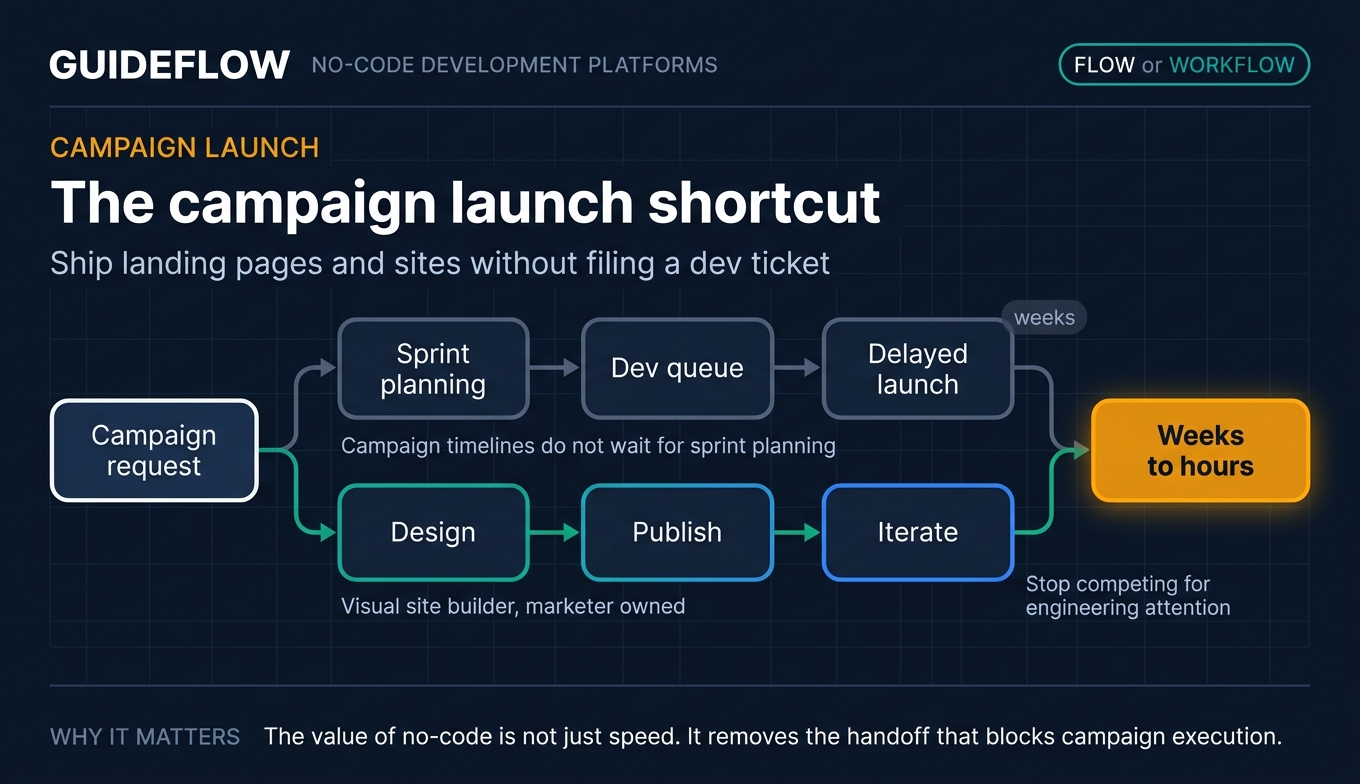
Campaign timelines do not wait for sprint planning. When you need a landing page live before a launch, a visual site builder lets you design, publish, and iterate yourself. You cut launch cycles from weeks to hours and stop competing for engineering attention every time a campaign needs a page. If you are weighing options here, our roundup of the best landing page builders goes deeper on the dedicated tools.
Automate repetitive workflows across your stack
Lead routing, list syncing, Slack alerts, data hygiene: these are the tasks that quietly eat your week. No code application development through automation platforms connects your CRM, marketing automation, and spreadsheets so the work runs itself. Less manual copying, fewer dropped handoffs, more time spent optimizing. Pairing this with the right marketing automation software is where most lifecycle work starts running on its own.
Build internal tools and dashboards on your own data
Spreadsheets break down once a process gets shared. A no-code data platform turns your existing data into a real app with forms, views, and automations. You replace fragile manual reporting with something your team actually uses, and you reduce your dependency on whoever owns the data pipeline.
The 15 best no-code development platforms for 2026 at a glance
Here are the 15 no-code platforms, sorted by relevance to the growth and marketing builder. Pricing reflects entry tiers verified in June 2026; G2 ratings reflect current listings. Use this table as a quick filter, then read the section that matches your job.
| # | Product | Intent | Key use case | Pricing | G2 rating |
|---|---|---|---|---|---|
| 1 | Webflow | Build polished sites | Custom landing pages and CMS sites | Free, paid from $15/mo | 4.4/5 |
| 2 | Bubble | Build full web apps | Functional apps with database and logic | Free, paid from $59/mo | 4.4/5 |
| 3 | Airtable | Manage data and apps | Campaign and content databases | Free, paid from $20/user/mo | 4.6/5 |
| 4 | Zapier | Automate workflows | Cross-stack automation | Free, paid from $19.99/mo | 4.5/5 |
| 5 | Make | Automate with logic | Complex multi-step automations | Free, paid from $12/mo | 4.8/5 |
| 6 | Glide | Build apps from data | Internal apps from spreadsheets | Free, paid from $199/mo | 4.7/5 |
| 7 | Softr | Build portals | Client portals and member sites | Free, paid from $49/mo | 4.7/5 |
| 8 | Adalo | Build mobile apps | Native iOS and Android apps | Free, paid from $36/mo | 4.4/5 |
| 9 | Carrd | Build one-page sites | Fast landers and profiles | Free, paid from $9/yr | 4.5/5 |
| 10 | Notion | Build lightweight tools | Wikis, trackers, ops hubs | Free, paid from $10/user/mo | 4.6/5 |
| 11 | Coda | Build doc apps | Interactive docs and trackers | Free, paid plans available | 4.6/5 |
| 12 | AppSheet | Build on Google data | Operational apps in Workspace | Free testing, paid from $5/user/mo | 4.8/5 |
| 13 | Thunkable | Build native apps | iOS and Android publishing | Free, paid from $18/mo | 4.4/5 |
| 14 | Landbot | Build chat flows | Lead-capture conversations | Free, paid from $45/mo | 4.7/5 |
| 15 | WeWeb | Build custom front ends | Scalable web apps with backends | Free seat, paid from $20/mo | 4.9/5 |
15 best no-code development platforms for 2026
1. Webflow
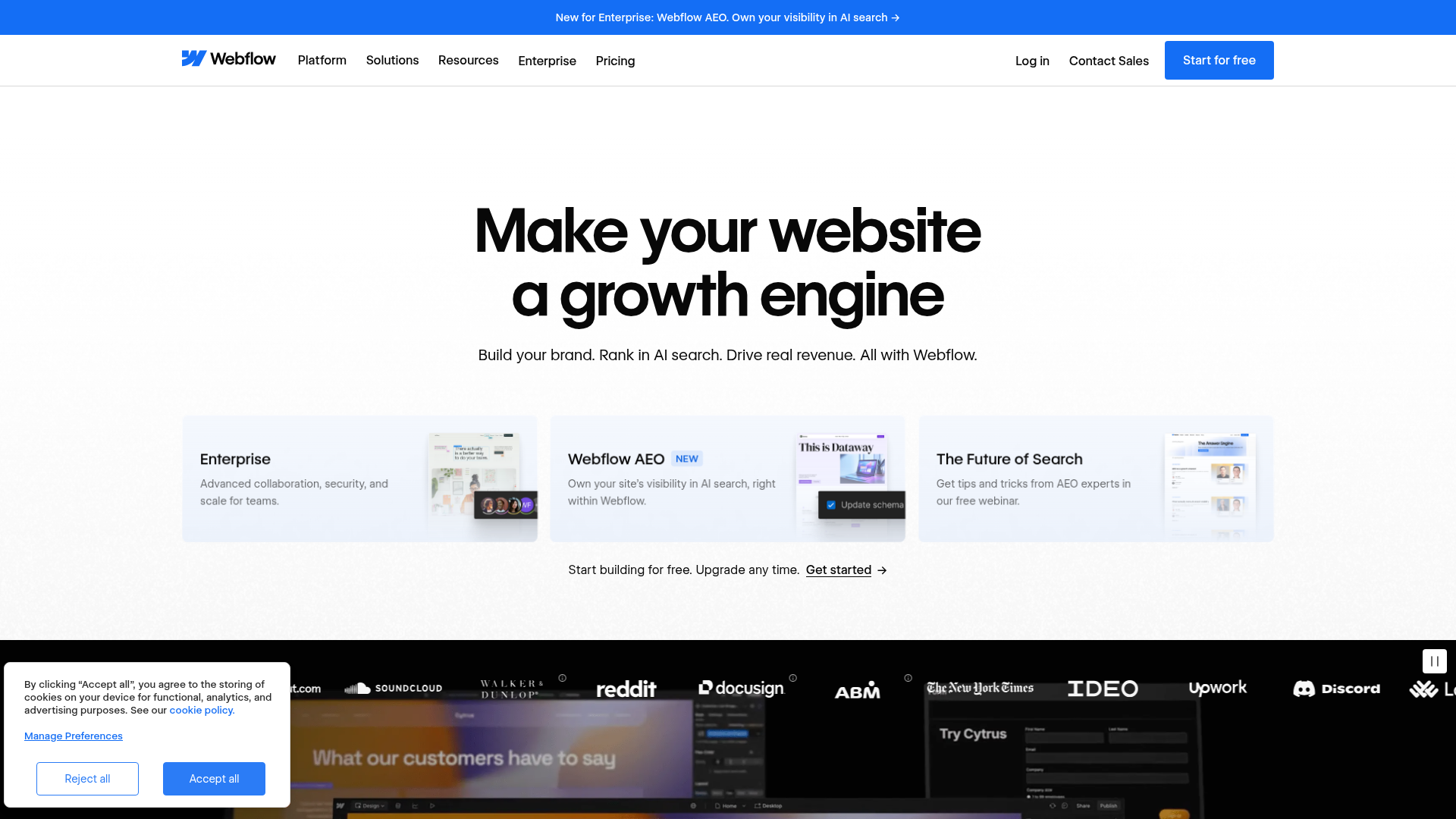
Webflow is an AI-native web platform for creating, managing, hosting, and optimizing websites. It gives marketers the design freedom of a custom-coded site without the code, plus a CMS, hosting, and built-in interactions. If you have ever waited on a developer to ship a campaign page, Webflow removes that wait entirely.
Best for: Marketing, design, and web teams that need a visual website platform with CMS, hosting, and optimization tools.
Key strengths
- Visual design and publishing: Build pixel-level custom sites and ship them yourself.
- CMS for structured content: Manage blogs, case studies, and landing pages from one place.
- Hosting, SEO, and optimization: Localization, analytics, and security built in.
Pairing a campaign page with an interactive demo lets visitors experience your product right on the page, which works best for converting traffic that wants proof before a call. You can see how teams set this up in the Webflow demo example.
Why choose Webflow: For marketers who care about brand-quality design and want to own the publishing process, Webflow is the strongest fit. It removes the design-to-dev handoff that slows every launch, and the CMS scales as your content program grows.
Webflow pricing: Webflow offers a free Starter plan to begin. Paid site plans include Basic at $15/mo and Premium at $25/mo, both billed yearly. Platform plans run from Team at $2,500/mo (annual contract) to custom Enterprise pricing. Its G2 rating is 4.4/5.
2. Bubble
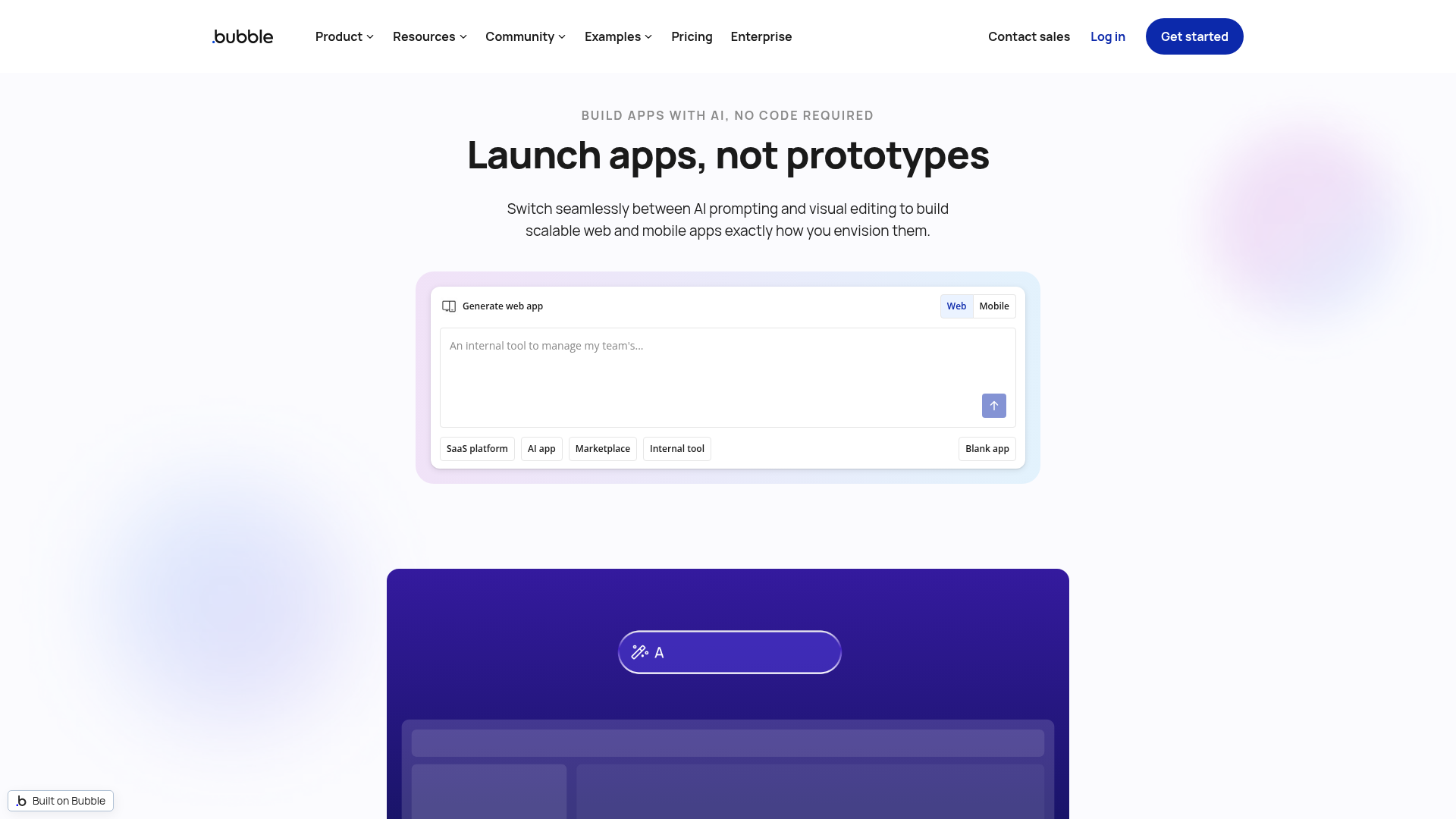
Bubble is an AI-powered no-code app builder for creating, launching, and hosting web, iOS, and Android apps. Unlike a site builder, Bubble ships functional software with a real database, workflow logic, and integrations. Founders use it to build production apps that would otherwise require an engineering team.
Best for: Founders, teams, and agencies building production web and native mobile apps without traditional coding.
Key strengths
- AI app generation and AI Agent: Create and edit apps from prompts.
- Visual editor with logic: Drag-and-drop building plus built-in workflows.
- Database, APIs, and publishing: Built-in data, integrations, hosting, and native mobile output.
Why choose Bubble: When your build needs to do something, not just display something, Bubble is the pick. It handles user accounts, payments, and complex logic, making it the right call for a startup founder validating a product without burning runway on developers.
Bubble pricing: Bubble starts with a free plan for projects under construction. Paid Web and Mobile plans, billed annually, include Starter at $59/mo, Growth at $209/mo, and Team at $549/mo, with custom Enterprise pricing. Its G2 rating is 4.4/5.
3. Airtable
Airtable is an AI-native app-building and digital operations platform for creating custom interfaces, automations, and workflows on shared relational data. It feels like a spreadsheet but works like a database, with app interfaces layered on top. Marketers use it to run campaigns, content calendars, and data-backed tools in one place.
Best for: Teams and departments that need to build flexible workflow apps, databases, interfaces, and automations without traditional software development.
Key strengths
- Interface Designer: Build custom apps from existing data.
- Workflow automations: Trigger actions and reduce manual updates.
- Relational databases: Sync and real-time updates across connected data.
Why choose Airtable: If your team has outgrown spreadsheets but does not need a full custom app, Airtable is the consolidation play. It replaces scattered sheets and manual reporting with structured data your whole team can act on.
Airtable pricing: Airtable offers a free plan. Team is $20/user/month and Business is $45/user/month, both billed annually, with custom Enterprise Scale pricing. Its G2 rating is 4.6/5.
4. Zapier
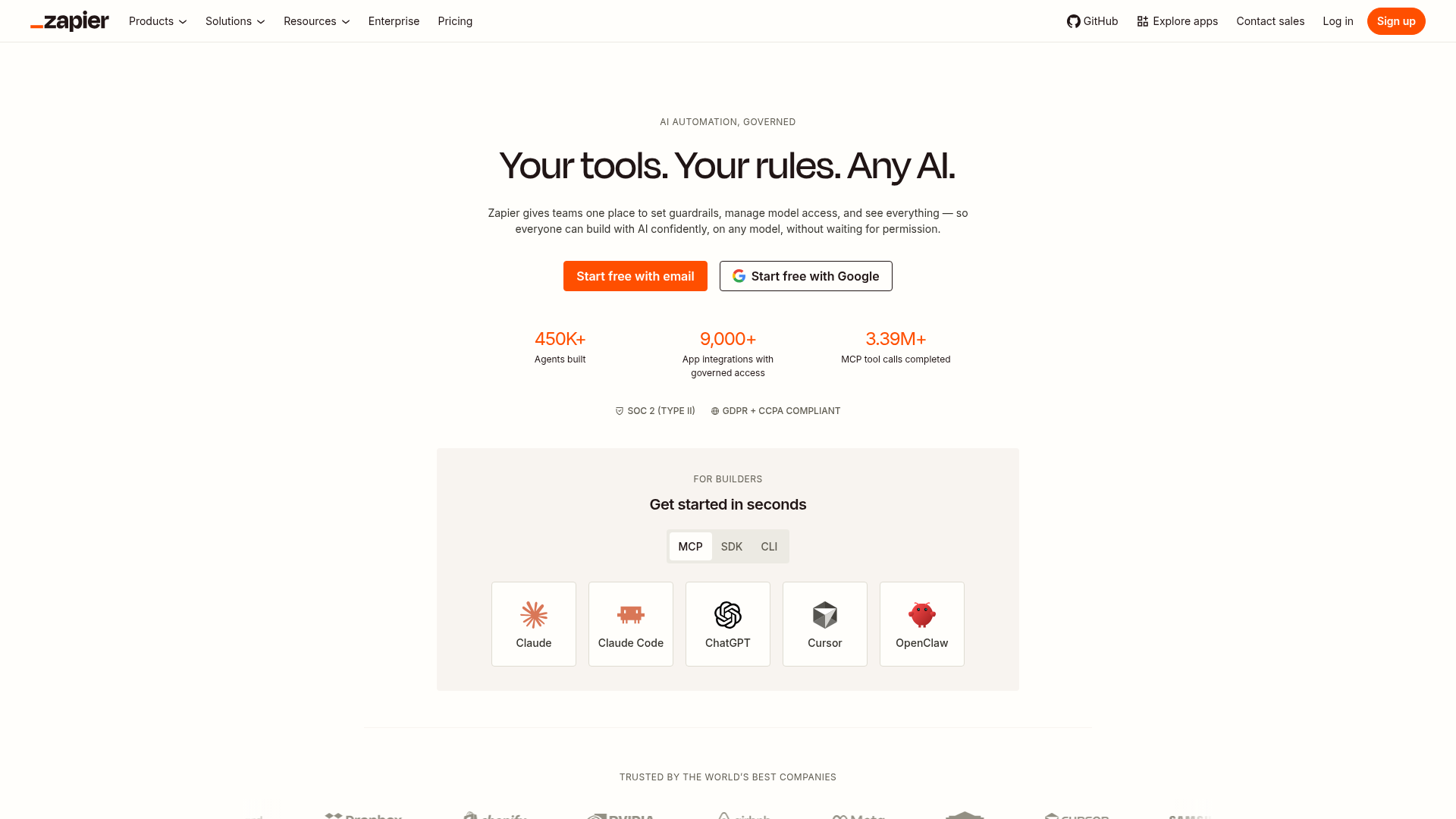
Zapier is an AI orchestration and workflow automation platform that connects apps, data, forms, and AI tools to automate business processes. It is the connective tissue of a modern marketing stack, linking thousands of tools through automated workflows called Zaps. When a task repeats, Zapier usually kills it.
Best for: Businesses that need no-code automation across many SaaS apps, internal workflows, and AI tools.
Key strengths
- No-code Zaps: Build automated workflows with triggers and actions.
- Tables and Forms: Store data and capture inputs without extra tools.
- Zapier MCP: Connect AI tools to a huge app ecosystem.
Why choose Zapier: For breadth of integrations, Zapier is hard to beat, and its free tier lets you prove value before paying. It is the default for marketers who want to wire up their stack without involving engineering. Pair it with a marketing automation tool and most lifecycle work runs itself. For deeper, branching scenarios, it is worth comparing against the best AI orchestration platforms.
Zapier pricing: A free plan includes 100 tasks per month. Professional starts at $19.99/mo and Team at $69/mo, both billed annually, with custom Enterprise pricing. Its G2 rating is 4.5/5.
5. Make
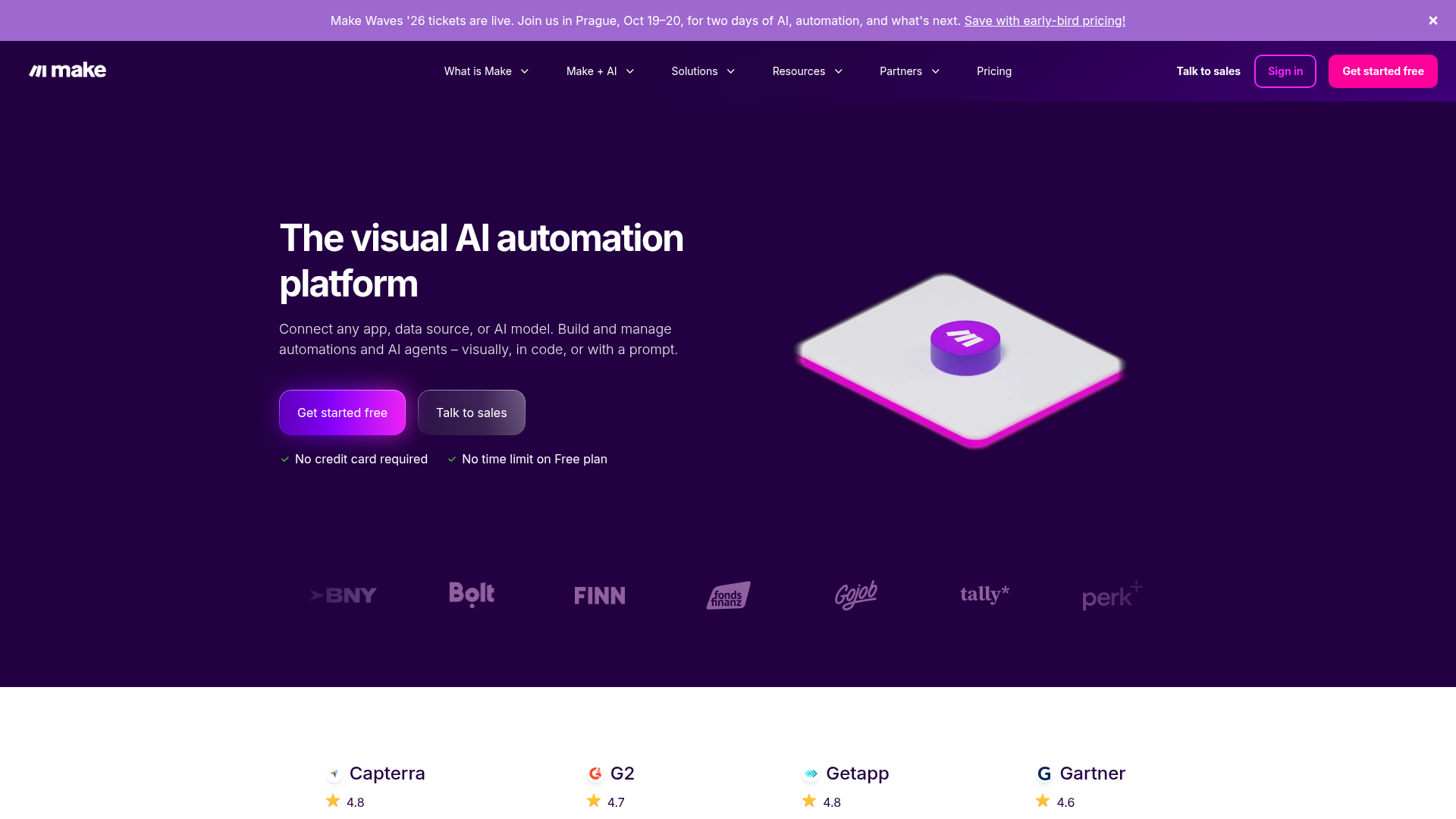
Make, formerly Integromat, is a visual AI automation platform for connecting apps, data sources, and AI models to build workflows and agents. Its canvas-style scenario builder makes complex, branching automations easier to see and manage than linear flows. Ops and growth teams use it when logic gets involved.
Best for: Teams that need visual, no-code automation across many apps with support for AI-powered workflows and agents.
Key strengths
- Visual workflow builder: Map multi-step scenarios on a canvas.
- 3,000+ pre-built apps: Connect the tools you already run.
- Routers and filters: Branch logic for complex, conditional automations.
Why choose Make: When your automation needs branching paths and conditional logic, Make gives you depth and visibility. It is the pick for teams building scenarios too complex for a simple trigger-and-action model.
Make pricing: A free plan includes 1,000 credits per month. Core starts at $12/mo, Pro at $21/mo, and Teams at $38/mo, with custom Enterprise pricing. It holds a 4.8/5 rating on Capterra.
6. Glide
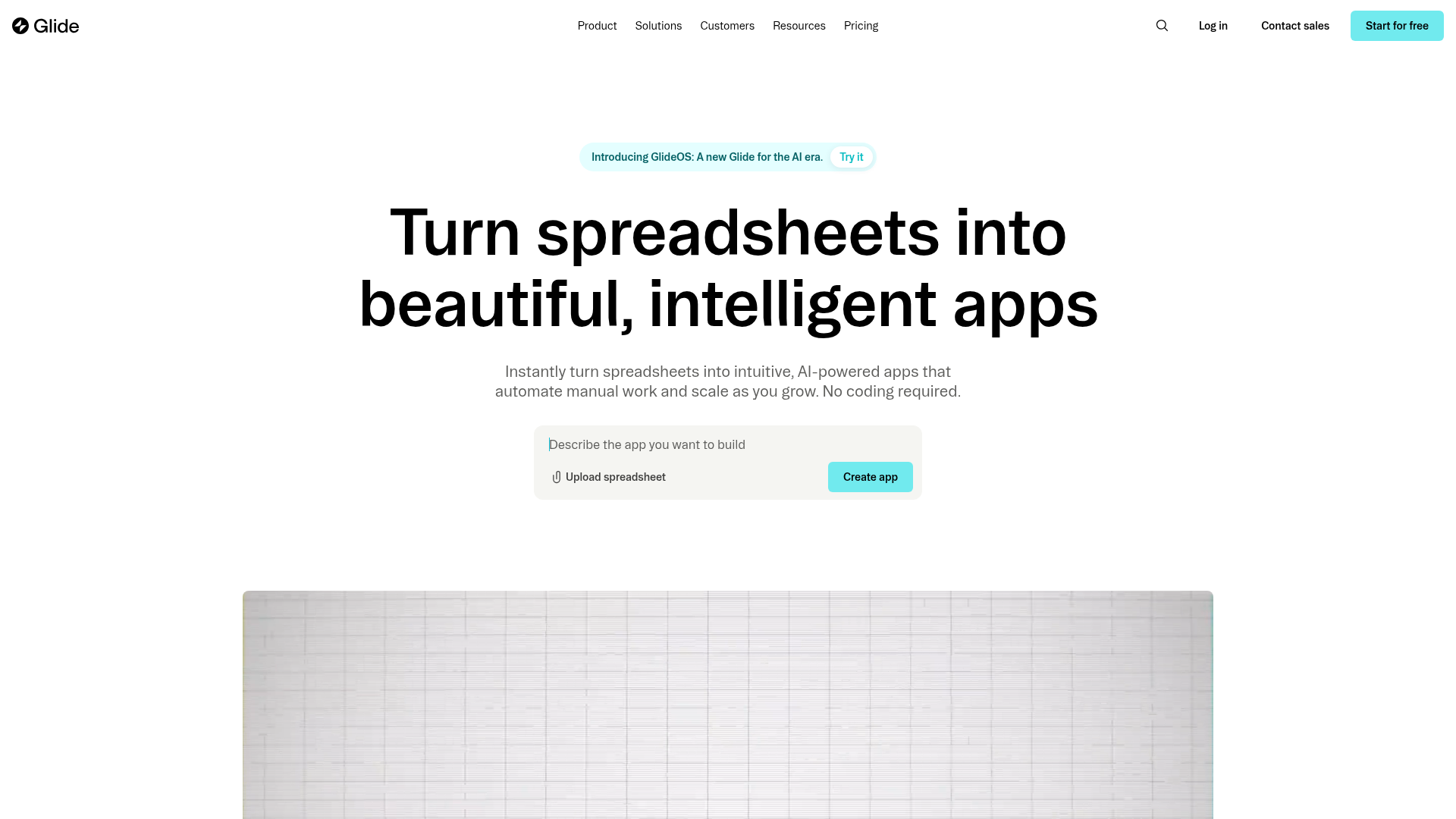
Glide is a no-code platform for turning spreadsheets and business data into AI-powered apps and workflows. If your data already lives in Google Sheets, Airtable, or a SQL database, Glide turns it into a working internal app fast. Teams ship tools in an afternoon instead of a quarter.
Best for: Operations teams and businesses that need to build internal tools, portals, dashboards, CRMs, inventory systems, and workflow apps without coding.
Key strengths
- No-code app builder: Spreadsheet-like data editing with app output.
- Workflows: Automate business tasks inside your apps.
- Integrations and APIs: Connect Google Sheets, Airtable, Slack, Stripe, and more.
Why choose Glide: When speed from existing data matters most, Glide wins. It is the fastest way to turn a spreadsheet your team relies on into a polished internal app without rebuilding the data.
Glide pricing: Glide offers a free plan with up to 25k rows and one editor. Business starts at $199/month billed yearly, with custom Enterprise pricing for SSO, backups, and priority support. Its G2 rating is 4.7/5.
7. Softr
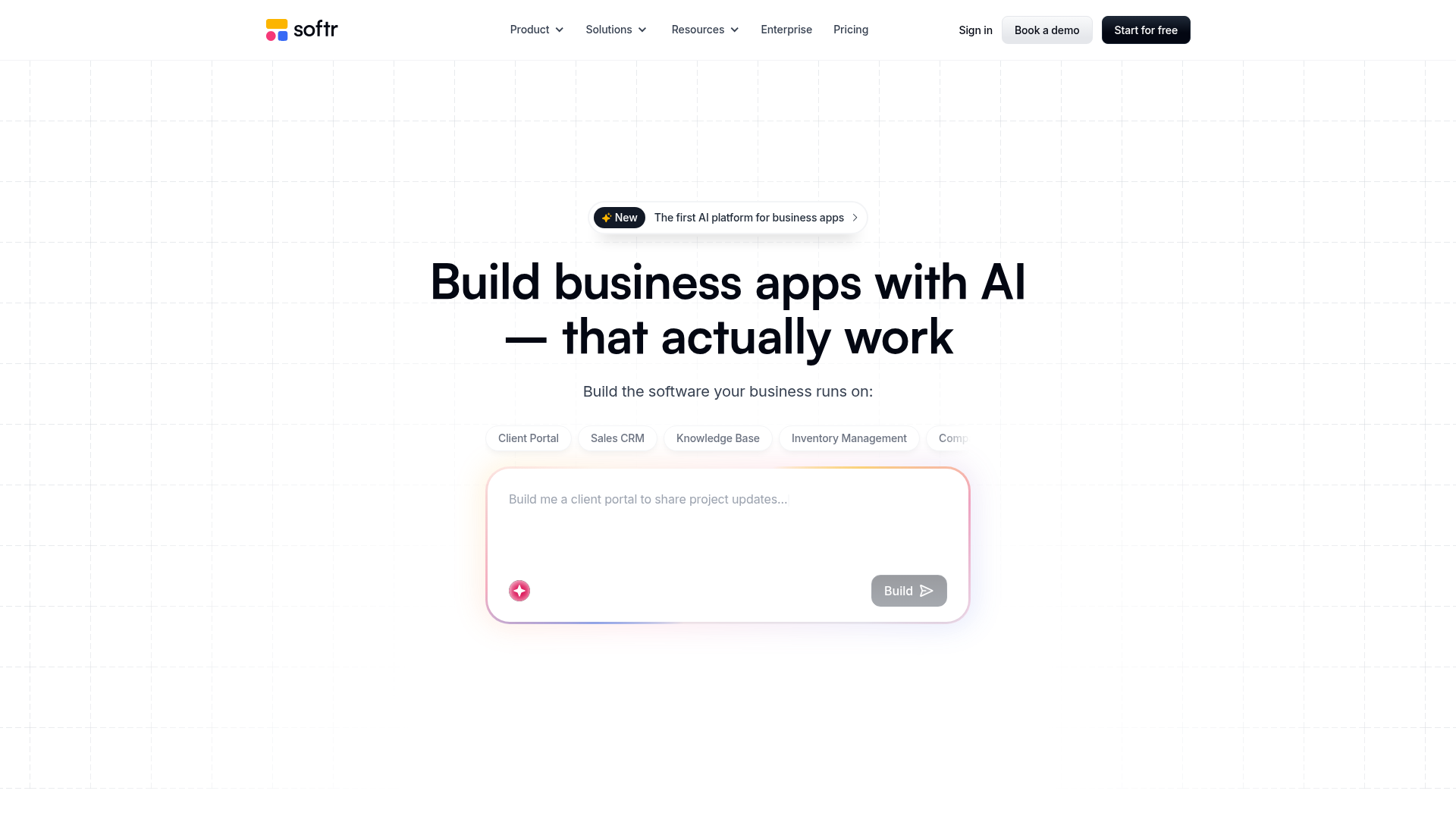
Softr is a no-code AI platform for building business apps like portals, CRMs, intranets, dashboards, and forms. It excels at client portals and member sites built on top of Airtable or Google Sheets, with gated content and access controls. Marketers use it to ship branded portals without engineering.
Best for: Teams that need to build no-code internal tools, client portals, CRMs, dashboards, and workflow-driven business apps.
Key strengths
- AI app builder: Create business apps from prompts.
- Built-in databases and workflows: Store data and automate actions.
- Broad integrations: Connect Airtable, Google Sheets, Notion, HubSpot, SQL, Make, and Zapier.
Why choose Softr: For gated portals and member experiences on existing data, Softr is the cleanest fit. It is built for marketers who need access control and branding without standing up custom auth.
Softr pricing: A free plan includes 10 app users and a custom domain. Basic is $49/month, Professional $139/month, and Business $269/month, with custom Enterprise pricing. Its G2 rating is 4.7/5.
8. Adalo
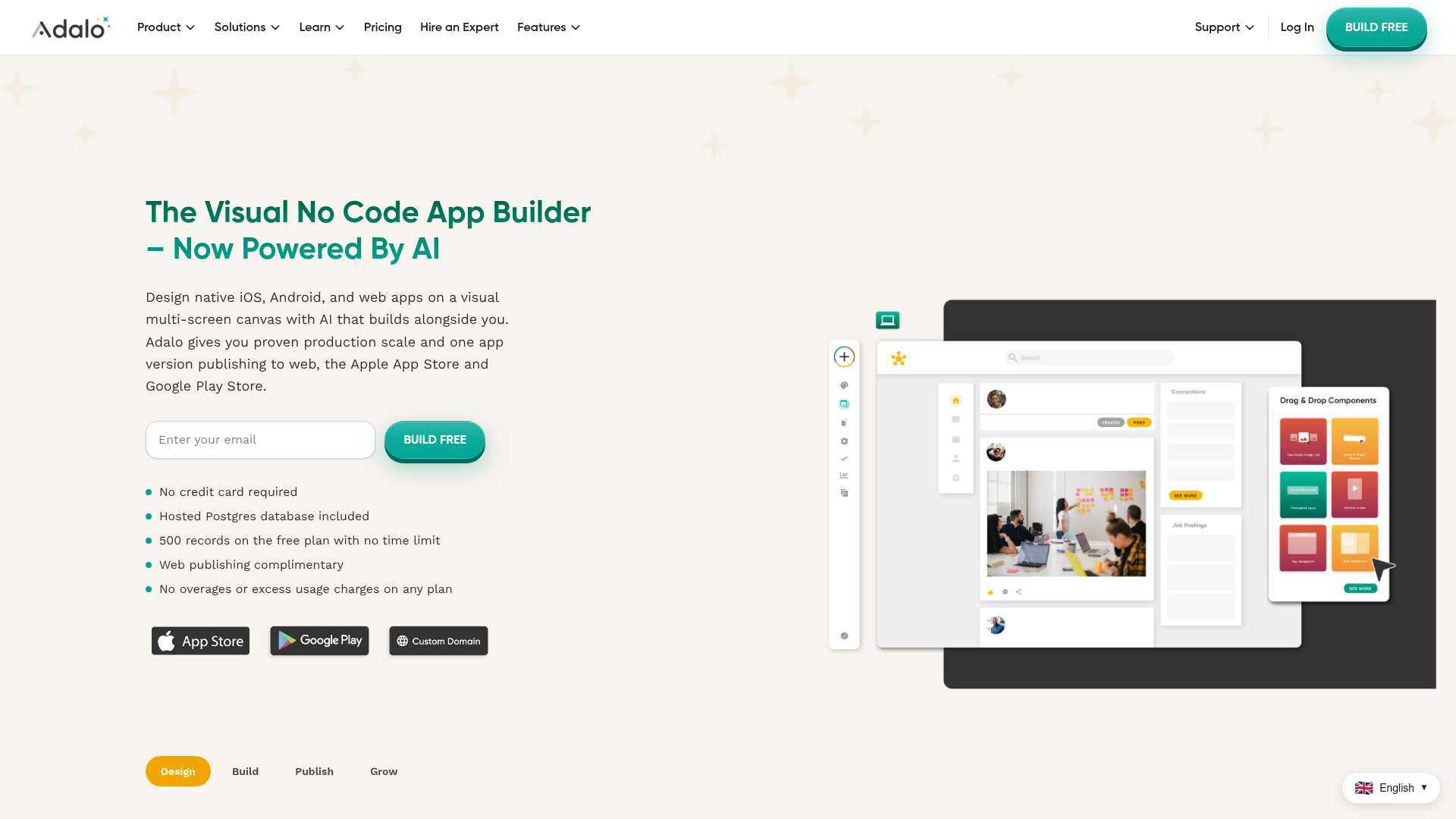
Adalo is a no-code visual AI app builder for creating database-driven web apps and native iOS and Android apps from a single project. It gives non-technical builders a multi-screen canvas, a built-in database, and direct publishing to app stores. Founders use it to ship a real mobile app without a mobile dev team.
Best for: Non-technical founders, startups, SMBs, freelancers, and agencies that need to build and publish no-code web and native mobile apps.
Key strengths
- Visual canvas: Multi-screen drag-and-drop building.
- Ada AI assistant: Build and edit apps from prompts, with a built-in Postgres database.
- Native publishing: Ship to iOS, Android, and web, plus integrations like Stripe and Zapier.
Why choose Adalo: When the deliverable is a native-feeling mobile app and you have no mobile engineers, Adalo is the practical choice. It handles the database and app-store publishing so you focus on the experience.
Adalo pricing: Adalo offers a free plan with 500 records per app. Paid plans billed annually include Starter at $36/mo, Professional at $52/mo, and Team at $160/mo. Its G2 rating is 4.4/5.
9. Carrd
Carrd is a simple, fully responsive one-page site builder for landing pages, profiles, and similar one-page sites. It is the scrappy founder's fastest path to a live page, with templates, forms, and pricing low enough to feel free. When you need a lander now, Carrd is the answer.
Best for: Individuals and small teams that need to quickly publish simple, responsive one-page sites or landing pages.
Key strengths
- Responsive one-page builder: Start from templates or a blank page.
- Custom domains with SSL: Available on Pro plans.
- Forms, widgets, and analytics: Capture leads and track performance on eligible plans.
Adding an interactive product walkthrough to a Carrd lander gives visitors a hands-on experience, which performs best when you want to show value before asking for a signup.
Why choose Carrd: For a single page shipped in under an hour at near-zero cost, nothing beats Carrd. It is the right tool for validating an offer, a waitlist, or a campaign micro-site fast.
Carrd pricing: Carrd is free for up to three basic sites. Pro Lite is $9/year, Pro Standard $19/year, and Pro Plus $49/year, adding custom domains, forms, and advanced features. Its G2 rating is 4.5/5.
10. Notion
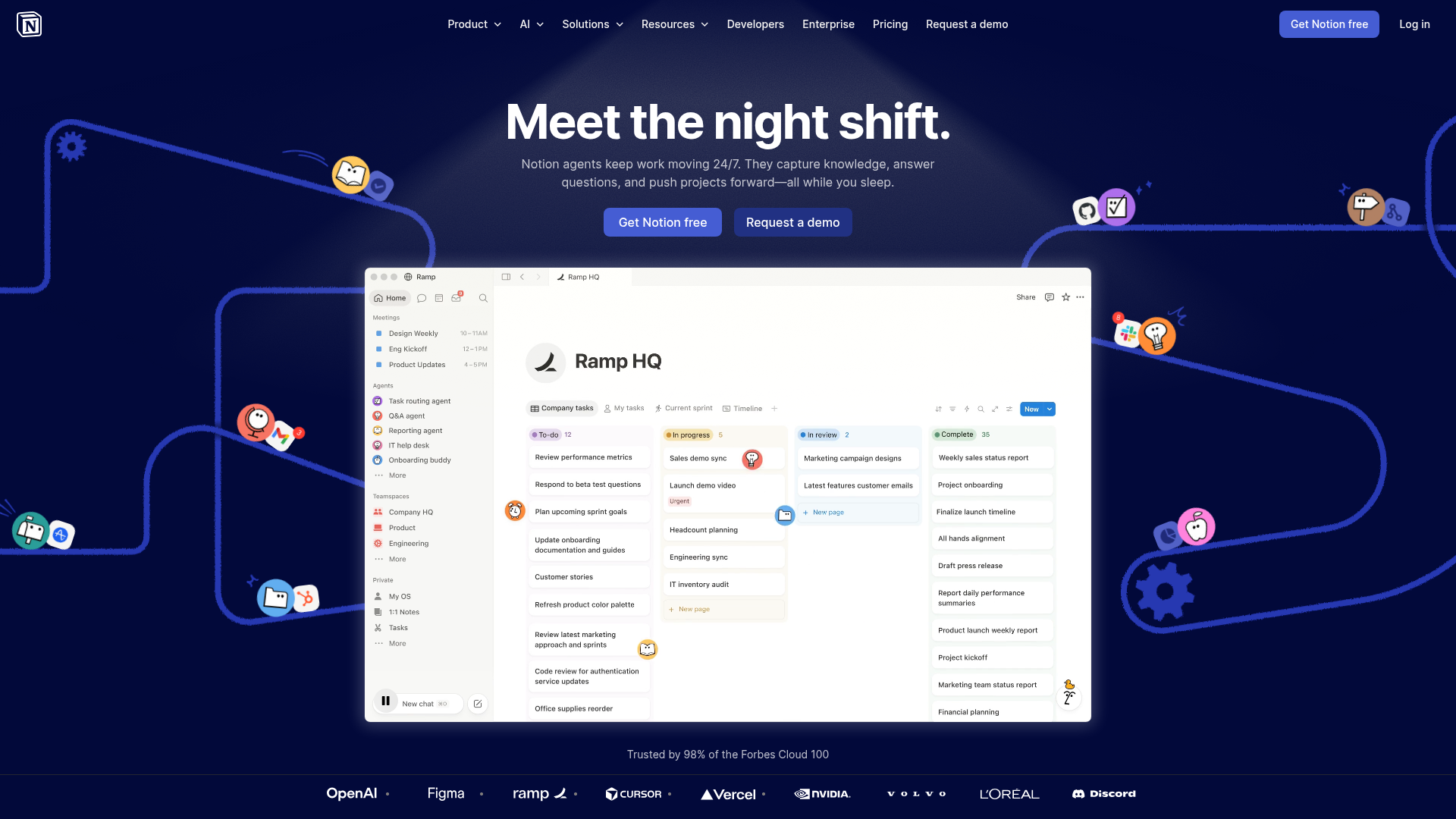
Notion is an AI workspace for docs, knowledge bases, projects, databases, forms, and agents. Beyond notes, its databases and automations let teams build wikis, ops trackers, and lightweight internal tools without a separate app. Many teams run their whole operating system here.
Best for: Teams that want a flexible all-in-one workspace for docs, wikis, projects, databases, and AI-assisted collaboration.
Key strengths
- Docs and knowledge base: Centralize information your team actually uses.
- Projects and databases: Subtasks, dependencies, custom properties, charts, and forms.
- Notion AI: Meeting notes, enterprise search, research mode, and agents.
Why choose Notion: When the "app" you need is really a structured tracker or wiki, Notion replaces several tools at once. It is the consolidation pick for teams tired of separate docs, project, and database tools. If a customer-facing wiki is the goal, compare it against the best knowledge base software.
Notion pricing: A free plan covers individuals. Plus is $10 per member/month and Business $20 per member/month, with custom Enterprise pricing. Its G2 rating is 4.6/5.
11. Coda
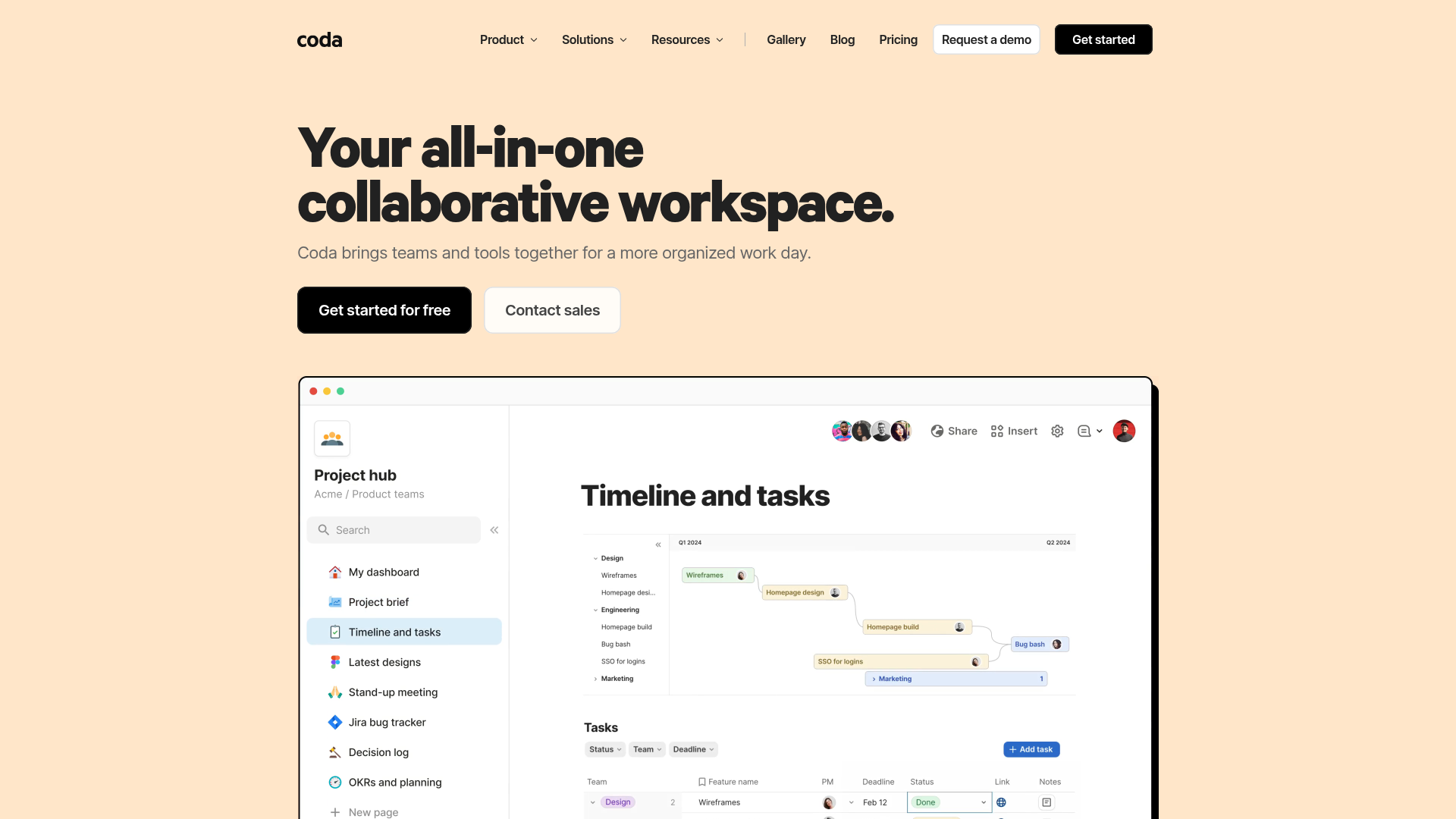
Coda is a collaborative all-in-one platform that blends docs, spreadsheets, applications, AI, and integrations. Its documents behave like apps, combining text, tables, and logic so a single doc can run a process end to end. Teams build interactive trackers and hubs without leaving the page.
Best for: Teams that want to build collaborative docs, team hubs, trackers, lightweight apps, and workflows in one flexible workspace.
Key strengths
- Docs and team hubs: Build documents that act like applications.
- Trackers and apps: Combine tables, logic, and views in one place.
- Coda AI and Packs: AI assistance plus integrations with the tools you use.
Why choose Coda: When you want a document that does work, not just records it, Coda fits. It is the pick for teams that think in docs but need app-like interactivity and automation.
Coda pricing: Coda offers a free plan, with Pro, Team, and Enterprise tiers. It uses Maker-based billing, charging only for Doc Makers while editors and viewers are free. Its G2 rating is 4.6/5.
12. AppSheet
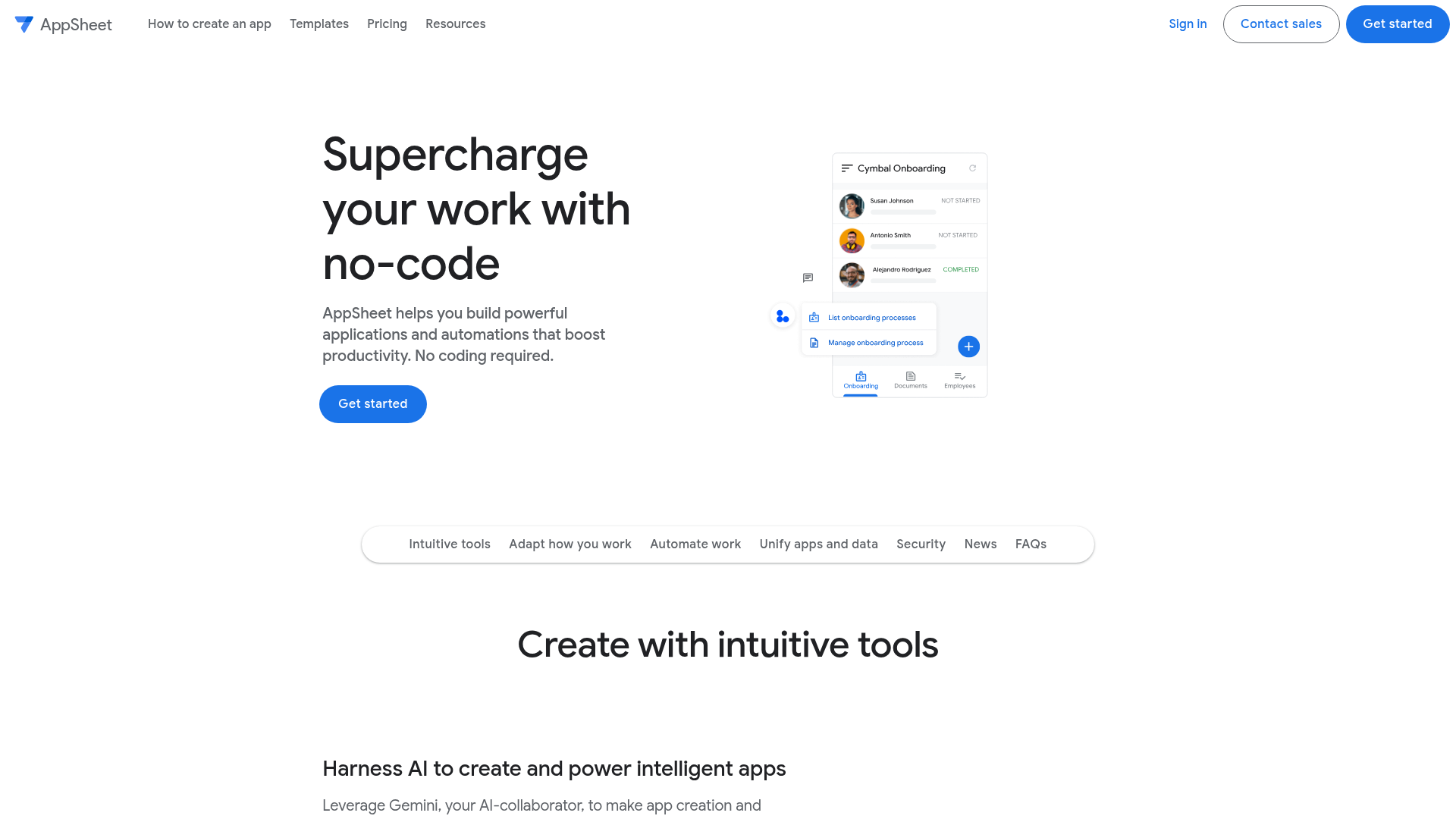
AppSheet is Google's no-code platform for building business applications and automations without coding. It binds directly to Google Workspace data and other sources, making it the natural choice for teams already living in Sheets and Drive. Operational apps go from idea to deployed quickly.
Best for: Teams that want to build internal business apps and workflow automations from spreadsheets, databases, and SaaS data sources without writing code.
Key strengths
- No-code app creation: Gemini-assisted app building from your data.
- Workflow automation: Email, SMS, push notifications, triggers, and branches.
- Broad data integrations: Google Workspace, Office 365, Salesforce, SQL, and REST APIs.
Why choose AppSheet: If your team runs on Google Workspace, AppSheet removes the friction of moving data elsewhere. It is the most direct path to operational apps for Google-native teams.
AppSheet pricing: AppSheet allows no-cost building and testing with up to 10 test users. Paid plans are Starter at $5/user/month, Core at $10/user/month, and Enterprise Plus at $20/user/month, plus Publisher Pro at $50/mo per app. Its G2 rating is 4.8/5.
13. Thunkable
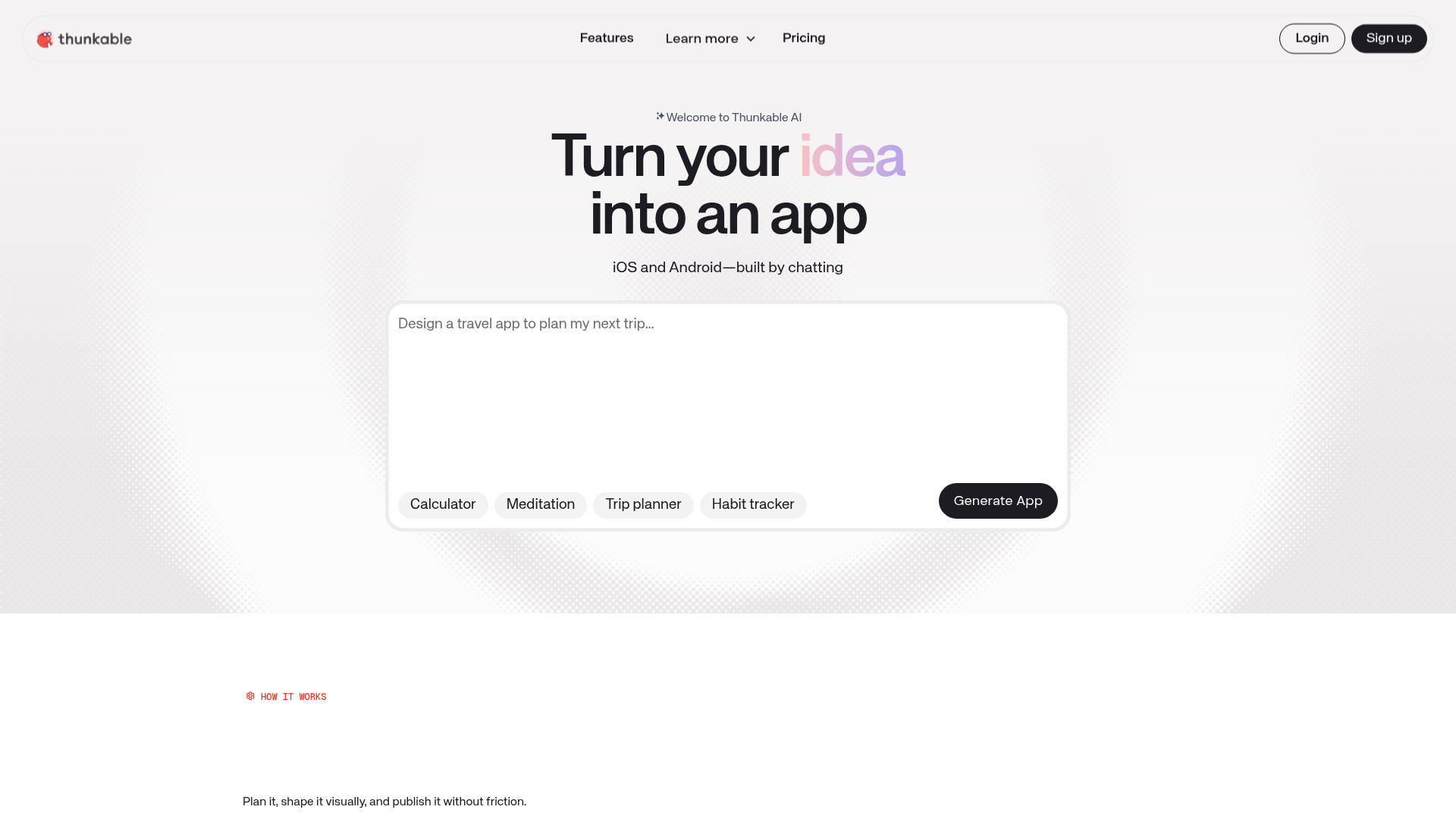
Thunkable is a no-code and AI-assisted platform for building and publishing native iOS, Android, and web apps. It pairs a drag-and-drop builder with AI prompt-to-app generation and a code editor for direct edits when needed. Builders ship real mobile apps without a development team.
Best for: Founders, designers, educators, and teams that want to prototype and publish mobile apps without traditional coding.
Key strengths
- AI builder: Turn prompts into working apps.
- Code editor: Make direct edits when you want more control.
- Multi-platform publishing: Ship to Apple, Google, and the web.
Why choose Thunkable: For native mobile apps with an optional code escape hatch, Thunkable balances simplicity and flexibility. It suits builders who want no-code speed but value the ability to drop into code later.
Thunkable pricing: A free plan includes 2,000 AI tokens and three public projects. Paid plans include Accelerator from $18/month, Builder, and Advanced, with custom Enterprise and Education pricing. Its G2 rating is 4.4/5.
14. Landbot
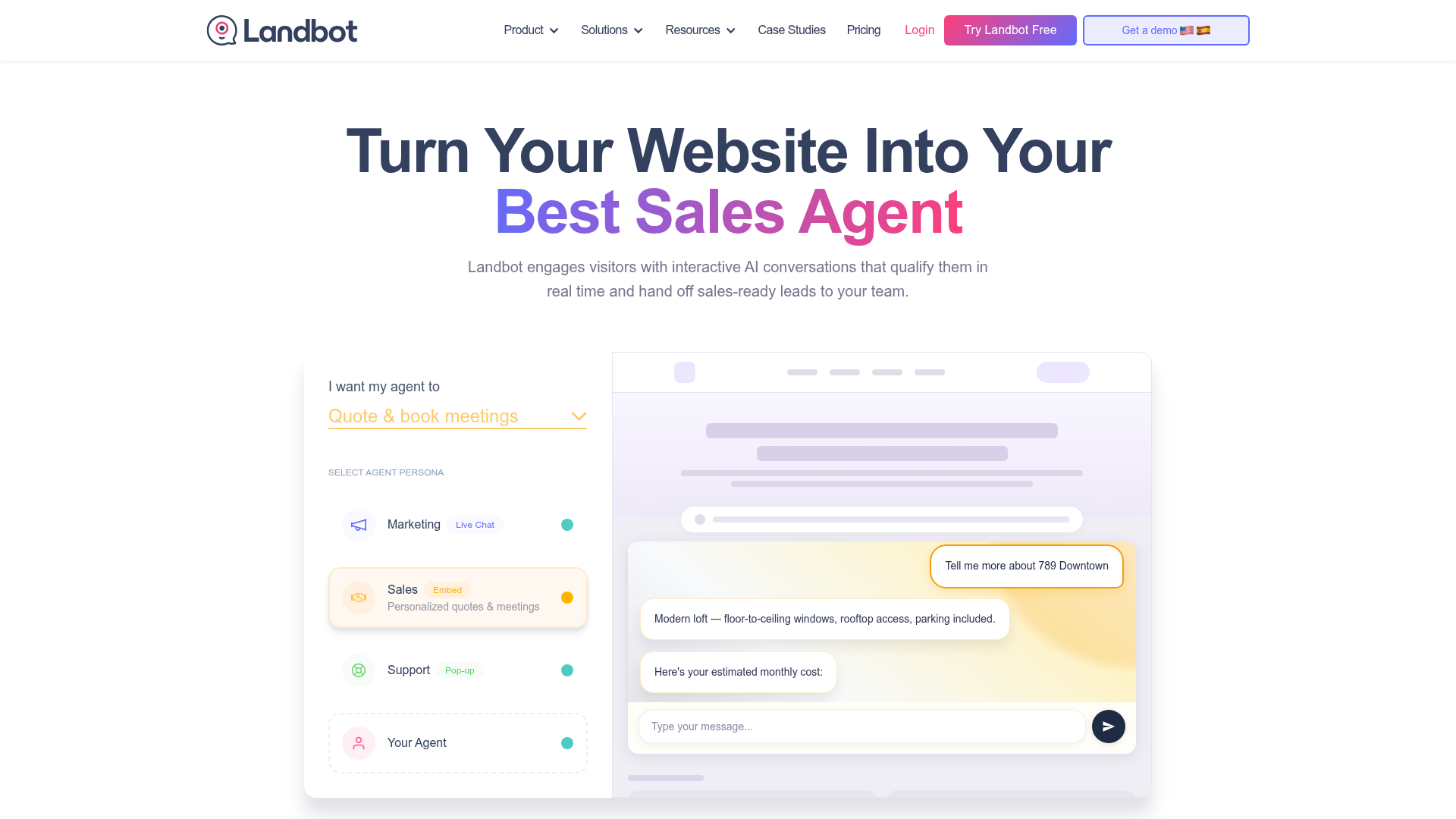
Landbot is a no-code AI agent and chatbot builder for websites, WhatsApp, Facebook Messenger, and API-based conversational workflows. Marketers use its visual builder to capture, qualify, and route leads through chat instead of static forms. Conversations convert where forms stall.
Best for: Revenue teams that want to capture, qualify, route, and support leads through AI-powered website and WhatsApp conversations without engineering.
Key strengths
- Visual chatbot builder: Design AI agent and chat flows with no code.
- Multi-channel: Website, WhatsApp, Facebook Messenger, and API.
- Integrations: Connect CRM, automation, LLM, and custom APIs.
Why choose Landbot: When you want lead capture that feels like a conversation rather than a form, Landbot is the fit. It is built for marketers chasing higher conversion on landing pages and messaging channels. It pairs well with the broader conversational marketing software category.
Landbot pricing: A free Sandbox plan covers individuals starting out. Paid plans include Starter at $45/mo, Pro at $110/mo, WhatsApp Pro at $220/mo, and Business from $450/mo. Its G2 rating is 4.7/5.
15. WeWeb
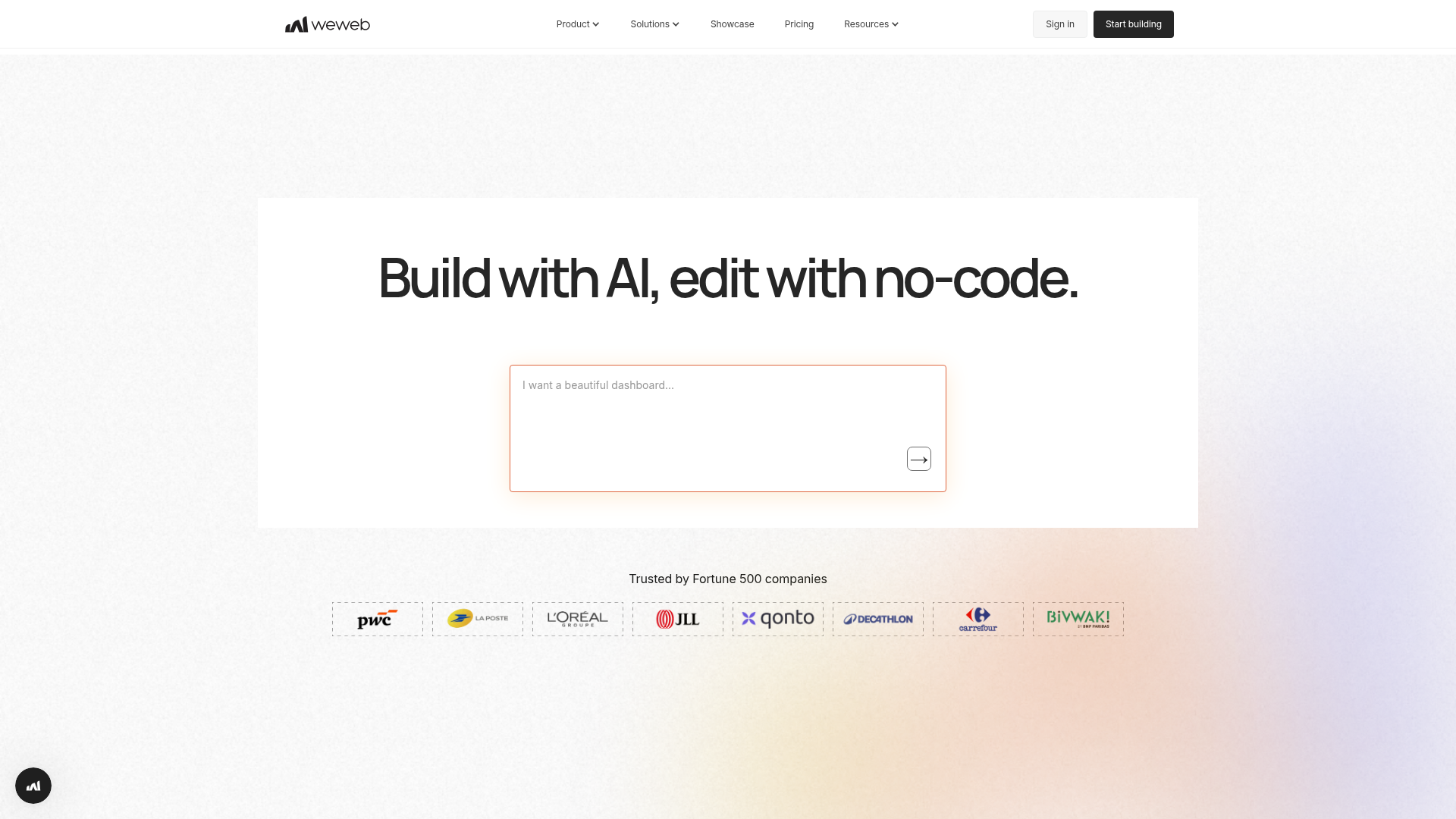
WeWeb is an AI-assisted visual development platform for building production-grade web apps, portals, and internal tools with no-code and pro-code extensibility. It handles the front end visually while connecting to scalable backends like Supabase and Xano. Teams get design control without sacrificing data depth.
Best for: Teams building custom SaaS apps, portals, dashboards, or internal tools that need visual development, backend flexibility, and code export options.
Key strengths
- Visual front-end builder: AI generation, Figma import, reusable components, and workflows.
- Backend flexibility: Connect Supabase, Xano, Airtable, Google Sheets, REST, and GraphQL.
- Code export and self-hosting: Vue.js export and deployment options on paid plans.
Why choose WeWeb: When you have outgrown closed app builders and want full design control with a scalable backend, WeWeb is the serious-builder pick. It suits teams that want no-code speed without hitting a ceiling. You can preview how it presents in a WeWeb interactive demo.
WeWeb pricing: A free seat includes one developer and hosting up to 500 sessions. Paid plans include Essential at $20/month, Pro at $50/seat, and Partner at $79/seat, with enterprise options. Its G2 rating is 4.9/5.
How to choose a no-code development platform
Fifteen strong options means the real work is matching one to your situation. Run through this checklist before you commit.
What are you actually building?
Match the category to the need. A site builder will not build an app, and an automation tool will not host a landing page. Be precise: site, web app, mobile app, automation, or database. Picking the right category up front saves you from buying a tool that almost fits.
Integration depth
A no-code platform that does not connect to your CRM, marketing automation, and analytics creates a new silo instead of removing one. Check native integrations first, then confirm an automation layer like Zapier or Make can fill any gaps. Integration quality is what makes these no code solutions stick.
Pricing that scales
Entry pricing is the bait; the real cost shows up at scale. Watch per-seat jumps and usage-based pricing tied to records, tasks, or sessions. Ask the consolidation question every time: what existing tool does this replace, and does the math still work at your projected volume?
Time-to-value and learning curve
The point of no-code is shipping without a dev queue. If a non-developer cannot build something useful in week one, the platform is fighting its own premise. Use the free tier to test exactly that before any commitment.
Data ownership and governance
For larger teams, ask where your data lives, whether you can export it, and how access is controlled. Unmanaged no-code adoption creates shadow IT. Confirm security, export options, and admin controls match your governance needs.
Conclusion
The right no-code development platform depends entirely on the job in front of you. For polished, custom landing pages and sites, Webflow gives marketers design control without the dev queue. For functional web apps with real logic and data, Bubble is the builder's choice. When the job is automating workflows across your stack, Zapier wins on breadth and Make on branching depth.
If you are turning existing data into internal tools, Airtable, Glide, and Softr cover most needs, while Carrd remains the fastest free path to a single page. Whatever you ship, embedding an interactive demo of your product can lift conversion on those pages without adding engineering work.
The smartest next step is also the cheapest. Nearly every tool here offers a free tier, so pick the one that matches your primary build job and ship something small this week. You will learn more from one shipped page or automation than from another month of comparison.
That is the real win for a growth marketer. Less time blocked on engineering, faster launch cycles, and one fewer dependency standing between you and your number. For more tools that move the number, browse our best growth marketing tools roundup.
Frequently asked questions
What is a no-code development platform?
A no-code development platform is software that lets you build apps, websites, workflows, and databases through visual interfaces and configuration instead of writing code. You drag components, connect data, and define logic with rules, and the platform generates the working software underneath.
What is the difference between no-code and low-code platforms?
No-code means zero code, built for business users and citizen developers. Low-code blends visual building with the option to write custom code, aimed at professional developers who want speed without losing control. Choose no-code for most marketing and ops jobs; reach for low-code when a build needs deep customization.
Are no-code development platforms free?
Many offer free tiers. Free plans typically cover a limited number of projects, records, tasks, or users, which is enough to build and test something real. Paid plans usually unlock custom domains, more capacity, integrations, removed branding, and team features. Most of the no-code tools in this guide let you start at no cost.
Can you build a real business app with no-code tools?
Yes. Platforms in this category power production web apps, native mobile apps, client portals, internal dashboards, and customer-facing tools used daily. Founders launch products, ops teams replace spreadsheets, and marketers ship lead-capture flows. The ceiling is higher than most people expect, especially when you connect a scalable backend.
What is the best no-code platform for marketers?
It depends on the job. For landing pages and sites, Webflow and Carrd are top picks. For automating lifecycle and lead workflows, Zapier and Make lead. For managing campaigns and content on structured data, Airtable is the standard. For conversational lead capture, Landbot fits best.
Do no-code platforms integrate with my CRM and marketing stack?
Most do, either through native integrations or an automation layer. Tools like Zapier and Make exist specifically to connect thousands of apps, including major CRMs and marketing platforms. Before buying, confirm the platform supports your specific stack natively, then check that an automation tool can bridge any remaining gaps.
Will no-code platforms replace developers?
No. The consensus is that no-code complements developers rather than replacing them. It is best suited to line-of-business apps, sites, and automations that non-technical teams can own, freeing engineers for complex, mission-critical, and deeply customized work. Think of it as expanding who can build, not eliminating who builds.
How do I choose the right no-code development platform?
Start by naming exactly what you are building: site, app, automation, or database. Then check integration depth with your existing stack, model pricing at your projected scale, test time-to-value on a free tier, and confirm data ownership and governance for your team. Match the category to the need first, and the shortlist gets short fast.