
Sending paid traffic to your homepage is like paying for a billboard that points to a maze. Landing page builders exist to solve this: standalone pages with one job, one message, and one action you want visitors to take.
This guide covers 15 landing page platforms for 2026, from free tools for simple splash pages to AI-powered platforms that optimize conversion automatically. You'll find pricing, ratings, and guidance on matching the right builder to your specific use case.
What's inside
This guide covers the best landing page builder tools for lead generation, conversion optimization, and campaign performanceThis guide covers the best landing page builder tools for lead generation, conversion optimization, and campaign performance. Landing pages work alongside other demand generation tools to capture and nurture leads effectively. You'll find free and paid options, a comparison table with pricing and ratings, and guidance on choosing the right platform for your use case.
TL;DR
Best for AI optimization: Unbounce uses Smart Traffic to route visitors to highest-converting variants automatically
Best free landing page builder: Carrd offers a generous free tier for simple, single-page sites
Best for A/B testing: Instapage provides enterprise-grade experimentation and personalization
Best for beginners: Leadpages and MailerLite have the gentlest learning curves
Best all-in-one platform: HubSpot connects landing pages directly to CRM and marketing automation
What is a landing page builder
A landing page builder is software that lets you create standalone web pages designed for a single conversion goal without writing code. Unlike regular website pages with navigation menus and multiple links, landing pages focus visitor attention on one action: signing up, downloading, purchasing, or requesting a demo.
The difference matters for conversion. A homepage might have 50 clickable elements competing for attention. A landing page has one clear path forward.
Core capabilities to look for:
Drag and drop editor: Visual page building without touching code
Templates: Pre-designed layouts already optimized for conversion
Form builders: Capture visitor information with customizable fields
A/B testing: Compare page variations to find what works
Analytics: Track visitor behavior, conversion rates, and drop-off points
Integrations: Connect to email, CRM, and marketing tools
Most landing page creators also support mobile-responsive design, custom domains, and embed options for adding elements like videos or interactive demos that let visitors experience your product before filling out a form.
When to use a landing page builder
Lead generation campaigns
When you're running ads, sending email campaigns, or posting on social media, sending traffic to your homepage dilutes the message. A dedicated landing page matches the specific offer and captures contact information through forms that sync directly with your CRM.
Product launches and announcements
Build anticipation with countdown timers, collect early access signups, or showcase new features with focused messaging. Adding interactive product experiences to launch pages helps visitors understand value before they commit.
Paid advertising destinations
Google and Meta both factor landing page quality into ad performance scores. A fast, relevant landing page with clear messaging improves both conversion rates and ad costs. Generic homepages hurt both metrics.
Event and webinar registration
Landing page platforms simplify event promotion with calendar integrations, registration forms, and automated confirmation emails. You can track registrations and send reminders without juggling multiple tools.
Free trial and signup flows
SaaS companies use landing pages to convert visitors into trial users. The most effective pages show the product in action rather than just describing features.
Best landing page builders comparison table
No. | Product | Best for | Key differentiator | Pricing | G2 rating |
|---|---|---|---|---|---|
1 | Unbounce | AI-powered optimization | Smart Traffic auto-routing | From $99/mo | 4.4/5 |
2 | Leadpages | Small business lead gen | Built-in payment processing | From $49/mo | 4.3/5 |
3 | Instapage | Enterprise personalization | AdMap ad-to-page matching | From $99/mo | 4.3/5 |
4 | Landingi | High-volume page creation | 400+ templates | From $29/mo | 4.5/5 |
5 | Swipe Pages | Mobile-first campaigns | AMP page support | From $39/mo | 4.8/5 |
6 | Carrd | Simple splash pages | Generous free tier | Free/$19/yr | 4.7/5 |
7 | HubSpot | CRM-connected marketing | Native CRM integration | From $20/mo | 4.4/5 |
8 | GetResponse | All-in-one marketing | Email + webinars included | From $19/mo | 4.3/5 |
9 | MailerLite | Budget-conscious teams | Free tier with automation | Free/$10/mo | 4.7/5 |
10 | Wix | Website + landing pages | Full website builder included | From $17/mo | 4.2/5 |
11 | Webflow | Design-focused teams | Pixel-perfect control | From $14/mo | 4.4/5 |
12 | Kit | Creator newsletters | Purpose-built for creators | Free/$29/mo | 4.7/5 |
13 | involve.me | Interactive lead qualification | Quizzes and calculators | From $29/mo | 4.7/5 |
14 | Wishpond | Contests and promotions | Social campaign tools | From $49/mo | 4.1/5 |
15 | GoDaddy | Absolute beginners | Domain management included | From $10/mo | 4.1/5 |
1. Unbounce
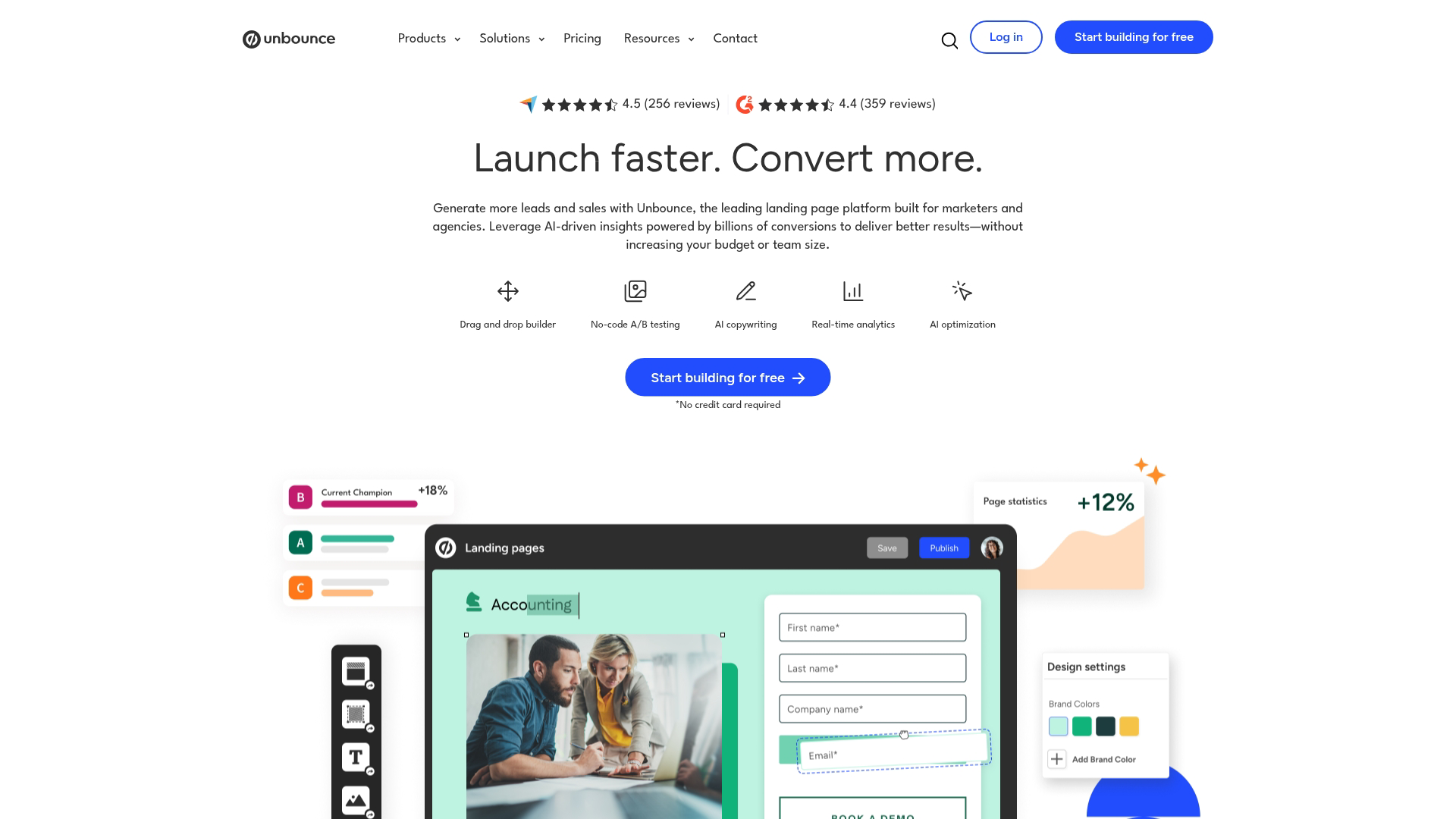
Unbounce pioneered the dedicated landing page builder category and has evolved into an AI-powered conversion platform. The standout feature is Smart Traffic, which automatically routes visitors to the page variant most likely to convert them based on their attributes and behavior.
Instead of waiting weeks for A/B test results, Smart Traffic starts optimizing from the first 50 visitors.
Best for: Marketers running multiple campaigns who want automated optimization without constant manual testing.
Key strengths
Smart Traffic AI: Automatically sends visitors to highest-converting variants
Smart Copy: AI-powered copywriting assistance for headlines and CTAs
Dynamic text replacement: Match landing page headlines to search ad keywords
Popups and sticky bars: Add conversion elements to existing pages
Why pick Unbounce
Choose Unbounce when you're running enough traffic to benefit from AI optimization and want to reduce the manual work of traditional split testing. The platform works well for teams managing multiple campaigns across different audiences.
Unbounce pricing
Plans start at $99/month for the Build tier. Experiment tier at $149/month adds A/B testing. Optimize tier at $249/month includes Smart Traffic and advanced targeting.
2. Leadpages
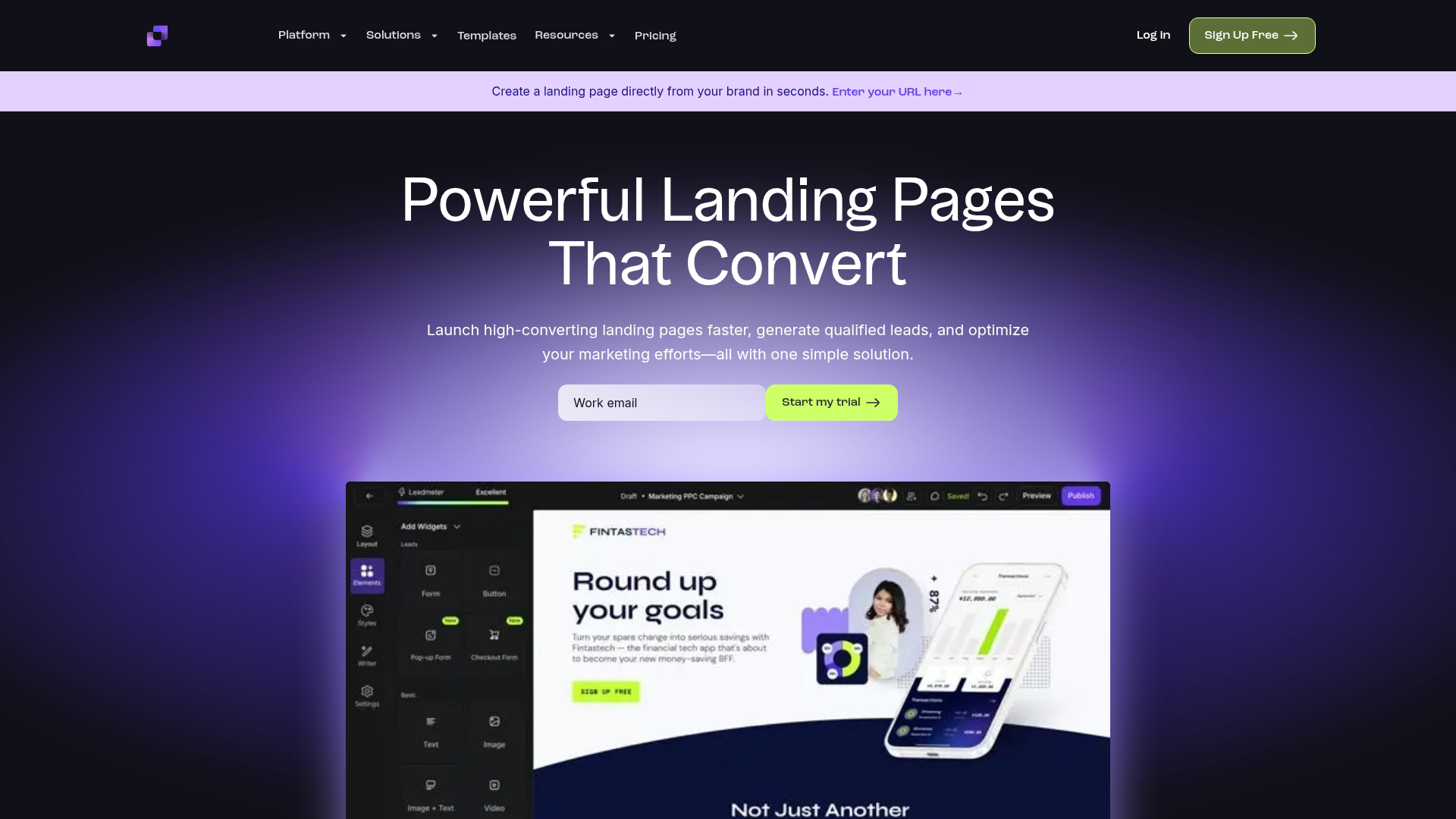
Leadpages positions itself as the landing page platform built specifically for lead generation and sales. Unlike tools focused purely on page building, Leadpages includes built-in payment processing so you can sell products directly without additional software.
The platform emphasizes speed and simplicity. Most users publish their first page within an hour.
Best for: Small businesses and solopreneurs who want to capture leads and sell products from the same platform.
Key strengths
Built-in checkout: Accept payments directly on landing pages
Lead notifications: Instant alerts when someone converts
Unlimited traffic: No visitor caps on any plan
Site builder included: Create full websites alongside landing pages
Why pick Leadpages
Pick Leadpages when you want lead capture and sales functionality in one tool without managing separate payment processors. The unlimited traffic model also makes it predictable for growing businesses.
Leadpages pricing
Standard plan starts at $49/month. Pro plan at $99/month adds online payments, A/B testing, and priority support.
3. Instapage
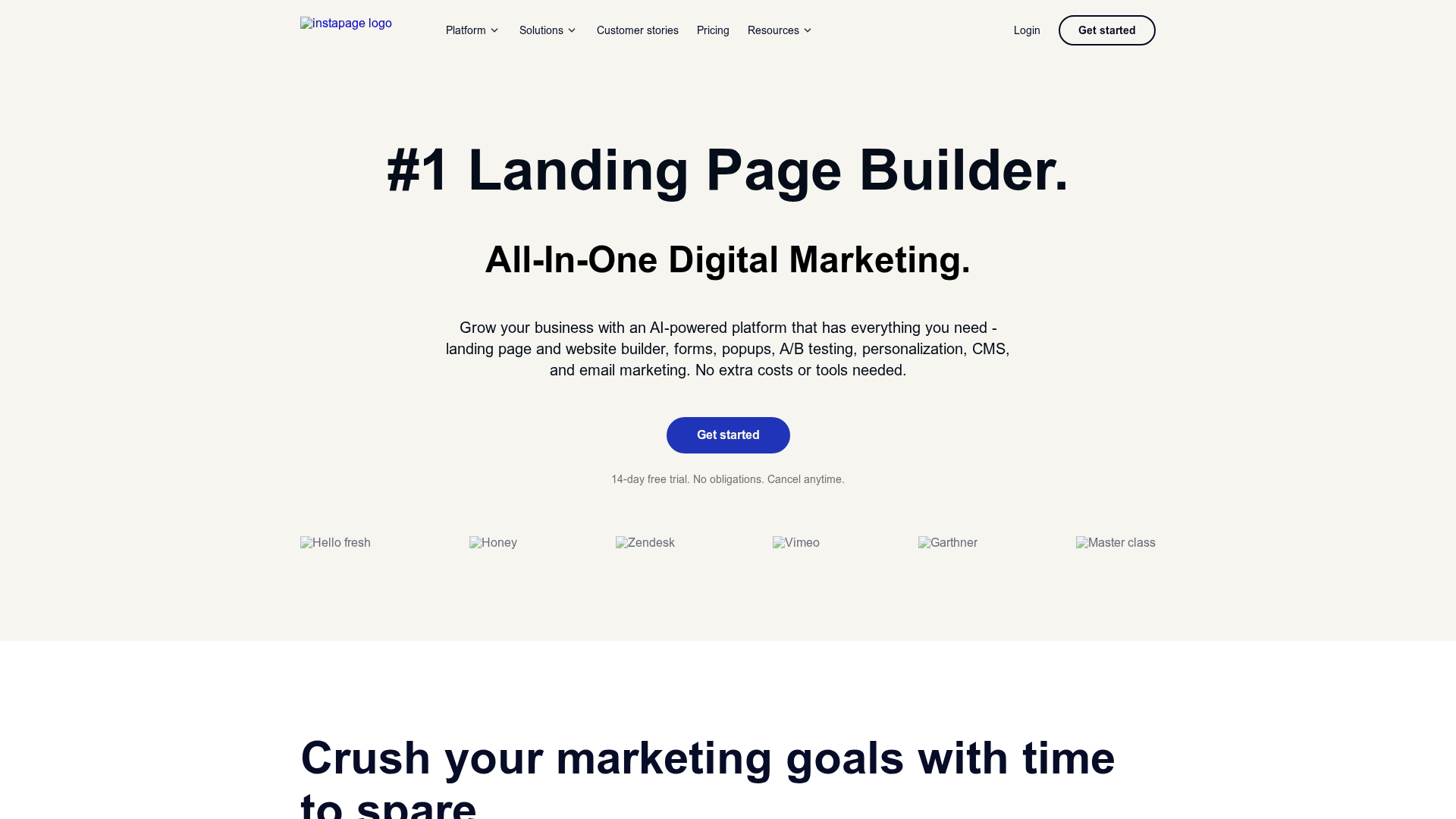
Instapage targets enterprise teams with advanced personalization and collaboration features. The AdMap feature visually connects your ads to relevant landing pages, ensuring message match across campaigns.
The platform supports granular personalization based on UTM parameters, firmographic data, and visitor behavior.
Best for: Enterprise teams with budget who want advanced analytics, personalization, and collaboration features.
Key strengths
AdMap: Visual ad-to-page mapping for campaign management
Personalization: Dynamic content based on visitor attributes
Heatmaps: Built-in click and scroll tracking
Team collaboration: Real-time editing and approval workflows
Why pick Instapage
Choose Instapage when you're running sophisticated paid campaigns and want deep personalization capabilities. The collaboration features also work well for teams with multiple stakeholders reviewing pages.
Instapage pricing
Build plan starts at $99/month. Convert plan with personalization requires custom pricing.
4. Landingi
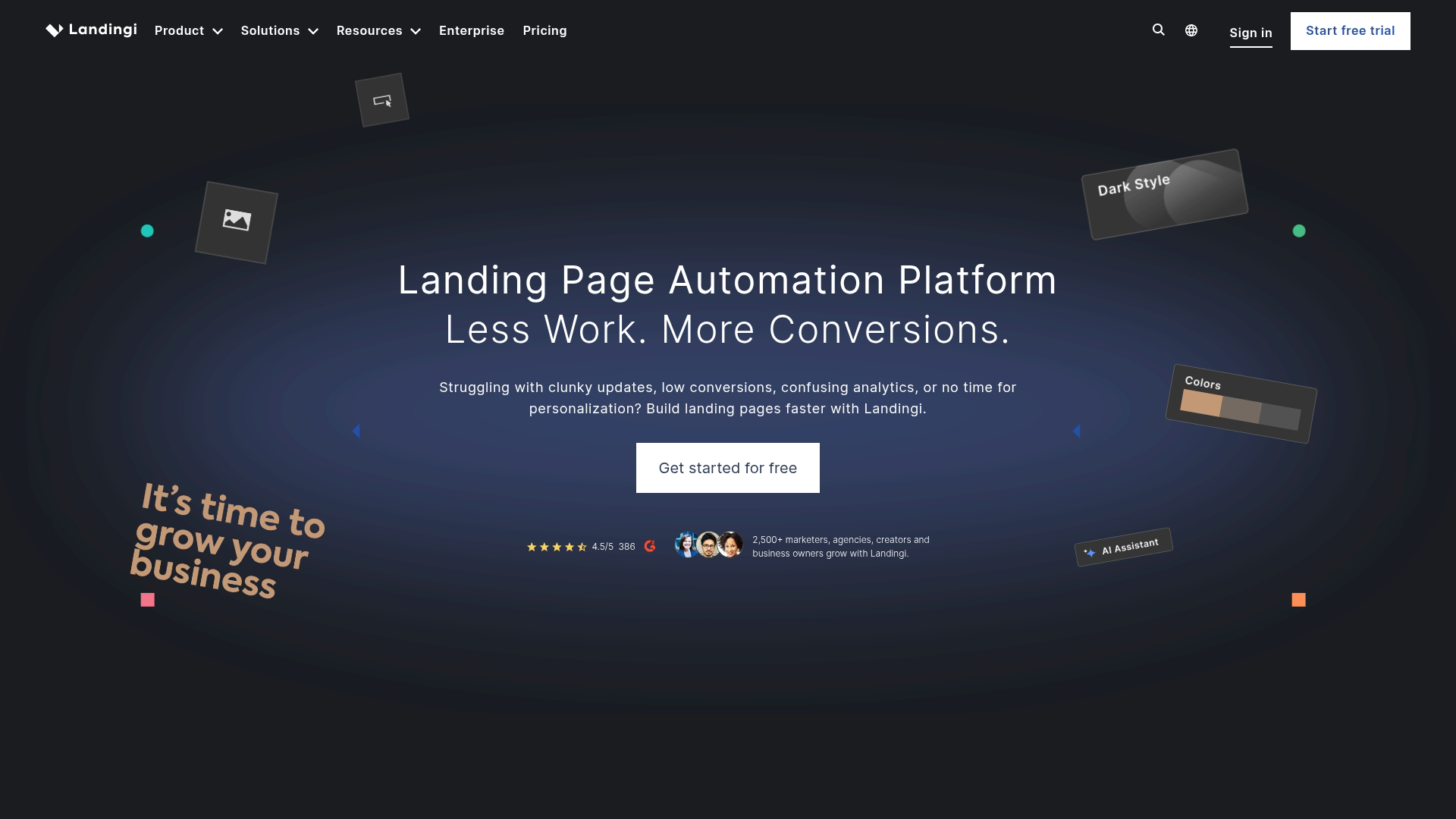
Landingi offers one of the largest template libraries in the category with over 400 designs. The platform focuses on making page creation fast and accessible, with an intuitive editor that works well for both beginners and experienced marketers.
Best for: Agencies and marketing teams creating high volumes of landing pages across multiple clients or campaigns.
Key strengths
400+ templates: Extensive library covering most industries
EventTracker: Automatic interaction tracking without code
Smart sections: Reusable page components for consistency
White-label options: Agency-friendly branding capabilities
Why pick Landingi
Pick Landingi when you're creating many pages and want variety in templates without paying enterprise prices. The white-label features also make it practical for agencies.
Landingi pricing
Free plan available with Landingi branding. Lite plan at $29/month removes branding. Professional plan at $69/month adds A/B testing.
5. Swipe Pages
Swipe Pages specializes in mobile-first landing pages with AMP (Accelerated Mobile Pages) support. AMP pages load nearly instantly on mobile devices, which matters for paid advertising where slow pages hurt conversion rates.
Best for: Mobile-first campaigns and paid advertising where page speed directly impacts results.
Key strengths
AMP support: Ultra-fast mobile page loading
Mobile-first editor: Design for mobile, then adapt for desktop
Dynamic text replacement: Personalize headlines based on ad keywords
Global blocks: Update elements across multiple pages at once
Why pick Swipe Pages
Choose Swipe Pages when mobile traffic dominates your campaigns and page speed is a priority. The AMP support provides a measurable advantage for paid advertising performance.
Swipe Pages pricing
Startup plan at $39/month. Marketer plan at $89/month adds A/B testing. Agency plan at $149/month includes client management.
6. Carrd
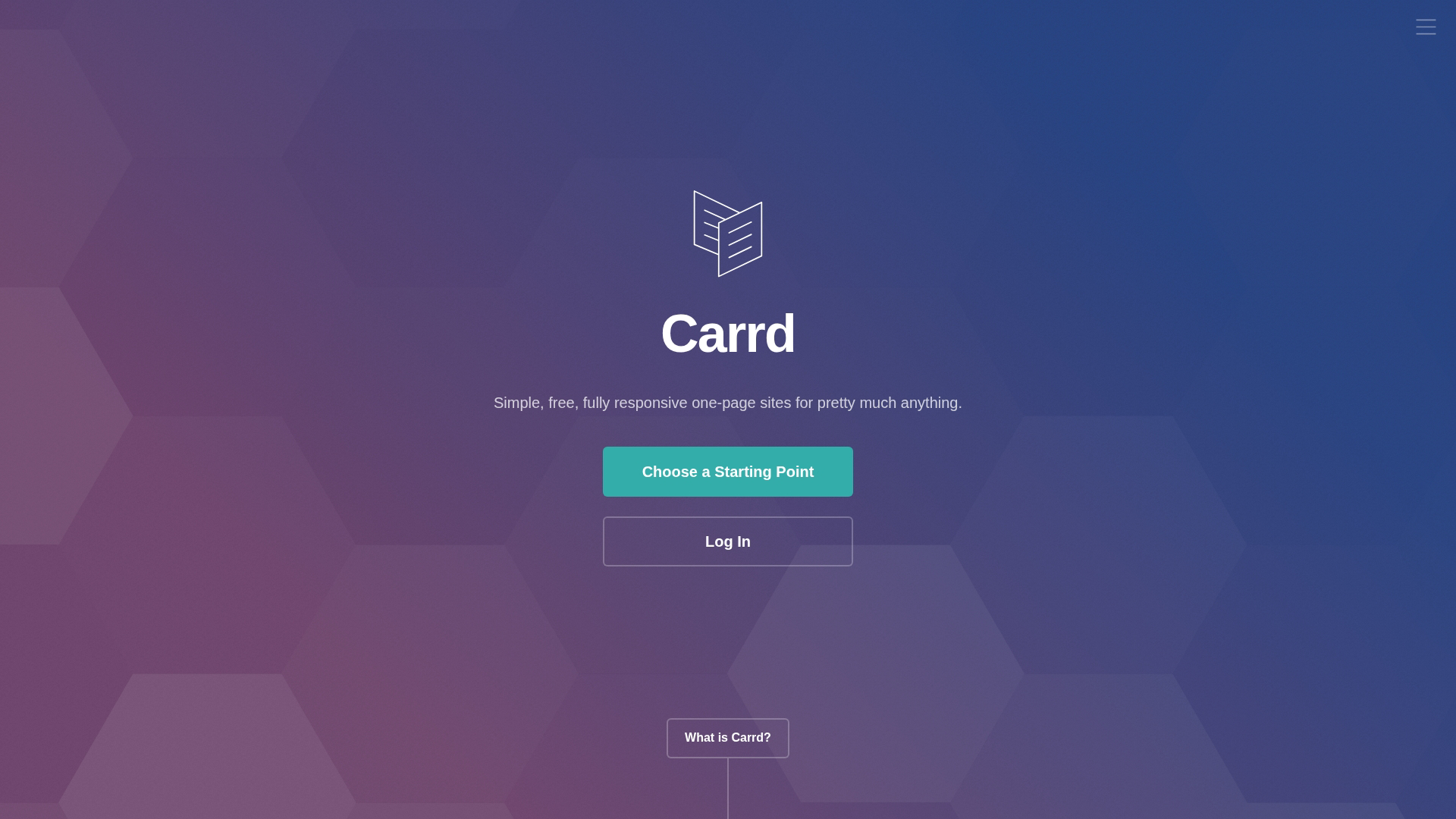
Carrd is the minimalist option in this list. You can build simple, single-page sites without creating an account, and the free tier is genuinely useful rather than just a trial.
The platform intentionally limits complexity. You won't find advanced A/B testing or deep analytics, but you will get a clean, fast page published in minutes.
Best for: Individuals and creators who want a basic splash page or link-in-bio style landing page quickly.
Key strengths
Generous free tier: Three sites with Carrd branding at no cost
Simple editor: Minimal learning curve
Fast performance: Lightweight pages load quickly
Responsive design: Automatic mobile optimization
Why pick Carrd
Pick Carrd when you want something simple and don't want advanced marketing features. It's ideal for personal projects, portfolio pages, or testing concepts before investing in more robust tools.
Carrd pricing
Free plan includes three sites. Pro Lite at $9/year adds custom domains. Pro Standard at $19/year includes forms and widgets.
7. HubSpot
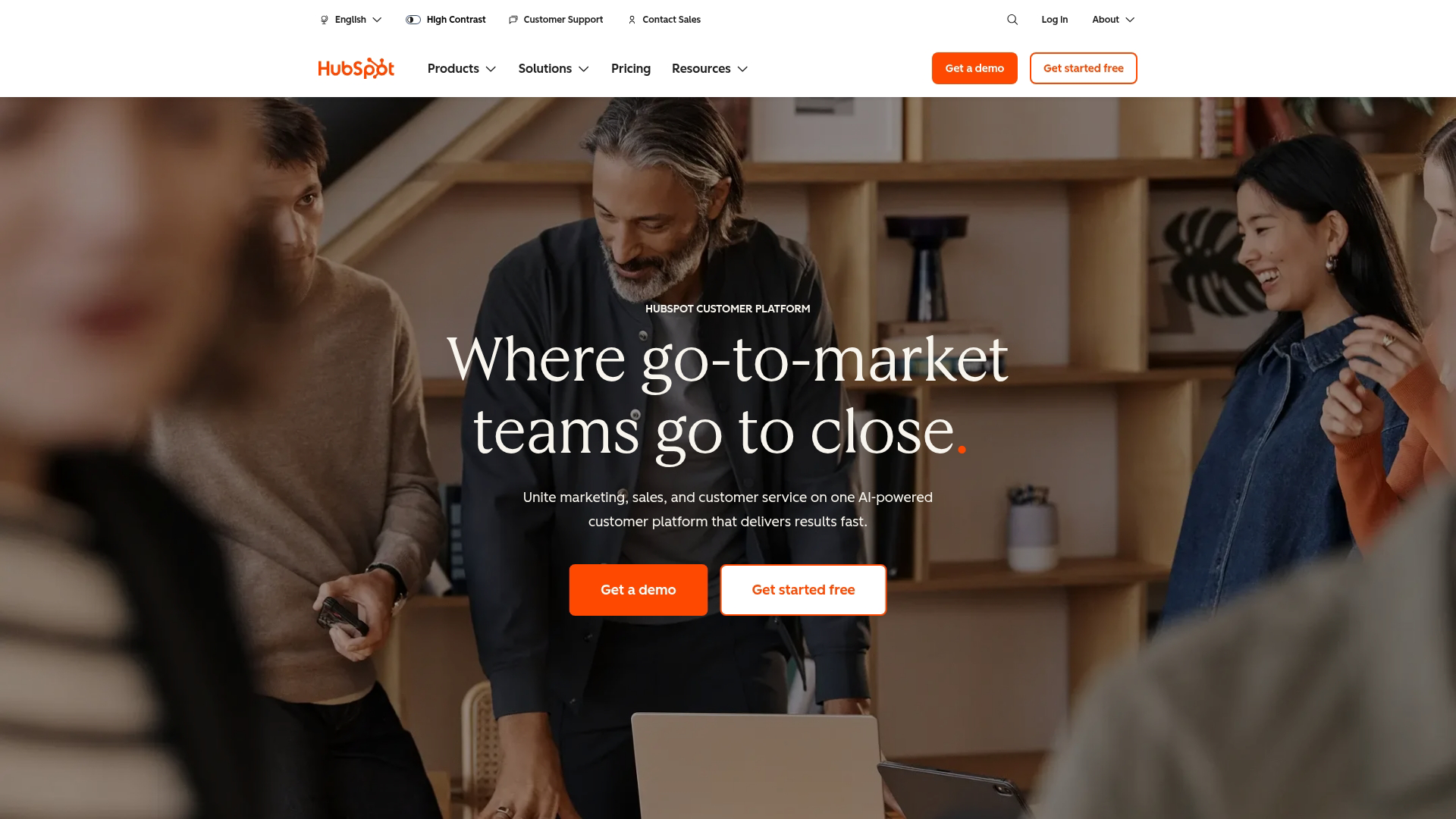
HubSpot offers landing page creation as part of its broader marketing platform. The key advantage is native CRM integration. Every form submission automatically creates or updates a contact record, and you can trigger workflows based on which pages visitors view.
Best for: Teams already using HubSpot who want unified data across marketing, sales, and service.
Key strengths
Native CRM integration: Automatic contact creation and tracking
Smart content: Personalize pages based on CRM data
Workflow triggers: Automate follow-up based on page interactions
Attribution reporting: See which pages drive revenue
Why pick HubSpot
Choose HubSpot when you want landing pages connected to your CRM without integration headaches. The platform works best when you're using multiple HubSpot tools together.
HubSpot pricing
Free tools include basic landing pages with HubSpot branding. Marketing Hub Starter at $20/month removes branding. Professional at $890/month adds advanced features.
8. GetResponse
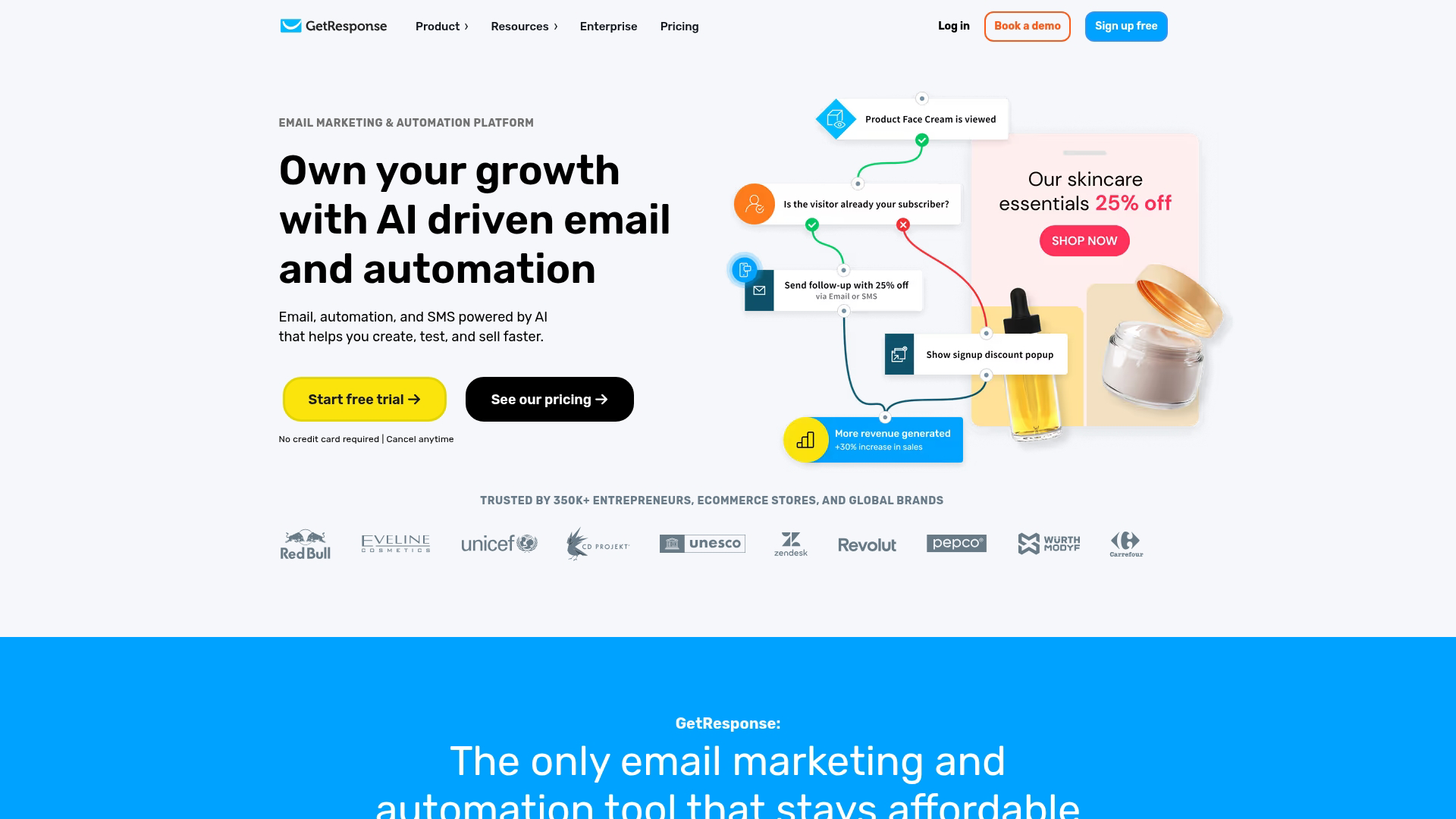
GetResponse bundles landing pages with email marketing, webinars, and marketing automation in one platform. Instead of paying for separate tools, you get an integrated suite that handles multiple marketing functions.
Best for: Marketers who want an all-in-one platform without managing multiple subscriptions.
Key strengths
All-in-one platform: Email, landing pages, webinars, and automation together
AI builder: Generate page drafts from text descriptions
Webinar integration: Built-in webinar hosting and registration
Conversion funnels: Pre-built sequences for common marketing goals
Why pick GetResponse
Pick GetResponse when you want to consolidate tools and prefer one platform over best-of-breed solutions. The webinar integration is particularly useful for B2B marketers.
GetResponse pricing
Free plan available with limited features. Email Marketing plan at $19/month adds landing pages. Marketing Automation at $59/month includes advanced workflows.
9. MailerLite
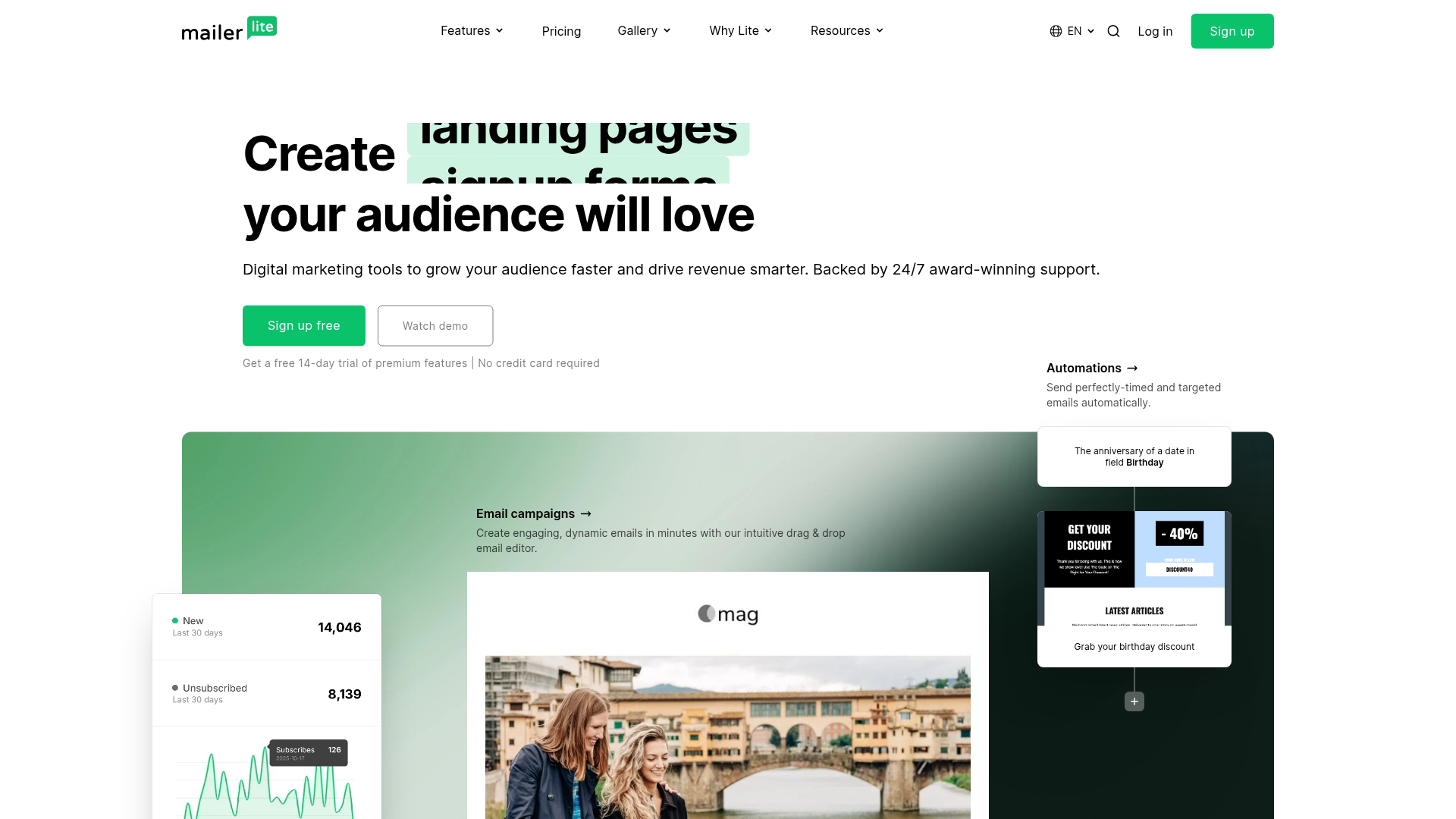
MailerLite offers one of the most generous free tiers for landing pages, including up to 10 pages with forms and basic automation. The platform focuses on simplicity and value, making it accessible for bootstrapped teams.
The drag and drop editor is straightforward without sacrificing essential features like A/B testing and analytics.
Best for: Bootstrapped teams who want a free lead page builder with room to grow.
Key strengths
Generous free tier: 10 landing pages included at no cost
Email integration: Seamless connection to MailerLite email campaigns
Simple editor: Easy to learn without sacrificing functionality
A/B testing: Compare page variations on paid plans
Why pick MailerLite
Choose MailerLite when budget is a primary concern and you want landing pages integrated with email marketing. The free tier is genuinely useful for small lists and early-stage projects.
MailerLite pricing
Free plan includes 10 landing pages for up to 1,000 subscribers. Growing Business plan at $10/month adds more features. Advanced plan at $20/month includes A/B testing.
10. Wix
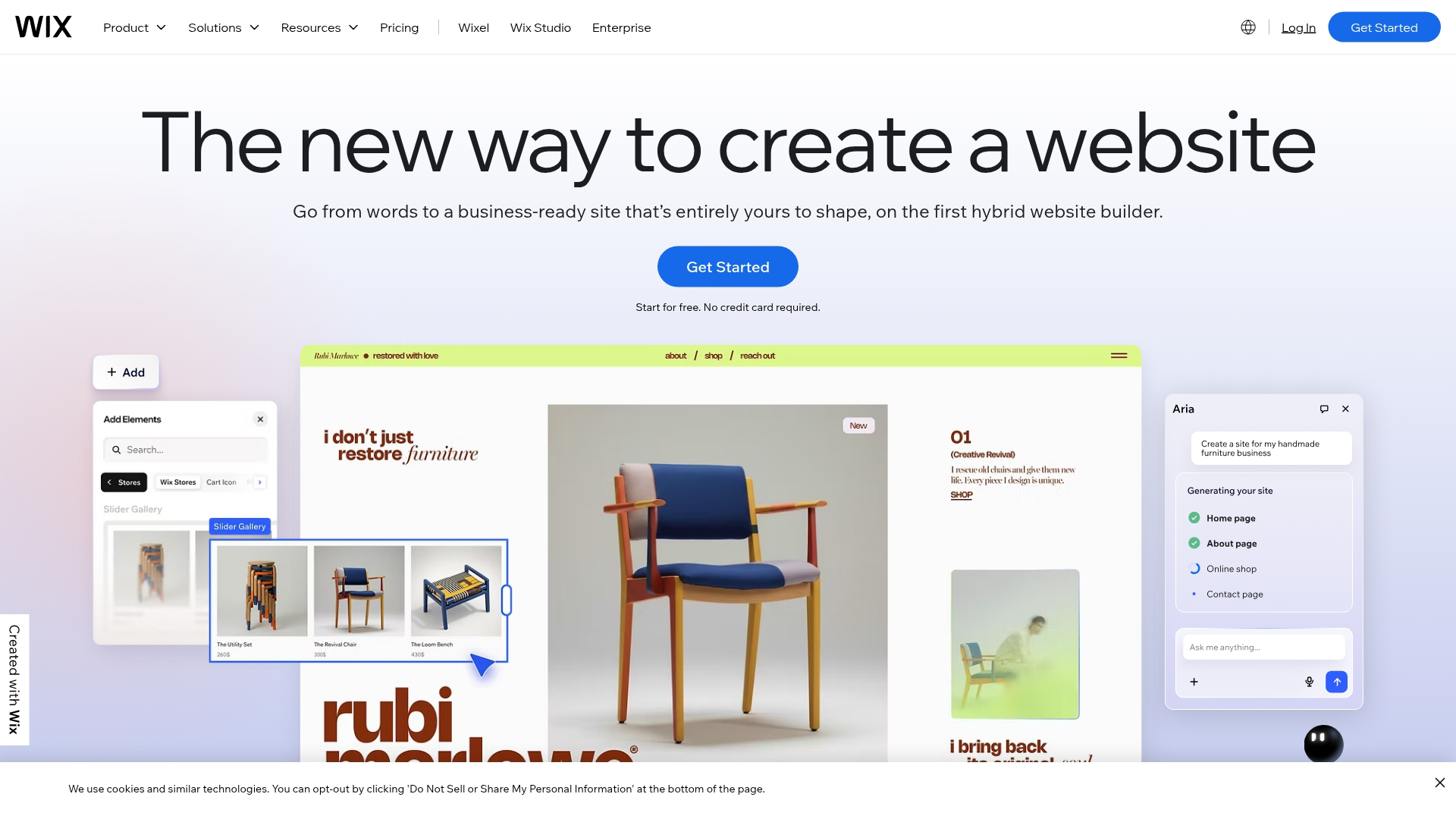
Wix is primarily a website builder, but its landing page capabilities have improved significantly. If you want both a full website and landing pages from the same platform, Wix eliminates the need for separate tools.
Best for: Users who want landing pages and a full website from the same platform.
Key strengths
Full website builder: Create complete sites alongside landing pages
ADI design assistant: AI-generated page layouts
App market: Extend functionality with third-party apps
Hosting included: No separate hosting required
Why pick Wix
Pick Wix when you want a website and landing pages in one place and don't want to manage multiple platforms. The learning curve is gentle for beginners.
Wix pricing
Free plan available with Wix branding. Light plan at $17/month removes ads. Core plan at $29/month adds more storage.
11. Webflow
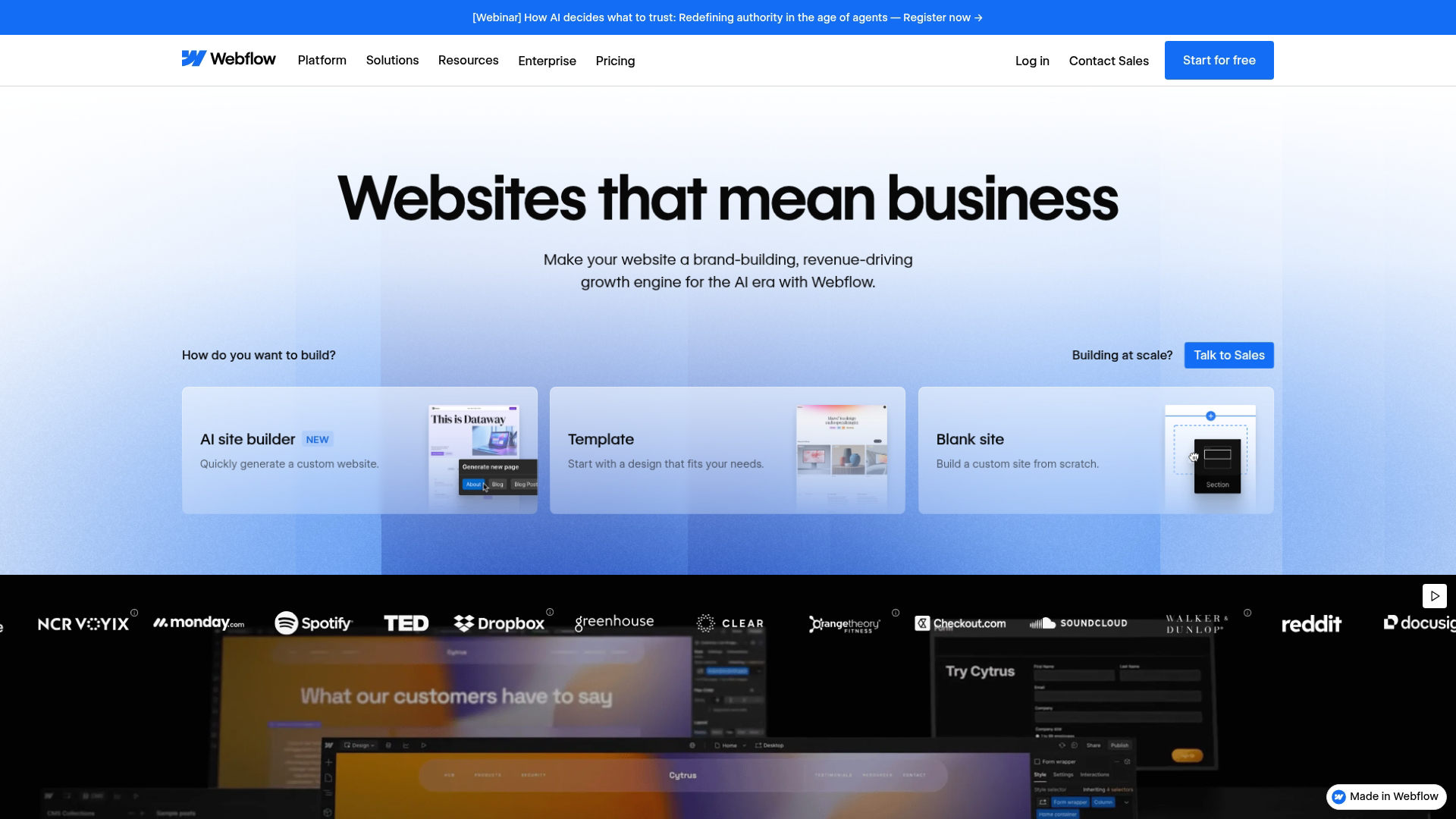
Webflow gives designers and developers pixel-perfect control over landing page design. Unlike template-based builders, Webflow lets you build custom layouts without the constraints of pre-defined blocks.
Best for: Designers and developers who want complete creative control without template constraints.
Key strengths
Visual CSS control: Design without code while maintaining full flexibility
Clean code output: Professional-grade HTML and CSS
CMS capabilities: Dynamic content for blogs and collections
Interactions and animations: Advanced motion design without JavaScript
Why pick Webflow
Choose Webflow when design quality is paramount and you have the skills (or team) to use its advanced features. The learning curve is steeper than template-based tools.
Webflow pricing
Free plan available with Webflow branding. Basic site plan at $14/month. CMS plan at $23/month adds dynamic content.
12. Kit
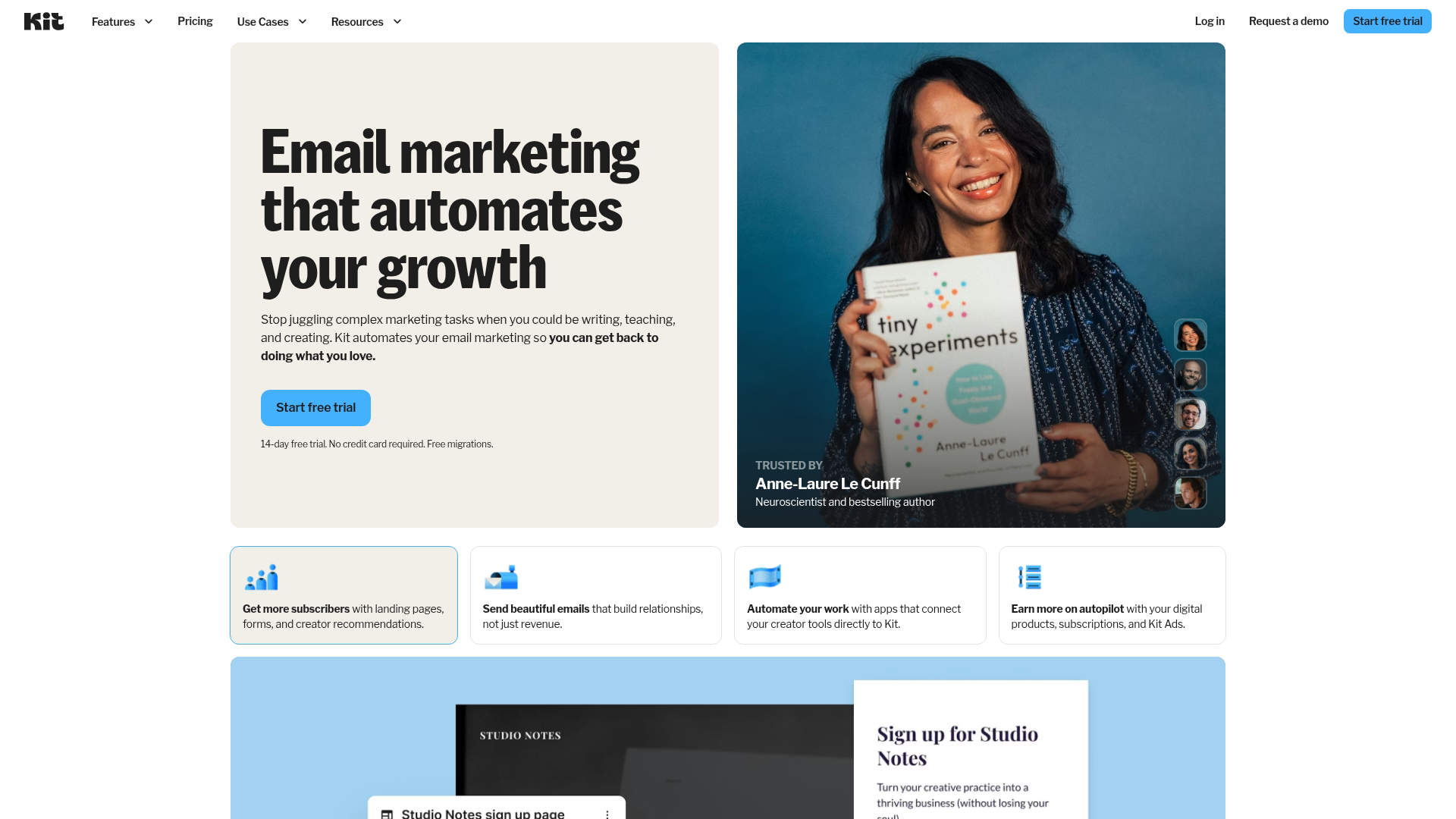
Kit (formerly ConvertKit) is purpose-built for creators growing email newsletters. The landing page features focus specifically on email signup conversion, with templates designed for authors, podcasters, musicians, and other content creators.
Best for: Content creators driving email newsletter signups.
Key strengths
Creator-focused templates: Designs for authors, podcasters, and artists
Email integration: Seamless connection to Kit email features
Commerce features: Sell digital products directly
Simple editor: Minimal learning curve
Why pick Kit
Pick Kit when you're a creator focused on growing an email list and want tools designed for that specific use case rather than general marketing.
Kit pricing
Free plan available for up to 10,000 subscribers. Creator plan at $29/month adds automation. Creator Pro at $59/month includes advanced features.
13. involve.me
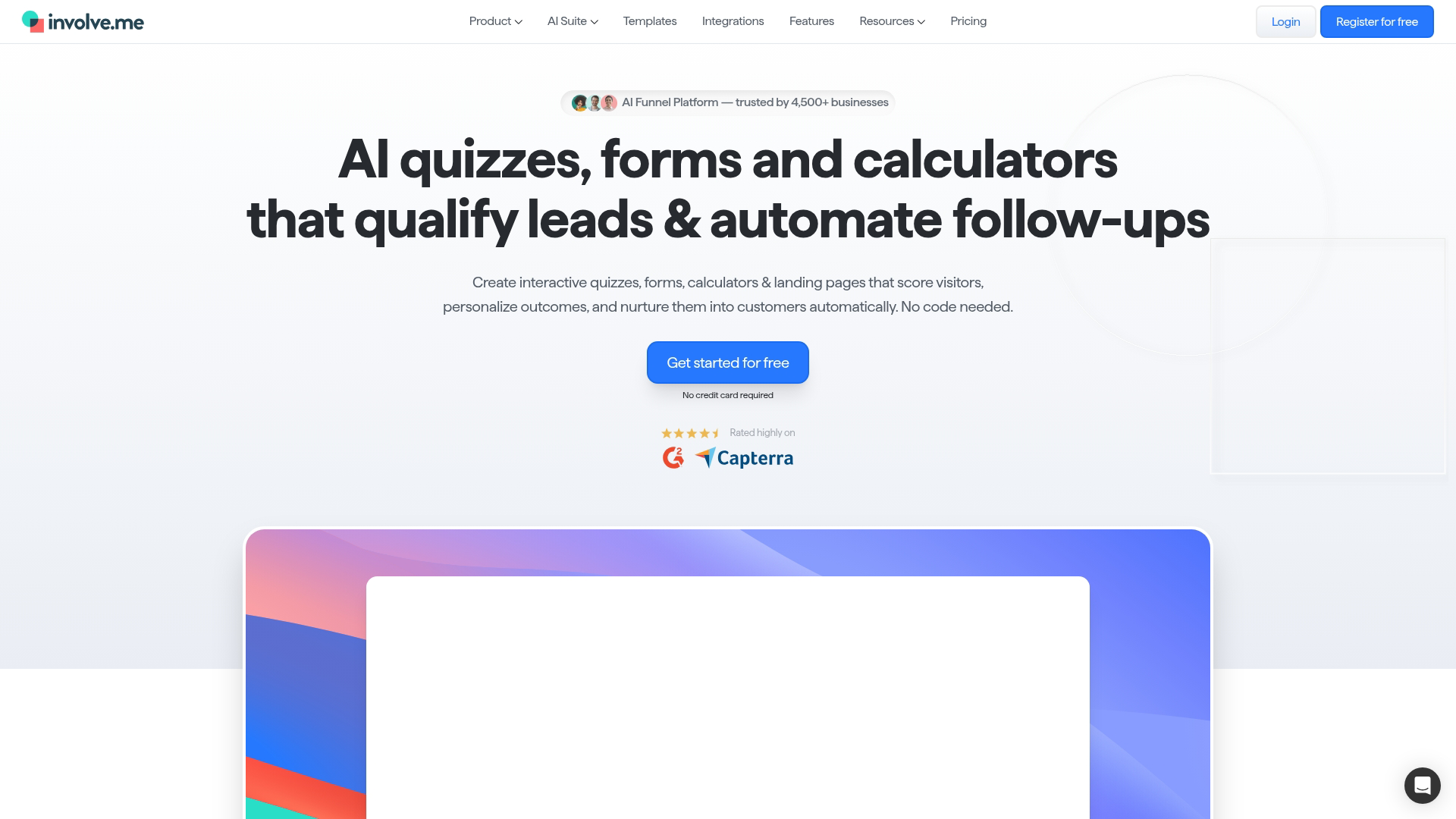
involve.me takes a different approach by focusing on interactive content. Instead of static landing pages, you create quizzes, calculators, surveys, and assessments that qualify leads through engagement.
Best for: Marketers who want to qualify leads through interactive engagement before captureengagement rather than just capturing contact information.
Key strengths
Interactive elements: Quizzes, calculators, and surveys
Lead qualification: Segment visitors based on responses
Conditional logic: Show different content based on answers
Payment collection: Accept payments within interactive flows
Why pick involve.me
Choose involve.me when you want to qualify leads through engagement rather than just capturing contact information. The interactive approach can improve lead quality.
involve.me pricing
Free plan available with limited responses. Starter plan at $29/month. Professional plan at $59/month includes advanced features.
14. Wishpond
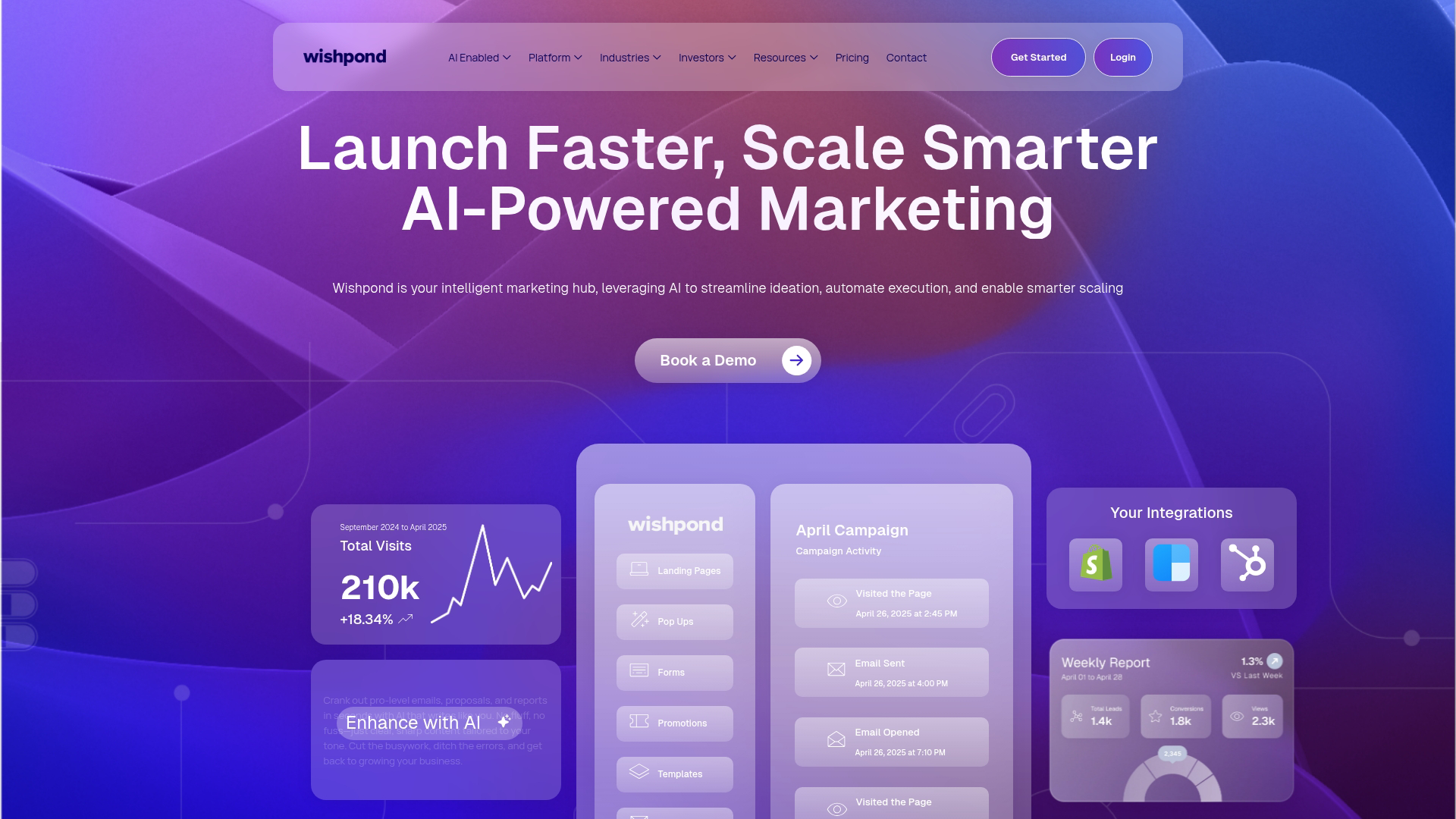
Wishpond combines landing pages with contest and social promotion tools. If you're running giveaways, sweepstakes, or viral campaigns, the platform includes features specifically designed for those use cases.
Best for: Brands running giveaways, contests, or viral campaigns.
Key strengths
Contest tools: Sweepstakes, photo contests, and voting campaigns
Social promotions: Viral sharing incentives
Marketing automation: Nurture contest entrants
Appointment scheduling: Built-in booking features
Why pick Wishpond
Pick Wishpond when contests and social promotions are a significant part of your marketing. The specialized tools save time compared to building features manually.
Wishpond pricing
Plans start at $49/month. Pricing scales with features and contact limits.
15. GoDaddy
GoDaddy offers a simple website and landing page builder integrated with its domain registration services. If you already have a GoDaddy domain, creating a basic landing page takes minimal effort.
Best for: Absolute beginners who already have a GoDaddy domain and want to create a basic page quickly.
Key strengths
Domain integration: Seamless connection to GoDaddy domains
Simple editor: Minimal learning curve
Hosting included: No separate hosting setup required
SSL certificates: Security included automatically
Why pick GoDaddy
Choose GoDaddy when you want the simplest possible path from domain to published page and don't want advanced marketing features.
GoDaddy pricing
Basic plan at $10/month. Premium plan at $15/month adds marketing tools. Commerce plan at $20/month includes online store features.
Free vs paid landing page platforms
Feature | Free plans | Paid plans |
|---|---|---|
Templates | Limited selection | Full library access |
Custom domains | Usually not included | Included on most plans |
Form submissions | Often capped | Higher or unlimited limits |
A/B testing | Rarely included | Standard on mid-tier plans |
Branding removal | Platform branding shown | Your branding only |
Integrations | Basic options | Full integration libraries |
Choose free when: You're testing concepts, have a limited budget, or running simple campaigns with low traffic.
Choose paid when: You're running ads (where branding and speed matter), want A/B testing capabilities, require custom domains, or expect significant traffic.
How to choose the right landing page creator
Drag and drop editor usability
Test the editor before committing. Some platforms feel intuitive immediately while others require hours of learning. Look for responsive preview modes, easy element positioning, and undo functionality.
Template quality and design options
Templates save time, but they vary widely in quality. Look for designs optimized for conversion (clear CTAs, logical flow) rather than just attractive layouts.
A/B testing and conversion optimization
A/B testing compares two page versions to see which converts better. Some platforms include A/B testing on entry-level plans while others reserve it for premium tiers.
Marketing stack integrations
Check integration lists before purchasing. Common categories include email marketing, CRM, analytics, payment processors, and webinar platforms.
Page speed and mobile performance
Page load time impacts both conversion rates and ad quality scores. Product marketing teams running paid campaigns benefit from testing pages on mobile devices before launch.
Analytics and lead tracking
Built-in analytics vary from basic pageview counts to detailed conversion funnels with heatmaps. Consider whether you'll rely on the platform's analytics or connect external tools.
Landing page builder vs website builder
Capability | Landing page builder | Website builder |
|---|---|---|
Navigation | Minimal or none | Full site navigation |
Conversion focus | Single CTA emphasis | Multiple goals |
SEO capabilities | Basic | Comprehensive |
Page volume | Campaign-specific pages | Full website |
Best for | Campaigns and ads | Establishing web presence |
Landing page platforms excel at conversion-focused campaign pages. Website builders work better for establishing a complete online presence. Many teams use both.
How AI is changing landing page design tools
AI features are appearing across landing page platforms in several forms: copy generation for headlines and CTAs, layout suggestions based on your content, image creation without stock photo searches, and automatic optimization that routes traffic to better-performing variants.
The tradeoff is speed versus brand control. AI-generated content typically requires human review and refinement to match your voice and accuracy standards.
How to maximize landing page conversion rates
Regardless of which platform you choose, a few practices improve results:
Single clear CTA: Remove competing actions that dilute focus
Headline clarity: Match your ad copy to your page headline
Social proof: Add testimonials, customer logos, or review counts
Form length: Ask only for information you'll actually use
Visual hierarchy: Guide the eye toward your conversion goal
Interactive elements: Consider adding interactive demos to show product value before asking for commitment
Testing matters more than best practices. What works for one audience may fail for another.
Build landing pages that actually convert
The best landing page builder depends on your specific situation. Budget-conscious creators might start with Carrd or MailerLite. Teams running paid campaigns benefit from Unbounce's AI optimization or Swipe Pages' mobile speed. Enterprise organizations often want Instapage's personalization capabilities.
Start with a free trial using your actual use case. Build a real page, connect your integrations, and see how the workflow feels before committing.
Start your journey with Guideflow today!
FAQs about landing page builders
Can I use a landing page builder without a website?
Yes. Most landing page platforms host pages independently on their servers. You only need a custom domain if you want branded URLs like yourcompany.com/offer instead of platform-generated links.
How long does it take to create a landing page from scratch?
With templates, most users publish a basic page in under an hour. Complex pages with custom design, multiple form fields, and integration setup may take several hours.
Do landing page builders hurt SEO rankings?
Landing pages designed for paid campaigns typically use noindex tags intentionally since you don't want ad traffic competing with organic pages. For organic traffic goals, choose a platform with proper SEO controls and fast page speed.
Can I connect my landing page to my CRM?
Most landing page software integrates with popular CRMs either natively or through Zapier. Check integration lists before purchasing, especially if you use less common CRM platforms.
What is a good conversion rate for a landing page?
Conversion rates vary widely by industry, traffic source, and offer type. Focus on improving your own baseline rather than chasing arbitrary benchmarks.
How many landing pages do I create for one campaign?
Create separate landing pages for each audience segment or ad group. A campaign targeting three different personas typically performs better with three tailored pages than one generic page.
Can I add interactive product demos to my landing page?
Yes. Most landing page creators support embed codes for third-party content. Interactive demos help visitors experience your product before filling out forms, which can improve both conversion rates and lead quality.
Which landing page creator is best for beginners with no coding experience?
Carrd, Leadpages, and MailerLite offer the gentlest learning curves. All three provide drag and drop editors that require zero technical knowledge.