Receiving an order is the easy part. Fulfilling it consistently, at scale, without errors is where most ecommerce operations start to strain.
You add a channel. Then a warehouse. Then a returns policy that customers actually use. Suddenly the spreadsheet that tracked inventory last quarter is out of sync with what is physically on the shelf, and a customer is emailing about a package that shipped to the wrong address. The problem is rarely the volume of orders. It is the number of disconnected steps between an order landing and a customer getting what they paid for.
That gap has a cost. The global order fulfillment software market is projected to grow from USD 5.06 billion in 2025 to USD 12.0 billion by 2035, a 9.1% CAGR, according to WiseGuy Reports (2025). Teams are not buying this software because it is trendy. They are buying it because manual coordination breaks down at exactly the moment growth demands it hold together.
This guide compares practical options for teams that need better inventory control, shipping automation, and post-purchase visibility. If you are also mapping adjacent operations tooling, our roundups of loyalty management software and event management software cover neighboring parts of the customer lifecycle. For teams standardizing internal processes, our contract lifecycle management software comparison is a useful companion read.
What's inside
This guide covers ecommerce order fulfillment software for teams that need better inventory control, shipping automation, order tracking, and returns handling. It is written for operators, founders, and product-minded buyers who care about workflow reliability, not just feature checklists.
We selected tools based on four criteria:
- Workflow coverage across order capture, inventory allocation, picking and packing, shipping, and returns
- Integration depth with carriers, marketplaces, and existing systems
- Inventory visibility, including real-time updates and multi-location support
- Ease of operational adoption for the team that will actually run it day to day
Every tool below fits a different stage and operating model. The comparison table maps them fast.
TL;DR
- Best all-in-one for small teams: Zoho Inventory covers orders, stock, shipping labels, and tracking in one interface, with a free tier to start.
- Best for enterprise commerce orchestration: Salesforce Order Management ties distributed order management to Customer 360 and post-purchase service.
- Best for outsourced fulfillment: ShipBob pairs warehousing and shipping operations with free fulfillment software.
- Best for discovery and shortlisting: Capterra's directory lets you filter and compare dozens of order fulfillment software options.
- Best for B2B distributors: Orderwerks handles offline ordering and compliance-driven wholesale workflows.
- Best for omnichannel inventory: Cin7 Omni coordinates multi-channel, multi-entity operations with native EDI and 3PL integrations.
What is order fulfillment software?
Order fulfillment software is a system that manages the workflow of moving an order from capture through inventory allocation, picking and packing, shipping, tracking, and returns, so ecommerce teams can ship accurately with less manual coordination.
The core fulfillment workflow is straightforward to describe and hard to run at scale. An order arrives from a store, marketplace, or sales channel. Inventory is allocated against available stock. Items are picked and packed. A carrier and shipping label are assigned. The package ships, tracking updates flow back to the customer, and any return routes back through the same system. Fulfillment software connects those steps so they stop living in separate tools and inboxes.
Most order fulfillment software for ecommerce covers a consistent set of capabilities:
- Inventory management with real-time stock levels and multi-location support
- Order management for capturing, routing, and updating orders across channels
- Shipping management including carrier integrations, rate visibility, and shipping labels
- Order tracking and post-purchase visibility for customers and support teams
- Returns management for refunds, reships, and exchange flows
- Omnichannel fulfillment to coordinate multiple stores, marketplaces, and warehouses
- Analytics for exception visibility and fulfillment performance
Some tools stop at inventory and orders. Others extend into full warehouse management or sit inside a broader order management software and ERP platform. The right scope depends on how complex your operation already is, and how complex it is about to become.
When to use order fulfillment software
Not every ecommerce team needs a dedicated platform on day one. These three signals tell you the timing is right.
Use it when manual fulfillment is breaking
Spreadsheets and shared inboxes work until they don't. The tipping point usually shows up as errors: oversells because two channels sold the same unit, packages shipped late because no one saw the order, or a customer service thread trying to reconstruct what happened. When accuracy and speed start slipping, and someone is spending hours reconciling by hand, the manual approach has hit its ceiling. Fulfillment software replaces that coordination with a single source of truth.
Use it when inventory spans multiple channels or locations
Selling through a website plus one or two marketplaces changes the math. Real-time inventory and order routing become non-negotiable because stock has to stay accurate across every channel at once. Without it, you get stockouts on one channel while another oversells, plus fulfillment delays when orders route to the wrong location. Omnichannel fulfillment with real-time visibility keeps every channel working from the same numbers and sends each order to the location that can ship it fastest.
Use it when shipping complexity is growing
More carriers, more destinations, and more service levels mean more decisions per order. This is where carrier integrations, automated rate calculation, shipping labels, and post-shipment order tracking earn their keep. Instead of logging into three carrier portals and copying tracking numbers by hand, the software generates labels, picks rates against your rules, and pushes tracking back to the customer automatically.
Comparison table
Here is how the eight tools compare on intent, differentiation, pricing, and ratings. Tools are sorted by relevance to ecommerce fulfillment workflows. Use it to shortlist, then read the sections below for fit.
| # | Product | Intent | Key differentiation | Pricing | G2 rating |
|---|---|---|---|---|---|
| 1 | Zoho Inventory | SMB ecommerce fulfillment | All-in-one orders, stock, and shipping with a free tier | Free; paid from $39/mo | 4.4/5 |
| 2 | ShipBob | Outsourced ecommerce fulfillment | 3PL warehousing plus free software and returns | Quote-based; software free | 3.7/5 |
| 3 | Cin7 Omni | Omnichannel inventory | Native EDI and 3PL integrations, multi-entity | Contact for pricing | 4.5/5 |
| 4 | Salesforce Order Management | Enterprise commerce orchestration | Distributed order management with Customer 360 | Contact for pricing | 4.2/5 |
| 5 | NetSuite | ERP-scale operations | Unified finance, inventory, and fulfillment | Contact for pricing | 4.1/5 |
| 6 | inFlow Inventory | SMB inventory and orders | Inventory control plus purchasing and fulfillment | From $161/mo | Not listed |
| 7 | Orderwerks | B2B distribution | Offline ordering and compliance workflows | From $60/user/mo | 4.9/5 |
| 8 | Capterra | Discovery and comparison | Directory to filter and compare vendors | Free directory | Not applicable |
1. Zoho Inventory
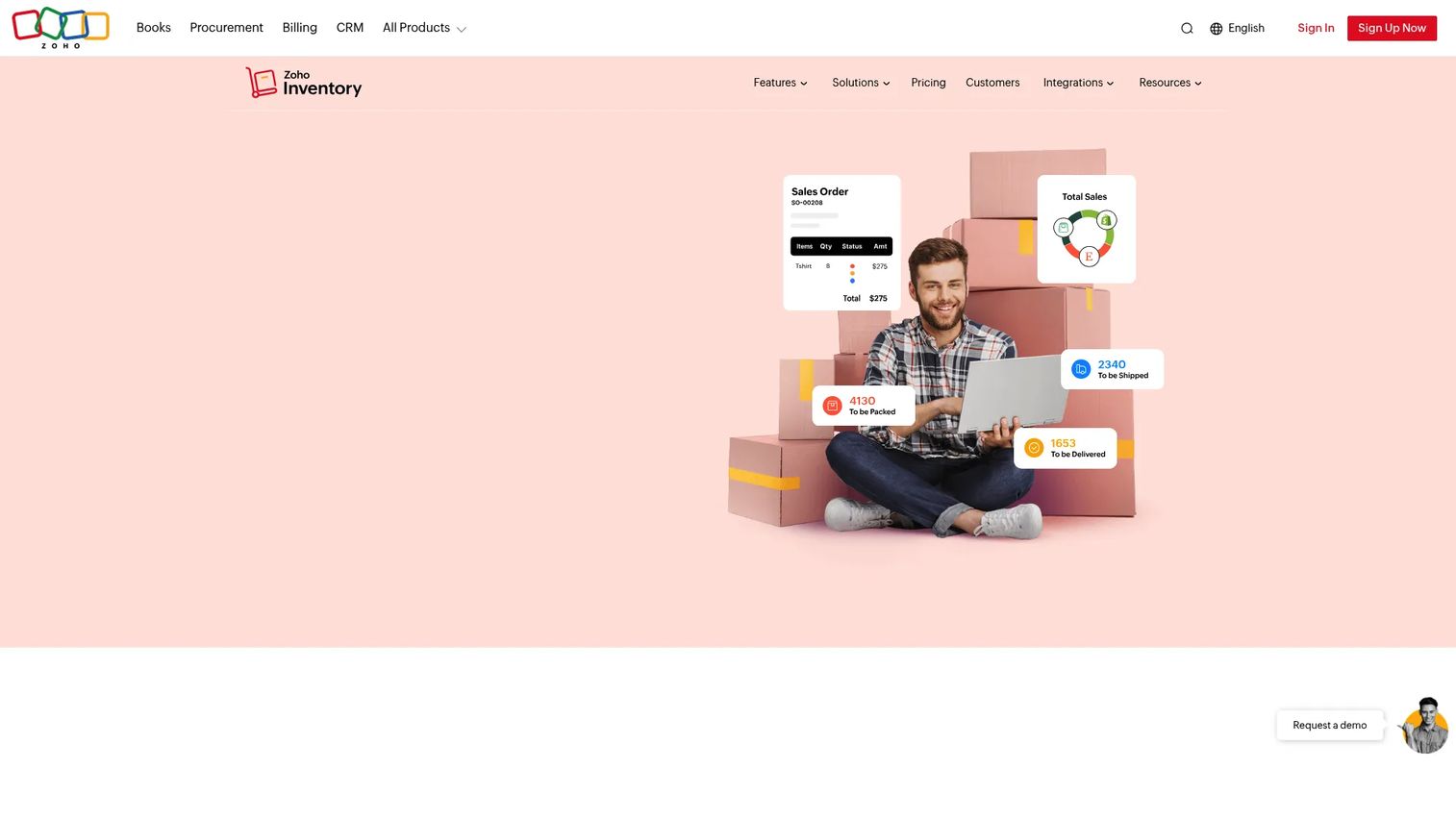
Zoho Inventory is cloud-based inventory management software that handles orders, stock, shipping, and multi-channel operations in one place. It is built for small to mid-sized businesses that want direct operational coverage without stitching together separate tools. The workflow is concrete: track order statuses, generate packing slips and shipping labels, connect carrier integrations, push tracking to customers, and manage drop shipping from the same interface.
Best for: Small to mid-sized ecommerce teams that want inventory, order, and shipping management in a single tool.
Key strengths
- End-to-end fulfillment workflow: Order capture through label generation and order tracking lives in one system.
- Broad integrations: Connects to marketplaces, shopping carts, accounting, and shipping carriers.
- Batch and shipment tracking: Trace inventory by batch and follow shipments after they leave.
Why choose Zoho Inventory: If your operation is outgrowing spreadsheets but not yet enterprise-scale, Zoho gives you the clearest all-in-one workflow at a price that fits a growing team. It fits neatly for founders and small ops teams who want fewer manual handoffs without a heavy implementation.
Zoho Inventory pricing: There is a free plan at $0/month. Paid plans run Standard at $39/month, Premium at $99/month, Plus at $159/month, and Enterprise at $299/month, with monthly billing shown and annual options available. The free tier makes it easy to validate fit before committing budget.
2. ShipBob
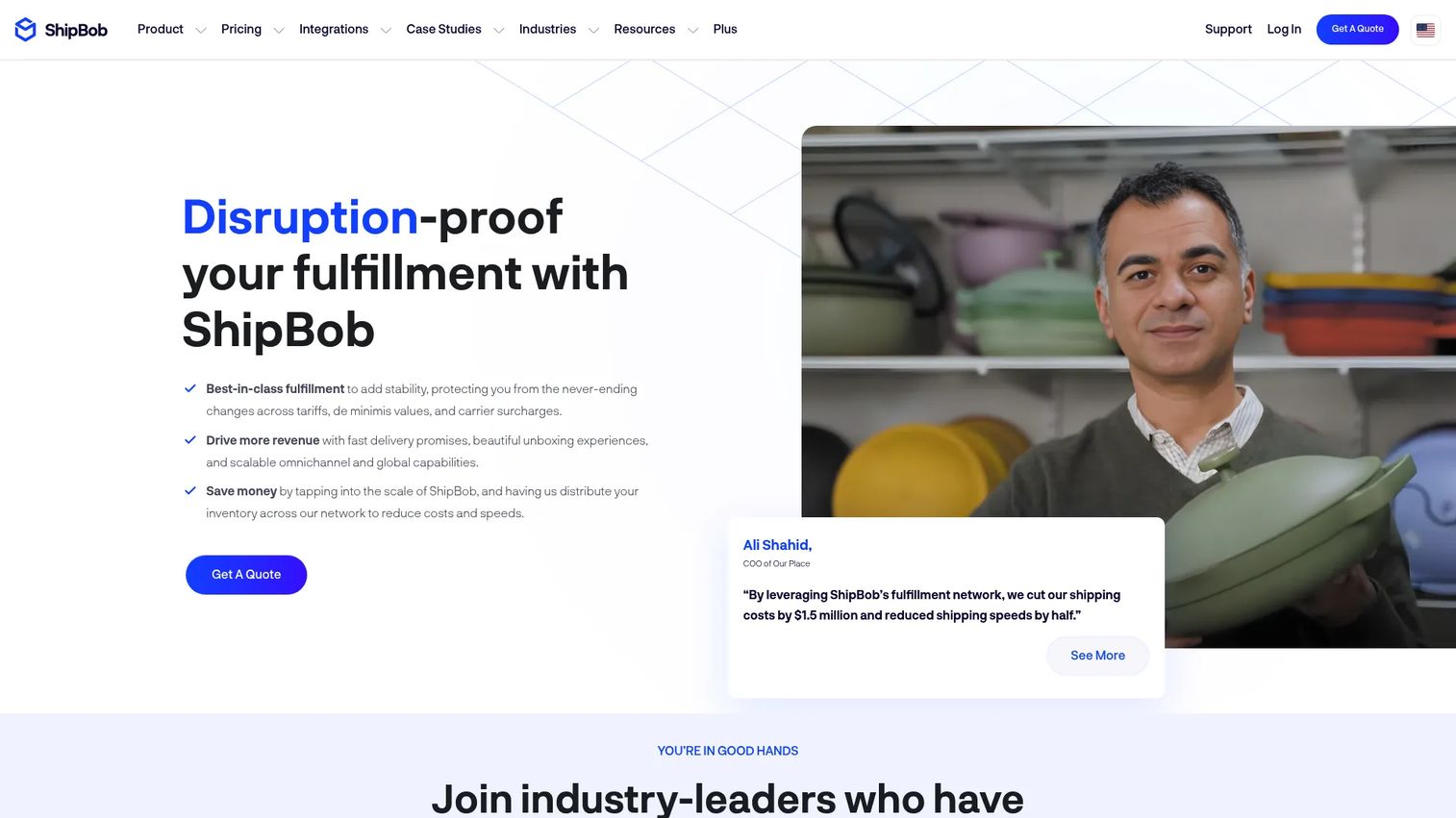
ShipBob is an ecommerce fulfillment and 3PL platform that combines shipping, warehousing, and order management. Unlike software-only tools, ShipBob operates physical fulfillment centers and layers software on top, so brands can outsource the warehouse work while keeping visibility. It supports inventory management across locations with reorder notifications, order management with real-time tracking for both DTC and wholesale, and returns management alongside a 2-day shipping program.
Best for: Ecommerce brands that want outsourced fulfillment paired with software, warehousing, and returns handling.
Key strengths
- Multi-location inventory: Track stock across fulfillment centers with reorder alerts.
- Real-time order tracking: Follow DTC and wholesale orders through fulfillment.
- Returns and fast shipping: Built-in returns management and a 2-day shipping program.
Why choose ShipBob: ShipBob suits brands balancing self-fulfillment with outsourced operations, or those ready to hand off the warehouse entirely. Onboarding means moving inventory into ShipBob's network, so plan for that transition, but the payoff is offloading picking and packing while keeping real-time visibility.
ShipBob pricing: ShipBob's fulfillment pricing is customized and requires a quote based on volume, storage, and shipping profile. The software itself is free for fulfillment customers. Because pricing is quote-based, request a quote early so you can model total fulfillment cost against your margins.
3. Cin7 Omni
Cin7 Omni is omnichannel inventory and order management software built for complex, multi-entity operations. It is designed for businesses selling across multiple channels that need real-time inventory to stay accurate everywhere at once. The platform stands out on native EDI and 3PL integrations, advanced multi-entity support, and customizable workflows and reporting, which matters when your operation spans several storefronts, warehouses, and business units.
Best for: Enterprises needing customizable inventory and order management across multiple sales channels and entities.
Key strengths
- Native EDI and 3PL integrations: Connect directly to trading partners and third-party logistics providers.
- Multi-entity support: Manage inventory and orders across multiple business units.
- Customizable workflows and reporting: Adapt fulfillment workflow logic and reporting to your operation.
Why choose Cin7 Omni: If you sell through wholesale, retail, and DTC at once, Cin7 Omni coordinates inventory and orders so channels do not compete for the same stock. It is a fit for operations complex enough that a lighter tool would leave gaps in omnichannel fulfillment or warehouse management.
Cin7 Omni pricing: Cin7 lists Omni as a custom enterprise solution with quote-based pricing; no public numeric price is displayed. The Omni configuration shown includes 8 users, 5 ecommerce or app integrations, and flexible sales order volume. Contact Cin7 for a quote scoped to your channel and entity count.
4. Salesforce Order Management
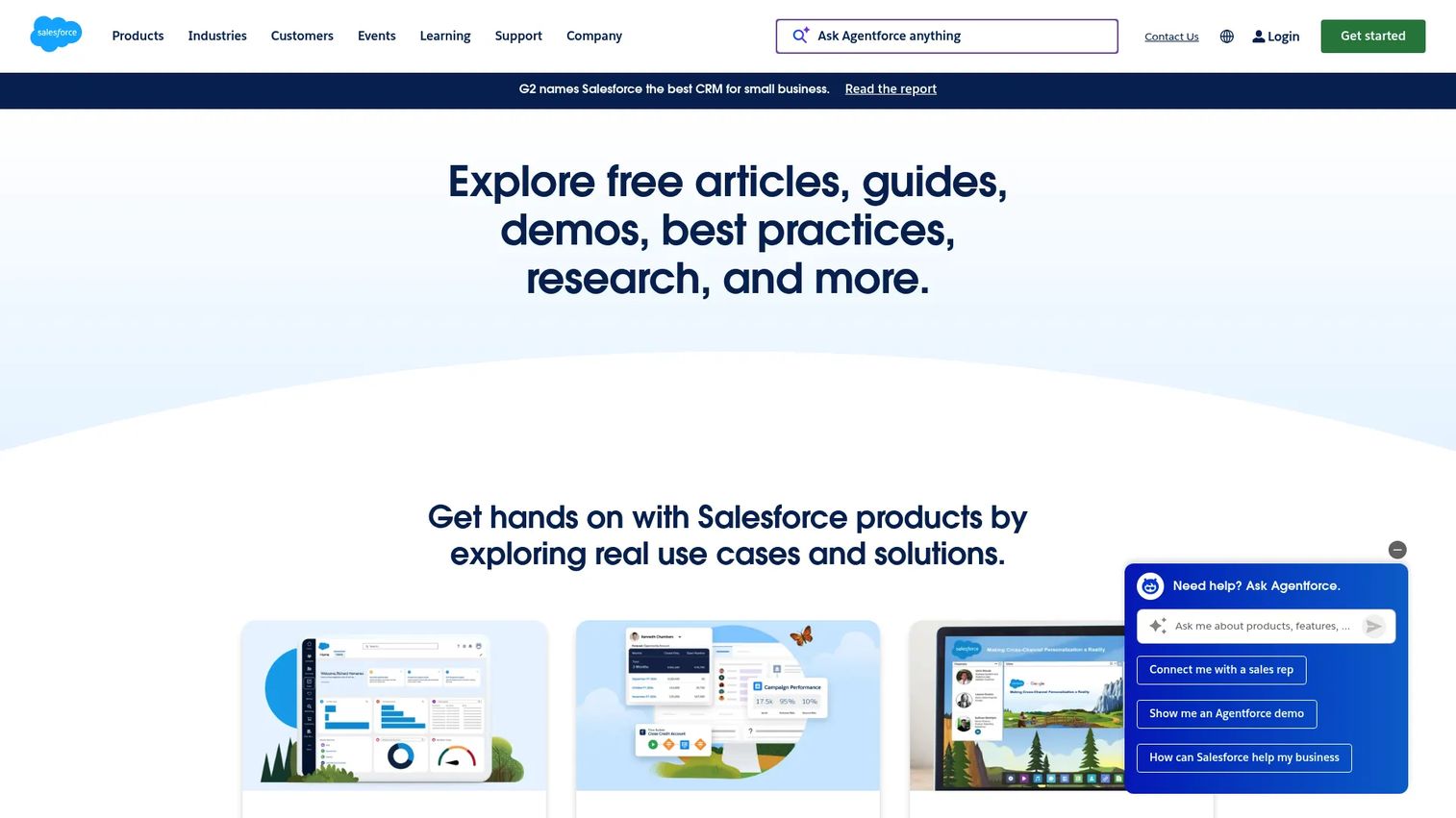
Salesforce Order Management is a commerce product for managing, fulfilling, and servicing orders across the entire post-purchase experience. It is positioned for retail and commerce teams that need order operations unified inside the Salesforce ecosystem rather than a standalone fulfillment tool. Core capabilities include order visibility and order support, distributed order management, and omnichannel inventory with localization.
Best for: Retail and commerce teams that need unified post-purchase order management inside Salesforce.
Key strengths
- Distributed order management: Route and orchestrate orders across locations and fulfillment paths.
- Omnichannel inventory: Coordinate stock and localization across channels.
- Order visibility and support: Give service teams post-purchase visibility and action tools via Customer 360.
Why choose Salesforce Order Management: This is the pick when you need broader commerce orchestration, not just fulfillment basics. Teams already running Salesforce for CRM and service get a connected view from order to service action, which matters for complex service and commerce operations where post-purchase servicing drives retention.
Salesforce Order Management pricing: Salesforce lists two editions, Order Visibility and Growth, both with contact-for-pricing rather than a public numeric figure. Because pricing is quote-based and tied to your commerce footprint, expect an enterprise-oriented conversation with Salesforce sales to scope your edition.
5. NetSuite
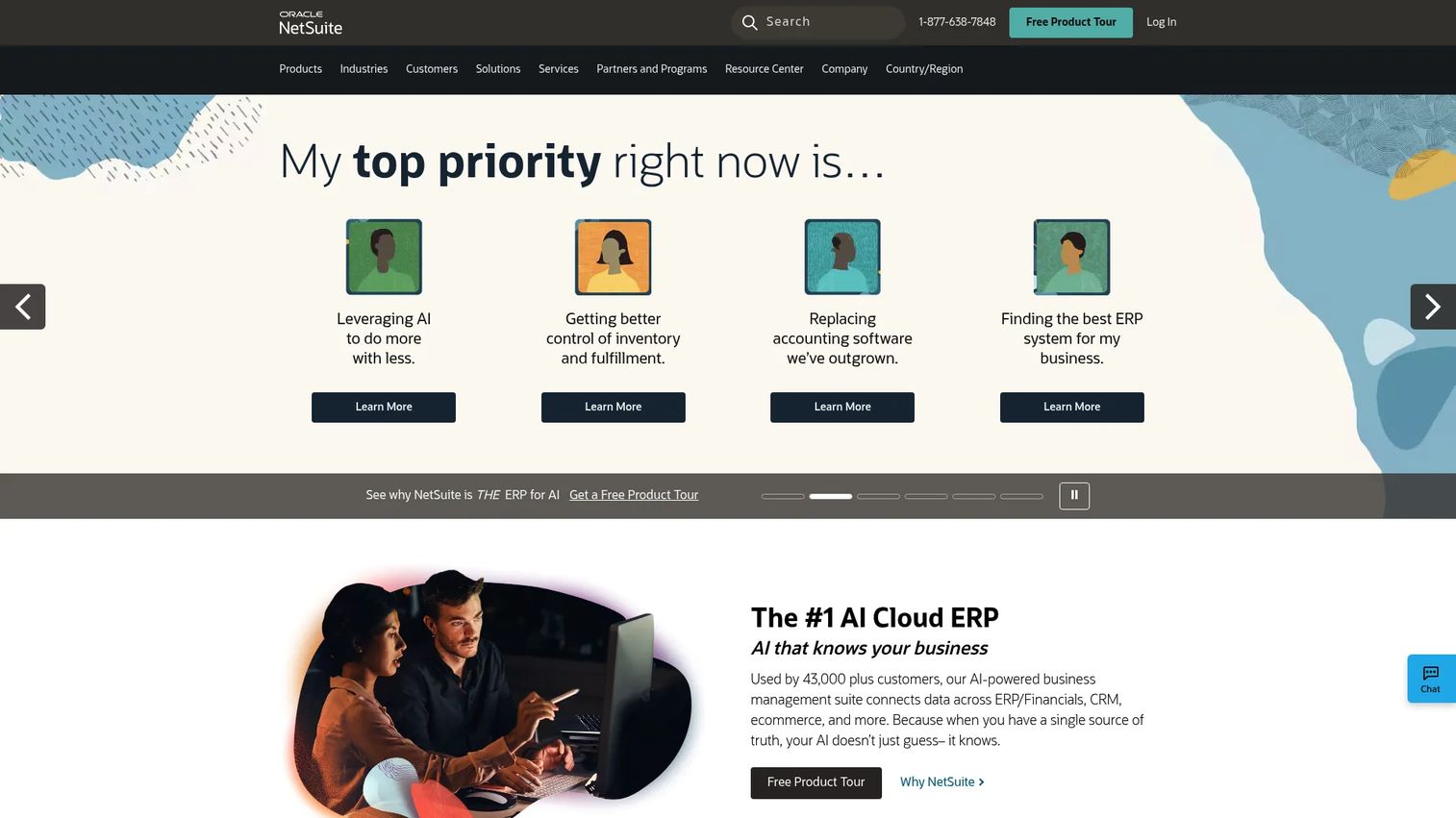
NetSuite is cloud ERP and business management software that unifies finance, operations, commerce, and related workflows in one system. For fulfillment, it means order, inventory, finance, and shipping data live in the same platform rather than syncing across separate tools. Its scope spans ERP and financial management, ecommerce and retail management, SuiteBilling subscriptions, CPQ quoting, and professional services automation.
Best for: Mid-market to enterprise companies needing a unified cloud ERP platform, not a narrow fulfillment tool.
Key strengths
- Unified operations: Order, inventory, and finance data in one ERP system.
- Ecommerce and retail management: Native commerce modules alongside back-office functions.
- Broad business coverage: SuiteBilling, CPQ, and services automation extend well past fulfillment.
Why choose NetSuite: Choose NetSuite when you need deeper business-system integration rather than a focused fulfillment app. The tradeoff is real: an ERP implementation carries more scope and change management than a point tool, which is worth it precisely when you want one system running order operations, inventory management, and finance together. For growing teams, that consolidation can replace several tools at once.
NetSuite pricing: NetSuite pricing is quote-based and not publicly listed; it typically depends on modules, users, and implementation scope. Plan for a scoping conversation with NetSuite to size the platform against your operational and financial requirements.
6. inFlow Inventory
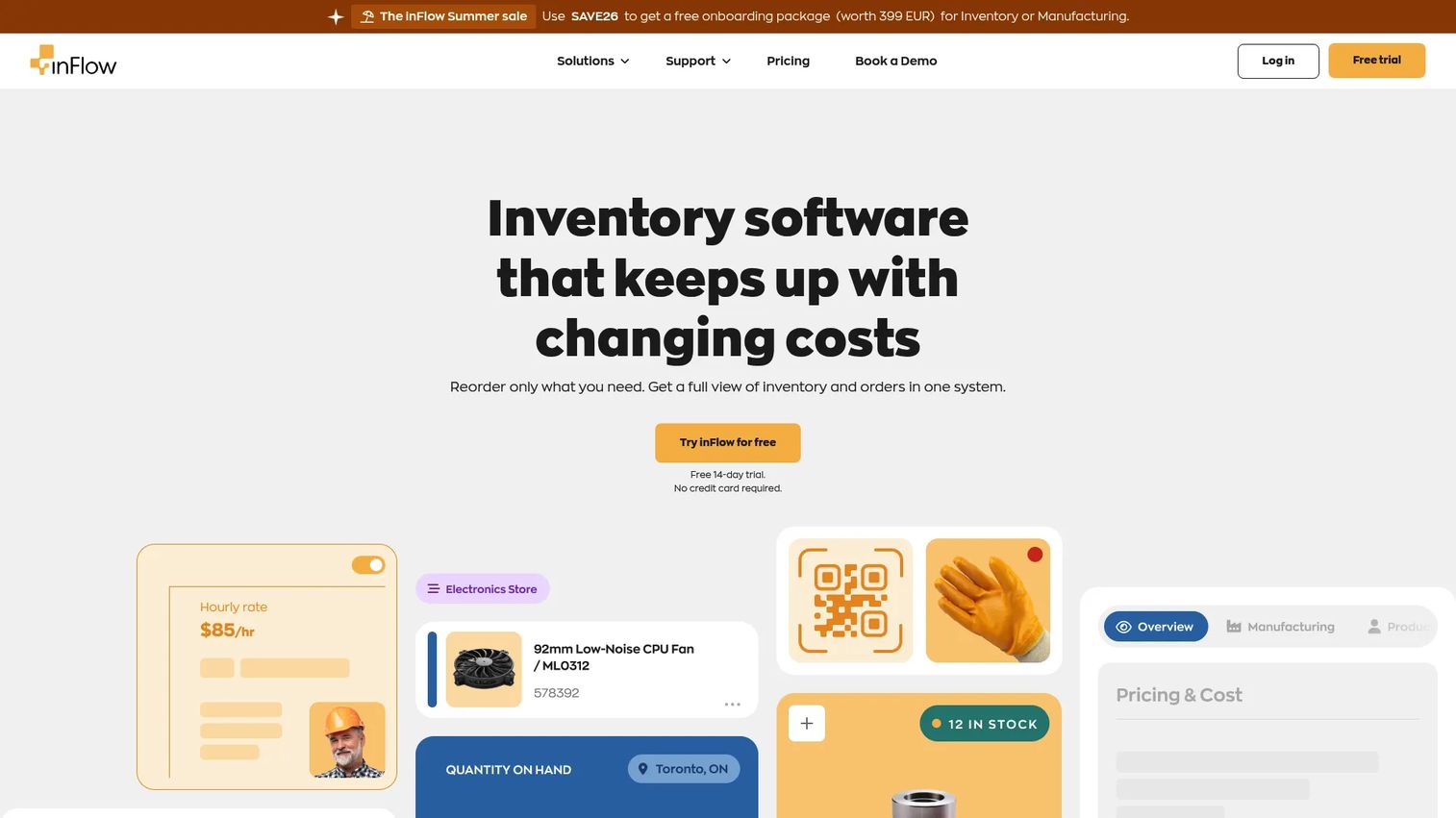
inFlow Inventory is inventory and order management software for product-based businesses. It centers on inventory control while supporting the order processing and fulfillment steps around it, which fits small to mid-sized ecommerce workflows well. The core feature set covers real-time inventory tracking, sales and purchase order management, and barcode labels and scanning for accurate picking and packing.
Best for: Small to mid-size product businesses needing inventory, purchasing, and fulfillment control.
Key strengths
- Real-time inventory tracking: Keep stock levels current across sales activity.
- Sales and purchase orders: Manage both inbound purchasing and outbound fulfillment.
- Barcode labels and scanning: Reduce picking errors with barcode-driven workflows.
Why choose inFlow Inventory: inFlow makes sense when inventory accuracy is your primary concern and you want fulfillment process support layered on top. It fits teams that need stronger inventory management than a basic store admin provides, without moving to a full ERP. Barcode scanning is a practical advantage for warehouses tightening up pick accuracy.
inFlow Inventory pricing: Public pricing covers four plans billed monthly: Entrepreneur at $161/month, Small Business at $436/month, MidSize at $874/month, and Enterprise at $2,249/month, with annual billing and add-ons available. A 14-day free trial is offered, so you can test inventory workflows before committing.
7. Orderwerks
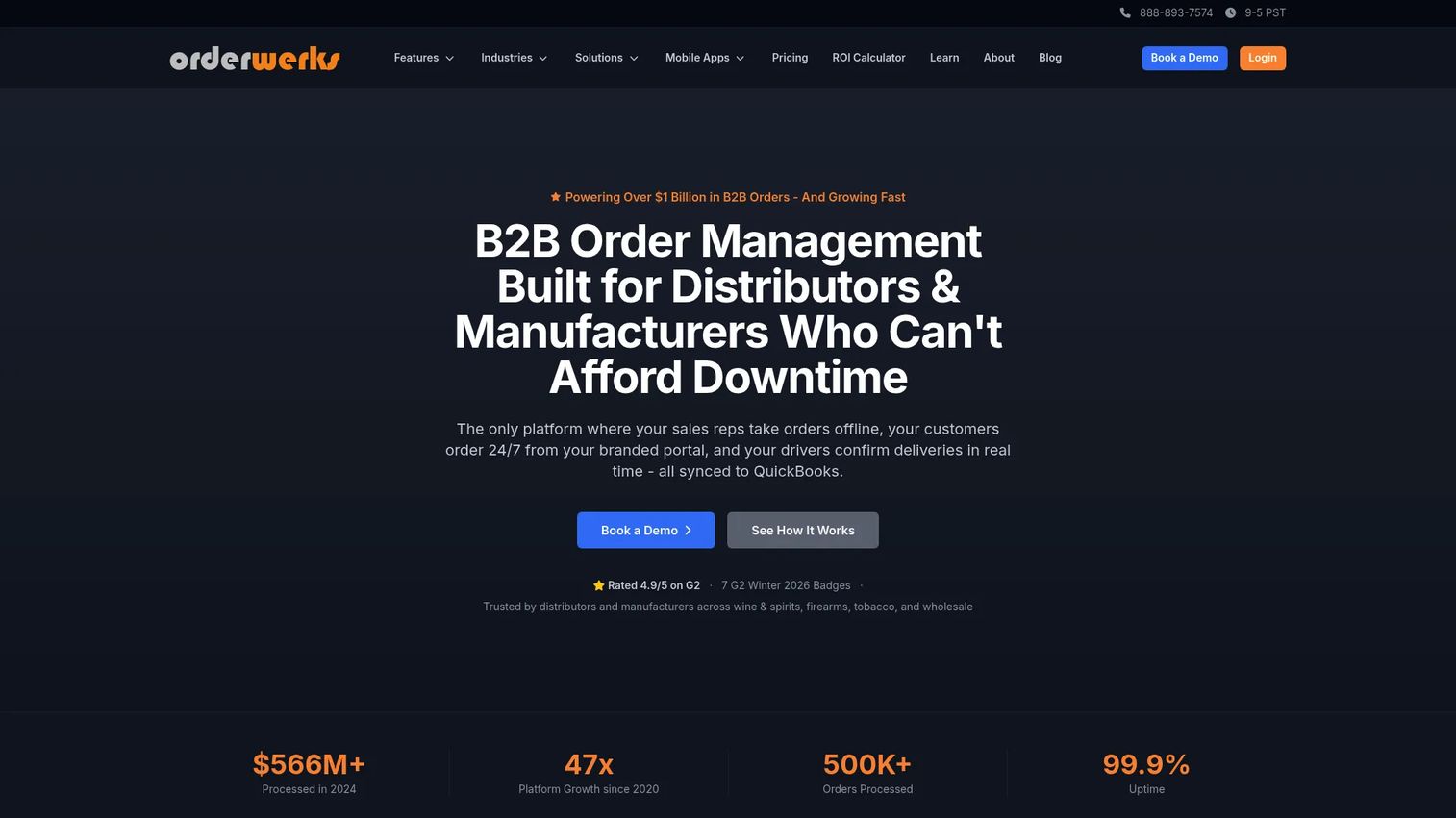
Orderwerks is B2B order management software built for distributors and manufacturers. Its distinguishing feature is an offline-first mobile Sales App, which matters for field sales and warehouse-facing teams that cannot rely on constant connectivity. It also includes a branded B2B ecommerce portal, QuickBooks sync, customer-specific pricing, and delivery management through its Enroute module.
Best for: Wholesale distributors and manufacturers needing offline B2B ordering plus compliance-driven workflows.
Key strengths
- Offline-first Sales App: Take orders in the field without a live connection.
- Branded B2B portal: Give wholesale buyers a self-serve ordering experience.
- Delivery management: Coordinate last-mile delivery with the Enroute add-on.
Why choose Orderwerks: Orderwerks is the fit when your operation is B2B wholesale rather than pure DTC ecommerce. Customer-specific pricing and QuickBooks sync handle the accounting and account-tier realities distributors face, while offline ordering keeps field reps productive. It manages operational complexity that generic ecommerce tools tend to skip.
Orderwerks pricing: The base platform starts at $60/user/month for the Web Portal plus Sales App. The B2B ecommerce Portal is priced per setup, the Enroute delivery module is $150/month plus $25 per driver/month, and white-glove onboarding starts at $2,500. A free trial is available to evaluate the platform.
8. Capterra order fulfillment software
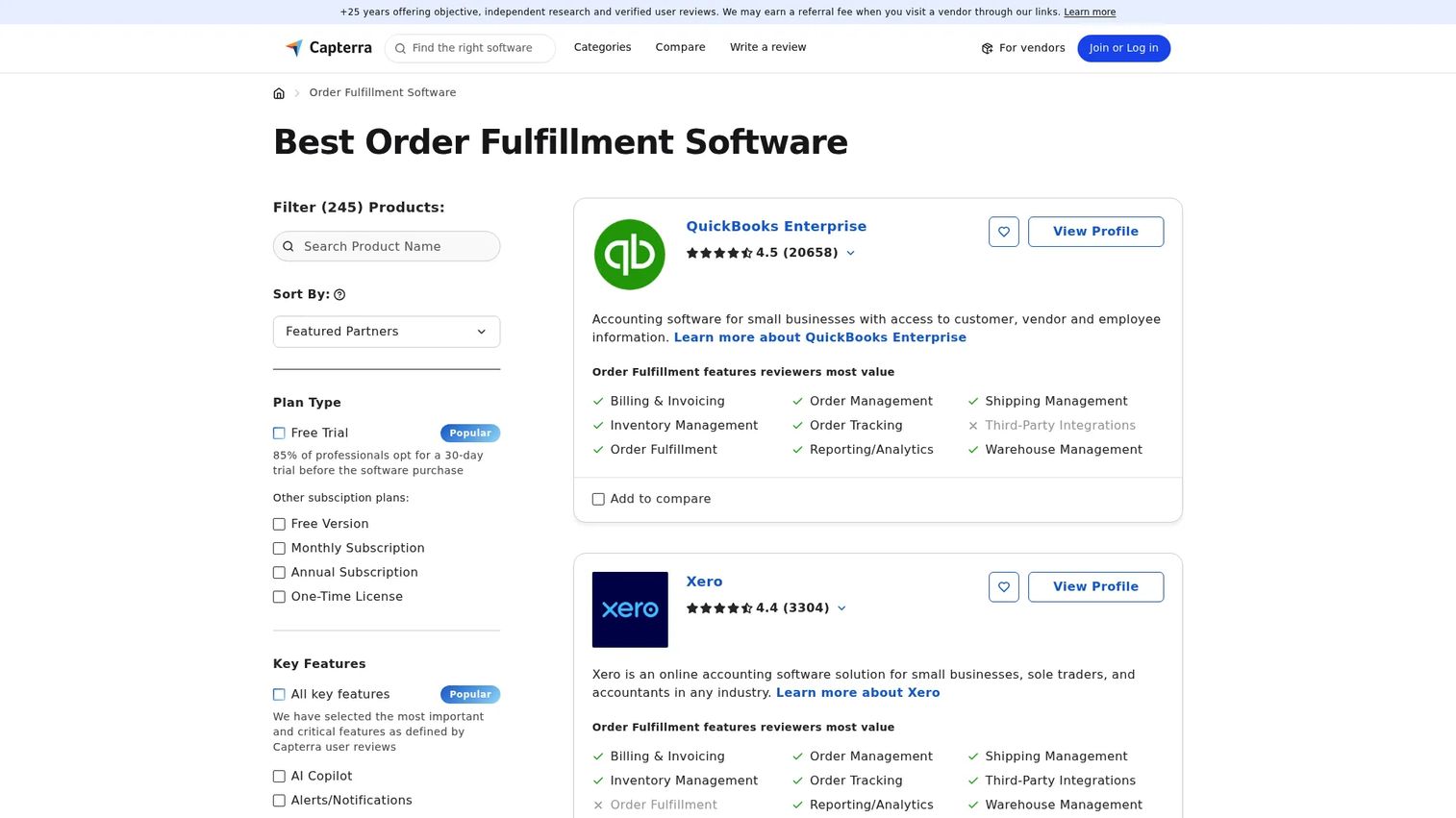
Capterra is a software directory, not a fulfillment engine. Its order fulfillment software category page lets buyers filter by features, read reviews, compare ratings, and broaden a shortlist beyond the vendors already on their radar. Treat it as a research resource rather than a system you deploy.
Best for: Buyers comparing order fulfillment software options and feature sets before committing.
Key strengths
- Filterable directory: Narrow options by order fulfillment, order management, and shipping management features.
- Reviews and ratings: Cross-reference reviewer feedback across many vendors.
- Broad discovery: Surface tools that a curated shortlist might miss.
Why choose Capterra: Use Capterra early in evaluation, when you want to confirm you have not overlooked a strong option. It will not run your fulfillment, but it is a fast way to pressure-test your shortlist against the wider market and read how real teams rate each tool.
Capterra pricing: The directory is free to browse for buyers. There is no fulfillment product to price here, since Capterra is a comparison resource rather than a fulfillment platform.
Considerations before you buy
The right tool depends on your operating model, not just its feature list. Run any shortlist against these criteria before committing.
Inventory accuracy
Confirm how the tool updates stock in real time, how it allocates inventory against incoming orders, and whether it supports multiple locations. Ask what happens when two channels sell the same unit at once. Inventory management that lags behind reality causes the exact oversells and stockouts you are trying to eliminate.
Carrier and shipping support
Check which carriers are supported, how shipping labels are generated, whether rates are visible at the point of shipping, and how shipping rules are configured. Carrier integrations that match your actual mix of carriers and destinations save far more time than a long list of options you will never use.
Returns and post-purchase servicing
Verify how returns flow through the system, including refunds, reships, and exchanges. Strong returns management improves post-purchase visibility and lets support teams respond faster. A return that does not update inventory automatically becomes another manual reconciliation task.
Omnichannel coverage
Decide whether you need single-channel, multichannel, or full enterprise omnichannel operations. A tool built for one storefront will strain across five channels and three warehouses, while an enterprise platform may be more order management software than a single-channel brand needs.
Reporting and analytics
Look for operational reporting, exception visibility, and fulfillment performance metrics. You want to see where orders stall, which SKUs run short, and how fulfillment speed trends over time. Analytics turn fulfillment from a black box into something you can actually improve.
Conclusion
The best order fulfillment software depends on where your operation sits today and where it is heading. For small to mid-sized ecommerce teams that want an all-in-one workflow, Zoho Inventory is the clearest starting point, especially with its free tier. Brands ready to outsource the warehouse should look at ShipBob. Cin7 Omni fits omnichannel operations juggling multiple channels and entities, while Salesforce Order Management and NetSuite suit enterprises that need commerce orchestration or full ERP-scale integration. inFlow Inventory serves inventory-first teams, Orderwerks fits B2B distributors, and Capterra is your discovery layer for pressure-testing the shortlist.
The next step is practical: map your own fulfillment workflow first, from order capture through returns, then match that against two or three tools from this list. Run a trial or request a demo, and evaluate each against real orders rather than a feature grid. The tool that fits your workflow with the fewest manual handoffs is the one worth buying.