You bought the screens. They are mounted in the lobby, the break room, the menu wall behind the register. Then the content goes stale, a player drops offline, and one screen sits dark for a week before anyone notices.
That is the real problem digital signage software solves. Not "displaying content" in the abstract, but reliably pushing the right content to every screen, updating it without touching each device, and knowing when something breaks.
The category is bigger than most people assume. The global digital signage market is projected at $35.2 billion in 2026, up from $29.19 billion in 2025, according to Mordor Intelligence (2026). And the payback is real: digital signage investments typically return $4 to $6 for every $1 spent, with payback windows of 6 to 18 months across retail, quick-service restaurants, and healthcare, per CrownTV (2026).
So the question is not whether digital signage is worth it. It is which platform fits your screen count, your budget, and the hardware you already own.
The trouble is that almost every search result is a vendor selling itself. You get hype, not a side-by-side comparison. Pricing is buried or hidden behind a sales call. Free plans are mentioned but never compared.
This guide fixes that. Eleven tools, ranked, with verified pricing and G2 ratings, plus honest notes on when each one fits and when it is overkill.
What's inside
This guide is for anyone managing screens, from a single café menu board to thousands of displays across retail, restaurants, offices, schools, and healthcare. Whether you are a facilities manager, an IT buyer, a marketing lead, or an SMB owner, the goal is the same: pick a platform that just works.
We chose these 11 digital signage solutions on four criteria:
- Hardware and screen compatibility: support for common players, smart-TV operating systems, and browser playback.
- Content management ease: how fast a non-technical user can publish.
- Pricing and free options: transparent tiers, free plans, and free trials.
- Scale and security: multi-screen sync, user roles, and enterprise controls.
TL;DR
Short on time? Here are the decision shortcuts.
- Best free first screen: Yodeck. One screen free forever, paid tiers from $8 per screen monthly.
- Best truly free option: AbleSign. Free digital signage software with no per-screen fee.
- Best for any-screen compatibility: OptiSigns. Broad player support and a free plan up to 3 screens.
- Best cloud platform for non-technical teams: ScreenCloud. Polished editor and large app library.
- Best for education: Rise Vision. K-12 focus, alerts, and 750+ templates.
- Best for enterprise and corporate comms: Appspace or Poppulo. Workplace experience and governed internal communications.
- Best for no-subscription buyers: Mvix. One-time player cost with free cloud software.
What is digital signage software?
Digital signage software is a cloud or on-premise platform that lets organizations create, schedule, and remotely manage content displayed on screens, TVs, and media players. It is the layer between your media (menus, promos, dashboards, announcements) and the physical displays showing it.
Instead of walking a USB stick to each screen, you manage everything from a browser. You build playlists, set schedules, push updates to one screen or a thousand, and get alerted when a device goes offline.
Most cloud digital signage software shares the same core capabilities:
- Content management: drag-and-drop editors, templates, playlists, and scheduling by day, hour, or working hours.
- Remote and multi-screen management: publish, update, and monitor displays from one dashboard, with synchronized playback across screens.
- Hardware and player compatibility: support for media players (Raspberry Pi, Fire TV, BrightSign) and built-in smart-TV operating systems (Android, webOS, Tizen).
- App integrations: widgets for social feeds, weather, dashboards, calendars, and business tools.
- Analytics and proof-of-play: reports confirming what played, when, and on which screen.
- Security and user roles: workspaces, permissions, and enterprise controls like SSO.
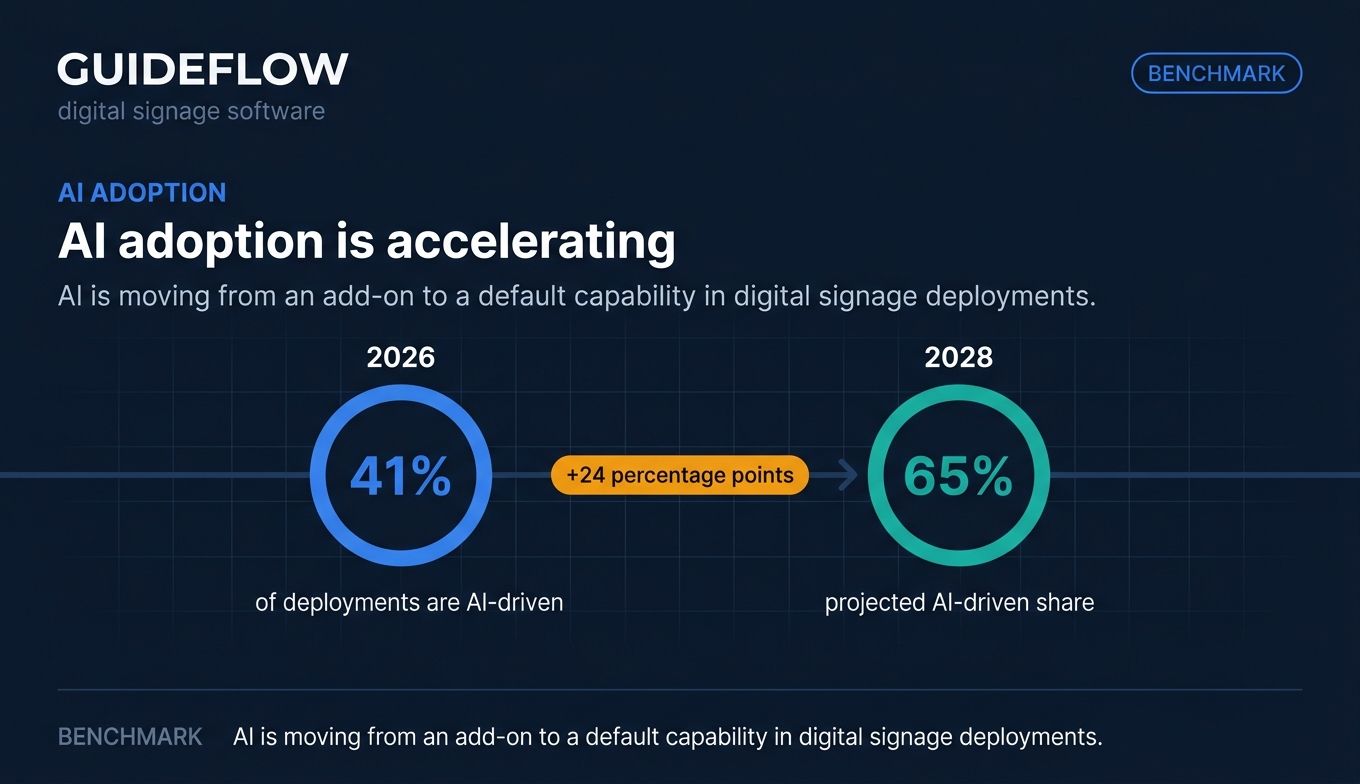
The 2026 standard is overwhelmingly cloud-based and subscription-driven, typically $15 to $50 per screen monthly, with enterprise custom pricing, according to iTouch (2026). AI is also reshaping the category: 41% of digital signage deployments are AI-driven in 2026, projected to reach 65% by 2028, per CrownTV (2026).
The takeaway: digital sign software is not just a media player. It is a content management system, a fleet monitor, and a reporting tool rolled into one. Much like an interactive demo turns a static product walkthrough into something dynamic, the right signage platform turns passive screens into a managed communication channel.
When to use digital signage software
Digital display software earns its keep in three broad situations.
Run in-store and retail promotions
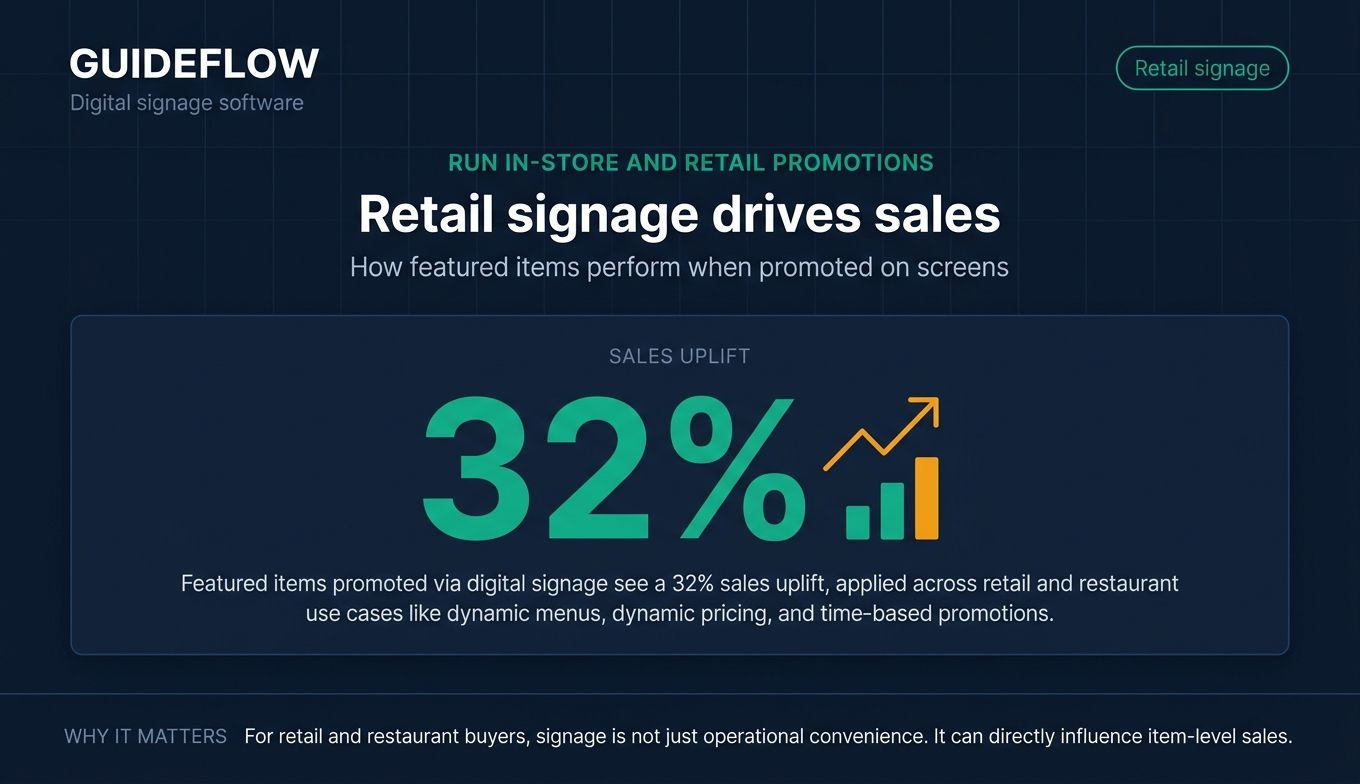
Retail and restaurants use signage to push dynamic pricing, menus, and time-based promos. A coffee shop swaps breakfast menus for lunch automatically. A retailer flips a storewide sale across 40 locations from one dashboard. The payoff is measurable: featured items promoted via digital signage see a 32% sales uplift, per the Nielsen On-Premise Digital Media Study cited by CrownTV (2026).
Power corporate and office communications
Corporate digital signage turns lobby and break-room screens into communication channels. Office teams display KPI dashboards, safety alerts, new-hire welcomes, and live metrics. The content updates itself by pulling from connected dashboards, so the screen never shows last quarter's numbers. This is where enterprise digital signage solutions add governance, approval workflows, and audience targeting. Teams running internal communications at scale often pair signage with broader employee advocacy software to amplify the same messages across channels.
Inform and engage in public venues
Schools, hospitals, and airports rely on signage for wayfinding, schedules, and emergency alerts. A school district pushes bell schedules and lockdown messages to every building. A hospital shows wait times and directions. The requirement here is reliability and reach: when an urgent message goes out, every screen must update instantly, even on a shaky connection.
The 11 best digital signage software tools for 2026
Below is a side-by-side comparison of the 11 best digital signage software tools, with verified pricing and ratings. The "Intent" column tells you the buying motion each tool fits. Pricing reflects each vendor's live pricing page as of June 2026, and ratings come from G2 or Capterra. Use this to shortlist two or three digital signage companies, then read the detailed sections below. If you regularly evaluate software like this, our roundups of the best content creation software tools and best content marketing tools cover adjacent categories worth a look.
| # | Product | Intent | Key use case | Pricing | G2 rating |
|---|---|---|---|---|---|
| 1 | Yodeck | Free first screen | Affordable cloud signage at any scale | Free (1 screen); from $8/screen/mo | 4.7/5 |
| 2 | OptiSigns | Any-screen compatibility | Broad player and integration support | Free (up to 3 screens); from $9/screen/mo | 4.8/5 (Capterra) |
| 3 | AbleSign | Truly free | No per-screen-fee signage | Free ($0/month) | Not yet rated |
| 4 | ScreenCloud | Non-technical teams | Polished cloud signage at scale | From $20/screen/mo | 4.7/5 |
| 5 | Rise Vision | Education | K-12 signage, alerts, screen sharing | From $11/display/mo | 4.7/5 |
| 6 | Mvix | No-subscription control | Bundled players with free cloud CMS | From $450 one-time/player | 3.9/5 |
| 7 | NoviSign | Interactive signage | Touchscreen and widget-rich displays | From $14/screen/mo | 4.9/5 (Capterra) |
| 8 | Appspace | Enterprise workplace | Comms, signage, space booking | Free tier; from $4/user/mo | 4.7/5 |
| 9 | Pickcel | Multi-location scale | Cloud or on-premise screen control | Custom (14-day trial) | 4.8/5 |
| 10 | Signagelive | Global networks | Distributed display management | From $270/device/year | 4.5/5 |
| 11 | Poppulo | Enterprise internal comms | Omnichannel employee communications | 14-day trial; custom | 4.3/5 |
1. Yodeck

Yodeck is a cloud-based digital signage platform for managing and publishing content to screens remotely. It built its reputation on affordable Raspberry Pi playback and a generous free tier, and it scales from one screen to thousands without changing the workflow.
Best for: Organizations that need affordable cloud-based digital signage across one or many screens.
Key strengths
- Free first screen: Run one screen free forever after a 30-day trial, no card games required.
- Template and app library: 80+ apps and integrations plus 500+ content templates speed up content creation.
- Zone-based layout editor: Split a screen into multiple regions for menus, tickers, and media at once.
Why choose Yodeck
Yodeck fits teams that want to start cheap and grow predictably. The free single screen makes it easy to test before committing, and per-screen pricing stays low even at scale. Its template library means non-designers can publish a polished board in minutes. If you manage a handful of screens on a tight budget, this is the natural starting point.
Yodeck pricing
Yodeck offers a Free plan for a single screen with basic features after a 30-day trial. Paid tiers, billed annually, run Basic at $8 per screen monthly, Premium at $11 (adding integrations, automation, proof-of-play, and API), and Enterprise at $15 (adding SSO/SAML, custom roles, audit logs, and player lockdown). Enterprise+ is custom. Yodeck holds a 4.7/5 rating on G2.
2. OptiSigns
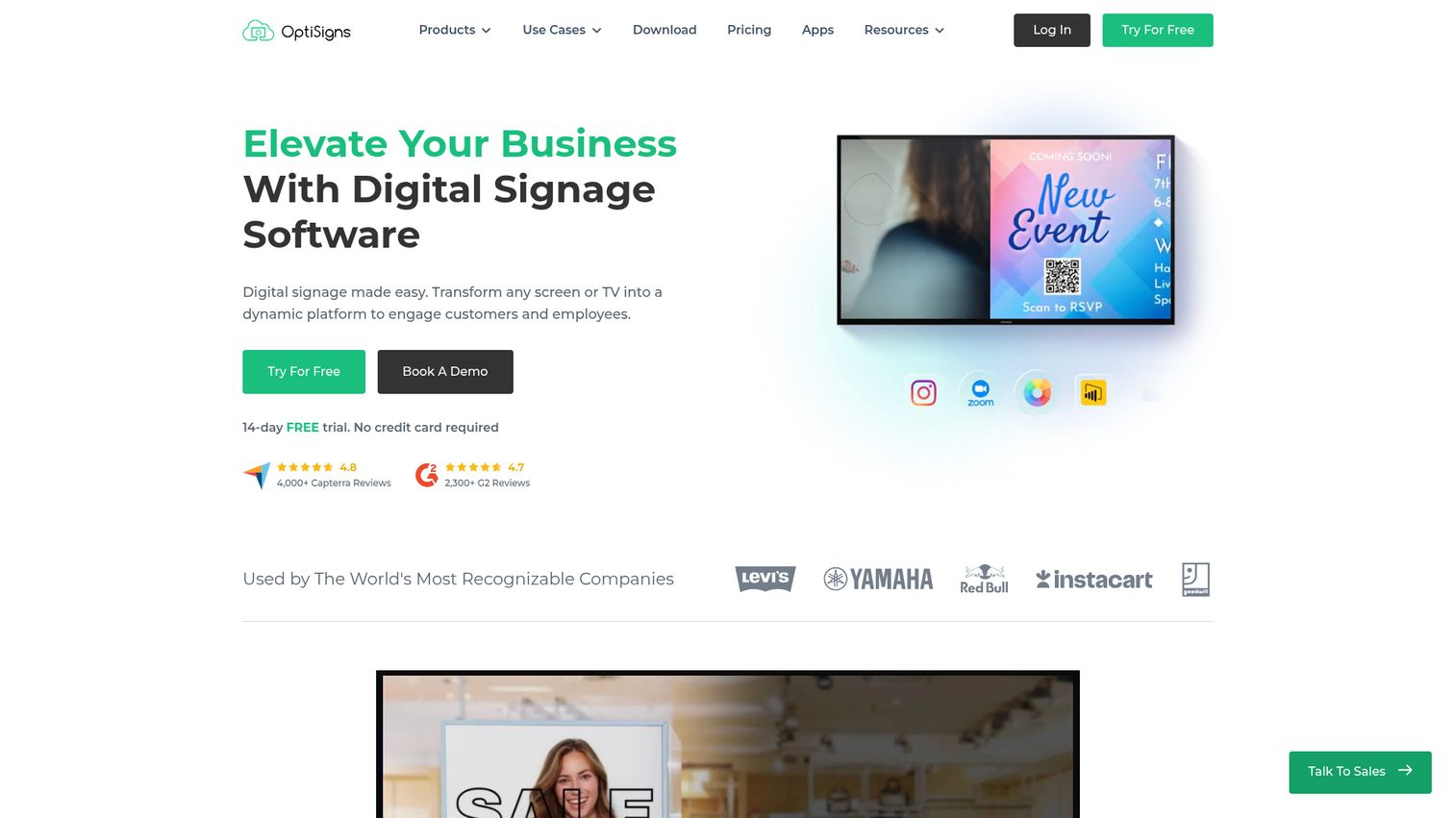
OptiSigns is digital signage software that turns screens or TVs into remotely managed displays for customer and employee communications. Its main draw is breadth: it runs on almost any device you already own and connects to a wide range of content sources.
Best for: Organizations that need affordable, cloud-managed digital signage across one or many screens.
Key strengths
- Remote screen and content management: Control every display and update content from one dashboard.
- Playlists, scheduling, and split-screen zones: Build time-based playlists and divide screens into zones.
- Apps and integrations: Pull in dashboards, social media, and workplace tools as dynamic content.
Why choose OptiSigns
OptiSigns is the safe pick when your hardware is mixed and you do not want to buy new players. It supports a broad set of devices and operating systems, so a smart TV in one room and a media stick in another both work. The free plan covers up to 3 screens, which is enough for a small business to launch without spending a dollar. Larger teams get workspace and enterprise features as they grow.
OptiSigns pricing
OptiSigns has a Free plan supporting up to 3 screens with 1GB storage and the OptiSigns logo. Paid plans, billed annually, run Standard at $9 per screen monthly, Pro at $11.25, Pro Plus at $13.50, Engage (interactive experiences) at $27, and Enterprise at $40.50 with a 25-screen minimum. OptiSigns carries a 4.8/5 rating on Capterra across more than 4,300 reviews.
3. AbleSign
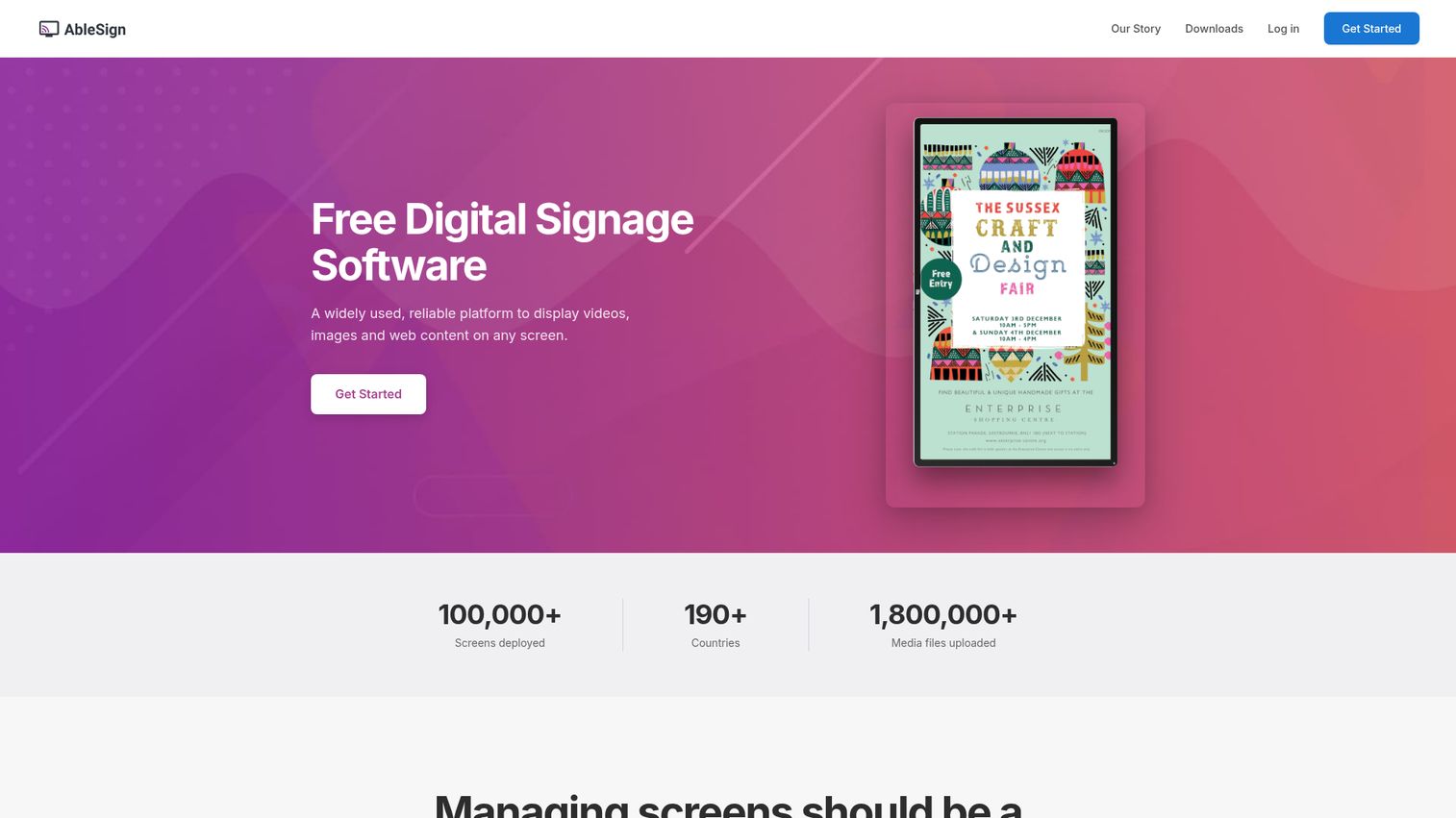
AbleSign is a free digital signage platform for displaying videos, images, and web content on screens managed from a browser. While most tools charge per screen, AbleSign positions itself as a genuine free service, which makes it the standout signage freeware option for budget-conscious teams.
Best for: Organizations that need simple, no-per-screen-fee digital signage for videos, images, playlists, schedules, and proof-of-play across common signage hardware.
Key strengths
- Offline reliability: Content downloads to the player and keeps playing even when connectivity drops.
- Synchronized multi-screen playback: Keep content in sync across multiple displays.
- Proof-of-play reporting: See exactly what played, when, and on which screen.
Why choose AbleSign
AbleSign is for teams that want core signage without a recurring per-screen bill. You upload images and videos, arrange them into drag-and-drop playlists, set schedules with start and end dates, and push to multiple screens. The offline caching is genuinely useful in venues with patchy WiFi, and role-based team permissions mean more than one person can manage content. It is the most direct answer to "is there free digital signage software that actually works."
AbleSign pricing
AbleSign is released as a free service at $0 per month, with no per-screen fee. The company notes a Storage Plus add-on offering additional storage, though a public price for it was not listed at the time of writing. As a newer entrant, AbleSign does not yet carry enough reviews for a G2 rating, so weigh that against the cost savings when you evaluate it.
4. ScreenCloud
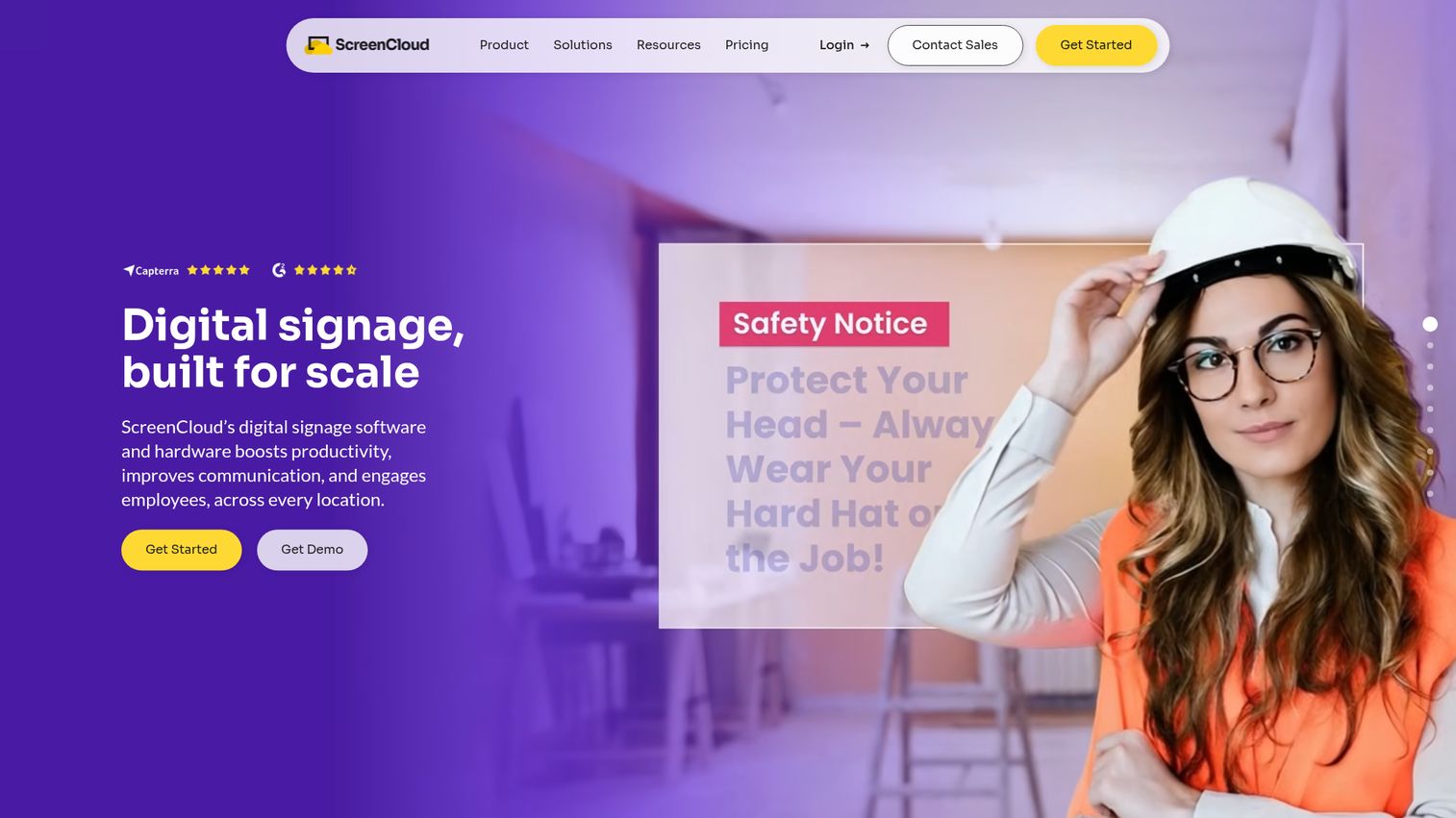
ScreenCloud is a full-stack digital signage software and hardware platform for managing screens at scale. It leans into ease of use, so marketing and operations teams can publish without IT help.
Best for: Enterprise and multi-location teams that need centrally managed digital signage across many screens.
Key strengths
- 80+ apps and integrations: Connect dashboards, calendars, and business tools to your screens.
- Unlimited file storage: Store as much media as you need without storage tiers.
- Design templates and Quick Post: Publish polished content fast with templates and a quick-post flow.
Why choose ScreenCloud
ScreenCloud is the pick for non-technical teams who want a clean editor and a deep app library. The interface is built so a marketer can build a screen in minutes, and the integrations make it easy to surface live data like dashboards. It skews toward multi-location and enterprise use, so the entry price is higher than the budget tools. If polish and ease of use matter more than the lowest possible cost, it earns the premium.
ScreenCloud pricing
ScreenCloud does not offer a permanent free tier, but it provides a free trial. Paid plans, priced per screen monthly plus VAT, run Core at $20 (for businesses getting started), Pro at $30 (adding premium apps, dashboards, and QR-code metrics), and Enterprise via email with setup support. ScreenCloud holds a 4.7/5 rating on G2.
5. Rise Vision
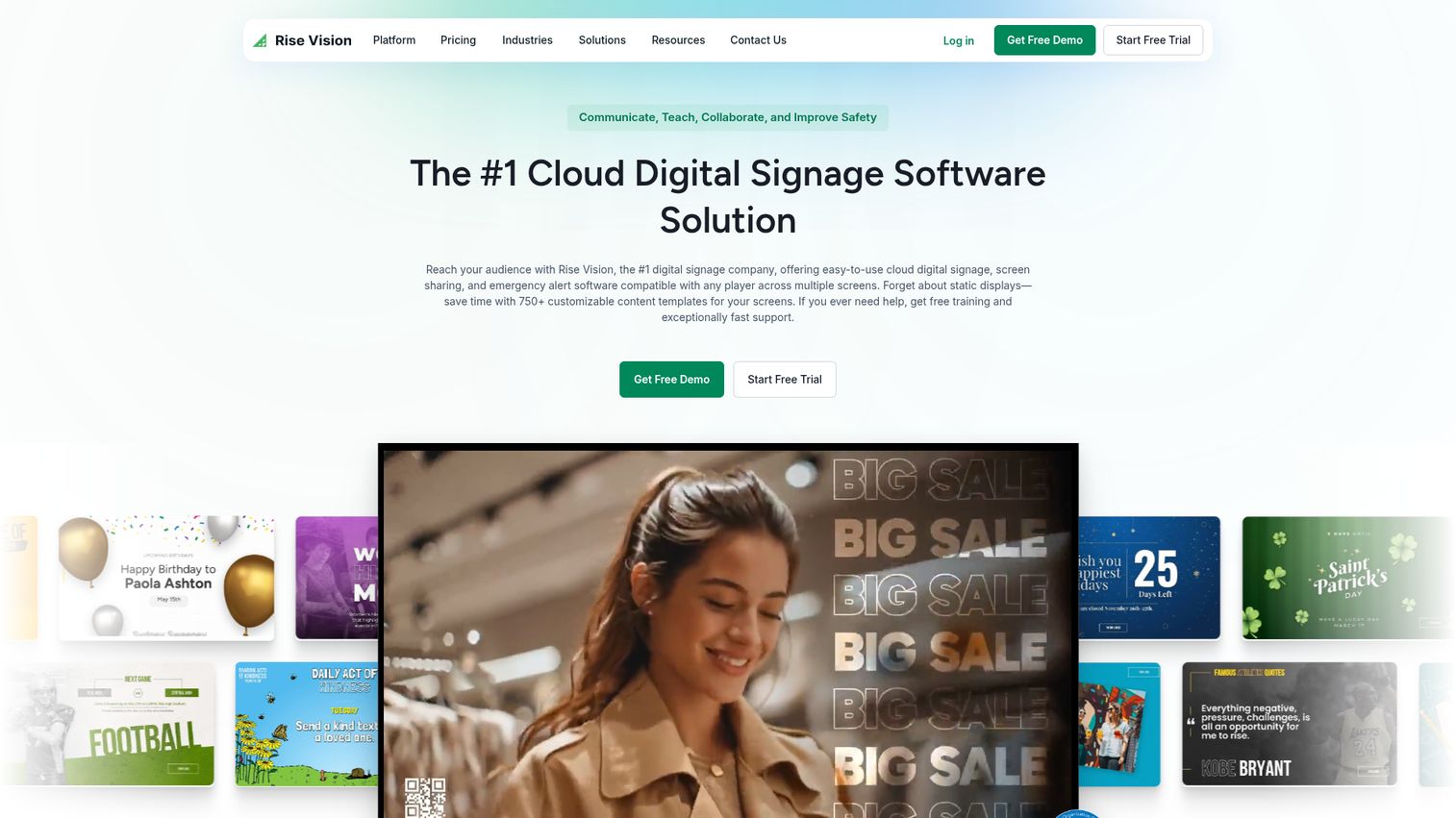
Rise Vision is an all-in-one platform for digital signage, screen sharing, and emergency alerts. It is built with schools in mind, which shapes its template library, alerting, and pricing structure.
Best for: Schools, districts, and organizations that need centrally managed digital signage with alerts and screen sharing.
Key strengths
- Remote management: Control screens from desktop or mobile.
- 750+ templates: A large library of animated, customizable templates for fast publishing.
- Scheduling and playlists: Plan content by time and rotate playlists automatically.
Why choose Rise Vision
Rise Vision is the education specialist. Its template library is built around school communications, and the Advanced and Enterprise tiers add emergency alerts, classroom alerts, screen sharing, and approval workflows that districts need. For a single café or a corporate lobby, it can feel overbuilt. But for K-12 and higher education, the alerting and screen-sharing features are exactly what facilities and IT teams ask for.
Rise Vision pricing
Rise Vision pricing runs Basic at $11 per display monthly (signage essentials), Advanced at $13 (adding emergency alerts, integrations, a stock library, and brand settings), and Enterprise at $164 per display per year (adding unlimited displays, classroom alerts, screen sharing, approval workflows, and SSO). An Enterprise Unlimited Displays plan is $1,399 per school per year. Rise Vision holds a 4.7/5 rating on G2.
6. Mvix
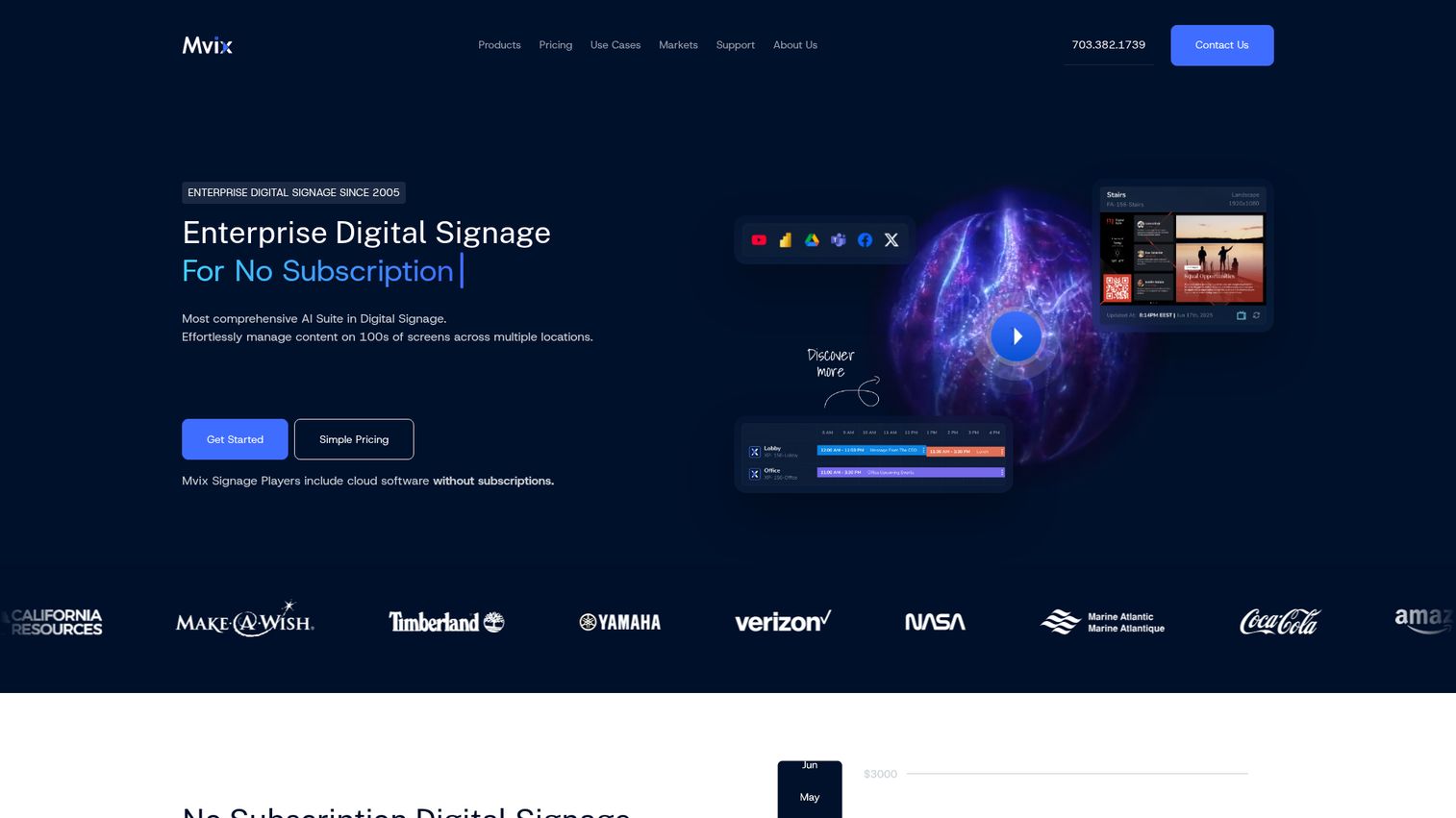
Mvix provides enterprise digital signage software and media players for remotely managing content across screens and locations. Its model is unusual: pay once for the player, get the cloud software free, and skip the monthly subscription.
Best for: Organizations that want no-subscription digital signage with bundled media players and cloud CMS for multi-location screen management.
Key strengths
- Cloud-based CMS: Manage content remotely from any web browser.
- Unlimited users and storage: No caps on users, cloud storage, or CMS bandwidth per account.
- Offline playback and device management: Schedule content, build playlists, and keep screens running offline.
Why choose Mvix
Mvix fits buyers who hate recurring software fees. You buy the media player once, and the cloud CMS comes free with it. That changes the math for organizations planning long-term deployments, since there is no per-screen subscription eating into the budget every month. It is positioned as enterprise digital signage, with both on-premise and cloud options, so security-sensitive teams have a self-hosted path.
Mvix pricing
Mvix prices its digital signage players as one-time purchases with the cloud software included free: Core at $450, Standard at $550, and Pro at $750 per player, with no subscriptions. There is no standalone free tier without a hardware purchase. Mvix holds a 3.9/5 rating on G2, so factor support and setup experience into your evaluation alongside the no-subscription savings.
7. NoviSign
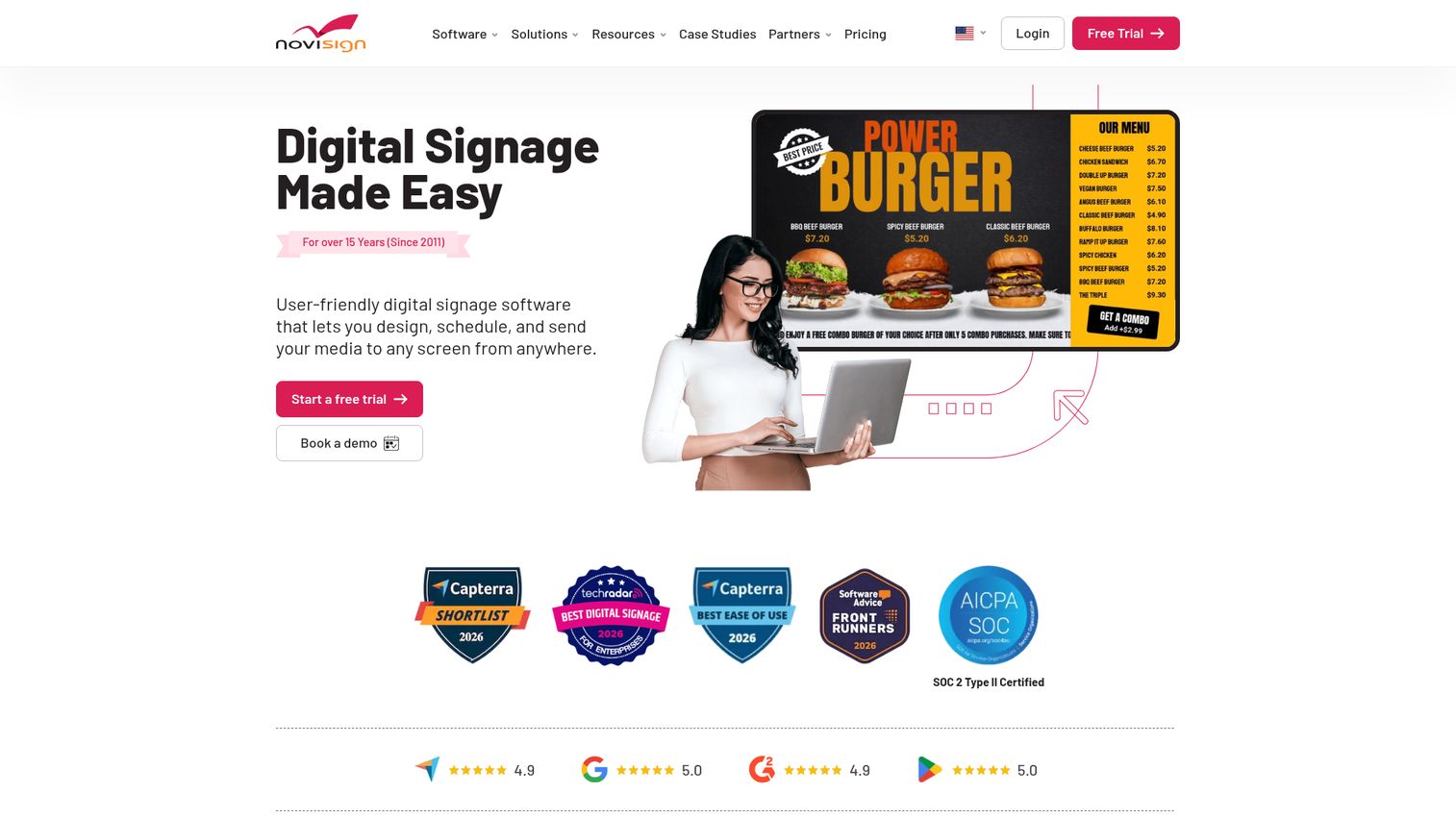
NoviSign is a cloud-based digital signage management software platform for creating, scheduling, managing, and broadcasting content to screens remotely. It stands out for interactive and touchscreen content, plus a wide range of integrations.
Best for: Businesses and organizations that need remotely managed digital signage across one or many screens, including menus, lobbies, education, corporate communications, and advertising networks.
Key strengths
- Drag-and-drop design studio: Build screens with customizable templates and widgets.
- Advanced scheduling and remote management: Plan playlists and control screens from anywhere.
- Broad integrations: Connect Zapier, Toast POS, Power BI, Tableau, Google Drive, Dropbox, and SharePoint.
Why choose NoviSign
NoviSign is the pick when you need interactivity. Touchscreen widgets, social media feeds, and a deep integration list make it a fit for kiosks, wayfinding, and engagement-heavy displays. Support spans Android, Windows, and ChromeOS players, so hardware flexibility is strong. If your use case is passive playback only, simpler tools may be cheaper, but for interactive signage, NoviSign is purpose-built.
NoviSign pricing
NoviSign requires one player license per display. Plans, billed annually, run Business at $14 per screen monthly, Business Plus at $17, and Premium at $25 with a 20-screen minimum. A Partners plan is available on request. NoviSign advertises a 30-day free trial but no permanent free tier. It holds a 4.9/5 rating on Capterra across 120 reviews.
8. Appspace

Appspace is a workplace experience platform for employee communications, digital signage, space reservation, visitor management, intranet, content publishing, and wayfinding. It is less a pure signage tool and more a full corporate communications hub.
Best for: Organizations that want a unified platform for workplace communications, digital signage, space booking, and visitor management.
Key strengths
- Employee communications and app: Reach staff across signage and a dedicated employee app.
- Digital signage and content publishing: Manage lobby and office screens alongside other channels.
- Room and desk booking: Add space reservation and visitor management to the same platform.
Why choose Appspace
Appspace is the enterprise workplace pick. If you want signage, internal comms, and space booking under one roof, it consolidates tools that would otherwise be three separate vendors. That breadth is the point: large organizations get governance, security, and a single platform for the whole employee experience. For a small business that only needs menu boards, it is more platform than the job requires.
Appspace pricing
Appspace offers a Free plan with unlimited account duration, plus Express and Enterprise plans billed month-to-month or annually. Pricing is usage-based: users start at $4 per month and devices start at $42 per month, with a stated minimum spend of $950 per month. Exact Express and Enterprise per-plan prices are not published. Appspace holds a 4.7/5 rating on G2.
9. Pickcel
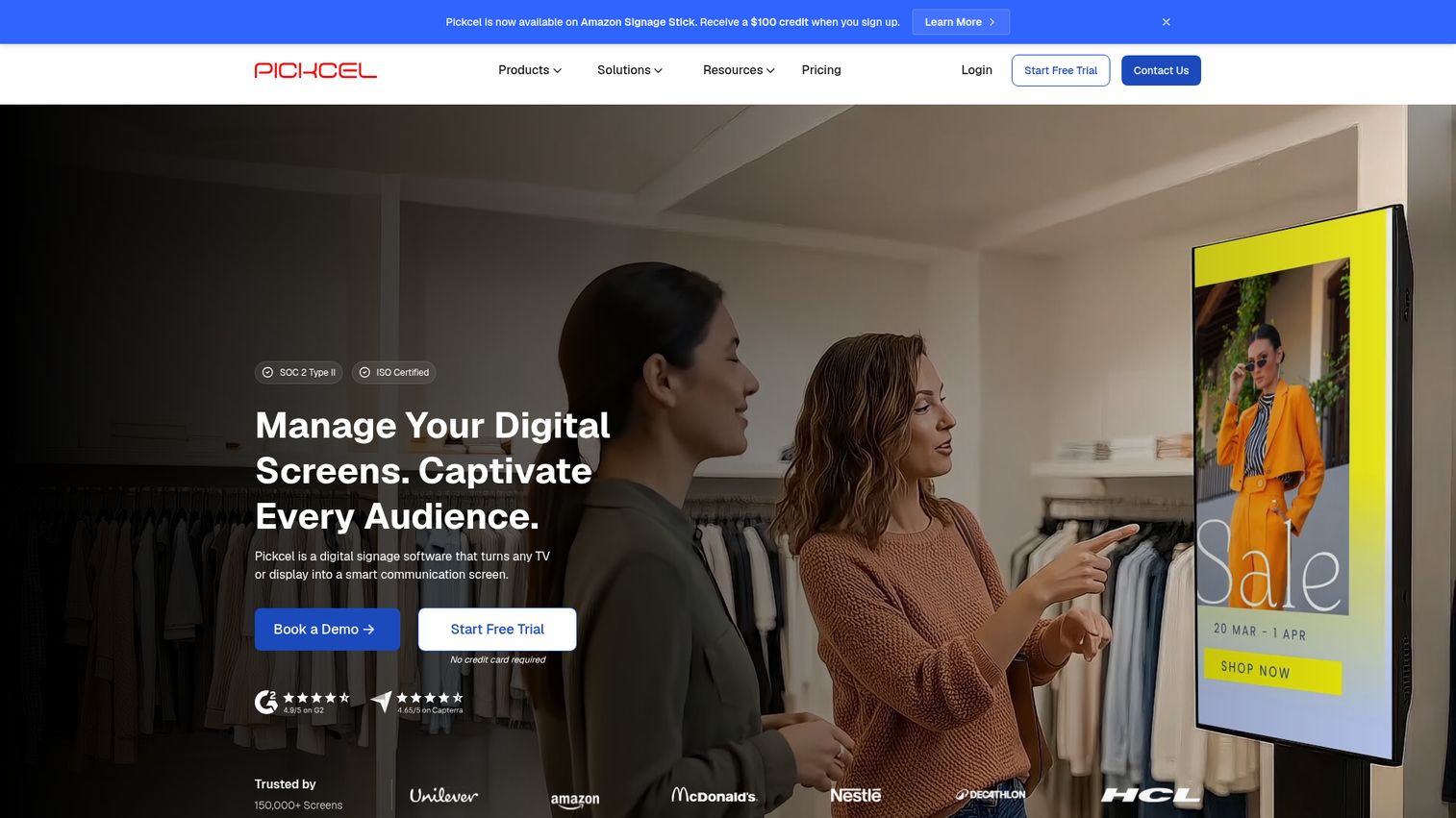
Pickcel is a cloud-based and on-premise digital signage software platform for creating, scheduling, publishing, and managing content across screens. It is built for centralized control across many locations.
Best for: Businesses that need centralized cloud or on-premise control of digital signage screens across one or many locations.
Key strengths
- Centralized screen management: Remotely publish and monitor every screen from one place.
- Built-in content creation: Use the Artboard editor with templates, media management, and content apps.
- Advanced scheduling and reporting: Get proof-of-play and uptime reports across the fleet.
Why choose Pickcel
Pickcel fits multi-location operators who need both cloud and on-premise options. The centralized dashboard, proof-of-play, and uptime reporting make it easy to manage screens across cities without site visits. The Enterprise tier adds dedicated or on-premise implementation, custom integrations, and unlimited storage for the largest deployments. If you run screens in dozens of locations, this is built for that scale.
Pickcel pricing
Pickcel offers Professional, Business, and Enterprise plans on a per-device, per-month model with monthly or annual options, plus a 14-day free trial rather than a permanent free tier. Professional covers core scheduling, templates, and 3GB storage for one user; Business adds MFA, content sync, dashboard integrations, and up to 5 users; Enterprise adds on-premise implementation and 20+ users. Public numeric prices were not listed, so request a quote. Pickcel holds a 4.8/5 rating on G2.
10. Signagelive
Signagelive is a cloud-based digital signage platform, now part of Navori, for managing and publishing content to signage displays. It is known for supporting global, distributed networks with broad media and player support.
Best for: Organizations that need cloud-based digital signage content management across distributed screens.
Key strengths
- Broad media playback: Show video, images, web pages, IPTV, and live TV.
- Content scheduling and layouts: Build nested playlists, layouts, and dual-display setups.
- Remote player management: Monitor, report on, and manage devices from one dashboard.
Why choose Signagelive
Signagelive is the fit for global and distributed networks. Its support for many operating systems and player types means you can standardize one platform across regions with different hardware. The live TV and IPTV support also make it a strong fit for broadcast-heavy venues. Note that Signagelive is now part of Navori, so factor the combined roadmap into a long-term decision.
Signagelive pricing
Signagelive prices its Standard license per device per year, at $270 per year (with regional equivalents around £200 and €230). The Standard license includes video, image, web page, IPTV, and live TV playback, plus scheduling, dashboard monitoring, nested playlists, dual display, and remote device management. There is no free tier. Signagelive holds a 4.5/5 rating on G2.
11. Poppulo
Poppulo, formerly Four Winds Interactive, is an AI-powered employee experience and digital signage platform for enterprise communications. It combines signage with email and mobile messaging into one governed comms platform.
Best for: Large enterprises that need governed, measurable employee communications and workplace digital signage across distributed teams and locations.
Key strengths
- Multichannel comms: Reach employees across email, mobile, Microsoft 365, and digital signage.
- Governance and analytics: Use targeting, personalization, approvals, workflows, and real-time analytics.
- Enterprise signage features: Schedule content, send urgent messages, and add wayfinding and room booking.
Why choose Poppulo
Poppulo is the enterprise internal-comms pick. For large organizations, signage is one channel among many, and Poppulo unifies it with email and mobile so a single message reaches employees everywhere. The governance, approval workflows, and analytics are what enterprise communications teams need to prove reach and stay compliant. It is overkill for a single-location business, but it shines at distributed enterprise scale.
Poppulo pricing
Poppulo's digital signage offering includes a 14-day free trial at $0. Beyond that, a Pro plan is quoted per screen on request, and Enterprise uses custom per-screen plus volume-based pricing. The broader employee experience platform lists Silver and Gold editions as talk-to-sales. No public paid starting price was available. Poppulo holds a 4.3/5 rating on G2 across more than 300 reviews.
How to choose digital signage software
The right signage software depends on your hardware, your team, and your scale. Run through this checklist before you commit.
Hardware and screen compatibility
Confirm the platform supports the screens and players you already own. Look for Android, webOS, Tizen, BrightSign, Fire OS, Raspberry Pi, and browser-based playback. Buying new hardware to match a software choice adds hidden cost, so match the tool to your existing devices first.
Content management and ease of use
Test how fast a non-technical user can publish. Templates, drag-and-drop editing, and scheduling separate the tools a marketer can run alone from the ones that need IT every time. If your team is small, ease of use beats feature depth. The same principle applies to content creation in any platform: the easier it is to build and publish, the more your team will actually use it.
Pricing model and free options
Decide between per-screen subscriptions, flat rates, and one-time hardware costs. A free first screen or a free plan lets you test before scaling. Watch for hidden costs: player hardware, storage tiers, and minimum-screen requirements all change the real price.
Scale, remote management, and security
For many screens, you need synchronized playback, user roles, and offline caching. Enterprise digital signage solutions should offer SSO, plus SOC 2 and GDPR alignment if you are security-sensitive. Confirm these before procurement gets involved.
Offline reliability and reporting
Screens lose connectivity. Make sure content caches locally so displays keep playing during outages. Proof-of-play reporting and analytics also matter if you need to prove a promo ran or an alert reached every screen.
Conclusion
The best digital signage software is the one that matches your screens, your budget, and your scale, not the one with the loudest landing page.
If you want to start free, Yodeck gives you one screen forever and cheap paid tiers, while AbleSign is the truly free option with no per-screen fee. For mixed hardware, OptiSigns runs on almost anything and includes a free plan up to 3 screens. Non-technical teams gravitate to ScreenCloud for its clean editor. Schools should look at Rise Vision for alerts and templates, and enterprises evaluating workplace comms or internal communications should compare Appspace and Poppulo.
The fastest way to decide is to stop reading and start testing. Claim Yodeck's free first screen or spin up OptiSigns on the free plan, push a single piece of content to one display, and see how the workflow feels. You will learn more in 15 minutes of hands-on use than in any comparison chart. Pick two or three tools from this list, run a screen on each, and let the experience make the call. And if your team also needs to showcase software products rather than just static media, an interactive product demo is the digital equivalent of putting your best content on the biggest screen.
FAQs
There is no single best for every situation. For a free first screen, Yodeck leads. For a truly free option with no per-screen fee, AbleSign stands out. For non-technical teams that want polish, ScreenCloud is strong, and for enterprise internal communications, Poppulo and Appspace are the top picks.
Yes. AbleSign is released as a free service at $0 per month with no per-screen fee, which makes it the standout free digital signage software for budget-conscious teams. Yodeck offers a free first screen forever after a 30-day trial, and OptiSigns includes a free plan supporting up to 3 screens. Free tiers usually limit screen count, storage, or branding, so confirm the caps before you scale.
At minimum, you need a screen or TV plus a way to play content. That can be a dedicated media player like Raspberry Pi, Fire TV, or BrightSign, or a built-in smart-TV operating system such as Android, webOS, or Tizen. Many platforms also support browser-based playback, so any device with a modern browser can run as a display.
Most cloud digital signage software runs $15 to $50 per screen monthly, with enterprise custom pricing, per iTouch (2026). Entry tiers start lower: Yodeck begins at $8 per screen monthly and OptiSigns at $9. Some vendors, like Mvix, skip subscriptions entirely by charging a one-time player cost with free cloud software, and several offer free first screens or free plans.
Yes. Most platforms cache content locally on the player so screens keep playing during outages or on unstable connections. AbleSign is built around this, downloading content for playback even when connectivity is lost. If your venue has patchy WiFi, prioritize offline reliability when you compare info screen software.
Retail, restaurants, corporate offices, education, healthcare, airports, and banking are the heaviest adopters, per CrownTV (2026) and Mordor Intelligence (2026). Retailers use it for promos and menus, offices for dashboards and announcements, and schools and hospitals for wayfinding and alerts. The common thread is communicating timely content to people in a physical space.
Cloud digital signage software is managed remotely, updates automatically, and has a lower upfront cost, which suits most teams. On-premise software keeps content and control local, which security-sensitive enterprises often require for compliance. Some vendors, like Mvix and Pickcel, offer both, so you can match the deployment model to your IT and security needs.