You run bookings across a spreadsheet, a shared inbox, a couple of DMs, and a calendar nobody fully trusts. It works when volume is low. Then it doesn't. Two customers claim the same slot. A deposit never gets collected. A no-show eats a Saturday shift because the reminder lived in someone's head instead of a system.
That breakdown is not a staffing problem. It is an infrastructure problem. When bookings, staff schedules, deposits, reminders, and reporting live in separate places, every new booking adds friction instead of removing it. The cost is quiet at first, then it shows up in missed revenue and hours of manual reconciliation.
The market has already priced in the shift. The global online reservation system market was valued at USD 82.07 billion in 2025 and is forecast to reach USD 244.8 billion by 2035, a 12.5% CAGR, according to Business Research Insights (2025). The same research found 61% of bookings are now made online, and 47% of users globally prefer instant mobile-based reservations over any other channel. Buyers expect to book on their own terms, at any hour, without a phone call.
For a founder or operator, the real question is not "how do we take bookings." It is "how do we take bookings at scale without routing everything through a person." That is an operational scaling decision, and the right reservation software makes it once instead of every week. If you're auditing your wider stack, this reasoning also applies to picking the right event management software or loyalty management software - match the tool to the workflow, not the feature sheet. The same logic drives how good teams build any interactive demo or self-serve buying experience: remove friction, then measure it.
What's inside
This guide compares four reservation software options for 2026, chosen for booking engine quality, calendar and staff management, payments, automation, and fit by business model. The list spans broad appointment scheduling and payments, hospitality-focused reservation systems for hotels and rentals, easy-entry scheduling for service teams, and vertical tools built for tours, classes, and activities. We picked by workflow, not by feature count. The goal is to help you match a system to your operational complexity, so read each entry against your business model, not against a generic checklist. Pricing and ratings below are verified from first-party sources as of mid-2026.
TL;DR
- Best overall for all-in-one booking and payments: Square, for service businesses that want scheduling, payments, staff management, and reminders inside one stack with a free entry point.
- Best for hospitality and property reservations: ReservationKey, for hotels, B&Bs, and vacation rentals that care about direct bookings, channel sync, and no commission booking software pricing.
- Best for free or low-friction scheduling entry: Reservio, for clinics, studios, and smaller teams that want a clean online booking system with a genuine free plan.
- Best for tours, classes, and activity bookings: Bookeo, for businesses where booking is tied to sessions, courses, or experiences rather than simple appointment slots.
If your operation is broad and payment-heavy, start with Square. If you run rooms or rentals, start with ReservationKey.
What is reservation software?
Reservation software is a system for managing bookings, availability, staff or resource scheduling, customer communication, and payments in one place. It replaces the manual patchwork of spreadsheets, phone logs, and disconnected calendars with a single reservation management system that captures, confirms, and tracks every booking automatically.
At the core, a modern booking management system handles a consistent set of jobs:
- Online booking engine - a self-serve booking website or embedded form customers use to reserve 24/7.
- Calendar and staff availability - real-time calendar availability, staff scheduling, and resource allocation so no slot gets double-booked.
- Automated confirmations and reminders - automated reminders by email or SMS to cut no-shows and confirm intent.
- Payments, deposits, and no-show protection - payment processing, deposits, and card-on-file rules that protect revenue.
- Integrations - connections to website builders, processors, and calendars, including iCal connections and channel manager integration for multi-listing operators.
- Reporting and analytics - occupancy, revenue, and no-show reporting that turns bookings into decisions.
The distinction that matters: appointment scheduling software optimizes for time slots and staff, while hotel reservation software and activity platforms optimize for rooms, resources, capacity, and sessions. Both fall under reservation software, but the workflow underneath is different, and that difference should drive your choice.
When to use reservation software
Replace manual scheduling before it starts costing revenue
Spreadsheets and phone-only booking hold up until two bookings collide. The moment you take reservations across a shared inbox, DMs, and a calendar, you inherit double bookings, missed deposits, and slow response times. If a single missed deposit or a Saturday no-show costs more than a monthly subscription, manual scheduling is already the more expensive option. A reservation system removes the reconciliation work and gives you one source of truth.
Let customers book 24/7 without staff intervention
61% of bookings happen online, and most of those happen outside business hours. A self-serve booking page, a shareable booking link, or an embedded form on your booking website captures demand while your team sleeps. That is direct bookings with no phone tag, no back-and-forth, and no lost lead because nobody answered at 9pm. For mobile-first audiences, instant mobile booking is now the expectation, not a bonus.
Centralize operations across teams and locations
When the real problem is staff scheduling, resource allocation, guest messaging, and reporting living in four tools, the fix is consolidation. A reservation management system pulls availability, payments, communication, and analytics into one view. For multi-location or multi-listing operators, that is the difference between a manager reconstructing the week from memory and a dashboard that already knows.
Comparison table
Four systems, four workflows. Use this to shortlist before reading the detail. Pricing and ratings are verified from first-party pages and G2 as of mid-2026.
| # | Product | Intent | Key differentiation | Pricing | G2 rating |
|---|---|---|---|---|---|
| 1 | Square | All-in-one booking, payments, and staff for service businesses | Free entry point inside a full POS and payments stack | Free; paid from $49/mo. per location | 4.6/5 |
| 2 | ReservationKey | Hospitality reservations for hotels, B&Bs, and rentals | Flat monthly pricing, no booking commissions, direct-booking engine | From $37/month | Not listed on G2 |
| 3 | Reservio | Easy-entry online booking for service teams and clinics | Genuine free plan plus clean mobile booking apps | Free; paid tiers available | 4.5/5 |
| 4 | Bookeo | Tours, classes, courses, and activity reservations | Product split by use case with waivers and packages | From $14.95/month | 3.8/5 |
Reservation software compared
1. Square
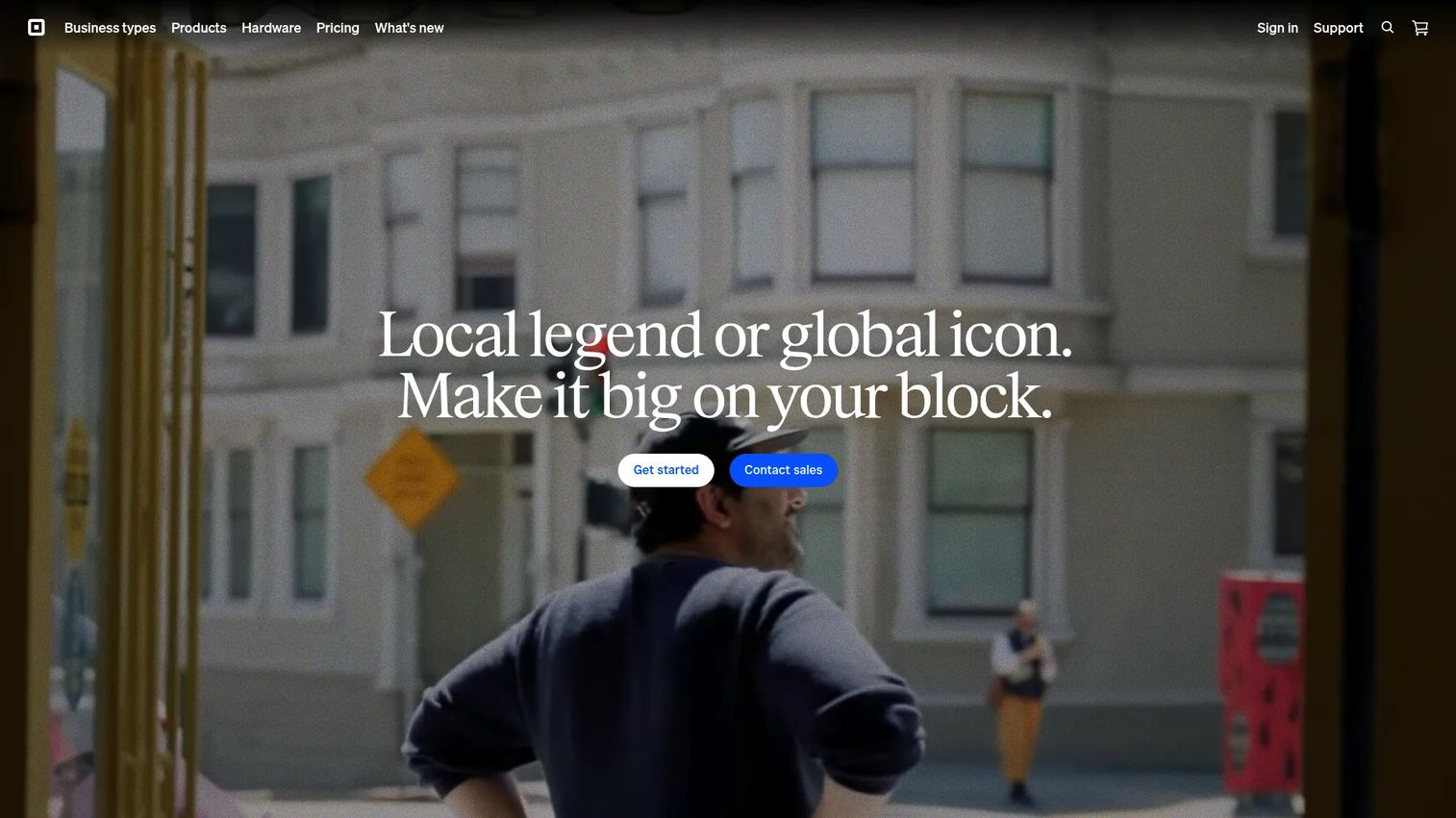
Square is the broadest all-in-one option here, built for service businesses that want booking, payments, messaging, staff scheduling, and reminders in a single stack rather than a niche booking-only tool. Its value is consolidation. Bookings, the register, inventory, and customer records live under one platform, so you are not stitching a scheduler to a separate processor and hoping the data reconciles. For a founder trying to reduce tools while increasing signal, that matters more than any single feature.
Best for: Small to midsize service businesses that need integrated point of sale, payments, and booking in one place.
Key strengths
- Integrated payments and POS: Take in-person, online, and phone payments with booking and the register on the same system, so revenue and reservations reconcile automatically.
- Staff and operations tooling: Manage inventory, reporting, customers, and team schedules without bolting on separate apps.
- Ecosystem breadth: Industry-specific modes and Square hardware extend the same account as you grow, instead of forcing a migration.
Why choose Square: Pick Square when your booking problem is really an operations problem. If reservations, payments, and staff management all need to sit together, and you value one vendor over deep hospitality-specific controls, Square earns its place fast. It is the consolidation play, not the niche-depth play.
Square pricing: Square Free carries no monthly subscription cost, which makes it a legitimate free reservation software entry point. Paid tiers step up to Square Plus at $49/mo. per location and Square Premium at $149/mo. per location, both with a free 30-day trial. Square Pro is custom pricing for sellers processing over $250,000 per year. Square holds a 4.6/5 G2 rating on its Point of Sale listing.
2. ReservationKey
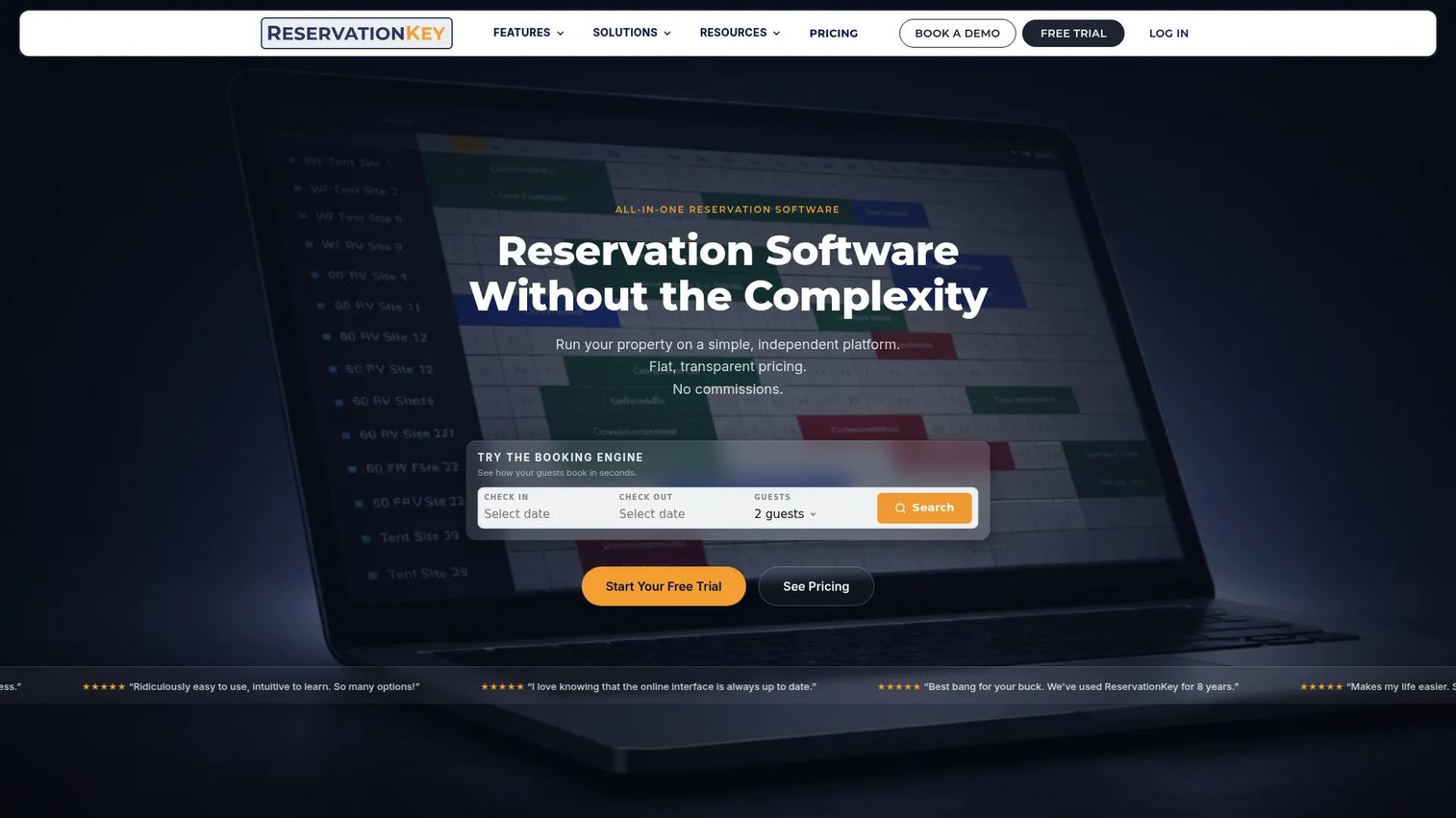
ReservationKey is the strongest hospitality-focused pick, built for independent hotels, B&Bs, vacation rentals, and similar lodging operators who need an all-in-one reservation system rather than a general scheduler. It combines a booking engine you embed on your own booking website, a reservation calendar with granular controls, channel manager integration, credit card payments, guest messaging, and reporting. For property operators, the appeal is control over direct bookings and transparent, predictable pricing.
Best for: Independent hotels, B&Bs, and vacation rentals that want direct bookings and a full property reservation system.
Key strengths
- Direct-booking engine: Embed a booking engine on your site to capture reservations without handing margin to third-party channels.
- Reservation calendar and channel sync: Manage availability with a detailed calendar and keep listings aligned through channel manager integration.
- Transparent flat pricing: Pay a flat monthly rate with no booking commissions and no per-user fees, so cost stays predictable as bookings grow.
Why choose ReservationKey: Choose ReservationKey when the business is rooms or rentals, not appointments. The no commission booking software model means you keep more of every direct booking, and the included website tools mean you can run guest-facing pages without a separate builder. It is the most niche-fit hotel reservation software on this list for operators who care about margin and transparency.
ReservationKey pricing: ReservationKey uses flat monthly pricing based on the number of units you manage, starting at $37/month for Plan A and scaling upward as your inventory grows. The pricing page states there are no booking commissions, no per-user fees, and one website is included. There is no free tier. A public G2 star rating was not available at the time of writing, though the platform is well reviewed on other listings.
3. Reservio
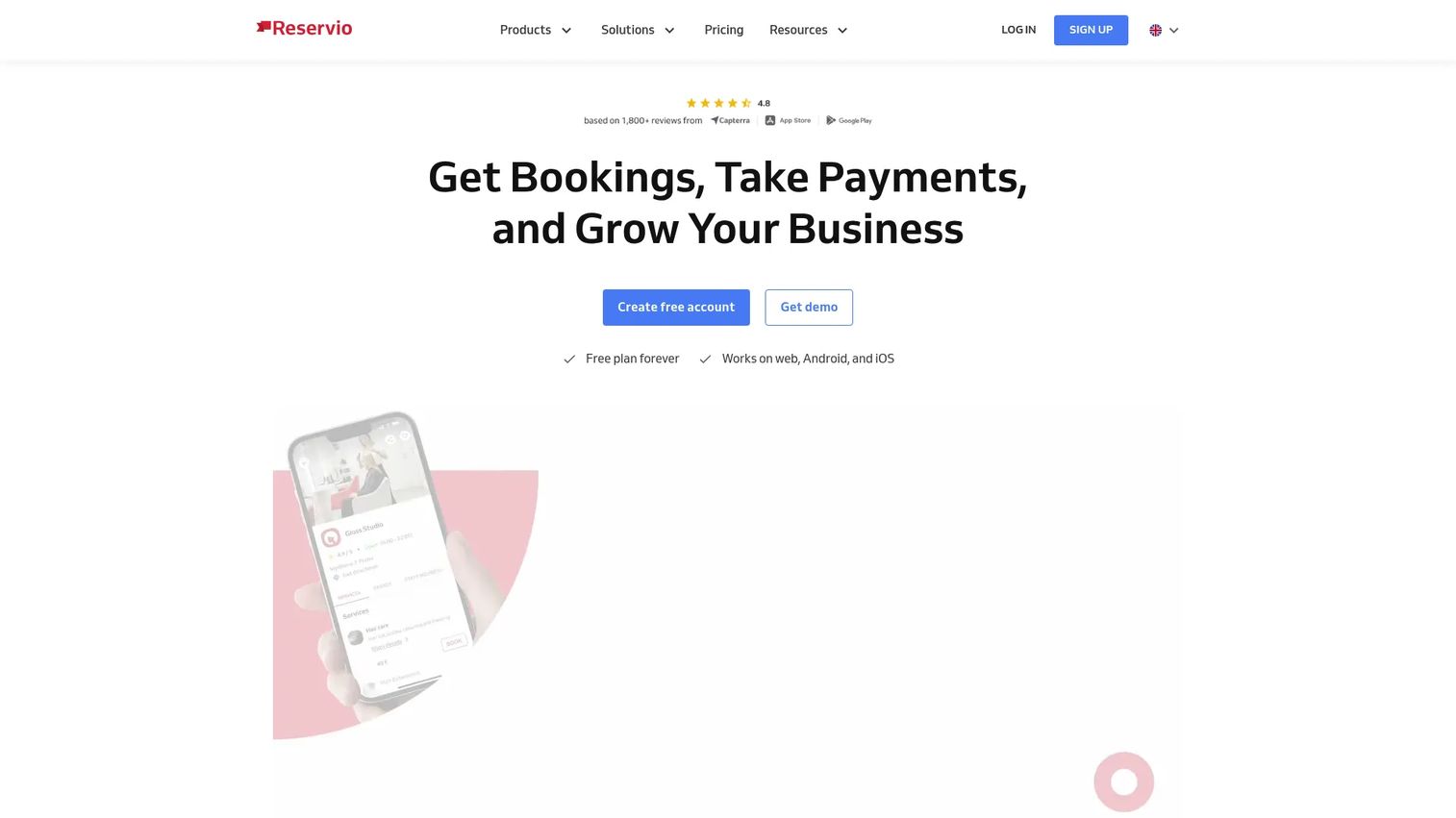
Reservio is the easy-entry option, an all-in-one appointment scheduling and business management tool for service businesses, clinics, studios, and smaller teams. It covers online booking and scheduling, client and team management, automated reminders, and mobile apps for web, Android, and iOS. The pitch is simplicity and a clean booking experience. Teams that want customers booking online this week, without a heavy setup project, tend to land here.
Best for: Small businesses that need straightforward online appointment booking plus basic client management.
Key strengths
- Genuine free plan: Start taking online bookings without a subscription, which lowers the barrier to leaving spreadsheets behind.
- Client and team management: Handle staff scheduling and client records alongside the booking calendar in one interface.
- Mobile access: Run bookings from web, Android, and iOS apps, so the schedule travels with the team.
Why choose Reservio: Pick Reservio when you value speed to launch and a simple booking flow over deep vertical specialization. For a clinic or studio that mostly needs reliable appointment booking, reminders, and a tidy calendar, the free entry point and clean interface make it an easy first system. It is broad category coverage without the operational weight of a full property or POS platform.
Reservio pricing: Reservio offers a genuine Free plan with a 30-day rolling limit, plus paid Starter, Standard, and Pro tiers and a separate custom multi-location option. A 14-day free trial is available on paid plans, and payment processing fees vary by plan. Reservio holds a 4.5/5 G2 rating, reflecting steady satisfaction among small service businesses.
4. Bookeo
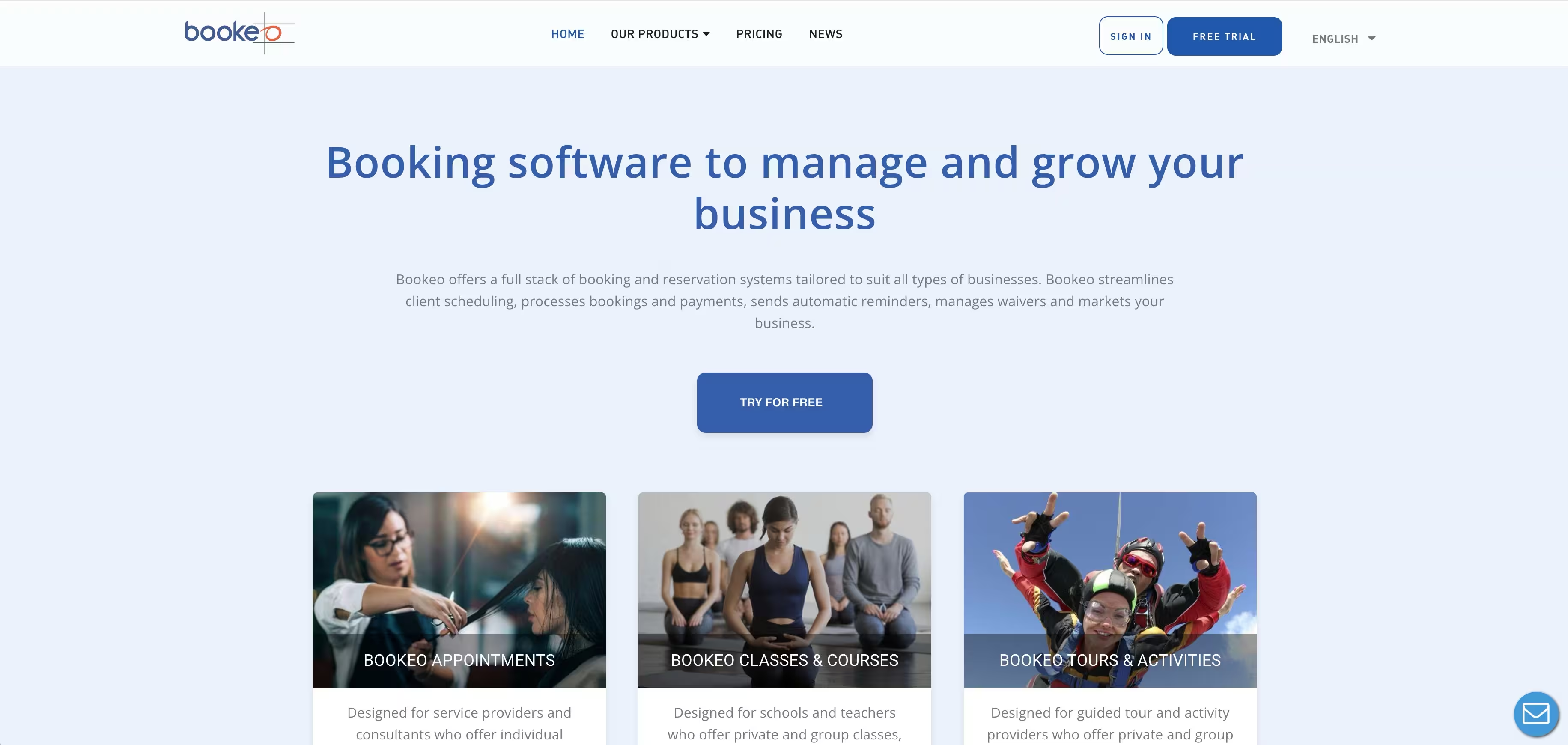
Bookeo is the best fit when booking is tied to sessions, courses, tours, or activities rather than simple one-to-one appointments. It ships as separate products for appointments, classes and courses, and tours and activities, so the workflow matches how your business actually sells time. Core capabilities include online scheduling and reservations, real-time availability, calendar sync, waiting lists, automated reminders, and online payment processing. Revenue features like packages and vouchers help activity businesses monetize beyond a single slot.
Best for: Businesses running appointments, classes, courses, tours, or activities that need capacity-aware booking.
Key strengths
- Use-case-specific products: Choose the Bookeo product that matches your model, so a tour operator and a clinic aren't forced into the same generic flow.
- Capacity and waitlists: Manage class sizes, group bookings, and waiting lists with real-time availability instead of manual seat counting.
- Monetization tools: Sell packages, vouchers, and gift options, plus collect payments and manage waivers at booking.
Why choose Bookeo: Choose Bookeo when a booking is an experience, not a time slot. If you sell classes, guided tours, or multi-seat sessions, the capacity handling, waivers, and package features remove work that a generic scheduler would push back onto staff. It is the vertical pick for session-based and activity businesses.
Bookeo pricing: Bookeo Appointments starts at $14.95/month for the Solo plan, scaling to Small at $29.95/month, Standard at $39.95/month, Large at $79.95/month, and X-large at $119.95/month for higher staff and booking volumes. A waiver add-on starts at $9/month, and SMS or fax credits start at $0.09 per credit. There is no free tier. Bookeo holds a 3.8/5 G2 rating, with separate pricing pages for its class and tour products.
What to check before you commit
Match the system to your business model
The biggest mistake is buying a general scheduler for a property business, or a hospitality platform for a two-chair salon. Reservation software splits cleanly: appointments and staff (Square, Reservio), rooms and rentals (ReservationKey), and sessions or activities (Bookeo). Pick the workflow first, then compare features inside that lane. The same discipline applies when you evaluate adjacent tools like contract management software or community management software - the category winner is rarely the workflow winner.
Payments, deposits, and no-show protection
Look at how each system handles payment processing, deposits, and card-on-file rules. No-show reduction is where reservation software pays for itself, so confirm the platform supports deposits, cancellation windows, and automated reminders before you sign.
Integrations and channel sync
Check calendar availability sync, iCal connections, website embeds, and, for lodging, channel manager integration. A booking engine that can't push availability to your existing listings creates the same double-booking problem you were trying to solve.
Pricing model and total cost
Read the reservation software pricing carefully. Flat monthly, per-location, per-seat, and commission-based models scale very differently. No commission booking software like ReservationKey protects margin as volume grows, while a free reservation software entry point like Square or Reservio lowers the barrier to starting.
Migration and setup
Before switching, plan the data migration, staff setup, and customer messaging. Confirm you can import existing bookings, configure staff and availability, and keep confirmations and reminders running through the cutover without dropping a reservation.
Choosing the right reservation software for 2026
The best reservation software depends entirely on the shape of your operation, not on a feature scoreboard. If your booking problem is really an operations problem, Square is the consolidation play, folding scheduling, payments, and staff into one stack with a free entry point. If you run rooms or rentals and care about margin, ReservationKey is the hospitality pick, built for direct bookings with no commissions. If you want the fastest, cleanest path from spreadsheet to online booking, Reservio's free plan gets a service team live quickly. And if a booking is an experience, Bookeo's capacity, waiver, and package features handle tours, classes, and activities that a generic scheduler cannot.
Match the tool to your workflow complexity, then pressure-test it against payments, integrations, and migration before you commit. The right system makes the scaling decision once, so bookings stop routing through a person and start running on infrastructure. Want to bring that same show-don't-tell clarity to how you present your own product? Start your journey with Guideflow today!
FAQs
Reservation software is a system for managing bookings, availability, staff or resource scheduling, customer communication, and payments in one place. It replaces spreadsheets and phone logs with an automated reservation management system that captures, confirms, and tracks every booking. Depending on the business, it covers appointments, hotel reservations, or activity and class bookings.
The core set is a self-serve booking engine, real-time calendar and availability sync, automated confirmations and reminders, payment processing with deposits, and reporting. For lodging, channel manager integration and iCal connections matter most. For service teams, staff scheduling and client management usually top the list.
They overlap heavily. Appointment scheduling software focuses on time slots and staff availability, which is what tools like Square and Reservio do well. Reservation software becomes distinct when it manages rooms, capacity, or sessions, as with hotel reservation software like ReservationKey or activity platforms like Bookeo.
Yes, and no-show reduction is one of its clearest returns. Automated reminders confirm intent, deposits and card-on-file rules add commitment, and cancellation windows discourage last-minute drops. Waitlists then backfill any freed slots, so a cancellation does not automatically become lost revenue.
A calendar shows availability, but it does not let customers self-book, take payments, collect deposits, or send automated reminders. Reservation software adds the customer-facing booking website, payment processing, and automation that a calendar alone cannot handle. It also centralizes staff scheduling and reporting a shared calendar leaves scattered.
ReservationKey is the strongest fit for hotels, B&Bs, and vacation rentals. It combines a direct-booking engine, a detailed reservation calendar, channel manager integration, and payments, all on flat monthly pricing with no booking commissions. That no commission booking software model protects margin as direct bookings grow.
For service businesses, Square offers the broadest all-in-one option, pairing booking with payments, staff scheduling, and reminders inside one stack. Reservio is the lighter, free-to-start alternative for clinics, studios, and smaller teams that mainly need clean online appointment booking without the wider operations layer.
Confirm you can migrate existing booking data, connect the integrations you rely on, and set up staff schedules and availability correctly. Verify that customer confirmations and reminders keep running through the cutover, and compare reservation software pricing models, flat, per-location, or commission, against your expected volume before you commit.