A pump fails at 2am. Nobody logged the last inspection. The technician who knew that asset left three months ago. So the shift lead scrambles, pulls a spreadsheet nobody trusts, and starts calling people who should already be asleep.
That is what reactive maintenance costs you. Not just the repair, the whole cascade of missed preventive maintenance, unclear ownership, and schedules living in three places that never agree.
The maintenance scheduling software market reflects how many teams are trying to fix this. It reached USD 1.8 billion in 2025 and is projected to hit USD 4.2 billion by 2034, according to MarketIntelO (2025). Teams are moving off whiteboards and group texts because recurring work breaks down the moment it depends on memory.
The problem is rarely the people. It is that manual scheduling does not scale past a handful of assets. Once you have recurring PMs, multiple technicians, and work order management across sites, the coordination overhead eats the actual maintenance.
So which tools actually handle recurring scheduling, mobile execution, and asset visibility without adding admin load?
What's inside
This guide is for maintenance managers, operations leads, and product-minded evaluators comparing maintenance tracking software for recurring work.
We picked tools based on the factors that decide whether a rollout sticks:
- Work order scheduling and preventive maintenance automation
- Mobile execution technicians actually use in the field
- Asset context, reporting, and downtime visibility
- Pricing clarity and how the tool scales across teams or sites
The list covers options for small single-site teams and larger multi-site operations, so you can shortlist based on your own scheduling depth and adoption needs.
TL;DR
- Best overall for mobile-first scheduling: Coast, simple work orders and PM reminders your frontline actually opens
- Best for lower-cost entry: UpKeep, widely used mobile CMMS software with a clear starting tier
- Best for flexible maintenance workflows: Maintainly, modular PM, QR assets, and inventory add-ons
- Best for broader workforce software: Connecteam, maintenance scheduling tied to team communication and forms
- Best for automation-heavy operations: MaintainX, request portals plus workflow automation
- Best for asset-heavy teams: Limble, deeper maintenance analytics on uptime and MTTR
- Best for enterprise reliability: Fiix, approvals, governance, and multi-site preventive maintenance scheduling
What is maintenance scheduling software?
Maintenance scheduling software is CMMS-style software used to plan, assign, execute, and track recurring and reactive maintenance work across assets and locations. It replaces spreadsheets and manual reminders with a shared system for work order scheduling and preventive maintenance.
Most teams evaluate it as a subset of broader maintenance management software. The scheduling layer is what turns a task list into a plan technicians can follow.
The core components you should expect:
- Work order creation and assignment: log a job, set priority, assign an owner, and track status to completion
- Preventive maintenance automation: recurring PMs triggered by date, usage, or meter readings
- Asset history and context: repair notes, manuals, and past work tied to each piece of equipment, the backbone of asset tracking software
- Mobile technician workflows: receive, update, and close work orders from a phone in the field
- Reporting and downtime tracking: overdue PMs, completion rates, MTTR, and downtime reduction metrics
- Inventory and parts visibility: stock levels, reorder points, and parts tied to jobs, often via inventory management modules
Related terms worth knowing
- CMMS: a computerized maintenance management system, the broader category that most scheduling tools belong to. CMMS software centralizes work orders, PMs, and asset data.
- **EAM:** enterprise asset management, a wider discipline covering the full asset lifecycle, procurement, and depreciation, often layered on top of CMMS for large operations.
- Preventive maintenance software: the scheduling and automation piece specifically focused on recurring, proactive work rather than reactive repairs.
Good maintenance analytics tie these together, so you can see not just what got done but where failures cluster and which assets drain the most labor.
When to use maintenance scheduling software
Replace spreadsheets when recurring work starts slipping
Manual scheduling works until it does not. The break point is usually when recurring PMs outnumber the people tracking them, inspections start getting missed, and nobody can say who owns a given task. If your team debates what is overdue instead of doing the work, the spreadsheet has already failed you.
Coordinate technicians across assets or locations
Once you have multiple technicians covering many assets, you need calendar visibility, priority sorting, and assignment rules in one place. Shared schedules stop two people driving to the same job. Mobile updates keep the schedule honest as work gets done, instead of at the end of the week when memory fades.
Reduce downtime with preventive maintenance
Recurring tasks, automated reminders, and asset history let you catch wear before it becomes failure. That is the whole point of preventive maintenance scheduling. Fewer emergency repairs, more planned work, and measurable downtime reduction that shows up in uptime and repair budgets over a quarter.
Comparison table
Use this to shortlist based on your use case, team size, and pricing model. Ratings and prices reflect current public listings and each vendor's pricing page.
| # | Product | Best for | Key differentiator | Pricing | G2 rating |
|---|---|---|---|---|---|
| 1 | Coast | Mobile-first frontline teams | Work orders plus team chat in one app | Free; paid from $2/user/mo | 5.0/5 |
| 2 | UpKeep | Mobile CMMS with asset depth | Mobile-friendly CMMS/EAM coverage | From $20/user/mo | 4.5/5 |
| 3 | Maintainly | Flexible, modular CMMS | QR asset labels plus add-on modules | Free plan available | Not listed |
| 4 | Connecteam | Broader workforce ops | Scheduling tied to comms and HR | Free; paid from $29/mo | 4.6/5 |
| 5 | MaintainX | Automation-heavy operations | Request portals plus workflow automation | Free; paid from $20/user/mo | 4.8/5 |
| 6 | Limble | Asset-heavy reporting | Maintenance analytics and history depth | Custom quote | 4.8/5 |
| 7 | Fiix | Enterprise reliability | Governance and approval workflows | Free; paid from $45/user/mo | Not listed |
1. Coast
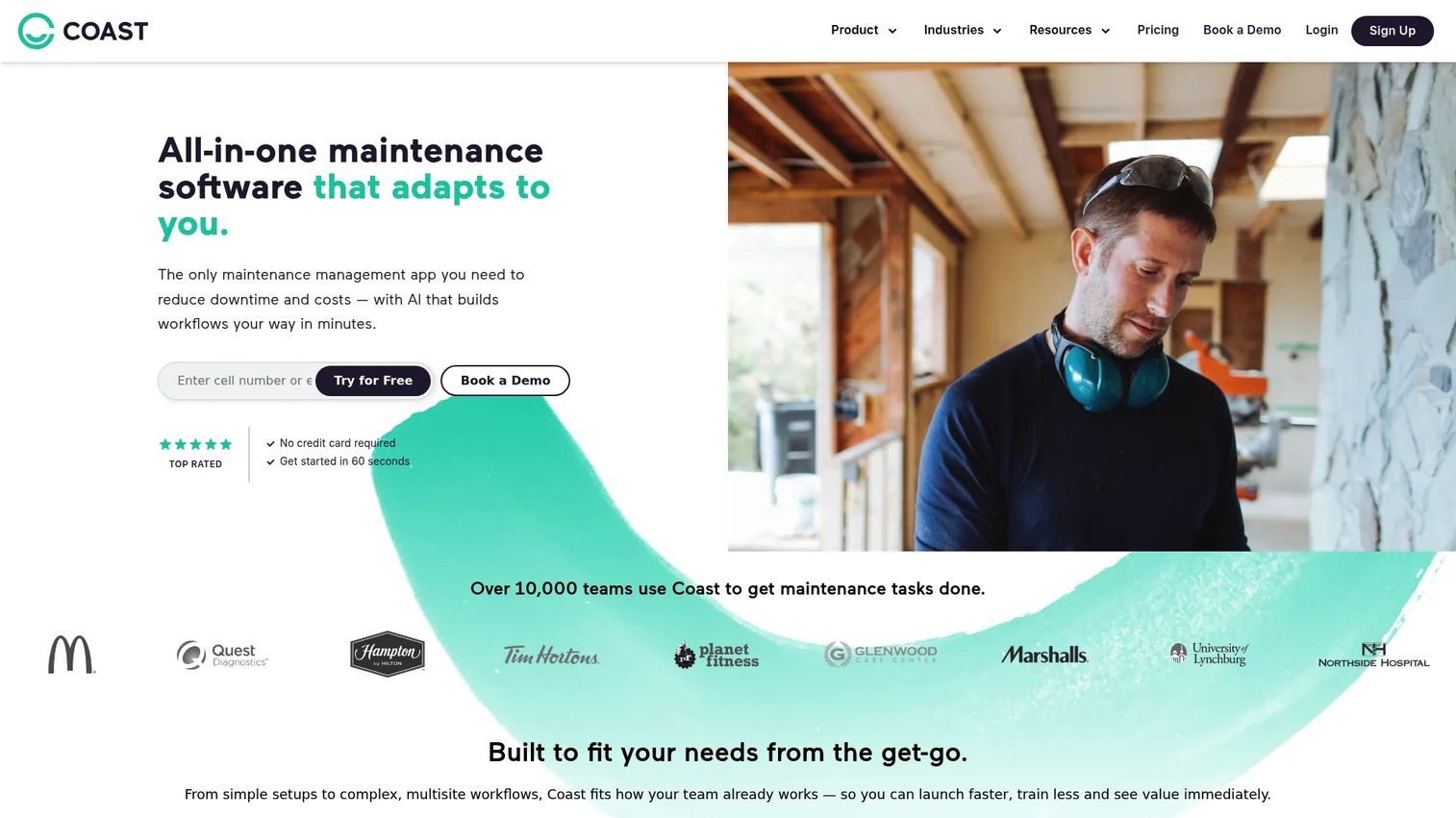
Coast is all-in-one maintenance management software built around work orders, preventive maintenance, asset tracking, and team communication in one place. It leans mobile-first, which matters when your schedule only stays accurate if technicians actually update it from the floor. The pitch is simple: fewer scheduling gaps, less admin, and a work order flow frontline teams will open without training.
Best for: Maintenance teams that need mobile work orders, PM scheduling, and team chat in one app.
Key strengths
- Work order management with assignment and status tracking
- Preventive maintenance scheduling and reminders
- Maintenance reports and dashboards
- Built-in team communication
Why choose Coast: If your biggest problem is adoption, Coast fits. Combining chat with work order scheduling means the schedule and the conversation about it live in the same tool, so updates do not scatter across texts and email. That is a real edge for smaller frontline crews where a clumsy app means the schedule quietly goes stale.
Coast pricing: Free plan at $0 per user per month. Starter is $2 per user per month, and Pro is $4 per user per month. Enterprise is custom, and Coast offers a 7-day free trial on the Pro plan.
One note for scheduling depth: Coast covers recurring PM reminders and asset visibility well for single-site and lighter multi-site setups, and the low entry price makes it easy to pilot before you commit a whole team.
2. UpKeep
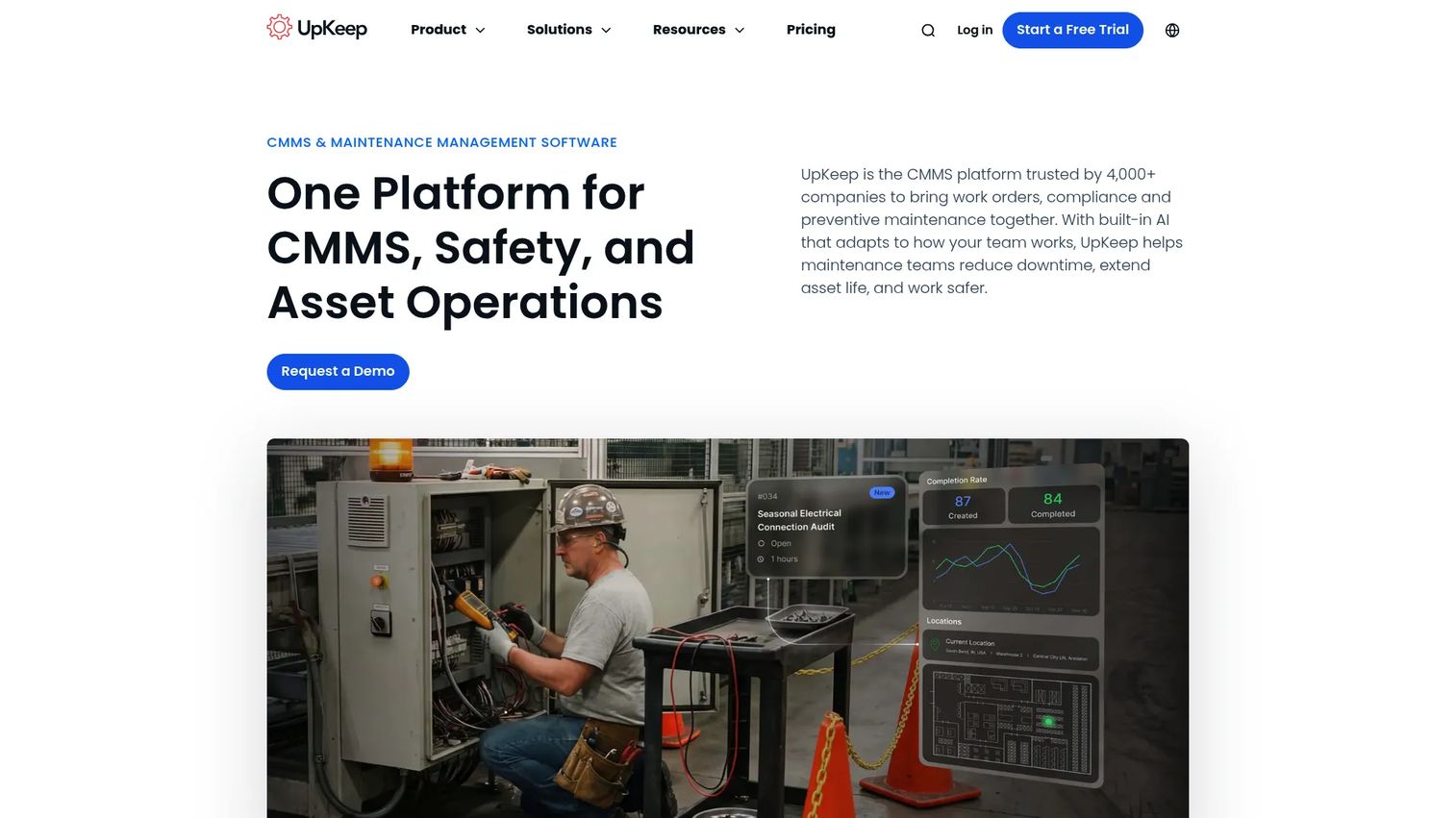
UpKeep is maintenance and asset operations software for teams managing work orders, assets, inventory, and preventive maintenance. It is one of the more widely adopted mobile CMMS options, which means a large user base, plenty of documentation, and a mobile app that field technicians can pick up quickly. If mobile access is your first requirement, UpKeep earns a spot on the shortlist.
Best for: Maintenance teams needing a mobile-friendly CMMS/EAM for work orders, assets, inventory, and PMs.
Key strengths
- Work order management and requests
- Asset management with hierarchy
- Preventive maintenance scheduling
- Mobile execution in the field
Why choose UpKeep: UpKeep fits teams that want scheduling plus the broader maintenance operations layer, asset hierarchy, inventory, and requests, without stitching together separate tools. The asset hierarchy is genuinely useful once you have equipment nested under locations and lines, because it keeps history and PMs organized as you scale.
UpKeep pricing: UpKeep lists four editions. Essential starts at $20 per user, and Premium at $55 per user. Professional and Enterprise require contacting sales. UpKeep offers a free trial rather than a permanent free tier.
For multi-site teams that need equipment maintenance software with real asset depth, UpKeep is a practical middle ground between a simple app and a heavy enterprise CMMS.
3. Maintainly
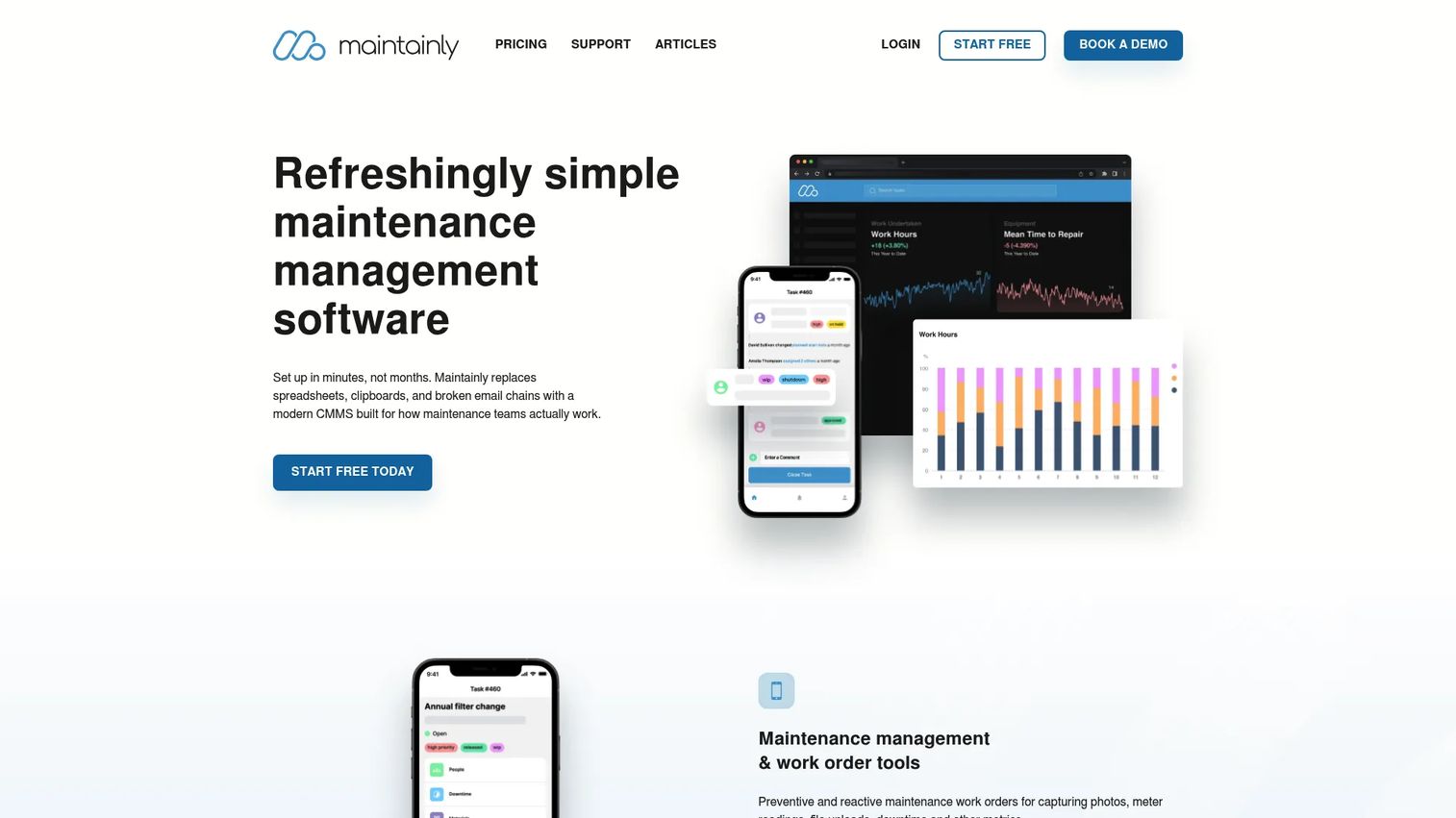
Maintainly is CMMS software for maintenance teams to manage work orders, preventive maintenance, assets, and inventory. Its selling point is a modular structure: you start with core work orders and PM, then add inventory and timesheets as add-ons when you need them. That keeps the tool light for straightforward maintenance ops and avoids paying for modules you will not touch.
Best for: Maintenance teams needing a modular CMMS with work orders, PM, and QR-enabled asset management.
Key strengths
- Work orders and service reports
- Preventive, planned, and meter-based maintenance
- Asset tracking with QR labels and maintenance history
- Inventory and timesheets as add-on modules
Why choose Maintainly: The QR label workflow is the standout. A technician scans an asset and pulls its full maintenance history and open work orders on the spot, which cuts the guesswork out of field jobs. Maintainly suits teams that want scheduling and asset tracking without a heavy configuration project, plus the option to layer in basic inventory management and labor tracking later.
Maintainly pricing: Publicly listed plans are Free, Small Business, and Enterprise, plus Inventory and Timesheets add-ons. The pricing page shows the billing unit but does not expose public numeric prices, so confirm current rates with Maintainly directly.
For teams balancing recurring PMs with light inventory and timesheet needs, the add-on model keeps the core tool focused on scheduling.
4. Connecteam
Connecteam is an all-in-one workforce management app for frontline teams, with job scheduling, task tracking, digital forms, and team communication. It is broader than a pure CMMS. If maintenance is one part of a larger frontline operation, Connecteam handles scheduling and execution visibility alongside time tracking and comms in a single app.
Best for: Frontline and deskless teams that need scheduling, communication, and HR in one app.
Key strengths
- Job scheduling and shift management
- Task tracking with digital forms and checklists
- Team communication and updates
- HR and onboarding tools
Why choose Connecteam: Connecteam fits smaller or distributed teams that need maintenance scheduling tied to broader operational workflows, not deep asset hierarchies. If you also manage shifts, timesheets, and team comms, consolidating into one app reduces tool sprawl. Just be clear that it is workforce software with maintenance scheduling, not a dedicated CMMS with full asset history and MTTR reporting.
Connecteam pricing: A free Limited plan covers up to 30 users. Paid plans start at $29 per month billed yearly for the first 30 users, with Advanced at $49 per month and Expert at $99 per month on annual billing. Enterprise is custom, and there is a 14-day free trial.
For teams whose maintenance work sits inside a wider frontline operation, the pricing model that caps the first 30 users at a flat rate is easy to reason about.
5. MaintainX
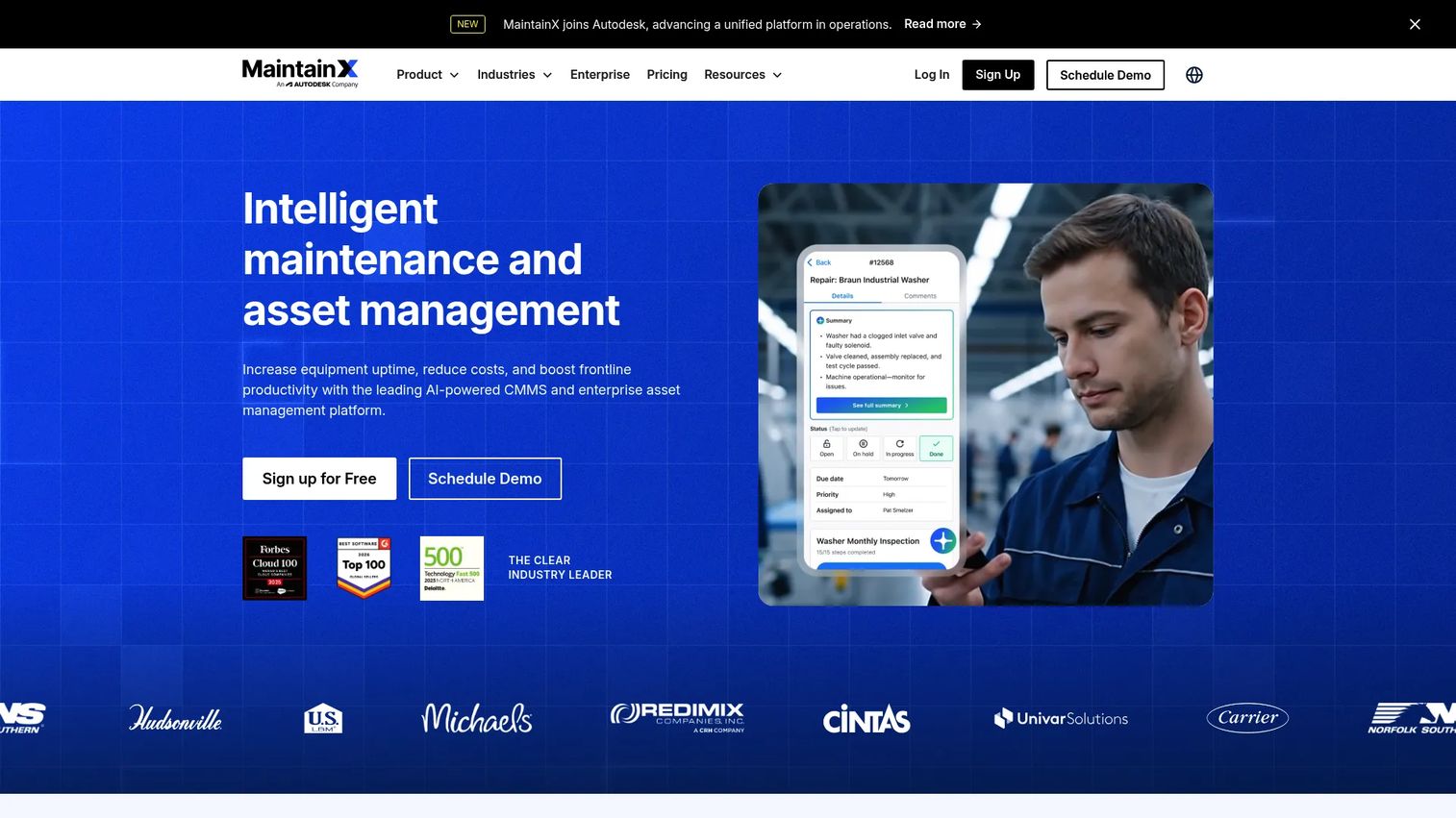
MaintainX is an AI-powered CMMS and enterprise asset management platform for maintenance and frontline operations. Its strength is automation: request portals capture incoming work, and automated workflows route and trigger PMs based on rules you set. For teams with growing maintenance volume and repeatable processes, that automation keeps the queue moving without manual triage.
Best for: Industrial and frontline teams needing CMMS, asset management, and maintenance workflow automation.
Key strengths
- Work order management with request portals
- Preventive and predictive maintenance
- Asset management, parts inventory, and reporting
- Checklists and inspections
Why choose MaintainX: MaintainX suits teams that want more automation around work order scheduling and PM triggers, plus connected workflows and visibility across sites. The request portal is a practical way to turn scattered maintenance requests into structured, trackable work. As volume grows, automated routing means less time spent assigning and more time on the actual repairs.
MaintainX pricing: Four plans. Basic is free forever. Essential is $20 per user per month billed annually, or $25 monthly. Premium is $65 per user per month billed annually, or $75 monthly. Enterprise is custom pricing.
The free Basic tier plus a clear upgrade path makes MaintainX easy to trial before scaling into automation-heavy operations.
6. Limble
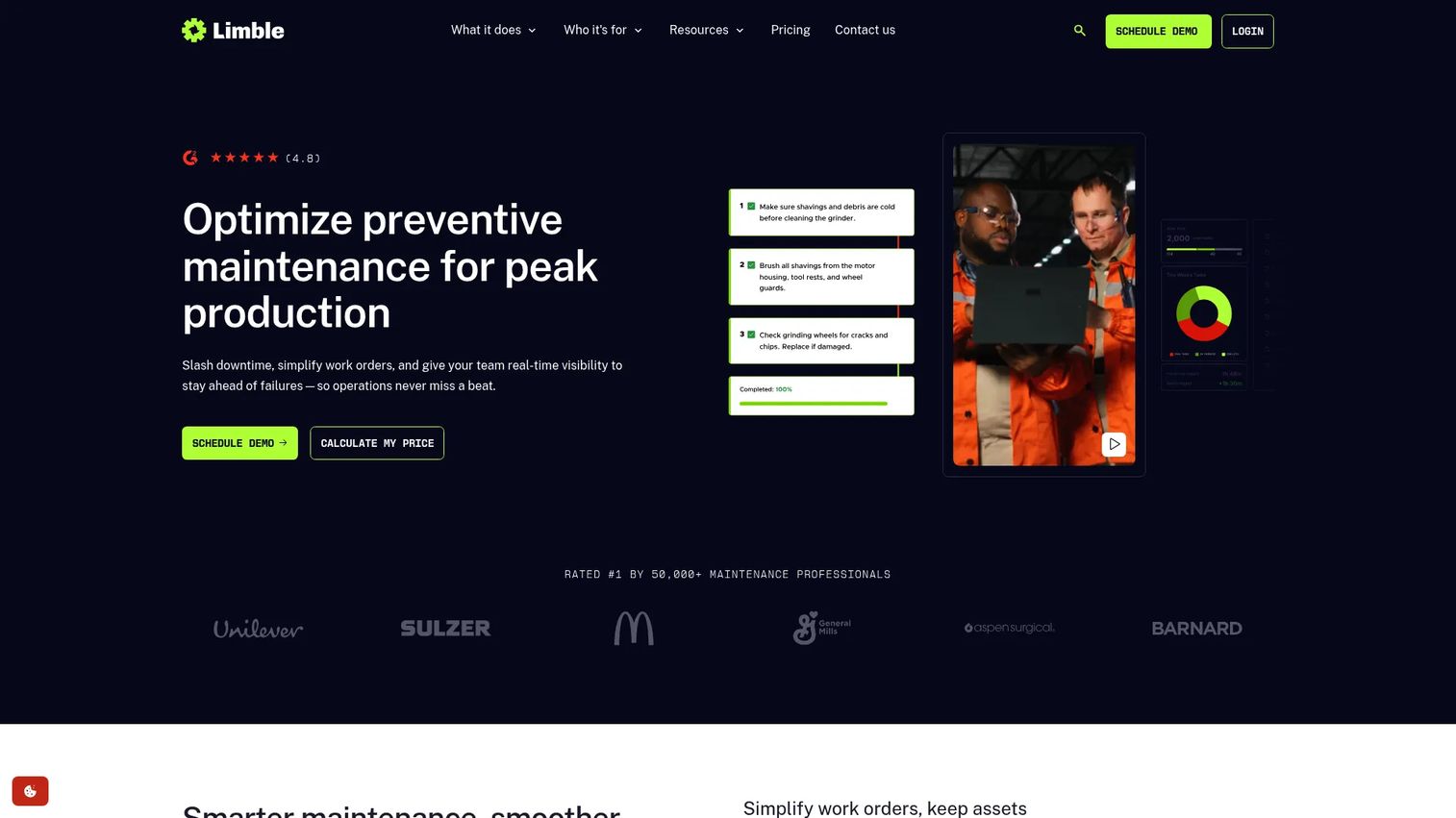
Limble is cloud-based CMMS software for maintenance teams to manage work orders, assets, inventory, and scheduling. It stands out for reporting depth. If you want to see uptime, MTTR, and maintenance trends rather than just a task list, Limble gives asset-heavy teams the maintenance analytics to spot where failures and labor cluster.
Best for: Maintenance teams needing a mobile-first CMMS with inventory and scheduling workflows.
Key strengths
- Cloud-based access from computer or mobile device
- Work order, PM, and task management
- Parts inventory and purchase order management
- Maintenance analytics and asset history
Why choose Limble: Limble fits teams that want visibility into maintenance performance, not just completion. The analytics tie recurring work to outcomes, so you can justify headcount, prioritize the assets draining the most hours, and prove downtime reduction over time. Teams with larger asset counts get the most value from that reporting layer, which rewards the upfront work of setting up your asset structure cleanly.
Limble pricing: Limble lists three plans, Standard, Premium Plus, and Enterprise, with pricing shown as a custom quote rather than public numeric rates. Contact Limble for a quote and to confirm trial availability.
For asset-heavy operations that treat maintenance analytics as a decision-making tool, Limble is built for that depth.
7. Fiix
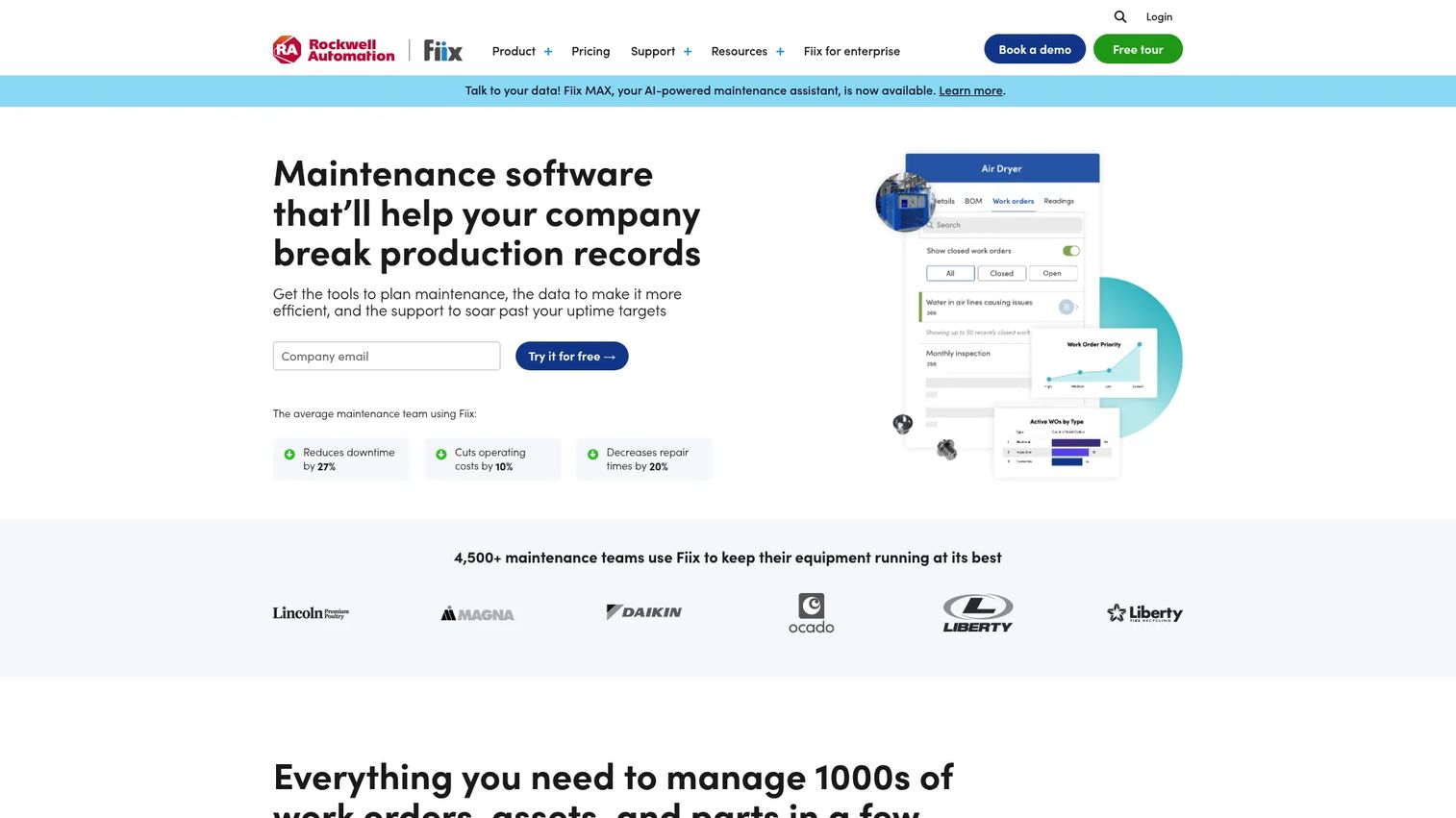
Fiix is cloud-based CMMS software for maintenance management, built with the governance and structure larger operations need. It covers deeper scheduling, approval workflows, and reliability tracking, which matters when maintenance spans multiple sites and multiple approval layers. For mature maintenance operations, Fiix brings the process rigor a simpler app cannot.
Best for: Maintenance teams needing a CMMS for work orders, assets, and preventive maintenance.
Key strengths
- Work order management and automation
- Asset management
- Preventive maintenance scheduling
- Approval workflows and reporting
Why choose Fiix: Fiix works well for enterprise-scale coordination where structured processes and multi-site visibility are non-negotiable. Approval workflows keep spend and work authorization controlled, and reliability tracking supports the kind of preventive maintenance scheduling that larger teams depend on. If you need governance more than a lightweight app, Fiix is built for that reality.
Fiix pricing: Fiix lists Free, Basic, Professional, and Enterprise plans. Free covers limited users with no credit card. Basic is $45 per user per month, Professional is $75 per user per month, and Enterprise is custom pricing.
For teams standardizing maintenance across sites, the tiered structure scales from a free pilot up to enterprise governance.
Considerations
Evaluate scheduling depth, not just task lists
A checklist tells you what to do. A schedule tells you when, who, and in what order. Look for recurring maintenance rules, calendar visibility, task dependencies, and assignment logic. Scheduling quality is what separates a tool that reduces slipped PMs from one that just digitizes your spreadsheet.
Check mobile usability for technicians
Adoption lives or dies on the mobile experience. Technicians need to receive, update, and close work orders from the field without fighting the app. If mobile is clumsy, the schedule goes stale within a week and you are back to guessing. Test it with an actual technician before you buy.
Verify asset history and context
A schedule without asset history leaves teams guessing at every job. Confirm the tool stores repair notes, manuals, and past work tied to each asset. That context turns a work order from a vague instruction into something a new technician can execute correctly the first time.
Confirm reporting and downtime visibility
Compare what each tool measures. Overdue PMs, completion rates, MTTR, and downtime are the metrics that drive decisions about staffing, budget, and which assets to replace. Reporting that surfaces these clearly is what lets you defend maintenance spend and prove downtime reduction.
Review integrations and inventory needs
As teams scale, integrations become critical. Check for ERP, accounting, and messaging connections, plus parts inventory management if you track stock. A tool that plugs into your existing systems avoids double entry and keeps parts availability tied to the work that needs them.
Conclusion
The right maintenance scheduling software depends on scheduling depth, technician adoption, and how much maintenance visibility you actually need.
Coast fits mobile-first frontline teams that want simplicity. UpKeep and MaintainX suit teams that need a fuller mobile CMMS with asset and automation depth. Maintainly works for modular, straightforward maintenance ops. Connecteam makes sense when maintenance sits inside broader workforce management. Limble rewards asset-heavy teams that want maintenance analytics. Fiix is built for enterprise governance and multi-site coordination.
The best next step is small. Shortlist two or three tools that match your team size and asset complexity, then test the recurring PM workflow on mobile with a real technician before committing. Adoption in the field is the single biggest predictor of whether the schedule stays accurate, so weight that test heavily. Get that right and downtime reduction follows from consistent, proactive maintenance rather than another reactive scramble at 2am.
FAQs
It plans recurring maintenance, assigns and tracks work orders, and coordinates technicians across assets and sites. The core job is turning reactive firefighting into scheduled, proactive work so equipment gets serviced before it fails and downtime drops.
They overlap heavily. CMMS is the broader category, a computerized maintenance management system covering work orders, assets, inventory, and reporting. Maintenance scheduling is the planning and automation layer inside most CMMS software. In practice, most scheduling tools are CMMS products, and most CMMS tools include scheduling.
Preventive maintenance automation, mobile workflows technicians actually use, asset history and context, reporting on overdue PMs and MTTR, and integrations with your existing systems. For teams tracking stock, inventory management matters too. Weight mobile usability heavily, because field adoption determines whether the schedule stays accurate.
By automating recurring PMs and tying asset history to each job, it catches wear before it becomes failure. Reminders trigger inspections on time, and past repair data helps technicians fix issues correctly the first time. Fewer emergency breakdowns means measurable downtime reduction and more planned, lower-cost work.
Small teams should prioritize simplicity, mobile ease, and clear pricing over deep configuration. Coast and Connecteam are strong for lighter setups, and MaintainX offers a free Basic tier to start. The goal is a maintenance app your technicians open without training, not a heavy CMMS you spend months configuring.
Multi-site teams need centralized visibility, approval workflows, and reporting that rolls up across locations. Fiix is built for enterprise governance, and Limble suits asset-heavy operations that want maintenance planning software with strong analytics. UpKeep works as a middle ground with solid asset hierarchy across sites.
Yes. Many tools include inventory management for parts, showing stock levels, reorder points, and which parts tie to which work orders. That visibility keeps jobs from stalling on missing parts and links spare inventory to your preventive maintenance schedule, so you order before you run out rather than after a machine is already down.