



It is 3 a.m. and nobody is in the building. The station still needs to sound like someone is at the board: The right song, a clean transition into the ad break, station imaging that lands on time. One skipped file or a dead-air gap, and listeners tune out.
That is the real job of radio automation software. Keep the signal alive, keep the log accurate, and keep the sound consistent across every overnight and weekend slot without a human babysitting the playout.
The market has caught up to that need. The radio automation software market reached USD 1.52 billion in 2024 and is projected to grow at a 10.7% CAGR through 2033, according to Growth Market Reports (2024). About 60% of U.S. radio stations have already adopted some form of automation, per Verified Market Reports (2024).
The tricky part is choosing a system that matches your uptime tolerance, your budget, and how much maintenance your team can actually carry.
What's inside
This guide covers the best radio automation software for 2026, written for station owners, operations managers, and internet radio operators comparing systems for scheduling, playout, and streaming.
Every tool was evaluated against the criteria that decide whether a station runs clean at 3 a.m.:
- Music scheduling and playout automation
- Voice tracking and remote operation
- Streaming and encoder integration
- Reliability, backup, and failover
- Free versus paid options
Pricing reflects each vendor's live pricing page as of August 2026. Where a G2 rating exists, it is noted; where none is verifiable, that column stays honest.
TL;DR
- Best all-in-one paid platform: NextKast, deep scheduling and voice tracking in a single licensed or hosted stack.
- Best station suite with web and mobile layers: Aiir, automation plus website CMS, streaming, and apps.
- Best free radio automation software for Windows: RadioDJ, no cost with strong community backing.
- Best open-source Linux option: Rivendell, GPLv2, built for stations that want full control.
- Best cloud-friendly internet radio stack: Radio.co, hosted infrastructure with AutoDJ and fallback.
- Best lightweight DJ-style automation: Mixxx, free mixing software for live-assisted broadcasting.
- Best self-hosted streaming automation: AzuraCast, open-source, web dashboard, full hosting control.
What is radio automation software
Radio automation software schedules music, commercials, imaging, news, and playout so a station runs with minimal live intervention. It is the operational core that turns a music library and an ad log into a continuous, professional-sounding broadcast.
The category overlaps with broadcast automation software, which now sits at USD 2.58 billion in 2025 and is projected to grow at an 18.4% CAGR through 2035, according to The Business Research Company (2026). That growth tracks a simple reality: Fewer people are running more hours of programming.
Core capabilities to expect:
- Music scheduling: Rotation rules, dayparting, and category separation
- Log generation: Automated playlists that respect clock formats
- Playout automation: Reliable back-to-back playback with crossfades
- Voice tracking: Pre-recorded talent breaks dropped between songs
- Streaming encoder integration: Icecast, SHOUTcast, and similar output
- Traffic and ad insertion: Scheduled commercials, sponsorships, and imaging
- Backup and failover: Fallback playlists when a source drops
- 24/7 station reliability: Unattended operation that holds through the night
Free radio automation software covers the basics for a single stream. Paid and open-source systems add depth in scheduling logic, remote voice tracking, and traffic workflows that matter once a station moves past hobby scale.
The distinction that trips up buyers: Scheduling decides what plays and when, while playout is the engine that actually fires each file to air. A strong system does both well and recovers gracefully when something breaks.
When to use radio automation software
Run a station with limited live staff
Most stations cannot staff every hour with a live host. Automation keeps the sound consistent across overnight, weekend, and off-peak slots. It fires the right song, the right break, and the right ad without anyone at the board, so the station never drops to silence.
Broadcast remotely or across multiple locations
Online radio automation software lets talent voice track from anywhere. Browser-based or cloud-synced tools mean a host records breaks at home, uploads them, and the schedule slots them in automatically. That matters for networks running one brand across several markets.
Blend ads, news, imaging, and music without manual work
Professional radio is more than a playlist. Programmed logs weave commercials, news, and station imaging into the music rotation on a fixed clock. Traffic workflows tie ad contracts to airtime, so billing and playout stay in sync without a producer rebuilding the hour by hand.
Comparison table
Every tool below was checked against its live pricing page as of August 2026. G2 ratings are listed only where a current, verifiable listing exists. Free and open-source systems shift the cost to hosting and maintenance rather than a subscription.
| # | Product | Best for | Key differentiator | Pricing | G2 rating |
|---|---|---|---|---|---|
| 1 | NextKast | Professional stations wanting depth | All-in-one automation with remote voice tracking | From $50/mo, buyout from $1,000 | Not listed |
| 2 | Aiir | Stations wanting web and app layers | Automation plus CMS, streaming, and apps | Streaming from $20/mo | Not listed |
| 3 | RadioDJ | Cost-conscious Windows stations | Free automation with active community | Free | Not listed |
| 4 | Rivendell | Linux teams wanting control | Open-source GPLv2 broadcast automation | Free (open source) | Not listed |
| 5 | Radio.co | Internet radio, hosted simplicity | Cloud platform with AutoDJ and fallback | From $35/mo | 3.7/5 |
| 6 | Mixxx | Live-assisted and hobby stations | DJ mixing with broadcast output | Free (open source) | Not listed |
| 7 | AzuraCast | Self-hosted internet radio | Web-based station management | Free (self-hosted) | Not listed |
Best 7 radio automation software tools for 2026
1. NextKast
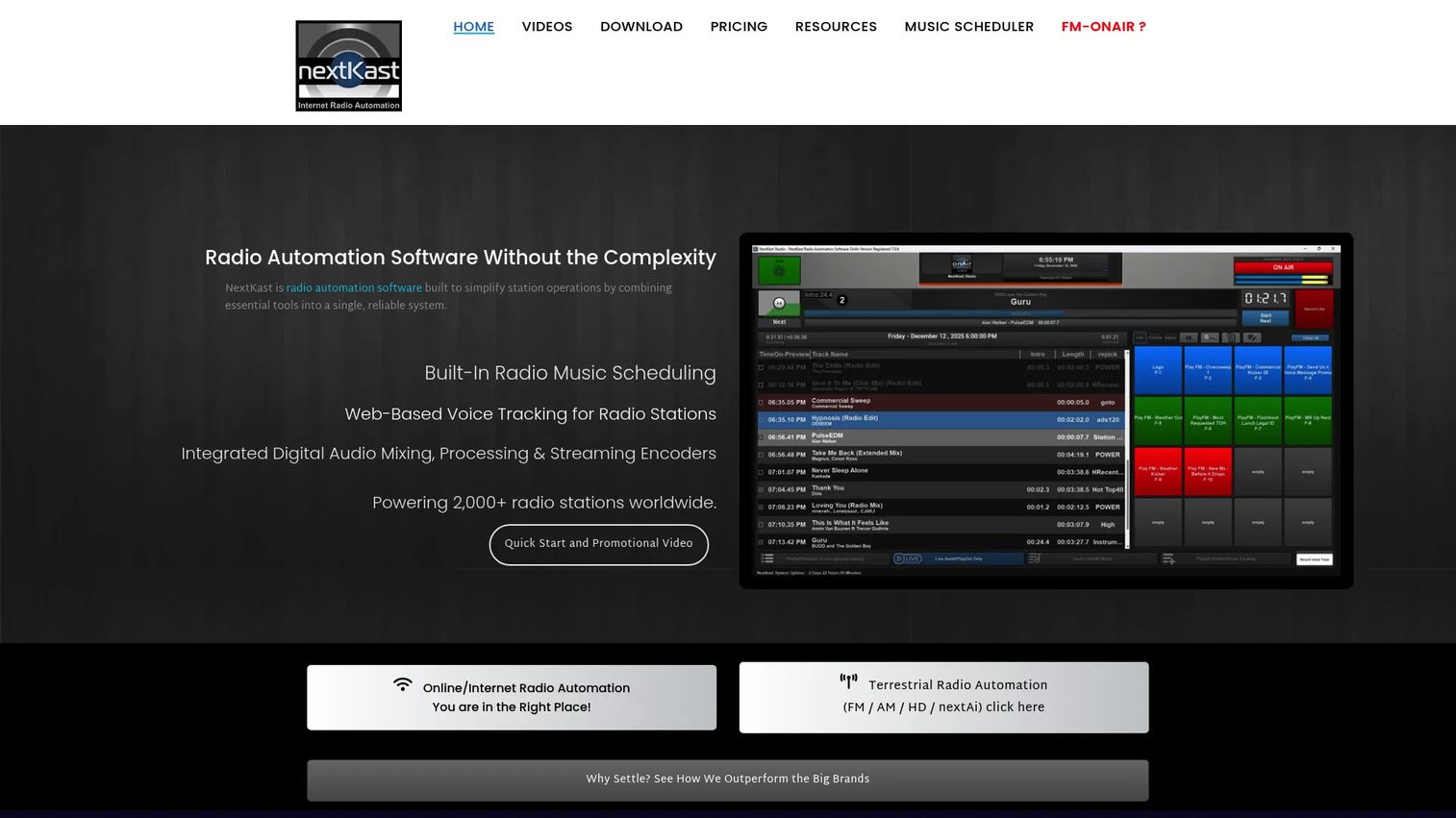
NextKast is radio automation and music scheduling software built for online and terrestrial stations. It packs scheduling, playout, voice tracking, and streaming into one stack, with rotation intelligence that keeps the sound varied without manual clock-building. The brand spans several product lines, so a station can start with online-only and grow into full FM commercial features.
Best for: Professional stations that want scheduling depth and remote voice tracking in a single system.
Key features
- Music scheduling with rotation intelligence
- Voice tracking via StudioLink remote VT and GoLive
- Integrated traffic, billing, and streaming
- RDS support for terrestrial broadcast
- High-quality playback and crossfading
Why choose NextKast: If you want one stack that handles scheduling, playout, and remote talent without stitching together separate tools, NextKast delivers that depth. It fits stations ready to commit to a professional workflow rather than a bare playlist player.
NextKast prices its LPFM and online plan at $50 per month, or a one-time buyout of $1,000. The FM Commercial Station plan runs $100 per month, with a $3,000 buyout option. Support and update add-ons are listed separately. No G2 rating was verifiable for NextKast at publication.
2. Aiir
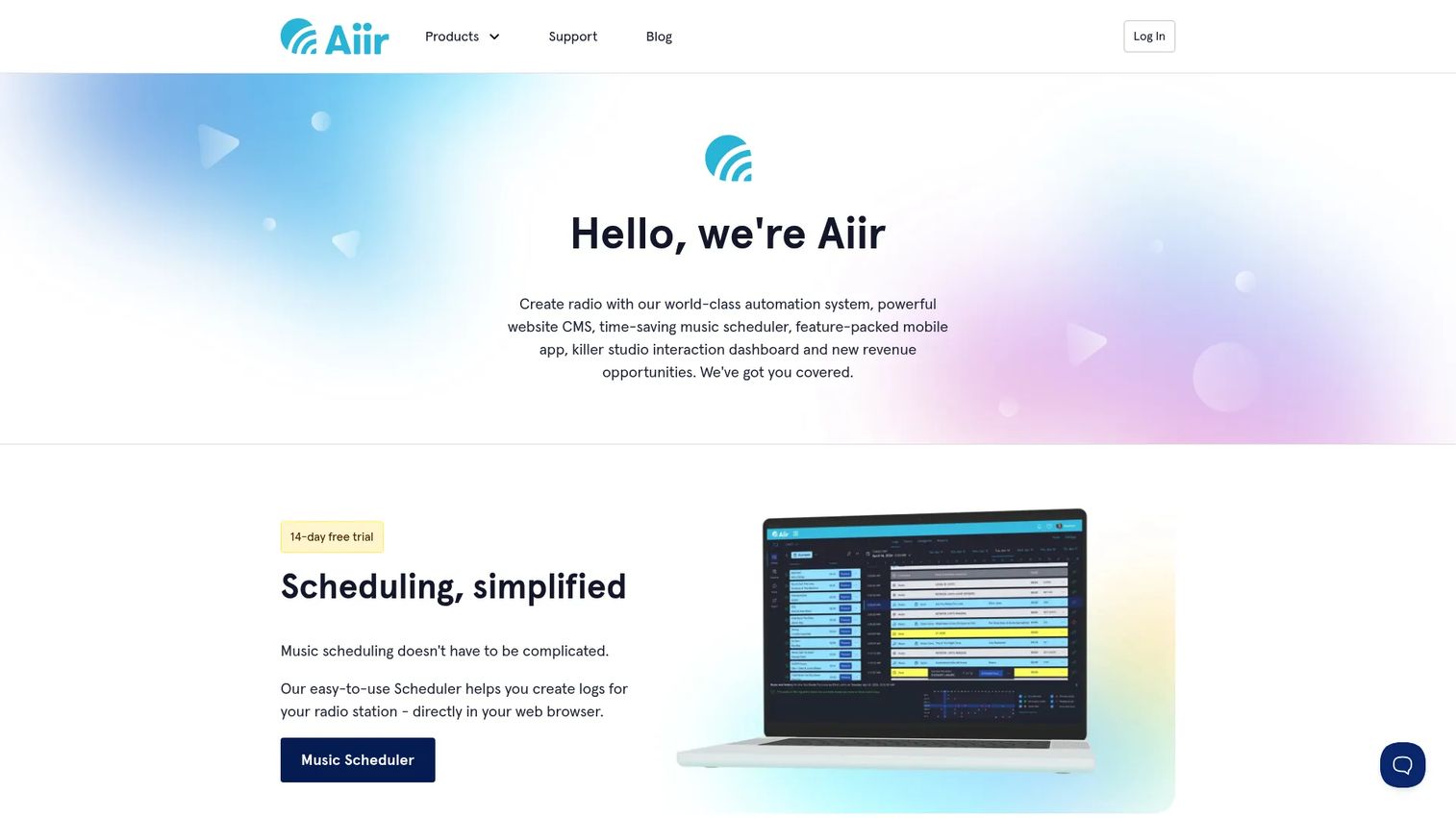
Aiir builds software and services for radio stations that reach beyond playout. Alongside the scheduler, it covers a website CMS, streaming, mobile apps, an inbox, and AI news. That breadth suits stations treating automation as one piece of a larger audience operation rather than a standalone box.
Best for: Stations that want automation plus website, streaming, and app tooling in one place.
Key features
- Radio website CMS with hosting and support
- Streaming for radio stations
- Mobile apps for iOS and Android
- Scheduler and playout tools
- AI news and inbox features
Why choose Aiir: Pick Aiir when the goal is station operations and audience engagement together, not just getting audio to air. It works for teams who want their web, streaming, and app presence managed on the same platform.
Aiir prices streaming at $20 per month per stream. The Website CMS Starter tier begins at $55 per month paid annually, or $70 month-to-month, with a Plus tier from $110 per month annually. Mobile apps run $300 per year per platform for small stations. Pro CMS uses custom pricing. No G2 rating was verifiable for Aiir at publication.
3. RadioDJ
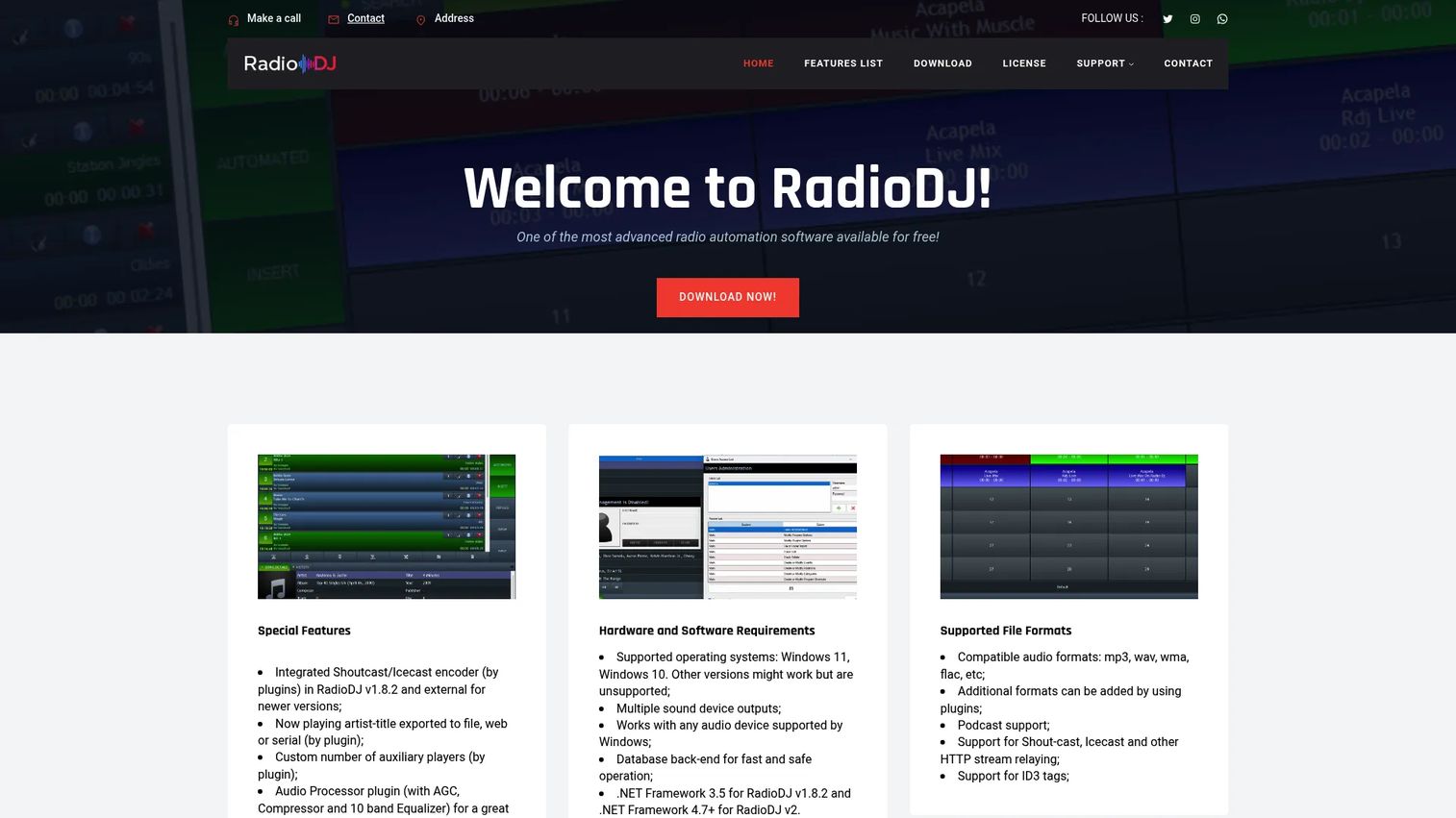
RadioDJ is free radio automation software for managing and playing radio stations on Windows. It covers scheduling, playout, and streaming support, and it has a large community of operators sharing plugins and configuration help. For a station testing whether automation fits before spending anything, it is a common starting point.
Best for: Stations that need a no-cost Windows automation system and are comfortable owning the setup.
Key features
- Music scheduling and playout
- Streaming output support
- Plugin ecosystem from the community
- Windows-based operation
- Active user forums for support
Why choose RadioDJ: RadioDJ is a strong entry option when budget is tight and you have someone willing to handle configuration. Expect to own more of the setup and troubleshooting than you would with a hosted platform.
RadioDJ is free to download and use. First-party pricing and support details were not readable from the brand domain on this run, so confirm current distribution and any donation requests directly on the site. No G2 rating was verifiable for RadioDJ at publication.
4. Rivendell
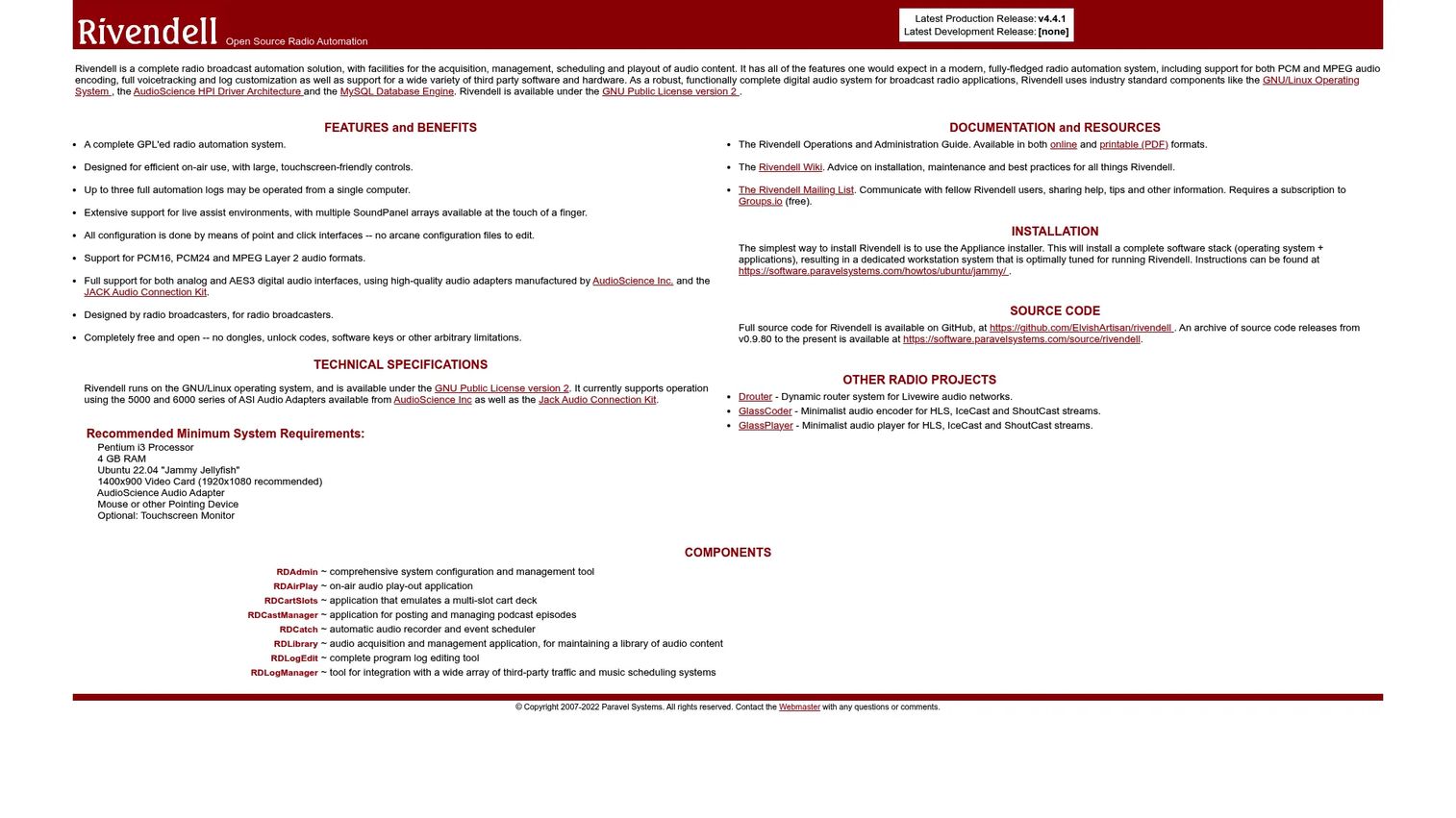
Rivendell is open-source radio broadcast automation software for professional radio environments. Released under GPLv2, it handles acquisition, management, scheduling, and playout of audio, with voice tracking and heavy log customization. It runs on Linux and supports a range of third-party hardware and software.
Best for: Linux-based stations and technical teams that value ownership over a polished interface.
Key features
- Acquisition, scheduling, and playout of audio
- Support for PCM16, PCM24, and MPEG Layer 2
- Voice tracking and log customization
- Third-party hardware and software support
- Modular, reliability-focused design
Why choose Rivendell: Choose Rivendell when control and reliability matter more than a modern UI. It rewards teams with Linux skills who want to own their broadcast infrastructure end to end.
Rivendell is completely free and open under GPLv2, with no commercial pricing on the homepage. The real cost is infrastructure and the technical time to run and maintain it. No G2 rating was verifiable for Rivendell at publication.
5. Radio.co
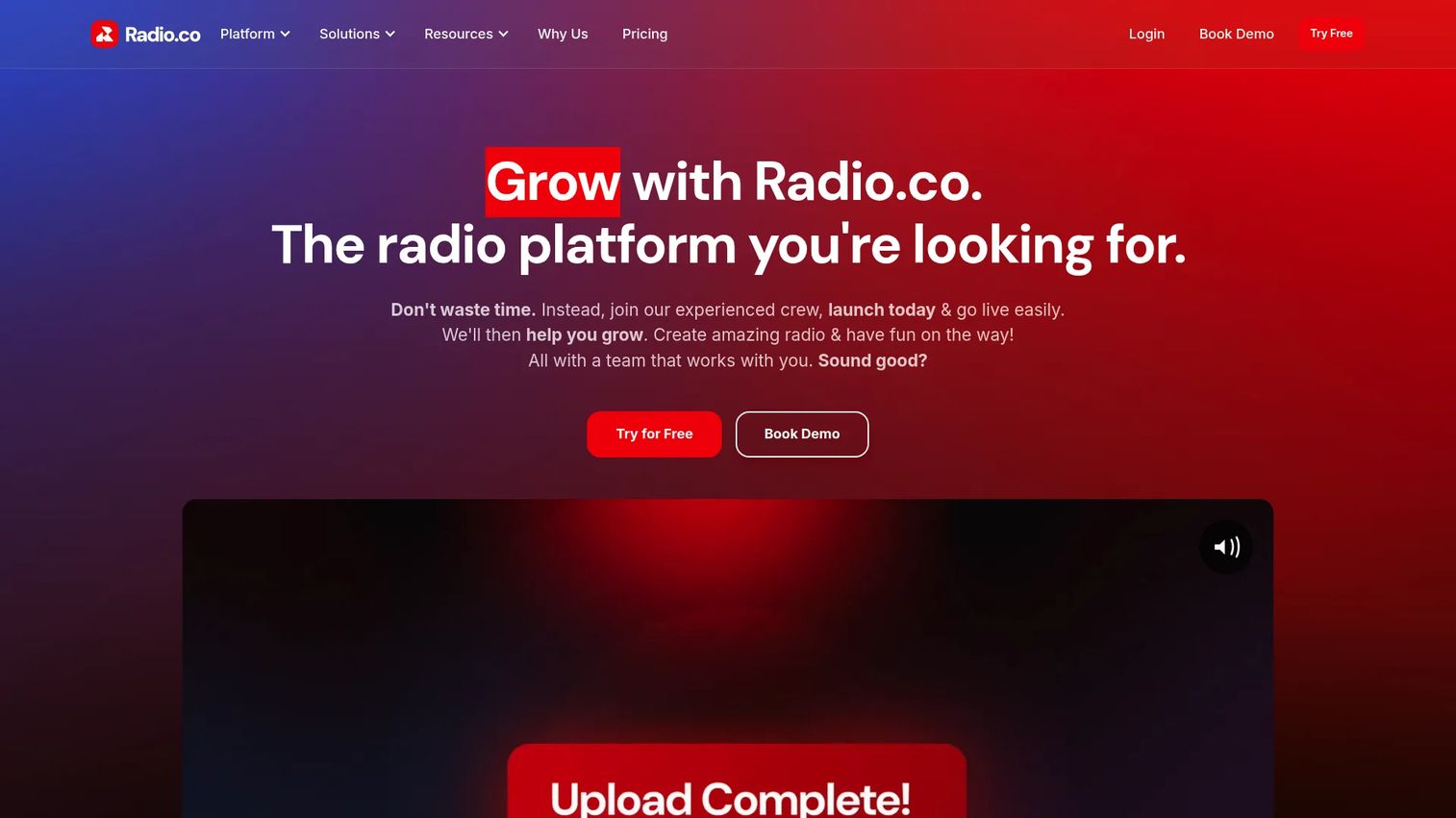
Radio.co is an internet radio broadcasting platform for creating, managing, and streaming stations from the cloud. It combines station scheduling and automation with live streaming, listener analytics, and failover fallback. Branded players, mobile apps, and an AI Voice Studio round out the hosted package.
Best for: Internet radio stations and teams that want hosted infrastructure without running their own servers.
Key features
- Station scheduling and AutoDJ automation
- Live streaming and listener analytics
- Failover fallback when a source drops
- Branded players and mobile apps
- AI Voice Studio for generated breaks
Why choose Radio.co: Radio.co suits operators who want broadcast automation without the maintenance of self-hosting. The tradeoff is a recurring subscription in exchange for uptime the vendor manages.
Radio.co runs four plans: Lite at $35 per month, Standard at $59, Plus at $139, and Premium at $199. All plans include a 14-day free trial, and custom Pro Solutions are available. Radio.co holds a 3.7 out of 5 rating on G2.
6. Mixxx
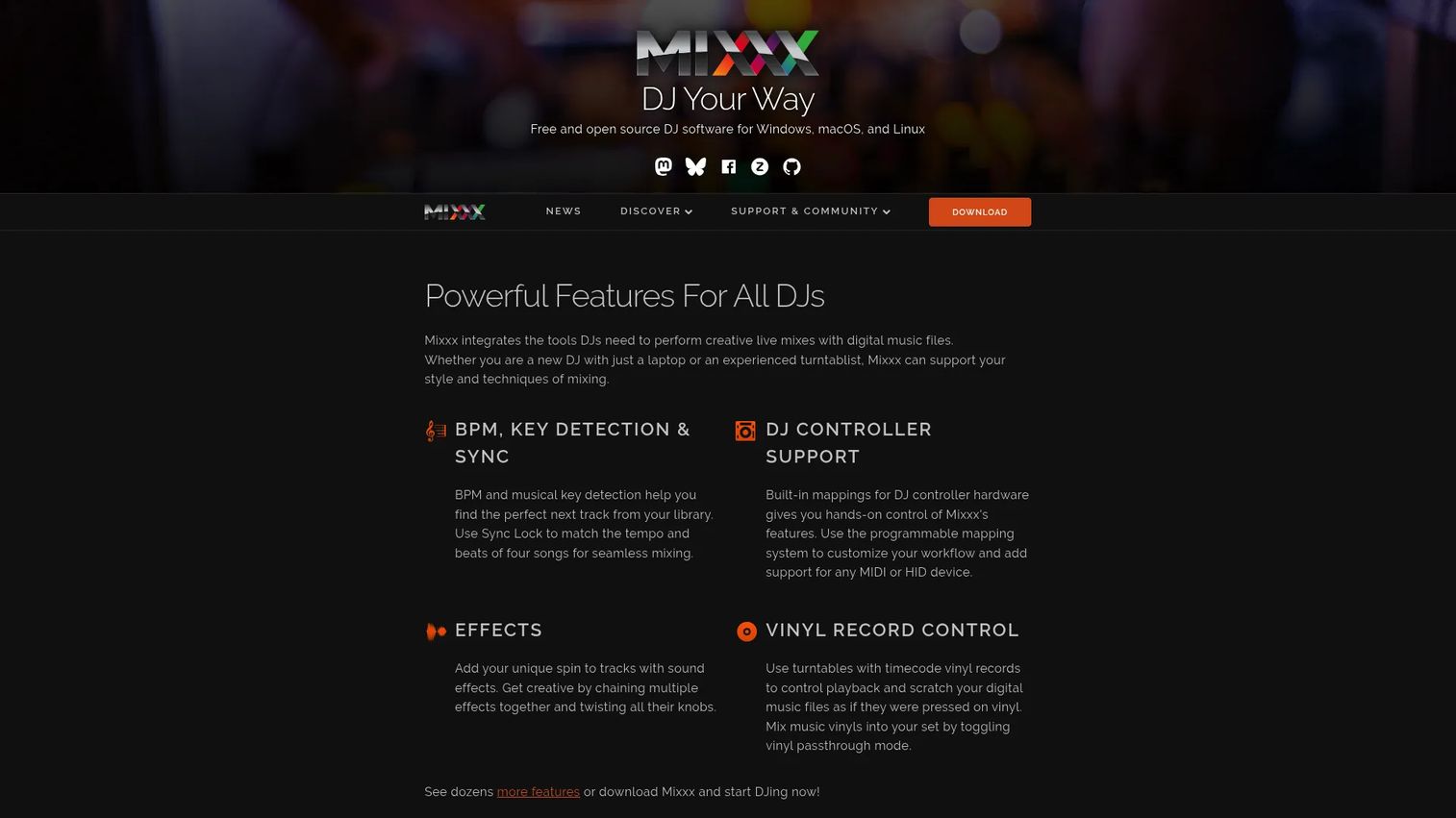
Mixxx is free, open-source DJ mixing software for Windows, macOS, and Linux. It runs up to four decks with hotcues, looping, sync lock, and effects, and it can broadcast its output to a stream. For stations where live mixing matters as much as scheduling, it fills a niche the pure automation tools do not.
Best for: Smaller stations, hobby operators, and live-assisted broadcasts where mixing is part of the sound.
Key features
- Up to four decks
- Hotcues, looping, sync lock, and effects
- Broadcast output to streaming servers
- Cross-platform on Windows, macOS, and Linux
- Customizable MIDI and HID controller mapping
Why choose Mixxx: Mixxx is the pick when live mixing is central and you want free software with real controller support. It is less about unattended 24/7 automation and more about hands-on shows.
Mixxx is free with no official paid or pro version, and donations are appreciated but not required. That makes it a low-risk trial for any station curious about live-assisted broadcasting. No G2 rating was verifiable for Mixxx at publication.
7. AzuraCast
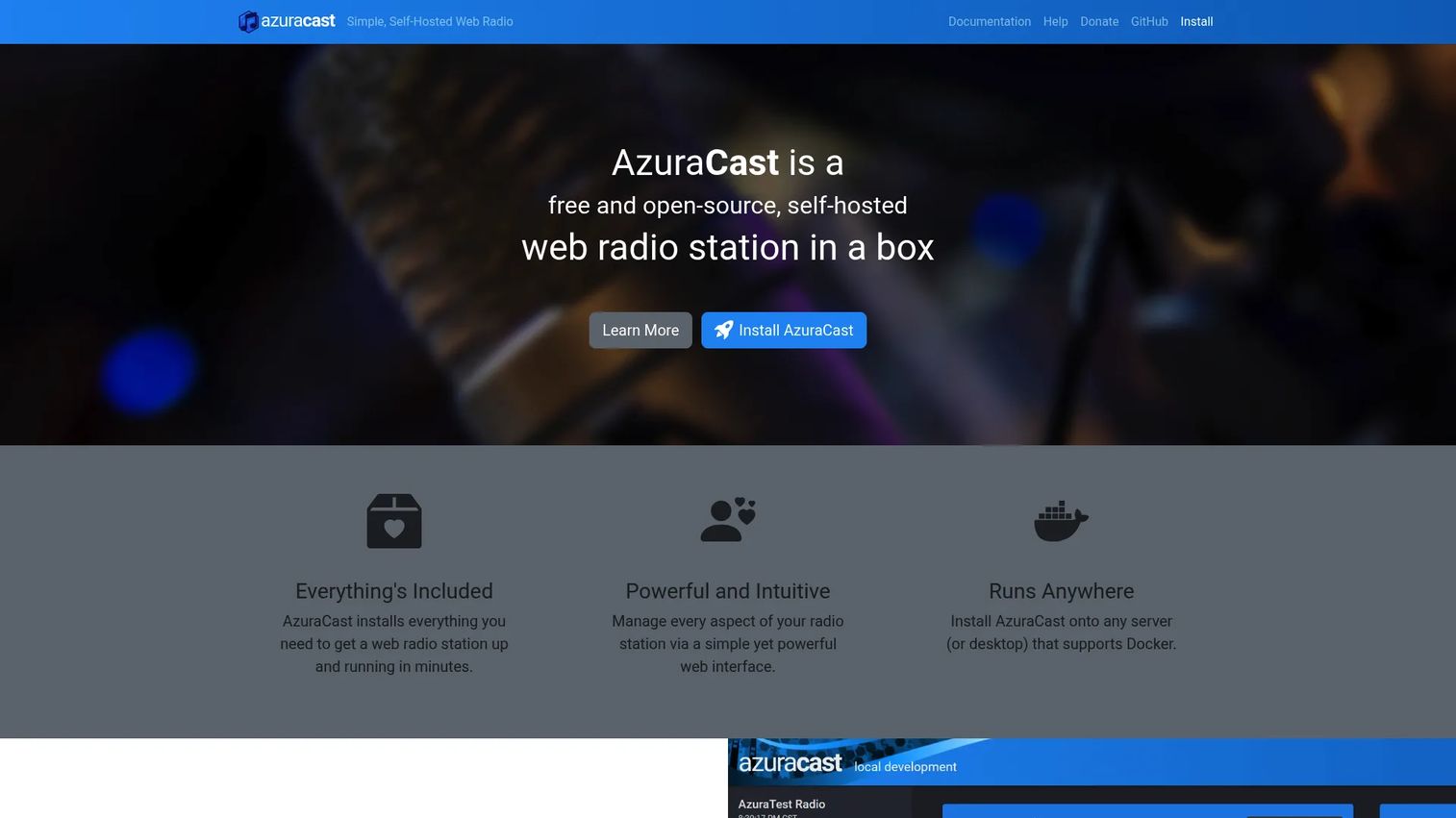
AzuraCast is free, open-source, self-hosted web radio station software. It gives you a browser-based dashboard to manage scheduling, streaming, and users, with multi-station administration and built-in public pages and APIs. Teams that want a web interface and full hosting control gravitate here.
Best for: Self-hosted internet radio stations that want a web dashboard and complete control.
Key features
- Web-based station management
- Multi-station administration
- Built-in public pages and APIs
- Scheduling and streaming automation
- User and permission controls
Why choose AzuraCast: AzuraCast fits technical teams that want a modern browser interface without a subscription. You trade a monthly fee for the responsibility of hosting, updates, and uptime.
AzuraCast is completely free to install and use, supported by donations, with no public paid tiers. Budget for server hosting and the engineering time to maintain it. A G2 page exists, but a readable rating could not be verified on this run.
Considerations
Before you commit a station's 24/7 signal to any system, run through these five checks.
Reliability and failover
Ask what happens the moment your live source drops. Look for automatic fallback to a backup playlist and clear behavior when a file is missing or corrupt. Dead air costs listeners, so test recovery before you trust the system overnight.
Voice tracking workflow
Evaluate whether talent can record breaks remotely and how those files land in the schedule. Browser-based voice tracking keeps hosts flexible, while local-only workflows tie talent to the studio. Choose the model that matches how your team actually works.
Streaming and encoder support
Confirm the tool outputs to your stream infrastructure. Icecast and SHOUTcast are the common protocols, and a mismatch here means extra middleware. Check codec support and bitrate options against what your hosting expects.
Open source versus hosted control
Free and open-source systems remove the subscription but add maintenance, hosting, and troubleshooting to your plate. Hosted platforms handle uptime for a monthly fee. Weigh the true cost, including the staff hours a self-hosted stack demands.
Scheduling depth
Test how the tool handles music logs, rotations, and traffic. A hobby player fills a playlist; a professional system enforces category separation, dayparting, and long-horizon planning. Match the depth to how programmed your station needs to sound.
Conclusion
The right radio automation software depends on how much control, uptime, and maintenance your station can carry.
For a deep paid stack with scheduling and remote voice tracking, NextKast is the strongest pick. Aiir fits stations that want automation alongside a website, streaming, and apps in one operation. RadioDJ and Rivendell serve cost-conscious teams, with RadioDJ on Windows and Rivendell for Linux operators who want open-source ownership.
For internet radio, Radio.co gives you hosted simplicity with failover built in, while AzuraCast hands full control to teams ready to self-host. Mixxx covers the live-mixing niche when hands-on shows matter more than unattended playout.
Pick the system that matches your reality: Hosted if you want someone else guarding 24/7 station ops, open-source if you have the technical staff and prefer to own the stack. Start a trial or spin up a test install this week, run it through an overnight block, and confirm it recovers cleanly before you put your signal on it.
Start your journey with Guideflow today!
FAQs
Radio automation software schedules and plays music, commercials, imaging, and news so a station broadcasts continuously with little live staffing. It generates logs, fires playout on a clock, and handles voice tracking and streaming. The core job is keeping the signal on air and sounding professional around the clock.
For a single stream or a station getting started, free radio automation software like RadioDJ or AzuraCast covers the essentials. The tradeoff is maintenance: You own the hosting, updates, and troubleshooting. Once a station needs deep traffic workflows or vendor-managed uptime, a paid platform often earns its cost.
Scheduling decides what airs and in what order, applying rotation rules, dayparting, and clock formats. Playout is the engine that actually fires each file to air with clean transitions. A complete system does both and recovers gracefully when a file fails.
Yes. Tools with browser-based or cloud voice tracking let talent record breaks from anywhere and drop them into the schedule automatically. NextKast offers remote voice tracking through StudioLink, and cloud platforms like Radio.co keep hosts flexible. Confirm the workflow matches how your team records before buying.
For online radio automation software, Radio.co offers a hosted route with AutoDJ and failover, while AzuraCast gives self-hosted control through a web dashboard. Radio.co suits teams that want uptime managed for them; AzuraCast suits technical teams that prefer to run their own infrastructure. Your hosting appetite decides the fit.
Good systems do. Look for automatic fallback to a backup playlist when the live source drops, plus handling for missing or corrupt files. Radio.co advertises failover fallback, and open-source systems can be configured for it. Test recovery before trusting any tool overnight.
Icecast and SHOUTcast are the common streaming encoder protocols for radio. Confirm the tool outputs to whichever your hosting expects, and check codec and bitrate support. A protocol mismatch means extra middleware, so verify compatibility during a trial rather than after purchase.










