A truck goes down mid-route. The driver flagged a soft brake pedal two weeks ago on a paper inspection sheet that never made it off the clipboard. Now you have a roadside repair, a missed delivery, and a maintenance record you cannot produce for the auditor who happens to be scheduled next month.
That is the problem fleet maintenance software solves. Not dashboards. Not vanity metrics. Getting the right work done on the right asset before it becomes a breakdown, and having the paper trail to prove it.
The market reflects how seriously operators now take this. Research and Markets values the fleet maintenance software category at roughly USD 3.98 billion in 2026, forecast to grow at a 16.3% CAGR. Growth like that means more vendors, more feature overlap, and more noise to cut through when you are trying to build a shortlist.
Most buyers get stuck comparing feature checklists. Every platform lists preventive maintenance scheduling, inspections, and work order management. On paper they look identical. The difference shows up in the field: whether a technician actually opens the app, whether a defect turns into a work order without someone re-keying it, and whether your compliance records survive a DOT audit without a scramble.
This guide compares eight fleet maintenance management software platforms through that lens. We focus on execution, mobile usability, compliance, cost tracking, and the integrations that kill manual re-entry. If you are evaluating a fleet management software stack the way a product team evaluates any tool, weighing adoption, maintainability, and measurable impact, this is written for you.
What's inside
This is a buyer's comparison for anyone responsible for keeping vehicles or field assets running: fleet managers, maintenance leads, and operations owners. We selected platforms based on four things that decide whether the software earns its keep: preventive maintenance scheduling that fires on time, inspection and compliance workflows that produce audit-ready records, mobile execution that field teams actually use, and cost tracking that supports lifecycle and replacement decisions.
We pulled pricing, ratings, and feature confirmation from first-party pages and public review data. Where a vendor does not publish a number, we say so rather than guess.
TL;DR
- Best all-around fleet maintenance platform: Fleetio, for teams that want preventive maintenance, inspections, and asset tracking in one system.
- Best for small to mid-sized fleets: AUTOsist, with straightforward per-vehicle pricing and GPS-enabled tracking.
- Best for telematics-driven maintenance: Samsara, when vehicle health signals should trigger service automatically.
- Best for public sector fleets: iWorQ, purpose-built for city, county, and school-district operations.
- Best for inspection-first workflows: Whip Around, built around DVIRs, defect reporting, and mobile-first compliance.
- Best broader CMMS with fleet use cases: Limble or UpKeep, for mixed maintenance environments beyond vehicles.
What is fleet maintenance software?
Fleet maintenance software is a system that plans, tracks, and records the service, inspection, and repair work needed to keep a fleet of vehicles or equipment running safely and cost-effectively. It centralizes maintenance schedules, work orders, inspection results, parts inventory, and cost data so operators can reduce downtime and stay compliant.
It overlaps with, but is narrower than, a full fleet management system. Broad fleet management software covers routing, dispatch, driver management, and GPS. Fleet maintenance software zooms in on the health of the asset itself: what needs service, when, who did it, and what it cost.
Core capabilities you should expect:
- Preventive maintenance scheduling by date, mileage, or engine hours, with automatic service reminders and maintenance alerts.
- Work order management to create, assign, track, and close repairs with labor, parts, and cost attached.
- Fleet inspection software for digital DVIRs, defect reporting, and DOT-compliant forms that turn a failed inspection into a work order automatically.
- Compliance and inspections record keeping so you have audit-ready records when a regulator asks.
- VIN decoding to auto-populate vehicle details and match the right service schedules and parts.
- Cost tracking and TCO analysis covering fuel, parts, labor, and lifecycle planning to inform replacement analysis.
- Telematics integrations that pull odometer, fault codes, and engine hours directly from the vehicle.
- Mobile fleet app access so drivers and technicians log inspections and complete work orders from the field.
The best vehicle maintenance software is judged less on how many features it lists and more on whether those features get used where the work happens: in the yard, under the hood, and on the phone in a technician's pocket.
When to use fleet maintenance software
Reduce unplanned downtime
If breakdowns are eating your uptime and your budget, preventive maintenance scheduling is the fix. Software that triggers service on mileage, hours, or telematics data keeps small issues from becoming roadside failures. This matters most for fleets running tight delivery or service windows where one down truck cascades into missed jobs.
Stay audit-ready on compliance
Fleets subject to DOT rules need DVIRs, service history, and DOT-compliant forms available on demand. Dedicated fleet inspection software captures inspections digitally, flags defects, and keeps audit-ready record keeping so a compliance review is a search, not a fire drill. If you have ever scrambled to reconstruct a maintenance log, this is your trigger.
Get field teams to actually log the work
The best system is the one technicians and drivers use without complaint. A strong mobile fleet app lets someone complete an inspection or close a work order in the yard, not back at a desk. If your current process depends on paper that never gets entered, mobile-first execution is the deciding factor.
Control cost and plan replacements
When you cannot see what a vehicle truly costs to keep, you replace too early or too late. Cost tracking that rolls up fuel, parts, and labor into total cost of ownership supports smart lifecycle planning and replacement analysis. Growing fleets watching their operating budget lean on this hardest.
Comparison table
Here is how the eight platforms compare on intent, differentiation, pricing, and rating. Pricing reflects publicly available first-party figures as of mid-2026; where a vendor does not publish numbers, we note it.
| # | Product | Intent | Key differentiation | Pricing | G2 rating |
|---|---|---|---|---|---|
| 1 | Fleetio | All-in-one maintenance and asset tracking | Maintenance, inspections, and asset management unified | Essential, Professional, Premium (pricing by plan and fleet size) | 4.6/5 |
| 2 | AUTOsist | Small to mid fleet maintenance and tracking | Simple per-vehicle pricing with GPS add-ons | From $6 per vehicle/mo (billed annually) | 4.8/5 |
| 3 | Samsara | Telematics plus maintenance | Vehicle health signals drive maintenance | Custom (contact sales) | 4.5/5 |
| 4 | iWorQ | Public sector fleet management | Built for government fleets, no per-seat fee | Custom (no per-seat licensing) | 3.8/5 |
| 5 | Coast | Fuel and expense management | Fuel cards plus spend controls | $4 per active user/mo | 5.0/5 |
| 6 | UpKeep | Mobile CMMS for maintenance teams | Mobile-first work orders and PM | From $24/user/mo | 4.5/5 |
| 7 | Limble | CMMS with fleet use cases | Mobile-first CMMS across asset types | Custom (free trial available) | 4.8/5 |
| 8 | Whip Around | Inspection-first fleet compliance | DVIRs and defect management at the core | Free tier; Standard from $5 per asset/mo | 4.8/5 |
1. Fleetio
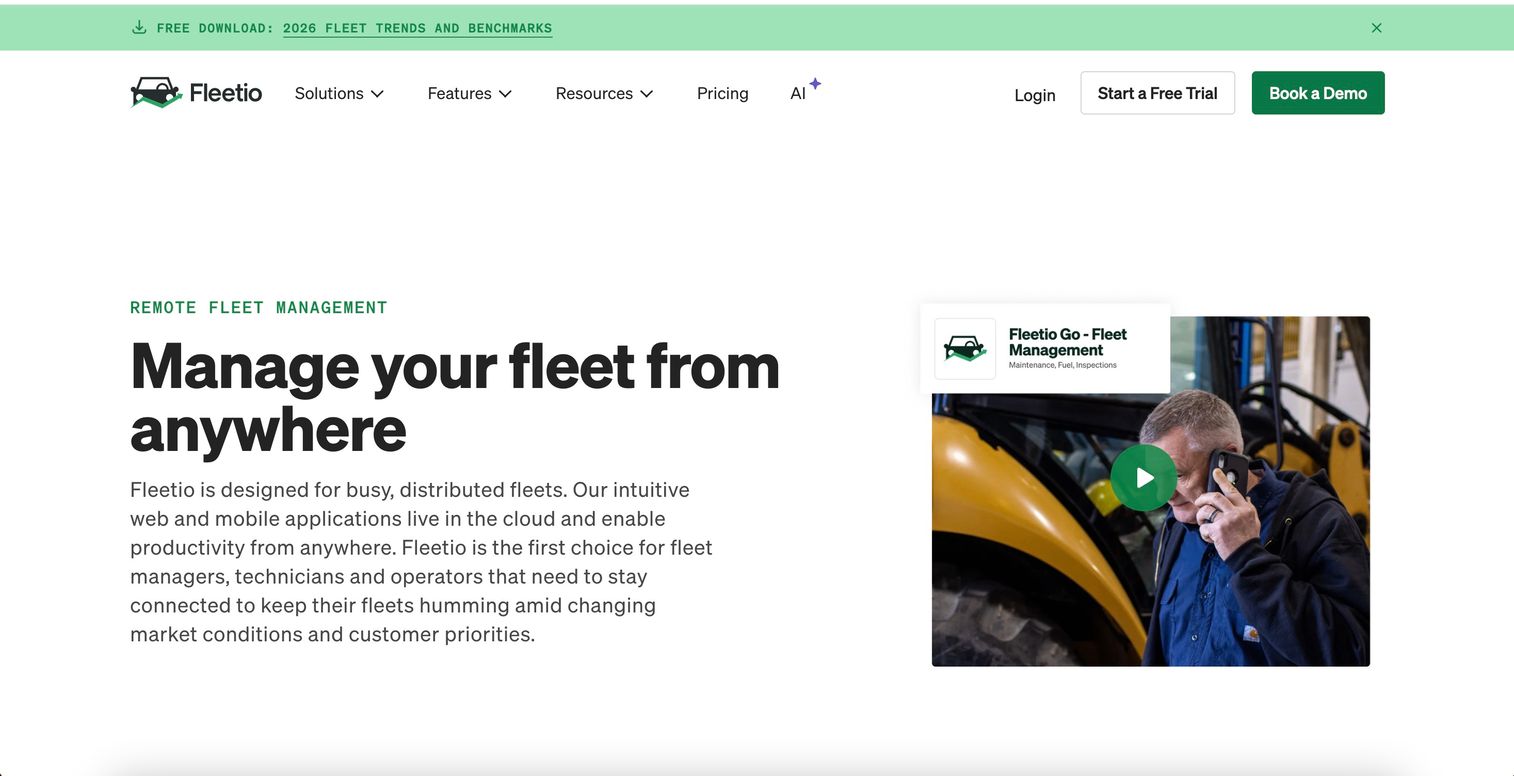
Fleetio is cloud-based fleet management software for tracking, maintaining, and optimizing vehicle and equipment operations. It is often the benchmark buyers compare everything else against, because it pulls preventive maintenance scheduling, inspections, work orders, and asset tracking into one system rather than stitching those jobs across separate tools. For teams that want a single source of truth on asset health, it is a natural starting point.
The platform handles the full maintenance loop. You schedule service by date, mileage, or engine hours, technicians run digital inspections, failed inspection items generate work orders, and the cost of every repair rolls up against the asset. VIN decoding helps populate vehicle records and match the right schedules. Telematics integrations pull odometer and fault-code data so service reminders fire on real usage, not guesswork.
Best for: Fleet teams that want maintenance, inspections, and asset tracking in one system without gluing multiple tools together.
Key strengths
- Unified maintenance and asset management: Preventive scheduling, work orders, and utilization tracking live in one place.
- Digital inspections: Vehicle inspections feed directly into service tracking and work order management.
- Cost and lifecycle visibility: Service costs roll up per asset to support TCO and replacement analysis.
Why choose Fleetio: If your priority is getting maintenance done and recorded with minimal manual re-entry, Fleetio's tight loop between inspections, work orders, and cost tracking is the draw. It fits fleets that have outgrown spreadsheets and want a system that scales across vehicles and equipment.
Fleetio pricing: Fleetio offers three subscription plans, Essential, Professional, and Premium. Public dollar amounts are not listed on the pricing page reviewed; pricing varies by plan and fleet size range. The site references a free trial rather than a permanent free plan. Fleetio holds a 4.6/5 rating on G2.
2. AUTOsist
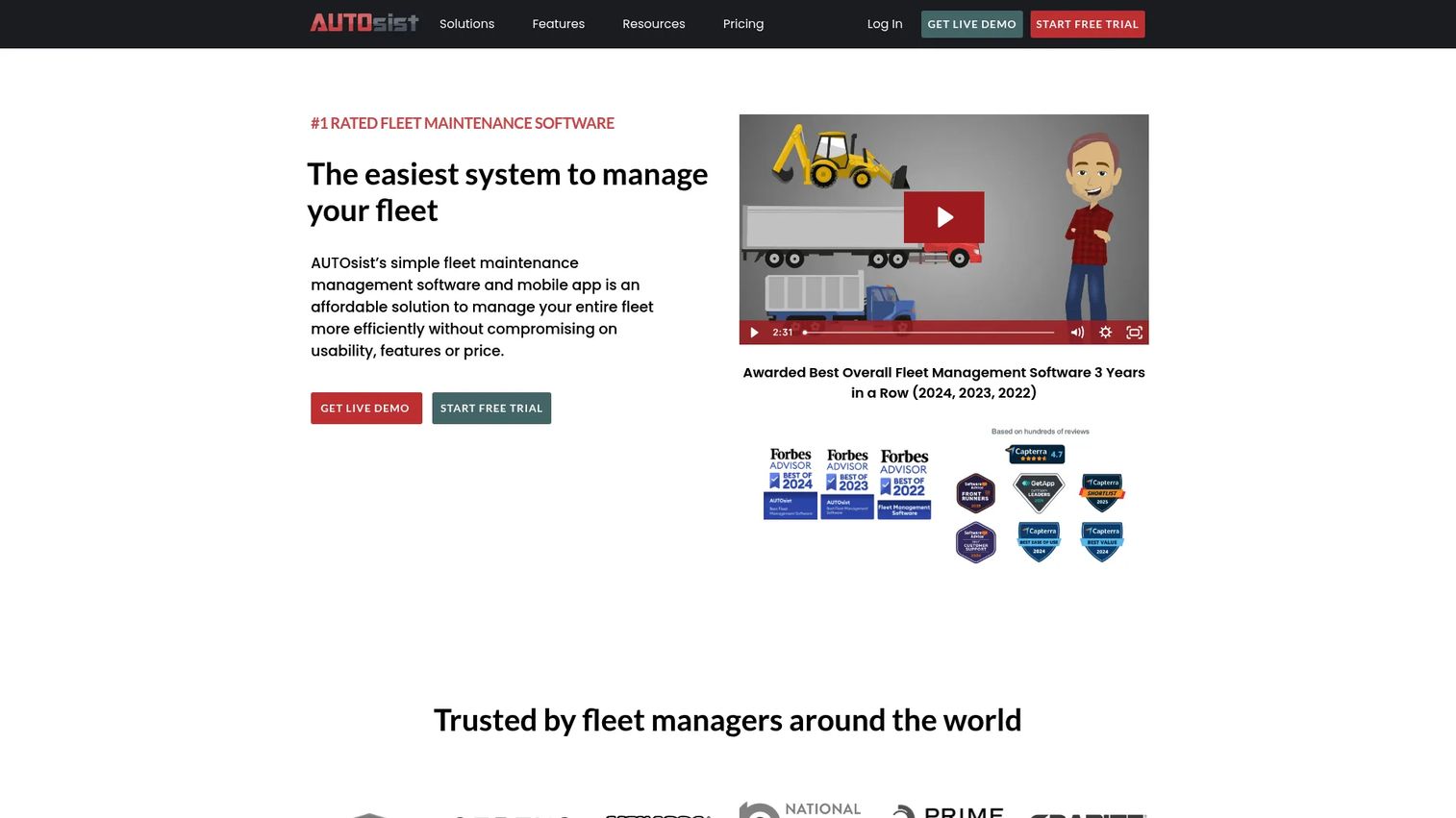
AUTOsist is fleet maintenance and tracking software for managing vehicles, equipment, inspections, and related records. It is built to be simpler than heavier enterprise systems, which makes it a strong fit for small to mid-sized fleets that want maintenance and inspections handled without a long rollout. The per-vehicle pricing model also makes budgeting predictable.
The core of AUTOsist is preventive maintenance schedules paired with digital inspections and service reminders. Drivers and technicians log records from a mobile fleet app, defects get flagged, and reminders keep upcoming service from slipping. For fleets that also want visibility on location, GPS tracking and safety cameras are available as add-on tiers rather than bundled complexity you pay for whether you use it or not.
Best for: Small to mid-sized fleets needing maintenance, inspections, and GPS-enabled tracking in one system.
Key strengths
- Preventive maintenance schedules: Reminders keep service on time by date, mileage, or usage.
- Digital inspections and reminders: Field-logged inspections with defect flagging and follow-up alerts.
- GPS tracking and safety cameras: Optional telematics and video safety tiers when you need location and driver-safety data.
Why choose AUTOsist: It hits the sweet spot for fleets that want vehicle maintenance software without enterprise overhead. The tiered model lets you start with maintenance and add GPS or safety cameras only if the operation calls for it.
AUTOsist pricing: AUTOsist starts at $6 per vehicle per month billed annually, or $7 monthly, for the All-in Maintenance Package. The GPS and telematics tier runs $28 per vehicle per month, and the tier adding safety cameras is $55 per vehicle per month. A 14-day free trial is available, and non-vehicle assets are priced lower. AUTOsist carries a 4.8/5 G2 rating, though on limited review volume.
3. Samsara
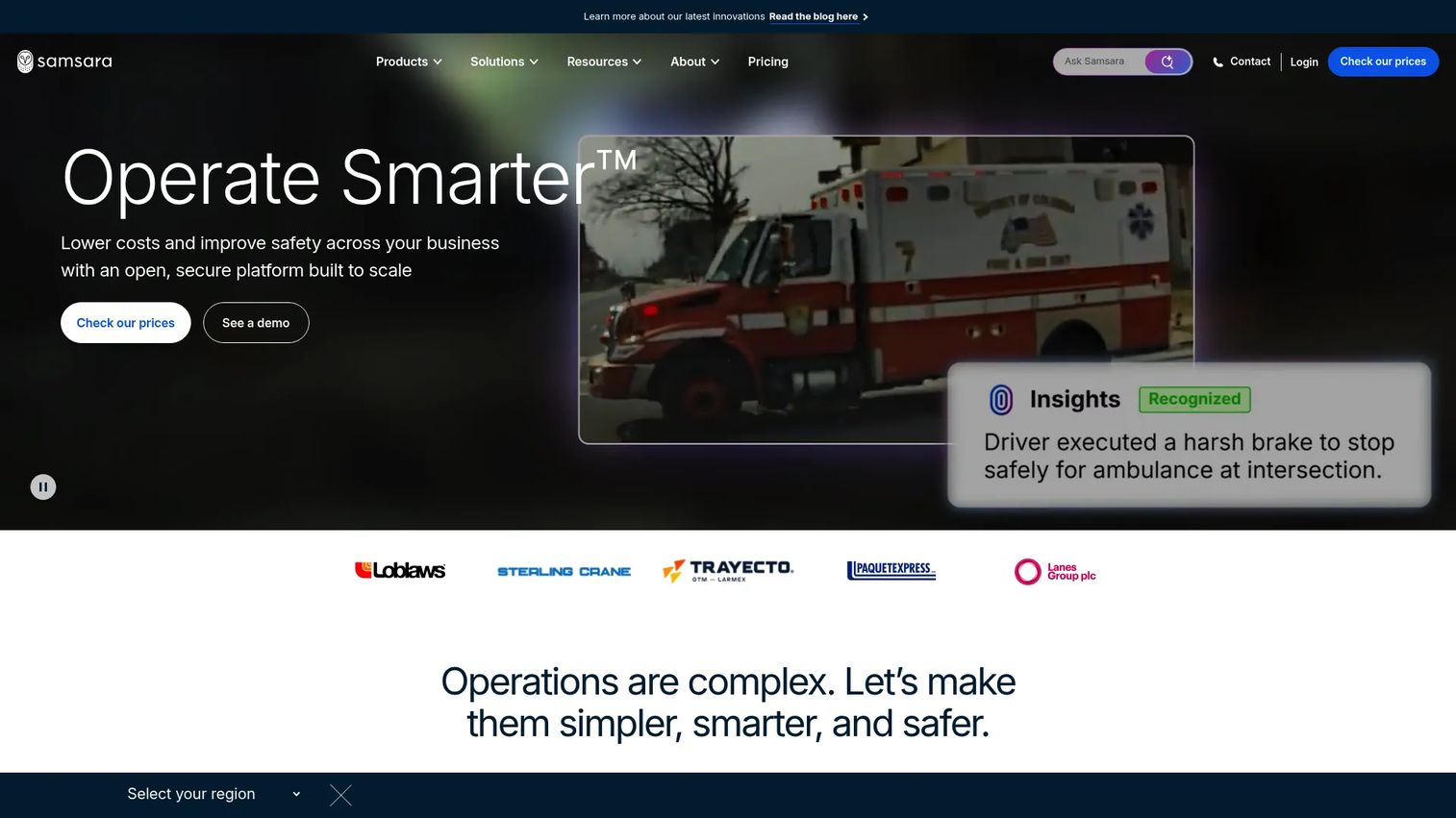
Samsara is a connected operations platform spanning fleets, equipment, sites, and workers. Its maintenance story is inseparable from its telematics: vehicle health data, fault codes, and engine hours flow in from connected devices, so maintenance alerts can trigger on actual condition rather than a fixed calendar. That makes it a fit for operations teams that want fleet visibility and maintenance signals in the same platform.
Alongside GPS tracking and AI dash cams, Samsara covers equipment management, maintenance, and workforce tools. The value shows up when telematics-driven maintenance matters: a fault code surfaces, a maintenance task is created, and a technician acts before the issue grows. For fleets already investing in safety and video, folding maintenance into the same system reduces tool sprawl.
Best for: Fleet and physical-operations teams needing a unified safety, visibility, and maintenance platform.
Key strengths
- Fleet telematics and GPS tracking: Real-time location and vehicle data feeding maintenance signals.
- AI dash cams and video safety: Driver-safety monitoring alongside asset health.
- Equipment management and maintenance: Maintenance workflows tied to live telematics data.
Why choose Samsara: Choose Samsara when telematics is central to how you run the fleet and you want maintenance driven by real vehicle signals. It is a broader operations platform, so it fits teams whose needs extend past maintenance into safety and workforce visibility.
Samsara pricing: Samsara does not display a public numeric price. The pricing page prompts you to select fleet size and contact sales for a quote. First-party sources confirm the platform and product areas but not a starting price or free tier. Samsara holds a 4.5/5 rating on G2.
4. iWorQ fleet management software
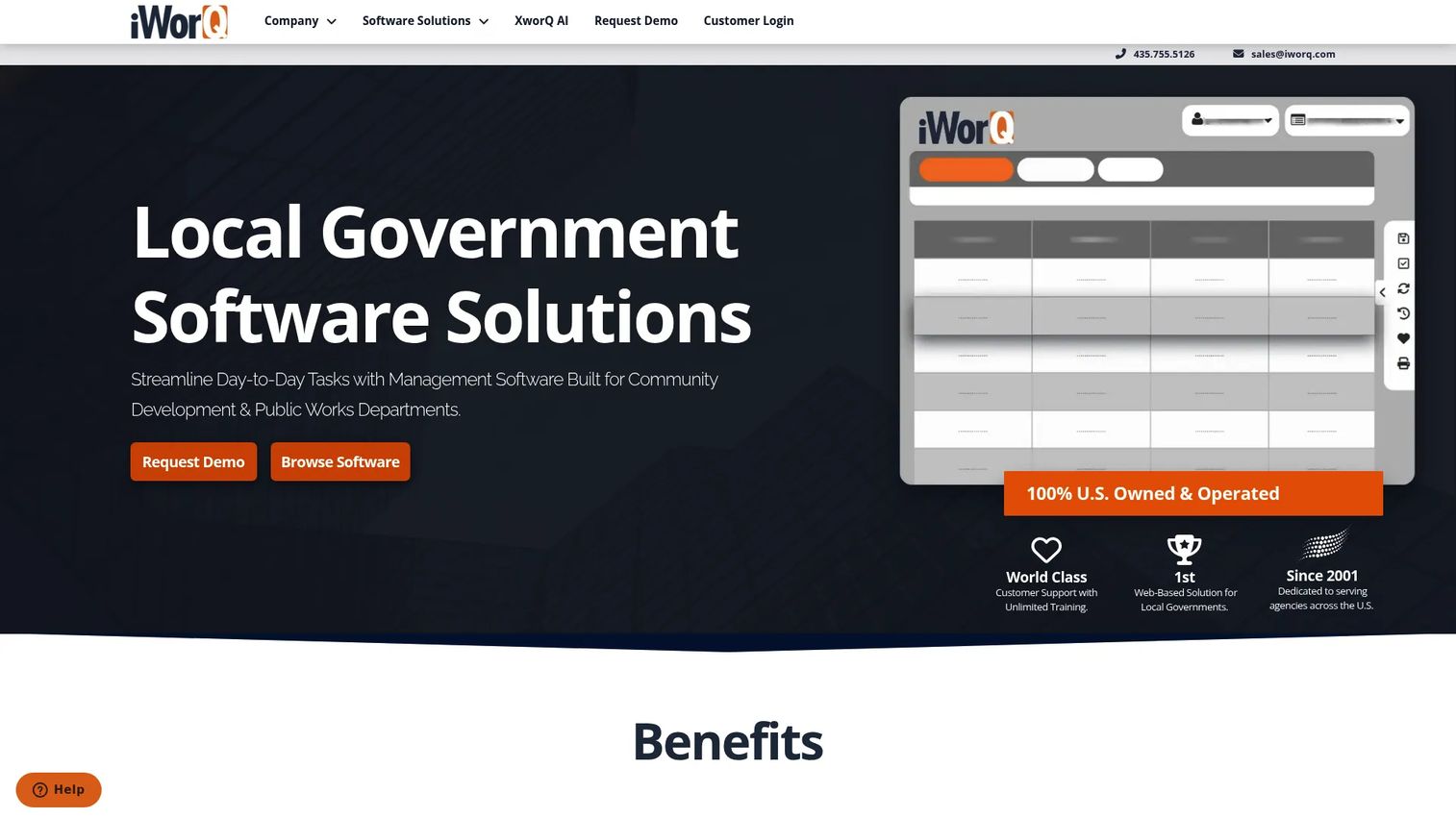
iWorQ is cloud-based fleet management software built specifically for local governments to track vehicles, maintenance, parts, fuel, and reports. That vertical focus is the point: cities, counties, and school districts have procurement realities, reporting requirements, and mixed fleets that generic tools handle awkwardly. iWorQ is shaped around public-sector workflows.
Functionally it covers the maintenance essentials: schedule maintenance by date, mileage, or hours, create and assign work orders, and track them to completion. It also handles parts inventory and fuel usage, which feed into replacement analysis and budgeting. For public fleets that answer to auditors and councils, the emphasis on structured work order management and audit-ready record keeping fits the job.
Best for: Cities, counties, and school districts managing government fleets.
Key strengths
- Flexible maintenance scheduling: Schedule by date, mileage, or engine hours.
- Work order management: Create, assign, and track work orders through completion.
- Parts and fuel tracking: Inventory and fuel usage data to support cost and replacement decisions.
Why choose iWorQ: Its public-sector focus is the differentiator. iWorQ also states a straightforward pricing structure with no per-seat licensing fee and free unlimited support, training, and upgrades, which matters when a government IT budget has to cover an entire department.
iWorQ pricing: iWorQ does not publish a public dollar price. The vendor describes a straightforward pricing structure with no per-seat licensing fee and free unlimited support, training, and upgrades, but you contact them for a quote. iWorQ shows an overall 3.8/5 rating on G2.
5. Coast
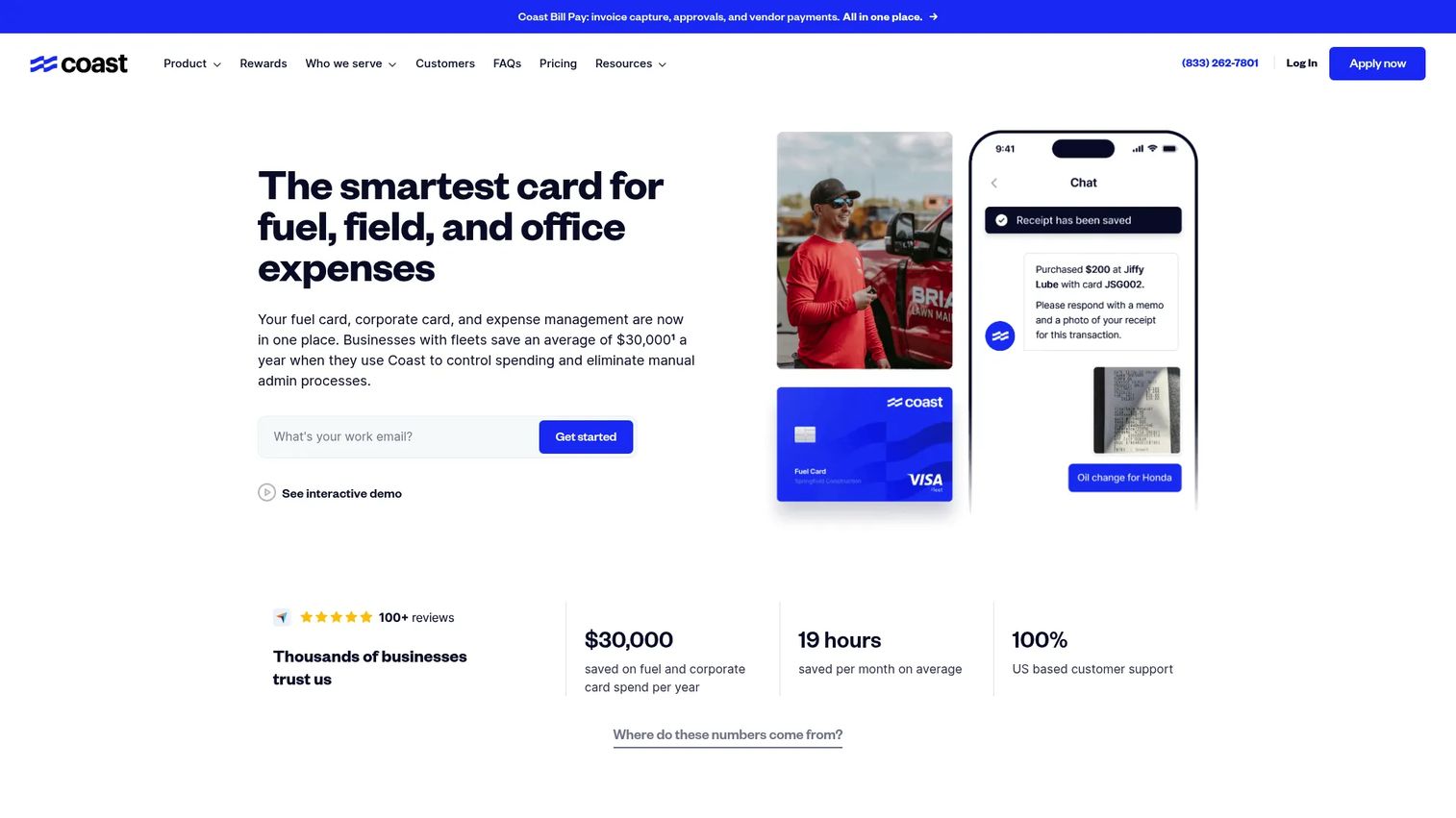
Coast is a fleet fuel and expense management platform. It is not a full maintenance system, and it earns its spot on this list for a specific reason: fuel and repair spend is one of the largest lines in a fleet's operating cost, and Coast gives you tight control over it. For teams whose biggest visibility gap is where the money goes, it is a focused fix.
Coast issues fuel and fleet cards usable anywhere Visa is accepted, with card controls by driver, vehicle, time, category, and spend limit. That granularity turns fuel and expense data into something you can actually manage rather than reconcile after the fact. Paired with a dedicated maintenance tool, Coast covers the cost-tracking side of TCO that many maintenance-first platforms treat as an afterthought.
Best for: Businesses with fleets that need fuel cards plus expense controls and reporting.
Key strengths
- Predictable per-user pricing: $4 per active user per month keeps cost transparent.
- Widely accepted cards: Fuel and fleet cards work anywhere Visa is accepted.
- Granular spend controls: Limits by driver, vehicle, time, category, and amount.
Why choose Coast: Choose Coast when fuel and expense control is your priority and you want spend data clean enough to feed lifecycle and cost-tracking decisions. It pairs well with a maintenance-focused platform rather than replacing one.
Coast pricing: Coast charges $4 per active user per month for cards and expense management, with a separate $99 per month Bill Pay platform fee. There is no free tier. Coast holds a 5.0/5 rating on its G2 seller page.
6. UpKeep
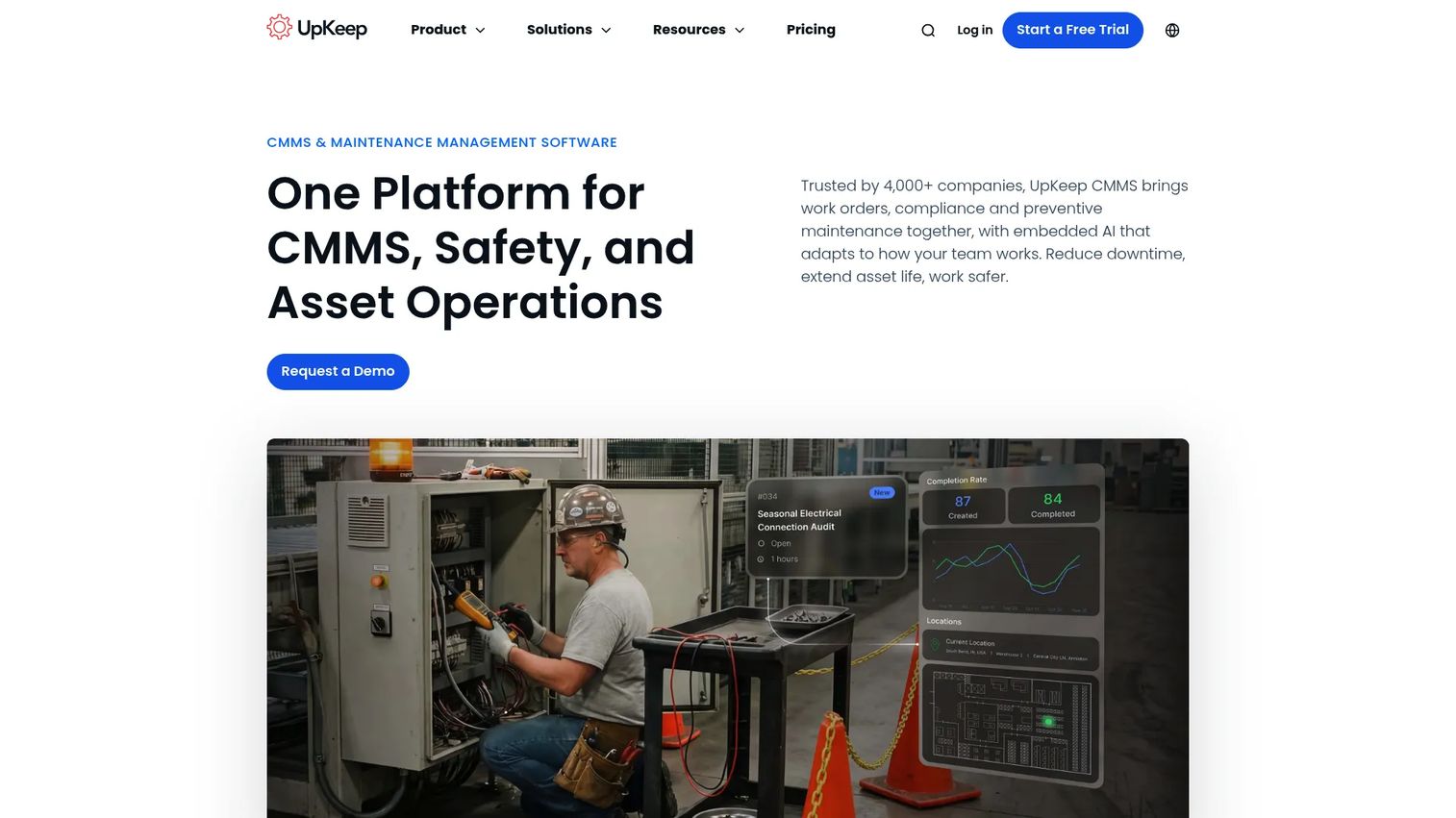
UpKeep is an AI-powered asset operations and CMMS platform for maintenance, reliability, and operations teams. It was built mobile-first, which is why it fits maintenance-heavy fleets where technicians live in the field. Work orders, preventive maintenance, and asset tracking are all designed to be handled from a phone, including offline.
The strength here is field execution. A technician gets assigned a work order, works it on the mobile fleet app even without signal, and closes it with parts and labor logged. Preventive maintenance scheduling keeps recurring service on track, and reporting rolls the data up for the people who have to justify the maintenance budget. Because UpKeep is a general CMMS, it handles vehicles alongside other assets a mixed operation runs.
Best for: Maintenance teams that want a mobile CMMS with preventive maintenance and asset operations features.
Key strengths
- Work order management: Assign, track, and close work orders from the field.
- Preventive maintenance scheduling: Recurring service triggers to prevent breakdowns.
- Mobile offline mode: Technicians complete work without a connection and sync later.
Why choose UpKeep: Choose UpKeep when field execution and mobile usability are the deciding factors and your assets extend beyond vehicles. Its offline-capable mobile app is built for technicians who are rarely at a desk.
UpKeep pricing: UpKeep's maintenance plans start with Essential at $24 per user per month and Premium at $55 per user per month, both billed monthly. Professional and Enterprise are quote-based. A free trial is available with no credit card required, though no permanent free tier is publicly stated. UpKeep holds a 4.5/5 rating on G2.
7. Limble
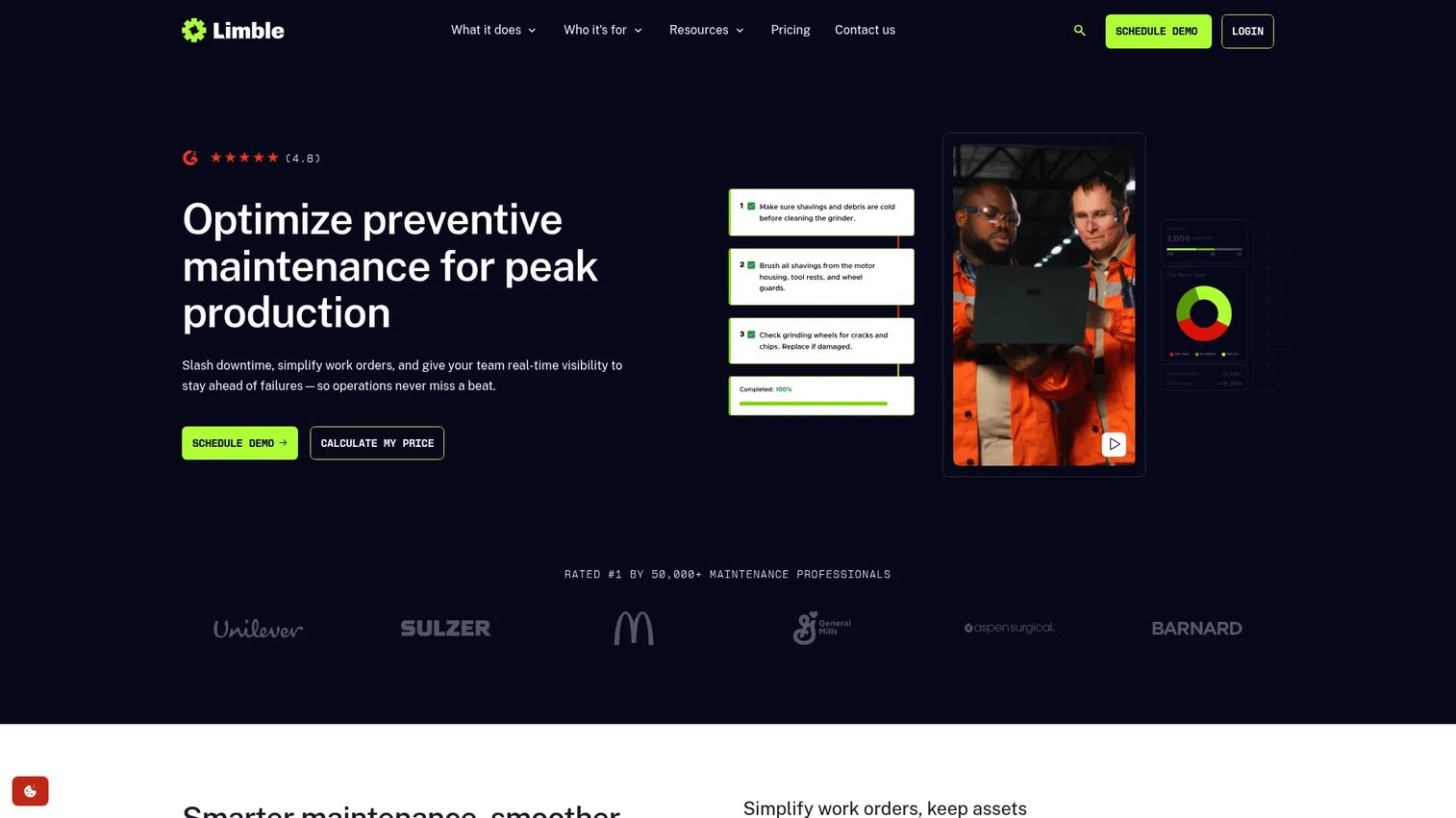
Limble is cloud-based CMMS software for maintenance teams to manage work orders, preventive maintenance, assets, parts, and reporting. Like UpKeep, it serves mixed maintenance environments, which makes it a fit for organizations that maintain vehicles alongside facilities, machinery, or equipment. If your fleet is one asset class among several, a broader CMMS often beats a vehicle-only tool.
Limble covers work order management, preventive maintenance scheduling, asset management, and spare parts inventory in a mobile-first interface technicians tend to adopt without much training. It also offers predictive maintenance and integrations, plus reports and dashboards that surface where time and money are going. For teams that want one maintenance system across everything they own, that breadth is the appeal.
Best for: Maintenance teams wanting a mobile-first CMMS with PM, work orders, assets, and inventory in one system.
Key strengths
- Work orders and preventive maintenance: Core CMMS workflows in a mobile-friendly interface.
- Asset and parts inventory: Track assets and spare parts alongside service history.
- Reports and predictive maintenance: Dashboards and predictive signals to plan work ahead.
Why choose Limble: Choose Limble when your maintenance scope reaches beyond vehicles and you want a single CMMS across all asset types. Its mobile-first design and adoption-friendly interface suit teams that need technicians on board quickly.
Limble pricing: Limble's public FAQ states there are no setup or maintenance fees for the core platform, and enterprise customers receive custom quotes. A public numeric starting price was not found on the brand site, and a free trial is available. Limble holds a 4.8/5 rating on G2.
8. Whip Around
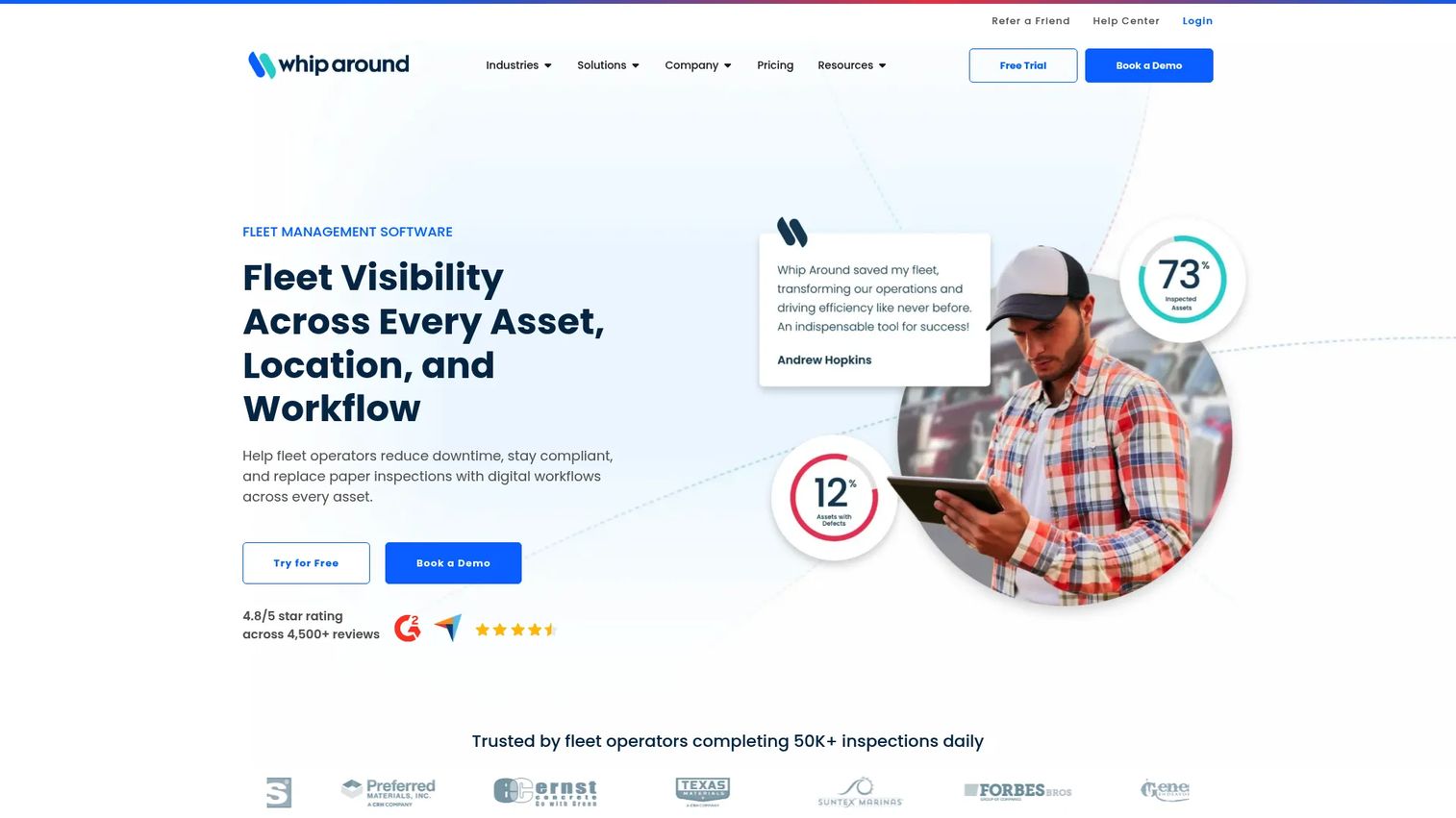
Whip Around is fleet inspection and maintenance software for managing assets, compliance, and work orders. Its center of gravity is inspections. If DVIRs, defect reporting, and DOT compliance are what keep you up at night, Whip Around was built for exactly that, with a mobile-first workflow drivers can complete in minutes.
The platform turns digital vehicle inspections into action: a driver flags a defect, it feeds defect management, and it can become a work order and service task. Preventive maintenance, work orders, and service scheduling round out the maintenance side, while asset, inventory, and document management keep records audit-ready. For fleets where inspection quality and compliance drive daily operations, that inspection-first design is the differentiator.
Best for: Fleets that need digital inspections plus maintenance and compliance workflows.
Key strengths
- Digital inspections and defect management: DVIRs and defect reporting captured on mobile.
- Preventive maintenance and work orders: Defects flow into service scheduling and work orders.
- Asset and document management: Audit-ready record keeping across assets and inventory.
Why choose Whip Around: Choose Whip Around when inspections and compliance are the heart of your operation and you want field-first execution. The free tier also makes it easy to trial before committing budget.
Whip Around pricing: Whip Around offers a Basic plan free forever, a Standard plan from $5 per asset per month, and a Pro plan from $9 per asset per month, all in USD. A FixedUnlimited plan is available at custom pricing for unlimited assets. Whip Around holds a 4.8/5 rating on G2.
Considerations before you buy
Mobile usability and field adoption
The single best predictor of ROI is whether field teams use the software. Test the mobile fleet app with an actual technician or driver, offline if your routes lose signal. If logging an inspection or closing a work order takes too many taps, adoption drops and your records stay incomplete.
Compliance and inspection depth
If you run DOT-regulated vehicles, confirm the platform produces proper DVIRs, DOT-compliant forms, and audit-ready record keeping. A failed audit is expensive. Look for a clean path from a failed inspection item to a work order so defects never fall through the cracks.
Total cost of ownership and lifecycle data
Cheap per-vehicle pricing means little if you cannot see what an asset truly costs. Evaluate how the tool rolls up fuel, parts, and labor into TCO and whether it supports replacement analysis. Good cost tracking pays for the software many times over in better lifecycle decisions.
Integrations that kill manual re-entry
Every place your team re-keys data is a place errors creep in. Check telematics integrations for odometer and fault-code sync, VIN decoding to auto-populate records, and connections to fuel cards and accounting. The fewer manual handoffs, the more the system maintains itself.
Fit for your fleet size and type
A small fleet needs simplicity and predictable pricing. A public-sector or mixed-asset operation needs vertical fit or CMMS breadth. Match the tool to your operational reality rather than buying more platform than you will use.
Conclusion
There is no single best fleet maintenance software, only the best fit for how your fleet actually runs. If you want one system that unifies preventive maintenance scheduling, inspections, and asset tracking, Fleetio is the benchmark. Small to mid-sized fleets watching budget lean toward AUTOsist. Telematics-driven operations fit Samsara, and public-sector fleets fit iWorQ.
If inspections and DOT compliance define your day, Whip Around is built around exactly that. For mobile-first field execution across mixed assets, UpKeep and Limble both bring strong CMMS depth. And when fuel and expense control is the gap, Coast fills it cleanly.
The practical next step is to shortlist two or three tools that match your fleet size, compliance needs, and asset mix. Then run the one test that matters: put the mobile app in a technician's hands and see whether the work actually gets logged. The platform your field team adopts is the platform that earns its cost.
FAQs
Fleet maintenance software is a system that plans, tracks, and records the service, inspections, and repairs needed to keep vehicles and equipment running. It centralizes preventive maintenance scheduling, work order management, inspection records, and cost data so operators reduce downtime and stay compliant.
Fleet management software is broader, covering routing, dispatch, driver management, and GPS. Fleet maintenance software focuses specifically on asset health: what needs service, when, who did the work, and what it cost. Many platforms combine both, but the maintenance layer is where uptime and compliance live.
Prioritize preventive maintenance scheduling, work order management, fleet inspection software with DVIRs, and cost tracking for TCO. Then weigh mobile usability, telematics integrations, and VIN decoding. The features that matter most are the ones your field team will actually use every day.
It schedules service by date, mileage, or engine hours and sends service reminders and maintenance alerts before work comes due. When connected to telematics, it can trigger tasks on real vehicle signals like fault codes, so you replace worn parts before they cause a breakdown rather than after.
Yes. Dedicated fleet inspection software captures digital DVIRs, flags defects, and generates DOT-compliant forms. It keeps audit-ready record keeping so compliance reviews become a quick search rather than a scramble. The strongest tools turn a failed inspection item directly into a work order.
Small fleets should prioritize simplicity, predictable pricing, and a mobile fleet app the team will adopt without training. Per-vehicle pricing and a free trial help you test fit before committing. Avoid paying for enterprise features you will not use, and confirm the tool covers inspections and preventive maintenance out of the box.
VIN decoding auto-populates vehicle details and matches the correct service schedules and parts, cutting manual entry and errors. Telematics integrations pull odometer readings, engine hours, and fault codes straight from the vehicle, so preventive maintenance scheduling fires on actual usage and problems surface before they become failures.
Look past the sticker price to the pricing model. Some tools charge per vehicle, some per user, and some quote based on fleet size. Factor in add-ons like GPS or safety cameras, whether a free tier or trial exists, and the total cost across your whole fleet. Then weigh that against the downtime and compliance risk the software removes.