Your field rep drove 214 miles last week. Finance has a calendar invite, three screenshots, and a half-filled spreadsheet. Someone will spend 30 minutes this Friday reconciling it, and the answer will still be wrong.
That friction compounds fast at Series B. Automated mileage tracking saves workers more than 21 hours per year in administrative tasks, according to Motus (2025). Multiply that across a sales team, a field ops crew, or a distributed customer success team, and the reimbursement cleanup becomes a weekly exception report that lands on your VP Finance's desk instead of being handled by a system.
The right mileage tracker removes the cleanup. But the right tool depends on the workflow: Solo driver needing a tax log, contractor tracking deductions, employee needing a reimbursement claim, or finance team wanting mileage inside an accounting system.
This guide covers all 16 options, with verified pricing and ratings, so you can hand the decision to your VP Finance or Ops lead and move on.
What's inside
This guide compares 16 mileage tracking software options for 2026. Tools were selected based on SERP prominence, mileage-specific capability, and relevance to business finance workflows.
Evaluation criteria:
- Automatic tracking accuracy and GPS reliability
- Reporting quality and tax documentation fields
- Reimbursement and approval workflow depth
- Accounting or payroll integration fit
- Pricing transparency and team plan availability
Pricing and G2 ratings reflect verified figures from each vendor's live pricing page and G2 listing.
TL;DR
- Best overall for automatic mileage tracking: MileIQ, strong for individuals and small teams wanting low-friction trip capture with swipe classification
- Best for tax-ready logs: Driversnote, especially for drivers needing clean reports across multiple trip categories
- Best for finance-led expense control: Zoho Expense, for teams centralizing employee reimbursements inside a broader expense workflow
- Best for freelancers and contractors: Everlance or Hurdlr, combining mileage with expense and income tracking for self-employed drivers
- Best for team reimbursement programs: TripLog, with admin controls and multiple tracking modes built for mobile workforces
- Best for accounting stack consolidation: QuickBooks Online or Xero, depending on which accounting system already owns your books
What is mileage tracking software?
Mileage tracking software records vehicle trips, calculates deductible or reimbursable mileage, and organizes drive data into reports for taxes, payroll, accounting, or employer reimbursement.
Core mileage tracking functions
Most tools in this category cover at least the following:
- GPS-based automatic trip detection on iOS and Android
- Manual mileage entry as a fallback
- Business, personal, medical, and charity trip classification
- Trip notes, labels, named locations, and stated purpose
- Mileage rate calculations at the IRS standard rate or custom rates
- Reimbursement reports exportable as PDF or CSV
- Accounting sync for platforms like QuickBooks, Xero, or Zoho Books
What makes it different from a spreadsheet
Spreadsheets depend entirely on the driver remembering every trip, entering it the same way each time, and submitting before payroll closes. Mileage software captures trips closer to when they happen, produces consistent fields across every log, and gives admins a single view instead of a folder of attachments.
The practical gain for finance is fewer disputes and cleaner records at audit time.
What business buyers should verify
Before choosing a tool, confirm these factors match your workflow:
- Automatic tracking accuracy on your team's specific devices
- Mobile app reliability across iOS and Android
- Privacy and location data retention controls
- Report fields required for IRS documentation
- Approval workflow depth (does it route to a manager?)
- Accounting and payroll integration scope
- Employee adoption friction and onboarding speed
- Battery usage impact on driver devices
When to use mileage tracking software
Reimburse employee driving without spreadsheet cleanup
Field sales, customer success, healthcare, and operations teams generate driving expenses weekly. A mileage tracker app produces consistent report fields and a clear approval path, so Finance processes reimbursements without chasing screenshots. For a founder trying to remove themselves from back-office decisions, this is the workflow that earns its place in the first month.
Prepare tax-ready mileage records before filing season
Freelancers, consultants, and business owners need mileage documentation that holds up under IRS review. Reports should include date, trip purpose, destination, route, and the applicable mileage rate. Confirm field coverage with a tax professional before relying on any tool for deductions.
Standardize mileage policy across a growing team
Companies moving from ad hoc reimbursement to a repeatable process need admin dashboards, approval routing, and accounting sync. Getting this right at 50 people means you don't rebuild it at 150. The tools that handle this well let Finance own the process without engineering involvement.
Mileage tracking software comparison
Use this table to shortlist. The right row depends on your workflow: Solo driver, contractor, employee reimbursement program, or accounting stack extension.
| # | Product | Best for | Key differentiator | Pricing | G2 rating |
|---|---|---|---|---|---|
| 1 | MileIQ | Simple automatic tracking | Swipe-based trip classification | Free; from $11.66/mo | 4.2/5 |
| 2 | Driversnote | Tax-ready mileage logs | Multiple trip categories and report sharing | Free; from $11/mo | 4.6/5 |
| 3 | Zoho Expense | Expense reimbursement workflows | Mileage inside broader expense management | Free; from $3/user/mo | 4.5/5 |
| 4 | Everlance | Freelancers and contractors | Mileage, expenses, and income tracking together | Free; from $10.99/mo | 4.4/5 |
| 5 | TripLog | Teams and reimbursement programs | Admin controls and multiple tracking modes | Free; from $4.99/mo | 4.6/5 |
| 6 | MileageWise | Reconstructing missing logs | Google Maps Timeline import and IRS log repair | From $8.99/mo | 4.9/5 |
| 7 | QuickBooks Online | Accounting-led businesses | Mileage tracking tied to bookkeeping | From $38/mo | 4.0/5 |
| 8 | FreshBooks | Service businesses | Mileage with invoicing and client billing | From $1/mo (promo) | N/A |
| 9 | Hurdlr | Independent professionals | Tax estimates with mileage tracking | Free; from $8.34/mo | 4.3/5 |
| 10 | Shoeboxed | Receipt-heavy expense tracking | Mileage plus receipt digitization | From $9/mo | 4.4/5 |
| 11 | Xero | Xero-based accounting teams | Mileage connected to accounting workflows | From $5.40/mo (promo) | 4.4/5 |
| 12 | Sage Intacct | Larger finance teams | Enterprise finance and expense controls | Custom pricing | 4.3/5 |
| 13 | Zoho Books | Zoho accounting users | Mileage tied to books and expenses | Free; from $15/mo | 4.4/5 |
| 14 | SAP Concur | Enterprise travel and expense | Policy-driven reimbursement workflows | From $7/report | 4.0/5 |
| 15 | ADP | Payroll-connected reimbursement | Mileage tied to HR and payroll workflows | Custom pricing | 4.7/5 |
| 16 | Google Timeline | Free trip history reference | Passive location history review | Free | N/A |
Best 16 mileage tracking software tools for 2026
1. MileIQ
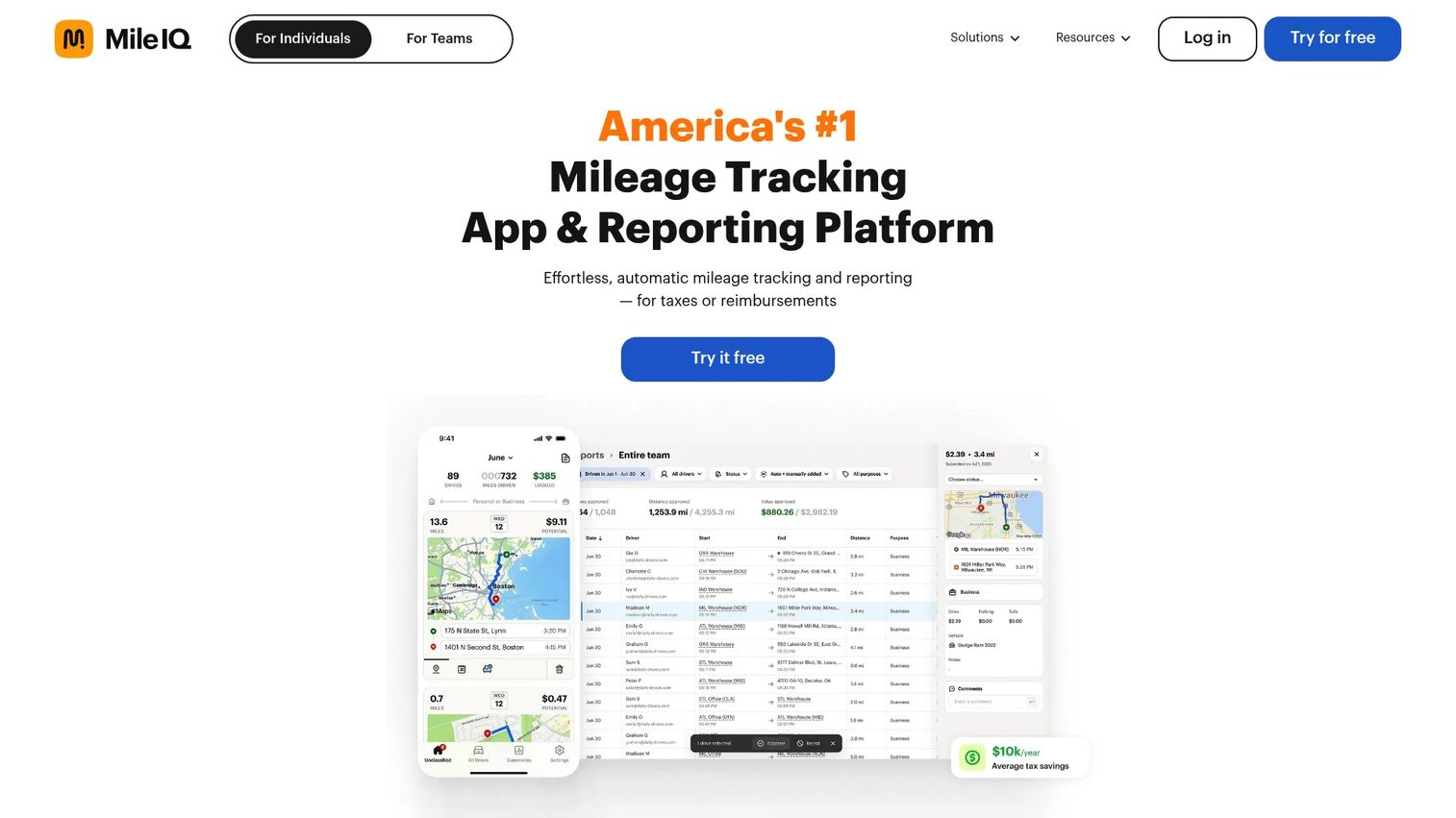
MileIQ is one of the most widely used automatic mileage tracking apps for individuals and business teams. The mobile app detects drives automatically and lets drivers classify each trip as business or personal with a single swipe. A web dashboard gives admins visibility into team drives, and reports export in formats accepted for tax and reimbursement purposes.
Best for: Individuals and small teams that want automatic mileage tracking with minimal driver input.
Key features
- Automatic drive detection and GPS mileage logging
- Swipe-based business and personal trip classification
- Work-hours and named-location drive automation
- Web dashboard with search, bulk editing, and custom reports
- Team reporting, approval workflows, and commute exclusion
Why choose MileIQ: It's the right call when adoption is the primary concern. Drivers spend seconds per trip rather than minutes per week, which means compliance rates stay high without requiring enforcement.
MileIQ pricing: Free plan includes 40 drives per month. Unlimited individual plans start at $11.66/month billed annually ($13.99/month to month). Business Teams plans start at $8/user/month billed monthly, with Lite, Teams, and Pro tiers available.
G2 rating: 4.2/5
2. Driversnote
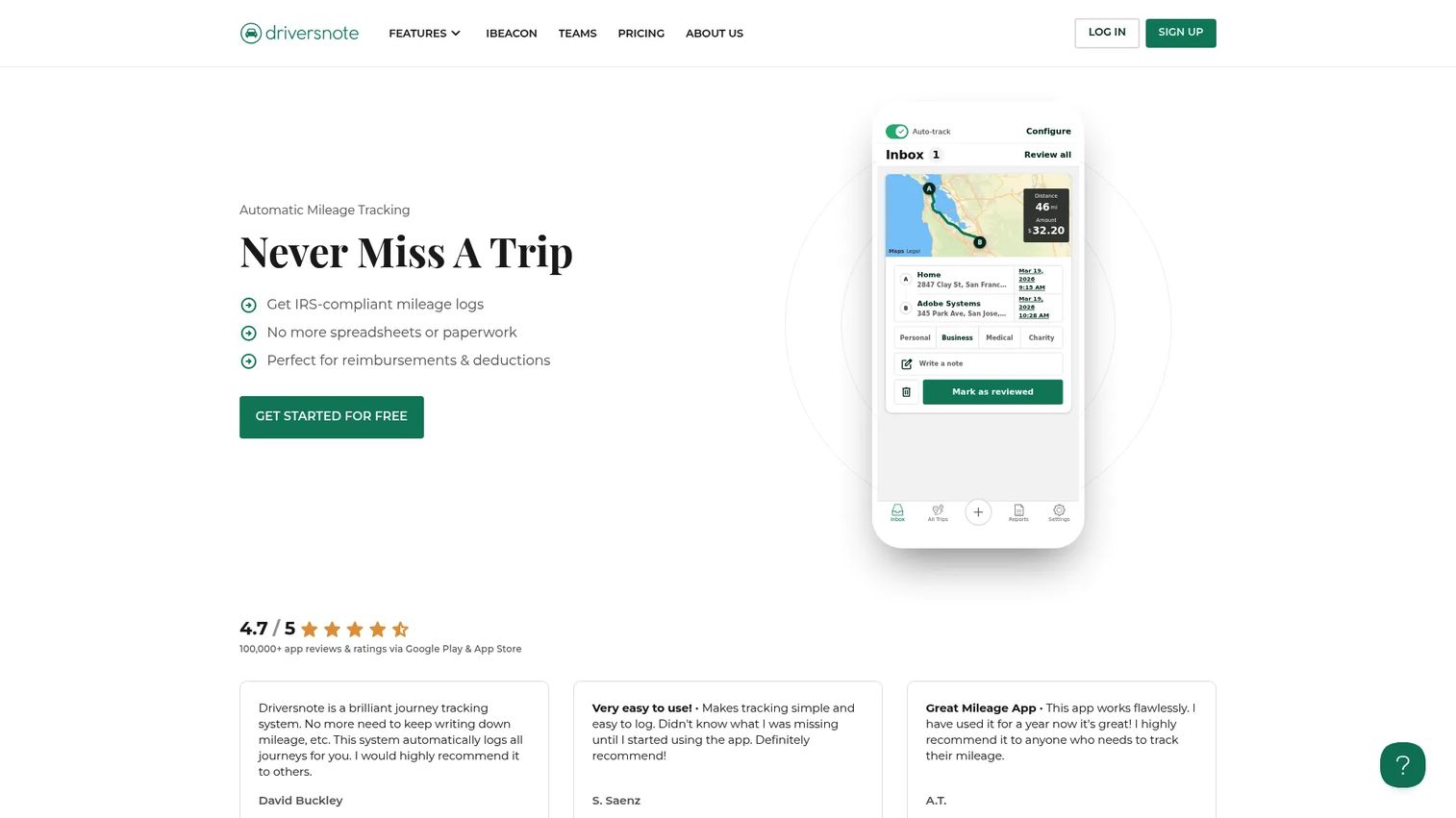
Driversnote automates mileage logging and produces reports across business, personal, medical, and charity trip categories. The app works on iOS and Android, with optional iBeacon hardware for automatic detection when entering a vehicle. Team features include report collection, manager review, and audit tools built for reimbursement sign-off.
Best for: Drivers who need clean, categorized mileage documentation for tax or reimbursement workflows.
Key features
- Automatic mileage tracking via motion detection or iBeacon
- Business, personal, medical, and charity trip classification
- PDF and Excel mileage report exports
- Team report collection, approval, and audit tools
- Public API for custom integrations
Why choose Driversnote: Report quality is the standout. Drivers produce clean, categorized logs that hold up in reimbursement reviews or tax filing, with less back-and-forth between Finance and the field.
Driversnote pricing: Free plan covers up to 15 trips per month. Pro plan is $11/month. Teams plan runs $11 per license per month, with Teams+ available at custom pricing for larger organizations.
G2 rating: 4.6/5
3. Zoho Expense
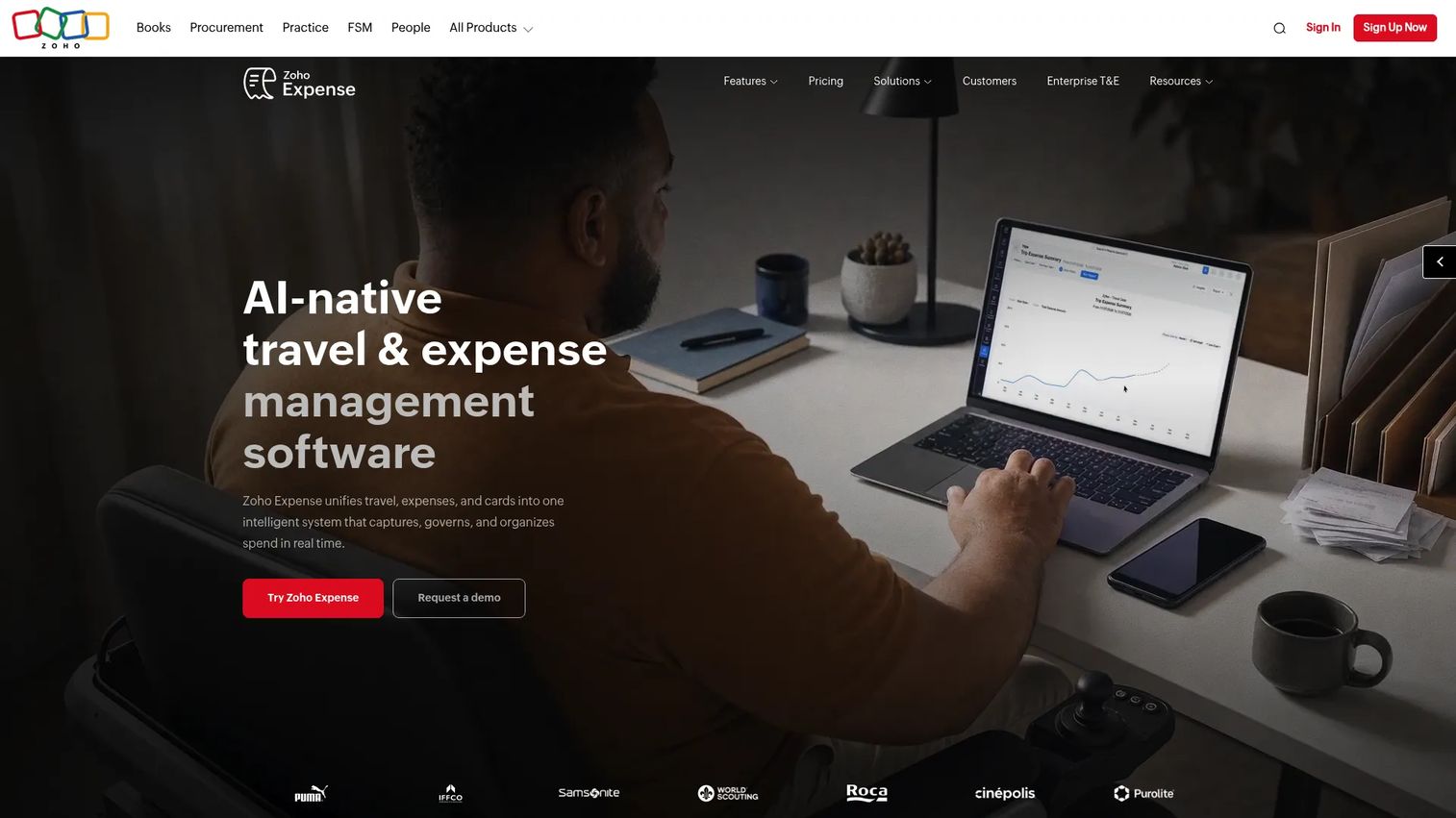
Zoho Expense combines mileage tracking with a full expense management workflow. Receipt capture, approval routing, policy enforcement, and corporate card management all sit alongside mileage claims in one platform. Companies already using the Zoho suite get native connections to CRM, Books, and Payroll without additional setup.
Best for: Companies that want mileage inside a broader employee reimbursement and expense approval process.
Key features
- Mileage tracking and per diem management
- AI receipt capture in 38-plus languages
- Approval workflows with policy enforcement
- Corporate card management with real-time feeds
- Multi-entity and multi-currency support
Why choose Zoho Expense: When mileage is only one line item in a larger expense process, handling it inside the same platform as receipts and approvals removes a tool from the stack. It fits teams already using Zoho and those consolidating finance workflows before their next board review.
Zoho Expense pricing: Free for up to 3 users. Standard plan is $3/user/month billed annually ($4/user/month monthly). Premium plan is $5/user/month billed annually ($6/user/month monthly).
G2 rating: 4.5/5
4. Everlance
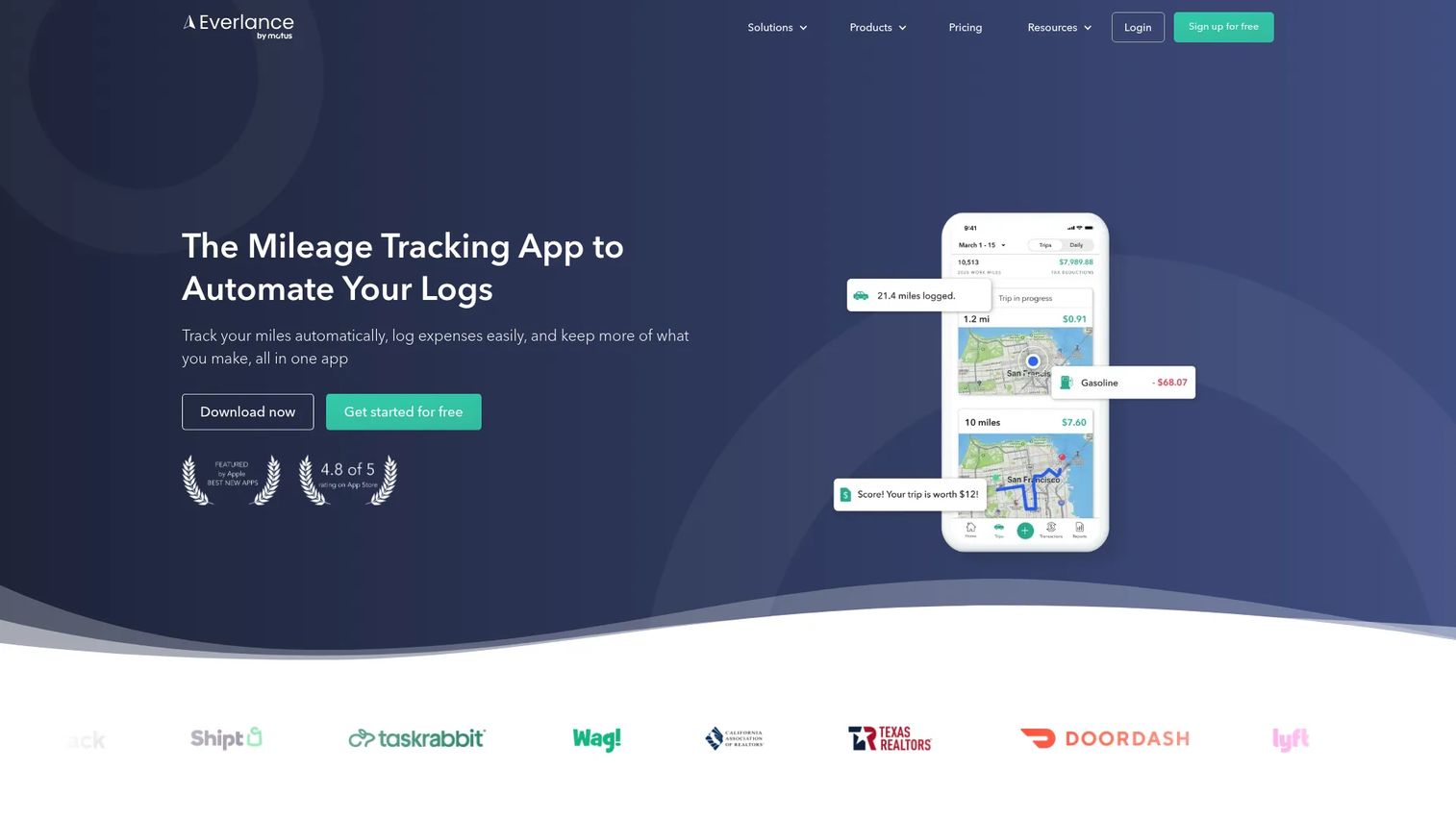
Everlance tracks mileage, expenses, and income in a single app for self-employed professionals and small business teams. GPS mileage detection runs automatically, and bank and credit card syncing pulls expense data without manual entry. IRS-compliant reports cover mileage logs, expense summaries, and deduction totals in formats ready for tax preparation.
Best for: Independent workers and contractor-heavy businesses tracking mileage and expenses together.
Key features
- Automatic GPS mileage tracking
- Expense tracking with bank and credit card syncing
- Receipt capture and IRS-compliant report exports
- Income tracking for self-employed users
- Team plans for small business reimbursement
Why choose Everlance: It's the right tool when the driver is also the business owner. Mileage, expenses, and income all belong to one tax picture, and Everlance keeps them in one place without requiring an accounting platform alongside it.
Everlance pricing: Basic plan is free with limited automatic trips. Starter plan is $10.99/month or $89.99/year with unlimited automatic tracking. Professional plan is $19.99/month or $119.99/year, adding automatic expense syncing.
G2 rating: 4.4/5
5. TripLog
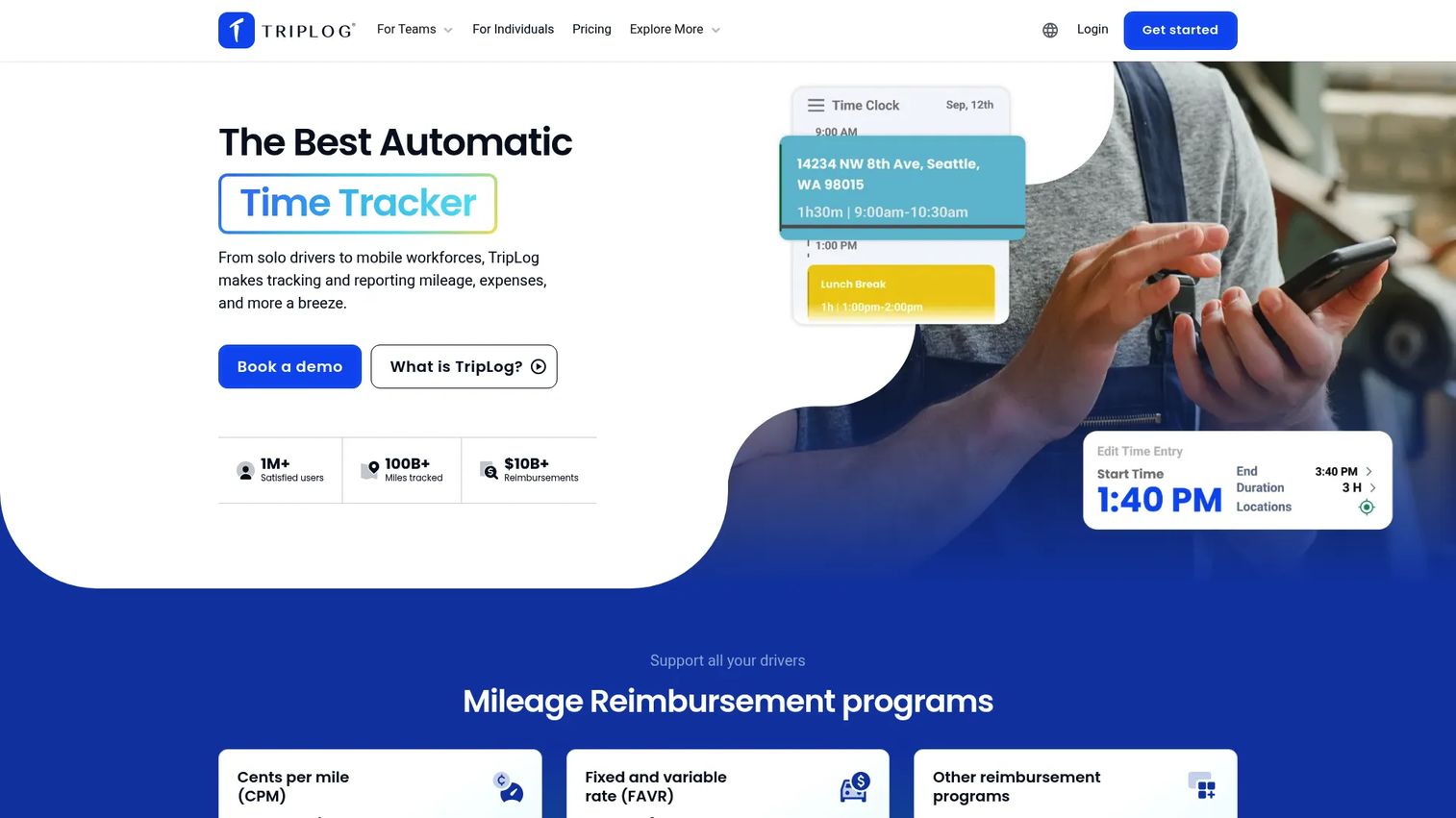
TripLog is a mileage and expense tracking platform built for mobile workforces and multi-driver reimbursement programs. The app supports several tracking methods alongside GPS, and an admin dashboard gives Finance visibility into individual driver logs before approving payroll or expense reports. Integrations with QuickBooks Online and SAP Concur connect mileage data to existing accounting or enterprise expense workflows.
Best for: Businesses managing mileage reimbursement across multiple drivers with structured approval workflows.
Key features
- Unlimited automatic GPS mileage tracking
- Expense tracking with OCR receipt capture
- Tax-compliant mileage reports
- Auto-classification rules and time tracking
- QuickBooks Online and SAP Concur integrations
Why choose TripLog: Finance teams get the oversight they need: Consistent logs, approval controls, and accounting exports without chasing individual driver submissions. It fits companies running a formal reimbursement policy rather than ad hoc mileage claims.
TripLog pricing: Basic plan is free. Premium plan is $4.99/month billed annually ($59.99/year). Optional hardware add-ons are available separately.
G2 rating: 4.6/5
6. MileageWise
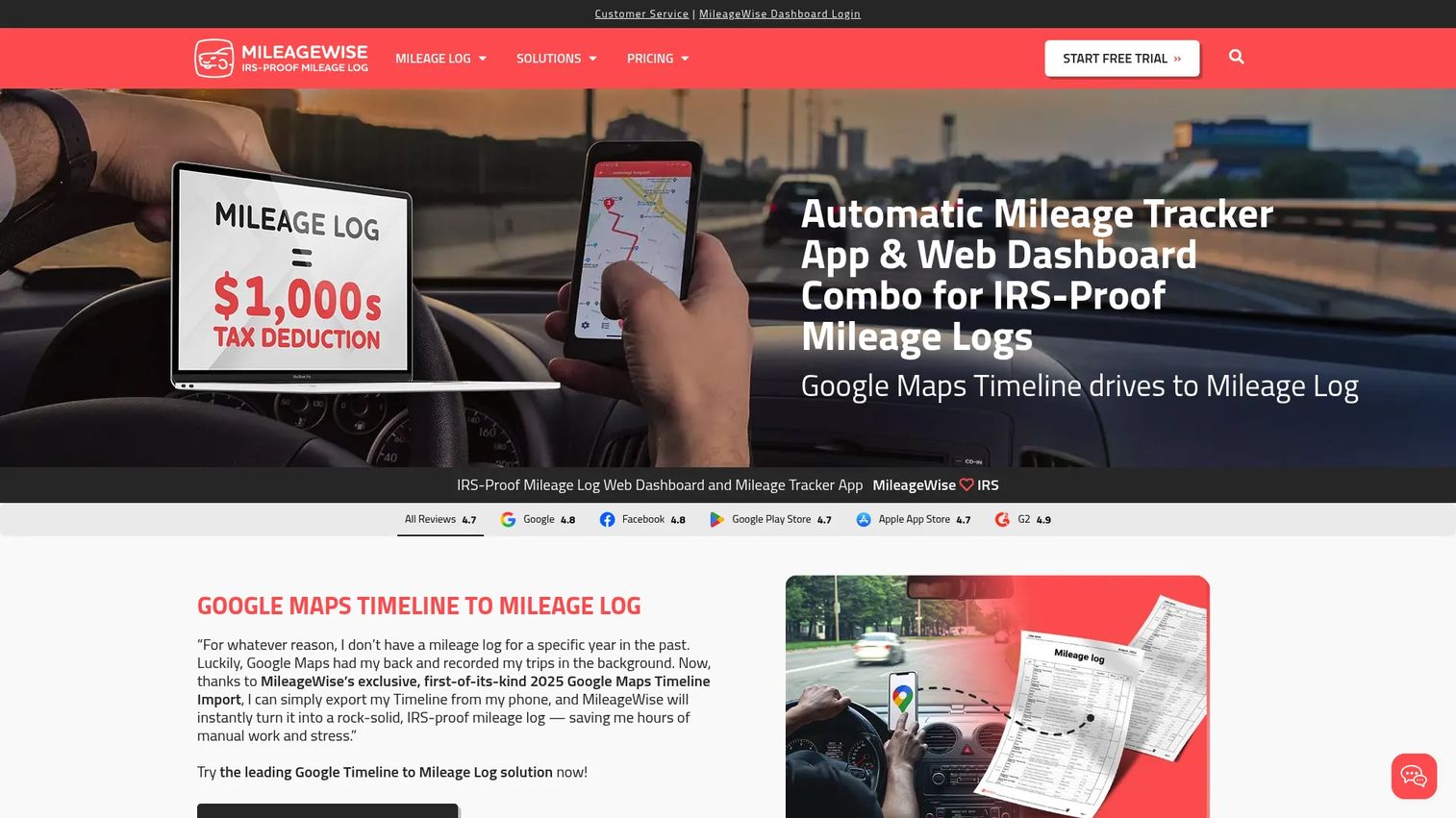
MileageWise focuses on IRS-compliant mileage log creation, including the ability to reconstruct missing trip history using Google Maps Timeline data. Drivers who missed logging for weeks or months can import location data, classify trips, and produce a compliant log ready for tax filing or audit support. The dashboard handles bulk import and auto-classification.
Best for: Self-employed professionals and tax preparers reconstructing or correcting incomplete mileage records.
Key features
- Automatic mileage tracking via app
- Google Maps Timeline import for log reconstruction
- Bulk client and trip import
- Trip auto-classification with flexible editing
- PDF, CSV, and XLSX report exports
Why choose MileageWise: The reconstruction capability is unique in this category. If a driver skipped logging and tax season is approaching, this tool solves a specific corrective problem that general mileage apps don't address.
MileageWise pricing: Small Biz Monthly plan is $8.99/month. Small Biz Annual plan is $69.99/year. A one-time lifetime license option is also available at $179.99. A free trial is offered.
G2 rating: 4.9/5
7. QuickBooks Online
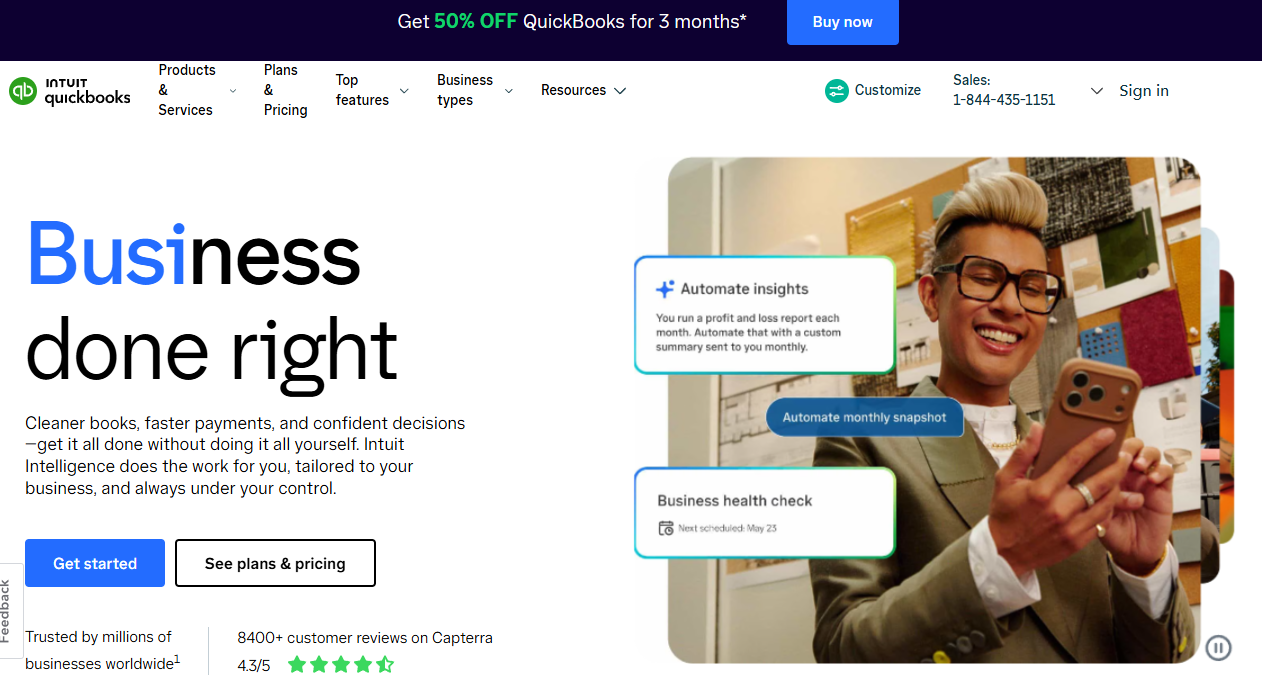
QuickBooks Online is a cloud accounting platform that includes mobile mileage tracking as part of its expense management features. Drivers log or auto-capture trips in the mobile app, which feed directly into QuickBooks expense categorization and tax reporting. For companies already using QuickBooks as their accounting system, this removes one more disconnected tool from the stack.
Best for: Small businesses that want mileage tracking connected to their existing accounting records.
Key features
- Mobile mileage tracking with auto-detection
- Expense categorization and receipt capture
- Accounting sync with bookkeeping and invoicing
- Tax reporting and sales tax tracking
- Bank feeds and automated bookkeeping
Why choose QuickBooks Online: The decision here is stack consolidation, not mileage specialization. If QuickBooks already owns your books, adding a standalone mileage app creates a sync problem. Using built-in mileage tracking keeps your finance data in one place.
QuickBooks Online pricing: Simple Start is $38/month. Essentials is $85/month. Plus is $140/month. Advanced is $340/month. A 30-day free trial is available; no permanent free tier.
G2 rating: 4.0/5
8. FreshBooks

FreshBooks is a small business accounting and invoicing platform with mileage tracking built into its mobile app. Service businesses can log drives and connect mileage directly to client projects, invoices, or expense records without switching between tools. Time tracking, receipt scanning, and project profitability reporting round out the workflow for consultants and agencies.
Best for: Service businesses and freelancers that bill clients and track mileage inside the same workflow.
Key features
- Mobile mileage tracking and trip logging
- Client invoicing and project billing
- Expense tracking and receipt scanning
- Time tracking and project profitability
- Payroll and accounting reports
Why choose FreshBooks: It makes sense when mileage needs to connect with client invoices or billable project costs. For a service firm that needs to pass driving costs through to clients, having mileage and invoicing in one tool removes manual reconciliation.
FreshBooks pricing: Lite plan is $1/month for the first year (promotional rate). Plus is $8.60/month and Premium is $14/month, both at promotional rates. Select plan uses custom pricing. A 30-day free trial is available.
9. Hurdlr
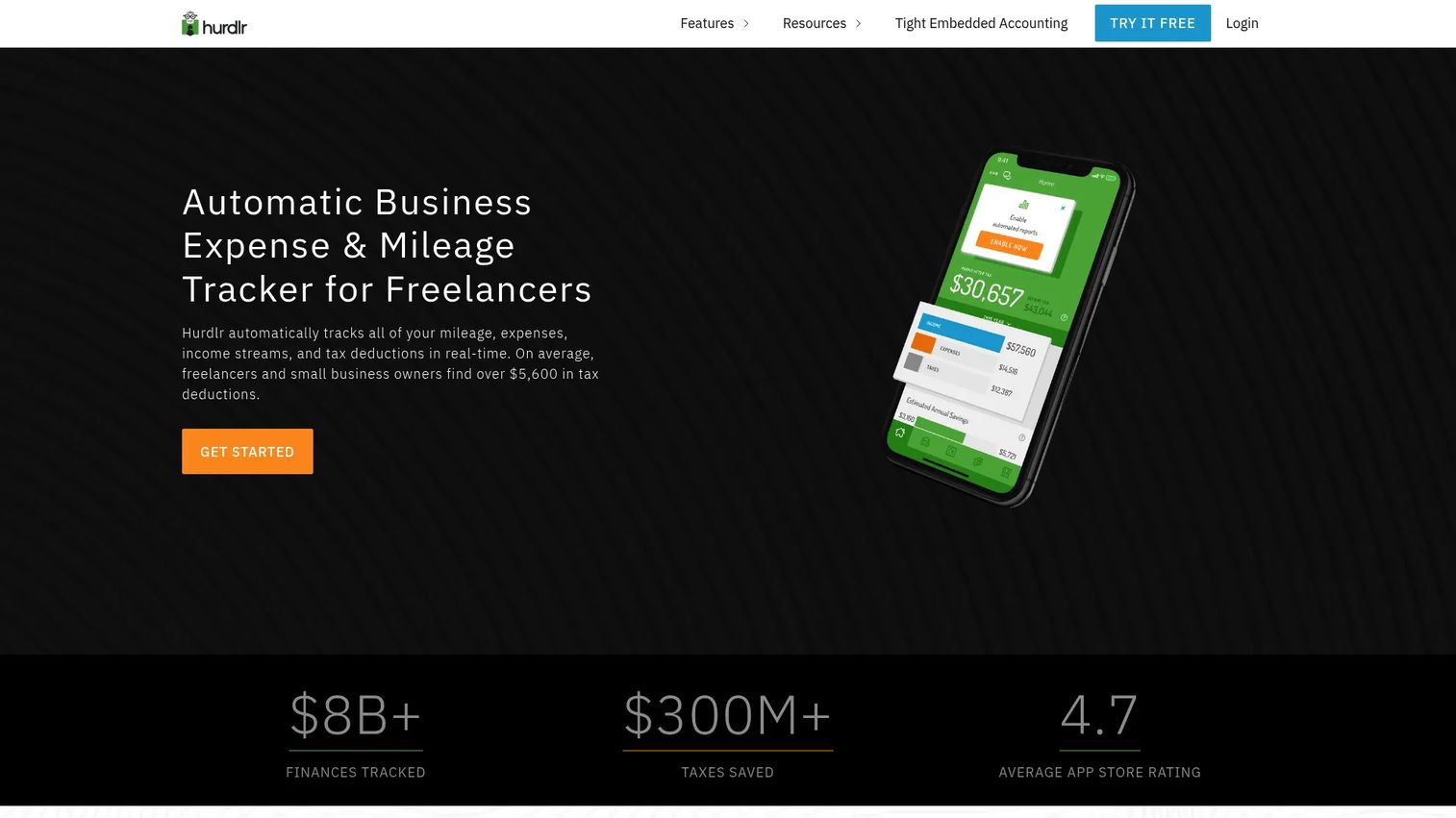
Hurdlr combines automatic mileage tracking with expense tracking, income tracking, and real-time tax estimates. Self-employed professionals see their running tax liability update as they log income and expenses, alongside their mileage deductions. The Pro plan adds annual tax filing support and accountant access.
Best for: Independent professionals who want mileage tracking integrated with personal business tax management.
Key features
- Automatic mileage tracking
- Real-time tax estimates and payment tracking
- Expense and income tracking
- Receipt capture and expense rules
- Invoicing and advanced accounting on Pro plan
Why choose Hurdlr: The tax estimate feature sets it apart from pure mileage apps. Freelancers and gig workers who need to manage quarterly taxes alongside mileage deductions get a more complete financial picture in one app.
Hurdlr pricing: Free plan includes semi-automatic mileage tracking and manual finance tracking. Premium is $8.34/month on an annual plan ($9.99/month to month). Pro is $200/year, adding tax filing and accountant access.
G2 rating: 4.3/5
10. Shoeboxed
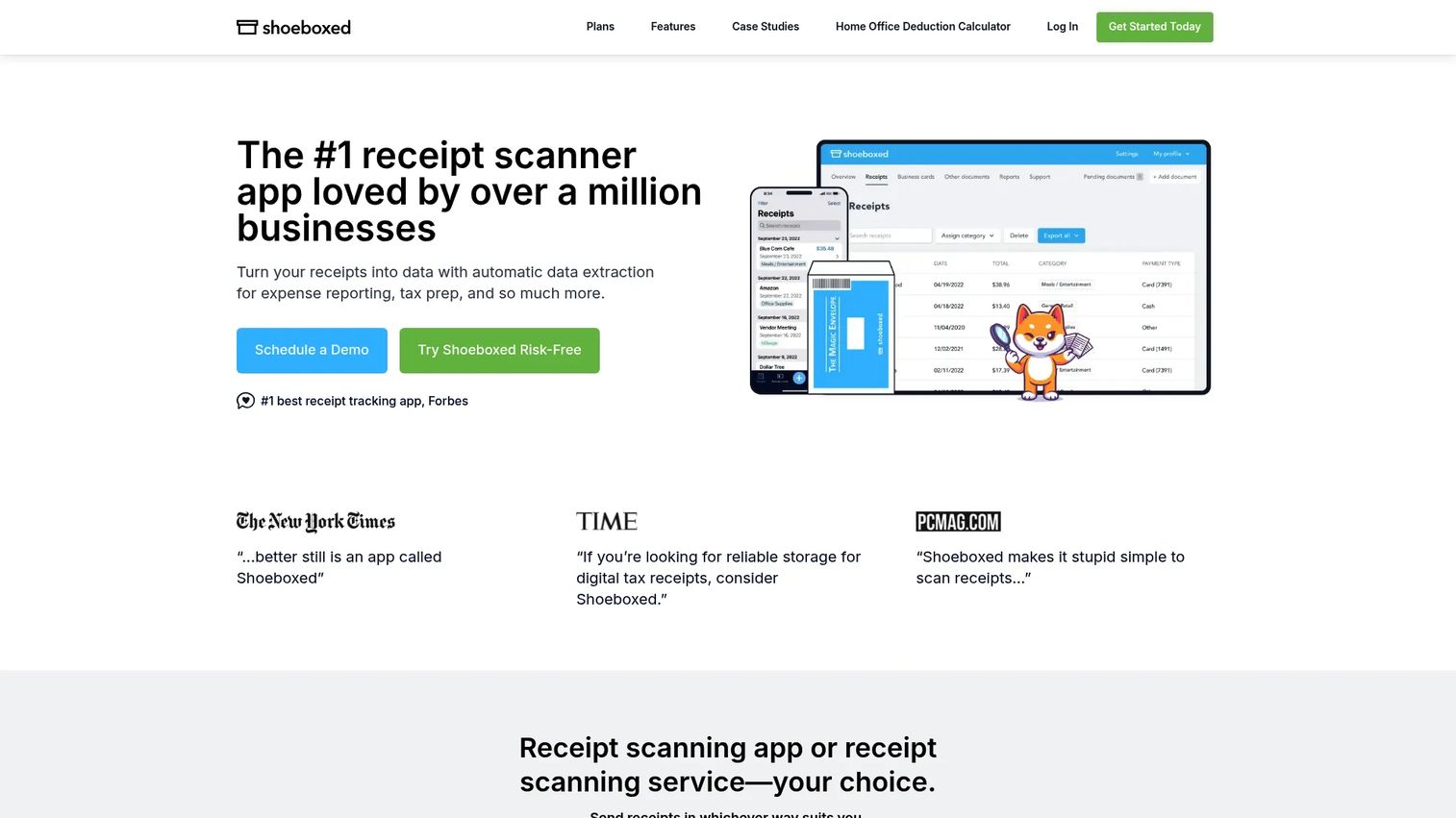
Shoeboxed digitizes receipts and documents while also tracking mileage expenses. The platform includes a Magic Envelope mail-in service for paper receipts, alongside mobile scanning, email sync, and QuickBooks Online and Xero integrations. Mileage tracking is included across all plans alongside the core receipt digitization workflow.
Best for: Small businesses and accountants that need receipts and mileage documentation organized together.
Key features
- Receipt scanning via mobile app, email, and mail-in service
- OCR extraction with human verification and categorization
- Automatic mileage tracking
- Expense reports with receipt images
- QuickBooks Online and Xero integrations
Why choose Shoeboxed: The receipt digitization depth is the differentiator. Companies that still receive paper receipts, or need a paper trail organized alongside mileage records, get both in one workflow without stitching two tools together.
Shoeboxed pricing: Starter plan is $9/month or $97/year. Pro is $29/month or $297/year. Plus is $79/month or $797/year. Paper Plus, which includes the Magic Envelope mail-in service, is $179/month or $1,997/year. A 30-day money-back guarantee applies.
G2 rating: 4.4/5
11. Xero
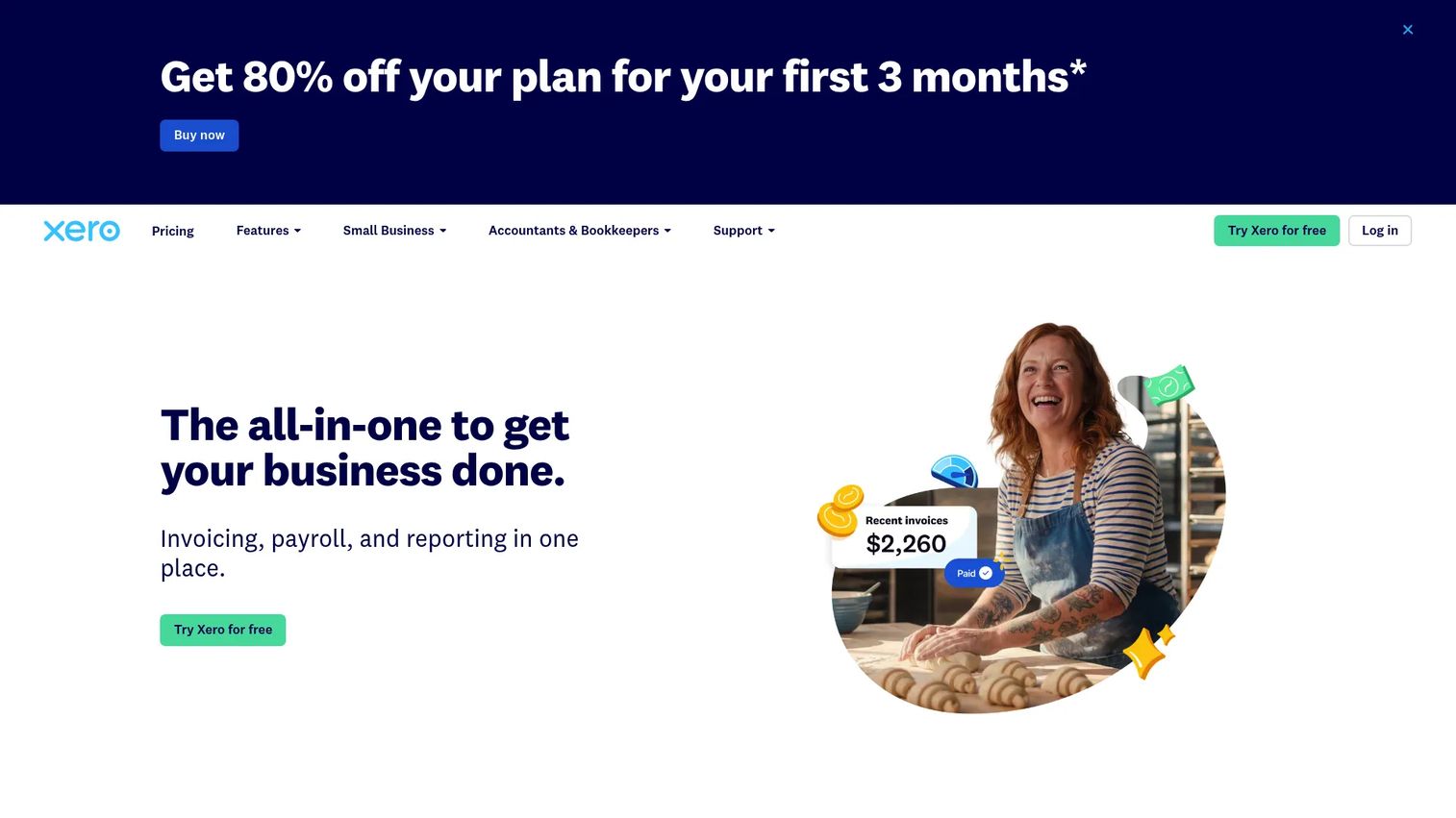
Xero is a cloud accounting platform that handles expense and mileage claims alongside invoicing, bank reconciliation, bill payments, and financial reporting. Employees submit mileage claims through the Xero app, which route to managers for approval and post directly to the accounting records. Finance teams on Xero get a single system instead of a separate mileage tool feeding data into accounting.
Best for: Xero-based companies that want mileage tied directly to their accounting records and approval workflows.
Key features
- Expense and mileage claims via mobile app
- Approval workflows for submitted claims
- Bank reconciliation and accounting sync
- Invoicing and bill payments
- Cash flow forecasting and financial reporting
Why choose Xero: For companies already on Xero, adding a separate mileage app creates an unnecessary data handoff. Mileage claims that flow directly into the ledger save Finance the import step and keep expense data consistent.
Xero pricing: Early plan starts at $5.40/month for the first 3 months, then $27/month. Growing is $11.80/month promotional, then $59/month. Established is $19.40/month promotional, then $97/month. No free tier; a free trial is available.
G2 rating: 4.4/5
12. Sage Intacct

Sage Intacct is a cloud financial management platform for growing and mid-sized organizations. Expense management, including mileage reimbursement, sits inside a multi-entity accounting system with real-time dashboards, AI-powered accounts payable automation, and approval controls. It's a finance-system decision, not a mileage-app decision.
Best for: Larger finance teams that need mileage reimbursement inside an enterprise accounting and multi-entity control environment.
Key features
- Multi-entity accounting and consolidation
- Expense management and approval controls
- Real-time dashboards and multi-dimensional reporting
- AI-powered accounts payable automation
- Open APIs and hundreds of integrations
Why choose Sage Intacct: For a 200-person company with multiple legal entities, having mileage reimbursement inside the same platform that owns the general ledger eliminates reconciliation work at month-end. It's not a fit for a 40-person team that just needs trip logs.
Sage Intacct pricing: Pricing is custom and requires contacting Sage for a quote. The platform uses annual subscription pricing based on organization size, modules selected, and required functionality.
G2 rating: 4.3/5
13. Zoho Books
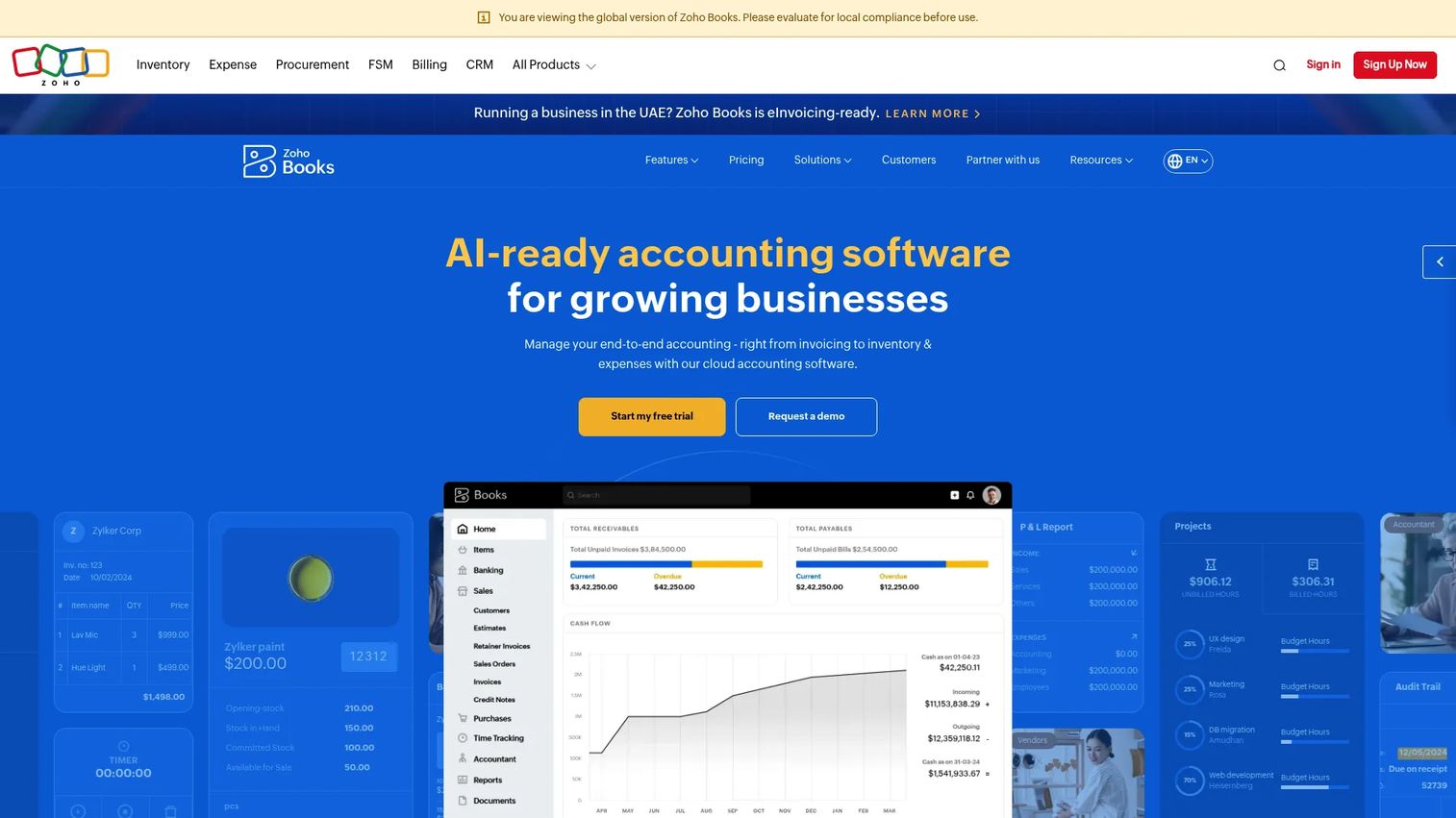
Zoho Books is the accounting platform in the Zoho suite, covering invoicing, bank reconciliation, expense tracking, inventory, and financial reporting. Expense claims, including mileage-related costs, connect directly to the books without a separate import. For teams using both Zoho Books and Zoho Expense, mileage flows through expense claims into accounting records automatically.
Best for: Small and growing businesses that want mileage-related expenses tied to accounting records inside the Zoho suite.
Key features
- Invoicing, expense tracking, and journals
- Bank feeds and reconciliation
- Inventory and purchase order management
- Customer and vendor portals
- AI-powered financial assistance and anomaly detection
Why choose Zoho Books: Use it when accounting ownership is the priority. If your team runs reimbursement approvals frequently and needs routing controls, Zoho Expense is the better entry point. Zoho Books fits when the accounting record is the primary destination.
Zoho Books pricing: Free plan available. Standard is $15/month billed annually ($20/month monthly). Professional is $40/month annually ($50/month monthly). Higher tiers go up to $240/month annually. A 14-day free trial is available on paid plans.
G2 rating: 4.4/5
14. SAP Concur
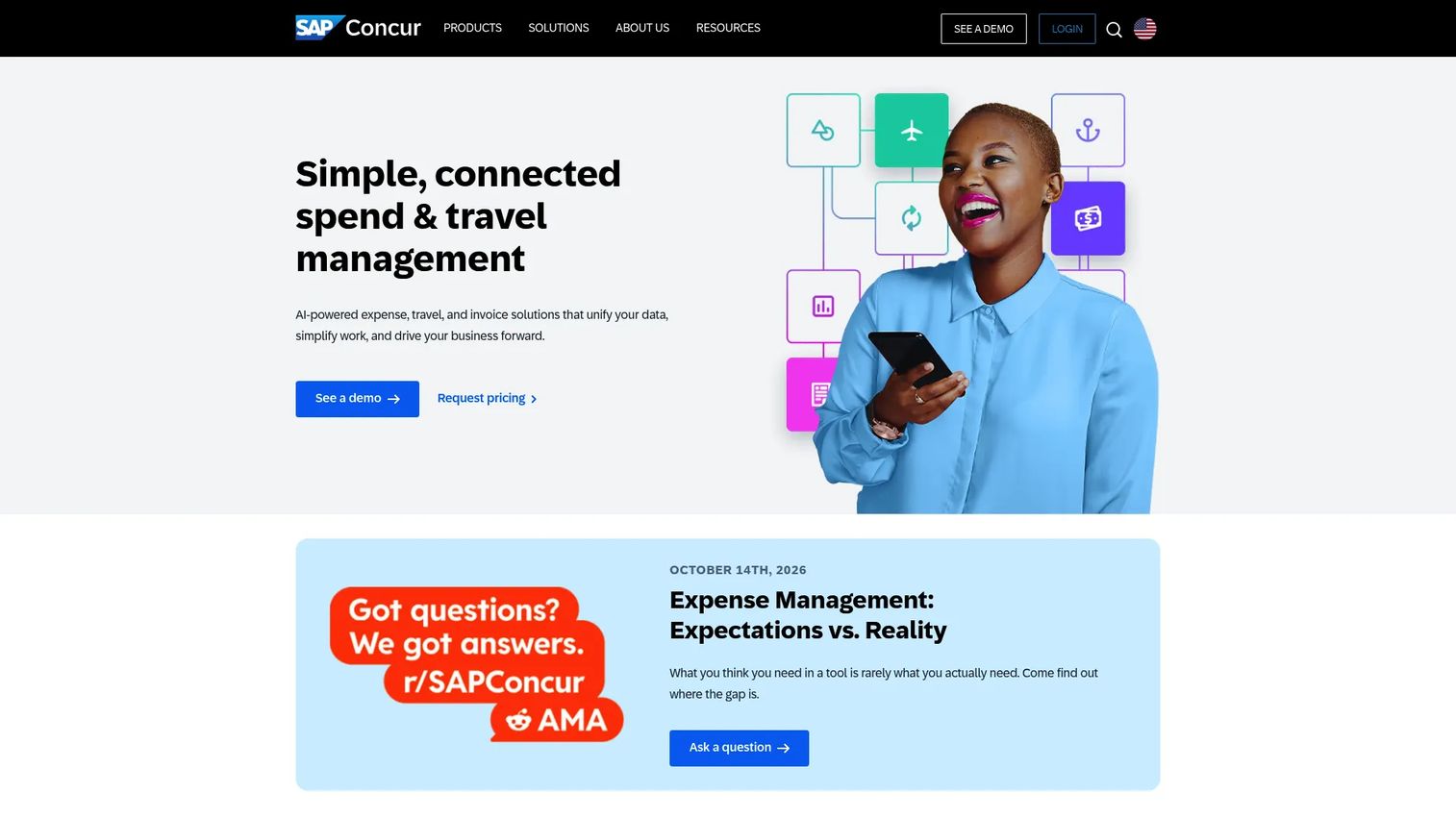
SAP Concur is an enterprise travel and expense platform that handles mileage reimbursement inside a policy-controlled approval and reporting workflow. Employees submit expense reports with mileage entries, managers approve against company policy, and Finance gets consolidated spend visibility across travel, meals, and ground transportation. It covers the full T&E workflow, not mileage in isolation.
Best for: Enterprises that need policy-driven mileage reimbursement as part of a broader travel and expense control system.
Key features
- Automated expense reporting and receipt capture
- Business travel booking with policy controls
- Mileage reimbursement with approval routing
- Invoice capture, OCR extraction, and purchase-order matching
- Spend visibility and compliance reporting
Why choose SAP Concur: It earns its place when mileage is one line in a larger travel expense program. Companies with regular business travel, per diem controls, and multi-level approval requirements get unified visibility. A founder-stage team of 40 people doesn't need it.
SAP Concur pricing: Base plan starts at $7 per report per month. Plus plan starts at $11 per report per month. Premium plan uses custom pricing. Contact SAP Concur sales for a quote on Plus or Premium.
G2 rating: 4.0/5
15. ADP
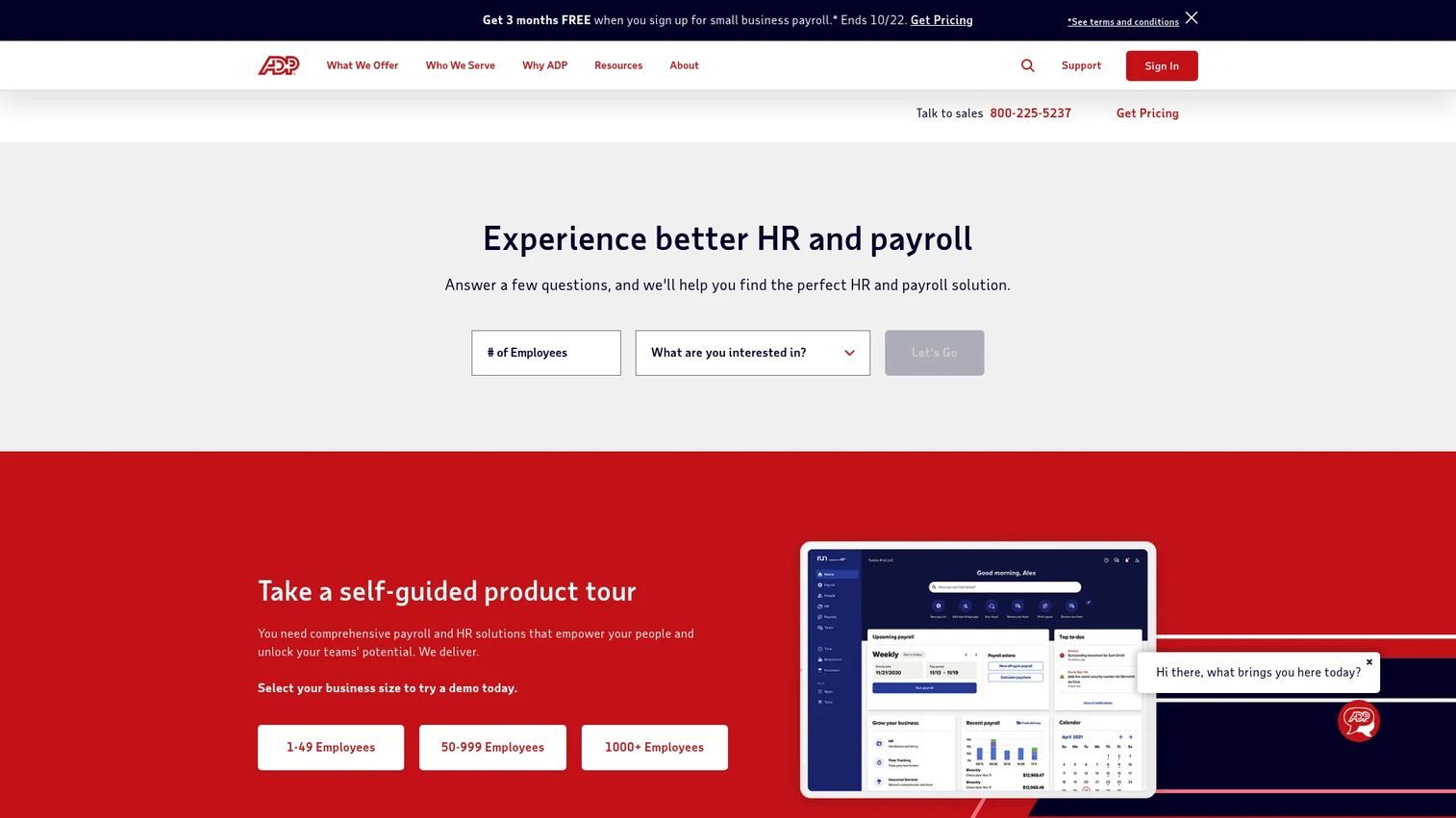
ADP is a payroll and human capital management platform that handles reimbursements as part of its broader HR and payroll workflows. Mileage reimbursement processed through ADP connects directly to payroll records, employee self-service, and compliance reporting. It's not a GPS mileage tracker, but for companies where reimbursement belongs inside payroll governance, it centralizes the process where the money actually moves.
Best for: Companies that want mileage reimbursement connected to payroll operations rather than a separate expense tool.
Key features
- Payroll processing and tax filing
- HR management and employee self-service
- Time and attendance workflows
- Benefits administration
- Compliance support and workforce analytics
Why choose ADP: When the reimbursement check goes out with payroll, managing mileage claims inside ADP removes the handoff between expense software and payroll. It's a consolidation decision for teams already using ADP as their HR system.
ADP pricing: ADP does not post prices. Contact sales for a quote. Package names include Essential Payroll, Enhanced Payroll, Complete Payroll and HR+, and HR Pro Payroll and HR for RUN Powered by ADP.
G2 rating: 4.7/5
16. Google Timeline
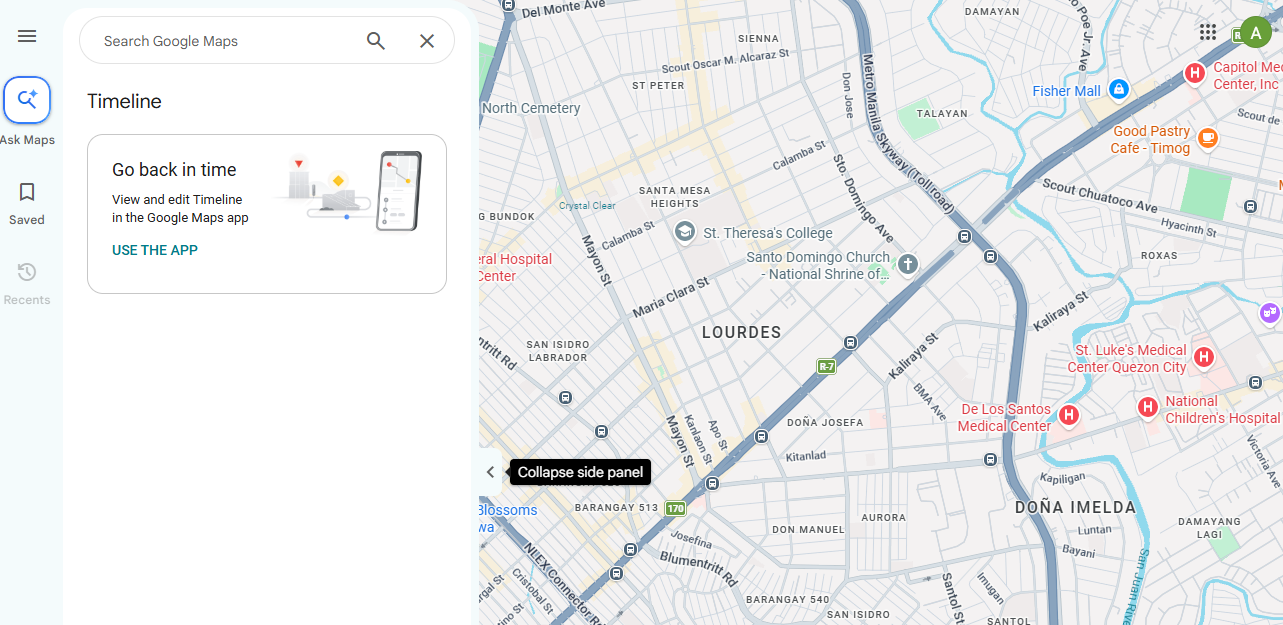
Google Timeline is a Google Maps feature that passively records visits and routes based on a device's location history. It is not a mileage tracking app in any business sense: There are no reimbursement workflows, no trip classification, no approval routing, and no accounting integrations. What it does is give individuals a map-based record of where they went, which can be used alongside tools like MileageWise to reconstruct mileage history.
Best for: Individuals reconstructing personal trip history when they missed logging and don't need business reimbursement workflows.
Key features
- Automatic visit and route saving
- Travel mode detection (driving, walking, transit)
- Manual entry editing and deletion
- Encrypted backup and data export
- Automatic deletion options for older data
Why choose Google Timeline: The only reason to include it in a business mileage conversation is log reconstruction. If a driver missed months of tracking, Google Timeline data can feed into a reconstruction tool. For ongoing business mileage tracking, use any other tool on this list.
Google Timeline pricing: Free with a Google account, subject to location history being enabled on the device.
Considerations when choosing mileage tracking software
Decide whether mileage is the workflow or one data point
Standalone mileage apps like MileIQ, Driversnote, and Everlance are better for drivers whose primary need is trip logging and reports. Expense platforms like Zoho Expense or TripLog are better when reimbursement approvals and policy enforcement matter. Accounting platforms fit when Finance wants fewer disconnected data sources feeding the ledger. Match the tool to the owner, not the feature list.
Verify report fields before tax season
IRS mileage documentation typically requires date, trip purpose, destination, route, and the business-use mileage amount. Not every tool exports all of these fields in the same format. Confirm the report covers what you need before committing to a platform, and have a tax professional verify requirements for your specific situation.
Test automatic tracking with your real drivers
GPS accuracy varies by device model, Android or iOS version, phone permissions, and background processing settings. A one to two week pilot with actual drivers on actual routes will surface missed trips and false positives before you roll out company-wide. Don't rely on demo conditions.
Check privacy and location data controls
Employees driving their personal vehicles to client sites are sharing location data with a company-managed app. Clear policy language on what gets tracked, how long it's retained, and whether off-hours location is captured matters for employee trust and legal compliance in many states. Review the vendor's data retention settings before deployment.
Map the tool to a named internal owner
A mileage tracker without a clear internal owner becomes another exception process. Decide before buying whether Finance, Ops, HR, or individual drivers own the tool. The right answer is usually Finance or Ops for company-wide reimbursement, and the individual for contractor tax tracking.
Conclusion
The decision comes down to workflow fit.
For automatic mileage tracking with low driver friction, MileIQ and Driversnote both deliver, with MileIQ's swipe classification giving it an adoption edge for teams. For employee reimbursement programs, TripLog, Zoho Expense, and SAP Concur each handle approval routing at different scales. QuickBooks Online and Xero suit teams that want mileage inside accounting. Everlance and Hurdlr cover freelancers tracking both driving and deductions.
If you're at Series B and reimbursement cleanup is showing up in Finance's weekly exception report, the fix is choosing the tool that removes the manual steps, then handing ownership to your VP Finance or Ops lead. The goal isn't the longest feature list. It's one fewer thing that routes back to you every Friday.
Start your journey with Guideflow today!
FAQs
It depends on whether you need individual trip logs or team reimbursement workflows. For solo drivers or very small teams, MileIQ or Driversnote cover daily tracking with minimal setup. When you're reimbursing multiple employees monthly, Zoho Expense or TripLog add the approval and policy controls that keep Finance from chasing submissions. Test with a small group before rolling out to the whole team.
MileIQ, Driversnote, TripLog, Hurdlr, and Everlance all offer free tiers with meaningful limits. MileIQ's free plan covers 40 drives per month; Driversnote's covers 15 trips; TripLog's Basic plan has no drive limit. Free tiers work for occasional drivers but typically cap automatic tracking, report formats, or team features. Google Timeline is free but provides location history only, with no reimbursement or classification features.
Yes, if your team reimburses driving monthly or needs records for tax purposes. The manual alternative, collecting screenshots and spreadsheets, costs Finance time every cycle and produces inconsistent data. A Motus (2025) survey found automated mileage tracking saves workers more than 21 hours per year in administrative tasks. At five drivers, that's more than 100 hours annually returned to productive work.
Many tools generate reports designed for IRS mileage documentation, typically covering date, purpose, destination, route, and mileage amount. Compliance depends on whether those fields are complete and accurate for your specific situation. Confirm the report format covers what you need, and consult a tax professional before relying on any log for deductions or audits.
Accuracy depends on GPS signal quality, phone permissions granted to the app, background processing limits set by the operating system, and the app's own detection logic. Most tools perform well in standard conditions but can miss short trips or flag false positives in stop-and-go traffic. Run a two-week pilot with real drivers on real routes before committing to a company-wide rollout.
Some tools handle the full cycle: Log capture, manager approval, reimbursement rate calculation, and export to payroll or expense systems. TripLog, Zoho Expense, and SAP Concur come closest to end-to-end reimbursement. Others only produce logs and reports, leaving the actual payment to a separate payroll or finance process. Verify approval routing and payroll export before buying if automatic reimbursement is the goal.
Mileage tracking software focuses on capturing vehicle trips, calculating distances, classifying purposes, and producing mileage reports. Expense management software handles broader reimbursement workflows across receipt capture, policy enforcement, approvals, and accounting sync. Mileage is one input in an expense system. Tools like Zoho Expense and TripLog bridge both categories by handling mileage inside a wider expense workflow.
A clear policy covers which trip types qualify for reimbursement (client visits, job site travel, cross-office commuting), the applicable reimbursement rate, how often claims must be submitted, who approves them, what documentation drivers must provide, and how the company handles location data from tracking apps. Address off-hours tracking explicitly, especially for employees using personal devices. Keep legal and tax review separate from the policy itself.