Open enrollment hits, and suddenly your HR person is drowning. Fifty Slack messages about deductibles. A dozen "which plan should I pick" emails. New hires who can't find the enrollment link. Someone in payroll re-keying elections by hand because the carrier file didn't sync.
For a Series B founder, this is not an HR problem. It's an operating leverage problem. Every hour your team spends answering the same benefits question is an hour not spent on the work that scales the business. And it compounds: more headcount, more states, more plan complexity, more manual follow-up.
Good employee benefits software takes that load off. It gives employees an employee self-service portal so they answer their own questions, guides them through choices they used to escalate, and connects enrollment data cleanly to payroll and carriers. The category is growing for a reason. Mordor Intelligence valued the benefit administration software market at USD 2.01 billion in 2026, projected to reach USD 3.27 billion by 2031 at a 10.23% CAGR. Cloud-based deployments already accounted for 67.6% of market revenue in 2024, per the same firm.
The problem is the shortlist. Search "benefits administration software" and you get leaderboards, not decisions. This guide fixes that. If you're comparing tools the way you'd compare any part of your stack, the same lens you'd bring to contract management or audit management software, you'll find the fit fast. Below are eight platforms, ranked by relevance to benefits support intent, with honest notes on where each one earns its place.
What's inside
This guide compares eight employee benefits administration software platforms built to reduce HR load and improve employee experience. We selected tools based on four criteria: employee self-service depth, enrollment and decision support, HR administrative efficiency, and the strength of HR, payroll, and carrier integrations. We also weighed trust signals like G2 ratings and reviewer-reported fit.
This is not a feature checklist. It's a stack-fit guide written for founders and operators who care less about isolated capabilities and more about whether a tool cuts admin drag, connects to what you already run, and gives employees clarity without a human in the loop. Read for the picks that match your company stage and benefits complexity.
TL;DR
- Best for enterprise benefits administration: ADP, for payroll-connected benefits at scale with deep compliance support.
- Best for complex, large-org benefits programs: Benefitfocus, for carrier connectivity and employee engagement across many plan types.
- Best for broker-driven, streamlined admin: Employee Navigator, for benefits enrollment software with clean HR workflows.
- Best for guided enrollment and process automation: bswift, for AI-native benefits administration with strong service support.
- Best for employee decision support: Nayya, for personalized recommendations that help people choose plans with confidence.
- Best for modern, flexible benefits: Forma, for lifestyle spending accounts and pre-tax accounts.
- Best for healthcare navigation: Castlight Navigation, for helping employees understand and use their care benefits.
- Best HRIS-friendly option: BambooHR, for scaling teams that want an all-in-one HR layer with benefits management built in.
What is benefits support software?
Benefits support software is a category of employee benefits administration software that helps employees understand, enroll in, and manage their benefits while reducing the manual work HR spends on questions, enrollment, and data handoffs.
The best benefits administration platform combines a few core capabilities:
- Employee self-service portal: a self-service benefits portal where employees view plans, make elections, and manage life events without emailing HR.
- Plan comparison and recommendation support: benefits decision support that surfaces personalized recommendations so people can compare options side by side.
- Enrollment guidance: step-by-step benefits enrollment guidance for open enrollment, new hires, and qualifying life events.
- HR, payroll, and carrier integrations: clean data sync that pushes elections to payroll and carriers without re-keying.
- Claims and document workflows: storage, tracking, and routing for benefits documents and claims.
- Reporting and admin automation: dashboards, ACA and compliance support, and HR workflow automation that replaces spreadsheets.
Not every tool does all six equally. Some lead with administration and integrations, others lead with employee guidance and decision support. Knowing which side of that line you need is the whole game. It's the same distinction operators learn when evaluating adjacent categories like community management software or employee advocacy tools: the platform that runs the system is not always the one that guides the person.
When to use benefits support software
Not every team needs a dedicated benefits platform on day one. Here's when the pain justifies the purchase.
Reduce HR time spent answering repetitive benefits questions
If your HR lead spends open enrollment fielding the same questions on repeat, a self-service benefits portal pays for itself. Guided education and a searchable employee benefits portal let people find answers themselves. This matters most for growing teams, where question volume scales faster than headcount and every enrollment cycle repeats the load.
Improve benefits enrollment and decision-making
Employees stall when they can't tell which plan fits. Benefits enrollment software with recommendation tools shortens that decision. Plan comparisons, cost estimators, and personalized recommendations help people choose faster and with more confidence. The high-leverage moments are open enrollment, new hire onboarding, and qualifying life events like a marriage or a new child.
Connect HR, payroll, and carrier workflows
Manual handoffs between HR, payroll, and carriers are where errors and compliance risk live. Strong HR, payroll, and carrier integrations mean elections flow to the right systems without re-keying. That's cleaner data, fewer correction cycles, and a more reliable operation, which is exactly what a founder wants when the goal is fewer things routing through people. Reliable data sync is as foundational here as it is when you evaluate contract lifecycle management or marketing resource management tooling.
Comparison table
Ranked by relevance to benefits support intent. Pricing reflects publicly available information at the time of writing; several vendors gate pricing behind a sales conversation.
| # | Product | Intent | Key differentiation | Pricing | G2 rating |
|---|---|---|---|---|---|
| 1 | ADP | Enterprise benefits admin + payroll | Payroll-connected benefits with compliance depth | Custom (contact sales) | 4.6/5 |
| 2 | Benefitfocus | Large-org benefits administration | Carrier connectivity and employee engagement | Custom (contact sales) | 4.3/5 |
| 3 | Employee Navigator | Broker-driven benefits admin | Broker-friendly enrollment and HR workflows | Contact sales | Not listed |
| 4 | bswift | Guided enrollment + automation | AI-native admin with strong service support | Custom (contact sales) | 3.8/5 |
| 5 | Nayya | Employee decision support | Personalized plan recommendations | Custom (contact sales) | 4.9/5 |
| 6 | Forma | Flexible / lifestyle benefits | LSAs, pre-tax accounts, HRAs | Custom (contact sales) | 4.8/5 |
| 7 | Castlight Navigation | Healthcare navigation | Care guides and member advocacy | Custom (contact sales) | 4.0/5 |
| 8 | BambooHR | HRIS-friendly benefits admin | All-in-one HRIS with benefits add-ons | From $10/employee/mo | 4.4/5 |
1. ADP
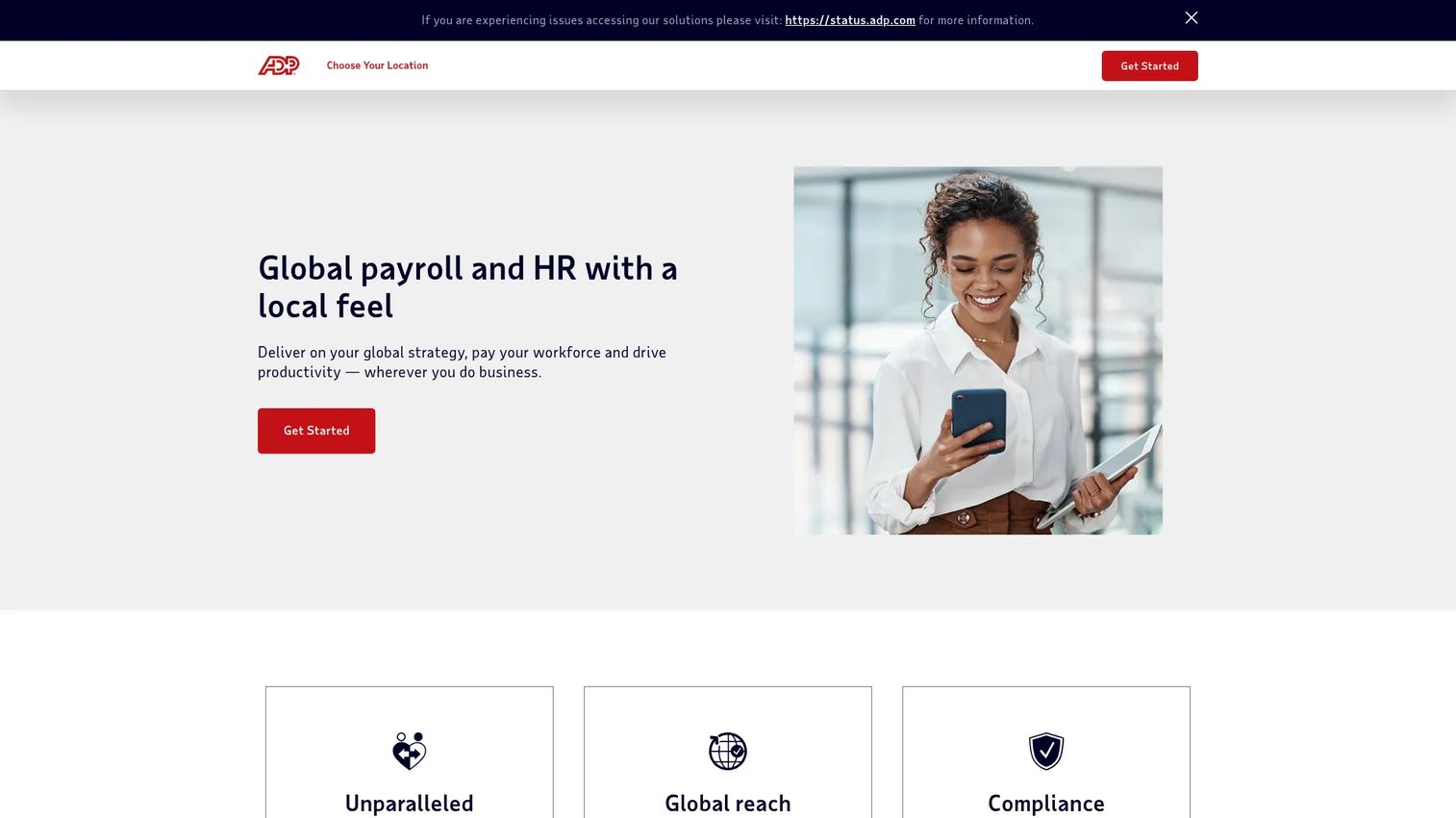
ADP is a global payroll and HR services provider whose benefits administration sits inside a broader system that already runs payroll, compliance, and HR for millions of businesses. For companies that want benefits and payroll in one connected layer, that integration is the whole pitch. Elections flow to payroll without a separate carrier file to babysit.
Best for: Businesses that need payroll and HR with strong compliance support, from small teams to large enterprises.
Key strengths
- Global payroll and HR: benefits administration connected to the payroll engine, so deductions and elections stay in sync.
- Compliance expertise: ACA, multi-state, and regulatory support baked into the platform, not bolted on.
- Multinational services: coverage for companies operating across borders, useful as you expand into new regions.
Why choose ADP: If payroll already lives here, running benefits through the same system removes an entire class of data-sync headaches. The compliance depth matters most for multi-state teams and companies where a missed filing is a real risk. ADP is the safe, integrated choice when reliability and scale outrank a modern employee-facing experience.
ADP pricing: ADP does not publish prices. Its small-business pages list plan names, Essential Payroll, Enhanced Payroll, Complete Payroll and HR+, and HR Pro Payroll and HR, but each routes to a "Get pricing" request. Expect a custom quote tied to headcount and modules. ADP's own site cites a 4.6/5 G2 rating.
2. Benefitfocus
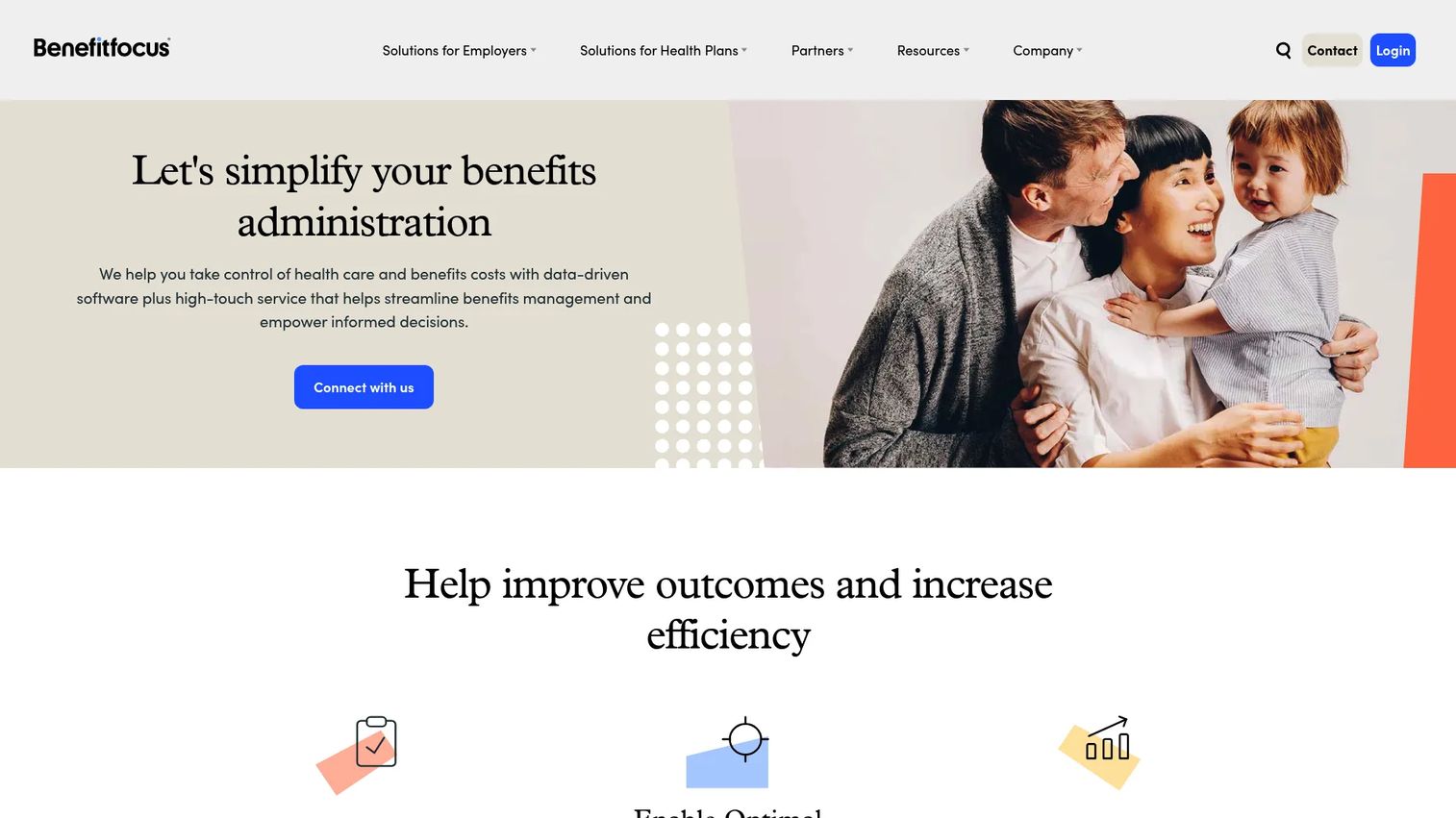
Benefitfocus is benefits administration and engagement software built for employers, health plans, and brokers managing complex programs. Where a lightweight HRIS covers the basics, Benefitfocus is designed for organizations with many plan types, multiple carriers, and a need for employee communications that actually drive engagement during enrollment.
Best for: Mid-market and enterprise organizations with complex benefits programs and heavy carrier connectivity needs.
Key strengths
- Benefits enrollment and administration: handles multi-plan, multi-carrier enrollment at scale.
- Data exchange and integrations: carrier connectivity and data exchange that reduces manual file work.
- Employee communications and decision support: guided enrollment content that helps employees engage and choose.
Why choose Benefitfocus: The value shows up when your benefits program is genuinely complex. Multiple carriers, layered plan options, and a workforce that needs real communication to enroll well. For a lean company with a simple stack, this is more platform than you need. For a larger org, the carrier connectivity and engagement layer earn their place.
Benefitfocus pricing: Benefitfocus does not list public pricing. The site runs a request-a-demo and contact-sales flow, so expect a custom quote. Its G2 seller profile shows a 4.3/5 rating.
3. Employee Navigator
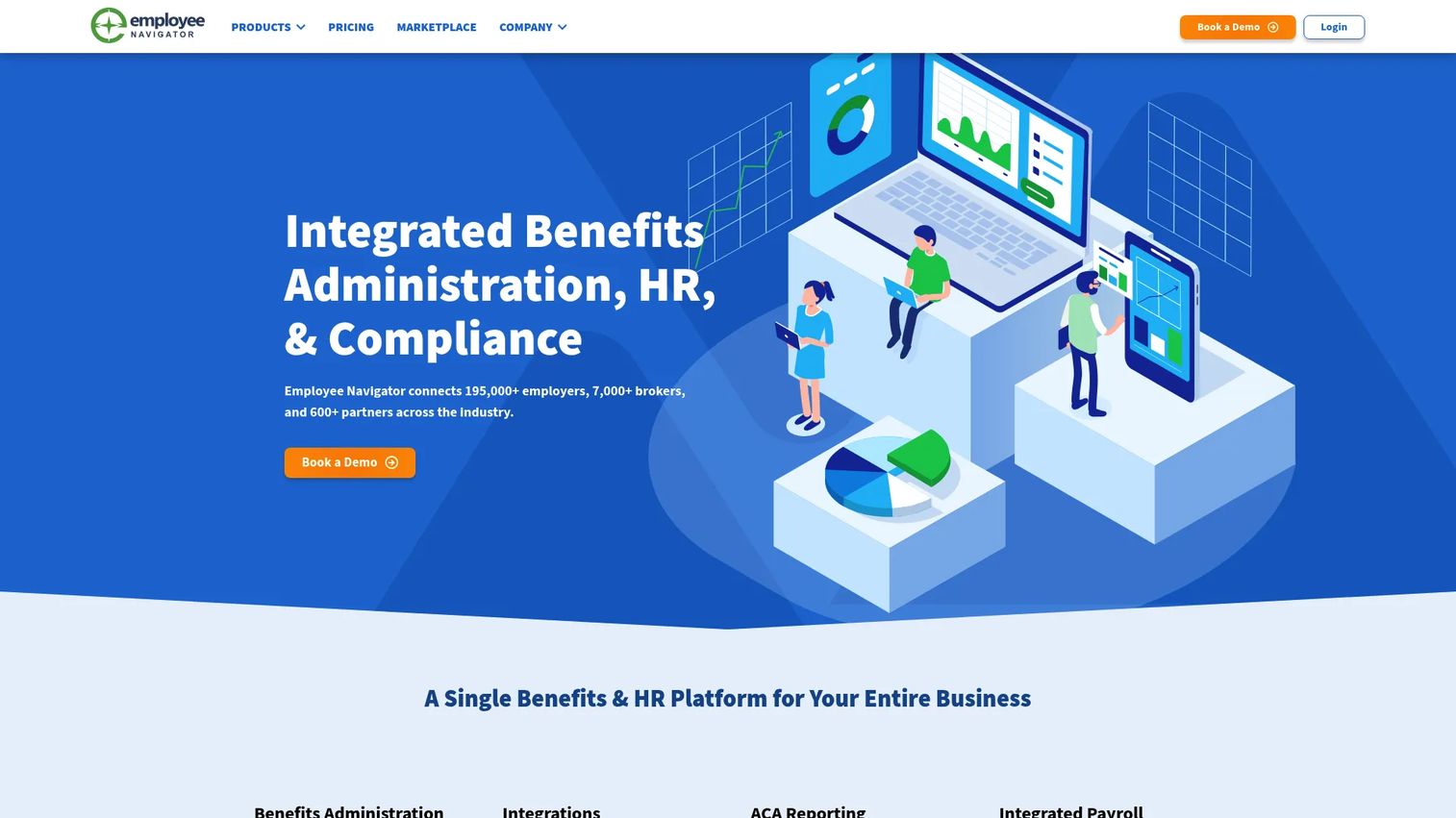
Employee Navigator is benefits administration, HR, and compliance software built primarily for insurance brokers and the employers they serve. If your benefits are managed through a broker, there's a strong chance your enrollment already runs on it. It handles self-service enrollment, onboarding, ACA reporting, and HR workflows in one place.
Best for: Insurance brokers and employers managing benefits, onboarding, ACA, and HR workflows through a broker relationship.
Key strengths
- Benefits administration: clean self-service enrollment and an employee benefits portal that reduces HR touchpoints.
- HR management: onboarding and core HR workflows alongside benefits.
- ACA reporting: built-in compliance reporting that removes a manual burden.
Why choose Employee Navigator: For broker-driven benefits, this is often the path of least resistance. Your broker configures it, employees self-enroll, and ACA reporting is handled. It is more focused than a full HCM suite, which is exactly the point for teams that want benefits enrollment software without carrying an enterprise platform.
Employee Navigator pricing: The primary pricing page lists four broker-oriented plans, Enhanced, Enhanced Plus, Elite, and Platinum, each shown as "Contact Sales" rather than a public dollar amount. Pricing is typically arranged through your broker.
4. bswift
bswift is an AI-native benefits administration platform and service layer for employers, brokers, and channel partners. It pairs guided enrollment with configurable administration and a services team that handles the operational load, from COBRA to billing to compliance.
Best for: Employers who want a highly configurable benefits administration platform backed by real service support.
Key strengths
- AI-native benefits administration: guided enrollment and decision support that helps employees navigate choices.
- Employee enrollment and engagement: self-service enrollment paired with engagement nudges.
- COBRA, billing, and compliance services: operational services that offload HR workflow entirely.
Why choose bswift: The differentiator is configurability plus service. If your program has enough nuance that a rigid platform won't fit, and you'd rather not staff the operational overhead internally, bswift's service model does that work. It's a fit for companies that want guided enrollment and want a partner running the back office.
bswift pricing: bswift does not publish pricing. The site directs visitors to contact sales or request a demo, so expect a custom quote based on headcount and services scope. Its G2 product page shows a 3.8/5 rating.
5. Nayya
Nayya is enterprise benefits intelligence software focused on one job: helping employees choose the right benefits with confidence. Instead of running the administration, it layers personalized recommendations and decision support on top, using unified benefits, claims, and lifestyle data to guide people toward the plan that actually fits their situation.
Best for: Mid-market and enterprise employers modernizing benefits decision support for their people.
Key strengths
- Unified benefits, claims, and lifestyle data: pulls the full picture to power recommendations.
- Benefits structure extraction and claims intelligence: understands your plans deeply enough to guide choices.
- Recommendations, nudges, and in-platform actions: personalized recommendations that turn confusion into a clear decision.
Why choose Nayya: This is guidance, not generic HR administration. If employees consistently pick the wrong plan or freeze during enrollment, Nayya's decision support closes that gap. It pairs well with a benefits administration platform that handles the mechanics, so think of it as the guidance layer, not a replacement for your admin system.
Nayya pricing: Nayya does not display public pricing; the site routes to demo and get-info CTAs. Expect a custom quote. Its G2 profile shows a 4.9/5 rating.
6. Forma
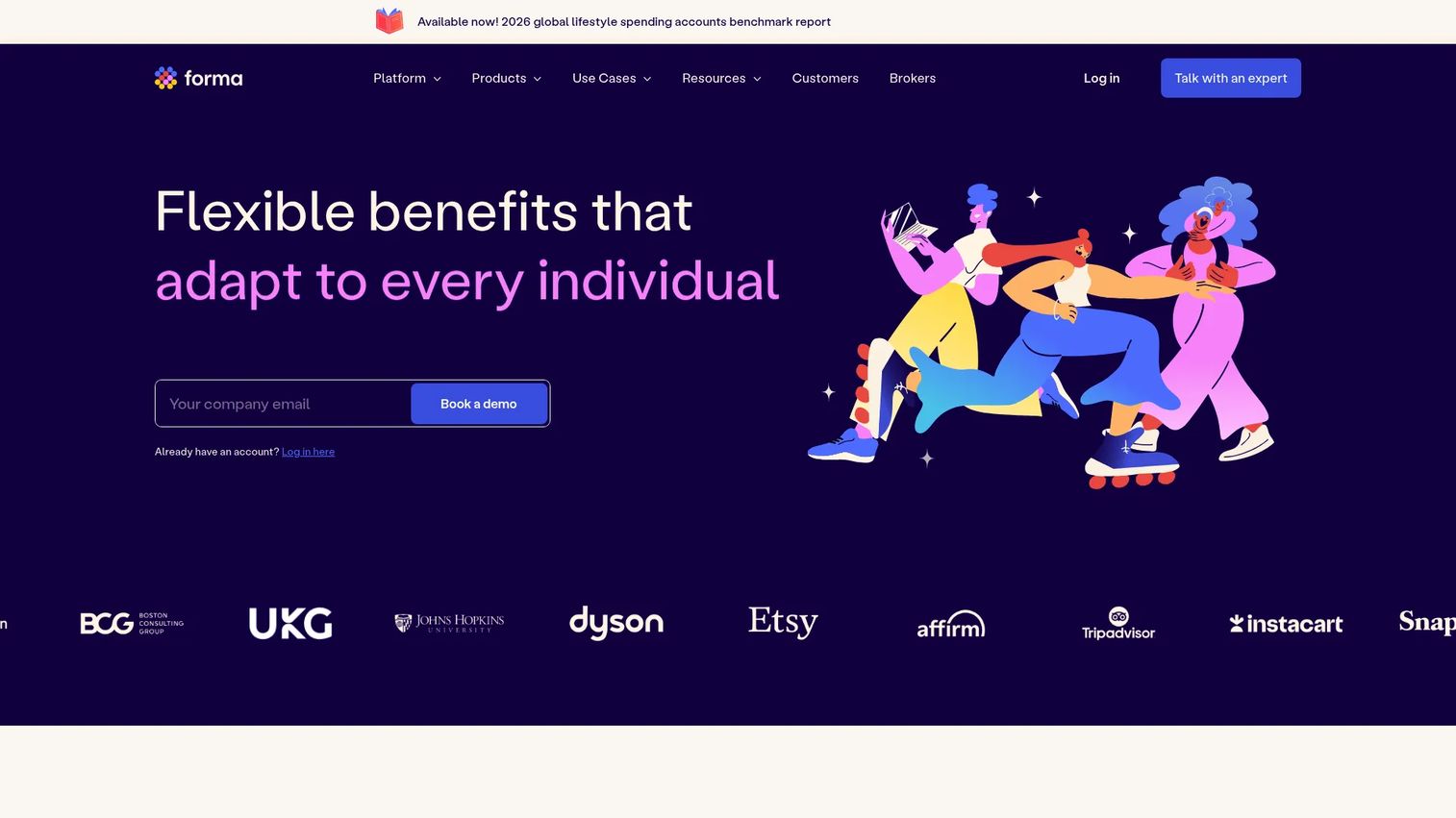
Forma is a flexible benefits platform built for modern programs: lifestyle spending accounts, pre-tax accounts, and health reimbursement arrangements. It's less about traditional medical enrollment and more about the flexible, employee-facing perks that scaling companies increasingly offer to compete for talent.
Best for: Employers offering flexible or global benefits programs beyond standard medical, dental, and vision.
Key strengths
- LSA (Lifestyle Spending Accounts): flexible spending employees direct toward what matters to them.
- Pre-tax accounts (HSA, FSA, and more): tax-advantaged accounts managed in one place.
- HRA (Health Reimbursement Arrangements): employer-funded reimbursement handled cleanly.
Why choose Forma: If your benefits strategy includes modern, flexible perks, Forma is purpose-built for it in a way traditional admin platforms are not. It pairs well with a broader HRIS or benefits administration system that handles core medical enrollment, while Forma owns the flexible-spending experience employees actually engage with.
Forma pricing: Forma does not display public pricing on its site. Expect a custom quote tied to your program and headcount. Its G2 product page shows a 4.8/5 rating.
7. Castlight Navigation
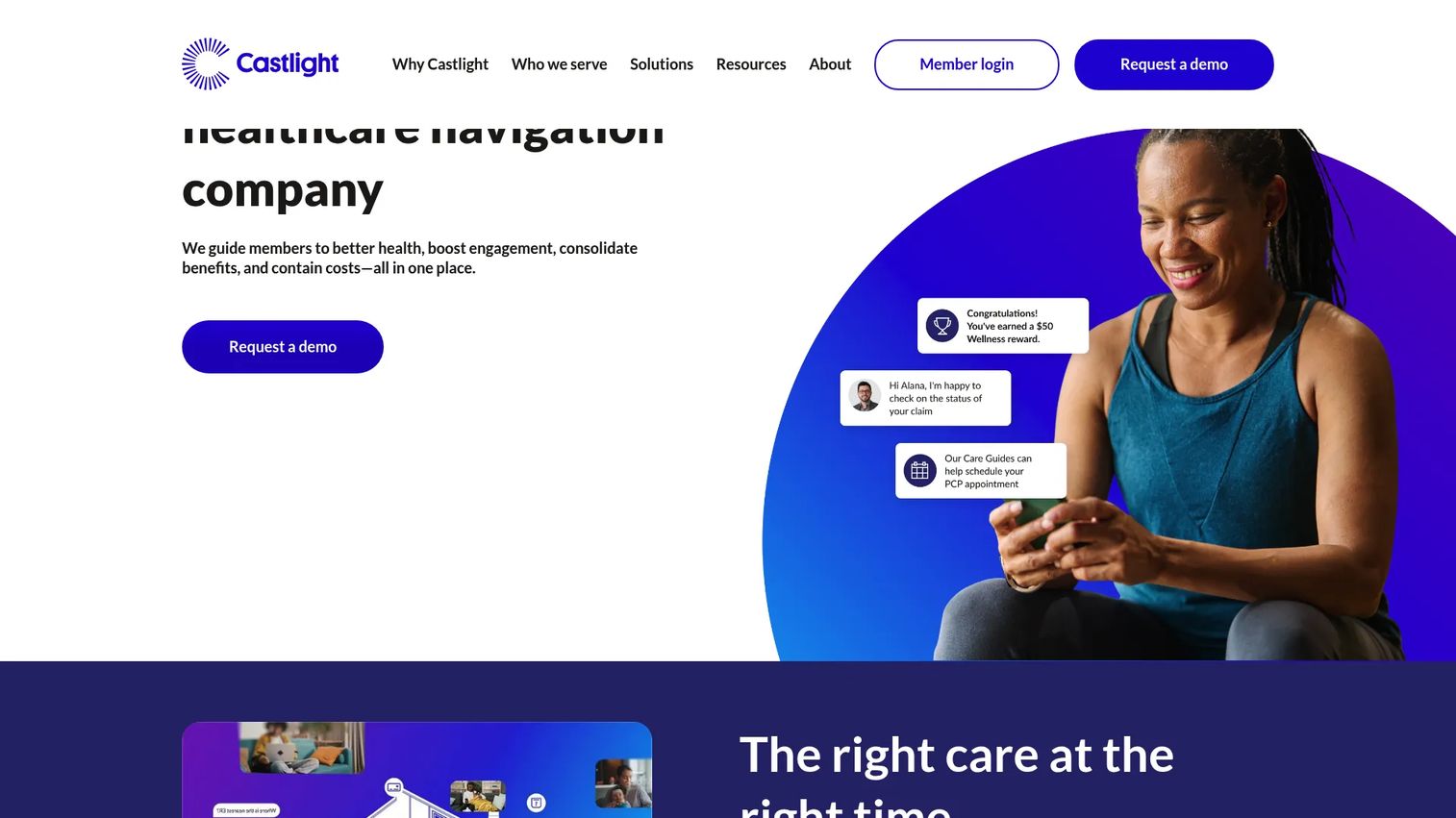
Castlight Navigation is a healthcare navigation platform for employers and health plans. Its focus is downstream of enrollment: helping employees actually understand and use the benefits they have. Care guides, human-led advocacy, and personalized navigation help people find the right care and get more value from the program you're already paying for.
Best for: Employers and health plans that want member healthcare navigation and advocacy on top of their benefits.
Key strengths
- Personalized healthcare navigation: guides employees to the right care and coverage.
- Care Guides and human-led advocacy: real people helping members navigate complex healthcare decisions.
- Integrated benefits, care, and digital health ecosystem: connects benefits, care, and digital health in one experience.
Why choose Castlight Navigation: Enrollment is only half the story. If employees don't understand or use their benefits, the spend is wasted. Castlight closes that gap with navigation and advocacy. It solves a different problem than an administration platform, so it complements your admin system rather than replacing it.
Castlight Navigation pricing: Castlight does not publish pricing; the product runs on a request-a-demo model. Expect a custom quote. Its G2 seller profile shows a 4.0/5 rating.
8. BambooHR
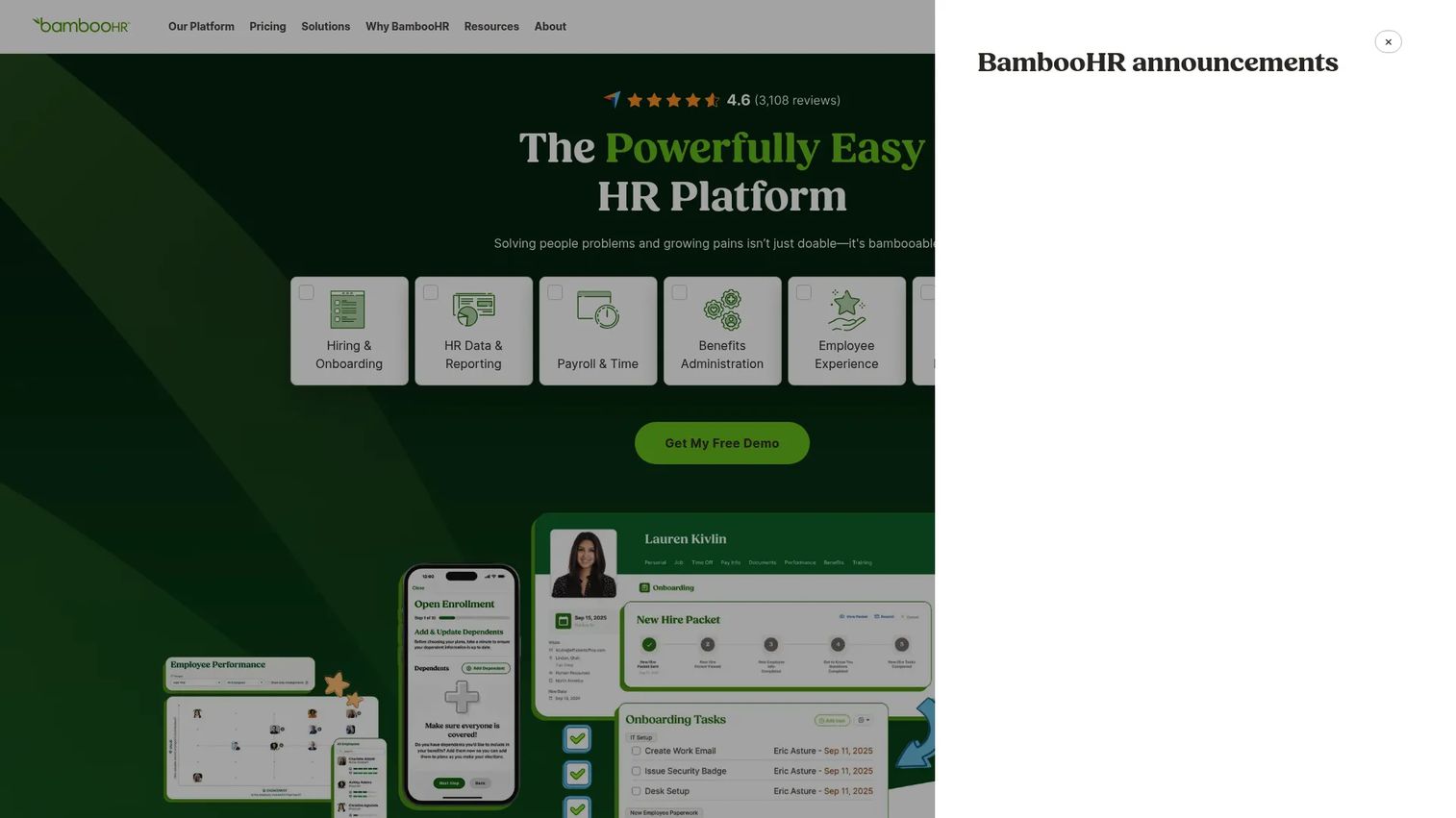
BambooHR is an all-in-one HR software platform built for growing businesses, with benefits administration living inside a broader HRIS. For a founder who wants one lighter system covering HR data, hiring, onboarding, and benefits, rather than a standalone benefits platform, this is often the natural pick.
Best for: Small to midsize companies wanting an all-in-one HRIS with benefits and payroll add-ons.
Key strengths
- HR data and reporting: a single source of truth for employee data and reporting.
- Hiring and onboarding: onboarding workflows that feed cleanly into benefits enrollment.
- Performance management: performance tools alongside core HR, so the stack stays consolidated.
Why choose BambooHR: For a scaling company that doesn't yet have enterprise-level benefits complexity, BambooHR consolidates HR into one place instead of adding another point tool. Benefits management, documents, and employee self-service sit inside the same system your team already uses for the rest of HR. That consolidation is the founder-friendly angle: fewer tools, more signal.
BambooHR pricing: BambooHR publishes pricing. Core is $10 per employee/month, Pro is $17 per employee/month, and Elite is $25 per employee/month for companies over 25 employees. Teams of 25 or fewer start at a $250/month flat rate. There is no free tier. Its G2 seller profile shows a 4.4/5 rating.
Considerations before you buy
The right pick depends less on feature counts and more on how the tool fits your operation. Run through this checklist before you commit.
Implementation time and stack fit
How long until it's live, and does it connect to your existing payroll and HRIS? A benefits tool that requires a three-month integration project defeats the purpose. Ask for a realistic timeline and confirm the specific HR, payroll, and carrier integrations you need already exist.
Employee adoption
A self-service benefits portal only saves time if employees actually use it. Look at the enrollment guidance and decision support experience from the employee's seat. If it's confusing, questions route back to HR and you've bought nothing.
Admin effort and automation
Measure the ongoing load, not just setup. Does the platform automate ACA reporting, carrier files, and life-event changes, or does someone still touch every record? HR workflow automation is where the real time savings live.
Compliance support
Multi-state teams carry real regulatory exposure. Confirm the platform handles ACA, COBRA, and state-specific requirements without manual workarounds. Compliance support that fails quietly is worse than no automation at all.
Cost relative to stage
Match the platform to your complexity. A 50-person company rarely needs an enterprise benefits administration platform. Pay for the tier that fits now, with a clear path to scale, not the one built for a 5,000-person org.
Conclusion
Eight platforms, three clear lanes. For enterprise benefits administration with payroll and compliance depth, ADP is the integrated, reliable choice, with Benefitfocus close behind for complex, multi-carrier programs. For employee guidance and personalized recommendations, Nayya leads on decision support and Castlight Navigation on helping people actually use their care. For an HRIS-friendly option that consolidates your stack, BambooHR is the founder-friendly pick, with Employee Navigator strong for broker-driven benefits and bswift for configurable admin with service support. Forma owns the modern, flexible-benefits lane.
The founder takeaway is simple. Choose the tool that reduces admin drag and gives employees clarity without a human in the loop. The best benefits management software earns its place in your stack by removing work, not adding it.
Practical next step: narrow the list by your current HR stack and benefits complexity. If payroll already lives in one system, start there. If your problem is employees choosing badly, weight decision support. Then run a short pilot before you sign.
FAQs
Benefits support software helps employees understand, enroll in, and manage their benefits through an employee self-service portal, while reducing the manual work HR spends on questions and administration. It typically combines enrollment guidance, decision support, and integrations with payroll and carriers. The goal is fewer repetitive HR touchpoints and clearer choices for employees.
Look for a self-service benefits portal, benefits decision support and personalized recommendations, document management, HR, payroll, and carrier integrations, and reporting with compliance support. Enrollment guidance for open enrollment, new hires, and life events matters most. The specific mix depends on whether you need administration, employee guidance, or both.
It shifts routine tasks to self-service and automation. Employees answer their own questions and complete elections through a portal, while the platform automates carrier files, ACA reporting, and life-event changes. That removes the manual re-keying and repetitive question-answering that consume HR time during every enrollment cycle.
Benefits administration software runs the system: enrollment, elections, data sync, and compliance. Benefits navigation software helps employees understand and use their benefits after enrollment, guiding them to the right care and coverage. One manages the mechanics; the other improves how people actually experience and use what they signed up for.
Growing companies feel the pain fastest, especially those adding headcount across multiple states. As enrollment cycles repeat and plan complexity rises, manual benefits admin scales badly. Multi-state teams also carry more compliance exposure, which makes automation and clean data sync more valuable the larger and more distributed you get.
They're foundational. Without clean HR, payroll, and carrier integrations, elections get re-keyed by hand, which introduces errors, compliance risk, and correction cycles. Reliable data sync keeps records accurate across systems and removes manual handoffs, which is often the single biggest source of administrative drag in benefits workflows.
Ask about implementation time, whether it connects to your existing payroll and HRIS, how much ongoing admin effort it requires, and whether employees will actually adopt the self-service experience. Then weigh cost against your current complexity. The best fit reduces work and integrates cleanly, rather than adding another disconnected tool.
It depends on whether you're already feeling process friction. If open enrollment is manageable and questions are rare, a lighter HRIS with benefits management built in may be enough. Once question volume, plan complexity, or multi-state compliance starts eating time, dedicated benefits support software pays for itself in reclaimed HR hours.