Your project plan lives in one tool. Timesheets live in another. Resource forecasts sit in a spreadsheet someone last touched three weeks ago. Billing data waits in accounting until month-end, and by the time it surfaces, a project already slipped its margin target.
That gap between what happened on a project and when finance finds out is where profit leaks. You staff a project without seeing real utilization. You bill late because time entries are scattered. You forecast capacity on stale numbers. Each disconnect is small. Together they cost real money.
The professional services automation software market reflects how many teams are trying to close that gap. Grand View Research valued it at USD 12.40 billion in 2024, projecting USD 40.25 billion by 2033 at a 14.7% CAGR. Mosaic reported that over 80% of high-performing professional services firms used PSA tools in 2024.
So the question is not whether to centralize delivery, staffing, and finance. It is which platform fits how your team actually runs.
What's inside
This guide covers the leading professional services automation platforms for teams that need delivery, resource, and financial control in one system. It is written for product managers, services leaders, and operations owners comparing PSA tools mid-evaluation.
We selected platforms based on:
- Project and delivery management depth
- Resource planning and utilization visibility
- Billing, invoicing, and revenue oversight
- Integrations with CRM, ERP, and accounting systems
- Fit for services teams at different stages of maturity
TL;DR
- Best overall for integrated PSA operations: Certinia, built native on Salesforce
- Best for services lifecycle visibility and delivery control: Kantata
- Best for finance and ERP-connected teams: NetSuite
- Best for simpler operational planning: Scoro
- Best for workflow-heavy services teams: Accelo
- Best for implementation-focused teams: Rocketlane
- Best for time, billing, and utilization basics: BigTime
If your workflows already run on Salesforce, start with Certinia. If planning and utilization matter most, look closely at Kantata.
What is PSA software
PSA software is a platform that helps professional services organizations manage projects, resources, time, expenses, billing, and profitability across the client delivery lifecycle. Instead of stitching together separate project management software, time tracking software, and billing and invoicing software, professional services automation platforms bring delivery and finance into one system of record.
Here is what the category covers:
- Project and delivery management: Plan, schedule, and track multi-project delivery, milestones, and task dependencies in one place.
- Resource management and utilization optimization: Match people to projects by skill and capacity, then track utilization so leaders can make staffing decisions from real data.
- Financial management, billing, and revenue recognition: Handle rates, retainers, invoicing, expenses, and revenue recognition without exporting to a separate finance tool.
- Integrations and data connectivity: Connect to CRM for pipeline handoff, ERP for financial control, and accounting for reconciliation.
- Reporting, forecasting, and margin visibility: Surface utilization, project health, and margin in dashboards leaders check without waiting for month-end.
That is the short answer to what is PSA software: one system that connects services execution to services finance, so you stop reconciling four tools to answer one question about a project.
When to use
Centralize delivery, staffing, and billing
You outgrow spreadsheets and point tools the moment project count crosses what one person can track by memory. When delivery data, timesheets, and billing all live in different places, margin visibility disappears. PSA automation software pulls those threads into a single view so multi-project delivery stops surprising you at month-end.
Improve utilization and forecast capacity
Resource planning becomes a daily constraint when you are guessing who is free next month. Utilization management inside a PSA platform shows real capacity against committed work. Leaders staff from data instead of gut, and forecasting future headcount stops being a spreadsheet exercise you dread.
Connect services execution to finance
Billing delays and reconciliation errors usually mean execution and finance run on separate systems. When revenue recognition, invoicing, and accounting reconciliation depend on manual exports, errors creep in. Tying delivery to finance through CRM integration and ERP integration removes the handoff gaps that slow cash and distort reporting.
Comparison table
The seven platforms below differ mostly by service depth, financial sophistication, and integration ecosystem. Some lead with delivery and resourcing. Others lead with finance or implementation workflows. Use the table to shortlist, then read the sections for fit.
| # | Product | Best for | Key differentiator | Pricing | G2 rating |
|---|---|---|---|---|---|
| 1 | Certinia | Salesforce-native services operations | PSA, ERP, and customer success on Salesforce | Custom pricing | Not verified |
| 2 | Kantata | Services lifecycle and delivery control | Resource optimization and forecasting depth | Custom pricing | 4.2/5 |
| 3 | NetSuite | Finance and ERP-connected teams | Services delivery tied to a full ERP suite | Custom pricing | Not verified |
| 4 | Scoro | Simpler operational planning | All-in-one work and financial management | From $19.90/user/mo | 4.5/5 |
| 5 | Accelo | Workflow-heavy services teams | Automation across the client work lifecycle | Custom pricing | 4.4/5 |
| 6 | Rocketlane | Implementation and onboarding teams | Client-facing delivery orchestration | From $19/member/mo | 4.7/5 |
| 7 | BigTime | Time, billing, and utilization basics | Practical PSA for time and invoicing | From $20/user/mo | 4.5/5 |
Best PSA software for 2026
Each section below covers what the platform does, who it fits, its key features, and verified pricing. Entries run from Certinia first through BigTime last, ordered by relevance to integrated PSA operations.
1. Certinia
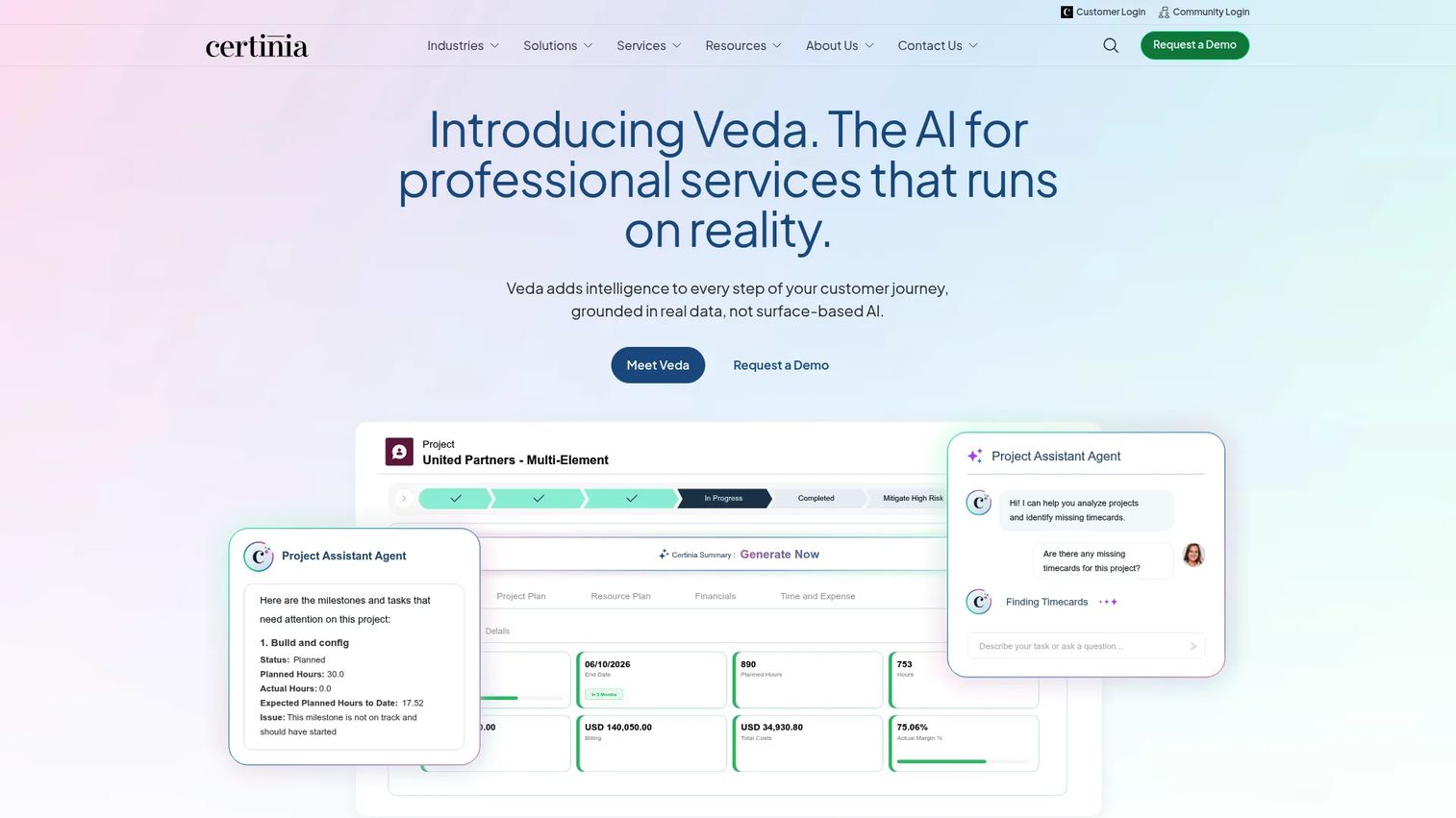
Certinia is Salesforce-native software for professional services automation, ERP, and customer success. Because it runs on the Salesforce platform, project, resource, and financial data sits alongside the CRM records your sales and delivery teams already use. That makes it a strong fit for organizations already deep in Salesforce who want services operations in the same environment as pipeline and accounts.
Best for: Services businesses that need connected PSA, ERP, and customer success on Salesforce.
Key features
- Professional Services Cloud for delivery and resourcing
- ERP Cloud for financial management
- Customer Success Cloud for post-sale motions
- Native Salesforce data model and CRM integration
- Services lifecycle from pre-sales through billing
Why choose Certinia: If your commercial data already lives in Salesforce, Certinia removes the handoff between CRM and delivery. That native connection is the whole point, and it suits enterprise services teams that value one platform over best-of-breed sprawl.
Certinia pricing: Certinia site directs prospective buyers to a pricing request form for a tailored quote based on scope and product lines.
2. Kantata
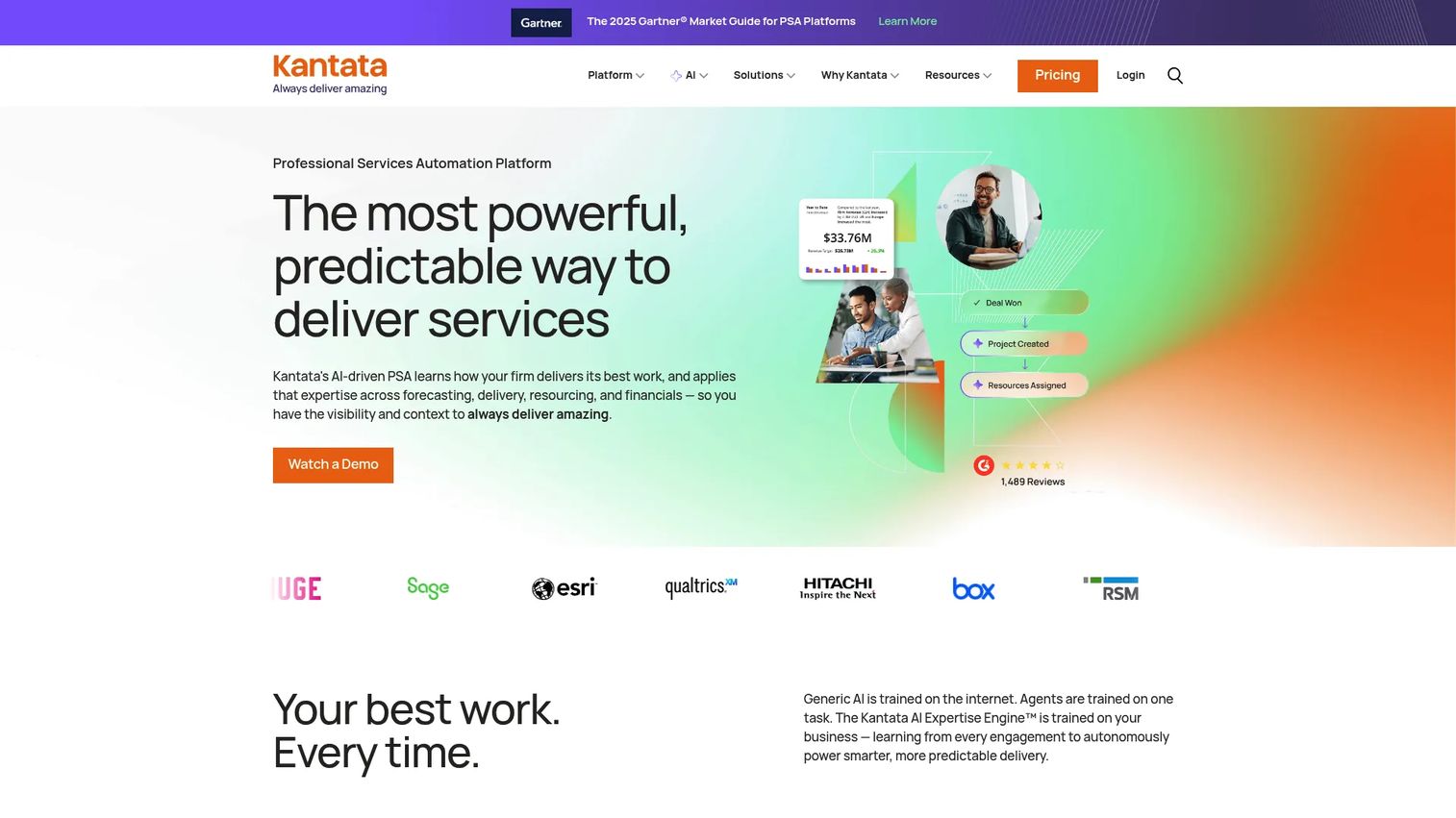
Kantata is AI-powered professional services automation software built for services organizations that need delivery, resourcing, and financial control in one place. Its depth in resource management and forecasting makes it a natural fit for firms where staffing the right people to the right projects is the daily bottleneck. Kantata frames itself around the full service lifecycle, from project planning through billing.
Best for: Professional services firms that need PSA for delivery, resourcing, and financial control.
Key features
- Project delivery and project management
- Resource management and forecasting
- Financial management, billing, and time tracking
- Utilization and capacity visibility
- Service lifecycle reporting
Why choose Kantata: Kantata leans hardest into resource optimization and forecasting. If your leaders spend more time on capacity planning than on any other decision, that focus pays off. It suits mid-market and larger services teams that treat utilization as a core metric.
Kantata pricing: Kantata tailors pricing to each organization and asks prospects to request a plan. No public price is listed. The platform holds a 4.2/5 rating on G2.
3. NetSuite
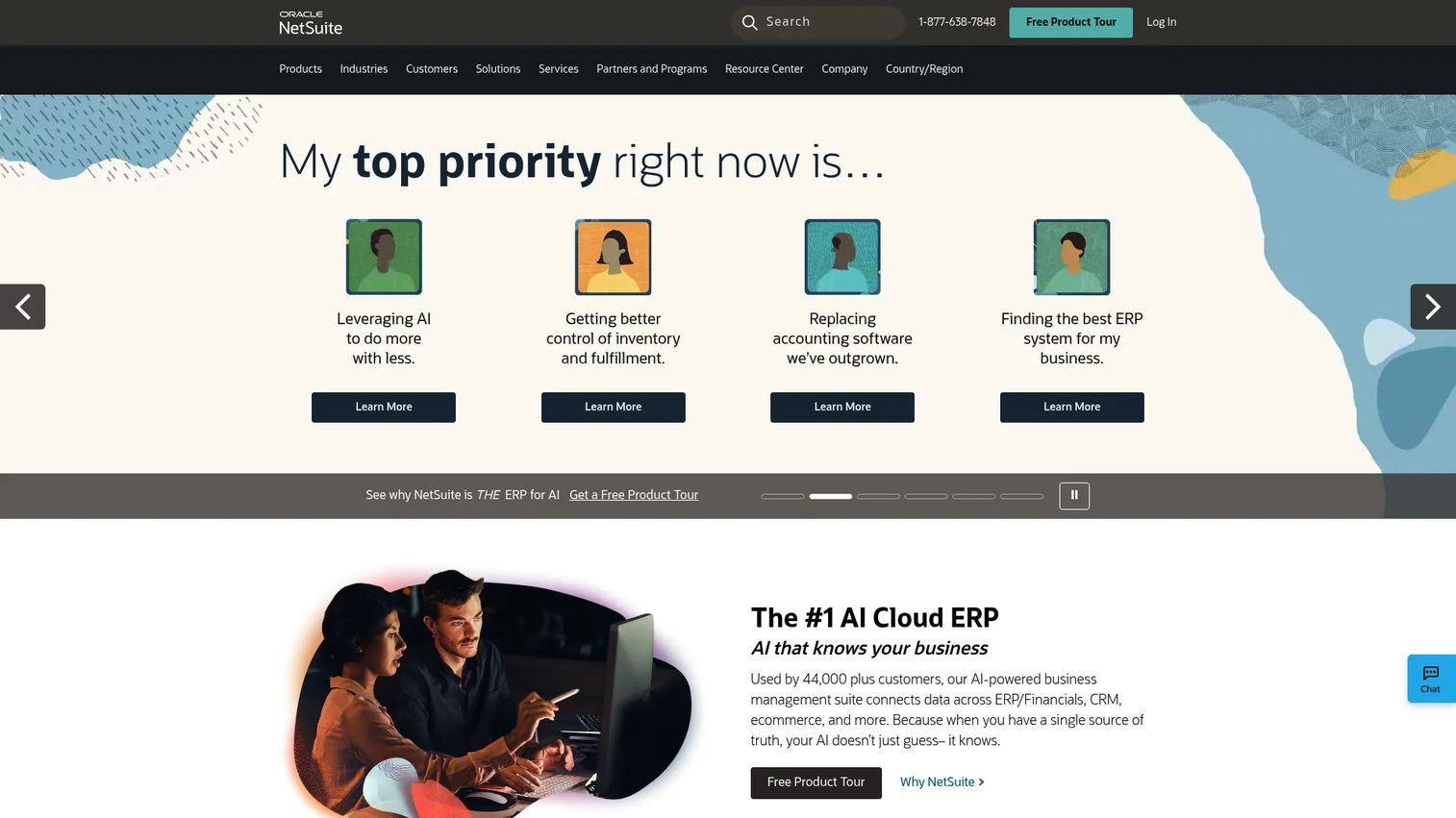
NetSuite is cloud ERP and business management software covering financials, CRM, ecommerce, and operations. For services teams, its value is the tight link between delivery and a full ERP suite. When billing, revenue recognition, and accounting reconciliation all need to sit inside the same financial system, NetSuite connects services execution to finance without a separate integration layer.
Best for: Mid-market to enterprise companies that need an all-in-one ERP suite with services delivery attached.
Key features
- Cloud ERP and financial management
- CRM and customer service
- Inventory, order, and ecommerce management
- Revenue recognition and billing controls
- Unified financial reporting
Why choose NetSuite: Choose NetSuite when finance drives the decision. If your organization already wants one ERP for the whole business, adding services delivery inside it keeps reconciliation clean. It fits companies that value financial control over lightweight delivery tooling.
NetSuite pricing: NetSuite plans are quoted through sales based on modules and scope. It holds a 4.2/5 rating on Capterra.
4. Scoro
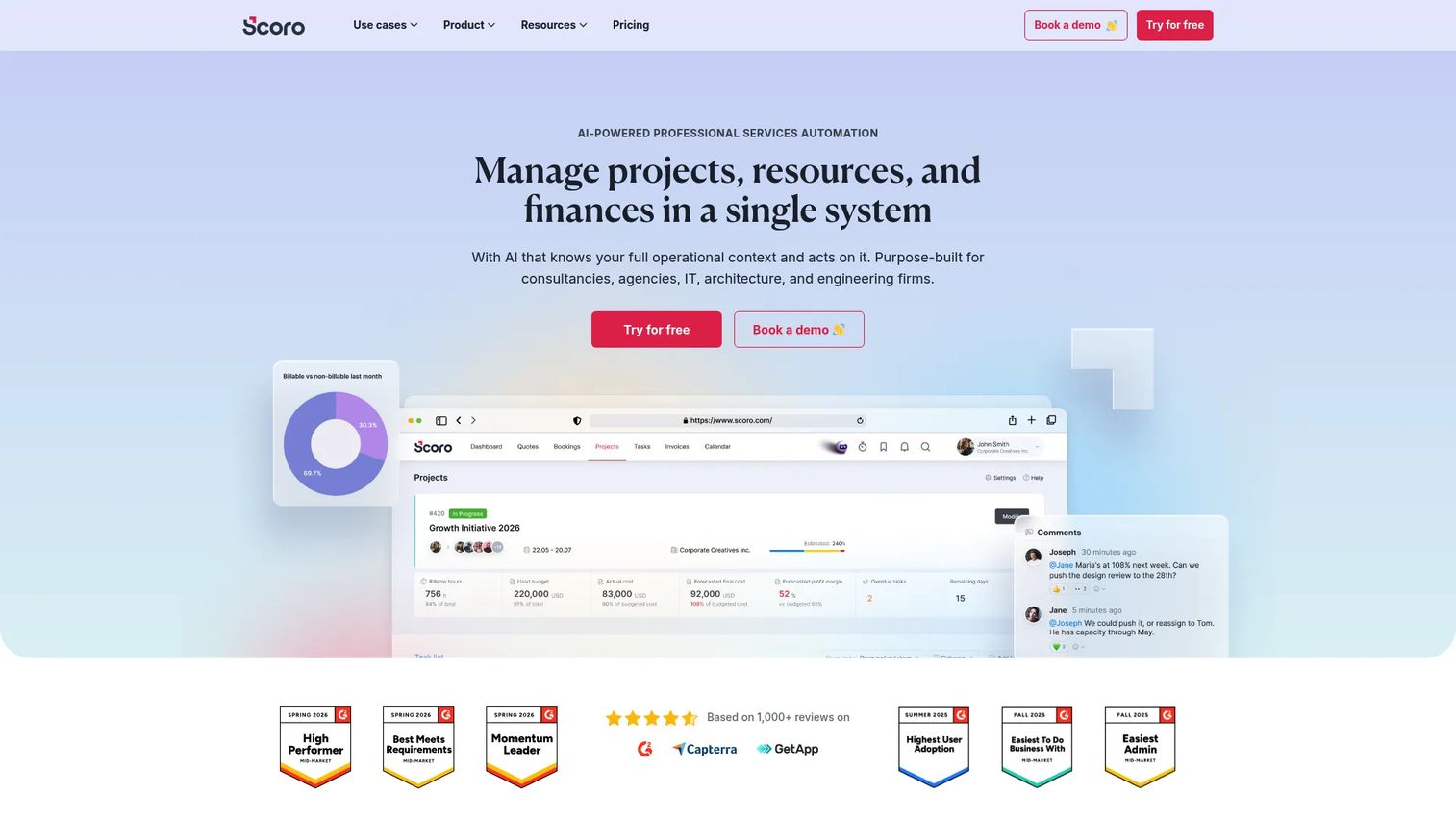
Scoro is professional services automation software for managing projects, resources, financials, and reporting in one platform. It leans toward all-in-one work management, which makes it a practical choice for teams that want connected planning, budgeting, and execution visibility without heavy configuration. Scoro fits services firms that need operational clarity more than deep enterprise finance features.
Best for: Professional services firms that want connected project delivery, resourcing, and financial control in a simpler package.
Key features
- Project management
- Resource planning and capacity forecasting
- Reporting and dashboards
- Budgeting and financial tracking
- Quoting and billing workflows
Why choose Scoro: Scoro suits teams that want planning, budgeting, and execution in one view without a long implementation. It works best for services organizations that value operational simplicity and quick time to value over the deepest financial stack.
Scoro pricing: Scoro starts at $19.90 per user per month on its Core plan. Growth is $32.90, Performance is $49.90, and Enterprise is custom. Plans require a minimum of five seats and include a 14-day free trial. Scoro holds a 4.5/5 rating on G2.
5. Accelo
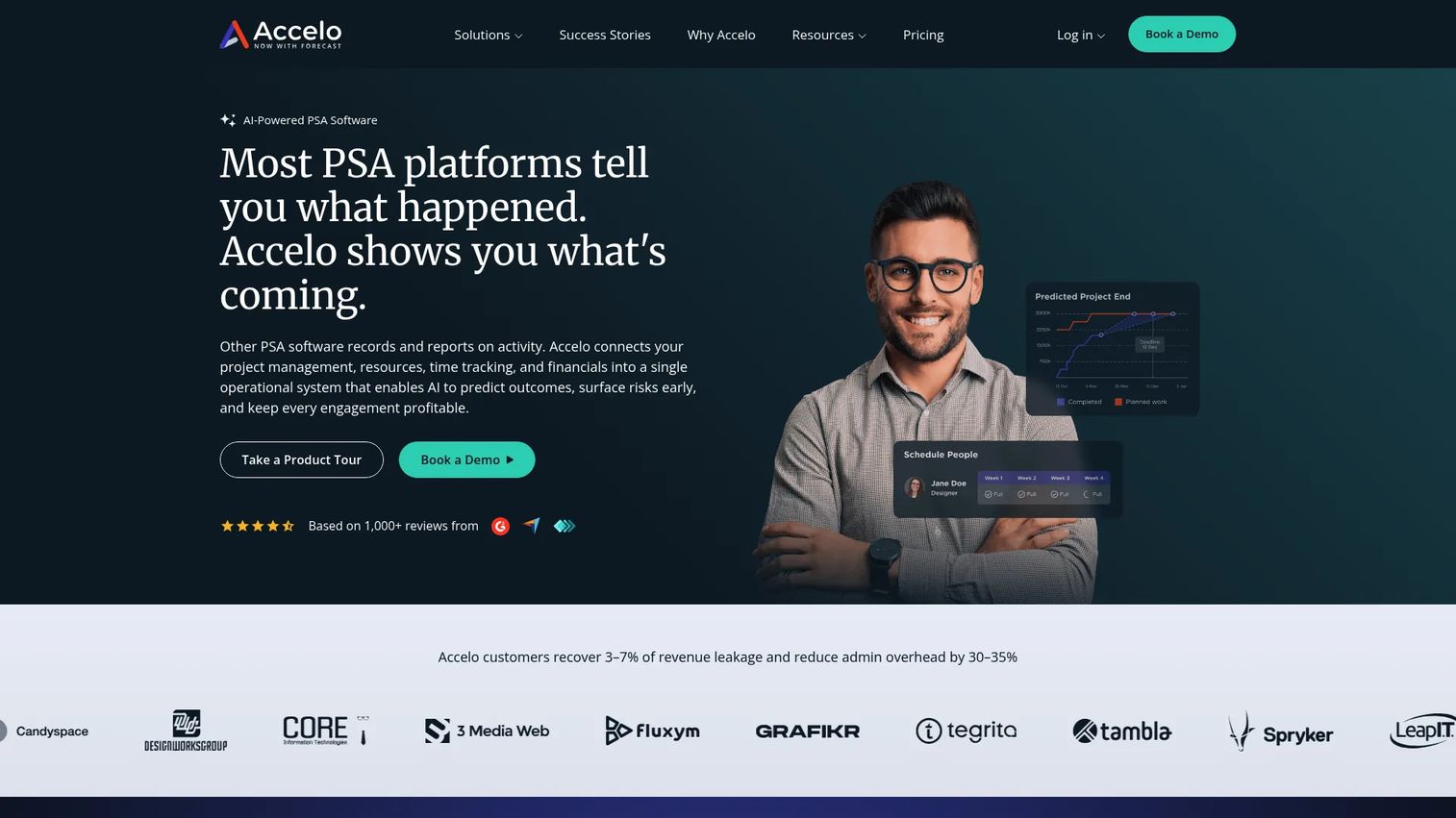
Accelo is AI-powered professional services automation software for managing projects, resourcing, time tracking, billing, and profitability. Its strength is workflow automation across the client work lifecycle, which suits teams running repeatable, recurring delivery motions. If your services follow the same steps deal after deal, Accelo automates the connective tissue between them.
Best for: Professional services firms that want one system for delivery, resourcing, and financial management.
Key features
- Project management with templates, milestones, and task dependencies
- AI-predicted completion dates
- Resourcing and capacity planning with utilization tracking
- Time tracking, invoicing, and expenses
- Retainer management and profitability forecasting
Why choose Accelo: Accelo fits teams whose delivery is repeatable and automation-friendly. Recurring retainers, standardized project templates, and predictable workflows are where it shines. It suits operational leaders who want less manual coordination between stages.
Accelo pricing: Accelo prices custom based on team size and growth goals, with Professional, Business, and Advanced tiers quoted through sales. No public numeric price is listed. It holds a 4.4/5 rating on G2.
6. Rocketlane
Rocketlane is an agentic PSA platform for professional services and client delivery teams. It stands out for implementation and client onboarding workflows, pairing delivery management with a client portal that keeps customers coordinated through the project. Teams that live in onboarding and implementation motions get strong client-facing orchestration alongside the usual resource and financial management.
Best for: Professional services and implementation teams needing an all-in-one delivery platform.
Key features
- AI agents for delivery lifecycle automation
- Project delivery, resource, time, and financial management
- Client portal for customer collaboration
- Templates, automations, and reporting
- Structured onboarding workflows
Why choose Rocketlane: Rocketlane leans into the client-facing side of delivery harder than most. If keeping customers aligned during implementation is where your projects stall, its portal and onboarding structure earn their place. It fits teams that treat onboarding as a revenue moment.
Rocketlane pricing: Rocketlane's Essential plan starts at $19 per team member per month billed annually. Standard is $49, Premium is $69, and Enterprise is $99, each per member per month billed annually. Plans require a minimum of five members and offer a free trial. It holds a 4.7/5 rating on G2.
7. BigTime
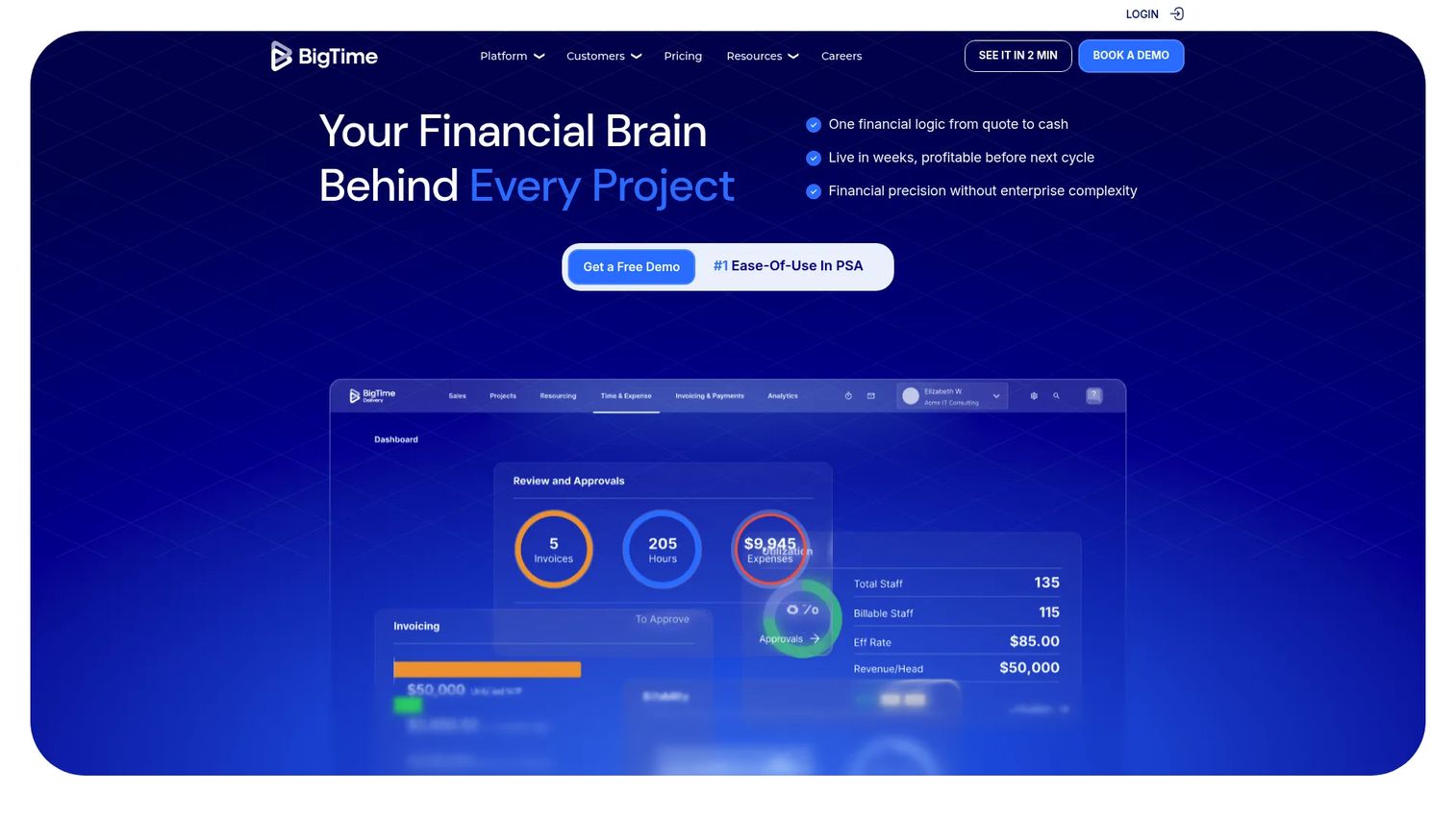
BigTime is professional services automation software for time tracking, billing, resourcing, and project management. It focuses on the practical core of PSA, time capture, invoicing, and utilization, which makes it a sensible fit for smaller or simpler services teams. If you need billing and utilization basics working reliably before you reach for enterprise financial depth, BigTime covers that ground.
Best for: Professional services firms that need PSA with billing and resource management.
Key features
- Time and expense management
- Billing and invoicing management
- Project portfolio management
- Resource allocation and utilization
- Reporting on project financials
Why choose BigTime: BigTime suits teams that want time, billing, and utilization handled well without a heavy platform. It fits smaller firms and those early in their PSA journey who need the fundamentals solid before layering on complexity.
BigTime pricing: BigTime's Essentials plan starts at $20 per user per month. Advanced, Premier, and Enterprise tiers are listed without public prices and are quoted through sales. It holds a 4.5/5 rating on G2.
Considerations
Before you commit to a PSA platform, work through this checklist against how your team actually operates.
Integrations and data flow
Check whether the PSA connects cleanly to your CRM, ERP, and accounting systems. A platform that forces manual exports between delivery and finance recreates the exact problem you are trying to solve. Confirm the integration is native or well-supported, not a fragile connector you will maintain forever.
Resource management depth
Evaluate how the platform handles skills, capacity, forecasting, and utilization controls. Some tools track utilization after the fact. Others help you plan capacity forward. If staffing is your daily constraint, weight this heavily and test the forecasting views with your own data.
Billing and revenue requirements
Confirm the platform supports your invoicing model, rate structures, retainers, and revenue recognition needs. Retainer-heavy firms and fixed-fee shops have different requirements. Match the billing engine to how you actually charge clients, not to a generic demo scenario.
Reporting and profitability visibility
Look for dashboards that surface utilization, margin, and project health without exporting to a spreadsheet. The point of PSA is decisions made from live data. If leaders still wait for month-end to see margin, the platform is not doing its job.
Implementation effort and change management
Assess how much process change your team can absorb. A deep platform delivers more, but only if people adopt it. Weigh the payoff against the disruption, and be honest about your capacity to run a rollout without stalling delivery.
Conclusion
The right PSA platform depends on where your team sits today. Enterprises with Salesforce-heavy workflows should prioritize Certinia, since native CRM data removes the delivery-to-pipeline handoff. Services organizations that live and die by planning and utilization should look closely at Kantata. Finance-led teams that want one ERP for the whole business fit NetSuite.
For simpler operational planning, Scoro delivers connected delivery and finance without heavy setup. Workflow-heavy teams with recurring delivery find automation depth in Accelo. Implementation and onboarding teams get client-facing orchestration from Rocketlane. And teams that need time, billing, and utilization basics solid should start with BigTime.
Pick the platform that matches your maturity, run a real pilot with your own project data, and measure margin visibility before and after. That comparison, not a feature list, tells you whether the tool earns its place.
If part of your evaluation involves showing complex software to buyers or onboarding new users, interactive demos, sandboxes, and demo centers can carry that story across sales, onboarding, customer education, and partner enablement.
Start your journey with Guideflow today!
FAQs
Project management software tracks tasks, timelines, and collaboration on individual projects. PSA software adds resource management, time tracking, billing, and revenue recognition across the full service delivery lifecycle. PSA tools connect delivery to finance, so you see margin and utilization, not just task status.
Professional services organizations that deliver billable client work across multiple projects benefit most. Consultancies, agencies, IT services firms, and implementation teams use professional services automation to manage staffing, billing, and profitability in one place. If you juggle utilization, invoicing, and delivery across separate tools, PSA consolidates them.
Look for project and delivery management, resource management and utilization tracking, time and expense capture, billing and invoicing, revenue recognition, and reporting on margin and project health. Strong CRM integration and ERP integration matter too. Together these features tie services execution to financial oversight.
PSA platforms show real capacity against committed work, so leaders staff projects from live data instead of guesses. Utilization management surfaces who is over-allocated and who has room, then forecasts future capacity. That visibility reduces bench time and prevents burnout from overbooking.
Yes. Professional services automation software captures time and expenses, applies rate and retainer rules, and generates invoices without exporting to a separate billing and invoicing software. Many platforms also handle revenue recognition, which keeps reported revenue aligned with delivered work.
It can be, especially tools focused on time, billing, and utilization basics. Smaller firms often start with a lighter PSA platform to get invoicing and utilization reliable, then move to deeper systems as project volume grows. The payoff comes when manual reconciliation across tools starts costing real hours.
CRM integration connects sales pipeline to delivery handoff. ERP integration and accounting connections keep financial data reconciled without manual exports. For most services teams, clean CRM, ERP, and accounting connections matter more than any single delivery feature, because they remove the gaps where data goes stale.
Standalone PSA tools focus on service delivery software and connect to your existing CRM and finance stack through integrations. Integrated PSA, like an ERP-embedded option, keeps delivery and finance in one system natively. Choose standalone for flexibility and best-of-breed fit, and integrated when you want one platform and are willing to standardize on it.