
Students retain more when they do something with what they're learning. That's the core premise behind active learning. It's why polling tools, collaborative whiteboards, and gamified quizzes have become standard in classrooms from middle school to corporate training.
This guide covers 10 active learning tools in a $187.0 billion in 2025 market.
These tools help educators increase participation, check comprehension in real time, and turn passive listeners into active contributors.
Active Learning Tools: 10 Best Platforms for 2026
Overview of active learning tools
Active learning tools transform passive learners into dynamic participants by boosting engagement, critical thinking, and collaboration.
The best digital platforms include gamified assessments like Kahoot!, real-time polling systems like Mentimeter, and collaborative whiteboards like Miro.
This guide covers 10 tools for educators who want to increase participation and check comprehension in real time.
You'll find a definition of active learning, selection criteria, a comparison table, and detailed breakdowns of each platform.
Quick summary of top tools
- Best for gamified assessments: Kahoot! creates competitive, fast-paced quizzes that energize review sessions
- Best for real-time polling: Mentimeter handles anonymous responses, word clouds, and Q&A moderation
- Best for collaborative whiteboarding: Padlet and Canva for Education support visual brainstorming and project-based learning
- Best free active learning tool: Flip (formerly Flipgrid) offers unlimited video discussions at no cost
- Best for large lecture halls: Wooclap and Socrative scale to hundreds of simultaneous participants
What is active learning
Active learning is any instructional approach where students participate directly in the learning process rather than passively receiving information. Instead of listening to a lecture, learners respond to polls, collaborate on shared documents, discuss with peers, and apply concepts in real time.
The shift matters because research consistently shows active methods improve outcomes. A meta-analysis by Freeman et al. (2014) found that students in traditional lectures were 1.5 times more likely to fail.
The shift from passive to participatory learning
Traditional instruction follows a one-way pattern: the instructor talks, students listen. Active learning flips that dynamic.
Passive learning | Active learning |
|---|---|
Listening to lectures | Responding to polls and quizzes |
Reading slides | Collaborating on shared whiteboards |
Taking notes silently | Discussing with peers in real time |
Waiting until the exam to test understanding | Getting immediate feedback on comprehension |
The tools in this guide support that shift by giving every student a way to participate, even in large classes.
Core principles that define active learning
Four principles distinguish active learning from traditional instruction:
- Learner agency: Students control pace, direction, and sometimes content
- Immediate feedback: Responses are visible in real time, so learners know where they stand
- Social construction: Knowledge builds through peer interaction, not just instructor delivery
- Retrieval practice: Frequent low-stakes testing reinforces retention better than passive review
A polling tool provides immediate feedback. A collaborative whiteboard enables social construction. A gamified quiz platform motivates retrieval practice.
Why active learning tools matter for modern educators
You might be thinking: I already ask questions in class. Why do I need software?
The short answer is scale. In a room of 30 students, maybe five will raise their hands. In a room of 200, even fewer.
Active learning tools let every student respond simultaneously and anonymously, revealing full comprehension patterns.
Research-backed learning outcomes
The evidence base for active learning is substantial. Harvard's Derek Bok Center for Teaching and Learning recommends it as a core strategy.
The National Academies of Sciences, Engineering, and Medicine endorsed active learning for STEM education in their 2018 report. For more on tools that support engagement, see our guide to audience response software tools.
Barriers active learning tools help you overcome
- Large class sizes: Polling tools let every student respond, not just the loudest voices
- Shy or disengaged students: Anonymous responses encourage participation from those who won't speak up
- Limited class time: Asynchronous tools extend learning beyond the session
- Lack of real-time insight: Dashboards show comprehension gaps instantly, so you can adjust on the fly
How to choose the right active learning tool
Before comparing features, clarify what you're trying to accomplish.
A tool that excels at gamified review might be wrong for collaborative project work.
Match the tool to your learning environment
Different contexts call for different capabilities. Large lectures work well with polling systems like Mentimeter or Wooclap.
Discussion-based seminars benefit from video response platforms like Flip and collaborative boards like Padlet.
Review and assessment sessions pair naturally with gamified platforms like Kahoot! or Quizlet. You can also explore interactive tutorial tools for structured learning flows.
Project-based courses often rely on collaborative whiteboards like Miro or Padlet for brainstorming.
Start by listing your top three use cases. Then evaluate tools against those specific needs.
Check LMS and tech stack integration
Most educators work within a Learning Management System like Canvas, Blackboard, or Moodle.
Verify that any tool you consider integrates with your LMS.
Look for LTI (Learning Tools Interoperability) support. LTI is a standard that lets external tools connect to your LMS.
Without LTI, you'll manage separate logins and manually transfer data.
Evaluate pricing and scalability
Pricing models vary significantly:
- Freemium: Basic features free, advanced features paid (Kahoot!, Padlet, Mentimeter)
- Per-seat: Cost scales with number of users (common in enterprise tools)
- Flat-rate: Unlimited users for a fixed price (some institutional licenses)
- Free for education: No cost for verified educators (Flip, Canva for Education)
Check participant limits on free tiers. A tool that caps responses at 50 participants won't work for large lecture halls.
Active learning tools comparison table
# | Product | Best for | Key differentiation | Pricing | G2 rating |
|---|---|---|---|---|---|
1 | Nearpod | K-12 lesson delivery | Embeds interactivity directly into slides | Free tier; paid from $159/year | 4.6/5 |
2 | Kahoot! | Gamified review sessions | Competitive leaderboards and team modes | Free tier; paid from $17/month | 4.6/5 |
3 | Mentimeter | Real-time polling and Q&A | Word clouds and anonymous audience input | Free tier; paid from $11.99/month | 4.5/5 |
4 | Padlet | Collaborative brainstorming | Multimedia bulletin boards with multiple layouts | Free tier; paid from $8/month | 4.7/5 |
5 | Pear Deck | Google Slides integration | Draggable responses and teacher dashboard | Free tier; paid from $149.99/year | 4.5/5 |
6 | Edpuzzle | Video-based learning | Checkpoint questions embedded in videos | Free tier; paid plans available | 4.6/5 |
7 | Wooclap | Higher education polling | Diverse question types and event mode | Free tier; paid from €6.99/month | 4.5/5 |
8 | Socrative | Quick formative assessment | Exit tickets and Space Race game | Free tier; paid from $89/year | 4.4/5 |
9 | Flip | Video discussions | Free video response platform from Microsoft | Free | 4.6/5 |
10 | Canva for Education | Visual and creative projects | Collaborative whiteboards and design templates | Free for K-12 educators | 4.7/5 |
10 best tools for active learning in 2026
1. Nearpod
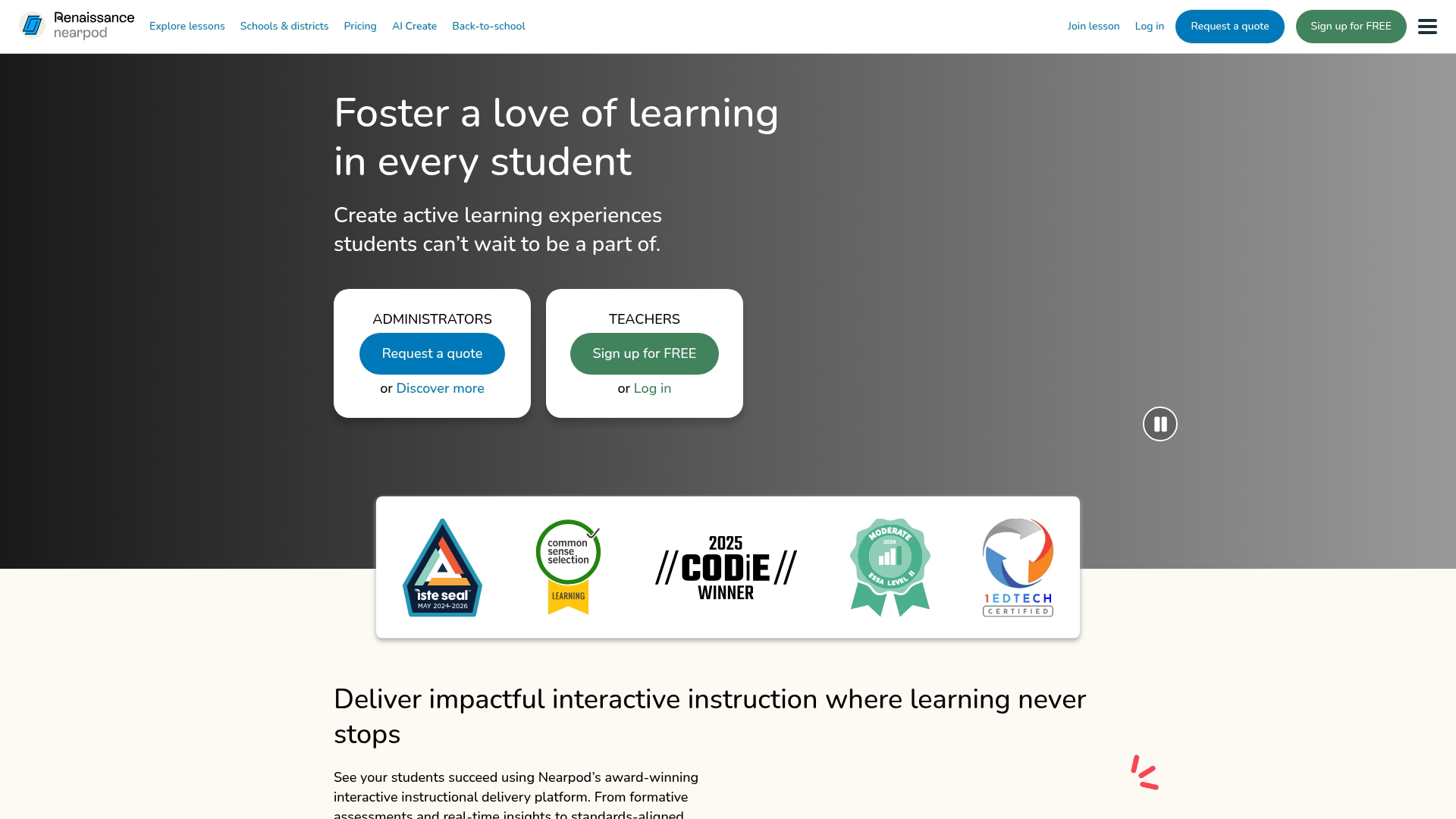
Nearpod is an interactive lesson platform that embeds polls, quizzes, and questions directly into slides.
You build interactivity into the lesson itself rather than switching between tools.
Best for: K-12 teachers who want a single platform for lesson delivery and formative assessment.
Key strengths
- Embedded interactivity: Add questions, draw-it activities, matching pairs, and 3D simulations without switching apps
- Student-paced mode: Learners move through content at their own speed, useful for homework or asynchronous review
- LMS integration: Connects with Google Classroom, Canvas, Schoology, and Microsoft Teams
Why choose Nearpod
Nearpod works well if you want lesson creation and active learning in one tool. The platform includes pre-made lessons you can customize.
However, if you only need simple polling, Nearpod's full feature set might be more than you need.
Nearpod pricing
Free tier includes limited lessons and features. Paid plans start at $159/year for individual educators, with school and district pricing available.
2. Kahoot!
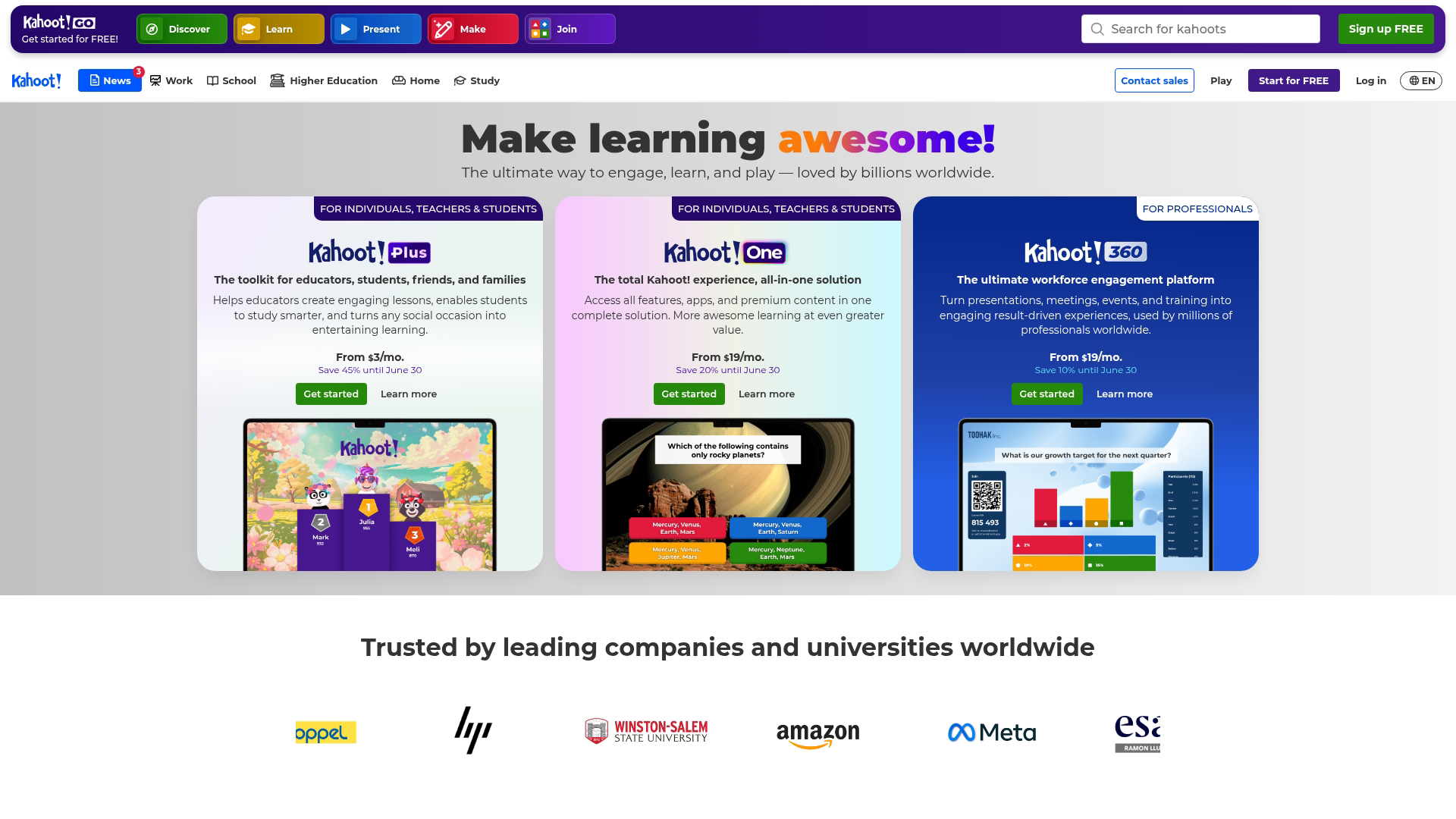
Kahoot! is a gamified quiz platform that turns review sessions into competitive games.
Students join via a game PIN and answer questions while a leaderboard tracks scores in real time.
Best for: Educators who want to energize review sessions with game-based retrieval practice.
Key strengths
- Competitive leaderboards: Students race to answer correctly, which increases motivation and attention
- Team mode: Groups collaborate on answers, encouraging peer discussion before responding
- Content library: Access millions of pre-made quizzes across subjects, or create your own
Why choose Kahoot!
Kahoot! echoes a 2025 flipped classroom study on motivation and engagement. However, it focuses on multiple-choice questions.
Kahoot! pricing
Free tier supports up to 50 participants per session with basic features. Paid plans start at $17/month (billed annually) for educators, with higher tiers for schools and businesses.
3. Mentimeter
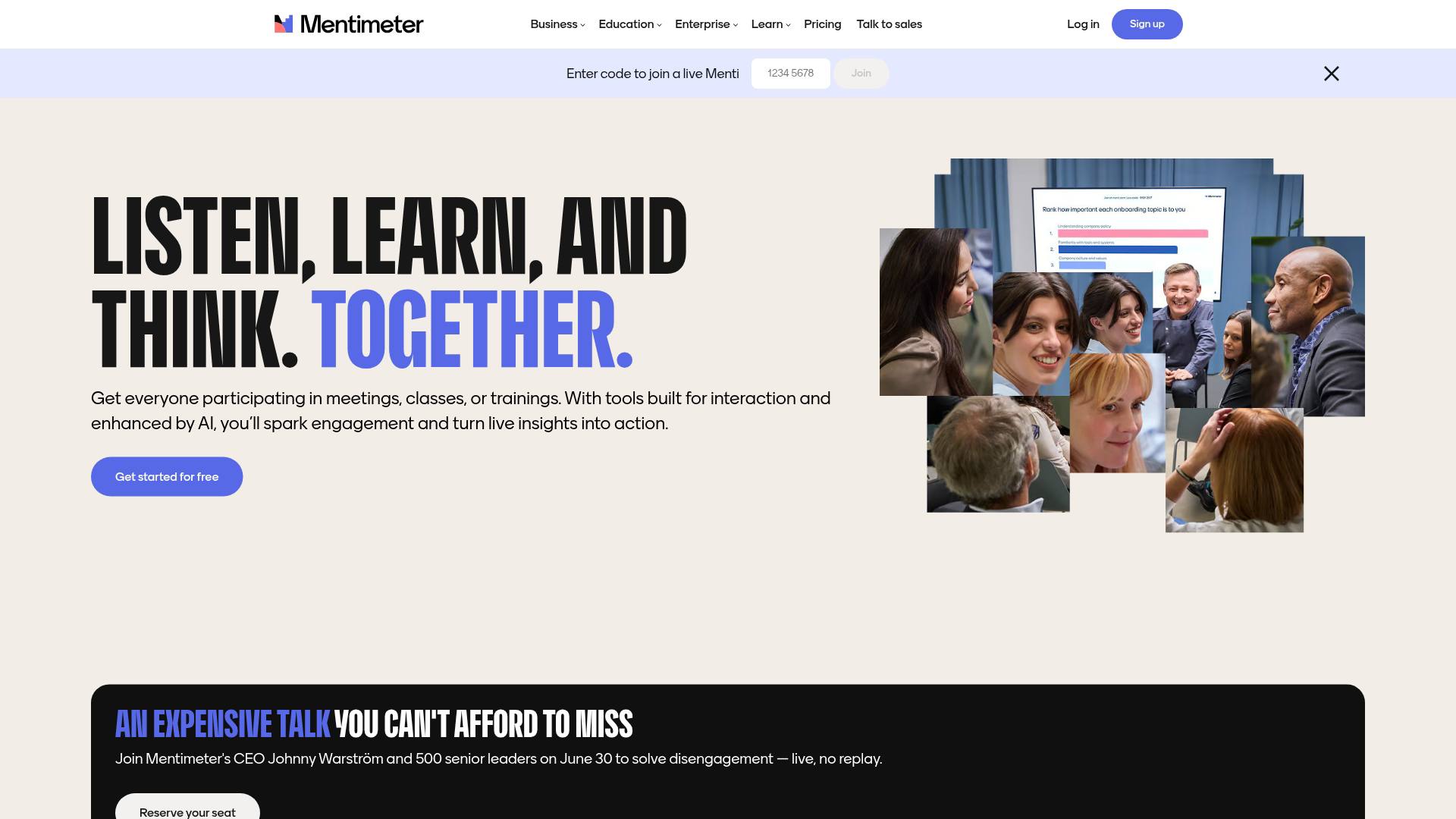
Mentimeter is a real-time polling and presentation tool that lets audiences respond via word clouds and questions.
Responses appear live on the presenter's screen.
Best for: Presenters and lecturers who want anonymous audience input during slides.
Key strengths
- Word clouds: Visualize crowd responses instantly, which works well for brainstorming or gauging prior knowledge
- Q&A moderation: Students submit and upvote questions, surfacing the most relevant ones
- PowerPoint and Google Slides integration: Embed Mentimeter slides into existing decks without switching platforms
Why choose Mentimeter
Mentimeter handles anonymous responses well, encouraging participation from quieter students. The word cloud feature opens discussions effectively. However, it offers less gamification than Kahoot!.
Mentimeter pricing
Free tier includes limited questions per presentation. Paid plans start at $11.99/month (billed annually) for the Basic tier, with higher tiers for teams and enterprises.
4. Padlet

Padlet is a collaborative digital bulletin board where students post text, images, videos, and audio.
Think of it as a shared canvas where everyone contributes simultaneously.
Best for: Group brainstorming, project-based learning, and visual collaboration.
Key strengths
- Multiple layouts: Choose from timelines, maps, grids, columns, and freeform canvases depending on your activity
- Multimedia posts: Students add videos, audio recordings, and links alongside text, supporting diverse expression
- Comment and react: Peer feedback is built into every post, enabling discussion threads
Why choose Padlet
Padlet shines for collaborative ideation and asynchronous discussion. Students contribute at their own pace with visual clarity. However, it isn't designed for quizzes or polling.
Padlet pricing
Free tier includes three boards with limited features. Paid plans start at $8/month (billed annually) for individuals, with school and district pricing available.
5. Pear Deck

Pear Deck is an interactive slide add-on for Google Slides and PowerPoint that turns presentations into assessments.
Teachers see all responses in a dashboard without leaving the presentation.
Best for: Educators already using Google Workspace who want low-friction interactivity.
Key strengths
- Draggable responses: Students place markers on images, spectrums, or diagrams, which works well for visual concepts
- Teacher dashboard: See all responses in real time without switching tabs or apps
- Vocabulary mode: Flashcard-style review built into the platform for retrieval practice
Why choose Pear Deck
Pear Deck integrates seamlessly with Google Slides and minimizes learning curve. However, full features require a paid plan.
Pear Deck pricing
Free tier includes basic question types. Premium plans start at $149.99/year for individual educators, with school pricing available.
6. Edpuzzle
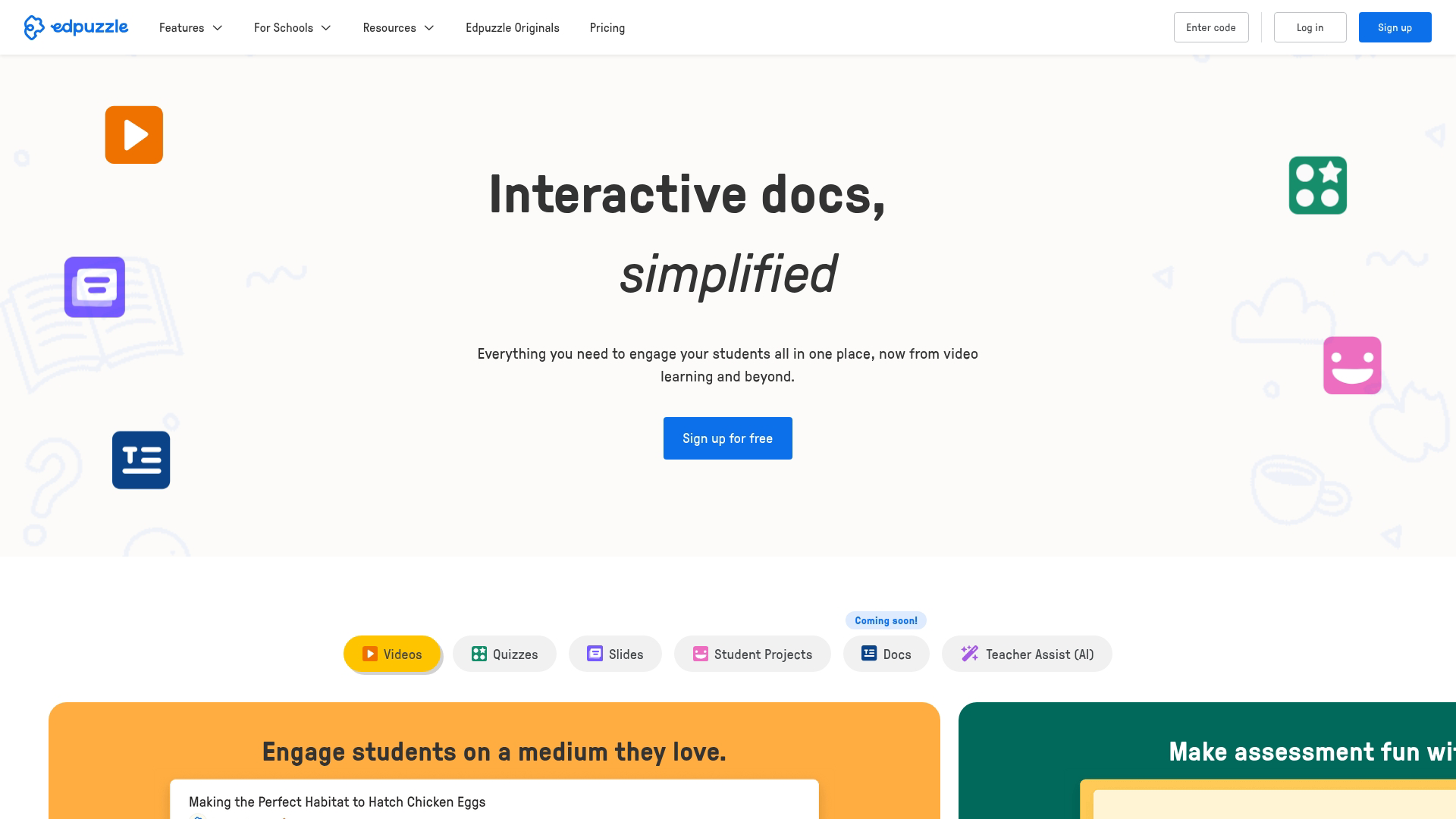
Edpuzzle is a video-based active learning tool that lets you embed questions directly into any video.
The video pauses automatically at checkpoint questions, and students can't skip ahead until they respond.
Best for: Flipped classrooms and asynchronous video lessons.
Key strengths
- Checkpoint questions: Pause videos automatically for comprehension checks, ensuring students engage rather than passively watch
- Video cropping: Use only the relevant portion of any YouTube, Khan Academy, or uploaded video
- Progress tracking: See who watched, paused, rewatched, or skipped each section
Why choose Edpuzzle
Edpuzzle transforms passive video watching into active engagement through forced pauses. However, it focuses on asynchronous video, not live engagement. See also our overview of customer training software for broader learning solutions.
Edpuzzle pricing
Free tier includes basic features for individual teachers. Paid plans offer additional storage, analytics, and administrative features for schools.
7. Wooclap
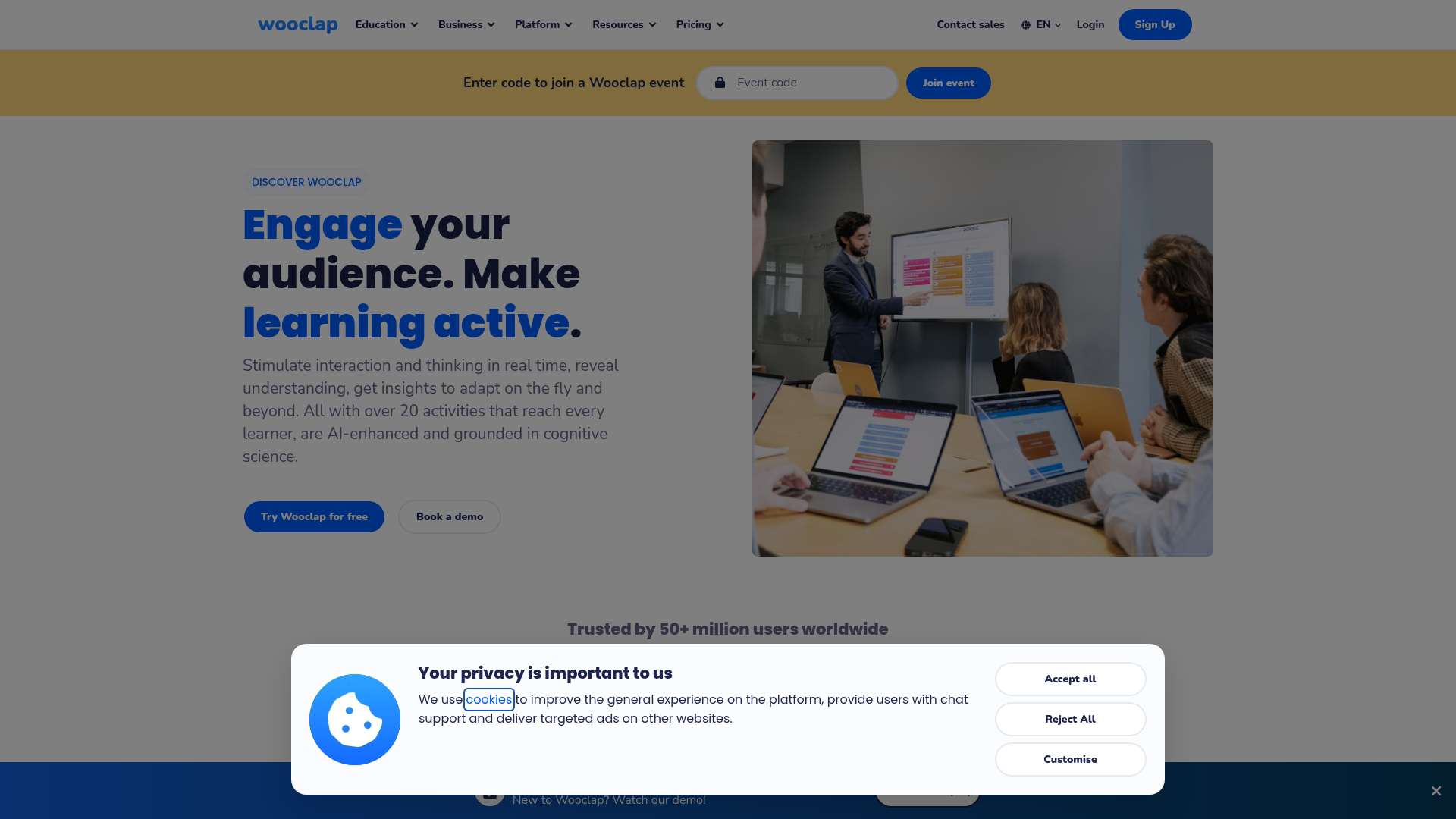
Wooclap is an audience response system with polling, quizzes, and brainstorming features designed for higher education and corporate training.
The platform offers more question types than most competitors.
Best for: University instructors and corporate trainers who need versatile question formats.
Key strengths
- Question variety: Multiple choice, open text, matching, rating scales, prioritization, and more
- PowerPoint and Keynote integration: Run polls without leaving your slides
- Event mode: Handle large audiences at conferences, lectures, or all-hands meetings
Why choose Wooclap
Wooclap offers more question types than competitors, making it versatile. It's popular in European higher education. However, it has smaller content library and K-12 recognition.
Wooclap pricing
Free tier includes limited questions and participants. Paid plans start at €6.99/month (billed annually) for individuals, with institutional pricing available.
8. Socrative
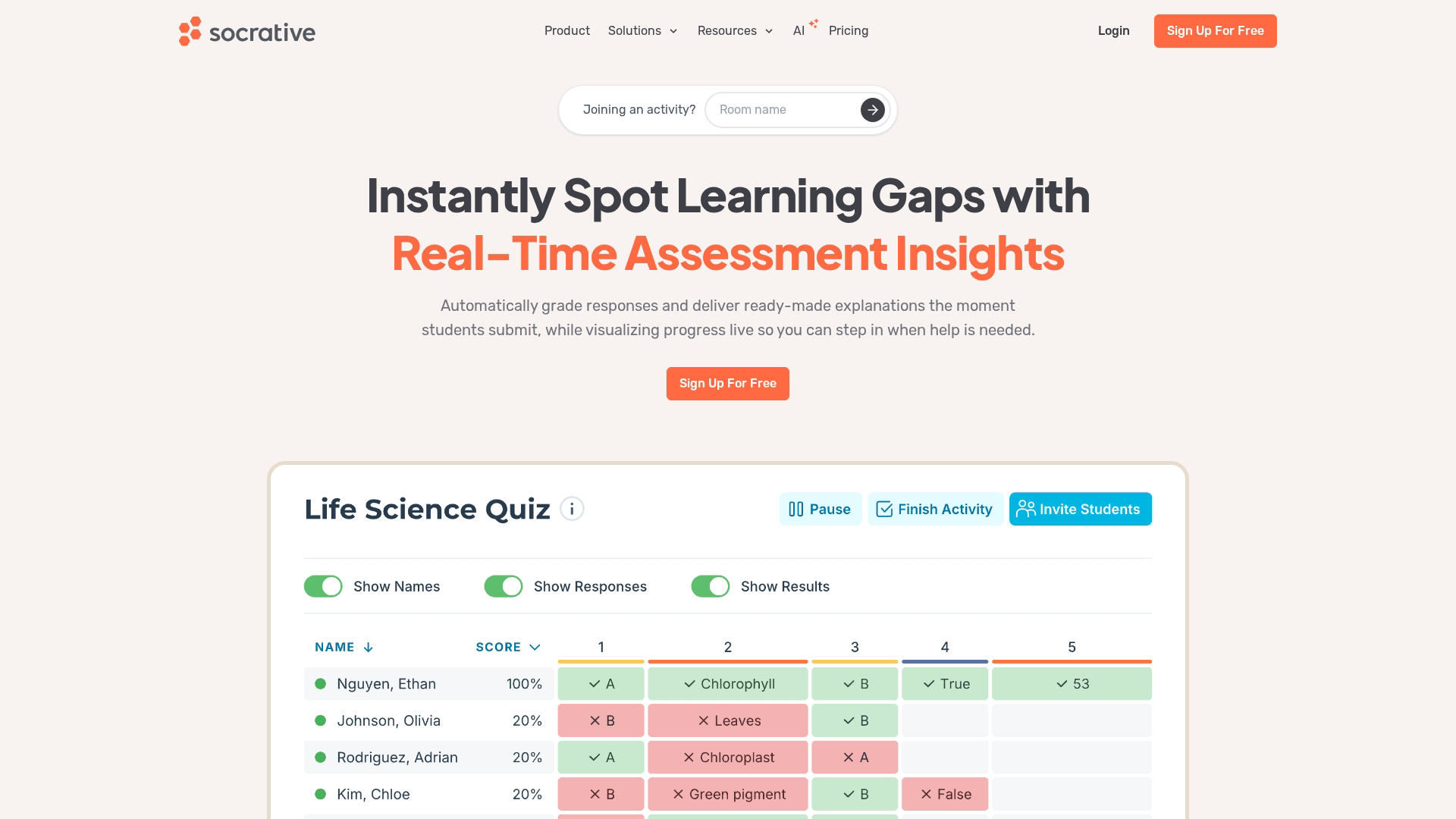
Socrative is a straightforward quiz and exit ticket tool for formative assessment.
The platform focuses on simplicity rather than gamification or multimedia.
Best for: Teachers who want fast, no-frills comprehension checks.
Key strengths
- Space Race game: Team-based quiz competition with visual progress, adding light gamification
- Exit tickets: Quick end-of-class checks with instant results, useful for gauging understanding before students leave
- Downloadable reports: Export student responses for grading, analysis, or records
Why choose Socrative
Socrative is reliable and straightforward for quick quizzes. However, it offers fewer features than gamified competitors.
Socrative pricing
Free tier supports one public room with up to 50 students. Pro plans start at $89/year for individual teachers.
9. Flip
Flip (formerly Flipgrid) is a video discussion platform where students record short video responses to prompts.
Learners speak on camera, which supports verbal expression and builds classroom community.
Best for: Building classroom community and encouraging verbal expression.
Key strengths
- Video-first responses: Students speak instead of type, supporting diverse learners and language practice
- Moderation controls: Review videos before they go live, ensuring appropriate content
- Emoji and sticker reactions: Peer engagement in a familiar, social-media-style format
Why choose Flip
Flip excels at social-emotional learning and language classes. It's completely free (Microsoft acquired Flipgrid in 2018). However, it isn't suited for quizzes or polls.
Flip pricing
Free for all educators. No paid tiers.
10. Canva for Education
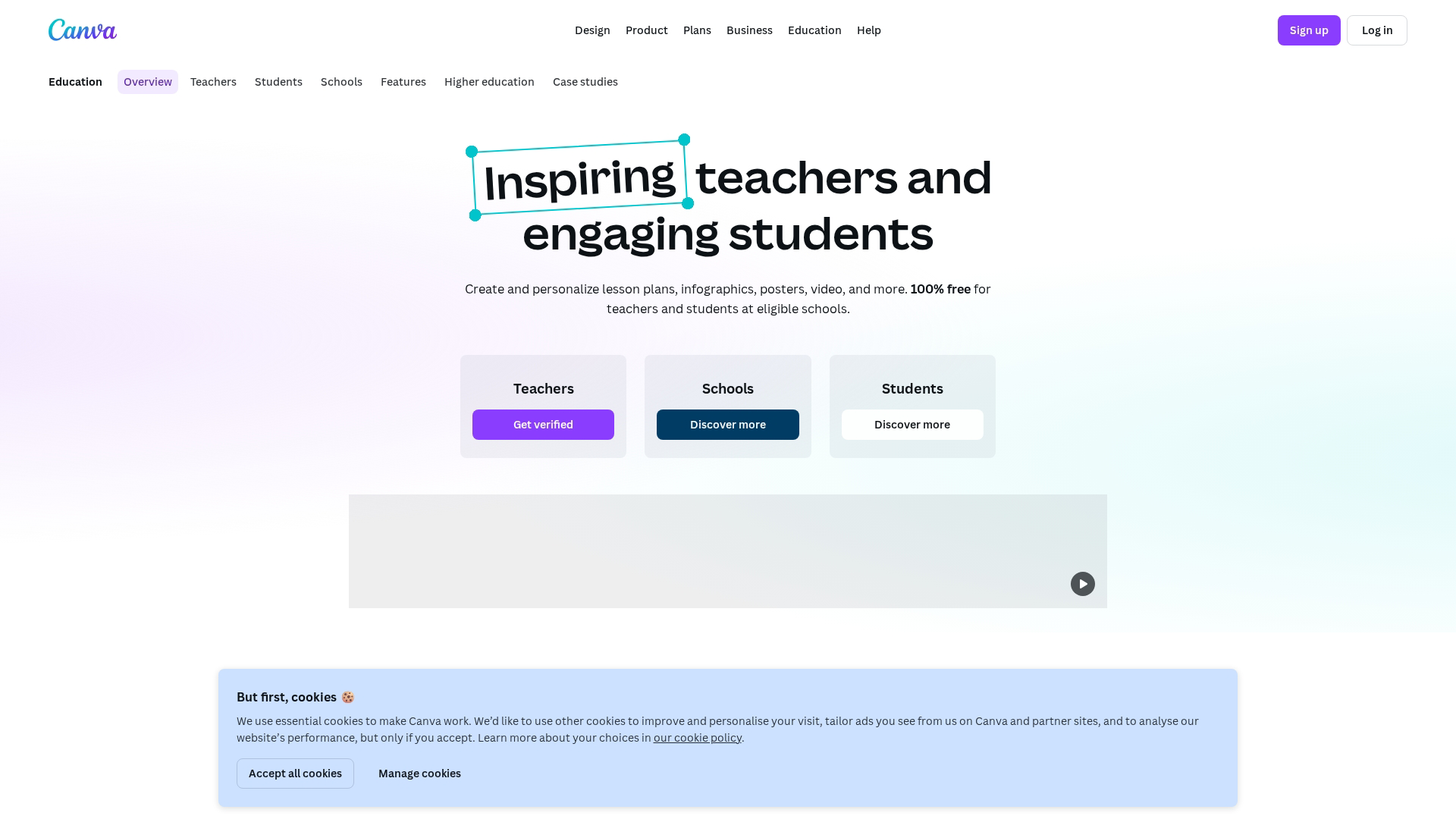
Canva for Education is a design platform with collaborative whiteboards, presentations, and templates.
Its collaboration features support visual and project-based learning.
Best for: Visual projects, collaborative design, and multimedia presentations.
Key strengths
- Collaborative whiteboard: Real-time brainstorming with sticky notes, drawing tools, and connectors
- Template library: Thousands of education-specific designs for posters, presentations, and infographics
- Student portfolios: Learners collect and present work over time, building a body of evidence
Why choose Canva for Education
Canva works well for creative, project-based learning with visual artifacts. The collaborative whiteboard supports brainstorming. However, it isn't a dedicated polling or quiz tool.
Canva for Education pricing
Free for K-12 teachers and students with verified school email addresses. Higher education and other users may need paid plans.
Key considerations when evaluating an active learning tool
Once you've narrowed your options, dig deeper into the following factors before committing.
Ease of implementation and learning curve
Test the tool's onboarding flow yourself. Can you create and launch your first activity in under 15 minutes?
Ask colleagues about their experience. A platform that looks simple might have hidden complexity.
Data privacy and student safety
Educational technology involves student data with legal and ethical obligations:
- FERPA (Family Educational Rights and Privacy Act): U.S. law protecting student education records
- GDPR (General Data Protection Regulation): European law governing personal data
- COPPA (Children's Online Privacy Protection Act): U.S. law protecting children under 13
Verify data processing agreements with your institution. Check the vendor's privacy policy and terms of service.
Accessibility and inclusive design
Active learning tools work only if all students can use them. Check for screen reader compatibility, keyboard navigation, closed captions, and color contrast.
Request a VPAT (Voluntary Product Accessibility Template) from vendors.
Long-term maintenance and support
Consider what happens after adoption. Does the vendor offer live chat, email, phone, or knowledge base? Is the product actively developed?
How to get started with your first active learning tool
Start small. Pick one tool and one use case rather than overhauling your entire curriculum at once.
Add a single exit ticket at the end of your next class session. Use Mentimeter, Socrative, or Wooclap to ask one question. Review responses and adjust teaching accordingly.
Once comfortable, expand. Add mid-class checks, collaborative brainstorms, or Kahoot! reviews.
The same principle applies in other contexts. Teams building interactive demos often start with one use case.
Hands-on engagement works better than passive content.
Start your journey with Guideflow today!
FAQs about active learning tools
What is the difference between active learning tools and learning management systems?
An LMS manages course content, assignments, and grades. Active learning tools add interactivity like polls and quizzes. Most integrate via LTI.
Can active learning tools work without a learning management system?
Yes. Most tools function standalone via web links or embeds. However, LMS integration simplifies roster syncing and grade passback.
How do educators measure student engagement with active learning tools?
Most tools provide dashboards showing response rates and completion data. Export reports for analysis or grade entry. Some offer analytics tracking engagement patterns.
Which active learning tools work for large lecture halls?
Polling tools like Mentimeter and Wooclap handle hundreds of simultaneous participants. They display aggregated results on shared screens.
Which active learning tools are FERPA and GDPR compliant?
Most tools offer FERPA and GDPR compliance documentation. Verify each vendor's data processing agreement before deployment.
How long does it take to implement an active learning tool?
Basic setup typically takes under 30 minutes. Full curriculum integration may require weeks of iterative testing.
Can active learning tools be used for corporate training programs?
Yes. Tools like Mentimeter and Kahoot! offer business plans for workforce reskilling. Marketing teams and customer success teams use similar approaches.
What accessibility features are most important in active learning tools?
Prioritize screen reader support, keyboard navigation, closed captions, and color contrast. Request a VPAT from vendors.