
A release that should have been routine takes down checkout for 40 minutes. The fix is simple. The rollback is not. Someone has to redeploy, wait for CI, and pray the previous build still works. Meanwhile support tickets pile up and your Slack fills with the same question: who shipped this?
Most teams treat this as an engineering discipline problem. Write better tests. Review harder. It rarely helps, because the real issue is that deploy and release are the same event. You cannot turn a feature off without shipping new code.
Feature toggle software separates those two things. It gives you runtime control over what users see, so you ship code dark, roll out to 5% of traffic, and kill a broken feature in one click without a redeploy. The feature flagging category is growing fast for a reason. The global feature flagging market was valued at $1.2 billion in 2025 and is forecast to reach $4.8 billion by 2034, a 14.8% CAGR, according to Market Intelo (2025).
For product managers, this is not just a developer convenience. It is how you run staged launches, wire up A/B testing, and coordinate activation across teams without a release-day fire drill.
What's inside
This guide is built for product managers, product ops, and platform-minded product leaders comparing feature toggle software for release control. We chose tools on criteria that map to how PMs actually buy:
- Rollout safety: percentage rollouts, instant rollback, kill switches, canary releases
- Targeting and segmentation: rules by role, plan, account, and environment
- Experimentation: A/B testing, holdouts, and analytics depth
- Governance: RBAC, approvals, audit trails, SSO
- Deployment model: managed SaaS, self-hosted, and open source
- Integrations: SDK coverage, APIs, and CI/CD fit
The list covers both managed and self-hosted feature flag platforms so you can match a tool to your deployment reality, not the other way around.
TL;DR
- Best overall for enterprise governance: LaunchDarkly
- Best for open-source and self-hosting: Unleash
- Best for budget-conscious teams: ConfigCat
- Best for experimentation-led teams: GrowthBook
- Best for all-in-one delivery workflows: Harness Feature Flags
- Best for a simple, flexible rollout layer: Flagsmith
- Best for tying rollout control to measurement: Split
If you only have time to shortlist, pick three based on deployment model, experimentation needs, and governance requirements. Those three axes decide most of the outcome.
What is feature toggle software
Feature toggle software is a runtime release control layer that lets teams turn features on or off without redeploying code. It sits between your application and your users, evaluating flags at request time to decide what each person sees.
The terms shift depending on who you talk to. Engineers say feature flags. Product teams say feature toggles. Vendors say feature management or feature flag platform. They point at the same thing: a control plane that decouples deploy from release so you ship code once and choose when, and to whom, it goes live.
Progressive delivery is the practice this enables. Instead of a big-bang launch, you release gradually, watch the metrics, and expand or pull back based on real behavior. Canaries, percentage rollouts, and kill switches are the mechanics that make it work.
Core capabilities to expect from a feature flag platform:
- Percentage rollouts: ship a feature to 1%, then 10%, then 100% of traffic
- Instant rollback: flip a kill switch to disable a feature without a deploy
- Environment-specific rules: different flag states across dev, staging, and production
- Audience targeting and segmentation: rules by user role, plan tier, account, or region
- A/B/n testing and holdouts: route cohorts into variants and measure outcome differences
- Audit trails and operational visibility: a record of who changed which flag and when
Used well, feature flag management turns every release into a controlled experiment rather than a bet. That is the shift from hoping a launch goes fine to knowing it will, because you can stop it in seconds.
When to use feature toggle software
Safely roll out risky changes
A full release exposes every user at once. A staged rollout limits the blast radius. Ship the change to internal users first, then 5% of production, then expand as the error rate stays flat. If something breaks, the kill switch pulls it back before most people ever see it. This is the difference between a controlled incident and a public outage.
Test behavior in production
Staging never matches production. Real traffic, real data, real edge cases only show up when live users hit the feature. Feature toggles let you validate behavior against actual usage without committing to a full release. Wire a flag to an A/B test and you get more than a pass or fail. You learn whether the change moves activation, retention, or conversion before you roll it wide.
Coordinate launches across teams
A launch is rarely one team's job. Product, engineering, support, and marketing all have a stake in when a feature goes live. A flag becomes the shared switch everyone agrees on. Marketing schedules the announcement, support preps the docs, and engineering flips the toggle at the same moment. No more launches that go live before the help center is ready.
Comparison table
This comparison emphasizes what matters for release control: rollout safety, governance, targeting, experimentation, and deployment model. Pricing and ratings reflect verified values from each vendor at the time of writing. Where a public price or rating is not published, the table says so plainly.
| # | Product | Best for | Key differentiator | Pricing | G2 rating |
|---|---|---|---|---|---|
| 1 | LaunchDarkly | Enterprise governance and release control | Deep governance plus experimentation at scale | Free Developer tier; Foundation usage-based; Enterprise custom | 4.5/5 |
| 2 | Unleash | Open-source and self-hosted deployments | Open-source core with enterprise governance | Cloud from $75/seat/mo; self-hosted from $375/5 seats/mo | 4.7/5 |
| 3 | ConfigCat | Budget-conscious and lean teams | Simple flags plus remote config with a free plan | Forever Free; Pro $110/mo; Enterprise $900/mo | 4.6/5 |
| 4 | Harness Feature Flags | All-in-one delivery workflows | Flags inside a broader delivery platform | Free tier; paid tiers via sales | Not published |
| 5 | Flagsmith | Flexible rollout layer, open source or SaaS | Remote config plus flags with self-hosting | Free; Start-Up $40/mo; Scale-Up $250/mo | 4.8/5 |
| 6 | Split | Tying rollout control to measurement | Feature management plus experimentation, now part of Harness | Via sales | Not published |
| 7 | GrowthBook | Experimentation-led, data-aware teams | Warehouse-native flags and experimentation | Starter free; Pro $40/seat/mo; Enterprise custom | 4.6/5 |
Best 7 feature toggle software tools for 2026
1. LaunchDarkly
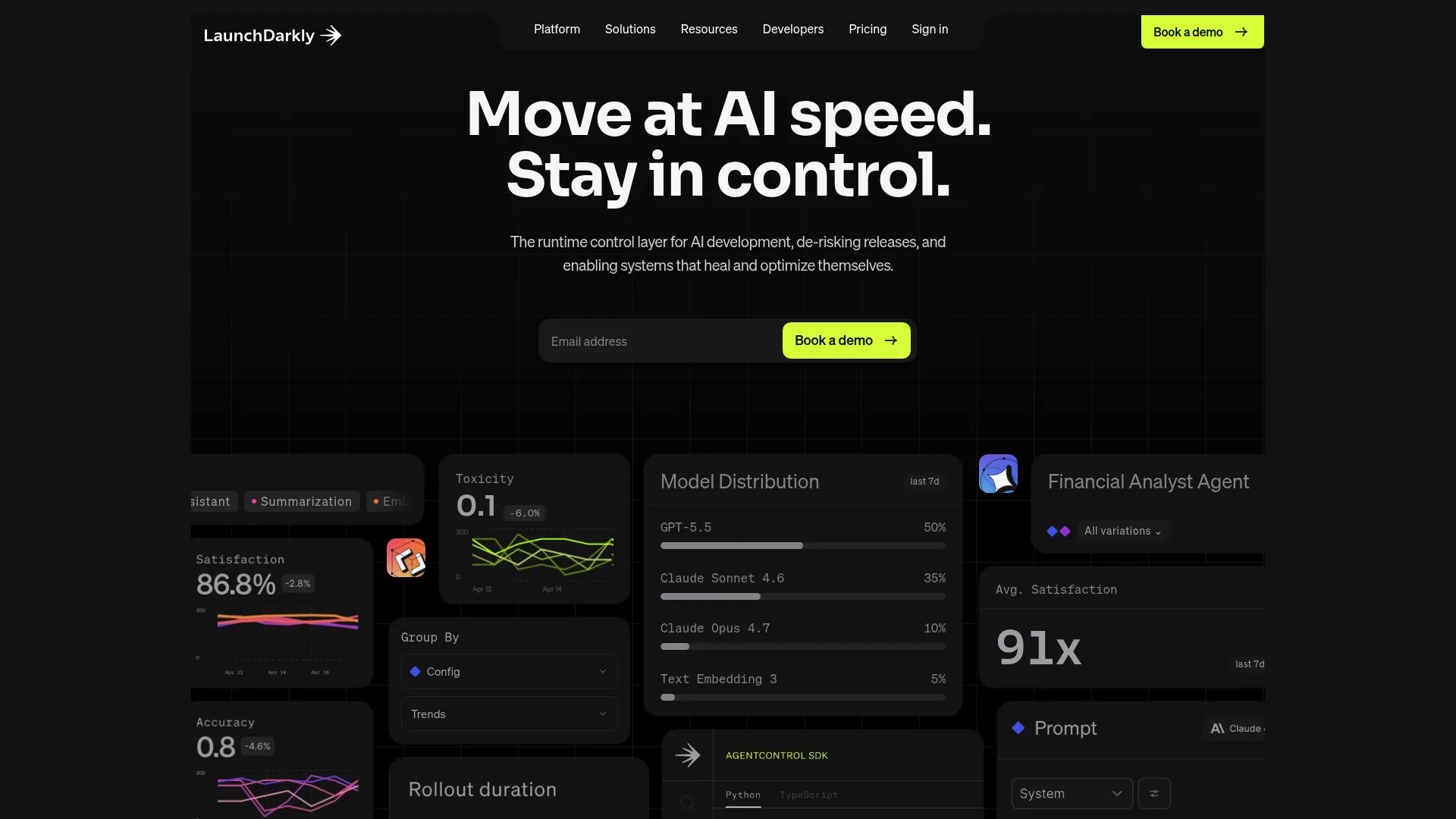
LaunchDarkly is the mature end of the feature flag platform market. It handles runtime release control, progressive delivery, and experimentation for teams that ship constantly and cannot afford a bad release reaching everyone. The platform leans hard into governance, which is what separates it once flags become shared infrastructure across dozens of teams.
For a PM, the draw is control at scale. You get percentage rollouts, granular targeting, and approvals that stop someone from flipping a production flag without sign-off. The audit logs answer the "who changed this" question in seconds, and experimentation with holdouts ties flag changes to metric movement.
Best for: Enterprise product and platform teams that need deep governance and low-risk release control.
Key features
- Percentage rollouts and progressive delivery
- Targeting and segmentation by user attributes
- Audit logs and approval workflows
- Experimentation, A/B testing, and holdouts
- Broad SDK and API support
Why choose LaunchDarkly: It fits teams with complex workflows, large stakeholder sets, and strict operational requirements. If governance, RBAC, and release approvals are non-negotiable, this is the platform built for that reality.
LaunchDarkly pricing: A free Developer plan is available at $0/mo. The Foundation tier uses usage-based pricing, billed yearly, starting at $10 per service connection per month plus client-side MAU and AI-run charges. Enterprise and Guardian tiers use custom pricing tailored to usage and licensing.
2. Unleash
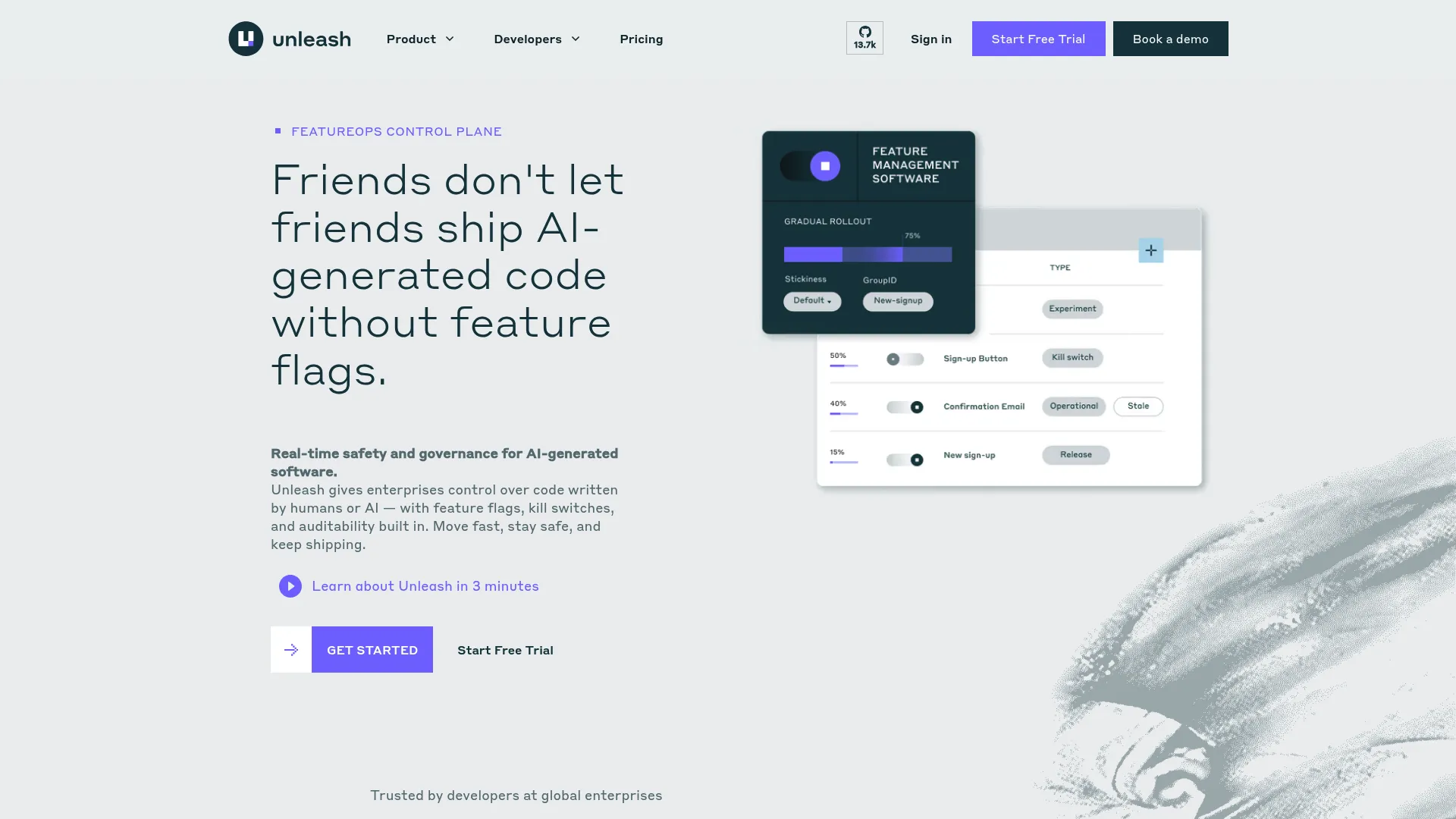
Unleash is the strong pick when deployment model matters as much as features. It offers an open-source core alongside managed and self-hosted options, so teams that need control over where flags evaluate can keep it. Low-latency evaluation and governance features round out the enterprise story.
Product teams choose Unleash when data residency or infrastructure control is a hard requirement. Self-hosting means flag evaluation stays inside your environment. Custom activation strategies and targeting give you the rollout precision you expect, and A/B/n testing with flag variants covers experimentation.
Best for: Teams that want open-source roots, self-hosting, or control over their deployment model.
Key features
- Open-source core with a permissive model
- Self-hosted or managed cloud options
- Custom activation strategies and targeting rules
- A/B/n testing with flag variants
- SDKs, APIs, and governance controls
Why choose Unleash: Pick it when you need deployment flexibility without giving up core flagging capability. It suits platform teams that treat where code runs as a first-class decision, not an afterthought.
Unleash pricing: Cloud Hosted pay-as-you-go starts at $75 per seat per month. Self Hosted pay-as-you-go starts at $375 for five seats per month. Enterprise runs on an annual contract with pricing via sales. An open-source edition is also available.
3. ConfigCat
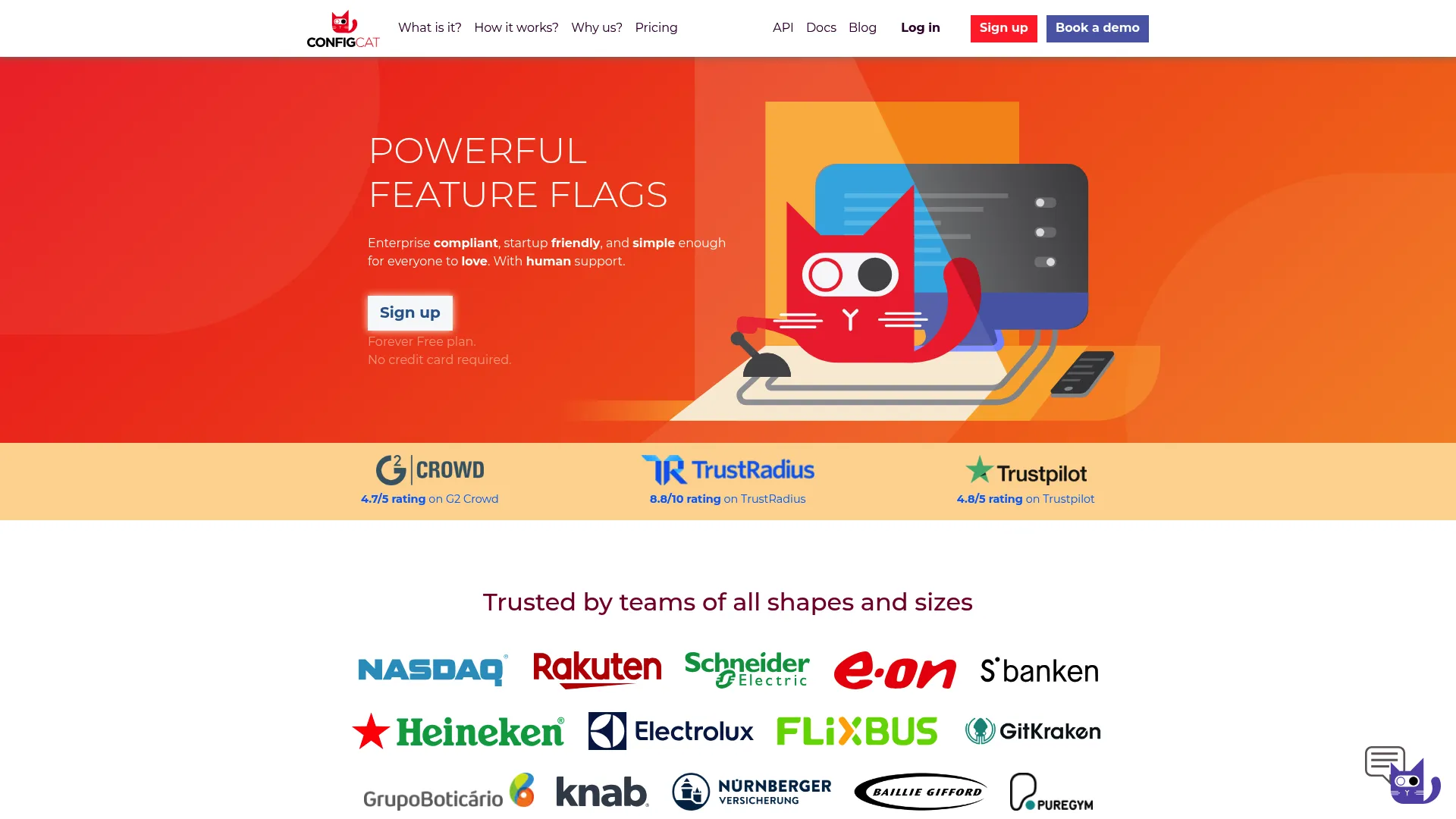
ConfigCat is the straightforward, budget-friendly option. It covers the common toggling, targeting, and release control needs without a heavy platform footprint. For lean teams, that focus is the point: flags and remote config that work across environments, minus the overhead.
The appeal for a PM at a smaller company is speed to value. You get feature flags and remote configuration, multi-environment support, and targeting rules through a clean interface. SDK coverage is broad, and the forever-free plan lets you validate the workflow before spending anything.
Best for: SMBs and lean product teams that want a simple, low-friction feature toggle layer.
Key features
- Feature flags and remote configuration
- Percentage rollouts and targeting rules
- Multi-environment and product management
- Broad SDK coverage with cache-based delivery
- Public API for automation
Why choose ConfigCat: It fits teams that want a lower-friction rollout workflow and predictable pricing. When you need flags working this week without a platform rollout project, this is the direct route.
ConfigCat pricing: Forever Free is available with no credit card. Pro is $110 per month, Smart is $325 per month, Enterprise is $900 per month, and Dedicated is $4,500 per month. Monthly and annual billing options are available, with a currency selector on the pricing page.
4. Harness Feature Flags
Harness Feature Flags sits inside a broader delivery platform, which is exactly why teams choose it. If your organization is standardizing on Harness for CI/CD and release orchestration, flags become one more governed control in a system you already run. The value is integration, not isolation.
For a PM, this matters when release management spans more than a toggle. You get flags for turning code on and off without redeploying, targeting for users and groups, percentage rollouts, and governance, all wired into the same pipelines that ship your software. Monitoring lives in the same place.
Best for: Teams already standardizing on Harness or seeking integrated delivery and release management.
Key features
- Feature flags without redeploying code
- Targeting by users and groups
- Percentage rollouts and rollback
- Governance and release controls
- Pipelines, automation, and monitoring
Why choose Harness Feature Flags: Choose it when integration across delivery workflows matters more than a standalone toggle layer. Teams already invested in Harness get flags that fit their existing governance model.
Harness Feature Flags pricing: A Free plan is available at $0. Paid tiers, listed as Essentials and Enterprise, are priced through sales. Harness documentation also describes Free, Team, and Enterprise tiers specific to Feature Flags.
5. Flagsmith
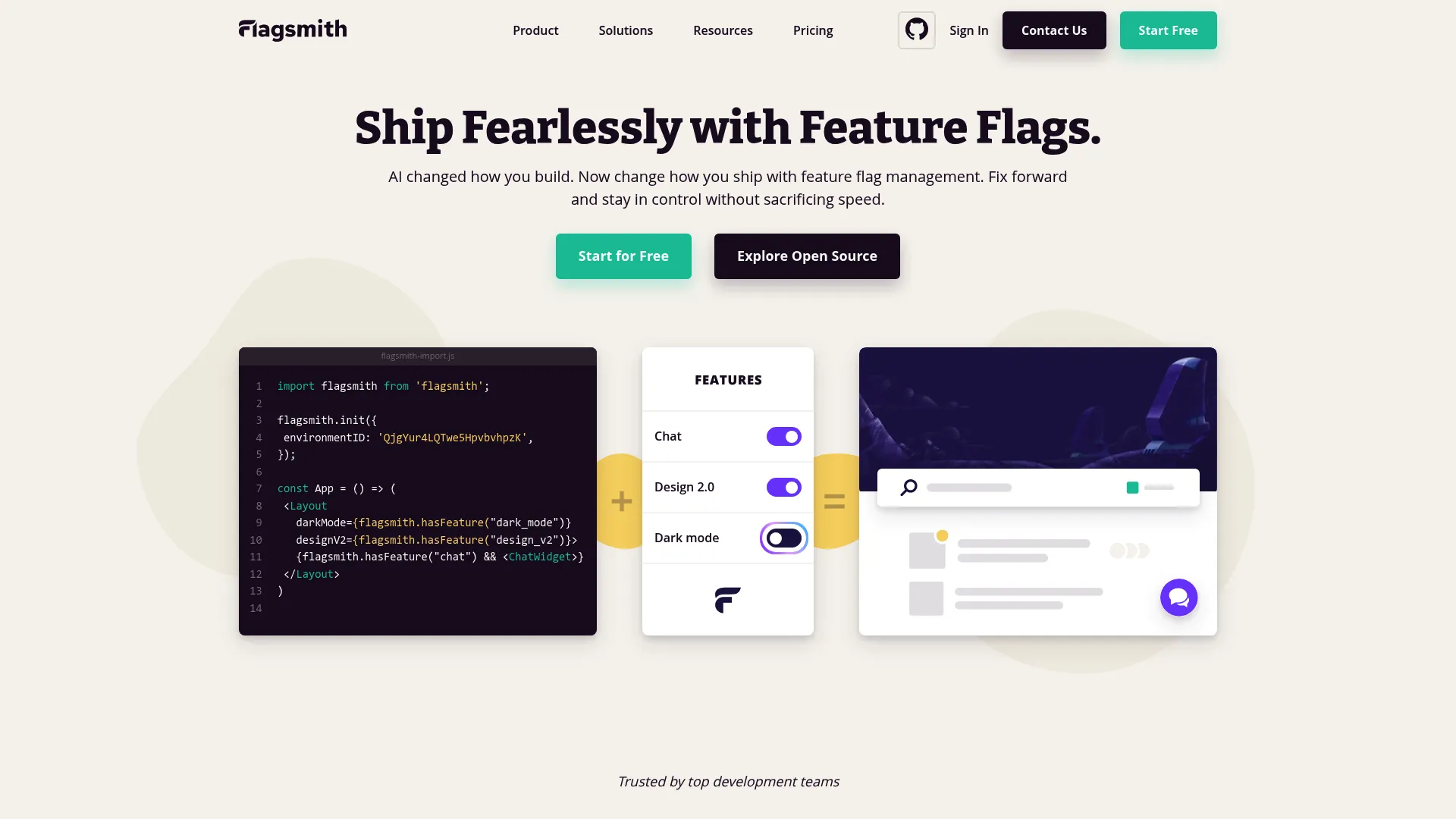
Flagsmith is the flexible middle ground. It offers open-source and SaaS options with straightforward rollout control and segmentation, without pushing you into a heavy enterprise platform. Teams that value a lighter footprint and the option to self-host tend to land here.
The practical draw is coverage plus control. Flagsmith manages flags across web, mobile, and server-side applications, adds remote config so you can change feature properties without a redeploy, and supports targeting by environments, users, and segments. Self-hosting keeps everything inside your infrastructure when that is a requirement.
Best for: Teams that want flexibility and control without a heavy enterprise platform footprint.
Key features
- Open-source and SaaS deployment options
- Feature flags across web, mobile, and server-side apps
- Remote configuration without redeploying
- Targeting by environments, users, and segments
- APIs and SDKs for automation
Why choose Flagsmith: It appeals to teams that value flexibility, deployment control, and a lighter operational footprint. If you want the self-hosting option open without committing to enterprise complexity, it fits.
Flagsmith pricing: A Free plan is available at $0 per month. Start-Up is $40 per month and Scale-Up is $250 per month. Enterprise pricing runs through sales. Monthly and yearly billing views are available, with annual discounts noted on the pricing page.
6. Split
Split ties rollout control to measurement, which is its whole reason for being. It is a feature management and experimentation platform, now part of Harness, built for teams that want every flag change to produce a measurable result. Flags and metrics live in the same workflow rather than in separate tools.
For product teams, this closes a common gap. You ship a change behind a flag, and the platform attributes the impact on your metrics rather than leaving you to reconcile it later. Feature flag management, experimentation, and release monitoring work as one loop, which is what experimentation-minded PMs want.
Best for: Product and experimentation teams that want feature management plus data-driven learning in one place.
Key features
- Feature flags and targeting
- Experimentation and metric attribution
- Environment controls
- SDK support
- Release monitoring
Why choose Split: Choose it when experimentation and product analytics are tightly connected and you want rollout and measurement in one system. It suits teams treating every release as a learning opportunity.
Split pricing: Split's former pricing page now redirects to Harness pricing, which shows Free, Essentials, and Enterprise plans. No Split-specific public prices are currently published on the first-party site, so pricing is best confirmed through sales.
7. GrowthBook
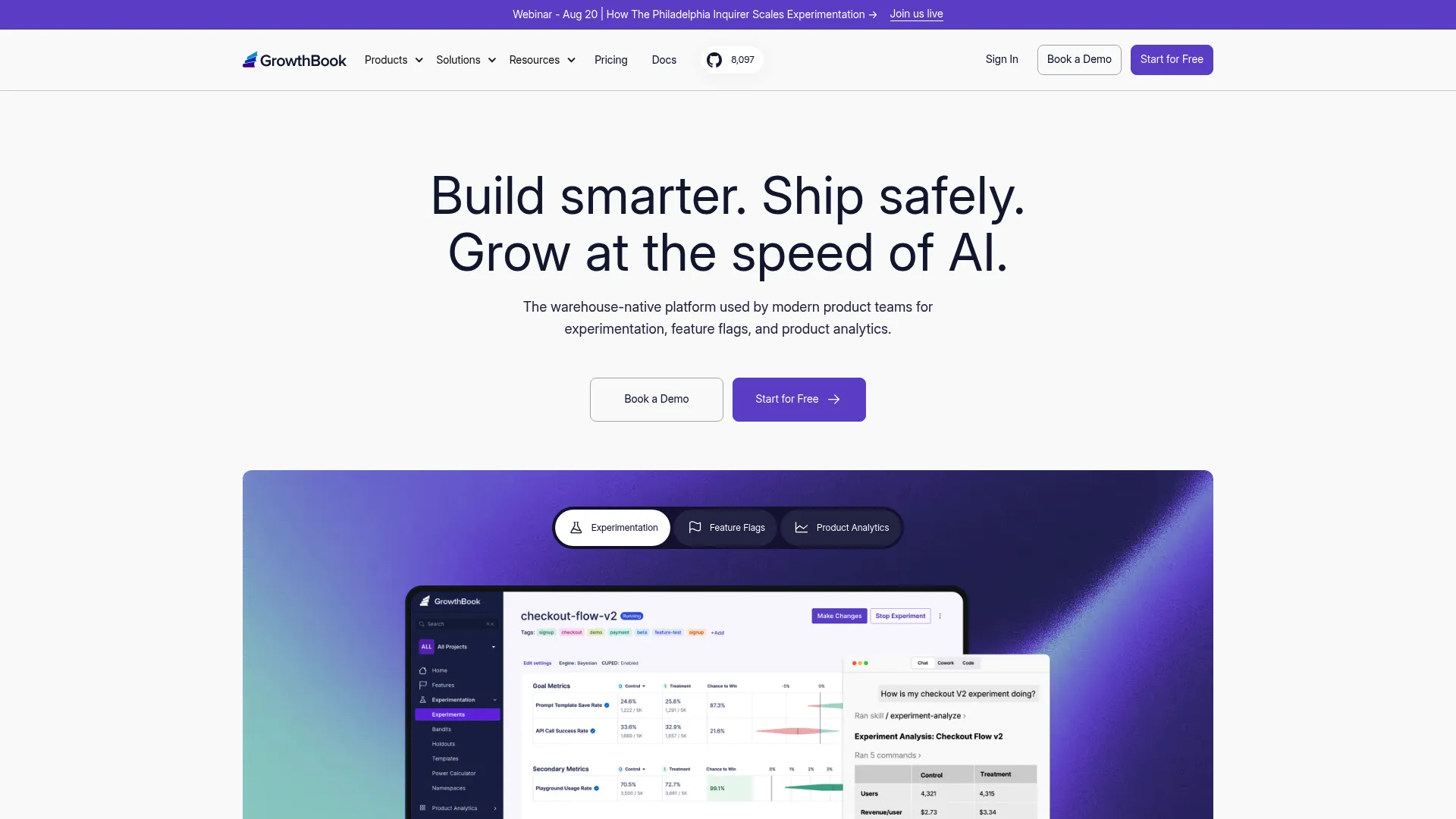
GrowthBook leads with experimentation and a warehouse-native data model. It combines feature flags, A/B testing, and product analytics, so teams that already run their metrics out of a data warehouse can experiment against the numbers they trust. That data-first orientation is the differentiator.
For a data-aware product team, this removes a translation layer. Feature flags with targeting, gradual rollouts, and automated rollbacks handle the release side. Experimentation ties directly to warehouse data, and shared metrics with dashboards keep the whole team looking at the same source of truth.
Best for: Teams that want experimentation, holdouts, and product analytics in one place.
Key features
- Feature flags with targeting and gradual rollouts
- Automated rollbacks
- A/B testing tied to warehouse data
- Warehouse-native product analytics
- Shared metrics and dashboards
Why choose GrowthBook: It fits product teams and data-aware organizations that want experimentation-first workflows without stitching flags to a separate analytics stack. The warehouse-native model is the reason to pick it.
GrowthBook pricing: The Starter plan is free. Pro is $40 per seat per month. Enterprise is custom, priced through sales. Both cloud and self-hosted deployments are available.
Considerations
Governance and access control
Once flags become shared infrastructure, they need the same controls as any production system. Check for RBAC so the right people change the right flags, approval workflows for high-risk toggles, and SSO for access management. Audit trails are non-negotiable at scale, because "who changed this and when" is a question you will ask under pressure.
Targeting and segmentation
Multi-segment products need rules that match reality. Verify you can target by role, plan tier, account, and environment, not just a blunt percentage. If different admins and end users need different rollouts, the platform's segmentation model has to support it without workarounds. Environment rules keep dev, staging, and production cleanly separated.
Experimentation and measurement
Not every flag platform has robust experimentation analytics, so verify it directly. Look for holdouts, A/B/n testing, and integrations with the analytics stack you already run. If you want flag changes attributed to activation or retention movement, confirm the tool measures that rather than just serving the variant.
Deployment model and latency
Self-hosted, managed, or hybrid is a real decision, not a preference. Data residency and compliance requirements can force self-hosting. Runtime evaluation speed matters because flags sit in the request path, so check latency claims against your traffic. Managed SaaS removes infrastructure work; self-hosted keeps evaluation inside your environment.
Maintenance and flag lifecycle
Stale flags are technical debt that compounds. A flag meant to live two weeks that survives two years becomes a landmine. Check for cleanup workflows, clear ownership, and expiry so flags do not sprawl. Good hygiene here is the difference between a control plane and a mess.
Conclusion
The right feature toggle software depends on three axes: deployment model, experimentation needs, and governance requirements. LaunchDarkly is the safe call for enterprise governance and release control at scale. Unleash wins when open-source roots or self-hosting are non-negotiable. ConfigCat and Flagsmith serve leaner teams that want a straightforward rollout layer without heavy overhead.
For experimentation-led teams, GrowthBook's warehouse-native model and Split's tight coupling of rollout and measurement are the strongest fits. Harness Feature Flags makes the most sense when you are already standardizing delivery on Harness.
Your next step is simple. Shortlist three tools based on those three axes, then run a trial with a real flag on a real feature. Ship it dark, roll it out to a small cohort, and pull it back with a kill switch. The tool that makes that loop feel routine is the one that belongs in your stack.
Start your journey with Guideflow today!
FAQs
They are used interchangeably. "Feature flags" is the broader, more modern term you will see across most feature management platforms, while "feature toggles" is the classic phrase from continuous delivery practice. Both describe the same runtime control: a switch that turns functionality on or off without a redeploy.
Most PMs shipping frequently do. It lets you coordinate staged rollouts, run A/B testing on real traffic, and reduce release risk with instant rollback. Without it, every launch is a bet you cannot easily reverse. With it, you control timing, audience, and blast radius, which is core to activation and retention work.
It can be, depending on your needs. Open-source options like Unleash and Flagsmith offer self-hosting, targeting, and governance features that satisfy many enterprise requirements. The deciding factors are support expectations, compliance and data residency needs, and whether you have the infrastructure capacity to run and maintain a self-hosted deployment.
Prioritize percentage rollouts, instant rollback, and kill switches for safety. Then check targeting and segmentation depth, observability so you can watch metrics as you expand, experimentation for measured launches, and guardrails like approvals and RBAC. Progressive delivery only works when you can expand and pull back with confidence.
A flag routes cohorts into variants. You assign a percentage of users to each version, then measure the outcome difference on the metrics you care about. Platforms with built-in experimentation attribute the impact directly, so you learn whether a change moved conversion or retention before rolling it to everyone.
Assign ownership to every flag, set an expiry date at creation, and run regular cleanup passes. Temporary flags meant for a rollout should be removed once the feature is fully live. Feature flag lifecycle governance, backed by audit trails and clear ownership, keeps stale toggles from accumulating into risk.
There is overlap, but not every flag platform has robust experimentation analytics. Some tools focus purely on runtime control and targeting, while others like GrowthBook and Split build experimentation and measurement into the core. If A/B testing and holdouts matter to you, verify that depth directly rather than assuming every feature flag platform includes it.