Labels look simple until the volume shows up. One product SKU is a five-minute job. Ten thousand SKUs with barcodes, QR codes, batch numbers, and per-unit variable data is a system problem. The moment someone on your team is hand-editing addresses in a spreadsheet, copying them into a design tool, and re-checking each label before it hits the printer, you have quietly created a place where errors live and time disappears.
That risk is not abstract. A mislabeled shipment gets returned. A wrong barcode fails a scan at the dock and stalls a fulfillment run. A compliance label with the wrong lot number can trigger a recall. These are the small operational leaks that never show up in a board deck but drain hours from ops, warehouse, and support teams every week.
The market has responded. The global label design and printing software market is projected to reach USD 1.52 billion in 2026, growing at an 11.04% CAGR through 2032, according to Research and Markets (2026). One reason: 70% of manufacturers cite rising demand for customized labels as the main driver for adopting advanced software, per MarketGrowthReports (2026). Customization at scale is exactly what breaks manual workflows.
The right label printing software removes the manual step. It stores your templates, generates barcodes and QR codes from data, pulls names and addresses straight from a spreadsheet, and prints correctly the first time. This guide ranks eight tools worth your attention in 2026, from free label makers to enterprise-grade labeling platforms.
What's inside
This roundup is for teams comparing label design software by the things that actually determine whether it earns a place in your stack: ease of use, template support, barcode and QR handling, mail merge, spreadsheet integration, and printer compatibility. It covers the full range, from beginner-friendly and free tools to warehouse and enterprise labeling systems.
We selected and ordered these eight tools on four criteria:
- Ease of use and setup speed - how fast a non-technical person gets a correct label out the door.
- Template and design depth - libraries, blank canvas control, and reuse.
- Data handling - barcodes, QR codes, mail merge, and spreadsheet or database import.
- Printer compatibility - support for the thermal, inkjet, laser, and industrial printers teams actually run.
TL;DR
- Best free and easiest to start: Avery Design & Print. Free templates, browser-based design, mail merge, and a built-in barcode generator with no cost to begin.
- Best for online design tied to label stock: Maestro Label Designer. Web-based label maker with mail merge, barcode and QR tools, and free trial access.
- Best for barcode and RFID-heavy workflows: ZebraDesigner. Windows-based design with database connectivity, VB scripting, GS1-128, and RFID support.
- Best for enterprise labeling at scale: BarTender. Data-driven templates, automation, and REST API integration for compliance-heavy operations.
- Best for warehouse and NetSuite operations: RF-SMART WMS. Native ERP integration with barcoding, labeling, and inventory traceability built in.
- Best for high-volume shipping: ShipJunction. Multi-carrier shipping with batch label printing and no-code automation rules.
What is label printing software?
Label printing software is a design and printing tool that lets users create, manage, and print labels for shipping, products, inventory, compliance, and asset tracking without rebuilding each label by hand. It combines a label maker interface with data handling so a single template can produce thousands of unique labels from a spreadsheet or database.
Most tools in this category share a core feature set:
- Templates: Prebuilt layouts sized to standard label stock, plus blank canvas control for custom shapes and dimensions.
- Barcode generator: Support for common symbologies (Code 128, GS1-128, UPC, EAN) so scanners read labels correctly at the dock or register.
- QR codes: Dynamic or static QR code generation for product info, links, and tracking.
- Mail merge: Pulling names, addresses, and other fields to print batches of personalized labels.
- Spreadsheet and database import: Connecting to Excel, CSV, Access, or an ERP so labels stay in sync with the source data.
- Printer compatibility: Driver support across thermal, inkjet, laser, and industrial printers.
- Reuse and version control: Saving templates and projects so the next batch starts from a known-good layout.
The distinction that matters for buyers: some tools are label design software built for one-off and small-batch work, while others are workflow platforms where labeling is one step inside fulfillment, inventory, or compliance. The retail and e-commerce segment alone accounted for 32.4% of the worldwide label printing software market in 2025, per PW Consulting (2026), which explains why so many tools now lead with shipping and product labeling.
When to use label printing software
Not every labeling job needs the same tool. Three patterns tell you what to reach for.
Print labels without starting from scratch
Template libraries matter most when you print the same label types repeatedly and want consistent formatting every time. A prebuilt template sized to your label stock removes the guesswork of margins, bleed, and dimensions. You load the template, drop in your content, and print. For teams running product labels, name badges, or file folders on a recurring basis, this is where the time savings compound. Consistency also reduces the rework that comes from one person eyeballing a layout differently than the last.
Generate barcodes and QR codes from data
The moment each label needs a unique identifier, you want a barcode generator wired to your data. Variable data labels, where a serial number, lot code, or SKU changes on every unit, are painful to produce by hand and error-prone. Software that generates barcodes and QR codes in batch from a data source handles thousands of unique labels in one run. This is the backbone of inventory, product, and shipping workflows where a single misread barcode stalls the whole line.
Pull names or addresses from spreadsheets
Mail merge and spreadsheet integration earn their keep whenever you update labels in batches. Rather than typing each recipient, you point the software at an Excel or CSV file and it maps columns to fields on the label. Address labels for a mailing, asset tags for an equipment rollout, or attendee badges for an event all follow this pattern. The considerations here are simple: check that the tool reads your file format and that the field mapping survives when your data changes.
Comparison table
We ranked these tools by how directly they solve the core jobs, starting with ease of use and free access, then moving through design depth to warehouse and enterprise workflows. Read the table top to bottom if you want the simplest tool first, or jump to the row that matches your operating model.
| # | Product | Intent | Key differentiation | Pricing | G2 rating |
|---|---|---|---|---|---|
| 1 | Avery Design & Print | Free, easy label design | Free templates, browser-based, mail merge, barcode generator | Free | 4.7/5 |
| 2 | Maestro Label Designer | Online design tied to label stock | Web-based, mail merge, nutrition and QR tools | Free trial; activation with label purchase | 4.4/5 |
| 3 | ZebraDesigner | Barcode and RFID design | Windows design, database connectivity, VB scripting, GS1-128 | Free Essentials; paid Professional license | Not available |
| 4 | Loftware Cloud | Enterprise label management | Centralized cloud labeling, SAP/Oracle/Dynamics integration | Custom (via sales) | 4.3/5 |
| 5 | RF-SMART WMS | Warehouse labeling in ERP | NetSuite-native WMS, barcoding, inventory traceability | Custom (scoped) | 4.4/5 |
| 6 | ShipJunction | High-volume shipping labels | Multi-carrier, batch labels, no-code rules | Custom (via demo) | 4.9/5 |
| 7 | BarTender | Enterprise labeling and automation | Data-driven templates, REST API, RFID | From $199/year | 4.2/5 |
| 8 | Label LIVE | Simple cross-platform design | macOS and Windows, spreadsheet import, 40+ printers | From $19.99/month | 4.9/5 |
Pricing reflects each vendor's published figures as of mid-2026. Where a vendor routes pricing through sales, the table notes it as custom rather than guessing a number.
1. Avery Design & Print
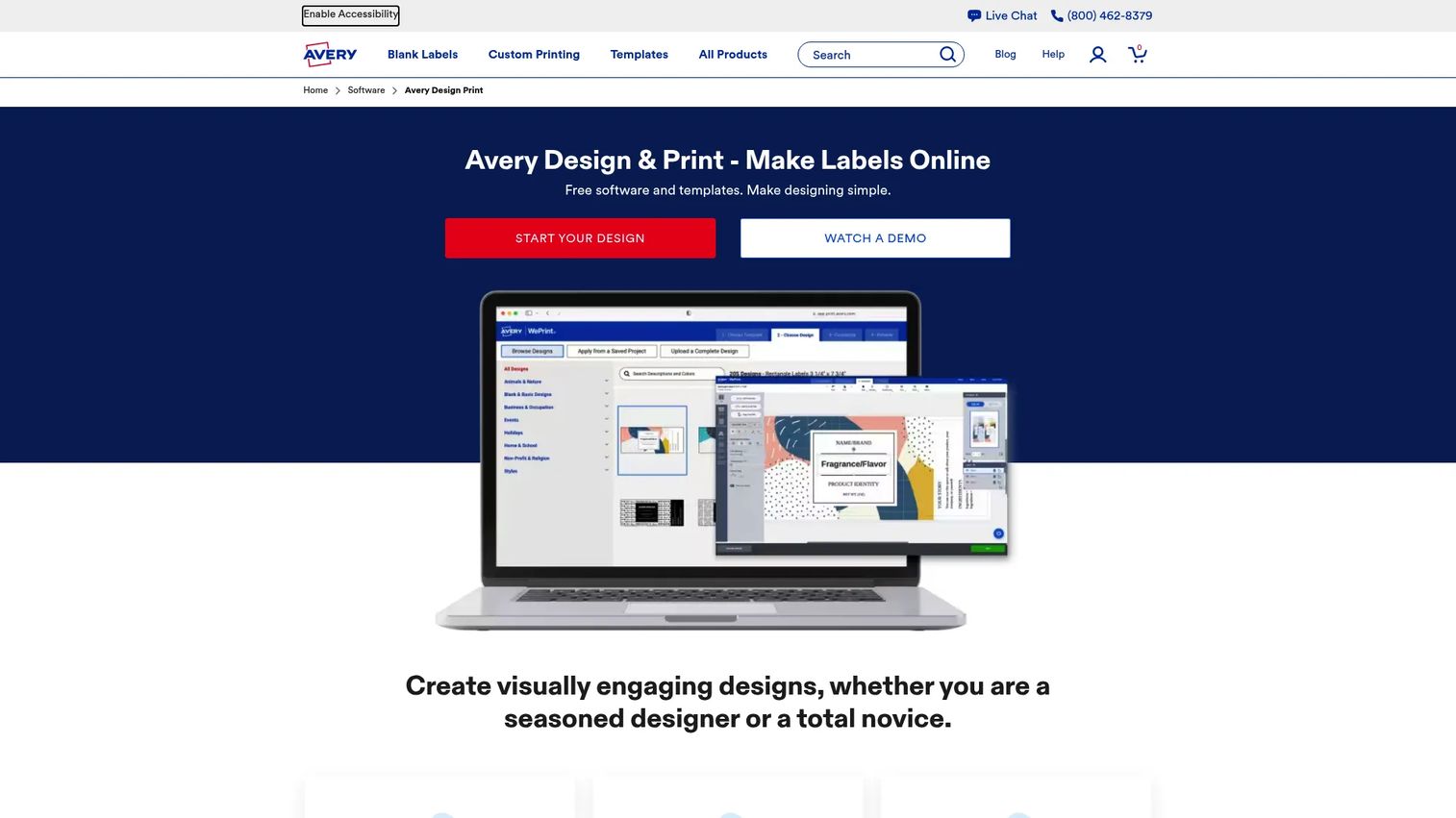
Avery Design & Print is a free, browser-based label maker built around Avery's own template ecosystem. You pick a product template, edit text and images in the browser, and print, with no software to install. It is the fastest on-ramp for anyone who has never touched label design software and wants a correct label out the door in minutes.
Best for: Individuals, home offices, and small teams that want free, fast label creation without a learning curve.
Key strengths
- Free templates: A large library of prebuilt layouts sized to Avery products, so margins and dimensions are handled for you.
- Mail and data merge: Import a spreadsheet to print batches of address or product labels without retyping.
- Barcode generator: Create barcodes directly in the editor for product and inventory labels.
Why choose Avery Design & Print: The appeal is speed and zero cost. You can add and edit images, generate barcodes, and save projects online to reuse later, all without a subscription or install. For a founder who just needs correct labels printed this week without adding a line item to the budget, this is the lowest-friction option on the list. The tradeoff is that it works best inside the Avery product ecosystem rather than as a general-purpose industrial labeling platform.
Avery Design & Print pricing: The software and templates are free. Avery states there is no charge to create an account or store projects online, so there are no paid tiers to weigh. Its G2 rating sits at 4.7/5, the highest among the beginner-friendly tools here.
2. Maestro Label Designer
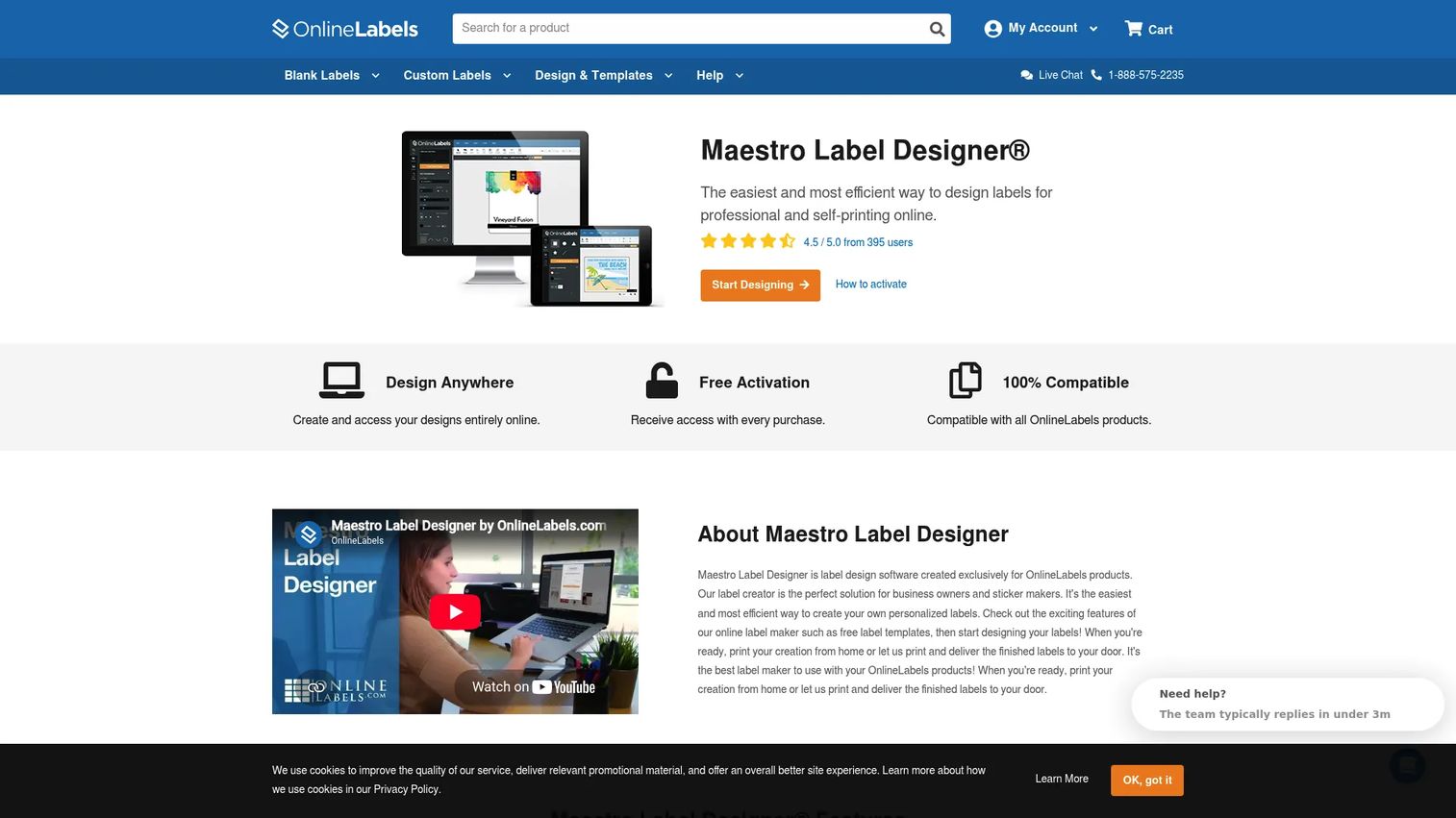
Maestro Label Designer is a web-based label design and printing tool from OnlineLabels. You design and print entirely in the browser, with templates mapped to OnlineLabels stock sizes. It sits a step up from a pure free label maker for teams that buy label stock regularly and want built-in design and mail merge tools without a separate application.
Best for: Businesses already buying labels from OnlineLabels that want integrated design and mail-merge tools.
Key strengths
- In-browser design and print: Create, design, and print labels without installing software, using templates matched to your label sizes.
- Mail merge and nutrition labels: Batch-print personalized labels and generate compliant nutrition facts labels from data.
- Barcode and QR tools: Add barcodes and QR codes to product, inventory, and shipping labels.
Why choose Maestro Label Designer: The value is the tight fit between the software and the label stock. Because templates align with OnlineLabels sizes, you skip the trial-and-error of matching a design to physical media. Free trial mode lets you build and test before committing, and full watermark-free access unlocks with an activation code included with label purchases. That access model suits teams that treat labels as a recurring supply purchase rather than a one-time software buy.
Maestro Label Designer pricing: OnlineLabels does not publish a standalone software price. Free trial mode is available, and full access is included when you buy labels from OnlineLabels via an activation code. The tool holds a 4.4/5 rating on G2.
3. ZebraDesigner
ZebraDesigner is Zebra's Windows-based label, tag, and receipt design software, built for teams running barcode and RFID workflows on Zebra printers. It ships in a free Essentials edition for basic design and a paid Professional edition that adds the data and scripting depth technical teams need. If your operation is already standardized on Zebra hardware, this is the native choice.
Best for: Teams that need Zebra label-design software for basic to advanced barcode and RFID workflows.
Key strengths
- Barcode and RFID design: Basic barcode and tag design in Essentials, with full RFID encoding support in Professional.
- Database connectivity: Connect to Excel, Access, and other data sources to drive variable data labels at scale.
- VB scripting and GS1-128: Automate label logic with VB scripting and produce compliant GS1-128 barcodes for supply-chain use.
Why choose ZebraDesigner: This is the tool for technical teams in a Zebra printer environment. Database connectivity, VB scripting, and RFID support make it a fit for variable data labels and compliance-driven labeling where each unit carries a unique identifier. Backward compatibility with older ZebraDesigner 2 formats also protects existing template investments. The Essentials edition covers straightforward design at no cost, while Professional unlocks the automation and RFID depth.
ZebraDesigner pricing: ZebraDesigner Essentials is free, and a separate free Developer edition is available. ZebraDesigner Professional requires a one-time activation license key rather than a subscription; Zebra does not publish a numeric price for Professional on its product pages. A verified G2 rating was not available at the time of writing.
4. Loftware Cloud
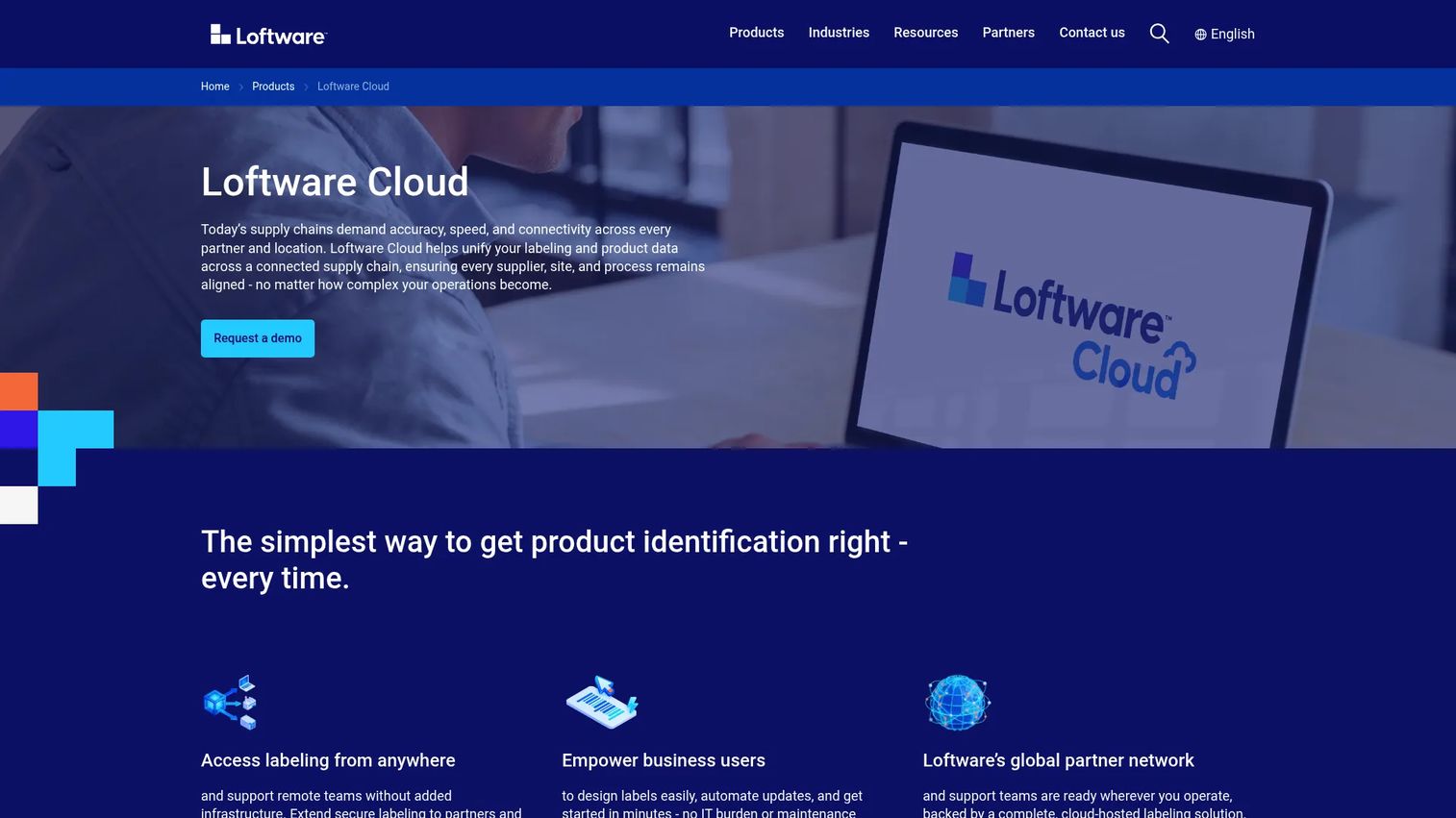
Loftware Cloud is cloud-based label management software built for centralizing label design, printing, compliance, and integration across a supply chain. Rather than a desktop label maker, it is a governed platform where multiple sites and suppliers work from a single source of label templates. For larger operations, that governance is the whole point.
Best for: Enterprises needing governed, cloud-hosted labeling across multiple sites and suppliers.
Key strengths
- Centralized cloud labeling: Manage design, print, and template control across locations from one hosted platform.
- ERP integration: Connect with SAP, Oracle, and Microsoft Dynamics so labels stay in sync with business systems.
- Compliance and validation workflows: Design, validate, print, and manage labels within controlled, auditable workflows.
Why choose Loftware Cloud: When labeling spans multiple plants, warehouses, or supplier networks, inconsistent templates become a compliance and quality risk. Loftware Cloud addresses that with centralized enterprise labeling, integration into major ERPs, and validation workflows that keep every site printing from approved templates. This is a fit for organizations that treat labeling as regulated infrastructure rather than a design task.
Loftware Cloud pricing: Loftware does not publish public pricing on its site and routes inquiries through sales and demo requests, so pricing is custom. The platform holds a 4.3/5 rating on G2.
5. RF-SMART WMS
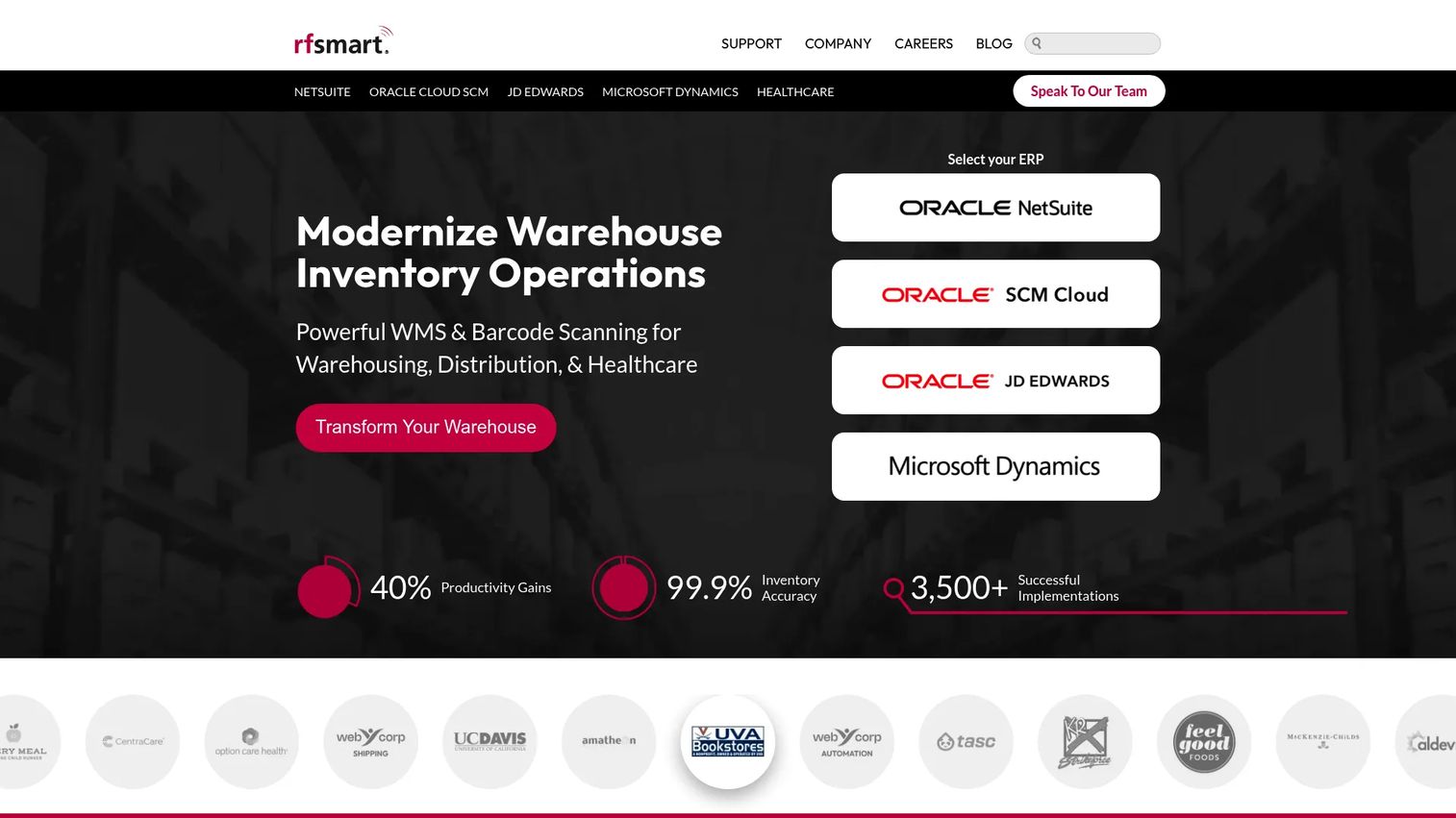
RF-SMART WMS is warehouse management and barcode automation software where labeling is one step inside a broader fulfillment workflow. Built to run natively on ERP systems like NetSuite, it handles labeling, barcoding, cycle counting, and picking as parts of a single connected operation. For ops teams, the label is not the product, it is a byproduct of the warehouse process.
Best for: Companies needing a NetSuite-native WMS with barcode scanning and inventory traceability.
Key strengths
- Warehouse operations support: Labeling, barcoding, cycle counting, and advanced picking handled inside one system.
- Native ERP integration: Runs on NetSuite, Oracle Cloud, and JD Edwards so inventory and labels share one source of truth.
- Real-time traceability: Live inventory visibility keeps labels and stock counts aligned across the warehouse.
Why choose RF-SMART WMS: For a business scaling fulfillment, standalone label design software leaves a gap: the label lives outside the system that tracks the inventory. RF-SMART closes that gap by embedding barcoding and labeling directly in the WMS. When the ERP is the system of record, having warehouse labeling native to it removes the manual export-and-print step that creates errors. This matters most for warehouse labeling and traceability at volume.
RF-SMART WMS pricing: RF-SMART scopes pricing to each business based on functionality and does not publish a public price. The product holds a 4.4/5 rating on G2 based on a substantial review base.
6. ShipJunction
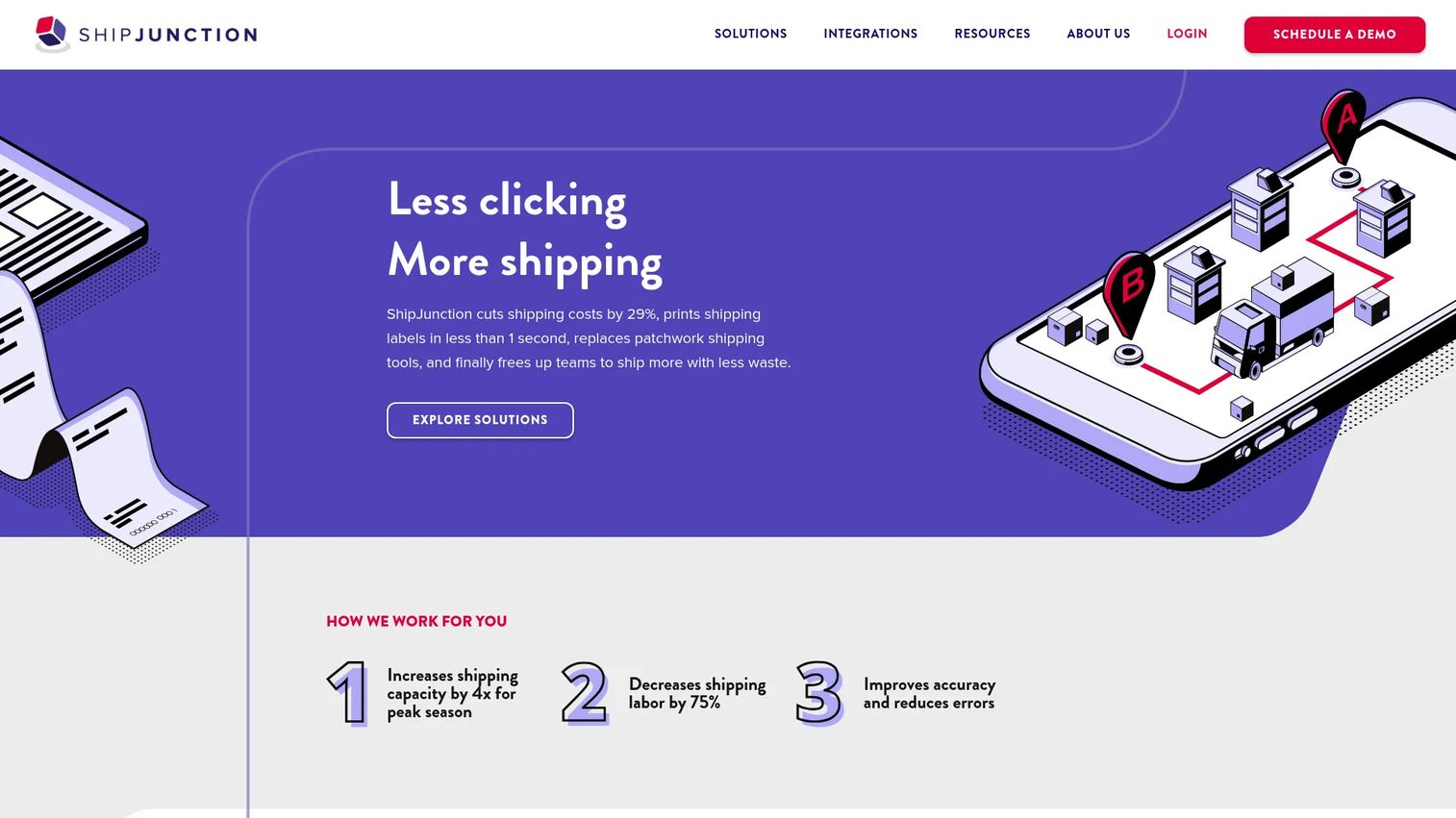
ShipJunction is cloud-based multi-carrier shipping software for e-commerce, wholesale, and distribution operations. Its center of gravity is shipping label automation rather than general label design. If your labeling pain is really a fulfillment-volume pain, ShipJunction sits closer to the actual bottleneck than a design tool does.
Best for: High-volume shippers, often on NetSuite, who need automated multi-carrier fulfillment.
Key strengths
- Multi-carrier shipping: Automatically select the optimal carrier and service for each order to control cost.
- No-code shipping rules: Build automation rules without engineering so labels and routing follow your logic.
- Batch label printing: Print shipping labels, packing slips, and cartonization outputs in bulk, with EDI fulfillment support.
Why choose ShipJunction: For shipping-heavy operations, the manual steps that slow order fulfillment are carrier selection, rate shopping, and one-at-a-time label printing. ShipJunction removes those by batching label printing and applying no-code rules across carriers. It is not the tool for designing a product label from scratch, and that focus is the point: it reduces manual steps in high-volume order fulfillment rather than trying to be a general-purpose label maker.
ShipJunction pricing: ShipJunction does not publish public pricing and states it does not use a per-user model, prompting a demo request instead. It carries a 4.9/5 rating on G2.
7. BarTender
BarTender is labeling, barcode, RFID, and track-and-trace software built for supply-chain and operations workflows. It is a long-standing standard in complex, compliance-heavy environments where labels feed directly from business data and print through automated processes. Where beginner tools stop at design, BarTender is built for the automation layer around it.
Best for: Manufacturers and operations teams that need barcode and RFID label design plus automated printing and tracking.
Key strengths
- Data-driven templates: Dynamic templates pull directly from databases so labels update as source data changes.
- Automation and integration: REST API and File Drop integrations connect labeling to your broader systems.
- BarTender Designer Online: Cloud-based design alongside on-premises options for flexible deployment.
Why choose BarTender: For operations that need barcode and RFID labeling driven by live data and printed automatically, BarTender is a proven fit. The data-driven template model and REST API integration make it a workhorse for manufacturers, distributors, and compliance-heavy environments. It scales from a single workstation to automated print servers, which is why it appears on nearly every enterprise labeling shortlist.
BarTender pricing: BarTender publishes clear annual pricing. On-premises plans start at $199/year for Starter, $299/year for Professional, and $575/year for Automation, with Enterprise quoted by sales. Cloud plans run $390/year for Essentials and $1,750/year for Automation, with Cloud Enterprise quoted. Agreements are annual, and a 30-day trial is offered. BarTender holds a 4.2/5 rating on G2.
8. Label LIVE
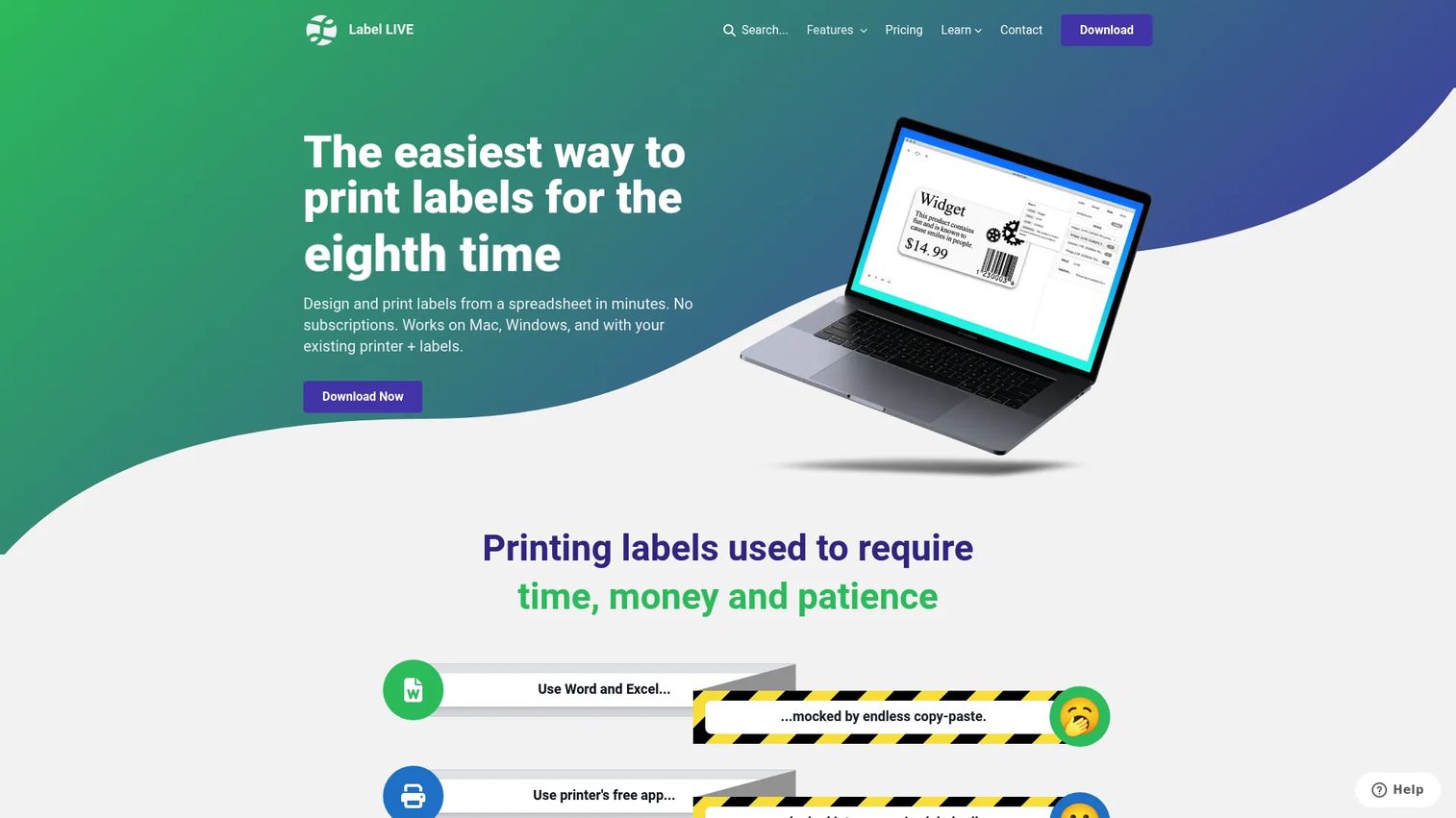
Label LIVE is label printing software for thermal, inkjet, and laser printers that balances simplicity with real batch capability. It runs on both macOS and Windows, imports data from spreadsheets, and works with a wide range of printers. For small teams, it hits the middle ground between a bare free label maker and a heavy enterprise platform.
Best for: Teams and individuals needing straightforward label design and printing across Mac and Windows.
Key strengths
- Cross-platform design: Native macOS and Windows support, which is rare among label tools that default to Windows only.
- Spreadsheet data import: Pull data from a spreadsheet to batch-print variable labels, with CSV and XML support for automation.
- Broad printer compatibility: Works with 40+ printers across thermal, inkjet, and laser types.
Why choose Label LIVE: Small teams often get stuck between tools that are too basic and platforms that are too much. Label LIVE fits that gap with an approachable design experience, spreadsheet-driven batch printing, and printer compatibility that covers most hardware a small business runs. The macOS support alone makes it a practical pick for design-forward teams that have moved off Windows.
Label LIVE pricing: Label LIVE offers one-time licenses and a subscription. Home is $47.99 one-time, Business is $147.99 one-time, and the Subscription plan is $19.99 per month. A 14-day free trial is available. It carries a 4.9/5 rating on G2.
Considerations before you buy
Before you commit budget, run each candidate through a short checklist tied to how your team actually operates.
Match the tool to your operating model, not the feature list
The biggest mistake is buying the most capable tool instead of the right-fit one. A three-person team printing product labels does not need an enterprise labeling platform, and a multi-site manufacturer does not want a free label maker. Start with the narrowest tool that covers your real workflow, then expand only when a specific gap forces it.
Verify printer compatibility first
Printer compatibility is where deals quietly break. Confirm the software supports your exact printer models across thermal, inkjet, laser, or industrial hardware before anything else. A tool that designs beautiful labels but cannot drive your printer is a dead end.
Check the data path end to end
If you rely on barcodes, QR codes, mail merge, or spreadsheet integration, test the full data path with your real files. Confirm the tool reads your format, maps fields correctly, and holds up when the source data changes. Variable data is where manual errors hide, so this is worth an hour of testing.
Weigh the pricing model against your usage pattern
Some tools are free, some are one-time purchases, and some are annual subscriptions. A one-time license suits steady, predictable use; a subscription suits changing needs. Match the billing model to how you will actually use the tool over a year, not to the headline price.
Conclusion
The practical shortlist comes down to your operating model. For free and easy, Avery Design & Print and Label LIVE cover individual and small-team needs. For online, template-driven design tied to label stock, Maestro Label Designer fits. For technical, barcode and RFID-heavy work, ZebraDesigner and BarTender lead. For enterprise and automated labeling across sites, Loftware Cloud and BarTender are built for it. And when labeling is really a fulfillment problem, RF-SMART WMS and ShipJunction embed it inside the warehouse and shipping workflows where it belongs.
The recommendation is the same one that saves the most money: start with the narrowest fit, not the biggest feature list. The tool that matches your actual workflow will earn its place in your stack faster than the one with the longest spec sheet. Pick the one that removes your current manual step, prove it works on a real batch, and expand only when a concrete gap forces the move.
FAQs
Avery Design & Print is the easiest starting point for most beginners. It runs in the browser with no install, offers free templates sized to standard label stock, and lets you edit text, add images, and generate barcodes without a learning curve. Label LIVE is another approachable option if you need cross-platform macOS and Windows support.
For barcode-heavy and RFID workflows, ZebraDesigner and BarTender lead the list. Both support common symbologies like Code 128 and GS1-128, generate QR codes, and drive variable data labels from a data source. Avery Design & Print and Maestro Label Designer include a barcode generator too, which covers most small-business product and inventory labeling.
Yes. Mail merge and spreadsheet integration are standard in most label tools. Avery Design & Print and Maestro Label Designer support data merge from spreadsheets, ZebraDesigner connects to Excel and Access, and Label LIVE imports CSV and XML for batch printing. Always test the field mapping with your real file before committing.
For warehouse labeling, RF-SMART WMS embeds barcoding and labeling inside a NetSuite-native warehouse management workflow. For high-volume shipping labels, ShipJunction automates multi-carrier label printing with no-code rules. Both treat labeling as a step inside fulfillment rather than a standalone design task, which is what warehouse and shipping operations usually need.
Often, yes. Free label printing software like Avery Design & Print covers templates, mail merge, and barcode generation, which handles most product, address, and inventory labeling for a small business. You typically only outgrow free tools when you need RFID, multi-site template governance, or labeling embedded in an ERP or shipping system.
ZebraDesigner is the native choice for Zebra printer environments, since it is built by Zebra for its own hardware. It offers a free Essentials edition for basic design and a paid Professional edition with RFID, database connectivity, and VB scripting. BarTender also supports Zebra printers and adds broader automation and integration.
Check printer compatibility first, then confirm the tool handles your data path for barcodes, QR codes, mail merge, and spreadsheet import. Weigh the pricing model against your usage pattern, and match the tool to your operating model rather than buying the longest feature list. Test a real batch before you commit.
No. Low-volume printing is well served by free or low-cost tools like Avery Design & Print, Maestro Label Designer, or Label LIVE. Enterprise platforms like Loftware Cloud and BarTender earn their cost with multi-site governance, compliance validation, RFID, and ERP integration, which small-volume printing rarely needs.