Your regression suite takes six hours to run. Half the failures are flaky. Your team spends more time debugging the tests than the code they were supposed to protect. And every release still feels like a coin flip.
Most teams blame coverage. Not enough tests, [they think. So they write more. Then the maintenance burden grows, the flakiness compounds, and the suite becomes something people route around instead of trust. The real problem is rarely coverage. It is reliability, maintenance cost, and how well the tests fit into how the team actually ships.
That gap matters more every year. The global automation testing market reached USD 40.6B in 2026 and is forecast to hit USD 132.5B by 2035 at a 14% CAGR, according to Global Market Insights.](https://www.gminsights.com/industry-analysis/automation-testing-market) Mordor Intelligence reports automation testing already held 42.53% of the total software testing market share in 2025. Automation is not the future anymore. It is the baseline, and the question has shifted from whether to automate to which of the many automation testing tools actually lowers release risk for your stack.
For product managers reading this, the framing is less about writing tests and more about outcomes. Faster release cadence, fewer regressions reaching production, and an automated testing tools choice that does not create ongoing engineering debt. That is the lens this guide uses. If you also evaluate tools for onboarding, activation, or feature adoption, the same discipline around marketing automation and measurement applies: pick for maintainability, not feature count.
What's inside
This guide is for QA engineers, test automation engineers, engineering managers, and the product managers who sit next to them and need to understand the testing stack without writing the scripts themselves.
We selected seven tools based on four things that actually move release confidence: coverage breadth (web, mobile, API, enterprise), test reliability and self-healing, ease of maintenance across frequent releases, and CI/CD fit. We prioritized tools with real adoption, verified G2 ratings, and clear positioning for specific team maturity levels. The list spans open-source frameworks, low-code platforms, AI-assisted maintenance, and enterprise-scale automation.
TL;DR
- Best free, open-source browser automation: Selenium, the long-standing reference point for teams with engineering resources.
- Best for mobile test automation: Appium, for iOS and Android coverage across native, hybrid, and mobile web.
- Best low-code option: Katalon, for teams that want faster authoring across web, API, and mobile.
- Best modern developer-first framework: Playwright, for fast, reliable cross-browser execution in code.
- Best for enterprise governance: Tricentis Tosca, for model-based testing across complex application landscapes.
- Best AI-assisted maintenance: Mabl, for self-healing tests and analytics that cut upkeep.
- Best cross-platform visual testing: Keysight Eggplant, for computer-vision testing across diverse environments.
What is test automation software?
Test automation software is a category of tools that create, run, and maintain automated tests to validate that an application works as expected, replacing repetitive manual checks with scripted or model-based verification. It sits at the center of modern continuous testing practices, where tests run automatically on every code change.
Software testing automation covers a spectrum from raw code-first frameworks to low-code platforms that non-engineers can author in. Whatever the entry point, the core capabilities you should expect are consistent:
- Script-based and low-code creation: Write tests in code or build them visually, depending on team skill mix.
- Regression execution: Re-run a suite of checks automatically to catch breaks introduced by new changes.
- CI/CD integration: Trigger tests inside build pipelines so defects surface before release, not after.
- Reporting and observability: Surface pass/fail results, logs, screenshots, and traces to make failures debuggable.
- Cross-browser and cross-device coverage: Validate behavior across browsers, operating systems, and devices.
- Self-healing and AI assistance: Automatically repair broken selectors and locators to reduce manual test maintenance.
Automated software testing is not a single product. It is a stack decision. The right combination of QA automation tools depends on what you build, how your team is structured, and how often you ship.
When to use test automation software
Automation earns its keep in specific situations. Here is how to recognize them.
Speed up regression cycles
Manual regression is the first thing that breaks under release pressure. When your team re-checks the same critical paths by hand before every release, and that check now takes a full day, the math stops working. Regression testing tools let you run those same paths in minutes, on demand, as often as you ship. The payoff scales with release cadence: the faster you want to move, the more automated regression pays back the initial investment.
Support CI/CD and continuous testing
Automated tests belong inside your build pipeline, not in a separate manual phase. With CI/CD testing, a commit triggers the suite, and the pipeline gates the release on the result. This gives engineers fast feedback while the change is still fresh in their heads, and it catches defects at the cheapest possible moment to fix them. Continuous testing turns quality from an end-of-cycle event into a constant signal.
Validate across browsers, devices, and environments
If your product ships to Chrome, Safari, Firefox, iOS, Android, and a few enterprise desktop configurations, manual coverage becomes impossible to sustain. Cross browser testing and mobile test automation let you validate the same behavior everywhere without linear headcount growth. Cross-platform coverage matters most when your user base is fragmented across environments and a bug in one configuration can quietly break a segment of your users.
Comparison table
The table below summarizes intent, primary use case, pricing, and current G2 rating for each tool. Most enterprise-focused platforms use quote-based pricing, so we note that where public figures are not listed. Ratings reflect current G2 listings at the time of writing.
| # | Product | Intent | Key use case | Pricing | G2 rating |
|---|---|---|---|---|---|
| 1 | Selenium | Open-source browser automation | Web regression with custom frameworks | Free, open-source | 4.5/5 |
| 2 | Appium | Open-source mobile automation | iOS and Android app testing | Free, open-source | 4.4/5 |
| 3 | Katalon | Low-code automation platform | Web, API, and mobile authoring | Custom pricing | Not listed |
| 4 | Playwright | Modern browser automation | Fast cross-browser end-to-end tests | Free, open-source | 4.8/5 |
| 5 | Tricentis Tosca | Enterprise model-based testing | Cross-application enterprise coverage | Custom pricing | 4.3/5 |
| 6 | Mabl | AI-native test automation | Low-code tests with self-healing | Custom pricing | 4.4/5 |
| 7 | Keysight Eggplant | Cross-platform visual testing | Computer-vision UI journey testing | Custom pricing | 4.2/5 |
1. Selenium
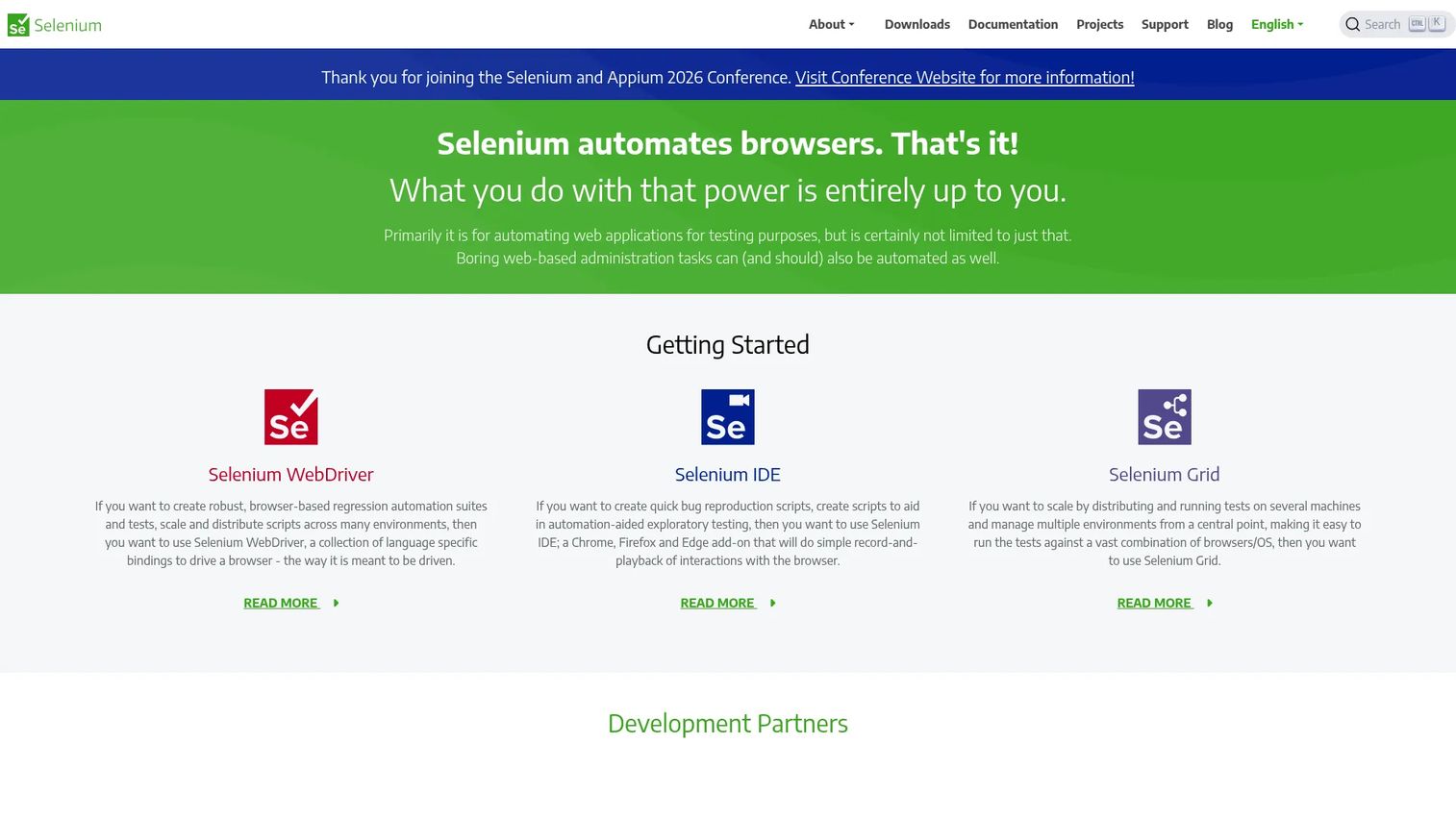
Selenium remains the default reference point for browser automation. It is an open-source toolkit that drives real browsers through the WebDriver protocol, and its ecosystem underpins a huge share of the automation tooling built over the last decade. If a testing product mentions Selenium compatibility, that tells you how central it still is. For teams with engineering resources and a need for custom framework control, it stays hard to beat on flexibility.
Best for: Teams needing free, open-source browser test automation with full control over their framework.
Key strengths
- WebDriver browser automation: Drives real browsers programmatically for accurate web regression.
- Selenium IDE: Record-and-playback authoring for quick test creation without deep scripting.
- Selenium Grid: Distributed execution to run tests in parallel across machines and environments.
Why choose Selenium: Choose Selenium when your team has the engineering depth to build and own a test framework, and you want zero licensing cost with maximum control. It fits organizations that treat test infrastructure as first-class code and prefer to assemble their own stack rather than adopt an all-in-one platform. The trade-off is ownership: you build the reporting, the flakiness controls, and the maintenance workflows yourself.
Selenium pricing: Selenium is open-source and free. There is no paid tier or public pricing page, and no license fee to run WebDriver, IDE, or Grid. Costs come from the engineering time to build and maintain your framework and the infrastructure to run it, not from the tool itself. It carries a 4.5/5 rating on G2.
2. Appium
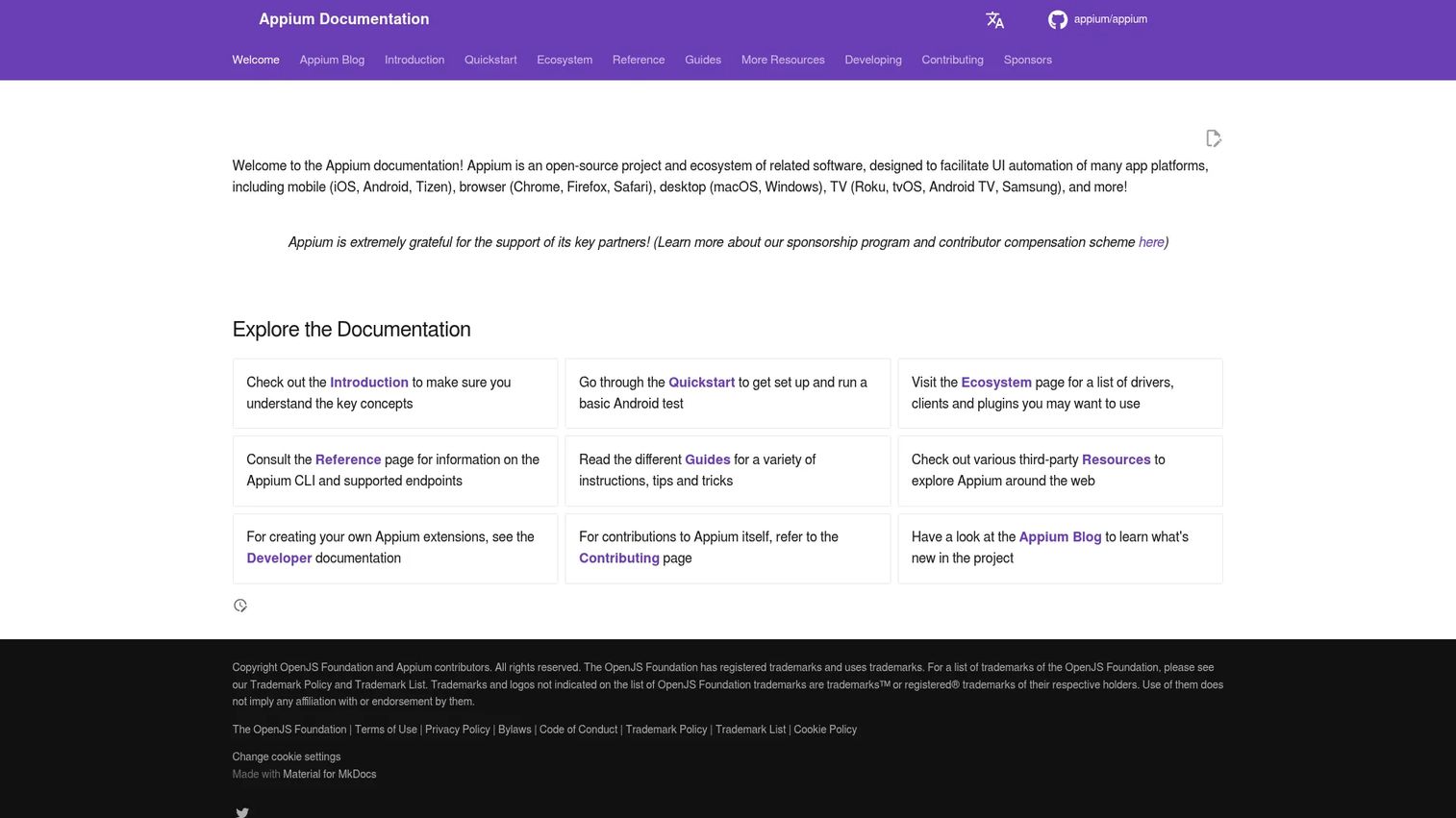
Appium is the open-source standard for mobile test automation. It exposes a unified API to automate native, hybrid, and mobile web apps across both iOS and Android, so a single approach covers both platforms. For teams shipping a mobile product, it removes the need to maintain two entirely separate automation stacks. It shares design roots with Selenium, which makes the learning curve gentler for teams already comfortable with browser automation.
Best for: Teams needing open-source mobile app test automation across iOS and Android.
Key strengths
- Cross-platform UI automation: One unified API automates both iOS and Android apps.
- Multi-language support: Write tests in the language your team already uses.
- Appium CLI: Manage servers, drivers, plugins, and setup from a single command-line interface.
Why choose Appium: Choose Appium when mobile is core to your product and you need genuine device-level coverage rather than responsive-web approximations. It suits teams that already invest in code-first automation and want the same discipline applied to mobile. Because it builds on the Selenium ecosystem, teams can reuse patterns and skills instead of starting from scratch.
Appium pricing: Appium is an open-source project with no paid tiers or public pricing page. Running it is free; your costs are the engineering time to author and maintain mobile tests plus any device farm or emulator infrastructure. It holds a 4.4/5 rating on G2.
3. Katalon
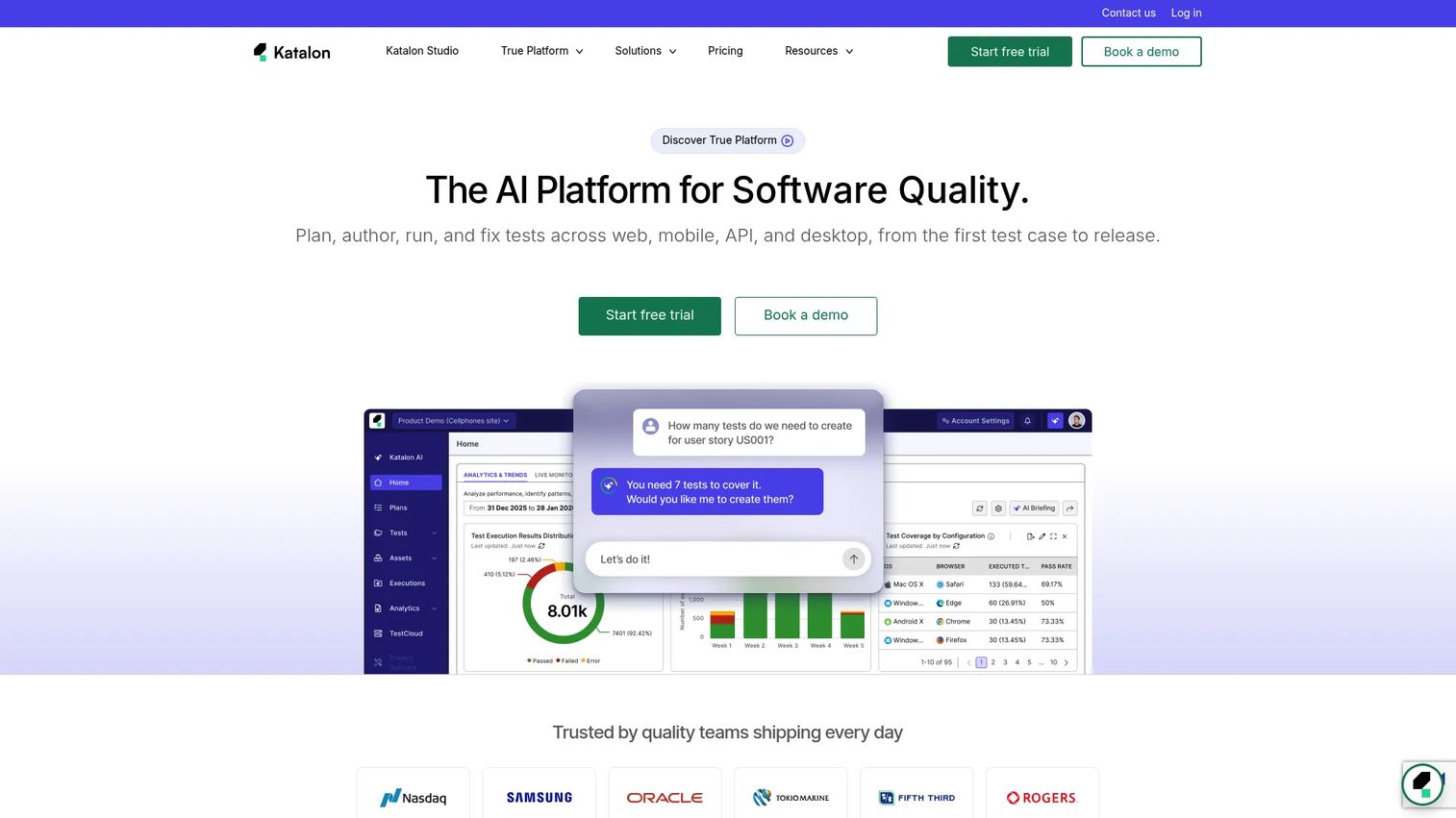
Katalon brings low-code test automation to teams that want faster authoring without giving up depth. It covers web, API testing, mobile, and desktop in one platform, and it plugs into CI/CD pipelines out of the box. The appeal is speed of onboarding: testers who are not full-time engineers can build meaningful coverage quickly, while more technical users drop into scripting when they need it. That dual mode is why mixed-skill QA teams gravitate to it.
Best for: Teams that want faster test authoring across web, API, and mobile without deep coding for every case.
Key strengths
- Low-code authoring: Build tests visually so non-engineers can contribute coverage.
- Multi-surface coverage: Web, API, mobile, and desktop testing in a single platform.
- CI/CD integration: Connects to common pipelines to fit continuous testing workflows.
Why choose Katalon: Choose Katalon when your team spans skill levels and you want to onboard testers quickly without waiting on engineering to hand-build a framework. It performs well for teams that want a faster path to broad coverage across surfaces. Deeper or highly custom scenarios may still call for technical ownership, so plan for who owns the harder edge cases.
Katalon pricing: Katalon does not list public prices for its paid tiers on its site, directing buyers to request pricing based on team size and needs. It offers a free entry point for individual users, with paid plans adding collaboration, advanced analytics, and enterprise features. Confirm current tier details directly with Katalon before budgeting.
4. Playwright
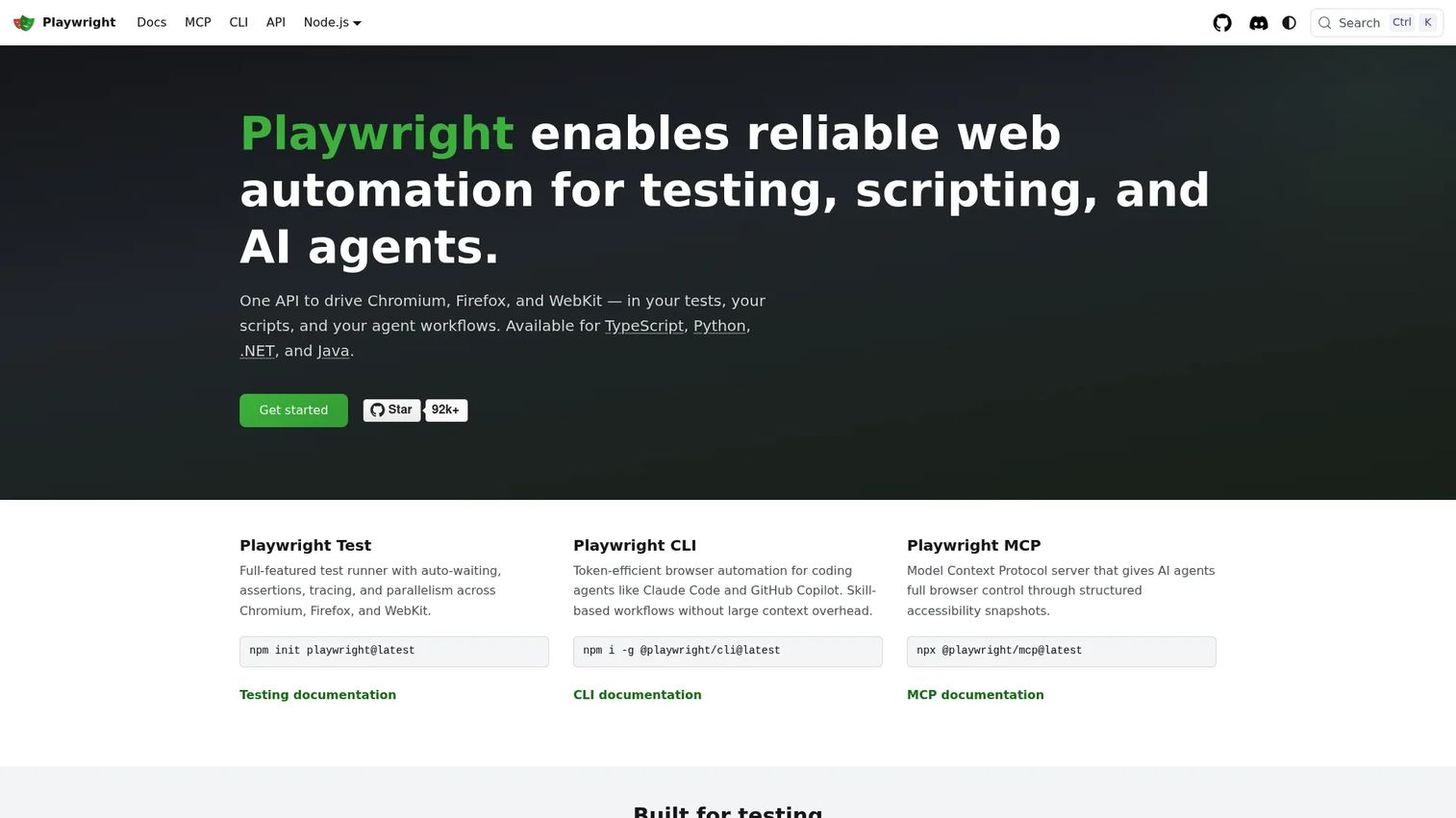
Playwright is the modern, developer-first framework for browser automation, and its 4.8/5 G2 rating reflects how well engineering teams have received it. It runs cross-browser across Chromium, Firefox, and WebKit from a single API, and its test runner ships with auto-waiting, tracing, assertions, and parallelism built in. Auto-waiting alone removes a large class of flaky tests that plague older frameworks. For product and engineering teams already comfortable in code, it hits a strong balance of speed and reliability.
Best for: Teams needing reliable cross-browser end-to-end automation and agentic browser workflows.
Key strengths
- Cross-browser automation: One API drives Chromium, Firefox, and WebKit.
- Playwright Test runner: Auto-waiting, assertions, tracing, and parallelism reduce flakiness and speed runs.
- CLI and agent tooling: Browser automation utilities that extend into agent workflows.
Why choose Playwright: Choose Playwright when your team writes code and wants a fast, reliable, modern framework with strong defaults that cut flaky tests out of the box. It fits engineering-led teams who want end-to-end tests to live alongside application code and run cleanly in CI. Auto-waiting and tracing make failures easier to diagnose, which lowers the debugging tax that drags down older suites.
Playwright pricing: Playwright is open-source and free to get started, with no public paid pricing on its official site. There is no license cost to run it; your investment is engineering time and CI infrastructure. It earns a 4.8/5 rating on G2, among the highest in this list.
5. Tricentis Tosca
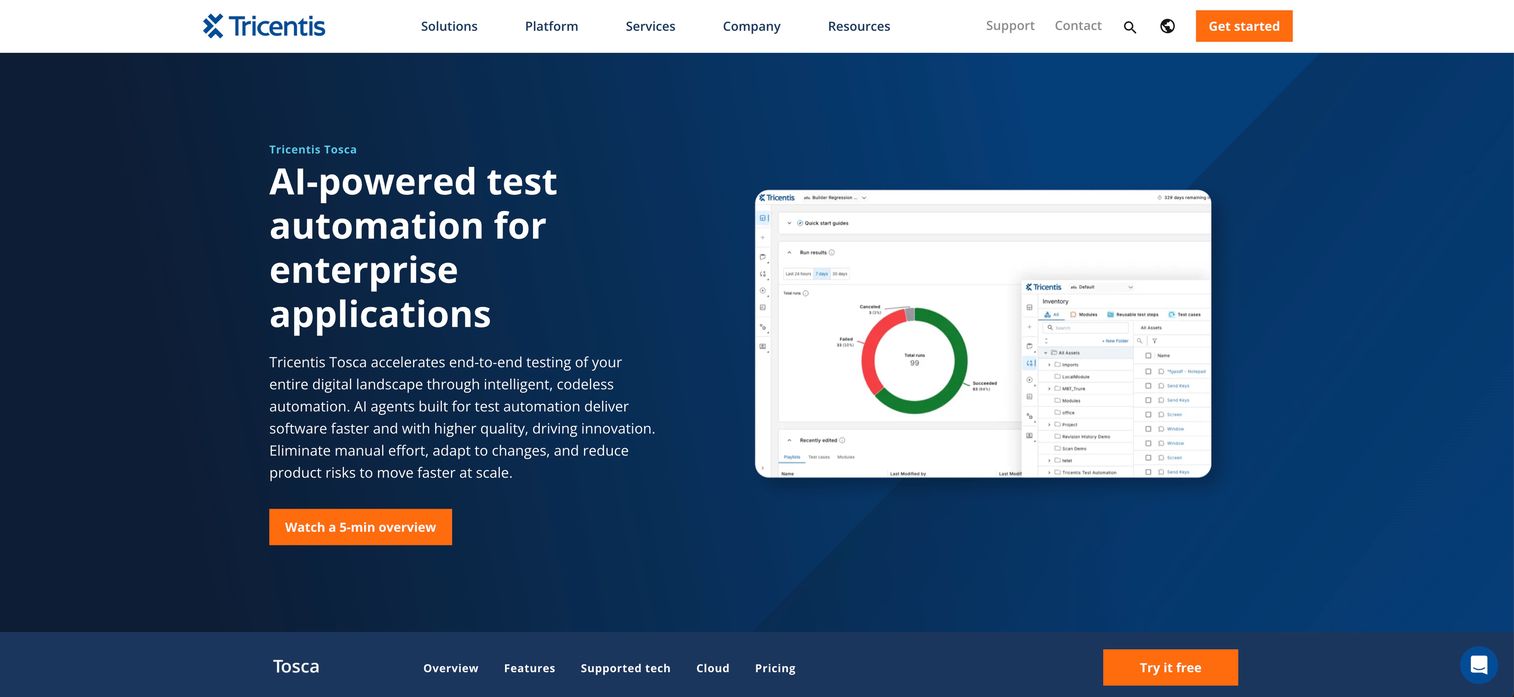
Tricentis Tosca is built for enterprise test automation at scale. Its model-based approach lets teams describe business processes once and reuse them across tests, which pays off in large application landscapes spanning web, API, SAP, desktop, and mobile. For enterprises with governance requirements and complex release cycles, that reuse and central control matter more than raw scripting flexibility. It targets teams automating broad, cross-application coverage without hand-coding every case.
Best for: Enterprise teams automating web, API, SAP, desktop, and mobile testing without heavy coding.
Key strengths
- Model-based testing: Describe processes once and reuse across many tests to cut maintenance.
- Agentic test automation: Automation capabilities aimed at reducing manual authoring effort.
- Scalable cloud execution: Run large suites across cloud infrastructure for enterprise throughput.
Why choose Tricentis Tosca: Choose Tricentis Tosca when you operate at enterprise scale with many interconnected applications and need governance, reuse, and codeless authoring across teams. It fits organizations where standardization and central control outweigh the flexibility of assembling an open-source stack. Model-based reuse is the core lever: change a process once and dependent tests update, which lowers test script maintenance across a large suite.
Tricentis Tosca pricing: Tricentis does not publish list prices for Tosca. The vendor directs buyers to contact sales for a quote based on scope, applications, and seats. Expect enterprise-tier, annual-contract pricing rather than a self-serve plan. It holds a 4.3/5 rating on G2.
6. Mabl
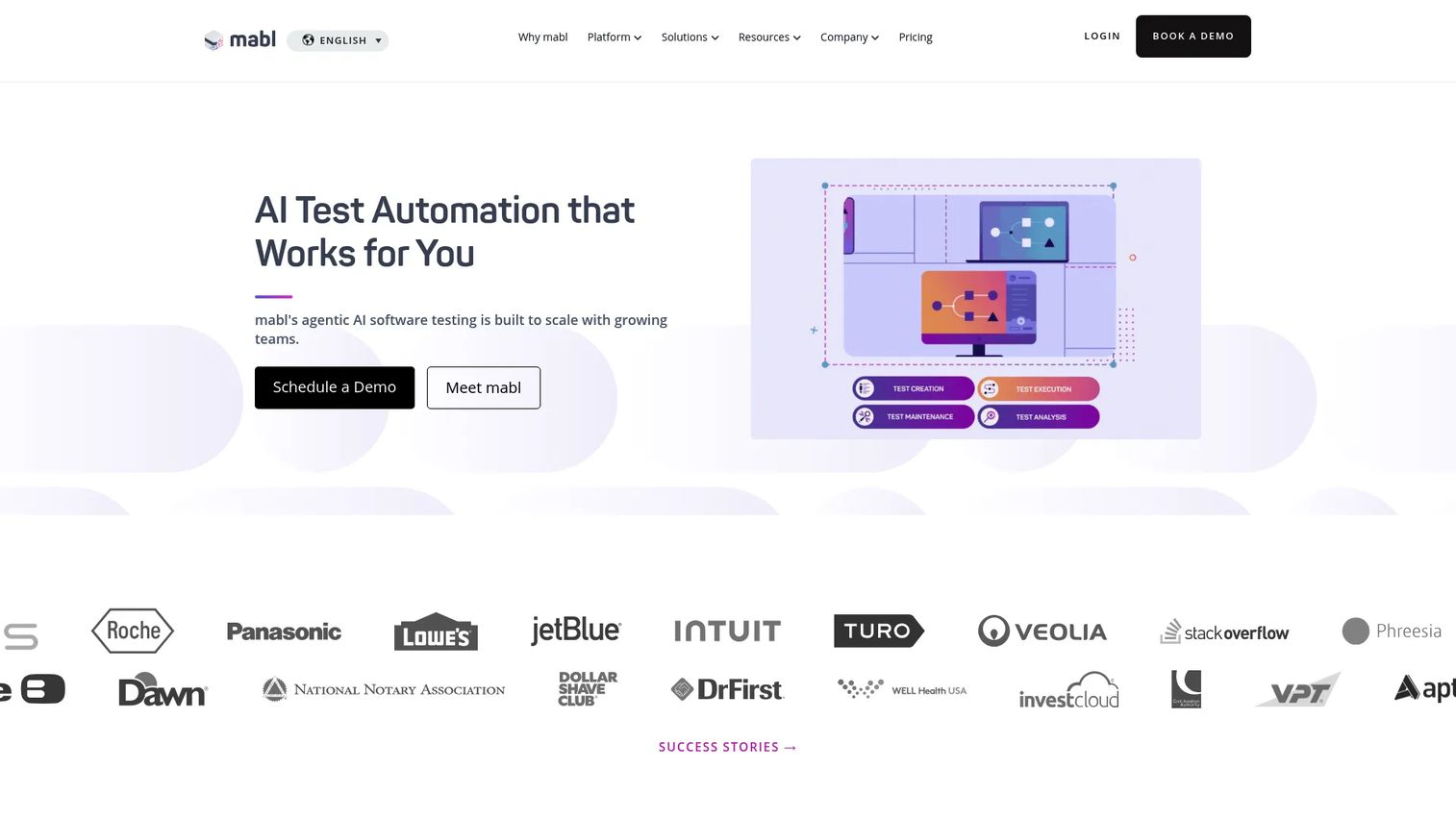
Mabl is an AI-native platform built to cut the maintenance overhead that drags down most automation efforts. It supports low-code test authoring in natural language and applies AI test automation to keep tests running when the UI shifts. Its self-healing tests automatically recover when selectors change, which directly attacks the flakiness and repair cost that make suites untrustworthy. It covers web, mobile, API, accessibility, and performance testing in one platform, so teams consolidate rather than stitch tools together.
Best for: Teams that want low-code end-to-end test automation with AI-assisted maintenance.
Key strengths
- Natural-language authoring: Create web tests without deep scripting knowledge.
- Automatic test recovery: Self-healing repairs tests when the UI changes, reducing flaky tests.
- Unified coverage: Accessibility and performance testing live alongside functional tests.
Why choose Mabl: Choose Mabl when reducing test maintenance is the priority and you want AI to absorb the repair work that eats engineering time. It fits teams trying to expand coverage quickly without a proportional rise in upkeep. The self-healing and analytics layer is the differentiator, aimed squarely at teams tired of chasing broken selectors after every release.
Mabl pricing: Mabl uses customized pricing and does not publish list prices. Its pricing page directs visitors to request a quote scaled to usage and team size. Plan for an annual, quote-based enterprise engagement rather than a public self-serve tier. It carries a 4.4/5 rating on G2.
7. Keysight
Keysight takes a different technical approach: computer-vision-based testing that interacts with the interface the way a user sees it, not through the underlying code. That makes it well suited to visual testing and complex UI journeys across web, desktop, mobile, and enterprise environments where traditional selector-based scripts struggle. It handles end-to-end user journeys across any platform, OS, or device, plus API testing, making it a fit for teams validating diverse, hard-to-script systems.
Best for: Enterprise QA teams needing AI-driven, cross-platform test automation for complex workflows.
Key strengths
- Any-platform testing: End-to-end coverage across any OS, device, or platform.
- Computer-vision engine: Interacts with the UI visually, handling cases scripts struggle with.
- AI test case generation: Intelligent generation to speed authoring of complex journeys.
Why choose Keysight Eggplant: Choose Keysight Eggplant when you test diverse environments where traditional scripting falls apart, such as legacy desktop apps, embedded systems, or tightly coupled enterprise UIs. It fits enterprise QA teams that need visual validation and broad system coverage in one tool. The computer-vision model is the key differentiator, letting you test what the user actually sees rather than depending on stable DOM selectors.
Keysight Eggplant pricing: Keysight does not publish public pricing for Eggplant. The buy page directs prospects to request a quote, and a free evaluation is available to test before committing. Expect enterprise, quote-based pricing tied to scope and platforms. It holds a 4.2/5 rating on G2.
Considerations
Before you commit budget and engineering time, work through this checklist against your actual team and stack.
Team skill mix
Match the tool to who will write and own the tests. Coding-heavy teams get the most from Selenium, Appium, or Playwright, where framework control is the whole point. Mixed or non-engineering QA teams benefit from low-code test automation platforms like Katalon or Mabl that let more people contribute coverage. Buying a code-first framework for a low-code team, or vice versa, creates adoption friction that quietly kills automation efforts.
Maintenance and flakiness
Flaky tests are the fastest way to erode trust in a suite. Evaluate how each tool handles locator stability, self-healing, and repair workflows. Frameworks with strong auto-waiting reduce a whole class of timing-related flakiness, while AI-driven self-healing repairs tests when the UI shifts. Ask how much engineering time repairs will realistically cost after each release, because that recurring tax often outweighs the initial setup.
Coverage requirements
Decide honestly whether you need web only, mobile only, or a broader mix. Web-only teams may not need the overhead of a full cross-platform suite, while a mobile product demands genuine device-level automation. Enterprises with SAP, desktop, and legacy systems need tools built for that breadth. Buy for the coverage you actually ship to, not the coverage you imagine you might.
CI/CD fit
Confirm the tool integrates cleanly with your pipeline. Check for build triggers, parallel execution, and reporting outputs your team can act on. A tool that runs beautifully on a laptop but fights your CI system delivers little continuous testing value.
Enterprise controls
For larger organizations, evaluate permissions, governance, security, and scale. Confirm role-based access, audit trails, and the ability to run large suites reliably across environments before you standardize on any platform.
Conclusion
The best test automation tools depend entirely on your stack, your team's skill mix, and your coverage needs. There is no universal winner, only the right fit for release confidence without a maintenance tax.
For code-first teams, Selenium remains the flexible open-source baseline, Playwright is the modern high-reliability choice, and Appium owns mobile. Teams wanting faster authoring across skill levels should look at Katalon. If cutting maintenance is the priority, Mabl's AI-assisted self-healing directly targets flaky tests. For enterprise scale and governance, Tricentis Tosca's model-based approach and Keysight Eggplant's computer-vision testing handle the complex, cross-platform environments where traditional scripts struggle.
Start by scoring your top two candidates against the considerations above: skill mix, maintenance cost, coverage, CI/CD fit, and enterprise controls. Run a short pilot on your flakiest critical path and measure repair time, not just pass rate. The tool that lowers your ongoing maintenance burden while fitting how your team already ships is the one that will actually stick.
Start your journey with Guideflow today!
FAQs
Test automation software runs scripted or model-based checks to verify an application works as expected, replacing repetitive manual testing. Its biggest time-saving use is regression testing, where the same critical paths are re-checked automatically on every release instead of by hand. It also powers continuous testing inside CI/CD pipelines, catching defects earlier and cheaper.
Automated testing runs predefined checks by machine and excels at repetitive, high-frequency, and regression work that would be slow and error-prone by hand. Manual testing relies on human judgment and is better for exploratory testing, usability, and new features where the expected behavior is still evolving. Most mature teams automate stable, repeatable paths and keep humans on exploratory and edge-case work.
Low-code platforms like Katalon and Mabl are the most approachable, letting testers build coverage visually or in natural language without deep scripting. Code-first frameworks like Playwright are beginner-friendly for developers thanks to strong defaults and auto-waiting. Choose based on whether the people writing tests are engineers or QA specialists without heavy coding backgrounds.
No. AI test automation and self-healing tests reduce maintenance work like repairing broken selectors, but they do not replace human judgment. QA engineers still define what to test, design edge cases, interpret ambiguous failures, and make risk calls that AI cannot. AI shifts engineer time from repetitive upkeep toward higher-value testing strategy.
Many QA automation tools build on or integrate with Selenium's WebDriver ecosystem, and Appium shares its design roots, so Selenium skills transfer directly. Playwright runs as its own modern framework but plays well in CI alongside other tools. When evaluating a platform, check its documentation for explicit support of the framework your team already uses rather than assuming compatibility.
Product teams should prioritize release confidence, maintenance cost, coverage breadth, and how well the tool collaborates with engineering. Look for self-healing to reduce flaky tests, clean CI/CD integration for fast feedback, and reporting that non-QA stakeholders can read. The goal is faster, safer releases without creating a new maintenance burden that competes with feature work.
Start with stable selectors: prefer test IDs over brittle CSS or XPath paths that break on UI changes. Use frameworks with auto-waiting to eliminate timing-related failures, isolate and reset test data between runs, and keep test environments consistent. Add observability like traces and screenshots so failures are diagnosable, and lean on self-healing where the tool supports it to cut repair time.