A student emails to book Tuesday's 6pm class. You reply. They ask if there's space. You check the sheet. Meanwhile two people show up unannounced, one no-shows, and the instructor texts asking who's actually coming.
That is class scheduling done manually. It works until it doesn't, and it stops working right around the moment you add a second instructor, a recurring session, or a payment.
The gap is real. Only 42% of institutions currently use dedicated class-scheduling software, according to Anchor Group Tech (2026), and 76% copy the previous year's schedule as a starting point rather than building from a live system. That is a lot of manual coordination sitting where software should be.
The right class booking software collapses that whole loop into one screen: self-booking, capacity rules, reminders, payments, and staff calendars in one place. The wrong one adds another tab and another login. This guide compares seven tools so you can pick the one that matches how your classes actually run.
What's inside
This guide is for operators comparing class booking systems for lessons, workshops, fitness sessions, and academic scheduling. If you run recurring classes, manage instructors, and collect payments, these are the tools worth a shortlist.
We picked and compared each tool against five criteria that matter when class booking is an operational system, not just a calendar:
- Calendar sync and scheduling workflow
- Payments, prepayments, and monetization
- Reminders, confirmations, and no-show control
- Capacity controls, waitlists, and instructor management
- Integrations and ease of setup
TL;DR
- Best overall for configurable scheduling: Appointy. Handles classes, events, staff, payments, and marketing entry points in one system.
- Best for flexible booking rules and scale: SuperSaaS. Deep control over booking logic, unlimited instructors, and waiting lists.
- Best for simple recurring classes with payments: Acuity Scheduling. Clean booking pages with strong deposit and package support.
- Best for small business booking volumes: SimplyBook.me. Plugin-based flexibility and multiple booking entry points.
- Best for lightweight team scheduling: Setmore. Fast setup, clean booking page, low overhead.
- Best for academic scheduling: Coursedog. Higher-ed course scheduling with conflict prevention and SIS sync.
What is class scheduling software
Class scheduling software is a tool that lets people book classes, courses, and group or private sessions online, then manages availability, capacity, reminders, payments, and calendar sync from one system. It replaces the email-and-spreadsheet loop with a booking page students use directly.
The category overlaps with appointment scheduling but adds group-specific logic: seat caps, waitlists, recurring sessions, and per-instructor rosters. A class booking system has to answer "how many seats are left" and "who is teaching this" as first-class questions, not afterthoughts.
Core capabilities of an online class scheduling software include:
- Online self-booking: students book open seats without back-and-forth
- Recurring class scheduling: weekly and repeating sessions set up once
- Calendar sync: two-way sync with Google Calendar, Outlook, and iCal
- Payment collection: charge, prepay, or sell packages at booking
- Reminders and confirmations: automated email and SMS to cut no-shows
- Waitlists and capacity controls: seat limits with automatic backfill
- Instructor and staff management: separate calendars, logins, and rosters
The market is growing fast. Verified Market Reports (2024) values the class scheduling software market at USD 1.2 billion in 2024, projected to reach USD 3.5 billion by 2033 at a 12.5% CAGR. More operators are moving off spreadsheets every year.
When to use
Onboard students or members without back-and-forth
A class scheduling app lets students see live availability and book an open seat themselves. Confirmations fire automatically, the booking lands on the instructor's calendar, and calendar sync keeps everyone looking at the same source. You stop being the manual booking desk.
This matters most when volume climbs. Ten bookings a week is manageable by email. A hundred is not, and self-service is the difference between running classes and answering messages all day.
Fill recurring classes and reduce no-shows
Recurring class scheduling sets up weekly sessions once, then handles capacity automatically. Seat limits stop overbooking, waitlists backfill cancellations, and automated reminders and confirmations pull down no-show rates. When someone drops, the next person on the waitlist gets the seat without you touching anything.
No-shows are the quiet tax on class businesses. Empty seats you could have filled cost real revenue, and reminders plus waitlists recover a meaningful share of them.
Collect payments while you schedule
The strongest class booking software collects payment at the moment of booking. Stripe, PayPal, and Square integrations handle cards, and packages, deposits, and coupons let you sell multi-class bundles or require prepayment. Prepaid students no-show far less than unpaid ones, so online payments double as a commitment device.
Comparison table
The table below compares the seven tools by ideal use case, key differentiator, pricing, and G2 rating so you can shortlist fast before reading the full breakdowns. Pricing reflects each vendor's public pricing page at the time of writing; always confirm current figures before you buy.
| # | Product | Best for | Key differentiator | Pricing | G2 rating |
|---|---|---|---|---|---|
| 1 | Appointy | Configurable class, event, and resource scheduling | All-in-one booking, payments, and marketing entry points | Free; paid from $19.99/mo billed annually | 4.5/5 |
| 2 | SuperSaaS | Rules-driven booking at scale | Deep booking logic with unlimited instructors | Free; paid from $9/mo | 4.6/5 |
| 3 | Acuity Scheduling | Simple recurring classes with payments | Strong packages, deposits, and reminders | From $16/mo | 4.7/5 |
| 4 | SimplyBook.me | Small business class booking | Plugin-based feature flexibility | Free; paid from $9.99/mo | 4.6/5 (Capterra) |
| 5 | Calendly | Basic meeting and event scheduling | Fast, clean scheduling automation | Free; paid from $10/seat/mo | Not listed |
| 6 | Setmore | Lightweight team scheduling | Clean booking page, fast setup | Free; Pro from $5/user/mo | 4.5/5 |
| 7 | Coursedog | Academic course scheduling | Higher-ed conflict prevention and SIS sync | Custom | 4.9/5 |
Best 7 class scheduling software for 2026
Each tool below includes what it does, who it fits, key features, why you'd choose it, and current pricing. Tools are ordered by how broadly they handle class-based booking, starting with the most configurable.
1. Appointy
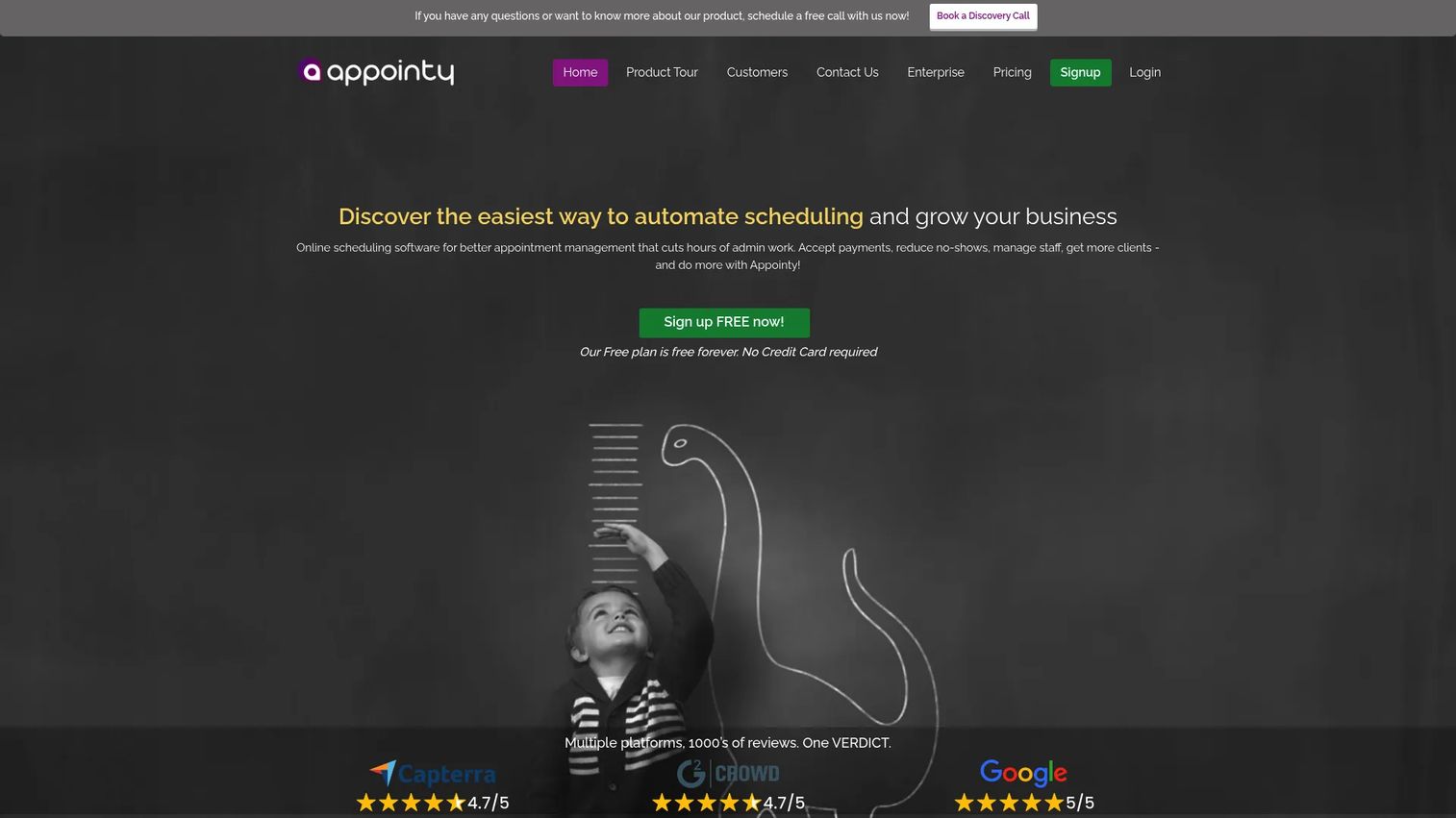
Appointy is online scheduling software that covers appointments, classes, events, and resources in one system. For class operators, that means group scheduling, staff assignment, and payment collection without stitching separate tools together. It also adds social booking entry points, so students can book from your Google Business Profile or social pages, not just your site.
Best for: operators who want class capacity, payments, and marketing in one place.
Key features
- Group, class, and event scheduling with capacity
- Staff and resource scheduling with separate calendars
- Google Calendar sync and Zoom integration
- Stripe and PayPal payment collection
- Booking analytics and social booking links
Why choose Appointy: if you run classes and want booking, payments, staff rosters, and marketing entry points under one login, Appointy is the broadest fit on this list. It suits businesses that treat scheduling as an operational system, not a single calendar.
Pricing: free plan available. Growth starts at $19.99/mo billed annually or $29.99/mo monthly. Professional is $49.99/mo billed annually, and Enterprise is $79.99/mo billed annually. A 14-day free trial is offered.
2. SuperSaaS
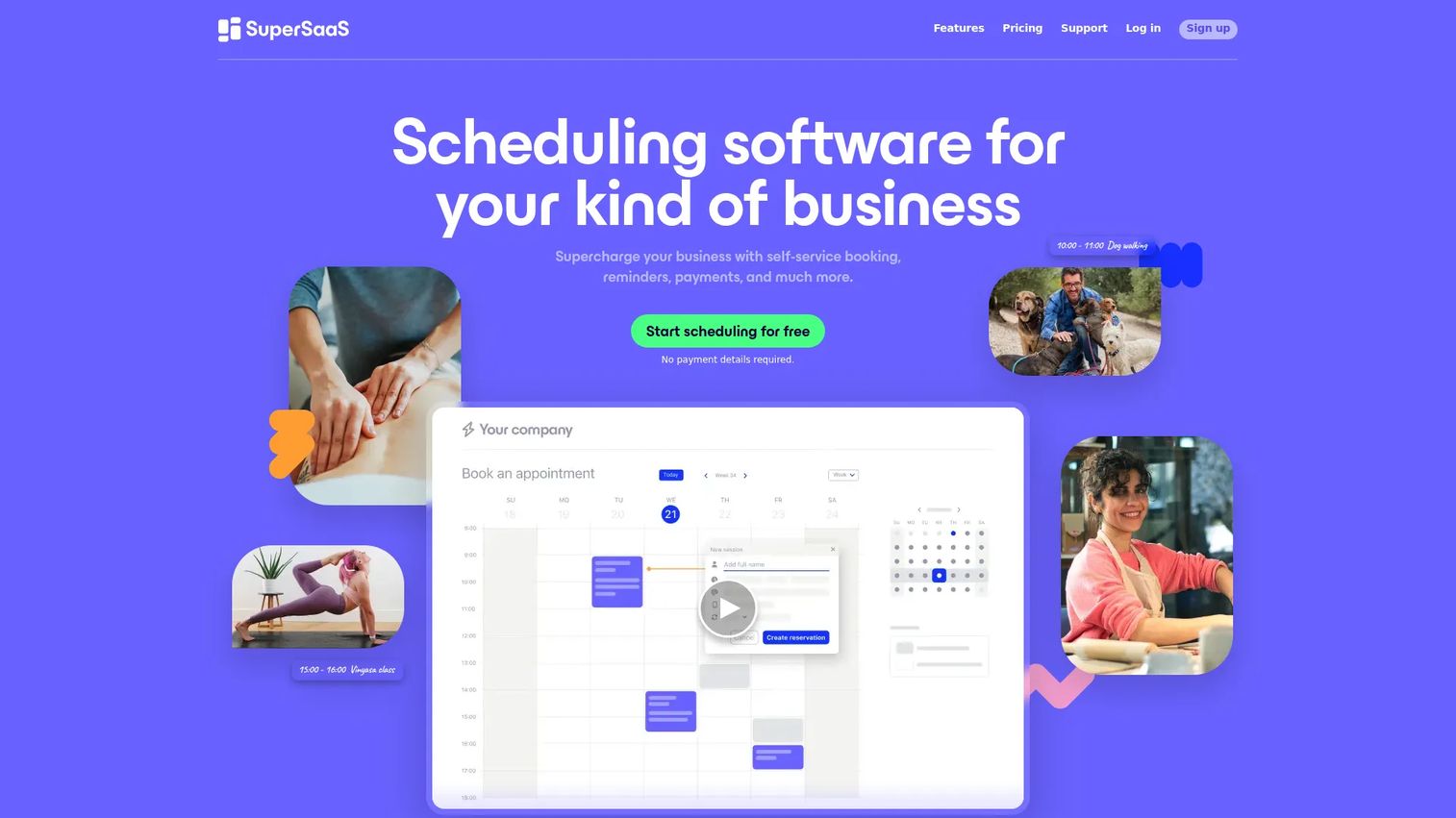
SuperSaaS is scheduling software built around configurability. Where most tools give you a fixed booking flow, SuperSaaS lets you shape the rules: recurring appointments, group bookings, resource limits, and waiting lists all bend to how your classes actually run. Unlimited instructors and API access make it a strong pick when off-the-shelf logic isn't enough.
Best for: businesses that want deep control over booking logic and rules.
Key features
- Flexible scheduling for groups, recurring classes, and resources
- Waiting lists and multi-resource capacity rules
- Calendar sync with Google, Outlook, iCal, and Office 365
- Payments, pricing rules, coupons, and promotions
- API, webhooks, and multilingual support
Why choose SuperSaaS: if your class scheduling system has non-standard rules, SuperSaaS bends to them instead of forcing a workaround. It fits operators who need booking logic that matches an unusual workflow and who value control over polish.
Pricing: free plan with 50 future appointments and 50 registered users. Paid packages start at $9/mo (about €7) and scale up through ten tiers to $180/mo as appointment caps and history retention increase.
3. Acuity Scheduling
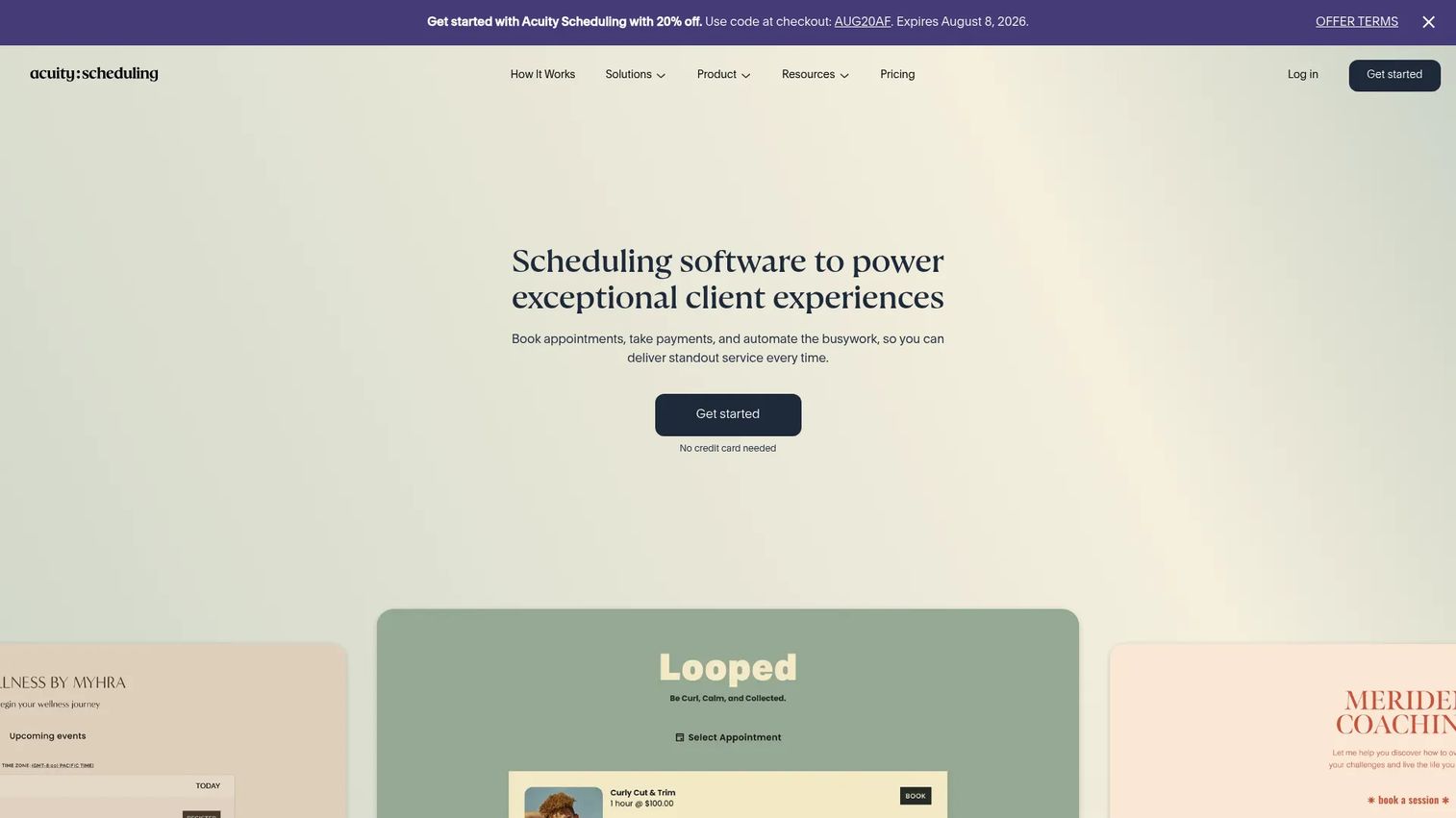
Acuity Scheduling is booking software known for a clean setup and dependable payment collection. It handles classes, workshops, and group events alongside one-on-one appointments, with branded booking pages, calendar sync, and automated reminders. For class operators, the standout is monetization: packages, memberships, and gift certificates make it easy to sell bundles instead of single seats.
Best for: service businesses that need reliable scheduling with strong payment support.
Key features
- Online booking page and embedded scheduling widget
- Automated email and SMS reminders and client forms
- Payments, packages, memberships, and gift certificates
- Group class and workshop scheduling
- Two-way calendar sync
Why choose Acuity Scheduling: if you want a class booking system that just works and sells packages without fuss, Acuity is the low-friction pick. It fits operators who prioritize a smooth booking and payment experience over deep rule customization.
Pricing: Starter is $16/mo, Standard is $27/mo, and Premium is $49/mo. Annual billing is discounted, and a 7-day free trial is available.
4. SimplyBook.me
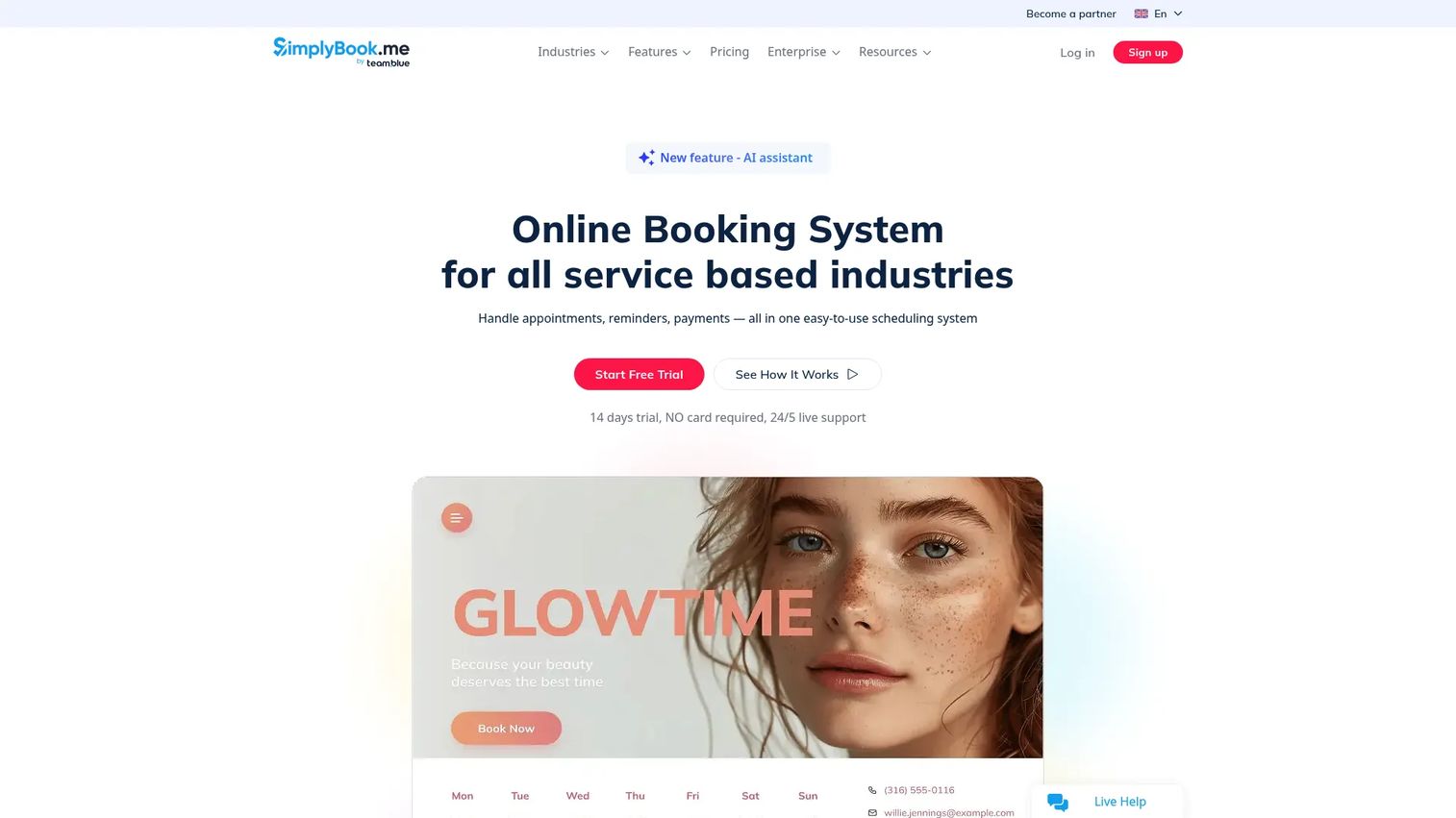
SimplyBook.me is a booking system built around plugins, so you turn on only the features you need. Classes, events, memberships, reminders, and payments are all modular, which keeps the interface manageable for small teams. Bookings can come from your website, a widget, or social channels like Facebook, Instagram, and Google Business Profile.
Best for: small service businesses that want to add class booking without overhead.
Key features
- Online bookings via website, widget, and social profiles
- Reminders via email, SMS, and WhatsApp
- Payments, memberships, classes, and events
- Plugin-based feature control
- Branded booking pages
Why choose SimplyBook.me: if you want a course booking software you can grow into one plugin at a time, SimplyBook.me keeps things light. It fits small businesses that want flexibility without paying for features they won't use.
Pricing: free plan available. Basic is $9.99/mo, Standard is $29.99/mo, Premium is $59.99/mo, and Premium Plus is $99.99/mo. A 14-day free trial requires no credit card. Capterra lists a 4.6/5 rating across more than 1,200 reviews.
5. Calendly
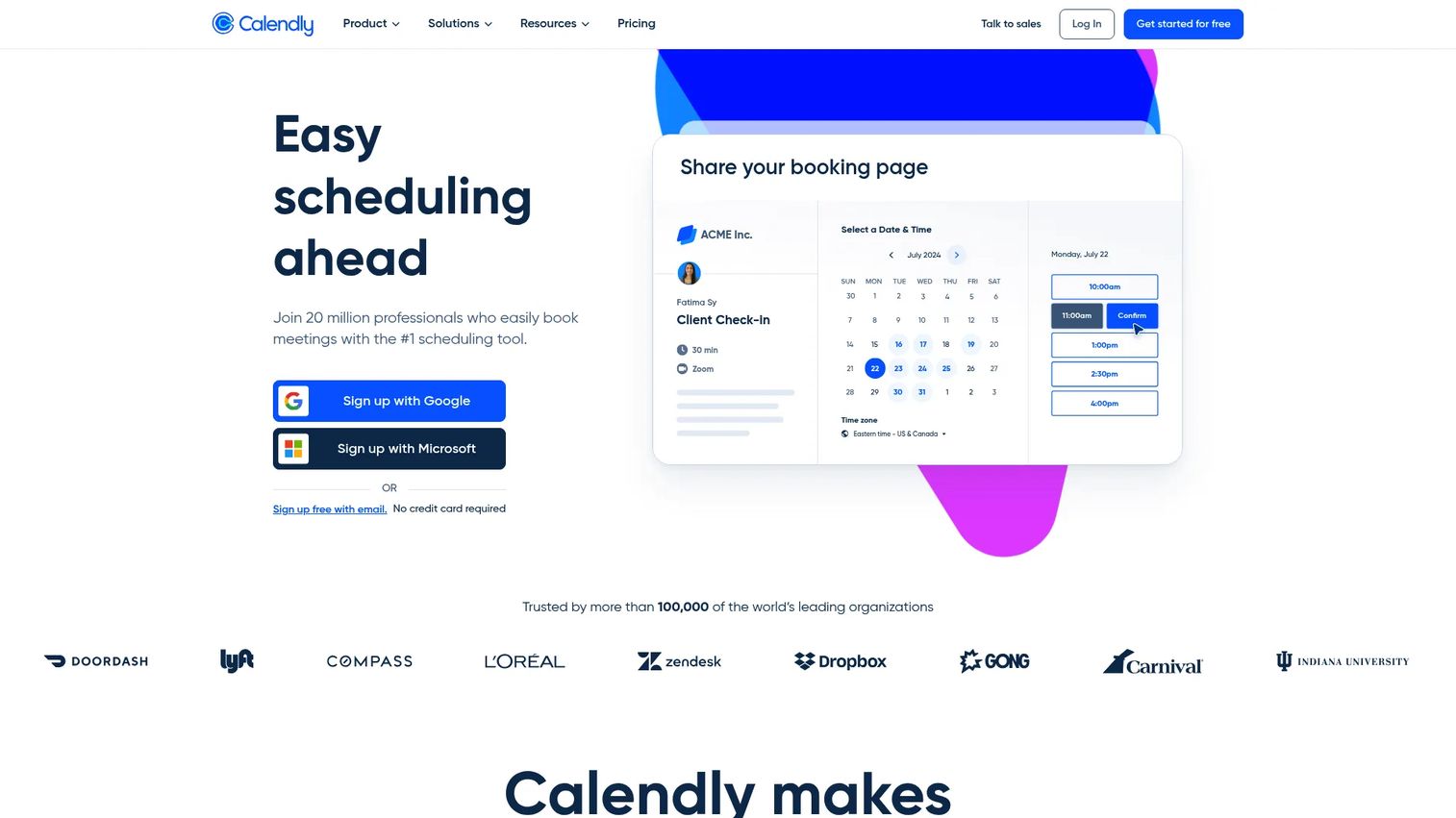
Calendly is scheduling software built for booking meetings and automating availability. It syncs calendars, sends reminders, and routes bookings across teams with very little setup. It also supports collective and group event types, which cover simple recurring class sign-ups.
Best for: teams that need fast, clean meeting scheduling with automation.
Key features
- Calendar sync and availability controls
- Automated meeting reminders
- Routing forms and round-robin scheduling
- Team pages and group event types
- Broad integration library
Why choose Calendly: Calendly is the strongest pick when your scheduling need is basic and speed matters more than class-specific depth. Be cautious if you need seat caps, class packages, or per-instructor rosters as core features, since Calendly is built around meetings rather than full class management. For simple sign-ups it is hard to beat; for a full class booking system, tools higher on this list fit better.
Pricing: free plan available. Standard is $10/seat/mo and Teams is $16/seat/mo, both billed yearly. Enterprise starts at $15,000/year.
6. Setmore
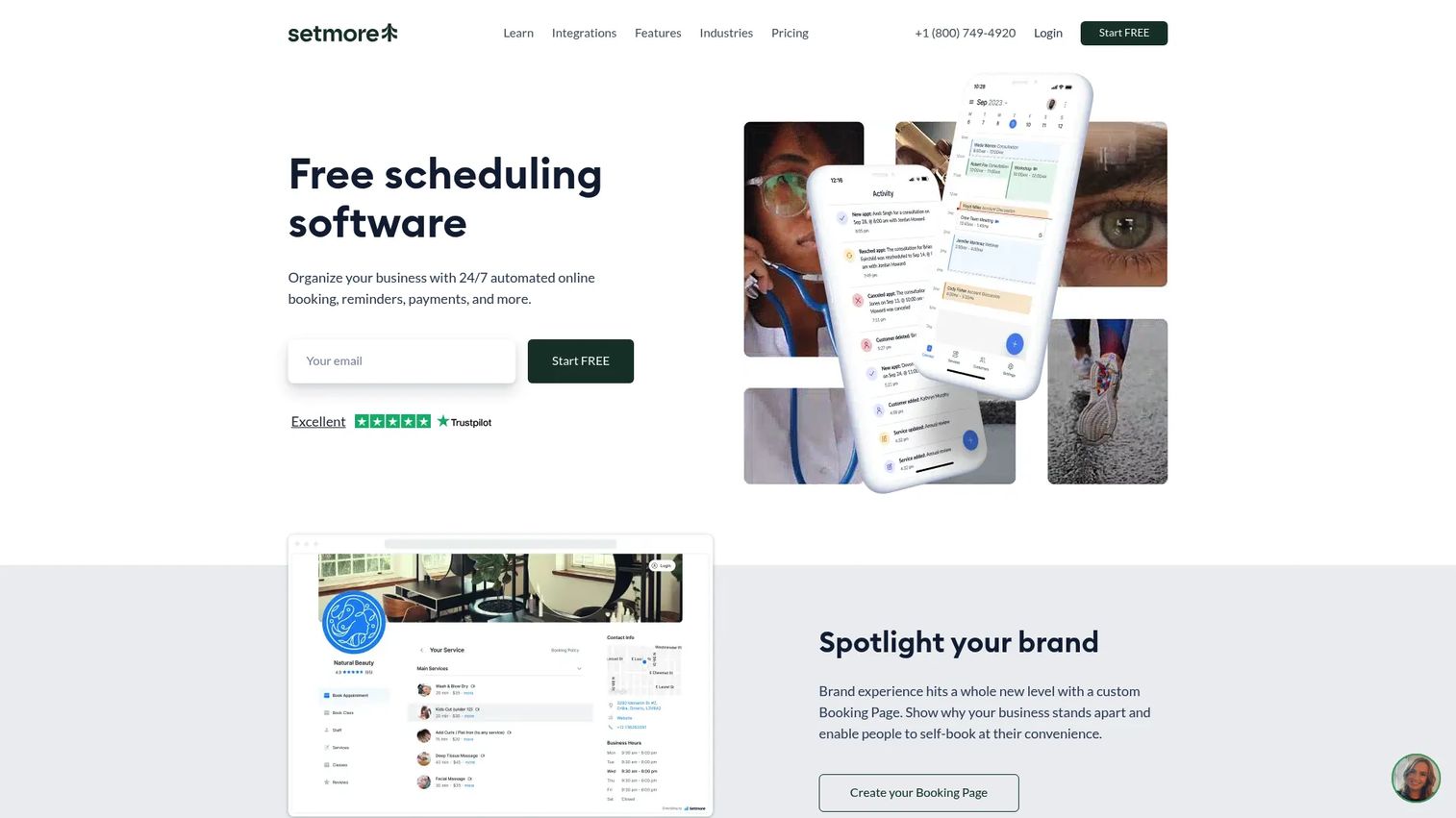
Setmore is appointment scheduling software with a clean booking page and low setup effort. It handles self-scheduling, group classes, online payments, and team calendars without a steep learning curve. For smaller teams, the appeal is getting live fast and keeping overhead minimal.
Best for: small teams that want a clean booking page and quick setup.
Key features
- Booking page with self-scheduling
- Calendar management for one-on-ones and group classes
- Email and SMS reminders and confirmations
- Online payment collection
- Team calendar coordination
Why choose Setmore: if you want a class scheduling app you can stand up in an afternoon, Setmore keeps it simple. It fits small teams that value a clean interface and low overhead over deep configurability.
Pricing: free plan for up to 4 users. Pro is $5/user/mo on annual pricing, adding unlimited users and additional features.
7. Coursedog
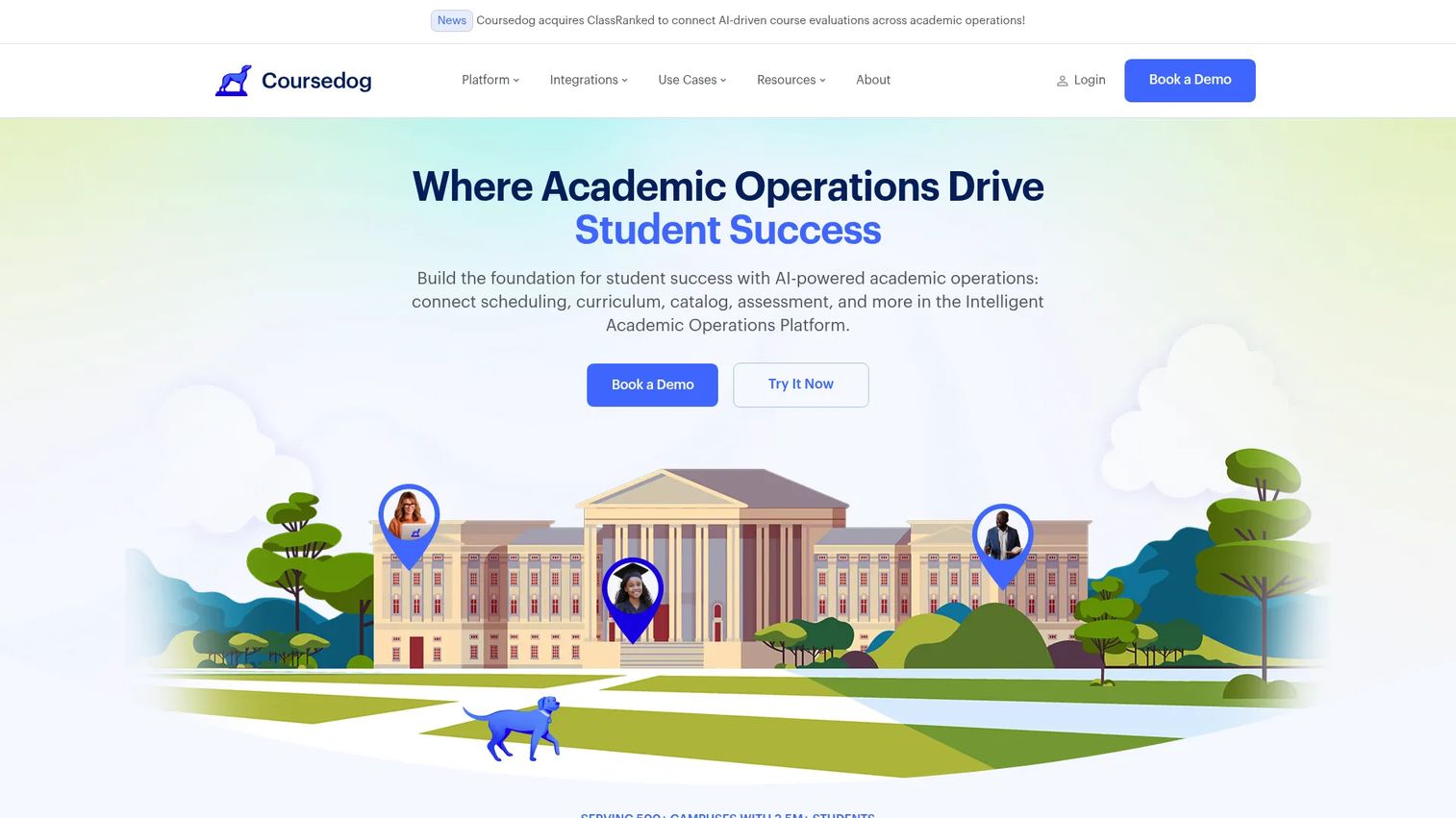
Coursedog is a higher-education academic operations platform, not a generic class booking tool. It handles academic scheduling, curriculum management, and catalog workflows for colleges and universities. The section optimizer, conflict prevention, and SIS sync are built for the scale and policy constraints of institutional scheduling.
Best for: colleges and universities managing academic operations across departments.
Key features
- Academic and section scheduling
- Conflict prevention and section optimizer
- Faculty preference handling
- Curriculum and catalog management
- SIS synchronization and reporting
Why choose Coursedog: if you run school class scheduling software needs at an institutional level, Coursedog is the vertical fit, not a repurposed appointment tool. It suits registrars and academic operations teams, not fitness studios or private tutors. The academic scheduling market it serves is sizable and growing, valued at USD 9.83 billion in 2024 by Credence Research (2024).
Pricing: Coursedog does not publish public pricing; plans are quoted per institution. Contact Coursedog for a quote. G2 lists a 4.9/5 rating.
Considerations
Calendar sync and integrations
Two-way calendar sync is non-negotiable. Confirm the tool syncs cleanly with Google Calendar, Outlook, iCal, and Office 365 so no seat gets double-booked. If you run virtual classes, check for Zoom or Google Meet integration. For anything custom, look for Zapier support or an open API to connect the rest of your stack.
Payments and monetization
Class businesses live on prepayment. Check which processors the tool supports, usually Stripe, PayPal, or Square, and whether it handles the monetization models you use: single-class charges, packages, memberships, deposits, and coupons. Deposits and prepaid packages cut no-shows because students who paid tend to show.
Capacity and waitlist handling
Seat limits and waitlists are what separate a class booking system from an appointment tool. Confirm the system enforces per-class caps, manages a waitlist automatically, and backfills open seats when someone cancels. Group booking controls matter if students book multiple spots at once.
Instructor and staff management
If more than one person teaches, you need separate instructor calendars, individual logins, and permission controls. Check whether each instructor sees only their own schedule, whether admins see everything, and how rosters get distributed. Weak instructor management turns into manual coordination fast.
Reporting and setup effort
Look at the analytics dashboard: attendance, revenue, no-show rates, and fill rates tell you what's working. Then weigh setup effort against your timeline. Some tools go live in an afternoon; others reward a longer configuration for deeper control. Match that to how quickly you need to be running.
Conclusion
Pick the tool that matches your workflow complexity and payment needs, not the one with the longest feature list.
For broad operational control across classes, staff, and payments, Appointy or SuperSaaS give you the most room. Appointy leads on all-in-one breadth; SuperSaaS wins when your booking rules are unusual.
For simple scheduling with strong payment support, Acuity Scheduling is the clean, dependable pick. SimplyBook.me fits small businesses that want modular flexibility, and Setmore suits smaller teams that want to be live fast. Calendly covers basic meeting and event sign-ups when class-specific depth isn't the priority.
For academic scheduling, Coursedog is the institutional choice, built for the policy and scale constraints of higher education rather than studio or lesson booking.
Start with the tool whose class handling, payment support, and instructor management match how you actually run sessions. Trial the top two, book a few test classes, and pick the one that removes the most manual work.
FAQs
Class scheduling software lets people book classes, courses, and group sessions online while managing availability, capacity, reminders, payments, and calendar sync in one system. It replaces manual email-and-spreadsheet booking with a self-service page students use directly. Most tools also handle recurring class scheduling, waitlists, and instructor calendars.
Prioritize capacity controls, waitlists, calendar sync, automated reminders, and payment collection. For classes specifically, seat limits and instructor management matter more than they do for one-on-one appointments. Reminders and confirmations drive down no-shows, which is often the fastest revenue win.
Yes. Most class booking software integrates with Stripe, PayPal, or Square to collect payment at booking. Many also support packages, memberships, deposits, and coupons, so you can sell multi-class bundles or require prepayment. Prepaid students no-show far less than unpaid ones.
Yes. Class-focused tools enforce per-class seat caps and manage waitlists automatically. When a booked student cancels, the system can backfill the open seat from the waitlist without manual work. Confirm the specific tool handles automatic backfill, since not every scheduler does.
Most class scheduling systems offer two-way sync with Google Calendar, Outlook, iCal, and Office 365. This keeps instructor and admin calendars aligned and prevents double-booking. Confirm the sync is two-way, not one-directional, before committing.
Yes. Nearly every tool on this list supports website embedding through a widget or embed code, plus a hosted booking page you can link directly. Many also add booking entry points from social channels like Facebook, Instagram, and Google Business Profile. Website embedding keeps students booking on your own site.
Appointment scheduling handles one-on-one bookings, while class booking software adds group logic: seat caps, waitlists, recurring sessions, and per-instructor rosters. A class booking system answers "how many seats are left" as a core question. Some tools, like Appointy and Acuity, handle both well.
For higher-education institutions, Coursedog is the specialist, built for academic scheduling with conflict prevention, section optimization, and SIS sync. For smaller academic programs, tutoring centers, or single-department course booking, general tools like Appointy or SuperSaaS often cover the need with less overhead. Match the tool to institutional scale.