Introduction
It's Tuesday. Your SDR has a list of 200 named prospects from a target-account export, a campaign launching Thursday, and no email column. She's been toggling between LinkedIn, your CRM, and a guess-the-pattern spreadsheet for the past hour. She'll get through maybe 40 contacts manually before the day ends. By Thursday morning, the list is half-built and the campaign goes out short.
That scene plays out in some form across every B2B sales team. SDRs build outbound lists from scratch. AEs multi-thread late in deals when the champion goes quiet. RevOps tries to clean inbound MQLs with personal Gmail addresses so they route correctly. All three jobs depend on one thing: a reliable way to find and verify professional email addresses fast.
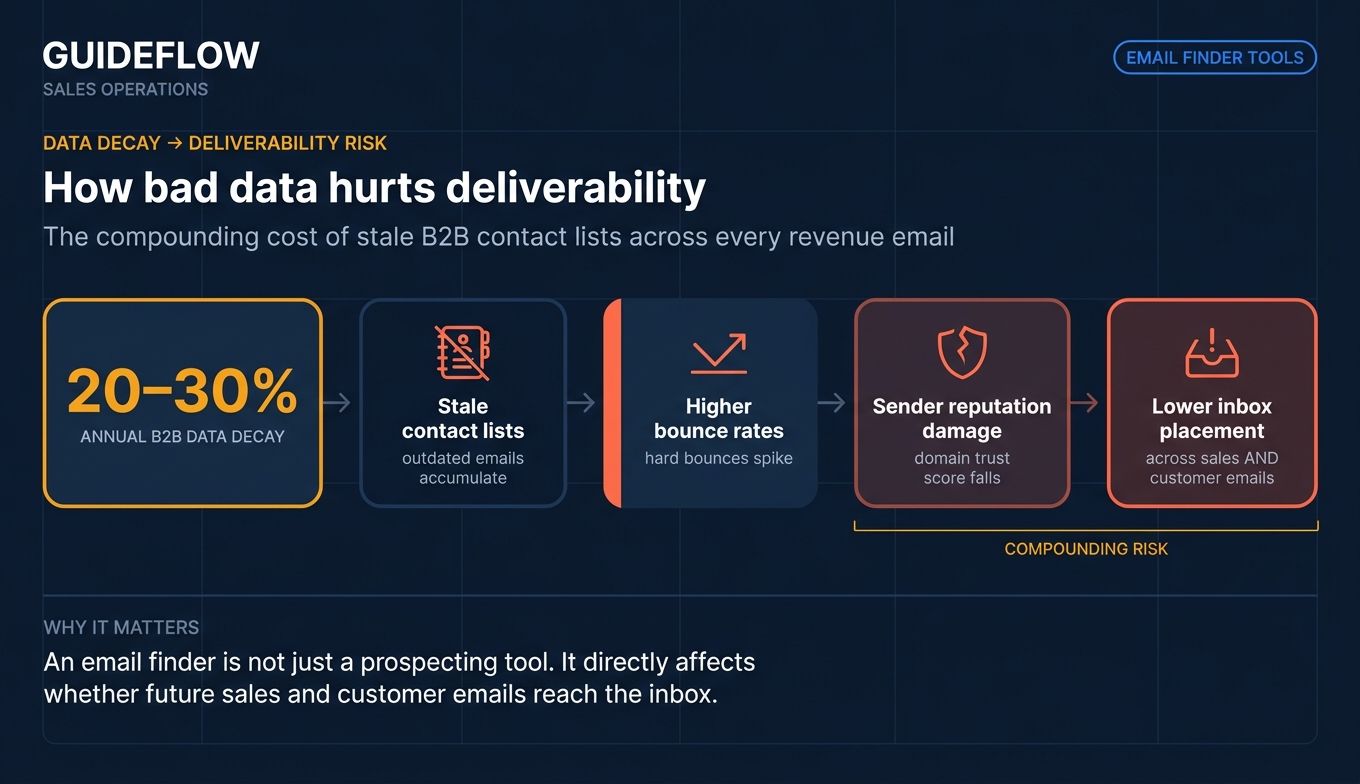
The stakes are higher than they look. B2B contact data ages quickly, with annual B2B contact data decay rates industry estimates commonly putting annual decay rates in the 20–30% range. That means a chunk of any list you build today is wrong by next quarter. Stale lists drive bounces. Bounces damage sender reputation. Damaged reputation lowers sender reputation and inbox placement impact on every email you send after, including replies to your best customers.
Picking the right email finder tool is less about the cheapest credits and more about which one fits how your team actually sells. This guide ranks the ten that matter most in 2026. Teams stacking finder tools alongside other prospecting layers may also want to review our roundup of the best AI SDR tools and the best sales engagement tools to see where email finders fit in the broader outbound stack.
What's inside
This guide is for SDRs sourcing pipeline, AEs running multi-threaded outbound, and RevOps or enablement leads standardizing the prospecting stack. We picked the ten tools based on four criteria:
- Verified email accuracy, both vendor-claimed and reviewer-reported on G2 software review platform.
- Workflow fit with CRMs, sequencers, and LinkedIn-based prospecting.
- Pricing transparency and credit economics at sales-team volume.
- Reviewer sentiment on G2 by recency and review volume.
We checked vendor pricing pages and current G2 ratings at time of writing. Every figure below ties back to a verified source.
TL;DR
- Best overall for sales teams: Hunter.io. Strong database, clean credit economics, deep CRM and sequencer integrations.
- Best for combined finder, sequencer, and data platform: Apollo.io.
- Best for enterprise data depth: ZoomInfo.
- Best for SDR teams running multi-channel outreach: Snov.io.
- Best for fast LinkedIn prospecting: Lusha.
- Best for pay-only-for-verified pricing: Anymail Finder.
- Best free email finder for testing the category: Skrapp.io.
Background: What email finder tools do and why sales teams use them
An email finder tool is software that locates and verifies a person's professional email address using their name and company domain, typically combining public web data, inferred email patterns, and verification checks.
Most modern tools cover the same core capabilities, just with different depths and price points:
- Name plus domain lookup for single-contact searches.
- Bulk lookup via CSV upload.
- Browser extension for LinkedIn and LinkedIn Sales Navigator.
- Email verification with confidence scoring.
- API access for automating prospecting workflows.
- Native CRM and sequencer integrations (Salesforce, HubSpot, Pipedrive, Outreach, Salesloft).
- Domain-level discovery to surface every public email pattern for a target company.
- Compliance posture including GDPR compliance for B2B prospecting and CCPA documentation.
For sales teams, this matters as a system problem, not a feature checklist. Bad data drives bounces. Bounces drive sender reputation damage. Damaged reputation lowers deliverability across every future send, including renewal reminders and customer replies. The cost of a bad email list compounds across the entire revenue motion.
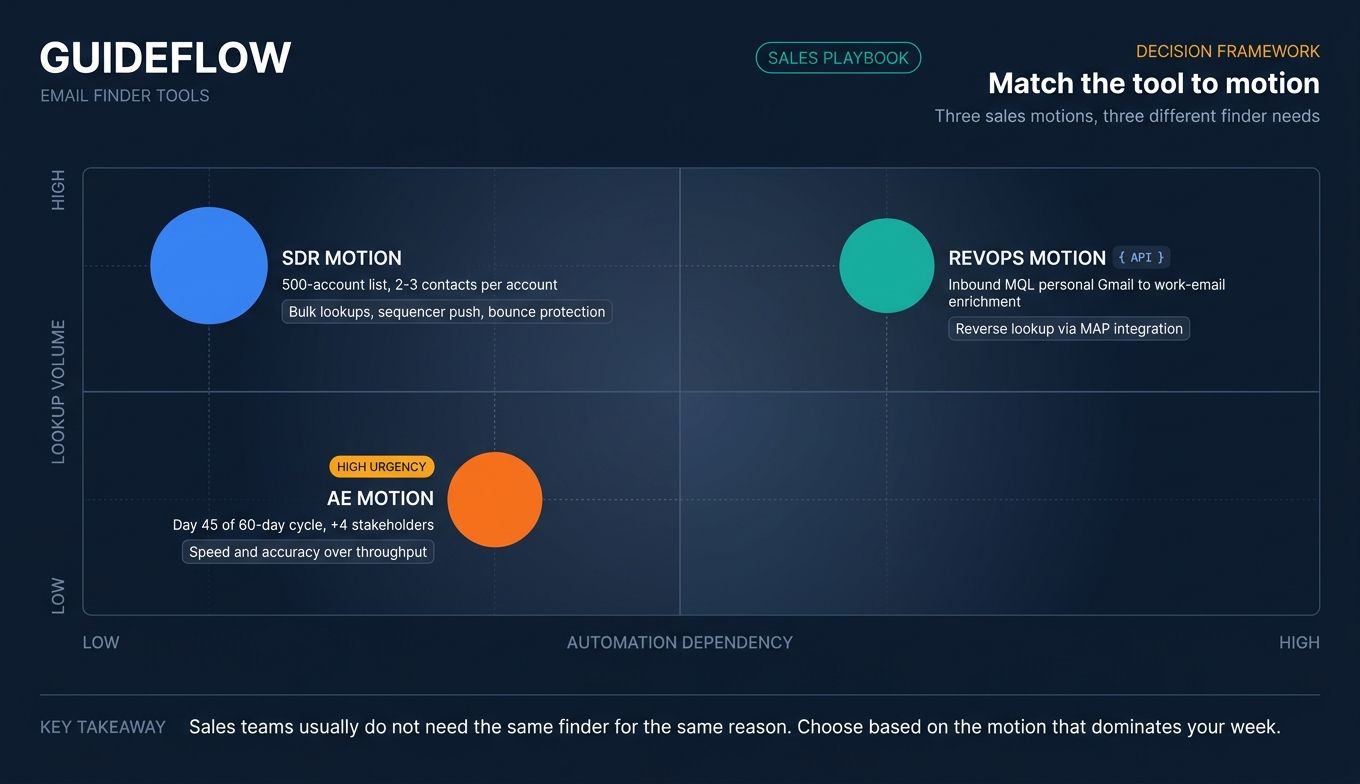
Most teams searching for an email lookup tool are solving for one of three things: building net-new lists, multi-threading existing deals, or cleaning inbound lead routing. The right tool depends on which of the three dominates your week.
When sales teams use email finder tools
Building net-new outbound lists from scratch
An SDR pulls a 500-account target list from LinkedIn Sales Navigator for prospecting or a CRM filter. She needs verified emails for two or three contacts per account before the campaign goes into the sequencer. The work is repetitive and volume-driven. The tool needs to handle bulk lookups, push verified addresses into the sequencer, and stay under a bounce ceiling that protects domain reputation. Teams refining this motion often pair finder tools with the best outreach software to keep deliverability and sequencing in one workflow.
Multi-threading into a buying committee mid-deal
An AE is 45 days into a 60-day deal cycle. The champion went dark. The deal needs four more stakeholders looped in: a CFO, a VP of Sales, a RevOps lead, and a security reviewer. The AE can't ask the silent champion for intros. He needs to find email address by name on LinkedIn, verify each one, and start multi-threading the same week. Speed and accuracy per lookup matter more than bulk throughput.
Enriching inbound leads and routing them faster
An inbound MQL fills out a form with their personal Gmail. RevOps needs the work email to score against ICP, route to the right rep, and trigger the right sequence. The email searcher here is doing reverse lookup work, often via an API tied into the marketing automation platform. For teams tightening this routing layer, our list of the best lead scoring software is a useful complement.
Comparison table
The table below sorts by relevance to a typical sales team buyer. Pricing reflects current vendor pricing pages. G2 ratings reflect listings at time of writing.
| # | Product | Intent | Key use case | Pricing | G2 rating |
|---|---|---|---|---|---|
| 1 | Hunter.io | Find and verify | Domain-level email discovery and verification | Free tier; Starter from $34/month billed yearly | 4.4/5 |
| 2 | Apollo.io | Find, verify, sequence | Combined data platform with built-in outreach | Free Starter plan; paid tiers custom on page | 4.7/5 |
| 3 | ZoomInfo | Enterprise data | Full B2B data with intent and org charts | Custom pricing | 4.5/5 |
| 4 | Snov.io | Find, verify, outreach | SDR multi-channel campaigns | Free Trial; Starter at $39/month | 4.5/5 |
| 5 | Lusha | Find on LinkedIn | One-click prospecting from LinkedIn | Free plan with 40 credits/month | 4.3/5 |
| 6 | Voila Norbert | Find and verify | Pay-as-you-go bulk lookups | Valet at $49/month | Not listed on G2 |
| 7 | Anymail Finder | Verified-only finder | Pay only for deliverable emails | 400 credits/month at $29/month | 4.3/5 (Capterra) |
| 8 | RocketReach | Global contact data | Cross-region prospecting | Pricing on vendor site | 4.4/5 |
| 9 | GetProspect | LinkedIn-to-CRM | Solo SDR and small team workflows | Free plan; Starter at $49/month | 4.0/5 |
| 10 | Skrapp.io | Free-tier finder | Testing the category before commitment | Free plan; Professional at $29/month billed annually | 4.5/5 |
Best email finder tools for sales teams in 2026
1. Hunter.io: Best overall for sales teams
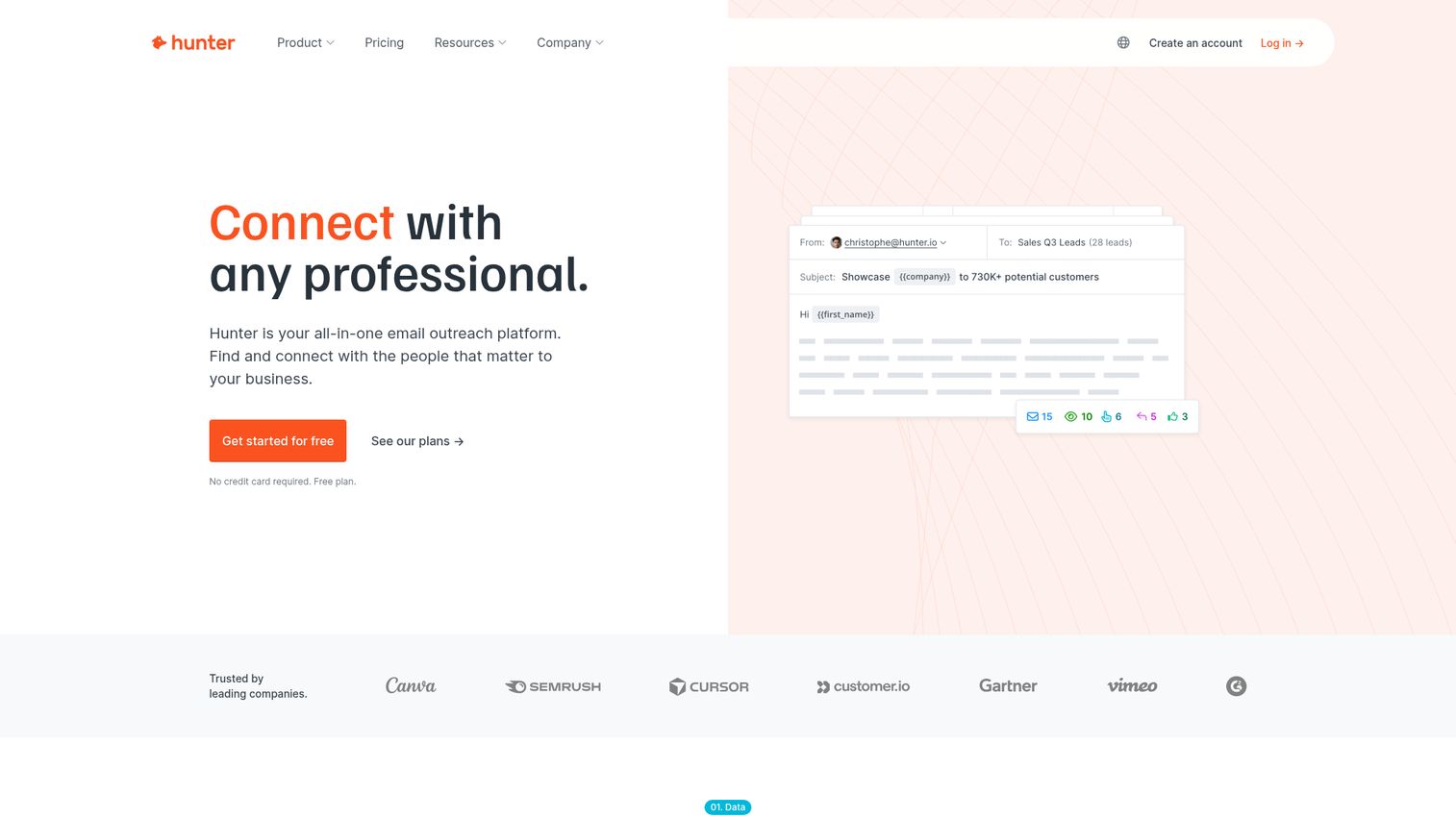
Hunter.io is an all-in-one email outreach platform for finding and connecting with business contacts. It's one of the most established names in the email finder category, with a product suite covering Domain Search, Email Finder, Email Verifier, and a lightweight Campaigns tool for outreach. For sales teams that want one platform that handles finding, verifying, and sending without stitching three vendors together, Hunter is the safest starting point. You can also explore a Hunter.io interactive walkthrough to see the product in action.
Best for: SDR and AE teams that want a single platform covering finder, verifier, and lightweight outreach.
Key strengths
- Confidence-scored results: Hunter typically returns a confidence percentage and, when available, source URLs showing where the email was found.
- Domain Search for ABM mapping: Surfaces common email patterns and a list of publicly available emails for a target company domain in one query, useful when you need to map a 9-person buying committee.
- Native sales stack integrations: Hunter offers native integrations with major CRMs including Salesforce, HubSpot, Pipedrive, Zapier, and Google Sheets, so verified contacts flow into the systems your team already uses.
Why choose Hunter: It's the lowest-risk pick when nobody on your team has used an email finder by name before. The trade-off is credit economics at heavy volume. Teams running 10,000+ lookups per month often find Hunter's per-credit cost higher than verification-first competitors. For teams in the 500 to 5,000 monthly lookup range, the breadth of features and clean integrations usually outweigh that.
Hunter pricing: Hunter offers a Free plan, then Starter at $34/month billed yearly ($49/month billed monthly), Growth at $104/month billed yearly ($149/month billed monthly), Scale at $209/month billed yearly ($299/month billed monthly), and Enterprise on custom pricing. Credit limits scale with tier. Verify current quotas at hunter.io/pricing. Hunter holds a 4.4/5 rating on G2.
2. Apollo.io: Best for combined finder, sequencer, and data platform
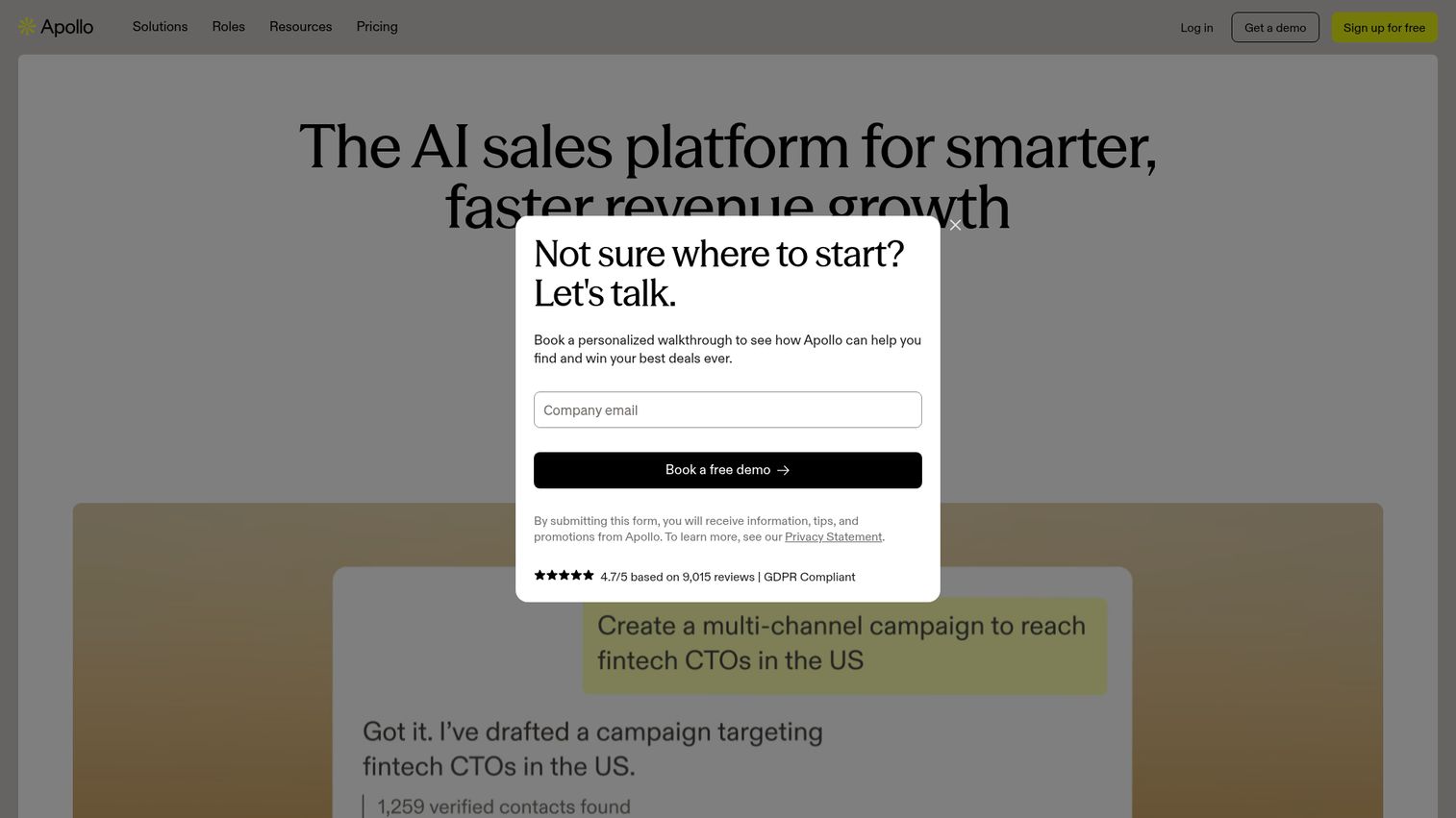
Apollo.io is a data intelligence and sales engagement platform combining a large B2B prospecting database with multichannel outreach, cold calling, LinkedIn tasks, and meeting scheduling. For SDR teams that want to find, verify, and sequence in one tool rather than buying three, Apollo is the consolidation play. See an Apollo.io interactive demo for a closer look at the platform.
Best for: SDR teams that want a single tool covering data, finder, and sequencer.
Key strengths
- Prospecting database with 65+ data attributes: Filter accounts and contacts on firmographic, technographic, and role-based signals before pulling verified emails.
- Native multichannel sequences: Run email, cold call, and LinkedIn task sequences inside the same platform that surfaced the contact, removing the SDR's tab-switching tax.
- API for search, enrichment, and workflow: Push verified data and task updates into external CRMs and ops tools without manual exports.
Why choose Apollo: Apollo is broader than a pure email finder, which is the point. Teams that only need verified emails may pay for capabilities they don't use. Teams replacing three tools (data, finder, sequencer) often see the math swing in Apollo's favor. The other consideration is data quality at the long tail; reviewers consistently rate the core database well, but reported accuracy can vary on smaller, private companies.
Apollo pricing: Apollo offers a free-forever Starter plan, trial plans with 50 credits and 5 mobile credits, and custom Organization plans for larger teams. Numeric subscription pricing was not exposed on the pricing page at time of writing. Confirm current numbers at apollo.io/pricing. Apollo holds a 4.7/5 rating on G2.
3. ZoomInfo: Best for enterprise data depth
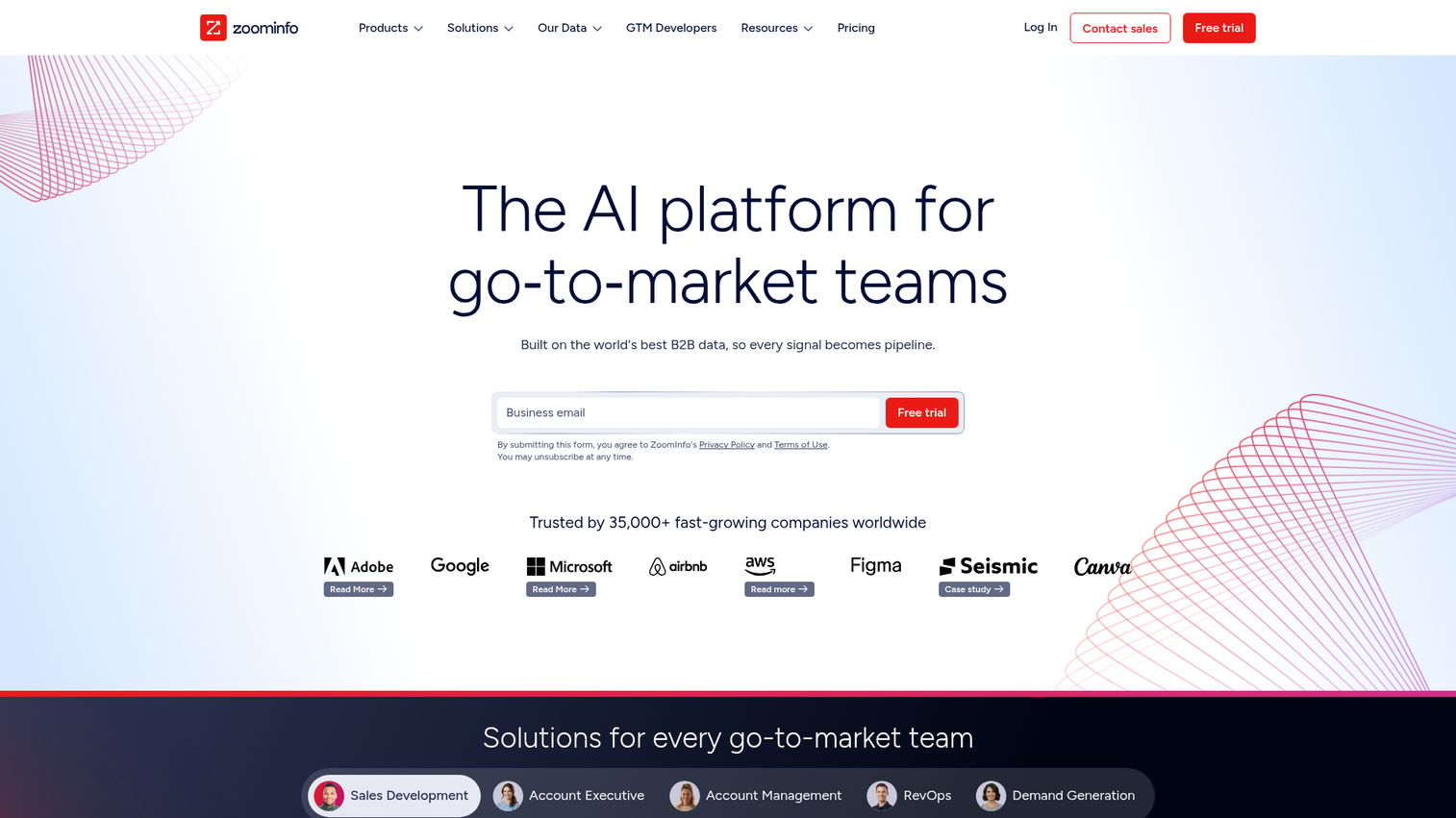
ZoomInfo is an AI-powered go-to-market platform built on B2B data, designed to help revenue teams find, acquire, and grow customers. It's beyond a pure email address finder. ZoomInfo brings intent data, website visitor tracking, and org chart visualization that mid-market and enterprise sales orgs use to run full account-based marketing motion. If ABM is the dominant motion, also see our roundup of the best account-based marketing software.
Best for: Mid-market and enterprise sales orgs running ABM with budget for premium data.
Key strengths
- Contact and company search: Direct dials and verified email addresses across a deep B2B database, used by enterprise teams as the system of record for contact data.
- Buyer intent signals: Identify companies actively researching solutions like yours and prioritize outreach against intent spikes, not just static fit. Compare options in our guide to the best buyer intent data providers.
- Website visitor tracking: Discover decision-makers from companies visiting your site and route them to the right rep before they fill a form.
Why choose ZoomInfo: ZoomInfo earns its place when the buying motion is enterprise, the deal size justifies the spend, and the team needs intent and org chart data, not just emails. The trade-off is price. Reviewers commonly report annual contracts that start well into five figures for small teams and scale to six figures for enterprise tiers. For an SDR team running outbound at a 20-person startup, that's almost always overkill.
ZoomInfo pricing: ZoomInfo uses custom pricing. The vendor states pricing depends on features, number of licenses, and credit usage. Numeric pricing wasn't available on the pricing page at time of writing. Verify directly with sales at zoominfo.com/pricing. ZoomInfo Sales holds a 4.5/5 rating on G2.
4. Snov.io: Best for SDR teams running multi-channel outreach
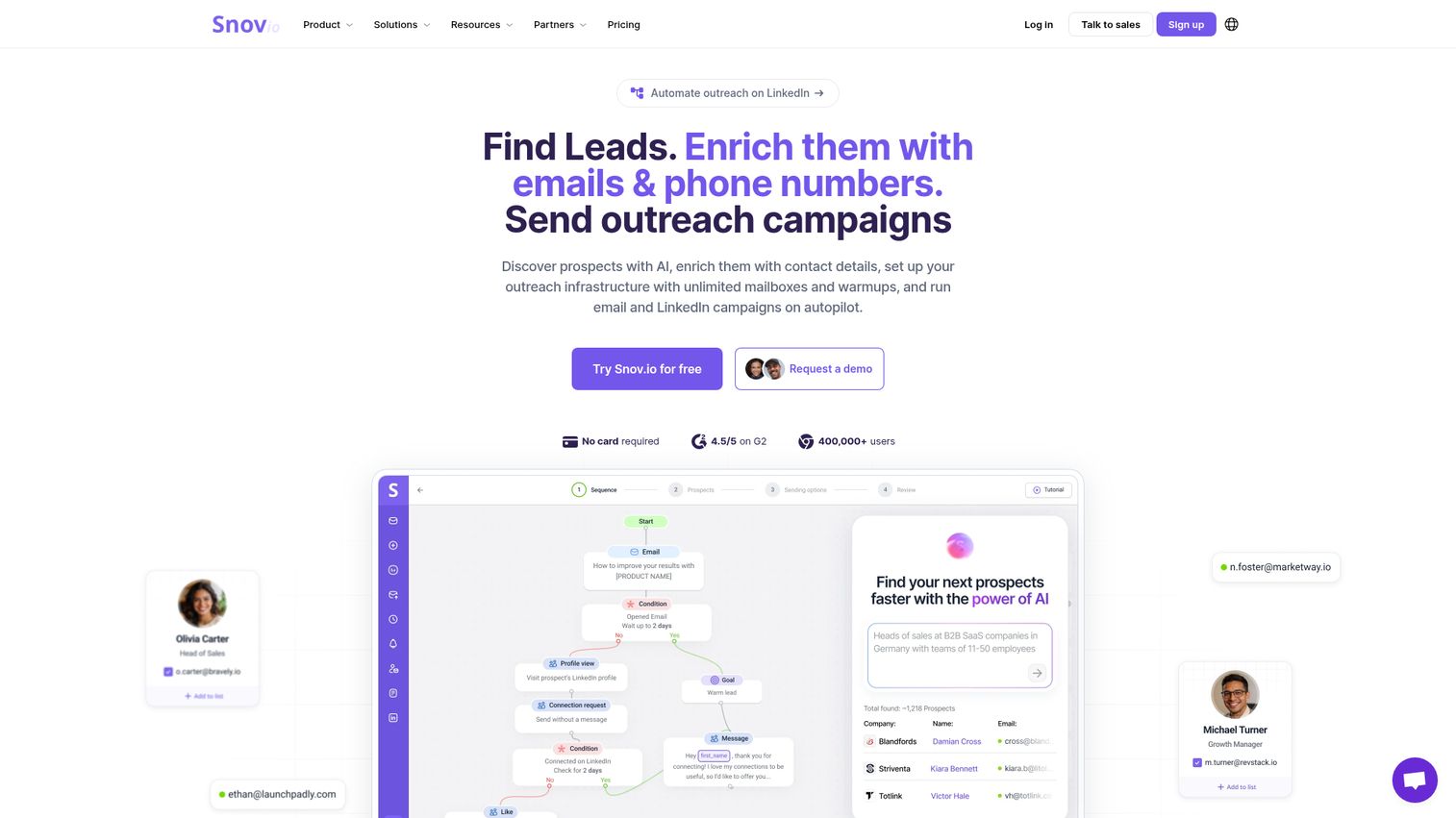
Snov.io is an AI lead generation and outreach automation platform combining email finding, B2B lead databases, email verification with deliverability warm-up, and multichannel outreach across email, LinkedIn, and CRM. For SDR teams that want finder plus sequencer at startup-friendly pricing, Snov.io is one of the better-priced all-in-one options. Walk through a Snov.io interactive demo to see the workflow firsthand.
Best for: SDR teams running multi-channel outbound at SMB or mid-market scale.
Key strengths
- Email finder plus B2B leads database: Source emails from LinkedIn, by domain, or from Snov.io's database, then push directly into campaigns.
- Verification with warm-up: Built-in email verification plus deliverability tools including domain warm-up, reducing the gap between "I have an email" and "this email will land in inbox."
- Multichannel outreach automation: Sequence email plus LinkedIn touches plus CRM updates in one workflow, removing the SDR's biggest source of context-switching.
Why choose Snov.io: Snov.io is the strongest all-in-one when Apollo or Outreach is out of budget. The trade-off is database breadth. Snov.io's contact data is solid for SMB and mid-market targets but thinner on global enterprise contacts than ZoomInfo or Apollo. For teams selling into the SMB or mid-market, it's rarely the bottleneck.
Snov.io pricing: Snov.io offers a free Trial plan (renewable every 30 days), then Starter at $39/month, Pro S at $99/month, Pro M at $189/month, Pro L at $369/month, and Ultra at $738/month. Annual subscriptions are 25% off. Verify at snov.io/pricing. Snov.io holds a 4.5/5 rating on G2.
5. Lusha: Best for fast LinkedIn prospecting
Lusha is a B2B data and intelligence layer for GTM teams and AI agents, combining verified contact and company data with buying signals. The product's natural home is the Chrome extension, where AEs and SDRs reveal verified contacts directly inside LinkedIn profiles, LinkedIn Sales Navigator, and supported websites.
Best for: AEs and SDRs who live in LinkedIn Sales Navigator and want one-click contact data.
Key strengths
- Prospect list workspace: Build and manage prospect lists in one workspace using CRM data, Lusha-enriched records, and buying signals, useful when an AE is mapping a 9-person committee in real time.
- APIs, MCP, and webhooks: Connect Lusha data through APIs, MCP, and webhooks for CRM workflows, AI agents, and automations.
- Chrome extension on LinkedIn: Reveal verified contact and company data inside LinkedIn and supported websites without leaving the page.
Why choose Lusha: Lusha is the right pick when LinkedIn is your team's primary prospecting surface and individual lookup speed beats bulk throughput. The trade-off is bulk CSV workflows. Lusha's strength is one-at-a-time enrichment in flow; teams running 10K+ row imports often prefer a finder built around bulk processing from the start.
Lusha pricing: Lusha offers a Free plan with up to 40 credits per month. The vendor pricing page describes a credit-based model but did not expose numeric paid-plan pricing at time of writing. Verify at lusha.com/pricing. Lusha holds a 4.3/5 rating on G2.
6. Voila Norbert: Best for pay-per-verified-email economics
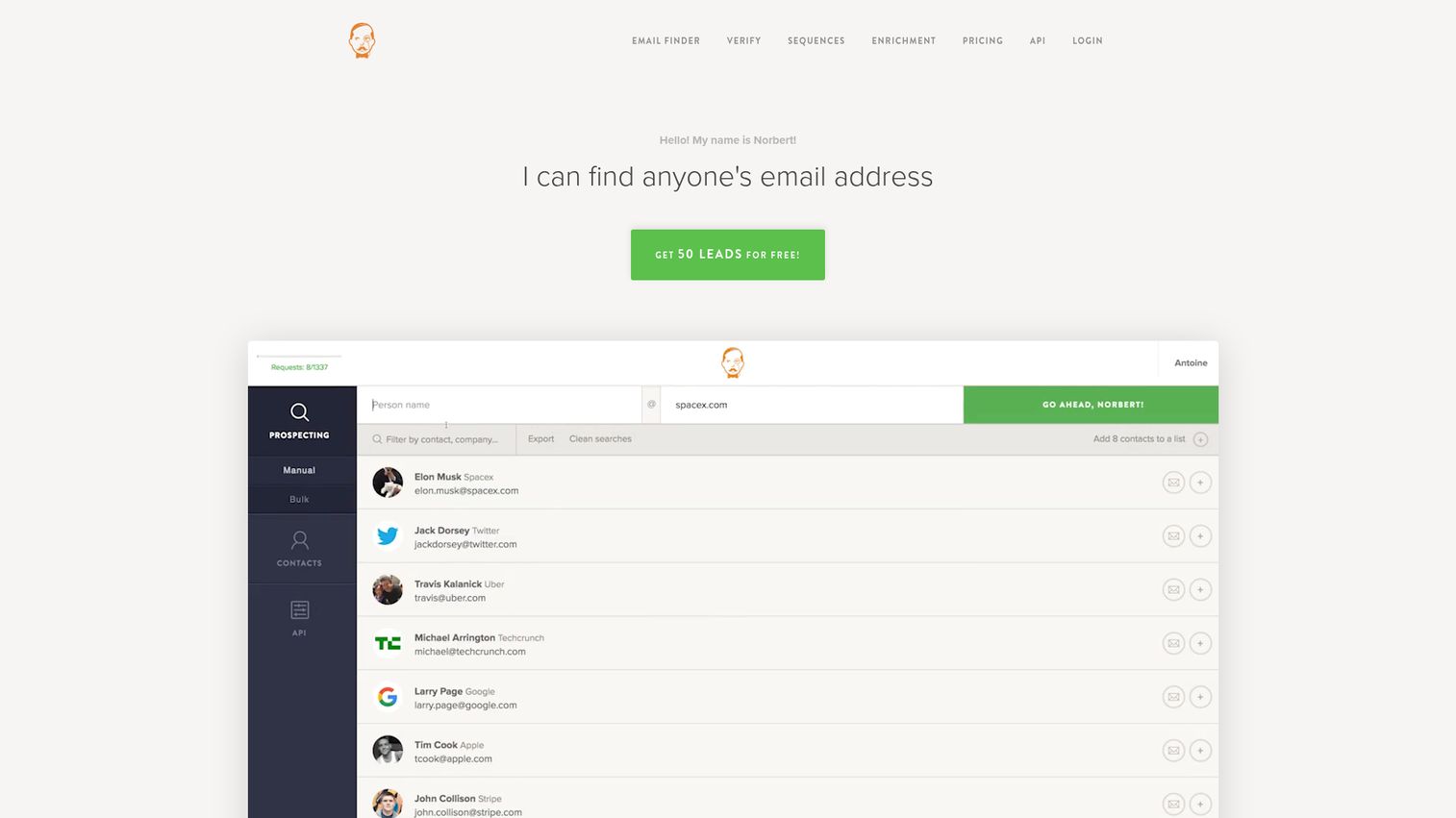
Voila Norbert is a long-standing email finder built for finding corporate emails of decision-makers at scale. The product is purpose-built: prospect-name plus company-domain lookup, 8-step verification, and lead enrichment with job title, company, location, and social profiles. For teams that prospect intermittently and don't want to subscribe to a full platform, Voila Norbert's pricing model is one of the cleanest in the category.
Best for: Founders, recruiters, and lean sales teams who prospect intermittently.
Key strengths
- Email finder by name plus domain: Lookup workflow tuned for the most common sales use case, with no friction from broader platform features you don't need.
- 8-step verification process: Multiple verification checks before an email is considered deliverable, reducing bounce risk on bulk lookups.
- Lead enrichment built in: Returns job title, company, location, and social profiles alongside the email, so a single API call gives an AE enough context to write a personalized first touch.
Why choose Voila Norbert: The honest trade-off is ecosystem depth. Voila Norbert lacks the sequencer and full sales engagement layer of Apollo or Hunter. For teams that already have a sequencer and just need a finder, that's a feature, not a flaw.
Voila Norbert pricing: Voila Norbert offers four monthly prospecting plans: Valet at $49/month (up to 1,000 leads/month), Butler at $99/month (up to 5,000), Advisor at $249/month (up to 15,000), and Counselor at $499/month (up to 50,000). Discounted yearly prices are $39, $79, $199, and $399/month respectively. Verify at voilanorbert.com/pricing. Capterra lists a 4.6 overall rating.
7. Anymail Finder: Best for "only pay for verified" guarantee
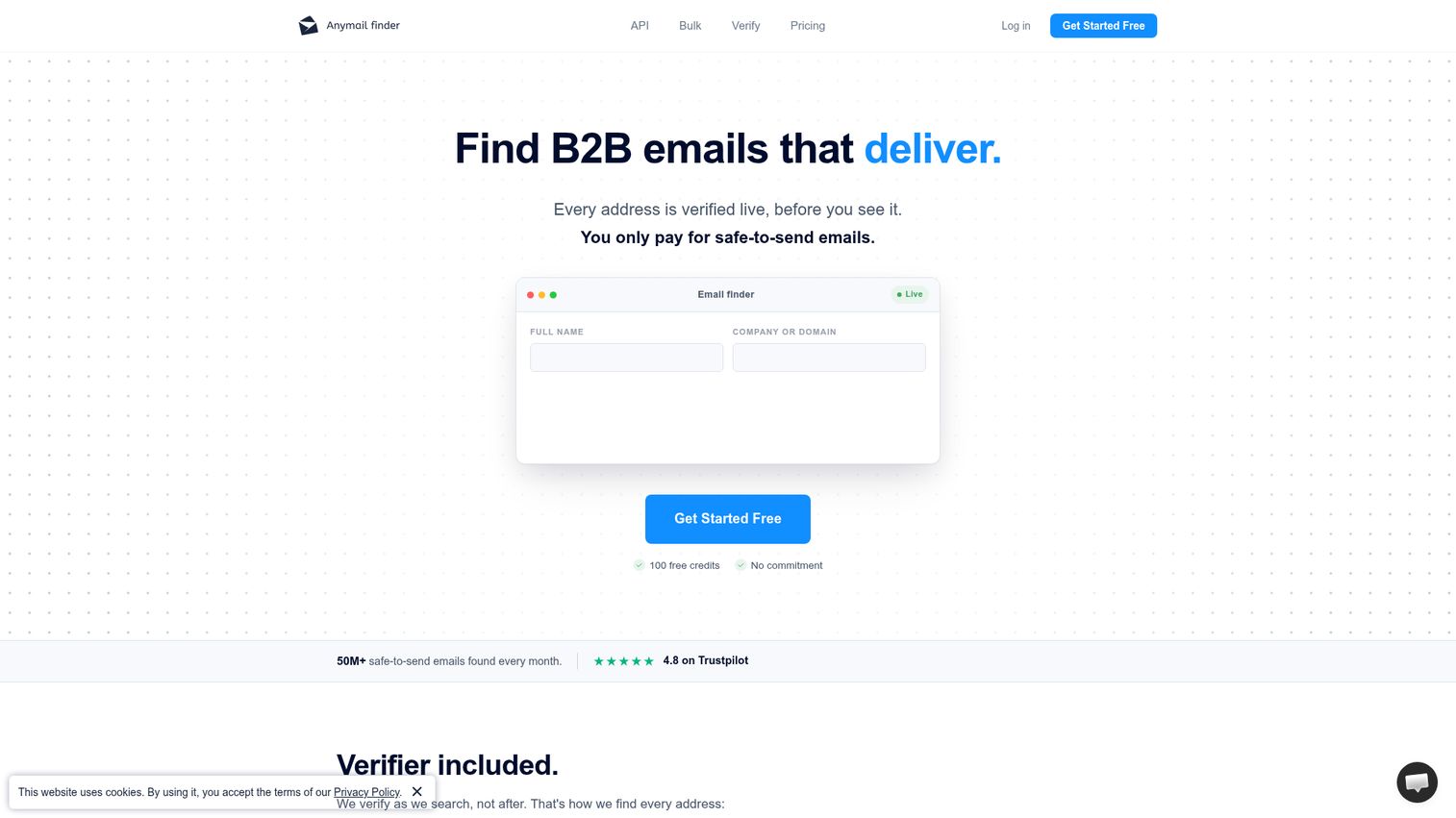
Anymail Finder is a B2B email finder built for teams that need safe-to-send addresses, not just guesses. The product's core promise is straightforward: you only get charged for emails that come back verified deliverable. For sales teams burned by bounce rates from credit-based finders that count failed lookups against quota, that's a meaningful shift.
Best for: Sales teams burned by bounce rates and unwilling to pay for unverified guesses.
Key strengths
- Verified-only billing: Find verified emails by name, domain, company name, decision-maker role, or LinkedIn URL, and only spend credits on emails that pass verification.
- Bulk CSV and Excel uploads up to 100,000 rows: Process large lists in a single job with live verification, suited for SDR list-building or RevOps enrichment runs.
- REST API with no rate limits and 99.95% uptime: API access designed for production prospecting workflows without throttling.
Why choose Anymail Finder: The trade-off is database breadth. Anymail's verification-first posture means more "not found" results than a coverage-first tool like Apollo, but every found email comes back high-confidence. For teams where bounce rate is the single biggest deliverability problem, the trade is usually worth it.
Anymail Finder pricing: Anymail Finder offers monthly plans from 400 credits/month at $29/month to 100k credits/month at $799/month, with tiers at $49, $89, $149, $199, $299, and $499/month between. Yearly credit packages and custom plans for 100k+ credits are also available. There's a 100 free credit trial, but no permanent free tier. Verify at anymailfinder.com/pricing. Anymail Finder holds a 4.3/5 rating on Capterra.
8. RocketReach: Best for breadth across roles and regions
RocketReach markets a large global contact database covering professionals across industries, seniorities, and regions. For sales teams prospecting beyond North America or hunting for hard-to-find roles in mid-market verticals, RocketReach is often where the contact actually exists.
Best for: Sales teams with international or hard-to-find vertical targets.
Key strengths
- Global coverage: Professional records across regions where North America–focused finders typically thin out, including EMEA and APAC mid-market.
- Combined email, phone, and social data: A single record returns multiple channels of contact, useful for AEs building multi-channel outbound on a specific stakeholder.
- Advanced search filters: Filter by role, seniority, location, and industry to build segmented lists rather than running one-off lookups.
Why choose RocketReach: The trade-off reviewers most often raise is verification depth. RocketReach's coverage advantage comes from a wider data net, which can mean more variance in deliverability than verification-first tools like Anymail Finder. Teams using RocketReach as their primary finder typically pair it with a standalone verifier before sending.
RocketReach pricing: Pricing information wasn't fully verifiable from the vendor's pricing pages at time of writing. Confirm directly at rocketreach.co. RocketReach holds a 4.4/5 rating on G2.
9. GetProspect: Best for LinkedIn-to-CRM workflows
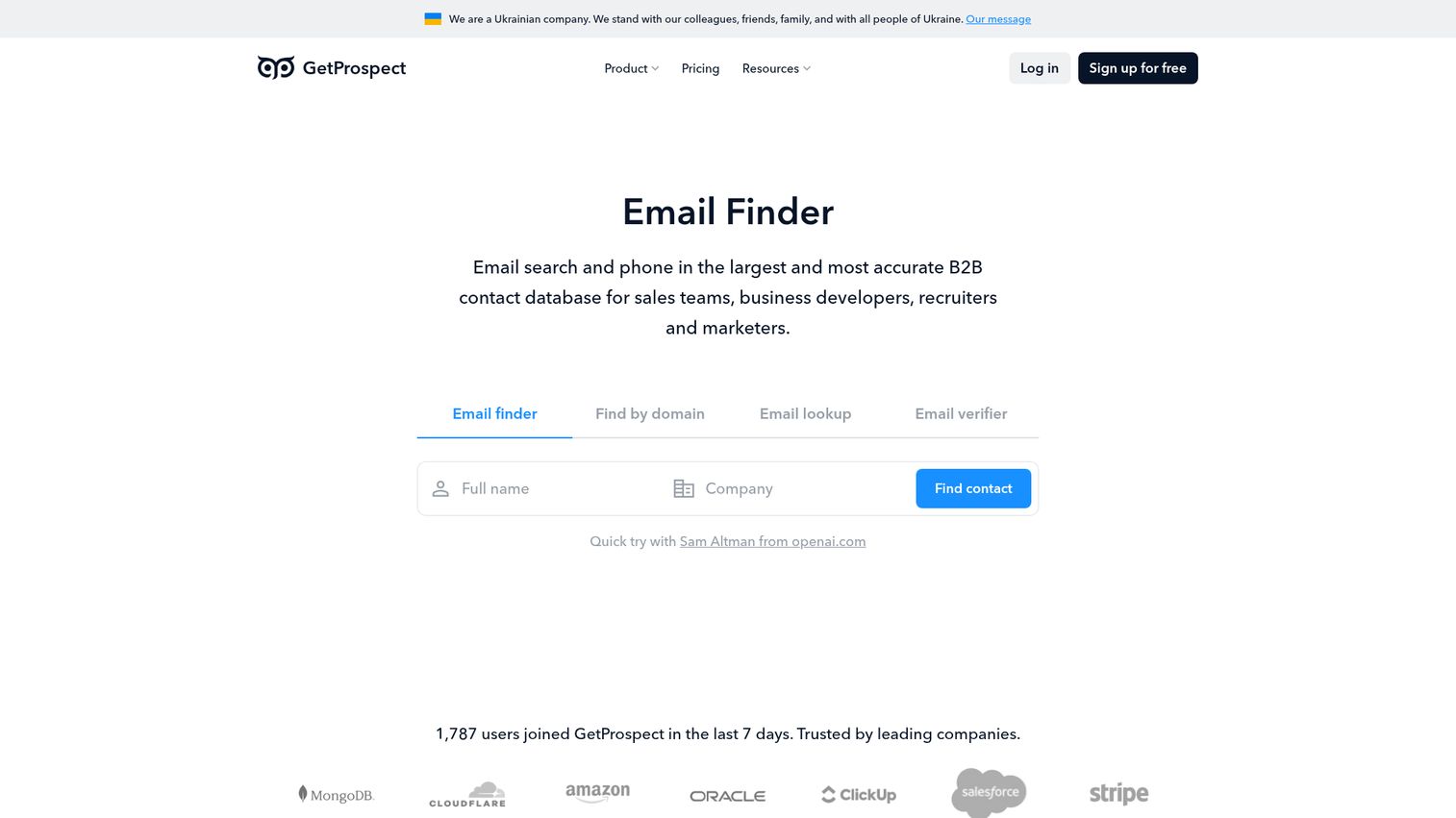
GetProspect is a lead generation platform for finding verified professional email addresses from LinkedIn or its B2B database and using them for outreach. The product's center of gravity is its LinkedIn extension, paired with bulk email finding, enrichment, and cold email tools.
Best for: Small sales teams that want a LinkedIn extension plus lightweight outreach in one tool.
Key strengths
- LinkedIn extension for Sales Navigator: Find verified emails and enrich contacts directly from LinkedIn and Sales Navigator profiles, the dominant prospecting workflow for solo SDRs.
- Bulk email finder and CSV enrichment: Add verified emails, phone numbers, and company data to existing lists in batch jobs.
- Cold email tools built in: Smart scheduling, templates, A/B testing, and tracking analytics, so small teams can run outbound without a separate sequencer.
Why choose GetProspect: GetProspect is a strong fit for the solo SDR or two-person sales team that wants finder plus sequencer in one place. The trade-off is enterprise readiness. Larger teams generally need the deeper governance, SSO, and integration breadth of Apollo or ZoomInfo.
GetProspect pricing: GetProspect offers a Free plan with 50 valid emails and 100 verifications, then Starter at $49/month ($588/year) with 1,000 valid emails and 2,000 verifications, Growth 5k at $99/month ($1,188/year), Growth 20k at $199/month, and Growth 50k at $399/month. Verify at getprospect.com/pricing. GetProspect holds a 4.0/5 rating on G2.
10. Skrapp.io: Best free tier for testing email-finder workflows
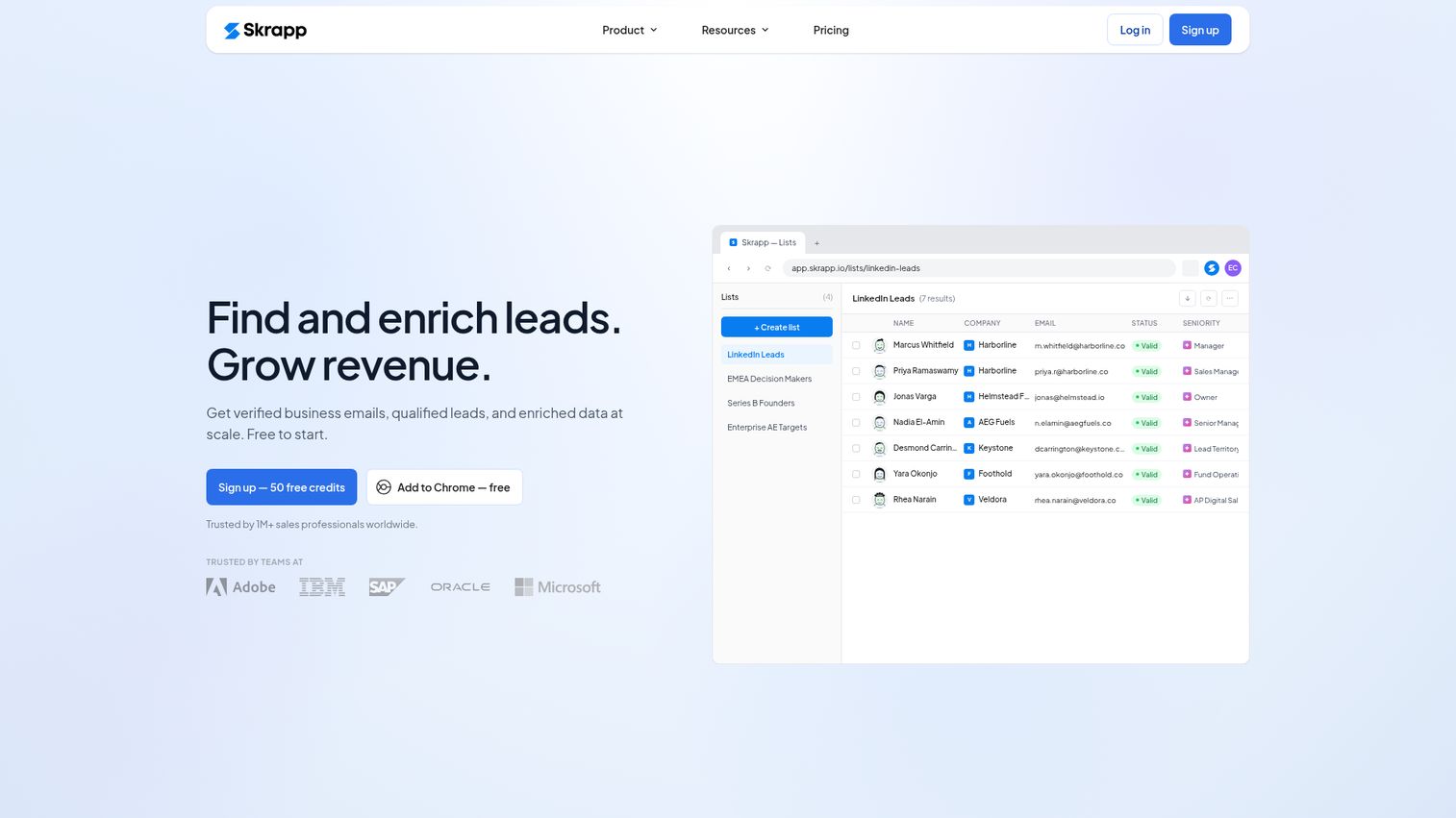
Skrapp.io is a verified business email and data enrichment tool built for modern sales teams. The product covers Email Finder, Email Verifier, and Lead Search, with a usable free tier that makes it one of the better entry points for teams validating outbound before committing budget.
Best for: Early-stage teams or solo SDRs validating outbound before committing to a paid finder.
Key strengths
- Email Finder: Lookup verified business emails from LinkedIn, company websites, and Skrapp's database, with credit costs that scale predictably with team volume.
- Email Verifier: Verify deliverability of existing lists before sending, useful for cleaning inherited CRM contacts.
- Lead Search: Build segmented prospect lists from Skrapp's database without leaving the platform.
Why choose Skrapp: Skrapp is the right choice when the question is "should we use an email finder at all" and the team needs to prove the workflow before signing an annual contract. The trade-off is enterprise depth. Integration breadth is lighter than Hunter or Apollo, but for teams running 100 to 2,000 lookups per month, that's rarely the limiting factor.
Skrapp pricing: Skrapp offers a Free plan with 50 credits and 1 user, Professional at $29/month billed annually with 2,000 credits and 2 users, and Enterprise at $262/month billed annually with 50,000 credits and 15 users. Verify current quotas at skrapp.io/pricing. Skrapp holds a 4.5/5 rating on G2.
How to choose the right email finder for your sales team: Considerations
Five criteria separate the right pick from a tool you'll churn out of in six months.
Verification and confidence scoring
"Verified" doesn't mean the same thing across vendors. Some tools run full SMTP email verification process checks. Others rely on pattern matching plus a confidence score. Ask any shortlist vendor exactly what verification steps run before an email is marked deliverable. The answer maps directly to your team's eventual bounce rate.
Workflow fit with sequencer and CRM
The biggest predictor of adoption is whether the finder lives inside your CRM or shows up as another tab. Native Salesforce, HubSpot, Outreach, and Salesloft connectors matter more than feature counts. If your SDRs have to copy-paste, they won't use the tool consistently. For shortlisting the CRM layer itself, see the best CRM software.
Credit economics at your actual volume
Model cost-per-verified-email across your team's real monthly volume, not the vendor's suggested tier. Per-seat pricing that scales aggressively is a flag for teams above five reps. Bulk credits in a shared workspace favor team-wide adoption.
Data freshness and database scope
B2B contact data ages quickly. Ask vendors when records are refreshed, what their verification cadence is, and how they handle role changes. A free email finder with stale data costs more than a paid tool with fresh data, because every bounce compounds.
Compliance posture
GDPR, CCPA, and CAN-SPAM apply differently by region and use case. Look for explicit compliance documentation, not vague claims. EU prospecting requires legitimate interest framing; US B2B prospecting is generally legal under CAN-SPAM Act compliance requirements with proper opt-out. Your legal team will ask. Have an answer.
One more consideration that sits outside the finder itself: once the verified email lands in your sequencer, the next decision is what to put inside it. Many sales teams now pair finder tools with interactive demos embedded in cold outreach, which perform best at lifting reply rates from static-content baselines by giving prospects a way to experience the product before booking a call. Teams scaling this approach often build a centralized demo center so SDRs and AEs can share the right walkthrough for each segment.
Conclusion
The right email finder for your sales team depends on three things: which prospecting motion dominates your week, where your team already works, and how much volume you actually run.
For most B2B sales teams, Hunter.io is the safest starting point. Strong database, clean credit economics, and integrations with every major CRM and sequencer. If you want finder, data, and sequencer in one consolidated platform, Apollo.io is the consolidation play. For enterprise data depth with intent signals and org charts, ZoomInfo earns its premium. SDR teams running multi-channel outbound at SMB scale will find Snov.io's pricing hard to beat. AEs prospecting heavily on LinkedIn should look at Lusha. Teams burned by bounce rates should evaluate Anymail Finder's verified-only billing.
The concrete next step is small. Pick two tools from this list. Start on the free tier. Run 50 verified lookups against a target account list you actually plan to sequence. Measure bounce rate before committing budget. The right tool will prove itself in week one.
FAQs
Top tools commonly claim 95% or higher accuracy, with vendors like GetProspect explicitly citing 95% on valid emails. Real-world bounce rates vary based on data freshness and how recently the contact changed roles. The practical measure is bounce rate on your actual list, not the vendor's marketing claim. Always run a small test batch before committing to bulk sends.
B2B prospecting of work emails is generally legal in the US under CAN-SPAM, provided you include a clear opt-out and accurate sender information. EU prospecting requires a legitimate interest basis under GDPR and is more restrictive. CCPA data handling rules adds California-specific requirements around data handling. This isn't legal advice. Confirm specifics with your legal team, especially for cross-border outbound.
A finder locates the email address using a name and company domain. A verifier checks whether an existing email address is deliverable. Most modern tools do both, but the distinction matters at volume. You can find emails without verification (risky) or verify a list you already have without finding new ones. Best practice for any team sending cold outreach is to do both before each send.
Most tools in this category are designed for work emails. Some surface personal emails as a side effect, but using personal addresses for B2B prospecting raises GDPR and CCPA risk and typically reduces relevance, since buying decisions happen at work, not on personal Gmail. Stick to work emails for outbound and use a personal email finder only when you have a clear, compliant use case.
Most tools follow a similar pricing ladder: free tiers with 25 to 100 lookups per month, entry plans around $30 to $60 per month, and custom-priced enterprise tiers for large teams. Per-credit cost ranges roughly from a few cents per verified email at high tiers to over twenty cents on free tiers. Model cost against your real monthly volume, not the vendor's suggested plan.
Most leading email finder tools offer Chrome extensions for LinkedIn, and many also support LinkedIn Sales Navigator. The typical workflow: open a profile, click the extension, get a verified email, push to your CRM or sequencer. Lusha, GetProspect, Skrapp, and Snov.io are particularly LinkedIn-centric. Hunter and Apollo also offer extensions but live more naturally inside the CRM.
Common reasons: the contact uses a personal email only, the company uses a non-standard email format, the person recently changed roles and data sources haven't caught up, or the company is small and private with limited public data. Try a second tool for cross-reference, or use a Hunter-style domain search to surface the company's email pattern and infer the address manually.
Yes. Acceptable cold email bounce rate thresholds above approximately 5% damage sender reputation and reduce inbox placement on every future send, including replies to your best customers. Verification before send is non-negotiable for any team that sends cold email at regular volume. Most modern finders include verification, but if yours doesn't, pair it with a dedicated verifier before campaigns go out.