You needed one word changed in a hero headline before a launch. You filed a ticket. Three days later, engineering shipped it, and the campaign was already half over.
That delay is the reason CMS choice now sits on a marketer's desk, not just the dev team's. When your content management system couples the back end to the front end, every copy tweak, every landing page test, every new campaign surface becomes a development task. Heavy, monolithic builds also drag down page speed, and slow pages cost you Core Web Vitals scores and conversions before a single visitor reads your offer.
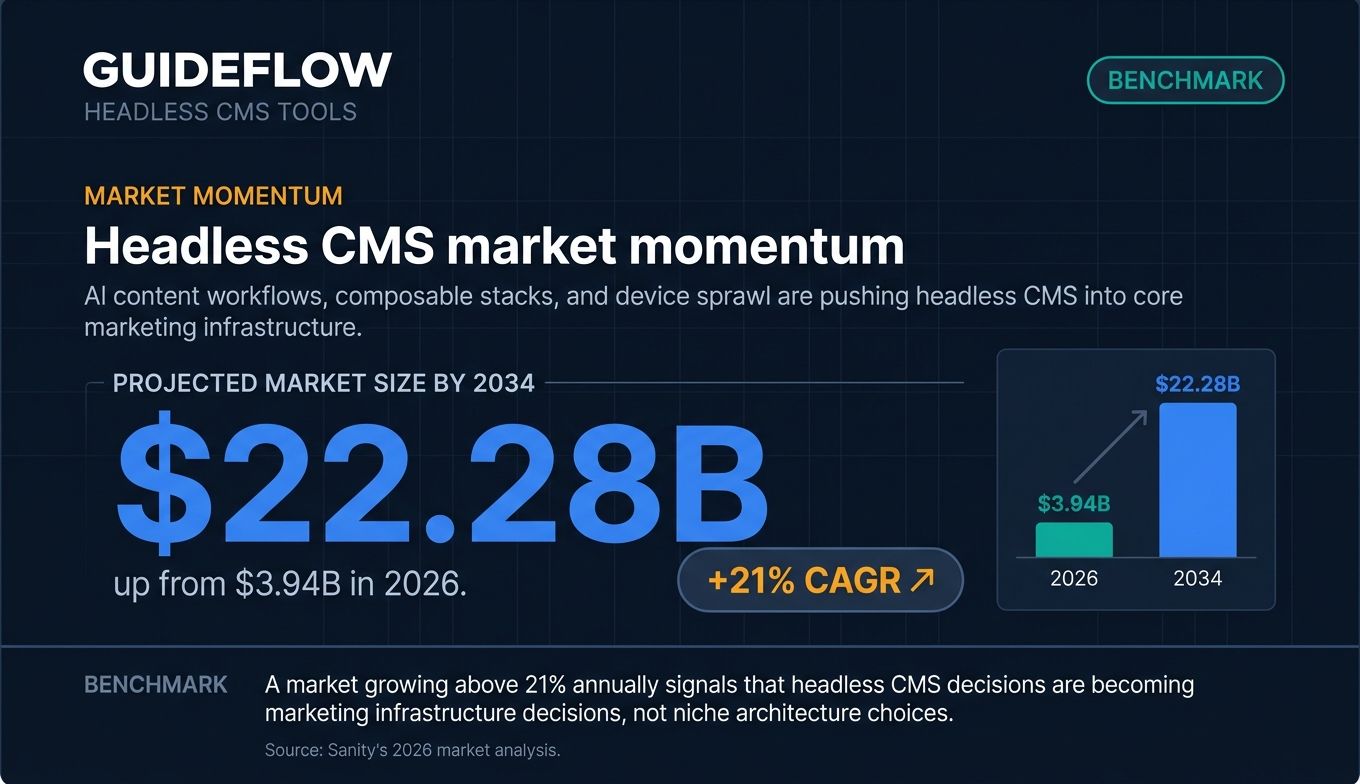
Headless CMS platforms changed that math. They separate where content lives from where it shows up, so marketers publish faster across more surfaces with fewer engineering dependencies. The category is growing fast for a reason. The headless CMS market is projected to grow from $3.94 billion in 2026 to $22.28 billion by 2034, a compound annual growth rate above 21%, according to Sanity's 2026 market analysis.
The shift: AI content workflows, composable stacks, and device sprawl are pushing headless CMS from a developer preference into core marketing infrastructure, per CMS Wire's 2026 coverage.
The problem is that most "best headless CMS" content is written for developers. This list is written for the marketer who has to publish, rank, and convert. Below, you get a tight definition, then 12 ranked picks judged on what actually matters to a growth or content team. If your evaluation extends to where these pages live, our roundup of the best landing page builders pairs naturally with a headless setup.
What's inside
This guide is for marketers and content teams evaluating headless CMS platforms to host landing pages, blogs, resource hubs, and omnichannel campaigns. We chose these 12 tools based on four criteria that matter to marketers, not just architects:
- Publishing speed and editor experience: can a non-developer ship changes?
- SEO and page performance: does the rendering approach support fast, indexable pages? Many teams pair the CMS with the best SEO tools to keep pages ranking.
- Integration depth: does it connect to your CRM, marketing automation, and analytics stack?
- Pricing and time to value: what does the entry tier actually cost, and how fast can you launch?
The list spans both open source headless CMS options you self-host and managed SaaS platforms. Pricing and G2 ratings were verified against live vendor pages in June 2026.
TL;DR
Short on time? Here are the decision shortcuts.
- Best for non-technical content teams: Storyblok, for its visual in-context editor.
- Best open-source pick: Strapi, the leading Node.js headless CMS with self-host and cloud options.
- Best for enterprise scale and governance: Contentful or Contentstack.
- Best for marketer and developer collaboration on landing pages: Prismic, with its Slices page-builder approach.
- Best for Next.js and React stacks: Payload CMS, a code-first open-source option.
- Best free tier for testing: Sanity, free forever for small projects with real-time editing.
What is a headless CMS?
A headless CMS keeps moving the moment you ask one question: where does my content actually live, and where does it show up? The answer reshapes how fast your team can work.
Headless CMS definition
A headless CMS stores and manages content in a back end and delivers it via API to any front end, separating content management from presentation. That is the headless CMS meaning in one line: the body (your content) is decoupled from the "head" (the website, app, or screen that displays it).
A traditional headless content management system bundles content and presentation together. You write a blog post, and that post is locked to one WordPress theme on one website. A headless CMS frees the content. The same product description can power your website, your mobile app, an email, and a kiosk, all pulling from a single source through an API.
How headless CMS architecture works
Headless CMS architecture follows a simple flow. First, you model your content, defining structured fields like headline, body, author, and image rather than dumping everything into one rich-text box. Then the platform exposes that content through an API, usually REST or GraphQL. Finally, any front end you choose pulls the content and renders it: a Next.js site, a native app, a smart display, even an AI assistant.
Because the content is structured and API-delivered, you reuse it everywhere without rebuilding it. Developers pick the front-end framework they want. Marketers edit content without touching that framework.
Headless vs traditional vs decoupled CMS
The distinction competitors all draw is worth a quick table.
| Dimension | Traditional CMS | Headless CMS |
|---|---|---|
| Content and presentation | Coupled in one system | Decoupled, delivered via API |
| Omnichannel reach | One site per build | Any surface from one source |
| Front-end flexibility | Locked to themes | Any framework you choose |
| Page performance | Often heavy, plugin-laden | Lean front end, CDN-friendly |
| Technical debt | Accumulates with plugins | Lower, but needs front-end build |
A decoupled CMS sits in between: it retains an optional built-in front end you can use, while a headless CMS is fully front-end agnostic and delivers only through the API.
Core capabilities you can expect across headless cms platforms:
- API-first delivery through REST and GraphQL endpoints
- Structured content and content modeling for reusable fields
- Omnichannel publishing to web, app, and beyond
- Framework integrations and SDKs for modern front ends
- Collaborative workflows and governance for content teams
When marketers should use a headless CMS
Not every team needs to go headless. Here is when it earns its place.
Publish across web, app, and campaign surfaces from one source
If your product description has to appear on your website, in your app, in a sales email, and on an event screen, you do not want to maintain four copies. A headless CMS lets you write once and deliver everywhere through the API. Update the source, and every surface reflects the change. That omnichannel reuse is the difference between a campaign you launch in a day and one you chase across systems for a week.
Ship landing page changes without an engineering ticket
This is the persona pain that started this article. With a headless CMS plus a visual editor, marketers update headlines, swap images, and reorder sections without filing a development ticket. The CMS controls the page, but you often need more than text and images on that page. Many marketers add an interactive demo to let visitors experience the product directly, an enhancement that performs best embedded inside CMS-built landing pages and resource hubs. The CMS handles the page; the interactive product experience makes that page do more work. You can share these demos straight into any headless front end.
Keep pages fast for SEO and conversion
Page speed is a ranking factor and a conversion factor. A lean front end pulling content from an API, served through a CDN, gives you a strong shot at clean Core Web Vitals. Headless does not guarantee speed on its own. The rendering approach (static generation or server-side rendering) and the front-end build determine the result. But the architecture removes the plugin bloat that drags traditional builds down, which is why so many SEO-focused teams move headless. Pairing fast pages with the best CRO tools helps you turn that speed into conversions.
Comparison table
Here are the 12 best headless CMS tools side by side. Pricing reflects entry tiers verified against live vendor pages in June 2026, and G2 ratings match current listings. Tools are ranked by relevance to a marketer audience, balancing editor experience, integrations, and time to value.
| # | Product | Intent | Key use case | Pricing | G2 rating |
|---|---|---|---|---|---|
| 1 | Contentful | Enterprise composable | Scalable structured content with governance | Free; Lite $300/mo; Enterprise custom | 4.2/5 |
| 2 | Sanity | SaaS content team | Real-time editing and customization | Free; Growth $15/seat/mo; Enterprise custom | 4.7/5 |
| 3 | Strapi | Open-source dev-first | Self-hosted Node.js content API | Free; Cloud from $18/project/mo | 4.5/5 |
| 4 | Storyblok | SaaS content team | Visual editing for non-technical teams | Free; Growth $99/mo; Premium custom | 4.5/5 |
| 5 | Hygraph | SaaS content team | GraphQL content federation | Free; Growth from $199/mo; Enterprise custom | 4.4/5 |
| 6 | Prismic | SaaS content team | Page-building with reusable Slices | Free; Starter $10/mo; Enterprise custom | 4.3/5 |
| 7 | Sitecore (XM Cloud) | Enterprise composable | Personalization at enterprise scale | Custom | 4.1/5 |
| 8 | Contentstack | Enterprise composable | MACH-aligned omnichannel experiences | Custom | 4.4/5 |
| 9 | Directus | Open-source dev-first | Headless layer over SQL databases | Free; Team $499/mo; Enterprise custom | 4.9/5 |
| 10 | Payload CMS | Open-source dev-first | Code-first Next.js and TypeScript CMS | Free self-hosted; Enterprise custom | 4.9/5 |
| 11 | DatoCMS | SaaS content team | Media-rich, asset-focused sites | Free; Professional from €149/mo; Enterprise custom | 4.7/5 |
| 12 | Kontent.ai | Enterprise SaaS | Governed content operations with AI | Custom | 4.3/5 |
Best headless CMS tools for marketers in 2026
1. Contentful
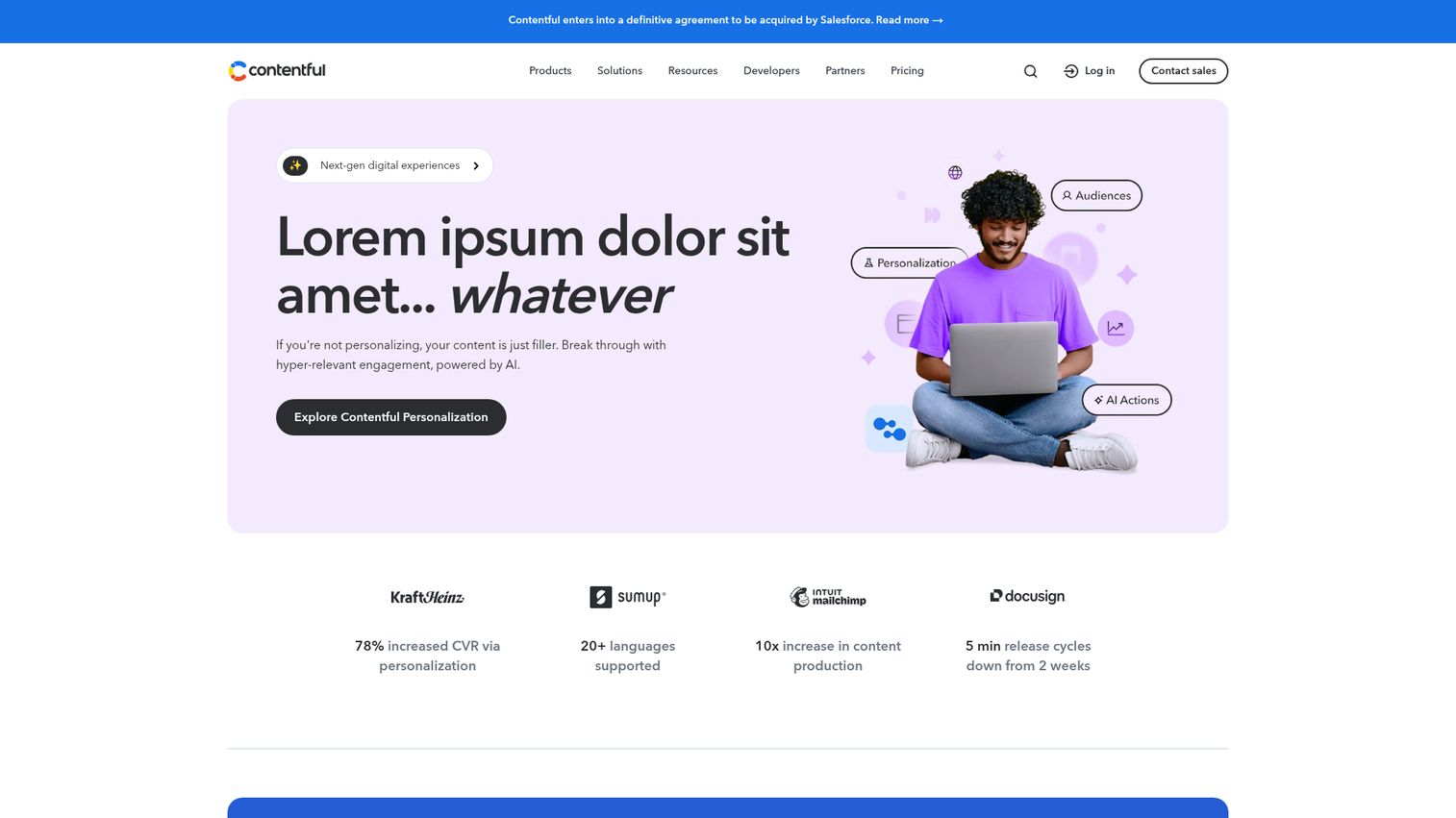
Contentful is a composable digital experience platform for creating, managing, personalizing, and delivering content across digital channels. It pairs API-first delivery with structured content and an app marketplace, plus governance and workflow controls that mid-market and enterprise teams rely on. For marketers, the draw is consistency at scale: one source feeding every surface with approval flows that keep brand and legal happy.
Best for: Mid-market to enterprise content teams that need scale, governance, and personalization.
Key strengths
- Structured content management: Developer tools and an editorial experience that keep content reusable across channels.
- Personalization: Audience segmentation, A/B testing, and experience insights baked in.
- AI Actions: Content creation, translation, rewriting, SEO metadata, and workflow automation.
Why choose Contentful: If you run a multi-team, multi-region content operation and need governance more than raw flexibility, Contentful fits. It carries more setup overhead than a lightweight SaaS tool, but the trade pays off when dozens of editors touch the same content library.
Contentful pricing: The Free plan is $0 forever for learning and exploring the platform. Lite runs $300 per month for smaller businesses managing a single project. Enterprise is custom-priced and adds advanced security, 24/7 support, an SLA, and unlimited Spaces. Contentful holds a 4.2/5 rating on G2.
2. Sanity
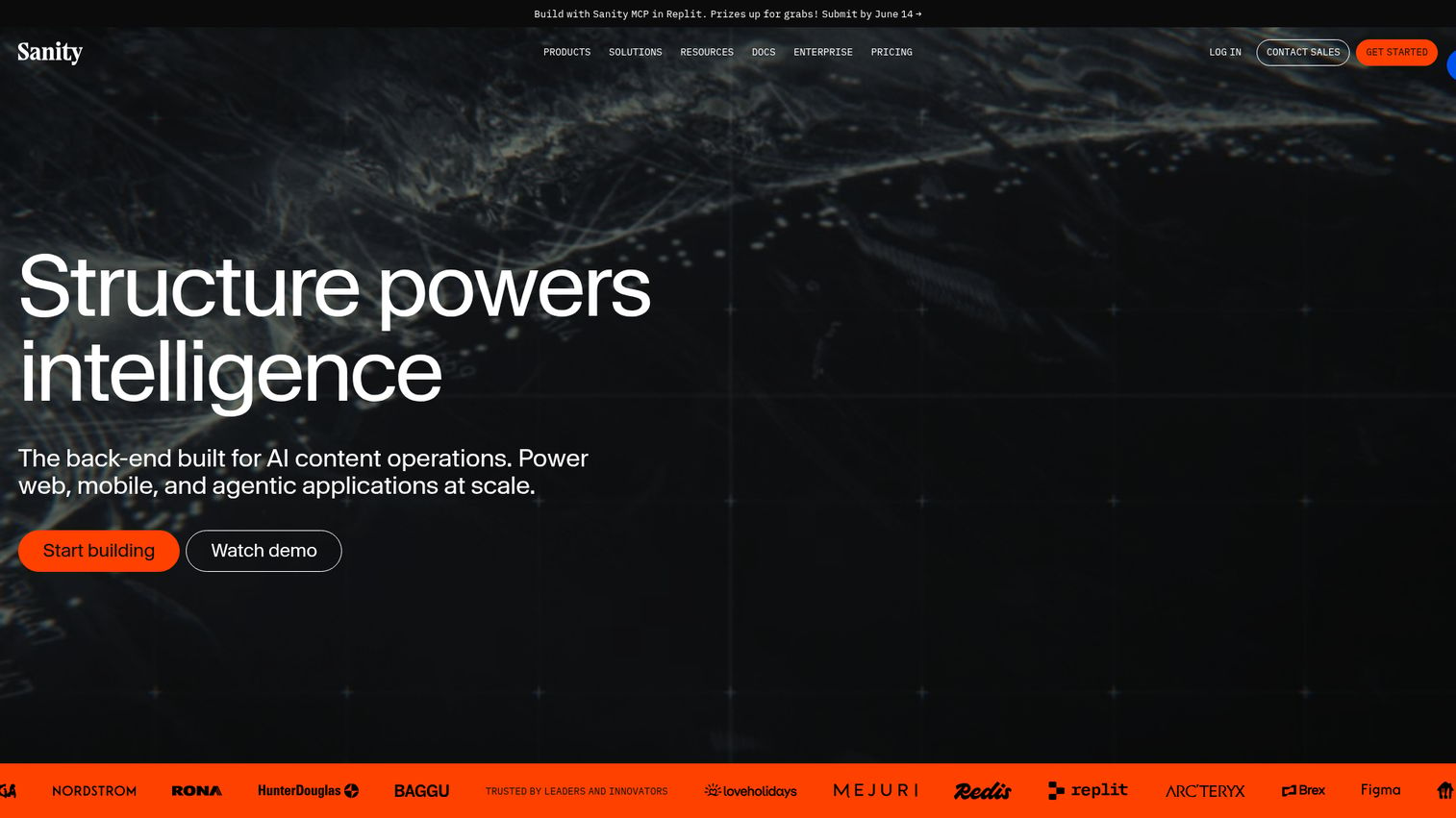
Sanity is a developer-friendly headless CMS for modeling, managing, automating, and shipping structured content across teams, tools, and touchpoints. It positions itself as a content operating system, and the standout is real-time editing in Sanity Studio with live visual previews. Marketers see changes as they make them, which shortens the loop between idea and published page.
Best for: Teams that want deep customization paired with a strong real-time editor experience.
Key strengths
- Real-time content database: Hosted with real-time data access across the team.
- Live previews and visual editing: See edits in context inside Sanity Studio before publishing.
- Structured content modeling: Unlimited content types and locales for flexible reuse.
Why choose Sanity: Sanity rewards teams willing to invest in customization. The editor experience is excellent once your model is built, and the free tier makes it easy to validate before committing. G2 ranks it among the top headless platforms of 2026.
Sanity pricing: Free is $0 forever for individuals and smaller projects. Growth is $15 per seat per month for teams with scaling collaboration needs. Enterprise is custom-priced for complex security, support, and performance requirements. Sanity holds a 4.7/5 rating on G2, among the highest on this list.
3. Strapi
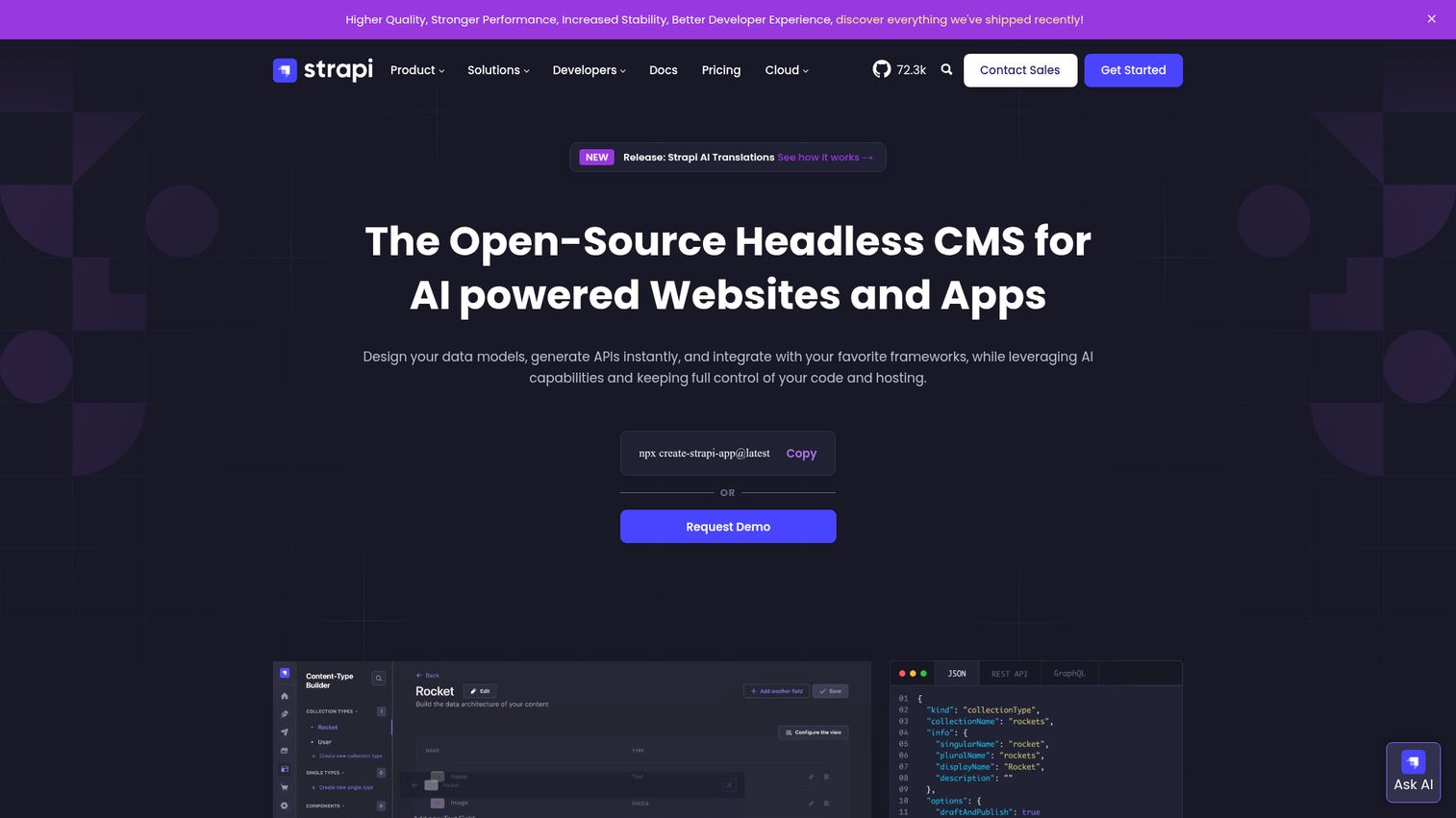
Strapi is an open-source headless CMS that lets developers build customizable content APIs while editors manage and distribute content across channels. As a Node.js CMS, it is the leading open source headless CMS pick for teams that want full control over their stack. You can self-host the Strapi CMS for free or run it on Strapi Cloud, and the content-type builder generates REST and GraphQL APIs as you model.
Best for: Teams that want open-source control and the option to self-host.
Key strengths
- REST and GraphQL APIs: Content delivery endpoints generated automatically from your models.
- Content management: Internationalization, blocks editor, dynamic zones, content history, and live preview.
- Security and collaboration: API tokens, TypeScript support, audit logs, RBAC, and SSO.
Why choose Strapi: If data ownership and customization rank above managed convenience, Strapi is the open-source standard. Self-hosting means you handle infrastructure, but that control is exactly what many engineering-backed marketing teams want.
Strapi pricing: The CMS Community edition is free forever. Strapi Cloud hosting starts at $18 per project per month for the Essential tier, with Pro at $90 and Scale at $450 per project per month. The standalone CMS Growth plan is $45 per month, and Enterprise is custom-priced. Strapi holds a 4.5/5 rating on G2.
4. Storyblok
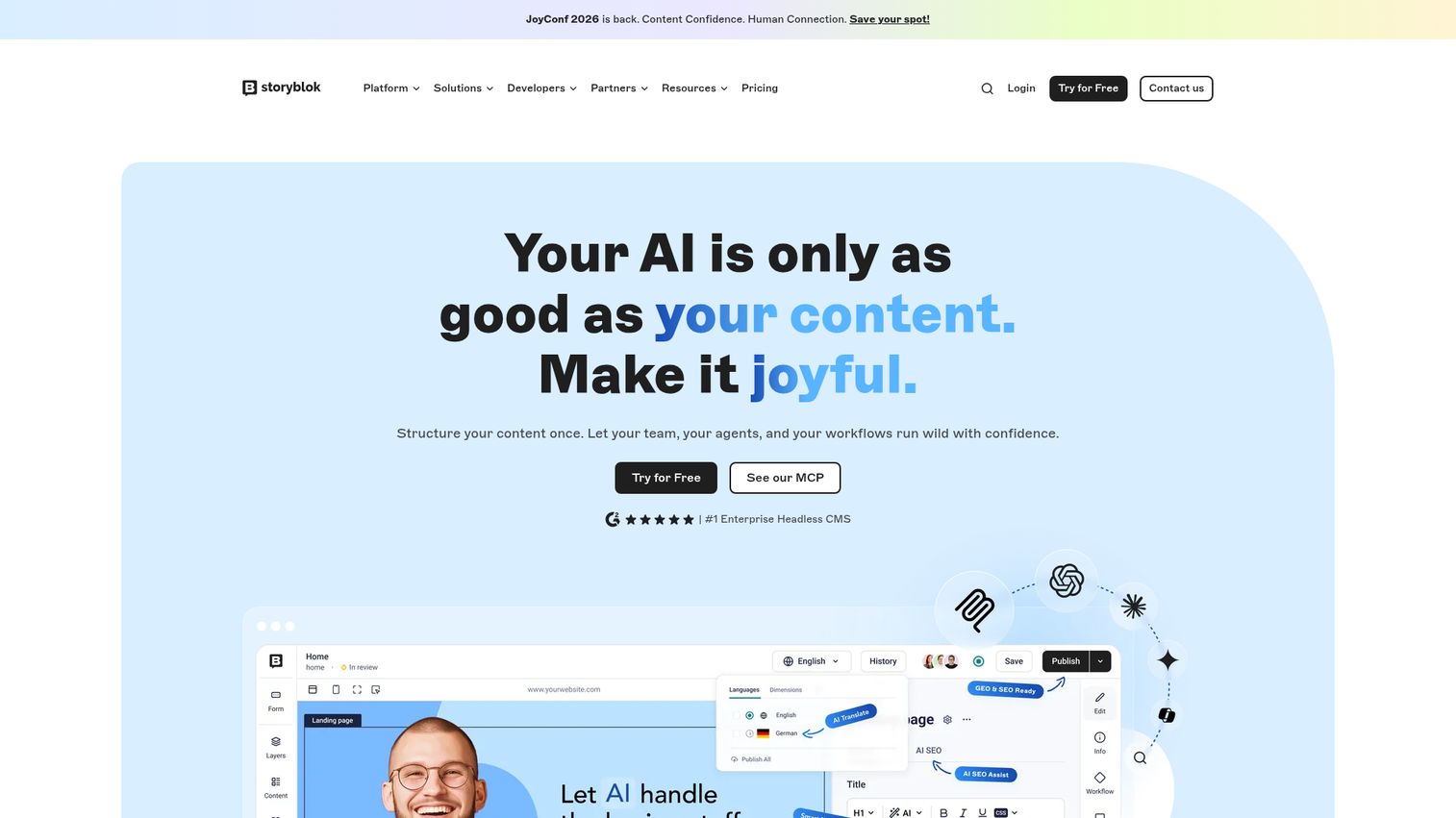
Storyblok is a headless CMS built around a visual editor for managing digital content and collaborating across teams. It is the most marketer-friendly option on this list because editors work in a real-time visual interface, clicking directly on the page to make changes. Component-based blocks let non-technical teams assemble pages without touching code. You can see how it works in this Storyblok demo walkthrough.
Best for: Marketing teams that want a visual, in-context editing experience.
Key strengths
- Visual Editor: Click directly on the live page to edit, no code required.
- Content Delivery API: Structured content served to any front end.
- Internationalization: Built-in localization for multi-region campaigns.
Why choose Storyblok: If reducing engineering dependency for day-to-day publishing is your priority, Storyblok's visual editor is the strongest fit here. Marketers ship landing page changes independently, which is the whole point of going headless for a content team.
Storyblok pricing: The Starter plan is free for testing and personal projects. Growth starts at $99 per month, and Growth Plus at $349 per month. Premium and Elite are custom-priced for larger organizations. Storyblok holds a 4.5/5 rating on G2 from a large review base.
5. Hygraph
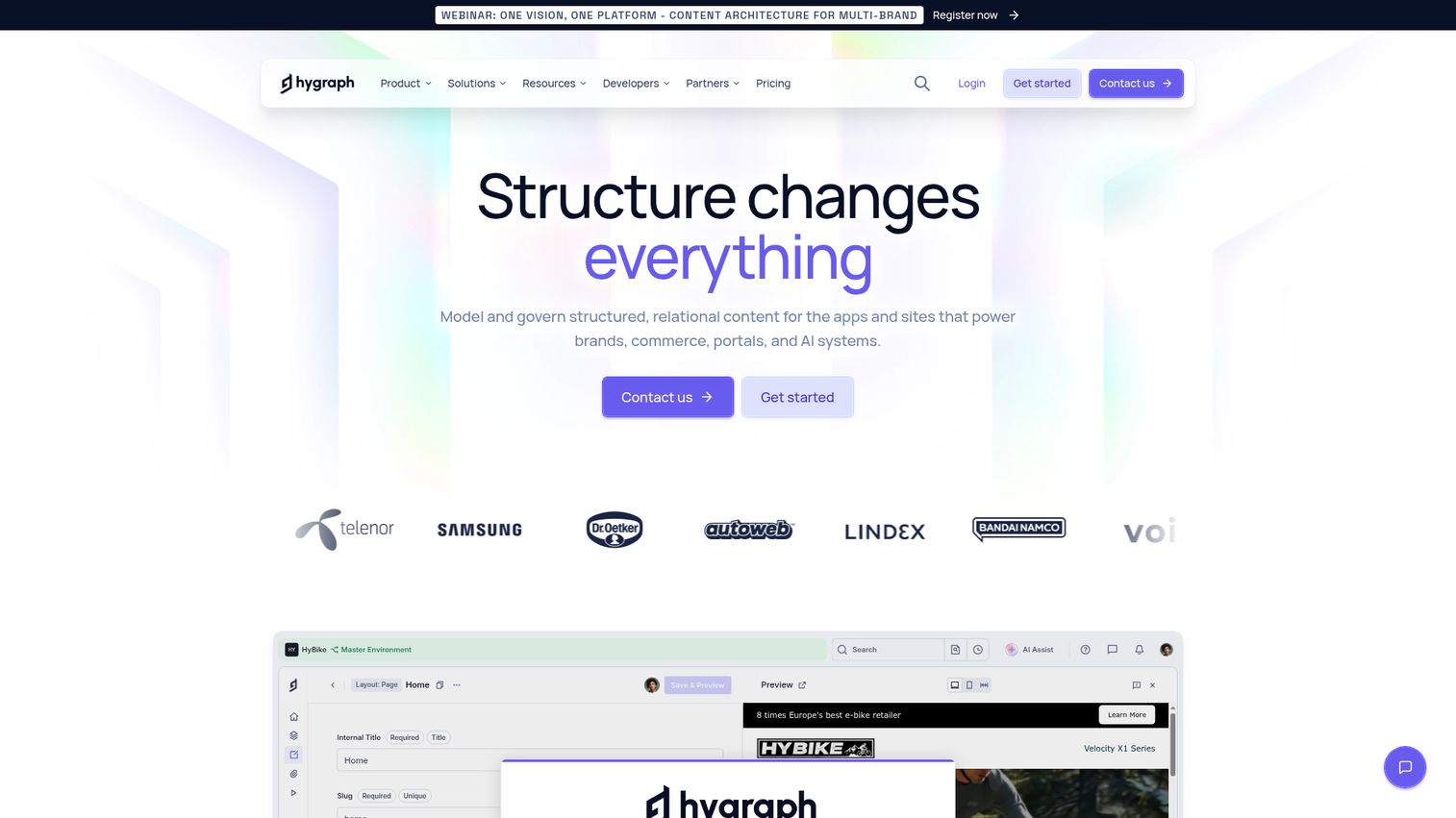
Hygraph, formerly GraphCMS, is a GraphQL-native headless CMS for building structured, scalable digital experiences with content federation. Its differentiator is content federation: pulling content from multiple remote sources into a single unified GraphQL endpoint. For teams stitching content from several systems, that unification removes a real headache.
Best for: Teams unifying content from multiple sources behind one API.
Key strengths
- Content modeling: Reusable components and references built through the UI or SDK.
- Content federation: Remote sources unified into a single GraphQL endpoint.
- Enterprise controls: Localization, personalization with variants and taxonomies, governance, and security/compliance.
Why choose Hygraph: If your content lives across product catalogs, third-party services, and your own repository, Hygraph's federation pulls it together. The GraphQL-native approach suits teams already comfortable querying their data precisely.
Hygraph pricing: The Hobby plan is $0, free forever for individuals and personal projects. Growth starts at $199 per month for growing teams. Enterprise is custom-priced for complex, multi-brand, or mission-critical content infrastructure. Hygraph holds a 4.4/5 rating on G2.
6. Prismic
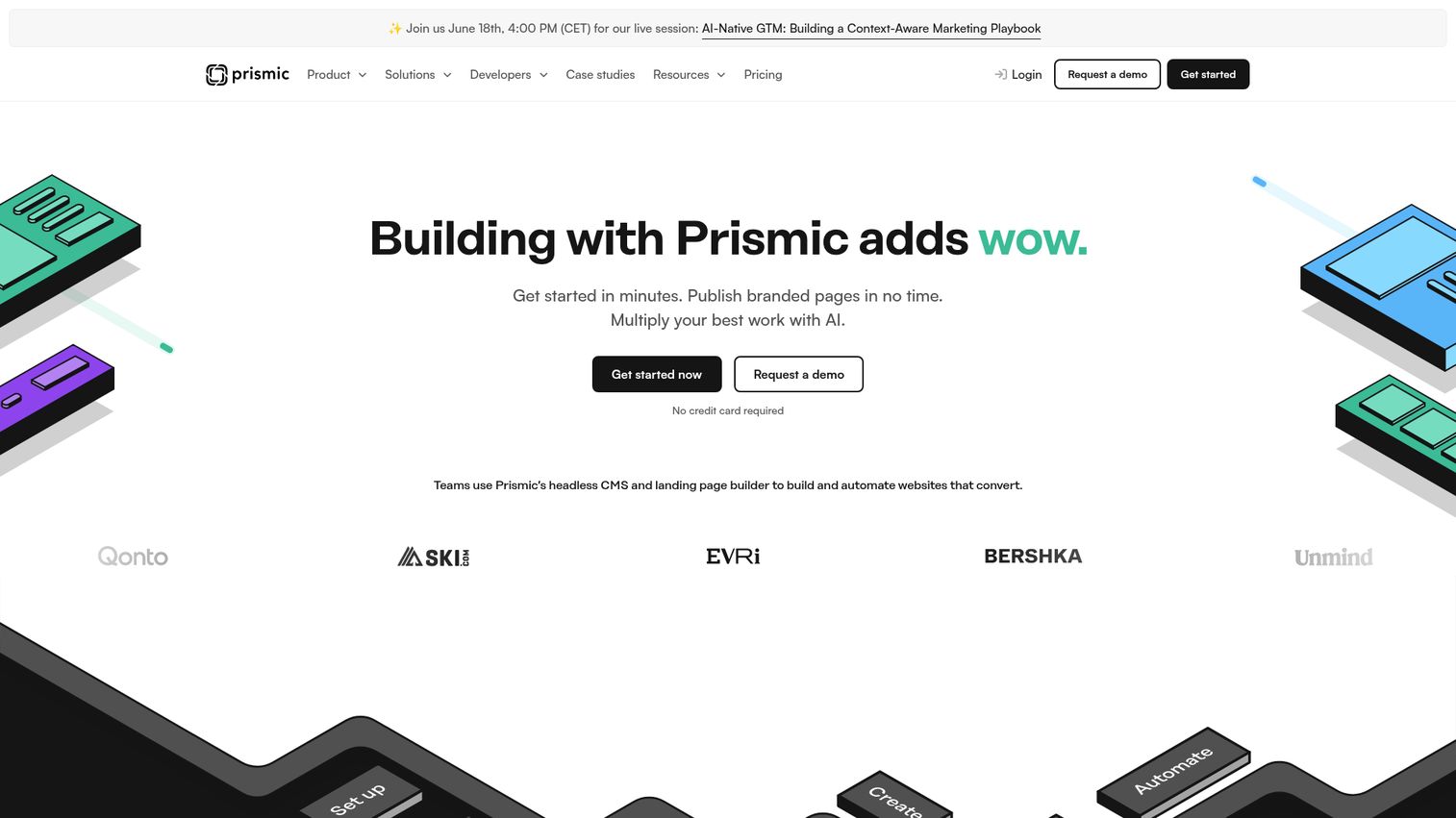
Prismic is a headless CMS and landing page builder for teams building and automating websites. Its signature feature is Slices: reusable, on-brand page sections that marketers assemble visually while developers define them in code. That split makes Prismic a natural fit for teams where marketing and engineering build landing pages together.
Best for: Marketing and developer teams building landing pages fast with reusable sections.
Key strengths
- Visual Page Builder: Live editing with drag-and-drop page layout control.
- Reusable Slices: On-brand page sections marketers assemble without code.
- Slice Machine: Local development tool with visual content modeling, code snippets, one-click syncs, and automatic TypeScript.
Why choose Prismic: If your landing page velocity depends on marketers and developers working in sync, Prismic's Slices model is purpose-built for it. Developers ship the components once; marketers reuse them across campaigns indefinitely.
Prismic pricing: The Free plan is $0 per month per repository. Paid public tiers run Starter at $10, Small at $25, Medium at $150, and Platinum at $675 per month per repository, billed annually. Enterprise is custom-priced. Prismic holds a 4.3/5 rating on G2.
7. Sitecore (XM Cloud)
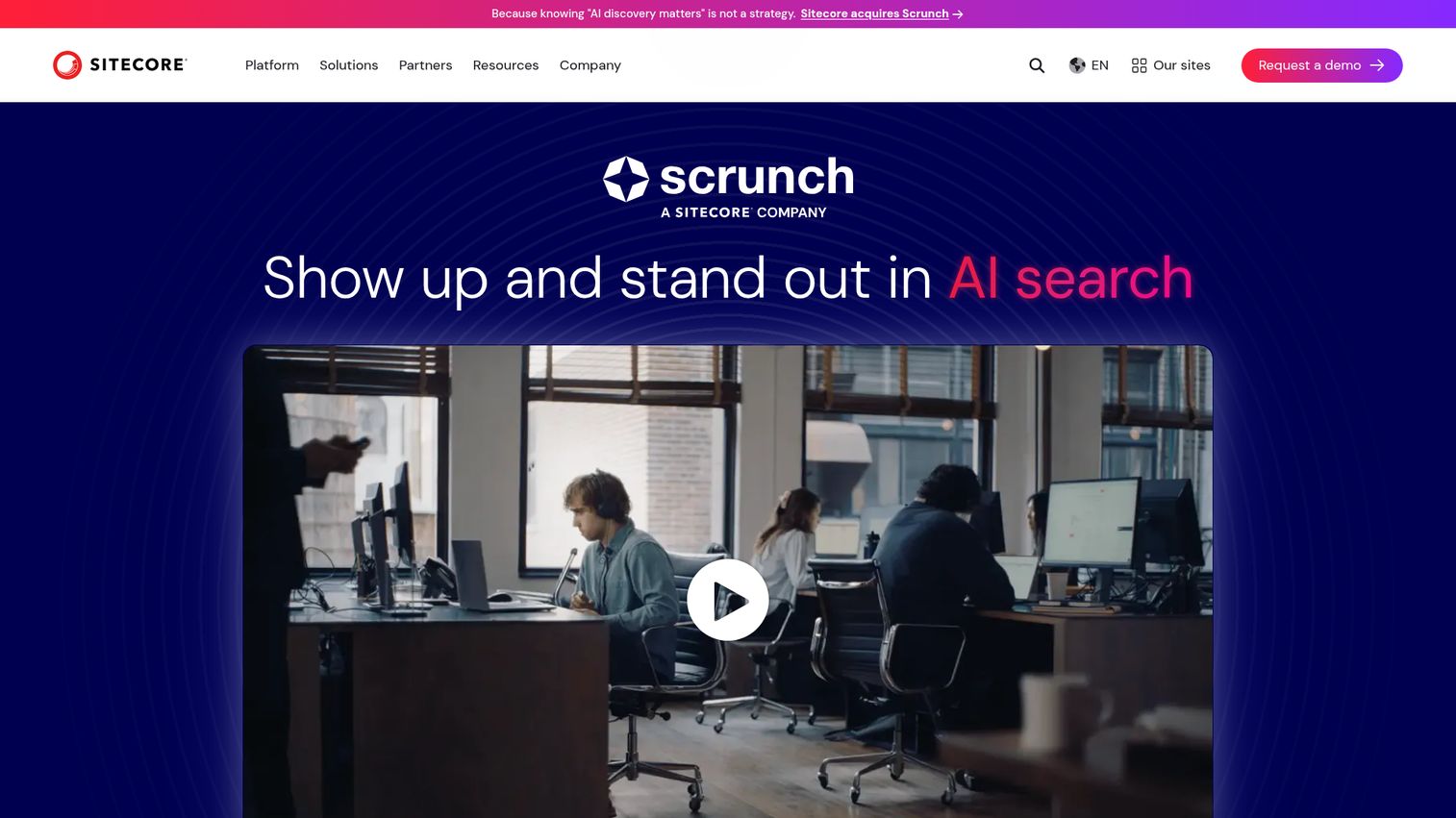
Sitecore provides an enterprise digital experience platform connecting content management, digital asset management, personalization, testing, search, and AI-powered workflows. XM Cloud is its composable, headless offering aimed at large organizations that need omnichannel delivery plus deep personalization. For enterprise marketing teams already invested in a broader experience stack, Sitecore consolidates more under one roof.
Best for: Large enterprises with complex digital experience and personalization needs.
Key strengths
- Content management system: Create, manage, and publish across brands, regions, and channels.
- Digital asset management: Centralized asset library with AI-powered search and tagging, rights, approvals, and governance.
- Conversion optimization: Real-time personalization, A/B testing, experimentation, search, and recommendations.
Why choose Sitecore: If you run enterprise marketing with heavy personalization and governance requirements, Sitecore offers depth few standalone CMS tools match. It is built for scale rather than scrappy speed, so it suits organizations with the resources to operate it.
Sitecore pricing: Sitecore uses contact-sales and request-demo flows rather than public numeric pricing for its core platform. Its Sitecore Stream tiers page shows a free starting option that upgrades to Premium, though no public price is listed. Sitecore holds a 4.1/5 rating on G2 across a large review base.
8. Contentstack
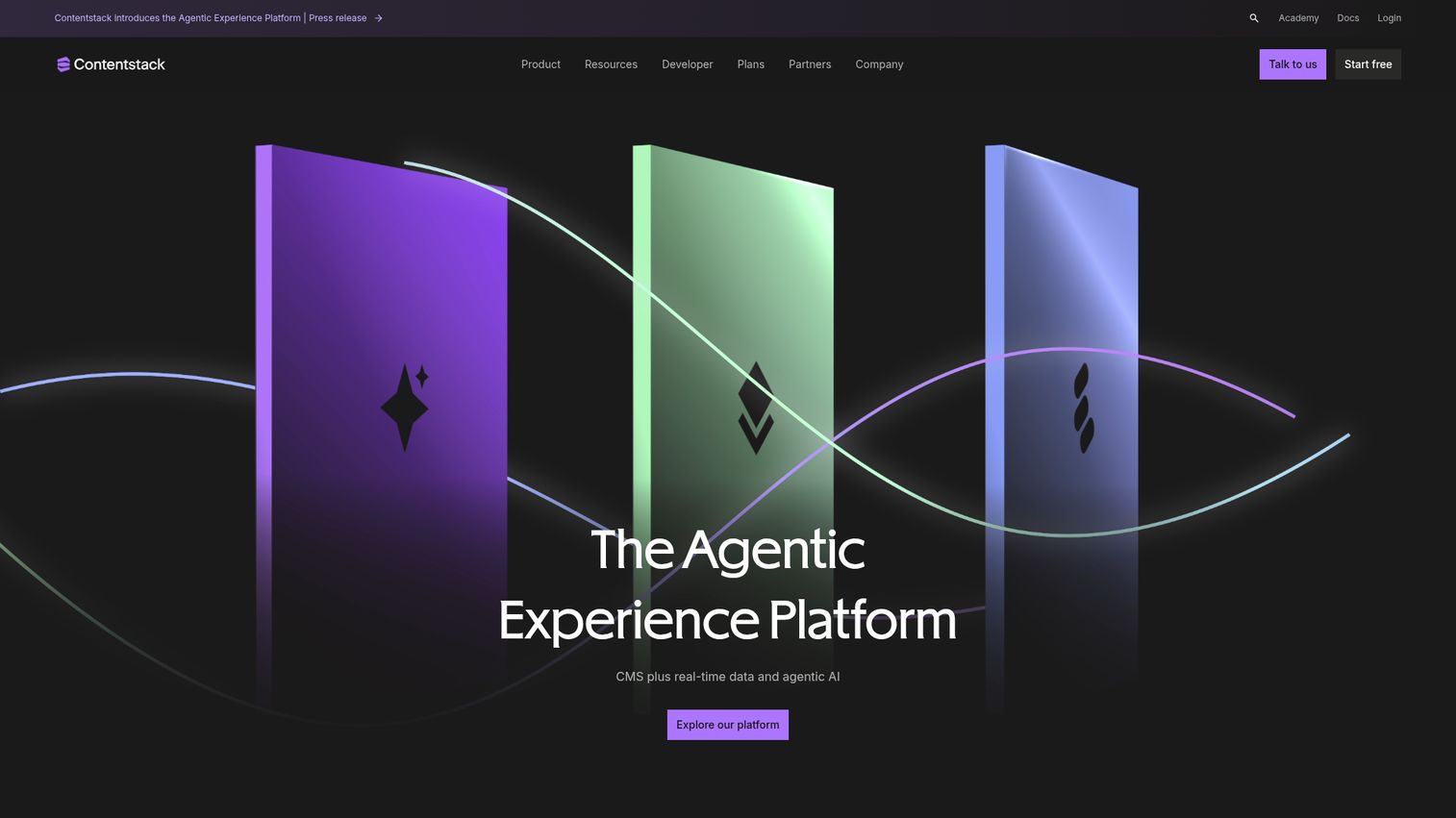
Contentstack is an agentic experience platform combining a headless CMS, real-time customer data, personalization, and AI. It is built for enterprises committed to composable, MACH-aligned architecture, where every component is best-of-breed and connected through APIs. The visual editor and personalization engine give marketers in-context control without sacrificing the composable foundation engineering wants. If personalization is central to your stack, compare options in our best personalization software roundup.
Best for: Enterprise teams committed to composable, MACH-aligned architecture.
Key strengths
- API-first headless CMS: Cloud-native and built for omnichannel delivery.
- Visual Editor: Real-time, in-context content editing for marketers.
- Personalization engine: Real-time data activation tied to customer context.
Why choose Contentstack: If your organization has bought into composable architecture and needs enterprise governance plus marketer-friendly editing, Contentstack delivers both. It is an enterprise commitment, not a quick experiment, so it fits teams with a clear composable roadmap.
Contentstack pricing: Contentstack lists its CMS under a headless CMS plan with Request Demo and Start Free calls to action, but no public numeric pricing is shown on its pricing page. Expect an enterprise sales conversation to scope cost. Contentstack holds a 4.4/5 rating on G2.
9. Directus
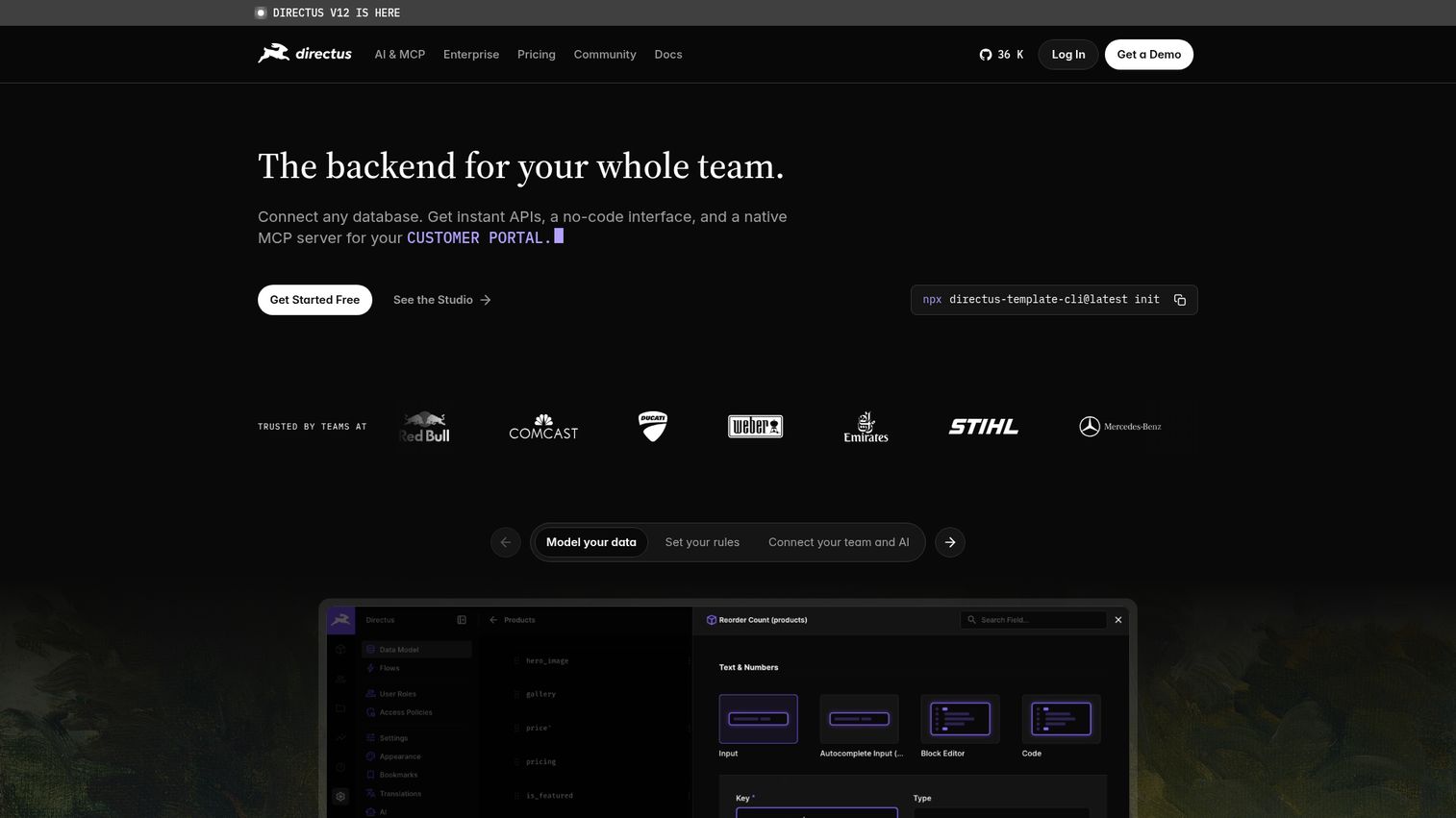
Directus is a collaborative backend and open source headless CMS that connects to SQL databases to provide instant APIs, a no-code Studio, AI capabilities, and access-controlled workflows. The data-first approach is its differentiator: point Directus at an existing SQL database and it generates the APIs and an editing interface on top. For teams with data already in place, that is a fast path to headless.
Best for: Teams with existing databases that want an open-source layer on top.
Key strengths
- Instant APIs: REST and GraphQL generated automatically from your SQL schema.
- No-code Visual Data Studio: Content editing, dashboards, digital asset management, and live preview.
- Access and automation: Policy-based access control, automation Flows, AI Assistant, and native MCP server.
Why choose Directus: If your content and data already sit in a SQL database, Directus turns that into a headless CMS without a migration. It earns the highest G2 score on this list, and the open-source core keeps costs predictable.
Directus pricing: Core is $0 per month and includes three user seats, 25 collections, and the AI Assistant. Team is $499 per month on annual commitment for supported production deployment with SSO. Enterprise is custom-priced for larger scale. Directus holds a 4.9/5 rating on G2.
10. Payload CMS
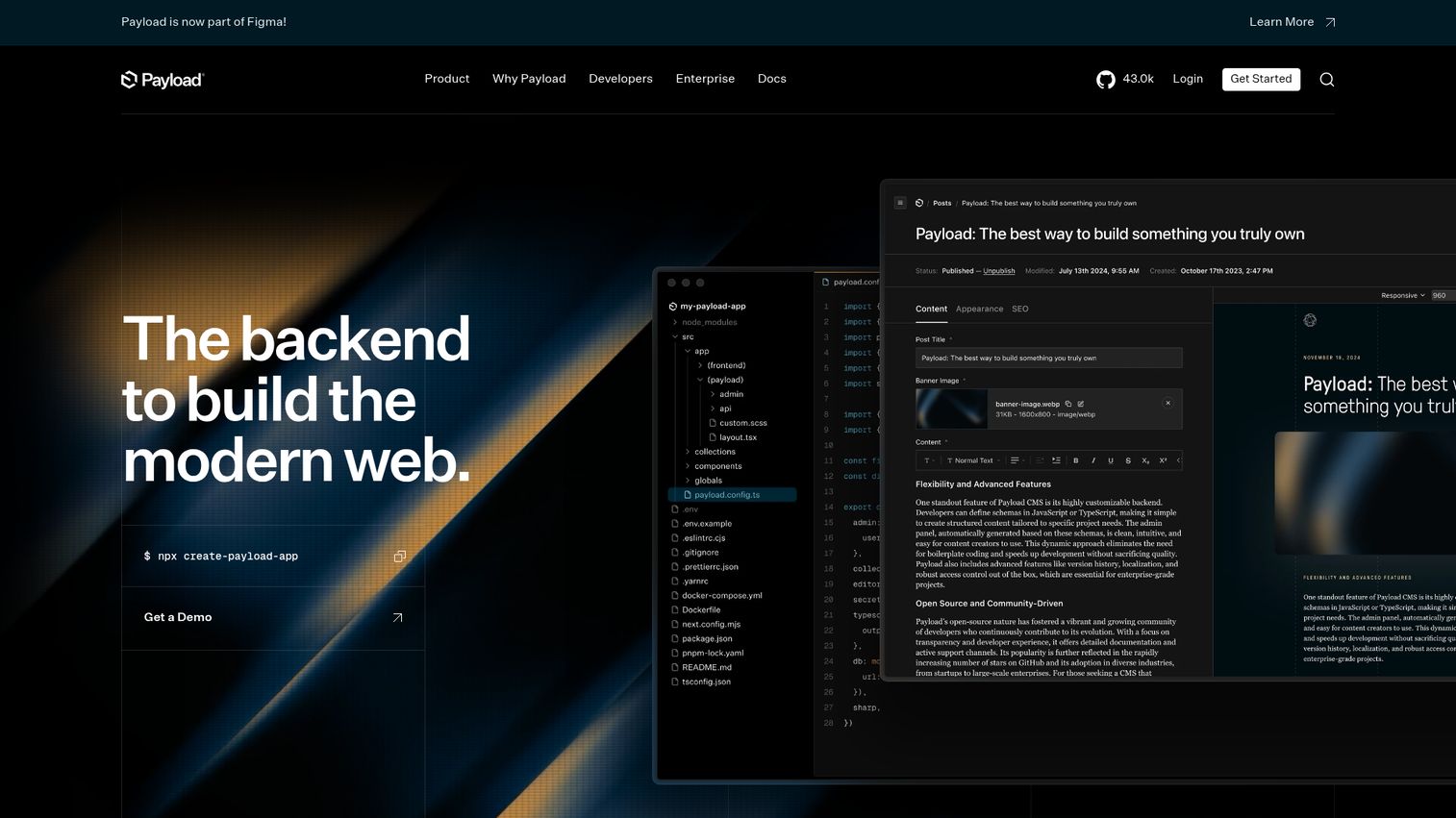
Payload CMS is an open-source Next.js backend and CMS framework for building headless CMS, commerce, digital asset management, and internal application workloads. It is code-first and TypeScript-native, which makes it the natural open source headless CMS for teams already building on Next.js and React. Define your config in code, and Payload generates an admin panel and APIs to match.
Best for: Next.js and React teams that want code-first open-source flexibility.
Key strengths
- Auto-generated admin panel: Built automatically from your code-first configuration.
- REST and GraphQL APIs: Both delivered out of the box.
- Authentication and access control: Built-in security for gated content and workflows.
Why choose Payload: If your stack is Next.js and your team prefers configuring in code over clicking through a UI, Payload fits naturally. It self-hosts for free under an MIT license, giving developer-led teams full control of their CMS.
Payload pricing: The self-hosted open-source product is free forever under the MIT license. An Enterprise option adds dedicated support and enterprise features, with pricing handled through sales rather than a public number. Payload holds a 4.9/5 rating on G2.
11. DatoCMS
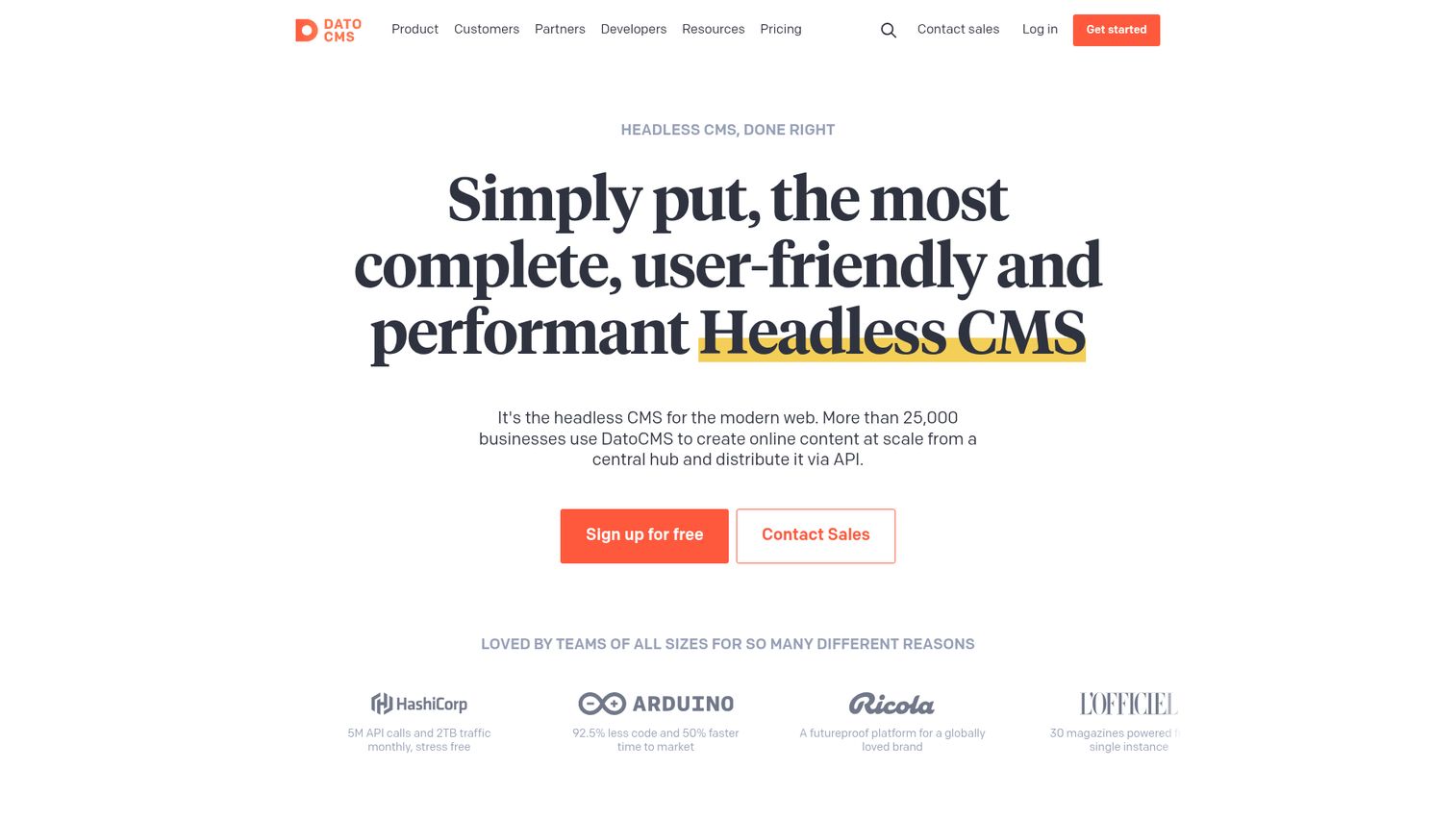
DatoCMS is a cloud-based headless CMS for managing content across websites, mobile apps, and server-side applications. Its strength is media: a no-code schema builder paired with strong image and asset management make it a fit for content-rich, visual sites. The GraphQL Content Delivery API and editorial tooling keep both developers and editors moving.
Best for: Content-rich, media-heavy sites that need strong asset management.
Key strengths
- No-code schema builder: Custom content types, fields, models, and blocks.
- GraphQL and REST APIs: Content Delivery API plus a REST Content Management API.
- Editorial tools: Visual editing, localization, structured rich-text, workflows, real-time previews, and media management.
Why choose DatoCMS: If your site leans heavily on images and video, DatoCMS handles media better than most general-purpose options. The editor experience suits agencies and content teams managing large asset libraries.
DatoCMS pricing: The Free plan includes two editors, 300 records, 10GB traffic, and 100k API calls per month with no overages. Professional starts at €149 per month billed annually, or €199 monthly, with higher quotas and pay-as-you-go overages. Enterprise is custom-priced with SLAs, SSO, and audit logs. DatoCMS holds a 4.7/5 rating on G2.
12. Kontent.ai
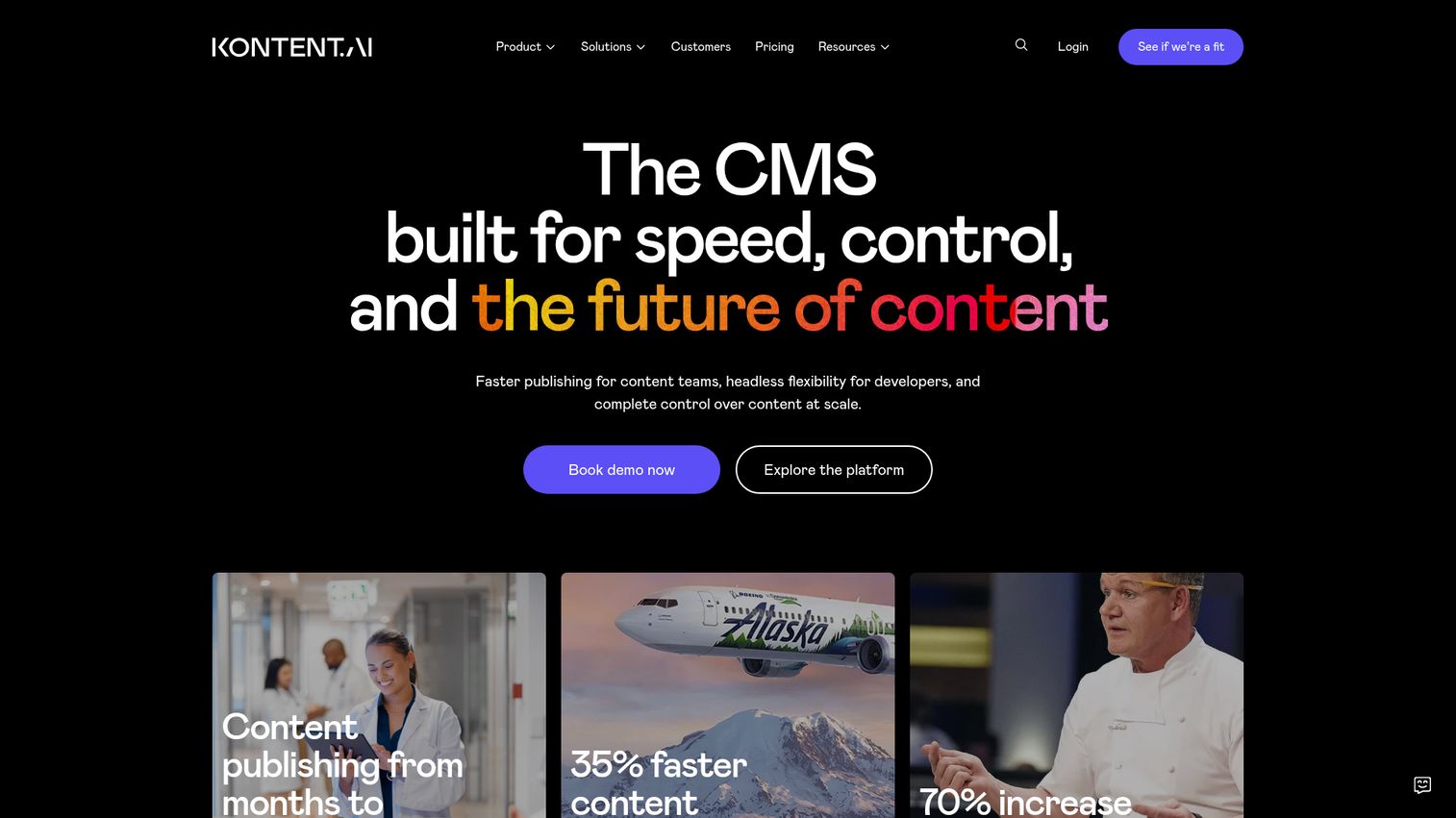
Kontent.ai is a CMS built for faster publishing, headless flexibility for developers, and content control at scale. It targets enterprise content operations teams that need governed workflows and AI assistance across a large content library. The combination of role-based governance and AI features makes it a fit for compliance-conscious organizations producing high content volume.
Best for: Enterprise content operations teams that need governance plus AI assistance.
Key strengths
- Workflow management: User roles and workflows for content governance at scale.
- AI assistance: Content generation, copy checks, localization, and auto-tagging.
- Reusable content delivery: Content modeling, taxonomies, APIs, and integrations.
Why choose Kontent.ai: If governed, scalable content operations matter more than the lowest entry price, Kontent.ai is built for it. The workflow and compliance focus suits enterprise teams where many stakeholders touch each piece of content.
Kontent.ai pricing: Kontent.ai describes its pricing as transparent, flexible, and tailored, but no public price figure is shown. The pricing page directs you to a form for a detailed quote based on your needs. Kontent.ai holds a 4.3/5 rating on G2.
Considerations: how to choose a headless CMS
Twelve strong options means the right pick depends on your team. Run each finalist through this checklist before you commit.
Editor experience for non-technical teams
Ask whether your marketers can publish without developer help. Visual editors like Storyblok's let editors work directly on the page, while code-first tools like Payload assume engineering involvement. Match the editor model to who actually updates content day to day.
SEO and page performance
Headless does not guarantee fast pages. Evaluate how the front end renders, whether static generation or server-side rendering, and how content is served through a CDN. The combination determines your Core Web Vitals, which feed both rankings and conversion.
Integration depth
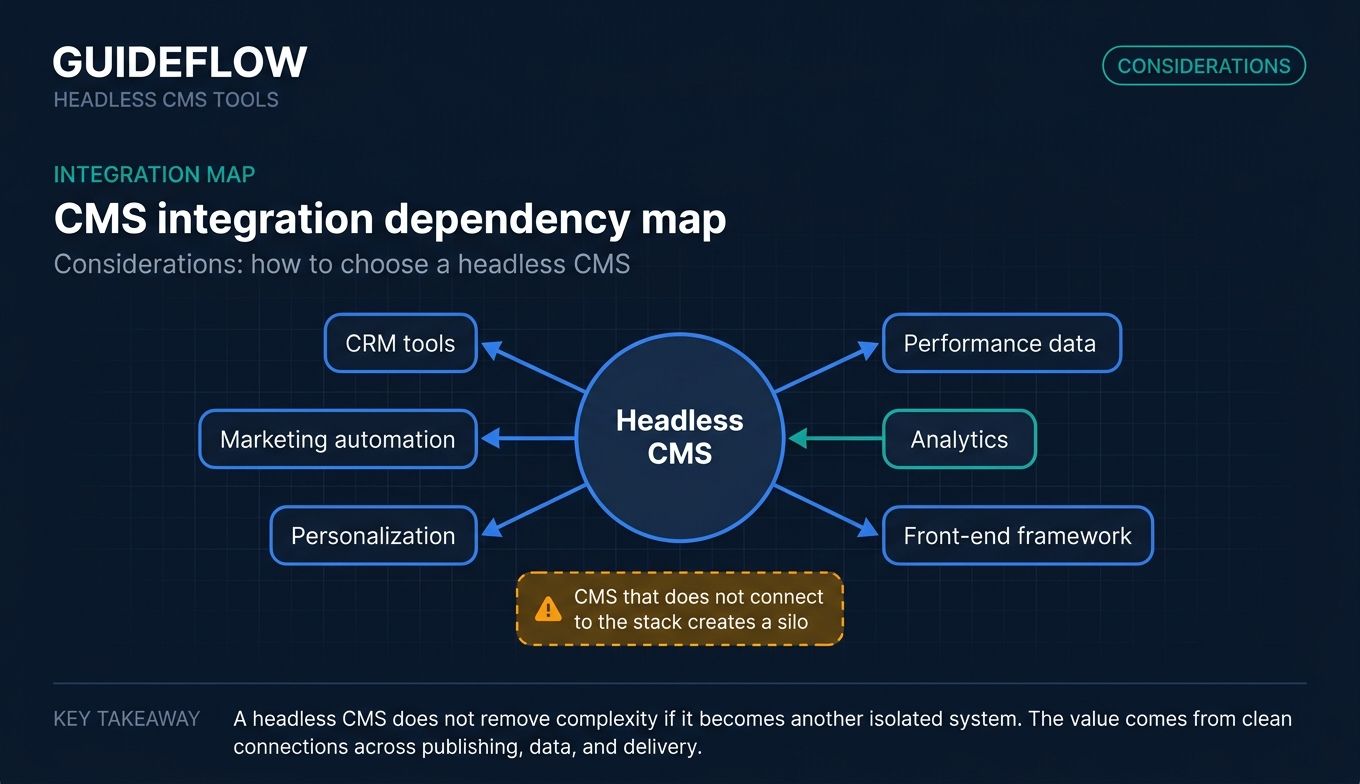
Check that the CMS connects to your CRM, marketing automation, analytics, and personalization tools, plus the front-end framework your developers use. A CMS that does not talk to your stack creates the silo you were trying to avoid. Browse our best content marketing tools to round out that stack.
Open source vs SaaS trade-offs
Open source headless CMS options like Strapi, Directus, and Payload give you control and predictable cost, but you handle hosting and maintenance. SaaS platforms manage that for you at a recurring fee. Weigh engineering bandwidth against budget.
Pricing model and total cost of ownership
Look past the sticker price. Seat-based, usage-based, and API-call pricing scale differently as you grow, and self-hosted tools carry hidden infrastructure costs. Model your real usage across a year before choosing.
Conclusion
The right headless CMS depends on who edits your content and how your stack is built. For non-technical content teams that want visual editing, Storyblok leads. For open-source control, Strapi is the standard, with Directus and Payload strong for data-first and Next.js teams. For enterprise scale and governance, Contentful and Contentstack carry the depth large organizations need, and Sanity stands out for real-time editing with a generous free tier.
Do not buy on a feature list alone. Shortlist two or three options that match your editor model and integration needs, then run a real content-modeling test. Build one live campaign page in each, hand it to the marketer who will actually use it, and measure how fast they publish a change without filing a ticket. The tool that wins that test is the one worth your budget. Once your pages are live, consider embedding an interactive demo experience so visitors can try your product right from those CMS-built pages. Start the trial with your top pick this week and put it through a real campaign before you commit.
FAQ
A headless CMS manages your content in a back end and delivers it through an API to wherever you want it shown. The front end, your website or app, is decoupled from where content lives. That separation lets you reuse the same content across many surfaces without rebuilding it each time.
Marketers usually do best with editor-friendly platforms that reduce developer dependency. Storyblok offers a visual in-context editor, Prismic provides reusable page Slices for fast landing pages, and Contentful brings governance and personalization at scale. The best fit depends on whether you prioritize visual editing, page-building speed, or enterprise governance.
Strapi is the leading open source headless CMS, a Node.js platform you can self-host for free or run on Strapi Cloud. Directus is excellent if your content already sits in a SQL database, and Payload suits Next.js and TypeScript teams. All three trade managed convenience for control, since you handle hosting and maintenance.
Yes, when paired with the right rendering and a fast front end. Headless itself does not guarantee good SEO; implementation does. Static generation or server-side rendering plus a CDN gives you strong Core Web Vitals, which support both rankings and conversion. A poorly built front end can still produce slow, hard-to-index pages.
A traditional CMS couples content and presentation in one system, so your content is locked to one site and its themes. A headless CMS decouples them, delivering content via API to any front end and any number of channels. Traditional offers more out-of-the-box convenience; headless offers more flexibility and omnichannel reach.
Costs span a wide range. Open-source options like Strapi, Directus, and Payload are free to self-host, though you pay for infrastructure. SaaS platforms often include a free tier, with paid plans from low monthly prices like Prismic's $10 or Storyblok's $99 up to enterprise custom pricing. Enterprise platforms like Sitecore, Contentstack, and Kontent.ai use contact-sales pricing.
You typically need a developer for initial setup and to build the front end, since headless platforms deliver content via API rather than rendering pages themselves. Day-to-day content editing usually does not require a developer, especially with visual editors like Storyblok or Prismic. The split is build once with engineering, then edit independently as a marketer.
A decoupled CMS separates content management from presentation but retains an optional built-in front end you can use if you want. A headless CMS has no front end at all; it is fully front-end agnostic and delivers everything through the API. In short, decoupled keeps a head available, while headless leaves the head entirely to you.