You need to train 400 field technicians on a procedure that costs $8,000 in equipment damage every time someone gets it wrong. Flying them to a central site burns travel budget and instructor hours. Shadowing on live gear puts real assets and real people at risk. Written SOPs get skimmed, and the actual skill never gets practiced under pressure.
That is the problem VR training software solves. Instead of relying on live environments, travel, or repeated instructor time, immersive training solutions let people rehearse dangerous, expensive, or hard-to-repeat scenarios as many times as it takes, with performance tracked on every attempt. The demand is real and growing fast. The virtual training and simulation market is projected to rise from $449.9B in 2024 to $844.2B by 2030, an 11.1% CAGR, according to ScienceSoft (2024). In healthcare alone, 77% of organizations have implemented or plan to implement VR for training, per Virti / Treeview Studio (2023).
For an enablement or workforce training leader, the buying question is not "is VR cool." It is whether a VR training platform can standardize skill practice, measure performance across distributed teams, and cut live training overhead without becoming a maintenance burden. This guide compares the tools that do that well. If you also manage software product education alongside physical-skill training, the same measurement logic applies to formats like interactive demos that teach users a product without a live environment. And if you are researching adjacent enablement stacks, our roundups of the best enterprise search software and the best customer data platform tools cover the systems these programs plug into.
What's inside
This guide compares seven VR training software tools chosen for authoring speed, scenario realism, analytics depth, deployment flexibility, and enterprise fit. It is written for teams evaluating immersive training for onboarding, safety certification, technical skill development, and distributed workforce training. We prioritized platforms that let you build repeatable practice, measure performance objectively, and roll out across locations without rebuilding content for every device. Pricing and ratings reflect first-party pages and current G2 listings where available. Where a vendor gates pricing behind sales, we say so plainly instead of guessing.
TL;DR
- Best overall for enterprise XR content: Unity, for teams building custom, cross-platform training systems with real 3D data.
- Best for learning-science-driven practice: PIXO VR, for measurable, repeatable skill development with reporting built in.
- Best for high-fidelity simulation: Varjo, when visual realism and a professional hardware ecosystem drive the outcome.
- Best for no-code scenario building: Warp VR, for fast branching scenarios across headset, mobile, tablet, and desktop.
- Best for open, custom development: OpenSpace3D, for technical teams that want full control and open architecture.
- Best for industrial and operator training: Vortex Studio, for physics-driven machinery and equipment simulation.
- Best for collaborative, measured training: Breakroom, for distributed teams that need SCORM data and remote engagement.
What is VR training software?
VR training software is a platform for building immersive, risk-free simulations where people practice real-world skills in a virtual environment instead of a live one. It replaces high-cost, high-risk, or hard-to-schedule training with repeatable digital scenarios that can be scored, tracked, and deployed at scale.
The category spans lightweight 360° video authoring tools through full physics-based simulation engines. Most virtual reality training programs share a common set of core capabilities:
- Scenario authoring: build training situations from real footage, 3D models, or cloned environments, often with no-code editors.
- Branching paths: let learner decisions change what happens next, so practice mirrors real judgment calls.
- Device compatibility: deliver the same scenario across VR headsets, tablets, phones, and desktop browsers.
- Analytics and scoring: capture completion, decision accuracy, time-on-task, and repeat attempts as VR training analytics.
- Multi-user training: support group sessions, collaborative exercises, and instructor-led delivery.
- Global distribution: push content to distributed teams and reset environments between sessions.
- LMS and enterprise integration: connect to your learning stack through SCORM, xAPI, or LTI, plus MES and PLM systems where relevant.
The benefits of virtual reality training come down to three things: retention gains from active, embodied practice; cost reduction from removing travel and equipment risk; and measurability that live training rarely delivers. Those VR training benefits are why enterprise VR training moved from novelty to line-item budget across manufacturing, healthcare, energy, and logistics.
When to use VR training software
Train people in hazardous or expensive environments
Some skills cannot be practiced safely on live equipment. A lineworker learning to isolate a high-voltage circuit, a surgeon rehearsing a rare procedure, a warehouse operator learning forklift edge cases. VR simulation training lets them fail, reset, and try again without injury, equipment damage, or downtime. The scenario runs identically every time, so every learner faces the same conditions and the same standard.
Standardize onboarding and certification across locations
When you onboard across five sites in three countries, instructor-led training drifts. One trainer emphasizes one thing, another skips it. A VR training platform delivers the same certified scenario to every location, then records who completed it and how they scored. That consistency is exactly what enablement teams chase: repeatable readiness that does not depend on which trainer showed up that week.
Measure skill development without interrupting operations
Live training pulls people off the floor and rarely produces clean data. Immersive training solutions capture decision accuracy, time-to-completion, and repeat attempts on every session. You can see who is ready and who needs another rep, cohort by cohort, without stopping production. That measurement layer turns training from a cost center into something you can tie to behavior change and outcomes.
Comparison table
The seven tools below solve different problems. Unity and OpenSpace3D are creation platforms for teams that want to build custom experiences. PIXO VR, Warp VR, and Breakroom are training-first platforms with authoring, delivery, and reporting bundled. Varjo leads on hardware-plus-software fidelity. Vortex Studio specializes in physics-driven machinery simulation. Match the intent column to your own use case before you weigh price.
| # | Product | Intent | Key differentiation | Pricing | G2 rating |
|---|---|---|---|---|---|
| 1 | Unity | Enterprise XR content creation | Real-time 3D engine, build once and deploy across devices | Free; Pro $210/mo; Enterprise custom | 4.5/5 |
| 2 | PIXO VR | Immersive virtual training platform | Managed VR training content with analytics and reporting | From $999/mo | Not listed |
| 3 | Varjo | High-fidelity simulation | High-resolution XR hardware plus Varjo Base software | Base free; Pro from 2,500€/$ per year | 4.6/5 |
| 4 | Warp VR | No-code VR training | 360° branching scenarios, multi-device, LMS integration | From €450/mo | 4.8/5 |
| 5 | OpenSpace3D | Open XR development | Open-source, no-code/low-code 3D app builder | Free and open-source | 4.6/5 |
| 6 | Vortex Studio | Simulation and workflow modeling | Physics-driven mechanical and operator training | Quote-based | 2.5/5 |
| 7 | Breakroom | Immersive collaborative training | Built-in LMS, voice/screen sharing, SCORM data | From $12.74/seat/mo | 4.5/5 |
1. Unity
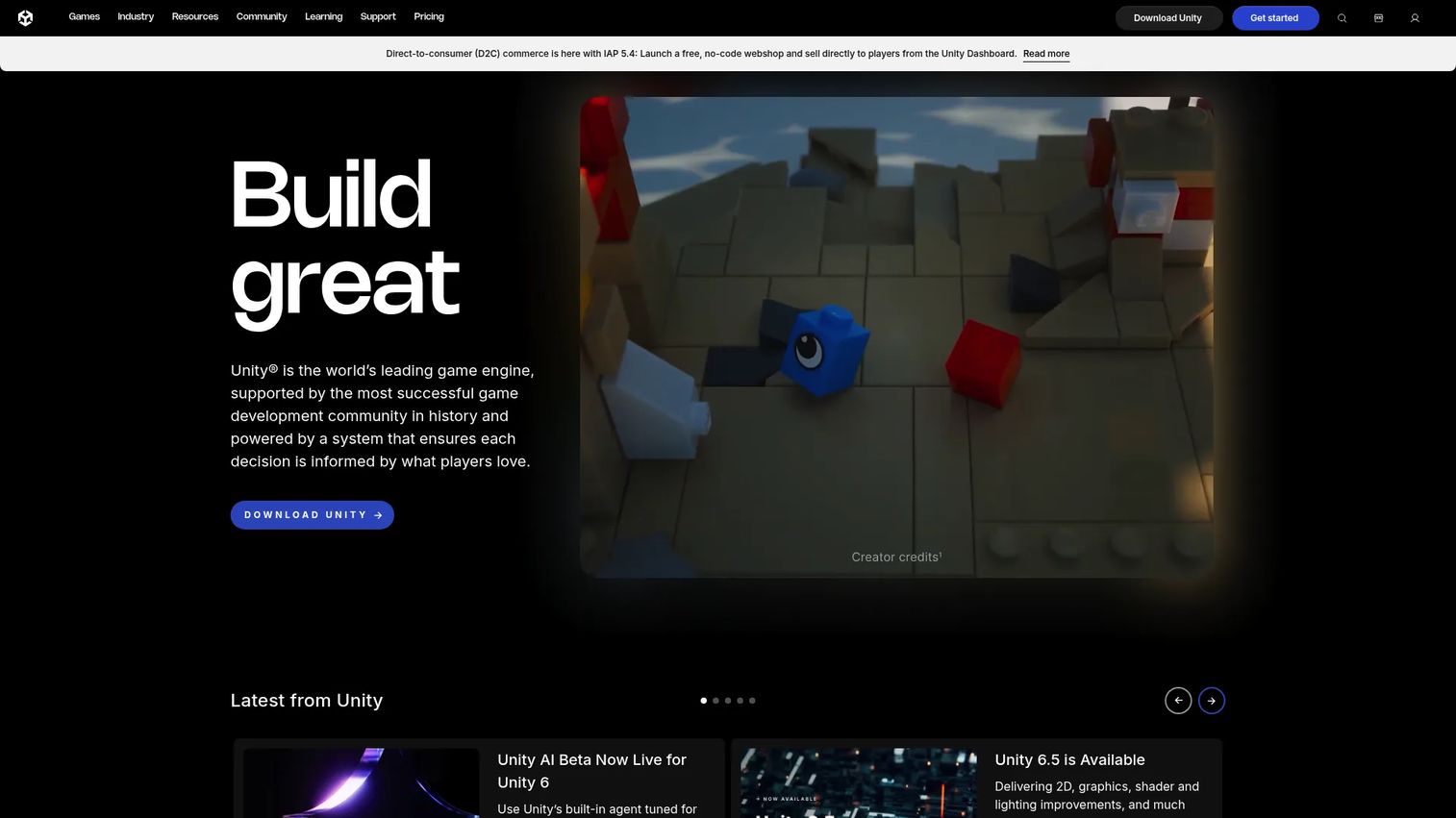
Unity is the real-time 3D engine behind a large share of the world's interactive content, and it doubles as the most flexible foundation for building custom immersive training. Rather than a packaged training product, it is a development platform: teams import 3D data, build accurate replicas of real environments, and deploy the result across VR headsets, tablets, and desktop from a single project. For organizations that need training systems no off-the-shelf tool can deliver, Unity is where those systems get built.
Best for: Large teams and partners building custom, cross-platform VR training programs with real 3D data.
Key strengths
- 3D data import and replica creation: bring CAD, scan, or model data in to create faithful digital twins of equipment and facilities.
- Cross-platform deployment: build once and deploy across VR, AR, mobile, and desktop targets without rebuilding.
- Enterprise integration story: connect training experiences to LMS, MES, and PLM systems for data and workflow continuity.
Why choose Unity: Choose Unity when your training complexity exceeds what a no-code authoring tool can express and you have, or can partner with, development talent. The tradeoff is real: you are building software, not filling in a template. But nothing else on this list matches its ceiling for fidelity, interactivity, and reuse of existing 3D assets across an entire XR production pipeline.
Unity pricing: Unity Personal is free. Unity Pro runs $210 per month. Unity Enterprise is custom pricing through sales. Note that Unity AI and usage-based service charges sit outside the core plan pricing. Unity holds a 4.5/5 rating on G2.
2. PIXO VR
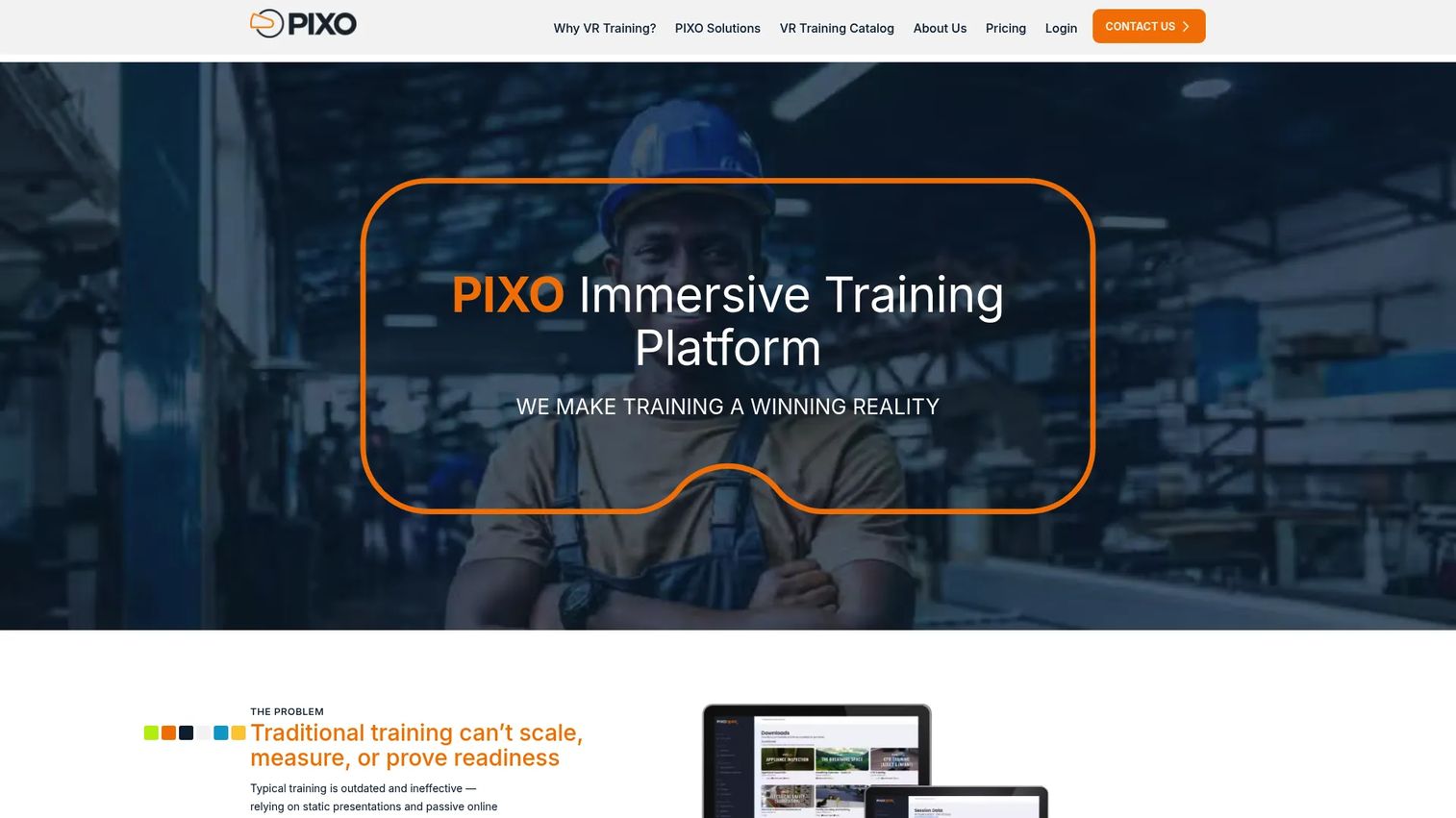
PIXO VR is an enterprise virtual reality training platform built around measurable learning rather than novelty. It handles the full loop: creating immersive content, managing users and assignments, deploying across VR, desktop, and tablet, and tracking performance with reporting and analytics. The platform leans on active learning principles, realistic practice, and contextualized scenarios, which is why it resonates with teams that treat training as a system to measure, not a video to watch.
Best for: Organizations that prioritize learning science, repeatable practice, and hard performance measurement.
Key strengths
- AI-enabled content creation: author training for VR, desktop, and tablet with AI assistance in the build process.
- Trainer-controlled live sessions: run instructor-led sessions with customizable assignments for different cohorts.
- User and content management: manage learners, assign content, and pull reporting and analytics across the program.
Why choose PIXO VR: Choose PIXO VR when the point is provable skill development, not just an immersive experience. Its emphasis on realistic practice, repetition, contextualized scenarios, and feedback maps directly to how enablement teams think about readiness and certification. If you need to show leadership that training changed behavior, the measurement layer is the reason to look here.
PIXO VR pricing: Plans start with Starter at $999 per month, Standard at $2,399 per month, and Pro at $4,399 per month, all for unlimited users. Enterprise packages are custom. A public G2 rating was not available for PIXO VR at the time of writing.
3. Varjo
Varjo approaches VR training from the fidelity end of the spectrum. It builds high-resolution XR headsets and the Varjo Base software layer, targeting defense, simulation, and research teams where visual realism directly affects training validity. When a pilot needs to read an instrument at a realistic distance or a technician needs to distinguish fine detail, the resolution ceiling matters, and Varjo is engineered for exactly that.
Best for: Defense, simulation, and research teams that need high-fidelity XR hardware and software together.
Key strengths
- XR-4 Series headsets: high-resolution immersive hardware built for demanding simulation and visual-critical training.
- Varjo Base software tiers: a free Base tier plus Base Pro with advanced features for XR-4 and XR-4 Focal Edition.
- Secure Edition options: offline and TAA-compliant deployments for defense and regulated environments.
Why choose Varjo: Choose Varjo when realism is not a nice-to-have but a requirement, and when your content pipeline runs through Unity, Unreal, or professional 3D tools that Varjo hardware supports. It is a hardware-plus-software commitment rather than a pure SaaS purchase, so it fits best where the visual fidelity of the simulation is the whole point.
Varjo pricing: Varjo Base software is free. Varjo Base Pro starts at 2,500€/$ per year or 5,000€/$ perpetual, and is included with XR-4 Secure Edition devices. Headset hardware is priced separately and quote-based. Varjo software carries a 4.6/5 rating.
4. Warp VR
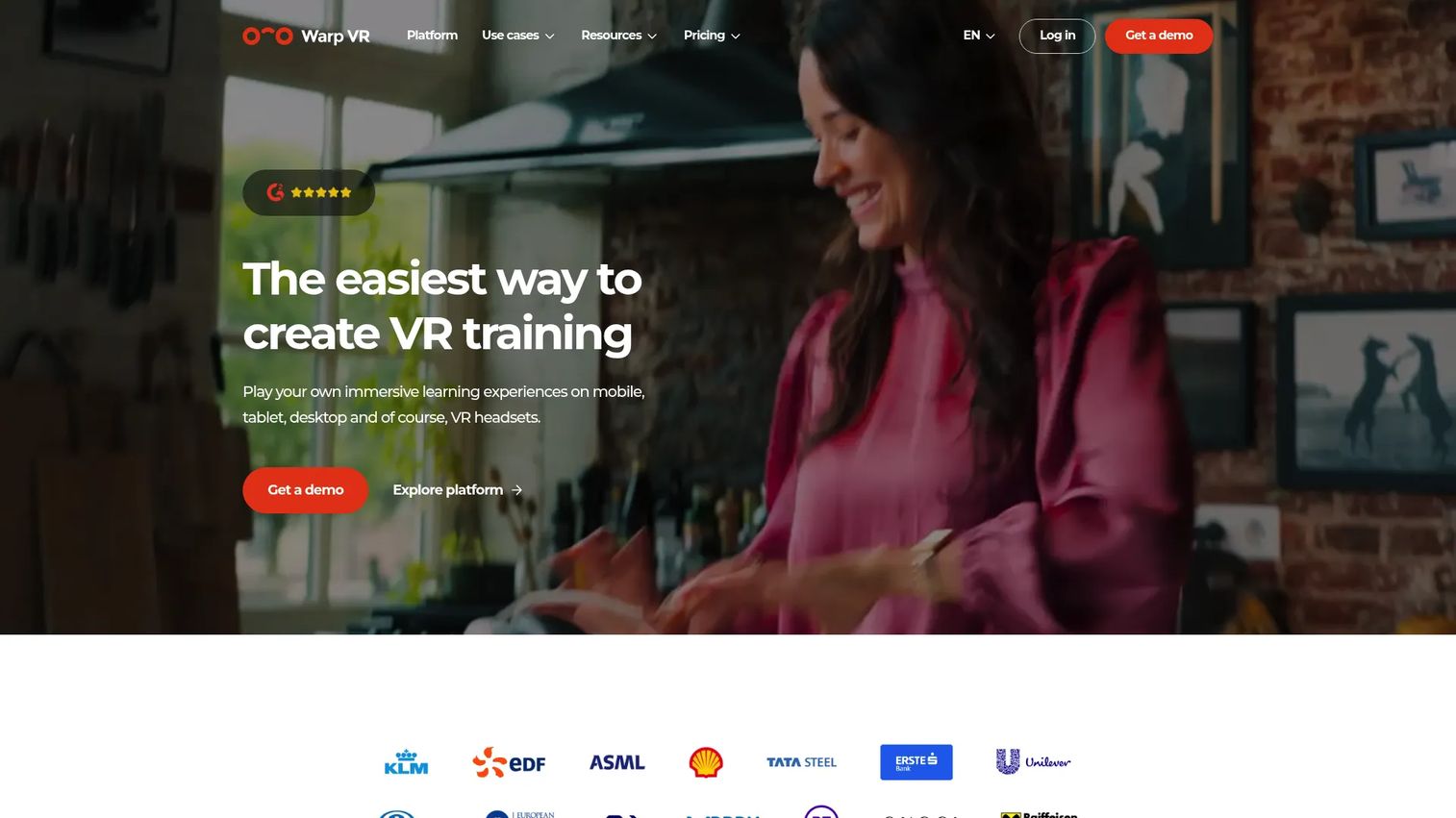
Warp VR is the fastest path from "we need a training scenario" to a published, measurable experience. It uses 360° video and a no-code flow editor to build branching scenarios where learner choices drive the outcome, then delivers them across VR headsets, mobile, tablet, and desktop. For teams that need to author quickly, roll out widely, and report cleanly into an LMS, Warp VR removes the development bottleneck entirely.
Best for: Teams that need to create and scale immersive scenarios fast without engineering resources.
Key strengths
- No-code flow and video editor: build branching 360° scenarios visually, without writing code.
- Multi-device playback with offline support: deliver the same scenario across headset, mobile, tablet, and desktop, including offline.
- LMS integration: connect results through SCORM, LTI, and xAPI for centralized reporting.
Why choose Warp VR: Choose Warp VR when speed to publish and breadth of reach matter more than photoreal 3D. Its branching scenarios and audience targeting let enablement teams build role-specific practice, and its analytics tie decisions back to individual learners. For distributed workforce training that needs to hit phones and headsets alike, it is the most practical starting point on this list.
Warp VR pricing: The Start plan begins at €450 per month billed yearly, or €500 billed monthly, with two publishing slots. Business and Enterprise plans add unlimited scenarios, creators, trainees, and views, with Enterprise quote-based. A 30-day free trial is available. Warp VR holds a 4.8/5 rating on G2, the highest in this roundup.
5. OpenSpace3D
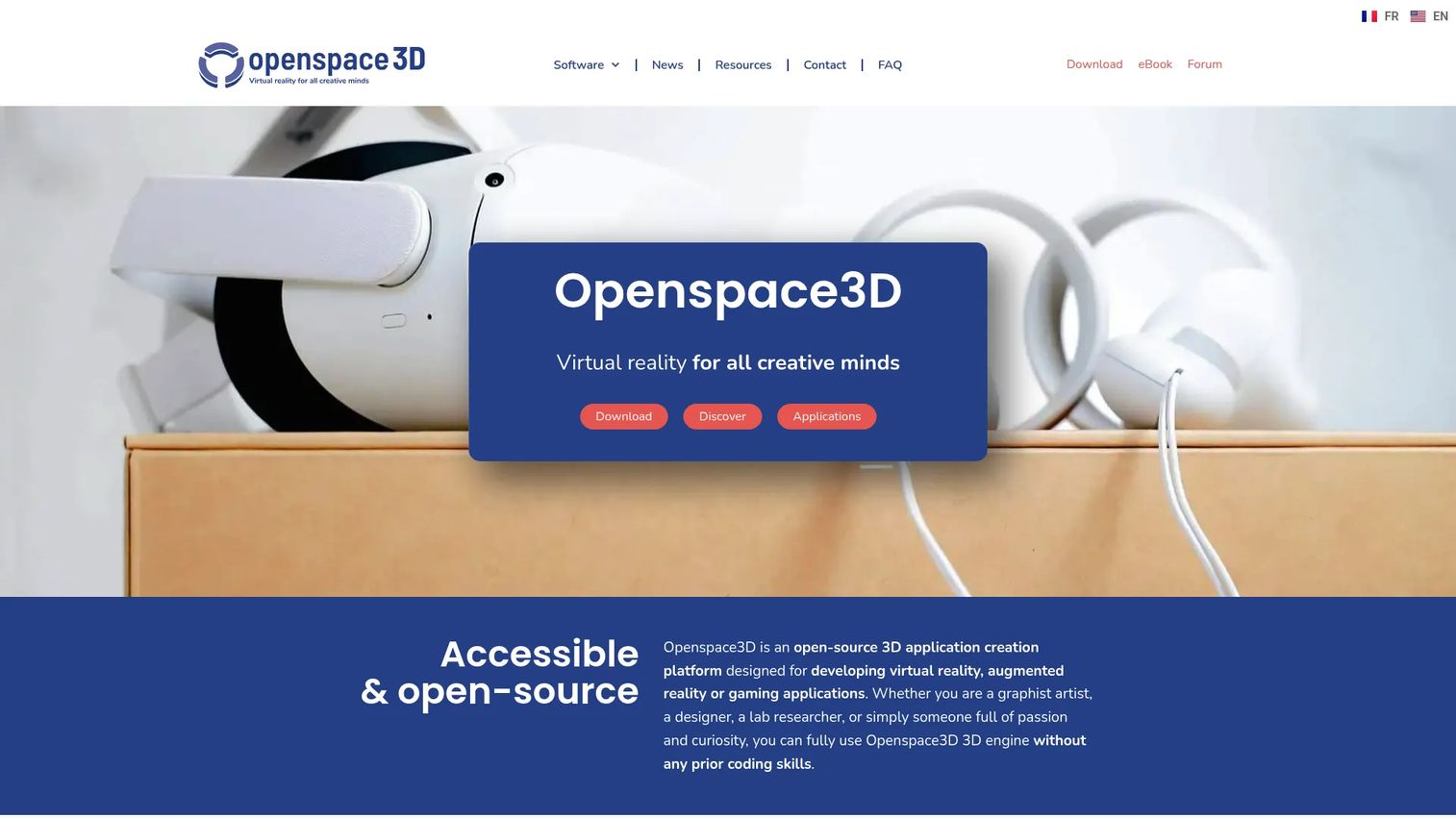
OpenSpace3D is an open-source, no-code/low-code platform for building 3D, VR, and AR applications, including custom training simulations. It gives technical teams and integration partners full control over the experience through visual programming, 3D model import, and a built-in physics engine. Because it is free and open, it appeals to organizations that want to own their training builds outright rather than rent them.
Best for: Technical teams or partners building custom VR and AR simulations who want open architecture.
Key strengths
- No-code visual programming: assemble interactive logic through a visual editor without deep coding.
- 3D scene and model import: bring in existing 3D assets to construct training environments.
- Physics and XR capabilities: use a built-in physics engine and native AR/VR support for realistic interaction.
Why choose OpenSpace3D: Choose OpenSpace3D when you want creative and technical control without licensing constraints, and you have the in-house or partner capacity to build. It sits between a packaged training product and a full game engine: more approachable than raw engine development, more flexible than a templated authoring tool. For teams that value ownership and extensibility, that middle ground is the draw.
OpenSpace3D pricing: The software is free and open-source, with no subscription price. The only publicly listed paid item is an introductory eBook at €20.00. OpenSpace3D carries a 4.6/5 rating on G2.
6. Vortex Studio
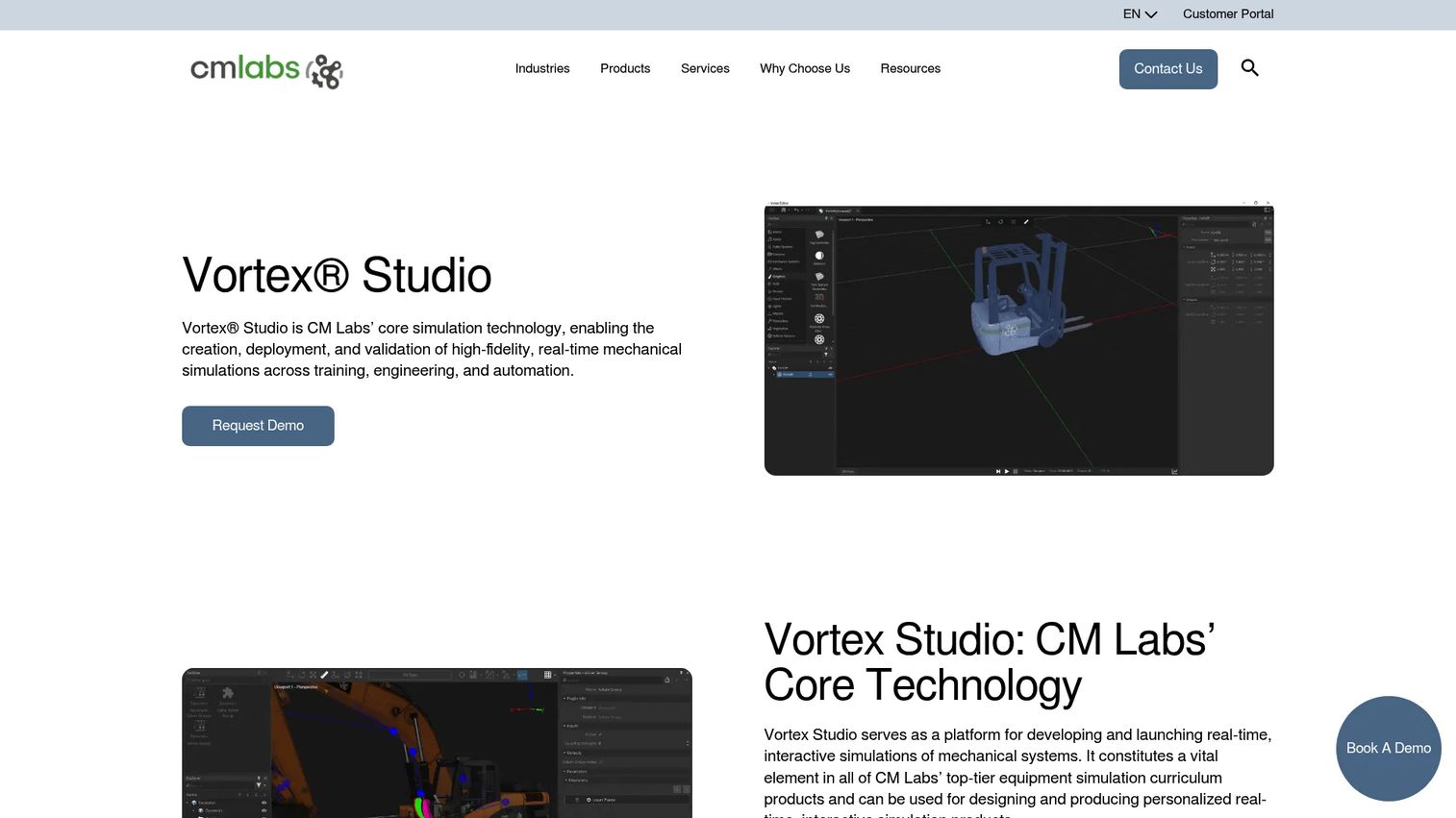
Vortex Studio is CM Labs' simulation platform for building high-fidelity, real-time mechanical simulations, and it is the specialist choice for operator training on heavy equipment. It models physical motion, interaction, and machine behavior with the accuracy that robotics, construction, and maritime training demand. Where other tools simulate scenarios, Vortex Studio simulates physics, which is why it fits operator training and virtual prototyping rather than soft-skill practice.
Best for: Teams building real-time simulation, virtual prototyping, or operator training for heavy equipment and mechanical systems.
Key strengths
- High-fidelity real-time simulation: create visually accurate mechanical systems and physics behavior without coding.
- Engine export: export simulations to Unity and Unreal Engine for downstream deployment.
- Enterprise integration: connect with Simulink, Python 3, and ROS2 for engineering and robotics workflows.
Why choose Vortex Studio: Choose Vortex Studio when the training hinges on how machines actually move and respond. Crane operators, robotics teams, and equipment manufacturers need motion fidelity that generic VR tools do not model. Its G2 presence is thin, reflecting a specialized user base rather than a mass-market platform, so evaluate it against your specific machinery and simulation requirements.
Vortex Studio pricing: CM Labs does not list public pricing; the product page routes to a demo request and sales contact. Vortex Studio shows a 2.5/5 rating on G2 based on a very small number of reviews, so weigh that against a hands-on evaluation rather than the score alone.
7. Breakroom
Breakroom rounds out the list as an immersive virtual training and simulation platform built for collaboration and measurement. It combines an integrated LMS, built-in voice, text, screen sharing, and broadcast tools, and no-code gamification, so distributed teams can train together in a shared virtual space. For programs that need remote engagement plus clean reporting, its SCORM and learner-data support make results portable into the systems you already run.
Best for: Enterprises running immersive training, onboarding, or compliance simulations for distributed teams.
Key strengths
- Integrated LMS: deliver, assign, and track immersive training inside one platform.
- Built-in collaboration tools: run sessions with voice, text, screen sharing, and broadcast for multi-user training.
- No-code gamification and region editor: build engaging, custom virtual spaces without development work.
Why choose Breakroom: Choose Breakroom when collaboration and remote delivery matter as much as the simulation itself. Its combination of multi-user engagement, gamification, and SCORM data support fits distributed workforce training and compliance programs that need both participation and provable completion. If your training is as much about people learning together as about individual reps, it is a strong fit.
Breakroom pricing: G2 lists three seat-based tiers provided by Breakroom: Team at $12.74, Essential at $14.99, and Professional at $16.99, all per seat per month. A public pricing page was not found on Breakroom's own domain, so treat these third-party figures as directional and confirm with the vendor. Breakroom holds a 4.5/5 rating on G2.
Considerations before you buy
The right VR training software depends on your training complexity, your team's build capacity, and how you plan to measure results. Run every shortlist candidate through the criteria below before you commit budget.
Authoring speed versus fidelity
No-code platforms like Warp VR get you to a published scenario in days; engine-based tools like Unity and OpenSpace3D take longer but reach far higher fidelity. Decide which axis your program lives on. If you need volume and speed across many roles, prioritize authoring speed. If a single high-stakes procedure justifies deep investment, prioritize fidelity.
Analytics and SCORM compliance
Training you cannot measure is training you cannot defend at budget time. Confirm the platform captures decision accuracy, completion, and repeat attempts, and that it exports through SCORM, xAPI, or LTI into your LMS. Warp VR and Breakroom lead on standards-based reporting; verify the exact data fields against your reporting needs.
Device and deployment flexibility
A scenario locked to one headset model limits rollout. Check which VR headsets, tablets, phones, and desktop browsers each tool supports, and whether it handles offline delivery for sites with poor connectivity. Multi-device playback is the difference between equipping a single lab and equipping a distributed workforce.
Build capacity and total cost
Engine platforms assume development talent; packaged platforms assume subscription budget. Be honest about which resource you actually have. Factor in headset hardware, content creation time, and maintenance, not just license fees, when you compare a $999/month managed platform against a free engine that requires a build team.
Conclusion
The best VR training software is the one that matches your training complexity and deployment model, not the one with the longest feature list. Unity is the pick for custom, enterprise-grade XR training built on real 3D data. PIXO VR fits teams that want learning-science-driven, measurable practice out of the box. Varjo is the choice when high-fidelity simulation is the requirement. Warp VR wins on fast, no-code rollout across every device. OpenSpace3D suits technical teams that want open, ownable builds. Vortex Studio specializes in physics-driven operator training, and Breakroom rounds things out for collaborative, SCORM-tracked programs at scale.
Start with the tool whose intent column matches your primary use case, then pressure-test it against the considerations above. Build a single scenario, put real learners through it, and look hard at the analytics before you scale. The platform that produces clean, defensible performance data on that first pilot is the one worth rolling out across the organization.
FAQs
There is no single best; it depends on your training complexity. Unity leads for teams building custom, cross-platform XR systems with real 3D data, while PIXO VR and Breakroom fit enterprises that want packaged platforms with built-in analytics and LMS support. Match the tool's intent to your primary use case rather than chasing a universal winner.
Immersive, hands-on practice engages more of how people actually learn than reading or watching does, so skills stick longer. The benefits of virtual reality training also include unlimited safe repetition and objective scoring, which lets learners rehearse until they hit standard and lets you measure who is genuinely ready.
Yes. Most virtual reality training programs export results through SCORM, xAPI, or LTI into your existing learning management system. Warp VR and Breakroom, for example, support standards-based reporting so completion and performance data flow into the systems you already use for certification tracking.
Warp VR supports SCORM, LTI, and xAPI, and Breakroom offers SCORM and learner-data support for portable reporting. Confirm the exact data fields each platform exports against your own compliance and certification requirements before committing, since SCORM support varies in depth between tools.
Yes, safety training is one of the strongest use cases. VR simulation training lets people rehearse hazardous procedures, from high-voltage isolation to equipment operation, without injury risk or equipment damage. The same scenario runs identically every time, so every learner meets the same safety standard and every attempt is recorded.
Not always. Many immersive training solutions, including Warp VR and PIXO VR, deliver the same scenario across VR headsets, tablets, phones, and desktop browsers. That multi-device flexibility lets distributed teams train without buying a headset for every learner, while still offering full immersion where headsets are available.
VR training software focuses on immersive skill practice and learner measurement, often using 360° video or 3D environments with branching scenarios. Simulation software like Vortex Studio models physical behavior, motion, and machine physics with engineering-grade accuracy. Training platforms optimize for learning and reporting; simulation platforms optimize for physical realism, and some programs combine both.