A checkout button works fine in Chrome. In Safari, it does nothing. The user does not file a bug. They just leave.
That is the quiet cost of browser-specific defects. They rarely announce themselves. They surface as a signup form that will not submit on one iOS version, a layout that collapses on an older Edge build, or a payment flow that silently breaks for a slice of your traffic. For a product team, those failures land directly on activation, trial completion, and retention, the exact metrics you are held accountable for.
The market has responded. The global cross-browser testing tool market was valued at $1.5B in 2024 and is forecast to reach $5.2B by 2033, growing at roughly 15% CAGR, according to Verified Market Reports (2025). Cloud-based platforms now dominate adoption because they scale across hundreds of browser and device combinations without a physical lab. Leading testing clouds collectively run millions of automated and manual tests every day across 3,000+ browser, device, and OS combinations, per Functionize (2026).
So the question is not whether you need coverage. It is which platform fits your release cadence, your device matrix, and how your team actually debugs. If you also care about validating front-end changes, our roundup of ab testing tools covers a related slice of the release-confidence stack. This guide ranks eight browser testing tools worth shortlisting in 2026.
What's inside
This is a buying guide for QA engineers, test automation engineers, engineering managers, and product managers deciding which cross-browser testing platform to adopt. We compared each tool across the criteria that actually change your workflow: real device access, browser and OS coverage, live testing, automation depth, visual regression testing, debugging artifacts, and CI/CD integrations.
We prioritized platforms that give reliable coverage without piling on maintenance. Every entry includes verified pricing, a G2 rating where one is published, and a clear read on who the tool fits. No universal winner is crowned, because the right pick depends on your device matrix and how often you ship.
TL;DR
- Best overall for broad coverage and real devices: BrowserStack, for teams that want the most established real device cloud and cross-browser workflow.
- Best for enterprise scale and observability: Sauce Labs, for live and automated testing with deep debugging artifacts and AI-assisted insights.
- Best mid-market all-rounder: LambdaTest, for live browser testing, automation, and visual testing in one platform.
- Best for AI-driven, low-maintenance automation: Functionize, for self-healing tests that reduce script upkeep.
- Best for standardizing QA across app types: Katalon, for web, mobile, API, and desktop testing under one roof.
- Best for quick live spot checks: Browserling, for fast, lightweight real-browser access without heavy setup.
What are cross-browser testing tools?
Cross-browser testing tools verify that a web application looks and behaves correctly across different browsers, browser versions, operating systems, and screen sizes. They give teams access to real devices and browsers in the cloud so QA can catch rendering and behavior bugs before users do.
Modern platforms cluster around a handful of core capabilities. Understanding them is how you separate a tool that fits your workflow from one that adds overhead.
- Real devices vs emulators and simulators: Real device clouds run tests on actual phones and browsers for production-like confidence. Emulators and simulators are faster and cheaper for early smoke checks. Most teams use both, weighting toward real devices on high-risk flows.
- Live and manual testing: Live browser testing lets a person interactively drive a session on any browser or OS combination to reproduce and inspect a bug in real time.
- Automated execution and parallel testing: Automated browser testing runs scripted suites, and parallel testing fires many browser and OS combinations at once to keep feedback fast as coverage grows.
- Visual regression testing: Screenshot comparison catches pixel-level UI drift that functional tests miss, flagging when a layout shifts between browsers or releases.
- CI/CD integrations and issue tracking: Tests trigger automatically on pull requests or release branches, and failures route straight into your tracker, shortening the feedback loop.
- AI-assisted analysis: Newer platforms flag flaky tests, cluster failures, and self-heal locators so suites stay stable as the UI changes.
Broad browser and OS coverage sits underneath all of it. The wider the matrix a tool exposes, the more confidently you can promise a release behaves the same for every user.
When to use cross-browser testing tools
Validate critical user flows before launch
Signup, checkout, onboarding, and account setup are where browser defects do the most damage. A form that fails to submit on one browser can quietly tank trial-to-paid conversion. Run these flows across your top browser and OS combinations before every release so a rendering bug never reaches the user who was about to activate.
Reproduce browser-specific bugs quickly
Some bugs only appear on one browser version, one screen size, or one OS. Live browser testing gives engineering a reliable reproduction path instead of a vague "works on my machine" ticket. That single artifact, a session on the exact combination where the bug lives, cuts hours off the debugging loop.
Scale release confidence across QA and engineering
When you ship weekly or daily, manually testing every browser combination stops being realistic. Automated and parallel testing tied into your CI/CD pipeline gives repeatable coverage on every pull request. The team gets consistent signal without a QA engineer babysitting a device matrix.
Comparison table
Here is a side-by-side view of the eight cross-browser testing tools in this guide, sorted by relevance to broad QA and product use. Pricing reflects verified entry tiers and G2 ratings reflect current published scores. Use it to shortlist two or three before reading the full sections.
| # | Product | Intent | Key differentiation | Pricing | G2 rating |
|---|---|---|---|---|---|
| 1 | BrowserStack | Broad real-device coverage | Largest established real device cloud and cross-browser workflow | Free trial; from $29/mo (billed annually) | 4.4/5 |
| 2 | Sauce Labs | Enterprise scale and observability | Real and virtual device clouds with deep debugging artifacts | Free tier; from $39/mo | 4.3/5 |
| 3 | LambdaTest | Mid-market all-rounder | Live, automated, and visual testing in one cloud | Free tier available | 4.5/5 |
| 4 | Functionize | AI-driven automation | Self-healing tests and usage-based pricing | Free trial; usage-based | 4.6/5 |
| 5 | Katalon | Multi-app QA standardization | Web, mobile, API, and desktop testing in one platform | Free tier; from $700/seat/yr | Not published |
| 6 | BitBar | Device breadth in the cloud | Live and automated testing on real browsers and devices | Free open source; from $46/parallel/mo | 4.1/5 |
| 7 | Browserling | Fast live spot checks | Quick real-browser access with minimal setup | Free tier; from $9/mo | 4.0/5 |
| 8 | TestingBot | Balanced practical option | Real devices plus automation at an accessible entry price | Free tier; from $20/mo | 4.0/5 |
1. BrowserStack
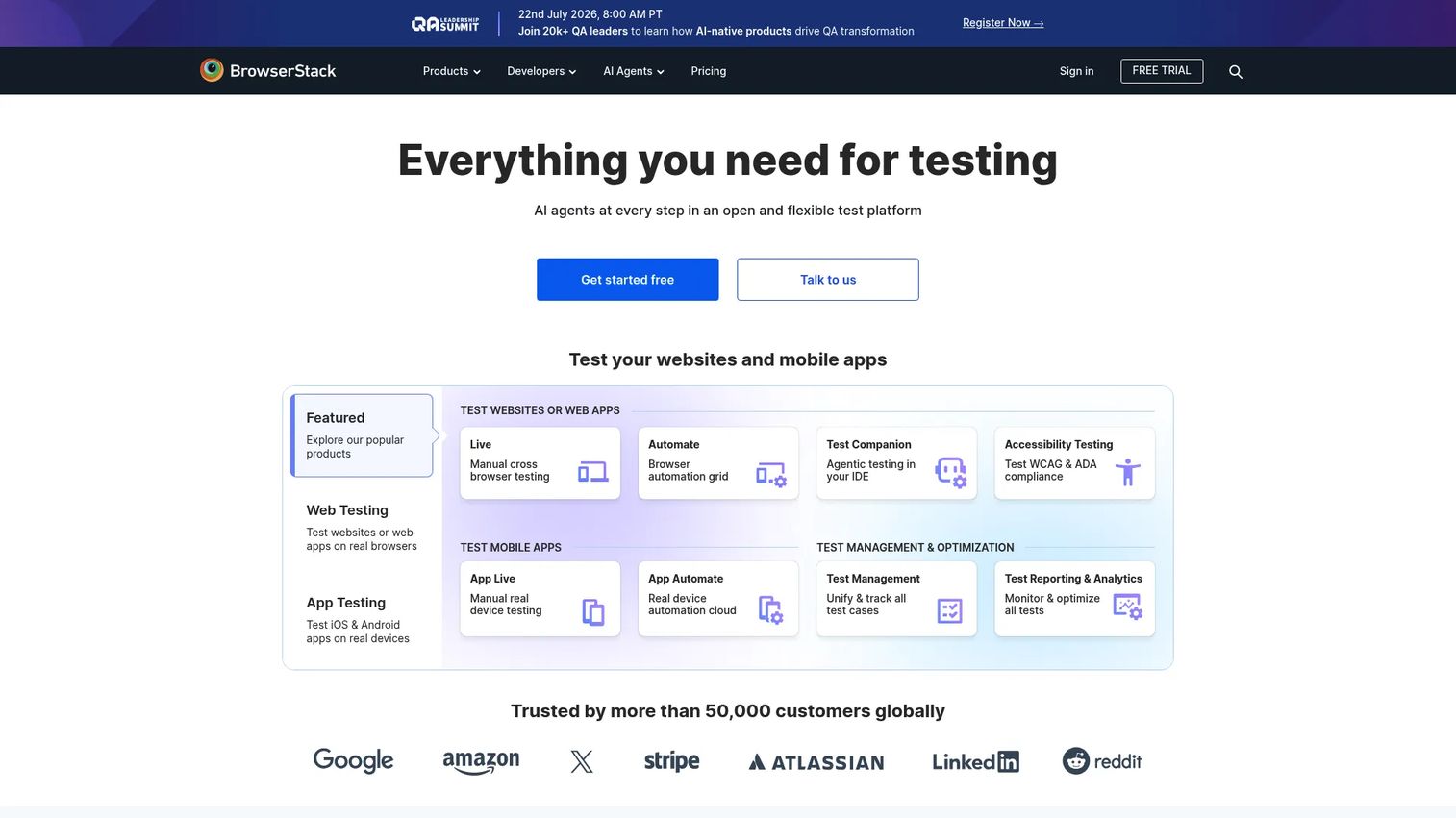
BrowserStack is the most established name in cloud cross-browser testing. It gives teams on-demand access to a real device cloud spanning thousands of browser, OS, and device combinations, so QA can validate coverage without owning or maintaining a physical lab. Beyond live testing, it bundles automation, accessibility testing, test management, and visual testing into one platform.
Best for: Teams that need the widest real-device and cross-browser coverage without managing lab infrastructure.
Key strengths
- Real device cloud: Live and automated testing on actual phones and browsers, not just emulators, for production-like confidence.
- Automation framework support: Runs Selenium, Playwright, Puppeteer, and Cypress suites, so it slots into existing developer workflows.
- Breadth of products: Accessibility testing, test management, and visual testing sit alongside core cross-browser testing under one login.
Why choose BrowserStack: If your priority is coverage breadth and a battle-tested workflow, BrowserStack is the default shortlist entry. It suits QA teams and product managers who want confidence that a release behaves the same across the long tail of browser and OS combinations their users actually run. The tradeoff is that its depth spans many product SKUs, so you pick the plans that match your matrix.
BrowserStack pricing: A free trial is available. Paid plans start at $29 per month for Desktop live testing, billed annually, with Desktop & Mobile at $39 per month. Team live plans run from $150 per month, and Automate Desktop & Mobile starts at $175 per month, all billed annually. Some enterprise and volume options are contact-sales only. G2 rating: 4.4/5.
2. Sauce Labs
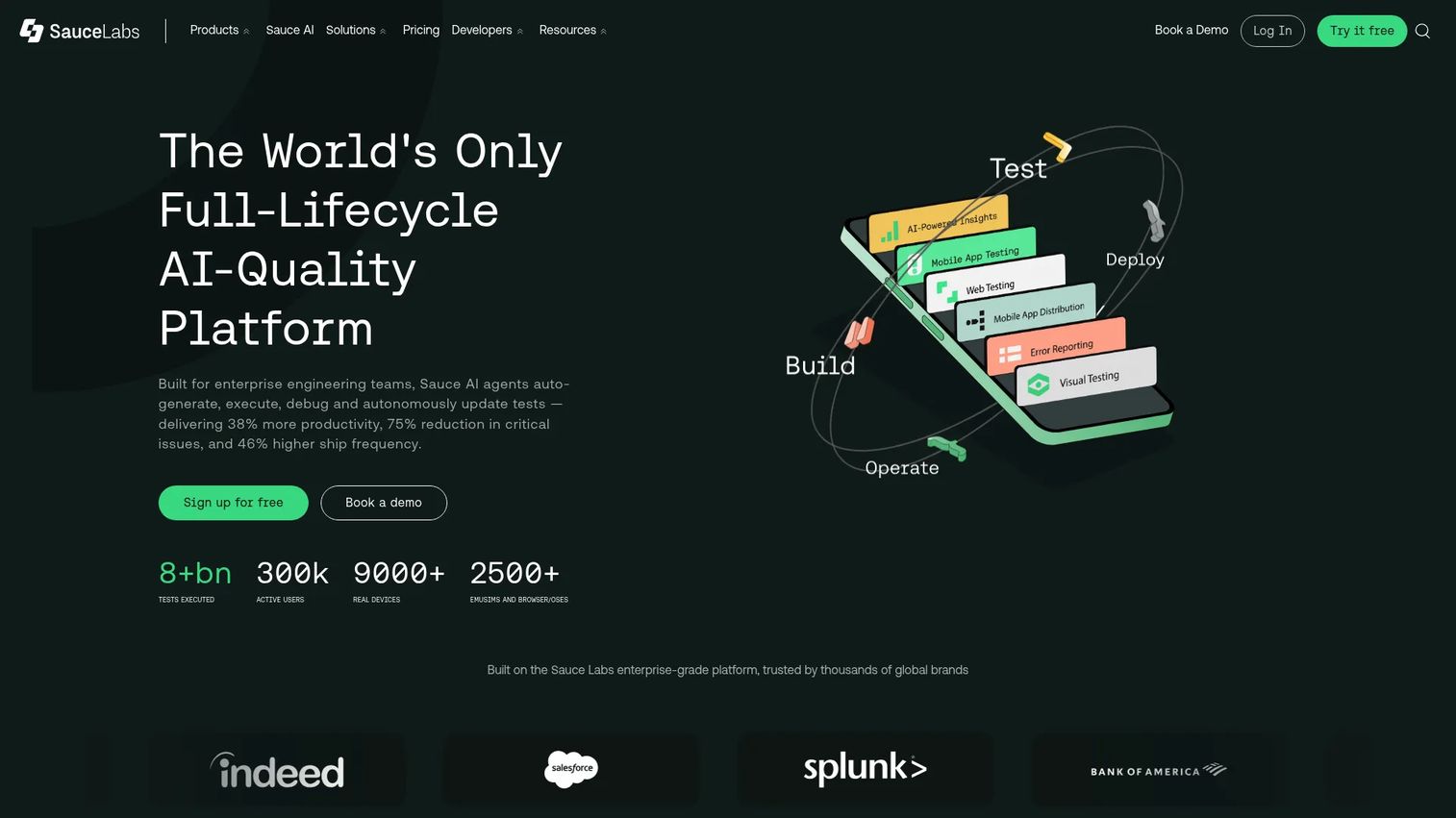
Sauce Labs is a cloud-based, AI-driven testing platform for web and mobile apps built for scale. It pairs a real device cloud and a virtual device cloud so teams can mix production-like real-device runs with fast, cheap virtual checks. Live testing, automated execution, debugging, and analytics all live in one place.
Best for: Teams that need cross-browser and mobile test automation at enterprise scale.
Key strengths
- Dual device clouds: Real and virtual device clouds let you tune coverage and cost across a large browser and OS matrix.
- Debugging artifacts: Video, screenshots, and logs from every run give engineers a fast reproduction path.
- Automation and analytics: Automated testing with observability insights that surface flaky tests and failure patterns.
Why choose Sauce Labs: Sauce Labs fits organizations that care about scale and observability, where hundreds of tests run daily and the team needs clean signal on what broke and why. The debugging depth, video plus logs on every session, is where it earns its place for engineering managers tracking release confidence across many pipelines.
Sauce Labs pricing: A free tier is available for qualifying open source projects. Live Testing starts at $39 per month billed annually, or $49 month to month. Virtual Device Cloud runs $149 per month and Real Device Cloud $199 per month, both billed annually. Enterprise pricing is not publicly disclosed. G2 rating: 4.3/5.
3. LambdaTest
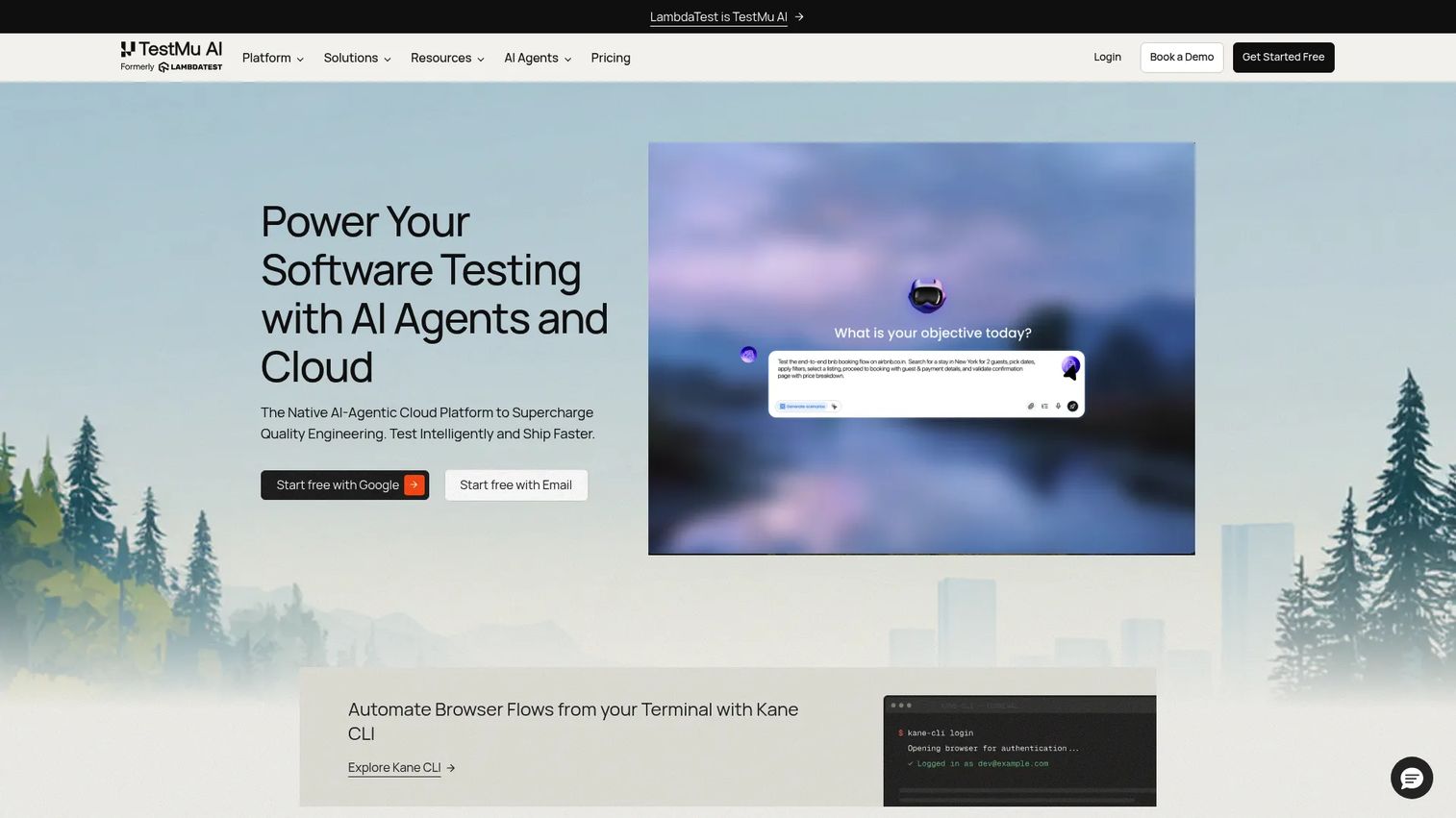
LambdaTest is a cloud platform for cross-browser, automation, and real-device testing, and it lands as a strong mid-market option. It combines live browser testing, a real device cloud for web and mobile apps, and automation support in a single interface, which keeps QA teams from stitching together separate tools.
Best for: QA teams that want browser and mobile testing plus visual testing in one cloud platform.
Key strengths
- Cross-browser testing cloud: Live browser testing across a wide range of browser and OS combinations for quick manual checks.
- Real device cloud: Actual devices for web and mobile apps, so mobile-specific defects surface before release.
- Automation support: Works with Selenium, Appium, and Cypress, and supports parallel testing to keep suites fast.
Why choose LambdaTest: LambdaTest hits a practical middle ground for teams that have outgrown ad hoc testing but do not need enterprise packaging yet. Its mix of live testing, automation, and visual testing capabilities makes it a sensible single platform for a growing QA function that ships often.
LambdaTest pricing: LambdaTest publicly offers a free entry plan that includes one parallel test, and it lists multiple paid plans above that tier for larger coverage and parallel testing needs. Check the current pricing page for the exact figures that match your parallel test volume. G2 rating: 4.5/5.
4. Functionize
Functionize is an AI-powered enterprise test automation platform built to cut the maintenance cost of automated browser testing. Its self-healing tests adapt when the UI changes, so scripts do not shatter every time a selector moves. Cross-browser cloud execution and workflow orchestration round out the platform for teams managing large suites.
Best for: Enterprise teams automating complex web testing and QA workflows who want less script upkeep.
Key strengths
- Self-healing automation: Tests adjust to UI changes automatically, reducing the constant repair work that drags on QA teams.
- Cross-browser cloud execution: Runs suites across browser combinations in the cloud without local infrastructure.
- Workflow orchestration: Bulk management and orchestration for teams running many tests across pipelines.
Why choose Functionize: If your team spends more time fixing broken tests than writing new ones, Functionize's self-healing angle is the pitch. It appeals to organizations with fast release cadence where onboarding rot and test decay are real costs, and where reducing maintenance frees engineers for higher-value work.
Functionize pricing: Functionize uses usage-based pricing and offers a free trial. The public pricing page does not display a fixed numeric starting price, so request a quote scoped to your test volume. G2 rating: 4.6/5.
5. Katalon
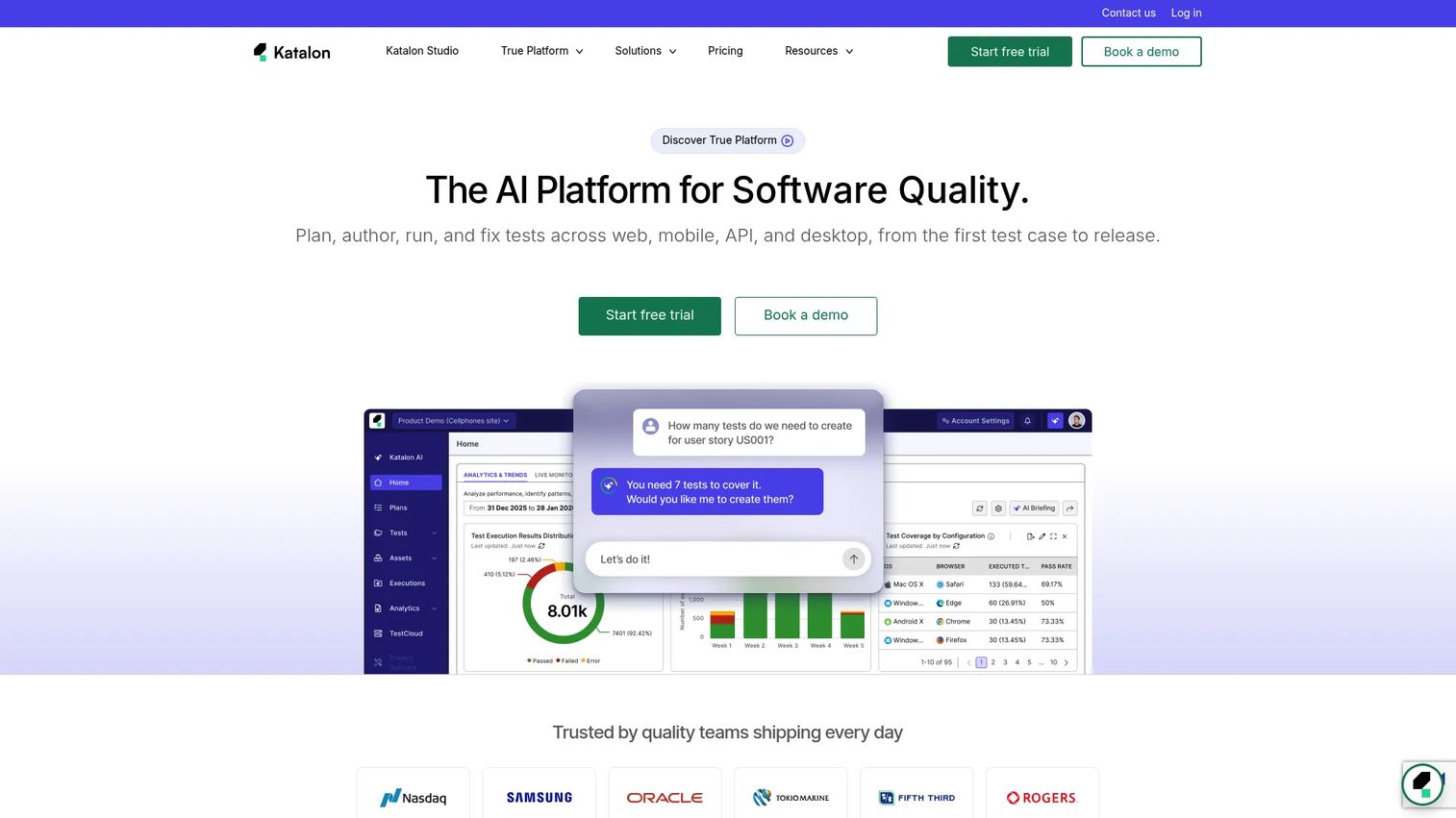
Katalon is an AI-powered software quality platform for planning, authoring, executing, and analyzing tests across web, mobile, API, and desktop. For teams trying to standardize QA across many app types, that single-platform breadth is the draw. It bundles test management, a test execution cloud, and an AI assistant so a QA function can consolidate tooling.
Best for: Teams that want one platform for test management and automation across multiple application types.
Key strengths
- Multi-app coverage: Web, mobile, API, and desktop automation in one place, including browser and OS coverage.
- Test management and analytics: Planning, execution, reporting, and release insights that give managers a full QA picture.
- AI-assisted testing: An AI assistant and AI-powered features that speed up authoring and analysis.
Why choose Katalon: Katalon works for teams standardizing QA across tools rather than buying a point solution for browsers alone. The reporting and release insights help engineering managers tie test coverage to release confidence, and the CI/CD integrations keep runs flowing into the pipeline.
Katalon pricing: A free tier is available. Paid plans start with True Platform at $700 per seat per year and True Automation at $2,000 per seat per year. Katalon Studio Enterprise runs $2,199 per seat per year and the Runtime Engine is $1,749 per license per year, with a custom Enterprise plan for larger needs. A free trial is offered on the homepage.
6. BitBar
BitBar, part of SmartBear, delivers cloud-based browser and device testing for web, native, and hybrid apps. Its focus is device breadth: live testing on real browsers and devices, plus automated testing in parallel across many devices at once. Local testing runs through SmartBear SecureTunnel for private environments.
Best for: Teams that need scalable cross-browser and real-device testing in the cloud.
Key strengths
- Real browser and device testing: Live sessions on actual browsers and devices for production-like validation.
- Parallel automation: Automated testing across many devices at once to keep coverage fast as suites grow.
- Secure local testing: SecureTunnel lets you test internal or staged builds without exposing them publicly.
Why choose BitBar: BitBar suits teams whose priority is device breadth and who want both manual and automated workflows on real hardware. Backing from SmartBear means it fits organizations already invested in that ecosystem, and the parallel execution model scales with your device matrix.
BitBar pricing: A free Open Source option is available, plus a 14-day trial. Live Testing starts at $46 per parallel per month and BitBar Unlimited at $210 per parallel per month, both billed annually. Enterprise pricing is custom via sales. G2 rating: 4.1/5.
7. Browserling
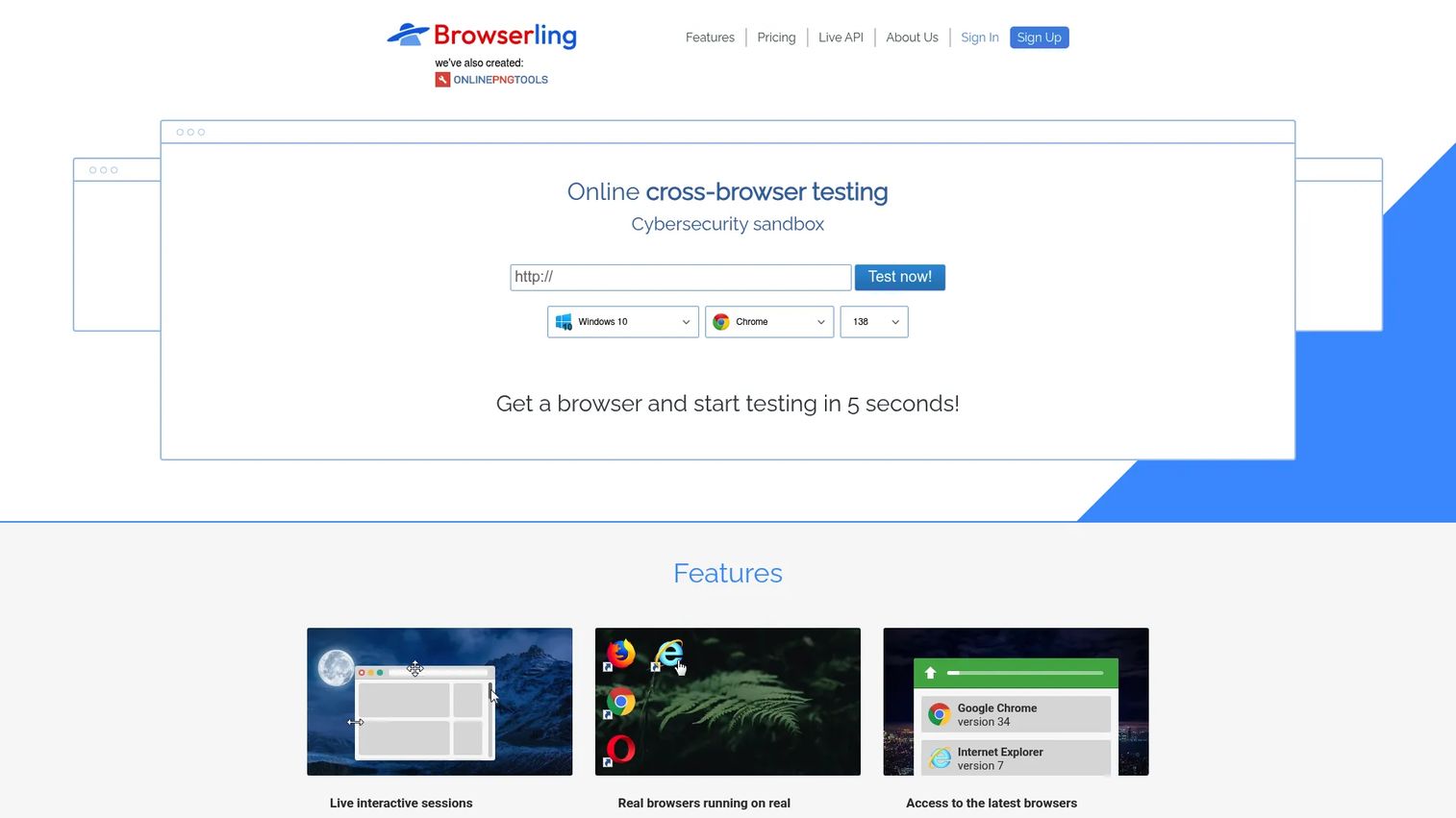
Browserling is a cloud-based cross-browser testing platform built around speed and simplicity. It gives you real browsers running in sandboxed virtual machines across Windows, macOS, iOS, Android, and Linux, so you can spin up a live session and check a page in seconds. It is the tool you reach for when you need a fast spot check, not a heavy automation suite.
Best for: QA teams and developers needing quick real-browser checks without local device labs.
Key strengths
- Fast live sessions: Real browser testing across major operating systems with almost no setup.
- Responsive and screenshot checks: Cross-browser and responsive testing with screenshot output for quick visual verification.
- Developer utilities: Geo browsing, proxy and IP options, SSH tunnels, and file transfer for testing tricky scenarios.
Why choose Browserling: Browserling fits teams that need fast, lightweight live browser testing more than a deep automation platform. When a designer or developer just needs to confirm how a page renders on a specific browser, its low-friction session model gets the answer in seconds rather than minutes.
Browserling pricing: The free version allows three minutes of testing per session, with paid plans removing the time limit. Individual plans start at $9 per month for the Starter plan, $19 per month for Developer, and $29 per month for Developer Pro. Team plans begin at $19 per user per month, all billed annually. G2 rating: 4.0/5.
8. TestingBot
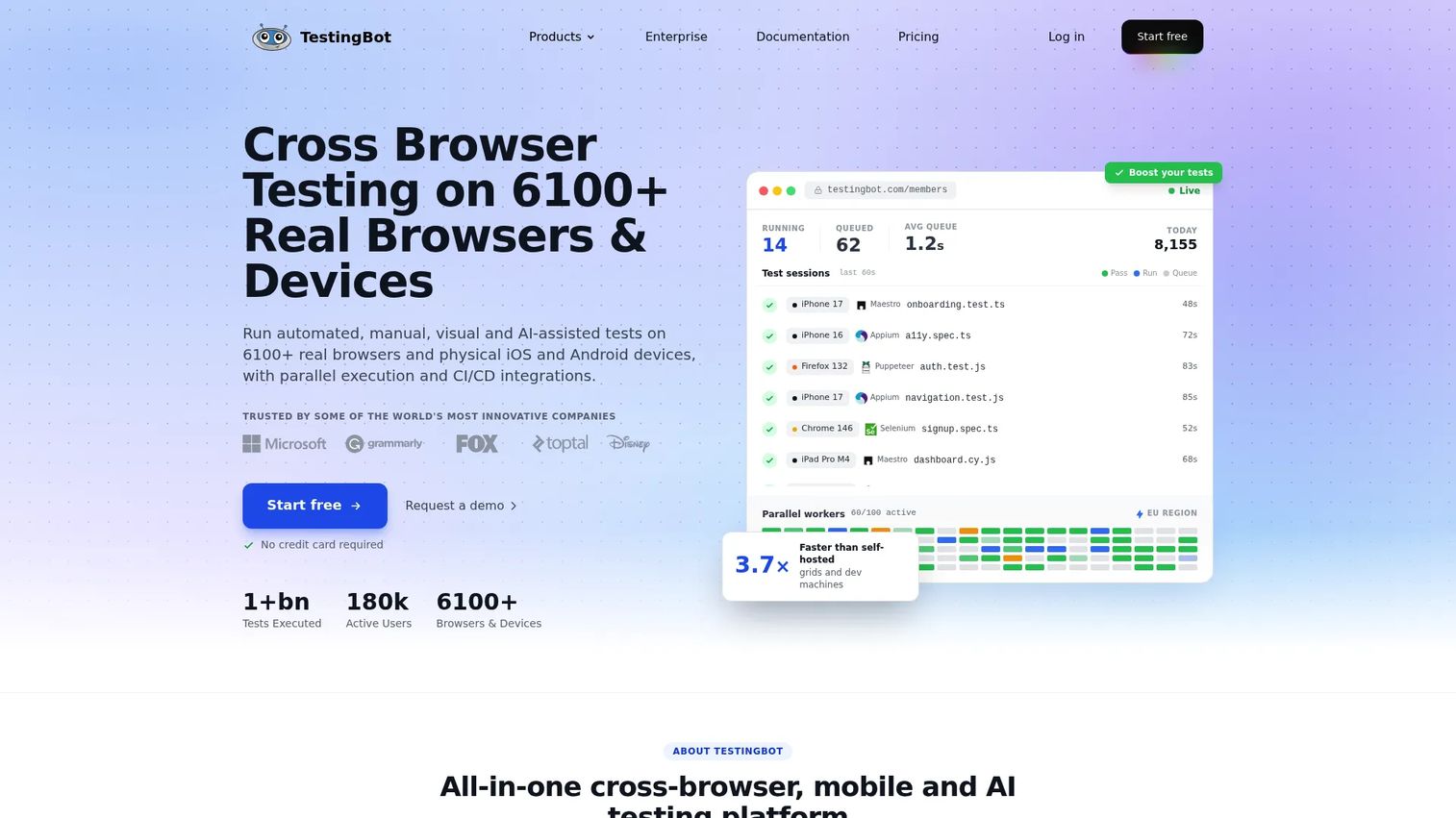
TestingBot is a cloud testing platform for cross-browser, mobile, visual, automation, and AI-driven testing on real browsers and devices. It offers 6100+ real desktop browsers and physical iOS and Android devices, which is serious breadth for its accessible entry price. That balance of coverage and cost makes it a practical pick for teams that want both live and automated workflows.
Best for: Teams that need real-device cross-browser and mobile testing with both manual and automated workflows.
Key strengths
- Massive browser and device pool: 6100+ real desktop browsers plus physical iOS and Android devices for wide coverage.
- Broad framework support: Works with Selenium, Appium, Playwright, Cypress, Puppeteer, Espresso, XCUITest, and Maestro, fitting most CI/CD integrations.
- AI and debugging support: AI test creation plus video and screenshot recording to speed up debugging.
Why choose TestingBot: TestingBot is the balanced, practical option for teams that want real-device coverage and automation without an enterprise price tag. Its low entry point makes it easy to trial, and the wide framework support means it plugs into existing developer workflows with little friction.
TestingBot pricing: A 14-day free plan and a free open-source plan are available. Live testing starts at $20 per month, Automated at $50 per month, and Automated Pro at $90 per month, all billed annually. A Pay As You Go option is $60 as a one-time payment, and Enterprise is custom. G2 rating: 4.0/5.
Considerations before you buy
A shortlist is only useful once you match it to your reality. Run every candidate through these criteria before committing.
Real device coverage vs emulators and simulators
Decide how much of your risk sits on real hardware versus early-stage checks. Emulators and simulators are fast and cheap for smoke tests, but a real device cloud gives production-like confidence on the flows that drive revenue. Weight your matrix toward real devices on signup, checkout, and onboarding.
Automation depth and parallel testing
If you ship frequently, parallel testing keeps feedback fast as coverage grows. Check how many parallel sessions each tier allows and whether the pricing model, per parallel or per seat, matches how your team scales.
CI/CD integrations and framework fit
Confirm the tool supports your automation frameworks and wires into your CI/CD pipeline so tests run on pull requests and release branches. This is what removes manual handoffs and shortens the feedback loop for QA teams.
Debugging artifacts and visual regression
Look for video, screenshots, and logs on every run, plus visual regression testing through screenshot comparison. Rendering bugs are among the most common cross-browser failures, and functional tests alone will miss them.
Pricing model and total cost
Entry prices vary widely, from single-digit monthly plans to per-seat enterprise contracts. Map the pricing model to your device matrix and release cadence, not just the headline number, so cost scales predictably as coverage expands.
Conclusion
There is no single best cross-browser testing tool, only the best fit for your workflow. For the widest real-device coverage and the most established workflow, BrowserStack is the default shortlist entry. For enterprise scale with deep debugging and observability, Sauce Labs earns its place. LambdaTest is the strong mid-market all-rounder, Functionize leads on AI-driven, low-maintenance automation, and Katalon shines when you are standardizing QA across web, mobile, API, and desktop. For fast live spot checks, Browserling is hard to beat, and TestingBot delivers a balanced mix of real-device coverage and automation at an accessible price.
Start with the tool that best matches your release cadence, device matrix, and debugging needs. Trial two or three, run your highest-risk flows, signup, checkout, onboarding, across your top browser and OS combinations, and pick the one that gives clean signal with the least maintenance. Protecting those flows is protecting activation, conversion, and trust.
If your release-confidence stack also touches how you validate front-end experiences, tools like Guideflow help teams build interactive product experiences, from interactive demos and sandboxes to demo centers, live demos, and mobile demos, that let users experience a product at their own pace. You can personalize each experience, share it anywhere, collaborate across teams, and analyze engagement in real time.
FAQs
Cross-browser testing checks that your app behaves correctly across different browsers, browser versions, and operating systems. Responsive testing checks that layout and usability hold up across screen sizes. They overlap but are not the same, and most teams need both to ship with confidence.
Emulators and simulators are useful for fast, cheap smoke checks early in development. Real devices give production-like confidence because they run the actual browser and OS your users have. The right mix depends on release risk and budget: weight toward real devices on high-stakes flows like checkout and signup.
There is no universal winner. The best tool depends on your browser and OS coverage needs, live testing requirements, automation depth, and how your team debugs. BrowserStack and Sauce Labs suit broad coverage and scale, while LambdaTest and TestingBot offer strong value for growing QA teams.
Automation-first teams should prioritize parallel testing, CI/CD integrations, and stable test maintenance. Functionize leads on self-healing to reduce upkeep, Katalon standardizes automation across app types, and Sauce Labs and BrowserStack support major frameworks at scale. Automation value increases when coverage is tied directly to release pipelines.
Very, if you want tests to run automatically on pull requests or release branches. CI/CD integrations remove manual handoffs and shorten feedback loops, so failures surface while the code is still fresh in a developer's mind. For teams shipping weekly or daily, this is close to non-negotiable.
It often is, because rendering bugs are among the most common cross-browser issues. Visual regression testing uses screenshot comparison to catch UI drift that functional tests miss, like a layout that shifts between browsers or a component that renders differently after a release. Many platforms in this guide bundle it in.
Compare real-device coverage, debugging depth, automation tooling, and pricing against your workflow. BrowserStack leads on breadth and an established real device cloud. Sauce Labs excels at enterprise scale and observability with rich debugging artifacts. LambdaTest offers a strong mid-market blend of live, automated, and visual testing. Match the tool to your device matrix and release cadence rather than the brand name.
For product managers, browser testing is a guardrail for activation, conversion, and user trust, not just a QA checklist. Prioritize coverage on the flows that drive your key metrics, debugging speed that shortens time to fix, and CI/CD integrations that keep coverage running without adding operational overhead. Tie tool choice to release confidence, because a browser defect on signup or checkout hits retention and revenue directly.