You type a few words, click generate, and watch an image appear that didn't exist five seconds ago. AI image generators have moved from novelty to practical tool faster than most people expected, and the options have multiplied just as quickly in a market growing at 17.4% CAGR.
The problem isn't finding an AI image generator. It's figuring out which one actually fits your use case, budget, and commercial needs. This guide breaks down 12 tools after hands-on testing, covering what each does best, where they fall short, and how to choose between them.
What's inside
This guide covers what AI image generators are, how they turn text into visuals, and which 12 tools actually deliver after hands-on testing. You'll find a comparison table with pricing and ratings, detailed breakdowns of each tool's strengths, and practical guidance on writing better prompts. We also cover commercial licensing and legal considerations, since that's where most people get tripped up.
Selection criteria: output quality, prompt accuracy, pricing transparency, free tier availability, and whether the tool grants clear commercial usage rights.
TL;DR
- Best overall: ChatGPT for conversational prompting and iterative refinement
- Best for text accuracy: Ideogram for logos and typography that actually reads correctly
- Best for creative control: FLUX for customization and model flexibility
- Best free option: Leonardo AI for a generous free tier without immediate payment
- Best for commercial safety: Adobe Firefly for licensed training data and clear usage rights
What is an AI image generator
AI image generators are tools that transform text prompts into visuals using machine learning models trained on massive image datasets. You type a description of what you want to see, and the model interprets your words to create a matching image in seconds. This process is called text-to-image generation.
The quality and style vary significantly across platforms. A tool that produces stunning landscapes might struggle with product photography, and vice versa. That's why choosing the right tool for your specific use case matters more than picking the "best" one overall.
How AI image generators create pictures from text
Understanding the underlying technology helps you write better prompts and set realistic expectations.
Text to image models
When you enter a prompt, the AI model breaks your text into tokens and maps them to visual concepts it learned during training. Most modern generators use diffusion models, which start with random noise and gradually refine it into a coherent image based on your description.
The model doesn't "understand" your prompt the way a human would. It recognizes patterns and associations from millions of training images. Specific, descriptive prompts typically produce better results than vague requests.
Image to image generation
Some tools accept an existing image as input, then modify or transform it based on additional text instructions. Common use cases include style transfer (making a photo look like a painting), removing unwanted objects, or extending an image beyond its original borders.
This capability, often called outpainting or inpainting, lets you iterate on generated images or enhance existing photographs.
How training data affects output quality
AI models learn from the images they're trained on, which affects both what they can generate and the legal implications of using their outputs. A model trained primarily on photographs will struggle with anime styles. One trained on licensed stock images (like Adobe Firefly) offers clearer commercial usage rights.
What makes the best AI image generator
Before diving into specific tools, here's what to evaluate.
Output quality and realism
This refers to image sharpness, detail accuracy, and how polished the generated images look. Quality varies significantly across tools and styles. Test with your actual use cases rather than relying on cherry-picked examples from marketing materials.
Prompt accuracy and control
Prompt adherence measures how closely the generated image matches your text description. Some tools follow prompts literally, including every element you specify. Others interpret them more loosely, adding or omitting details based on their training.
Style variety and customization
Available artistic styles range from photorealistic to watercolor, anime, 3D renders, and abstract art. Some tools offer preset style filters. Others let you upload reference images or fine-tune models on your own data.
Speed and generation limits
Generation time ranges from a few seconds to several minutes depending on the tool, image complexity, and your subscription tier. Free tiers typically impose daily or monthly generation caps and slower processing.
Pricing and free tier options
Common pricing models include:
- Free with limits: Daily or monthly generation caps, lower resolution, watermarks
- Credit-based: Pay per generation, credits may or may not roll over
- Subscription: Monthly fee for a set number of generations or unlimited use
Commercial licensing and usage rights
Some tools grant full commercial rights to generated images. Others restrict usage for advertising, merchandise, or resale. A few require attribution. Training data source matters here: tools trained on licensed content offer clearer legal standing than those trained on scraped web images.
Editing and post-processing features
Built-in editing capabilities save time and reduce the need for external software. Look for inpainting (modify specific parts of an image), outpainting (extend an image beyond its original borders), upscaling (increase resolution), and generative fill (replace selected areas with AI-generated content).
Integration and export options
Consider export formats (PNG, JPG, WebP), maximum resolution, API availability for developers, and integrations with design tools like Canva or Adobe Creative Cloud.
Best AI image generators at a glance
# | Tool | Best for | Key differentiator | Pricing | G2 Rating |
|---|---|---|---|---|---|
1 | ChatGPT | Conversational iteration | Natural language refinement | Free tier + $20/mo Plus | 4.7/5 |
2 | Google Gemini | Google ecosystem users | Multimodal understanding | Free tier + $20/mo | 4.4/5 |
3 | Midjourney | Artistic quality | Exceptional aesthetics | $10/mo+ | 4.4/5 |
4 | Reve | Complex prompt accuracy | Precise composition control | Free tier + paid plans | N/A |
5 | Ideogram | Text in images | Legible typography | Free tier + $7/mo | 4.5/5 |
6 | FLUX | Technical control | Open-source flexibility | Free + API pricing | N/A |
7 | Adobe Firefly | Commercial projects | Licensed training data | Free tier + $4.99/mo | 4.5/5 |
8 | Recraft | Graphic design | Vector output capability | Free tier + $20/mo | 4.7/5 |
9 | Leonardo AI | Free tier value | Generous daily credits | Free tier + $12/mo | 4.6/5 |
10 | DALL-E 3 | API integration | Developer-friendly | API pricing | 4.3/5 |
11 | Stable Diffusion | Privacy and control | Local installation option | Free (self-hosted) | 4.4/5 |
12 | Canva Magic Media | Non-designers | In-platform generation | Free tier + $12.99/mo | 4.7/5 |
The 12 best AI image generators tested
1. ChatGPT
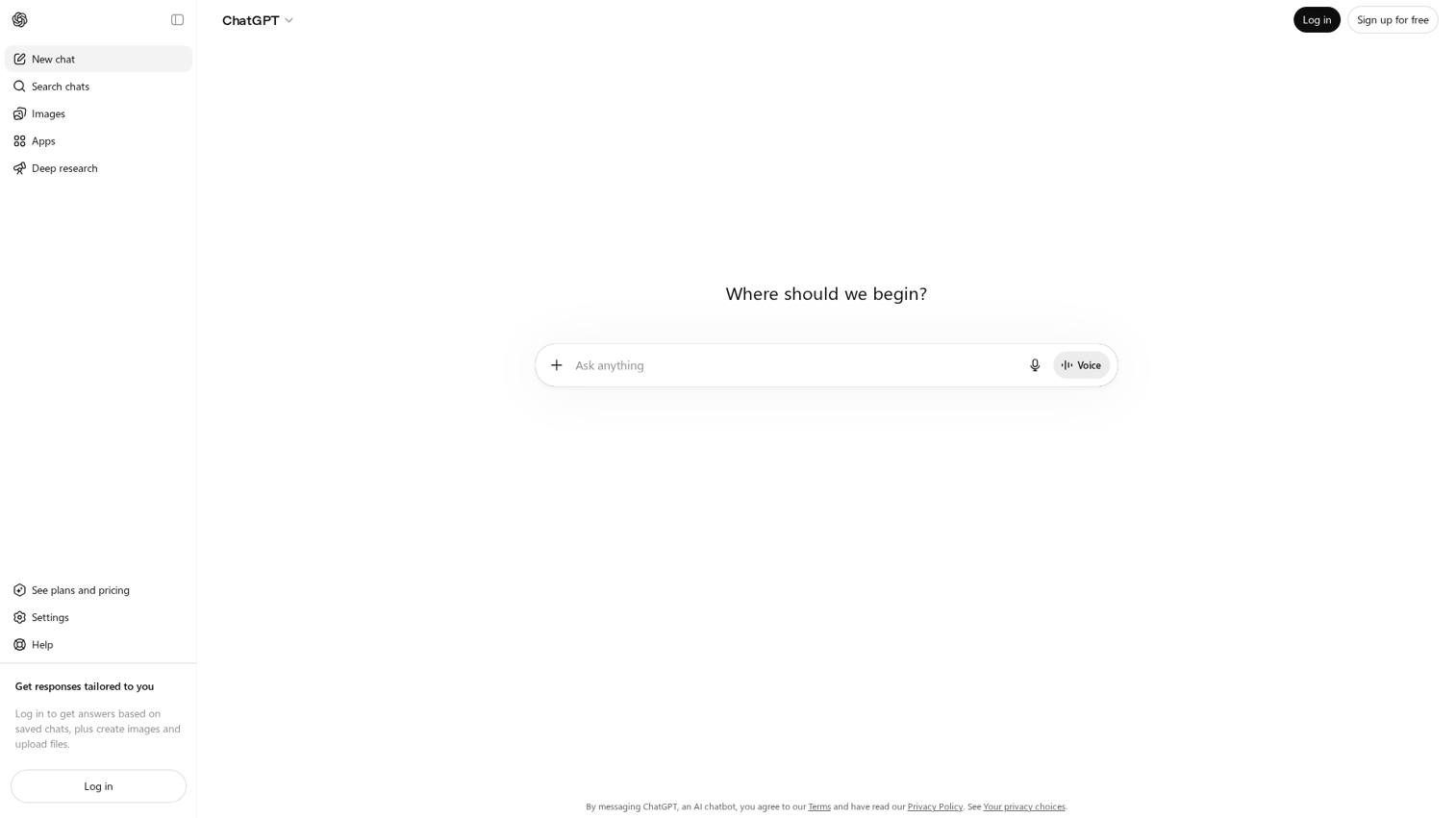
ChatGPT's image generation combines DALL-E technology with conversational interaction. You describe what you want in natural language and refine results through follow-up messages. The newer GPT-4o model generates images natively within the chat interface.
Best for: Users who want to describe and refine images through natural conversation rather than learning prompt syntax.
Key strengths
- Conversational refinement: Ask for changes in plain English ("make the sky more dramatic" or "remove the person on the left")
- Context awareness: The model remembers your conversation, so you can build on previous generations
- Integrated workflow: Generate images alongside text content in the same chat
Why choose ChatGPT
Pick ChatGPT when you want the lowest learning curve and most intuitive interaction model. The conversational approach works especially well for iterating toward a specific vision when you're not sure exactly what you want at the start.
Pricing
Free tier available with limited generations. ChatGPT Plus at $20/month includes significantly more image generation capacity.
2. Google Gemini
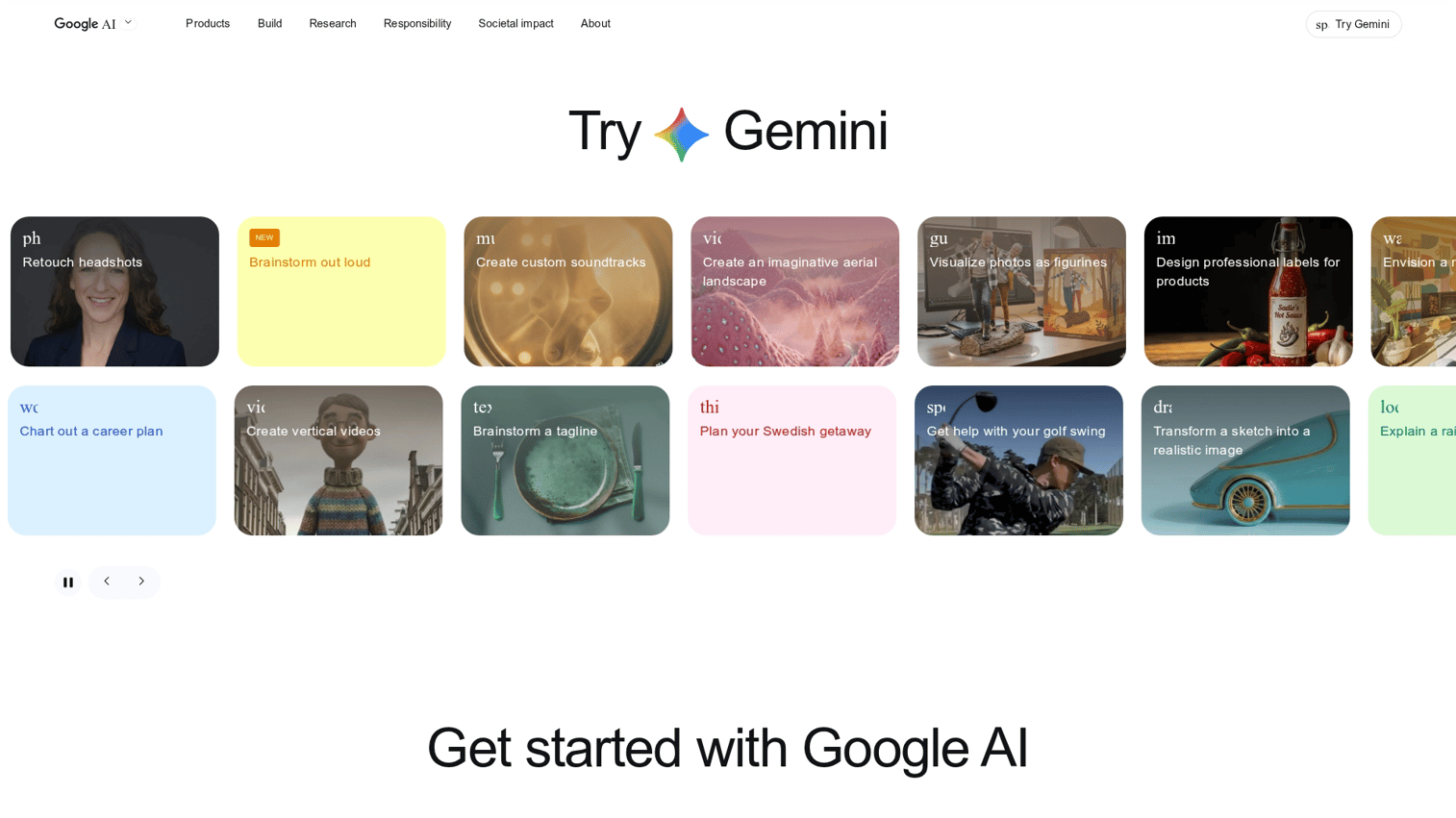
Google Gemini generates images through the same interface you use for text conversations, with tight integration into Google Workspace. The multimodal model understands both text and images, so you can upload reference images alongside your prompts.
Best for: Google Workspace users who want image generation within their existing workflow.
Key strengths
- Multimodal input: Combine text prompts with uploaded reference images
- Google integration: Access through Google Search, Docs, and other Workspace apps
- Free access: Basic image generation available without subscription
Why choose Google Gemini
Choose Gemini when you're already embedded in Google's ecosystem and want image generation without adding another tool. Google restricts certain image types (particularly photorealistic human faces) more aggressively than competitors.
Pricing
Free tier available with daily limits. Google One AI Premium at $19.99/month includes expanded access.
3. Midjourney
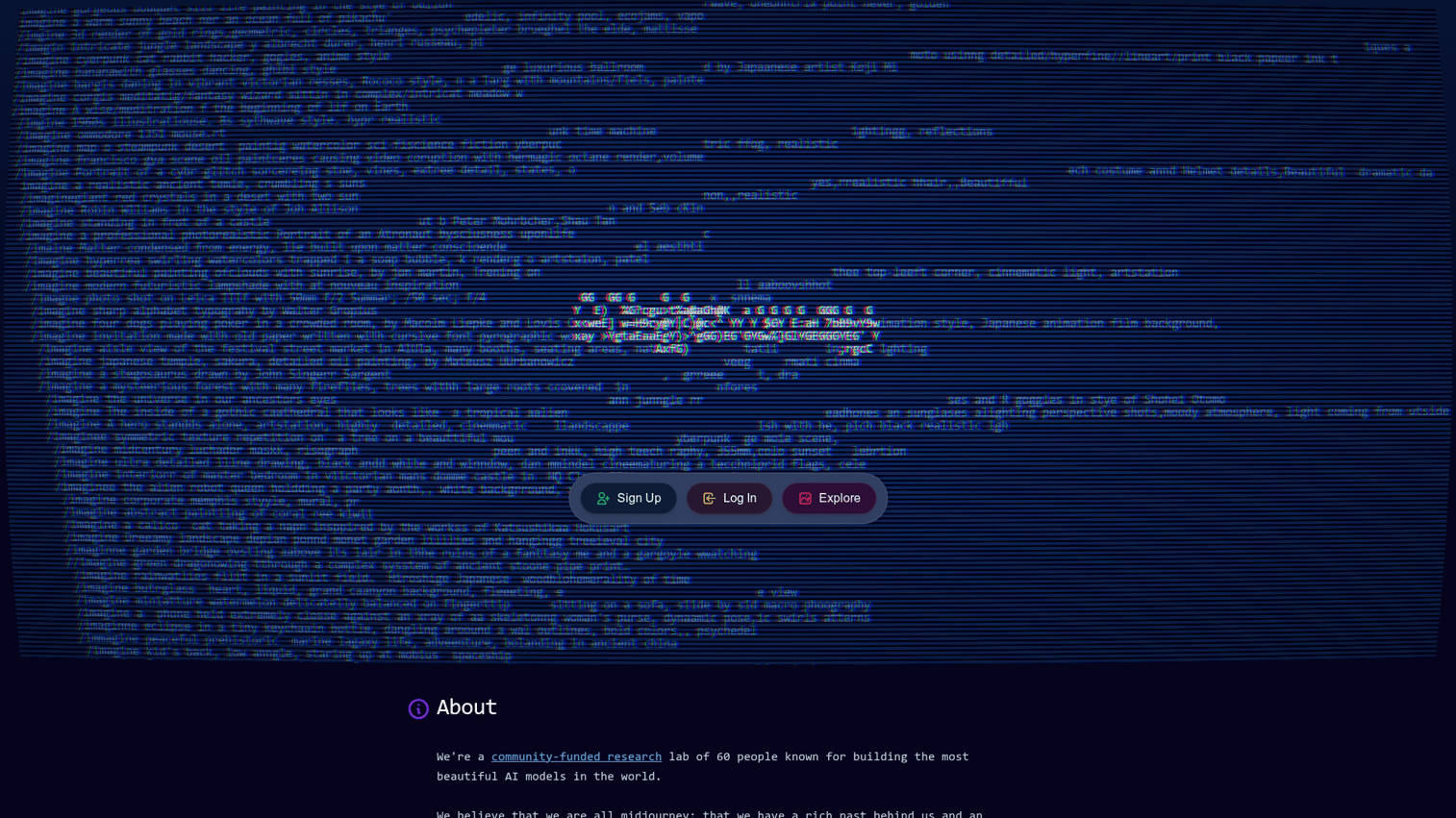
Midjourney operates through Discord rather than a traditional web interface. The tool consistently produces some of the most aesthetically striking images in the category, with a distinctive artistic quality.
Best for: Creators prioritizing artistic output and visual impact over photorealism or precise prompt adherence.
Key strengths
- Exceptional aesthetics: Consistently produces visually striking, artistic images
- Style consistency: Strong at maintaining coherent visual style across generations
- Active community: Discord-based community shares prompts, techniques, and inspiration
Why choose Midjourney
Pick Midjourney when visual quality and artistic impact matter more than literal prompt accuracy. The tool excels at concept art, illustrations, and images where "looking amazing" trumps "matching the brief exactly."
Pricing
No free tier. Basic plan at $10/month, Standard at $30/month, Pro at $60/month.
4. Reve
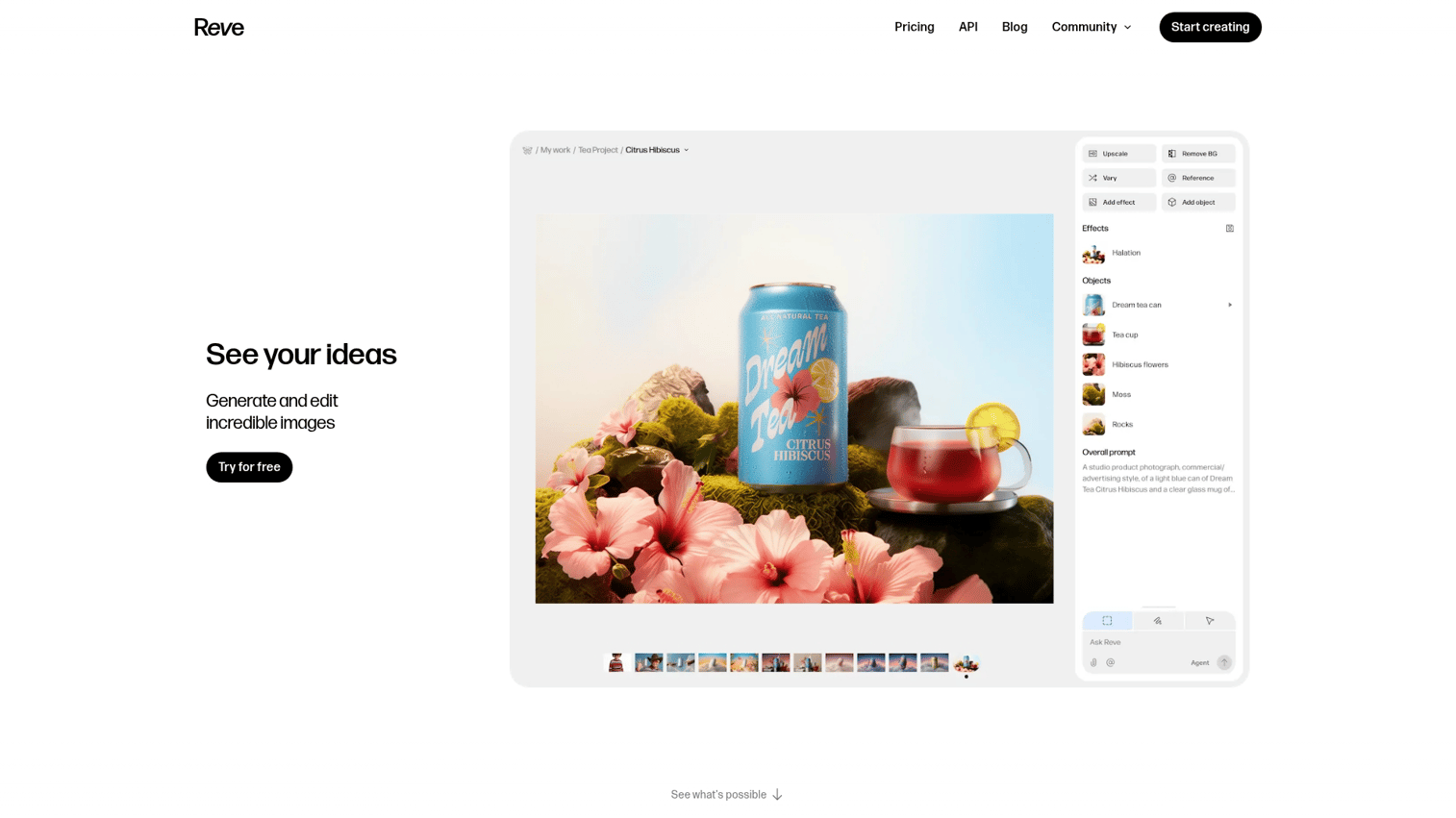
Reve focuses on following complex, detailed prompts accurately. It handles multi-element compositions and specific spatial arrangements better than most competitors.
Best for: Users who want precise control over composition, element placement, and complex scene descriptions.
Key strengths
- Prompt adherence: Follows detailed, multi-element prompts more accurately than most tools
- Composition control: Better at placing specific elements in specific locations
- Consistent characters: Maintains character consistency across multiple generations
Why choose Reve
Choose Reve when you have a specific vision and want the AI to execute it faithfully rather than interpret it creatively. The tool works well for storyboarding, product visualization, and any use case where precision matters.
Pricing
Free tier available with daily limits. Paid plans start at $9.99/month.
5. Ideogram
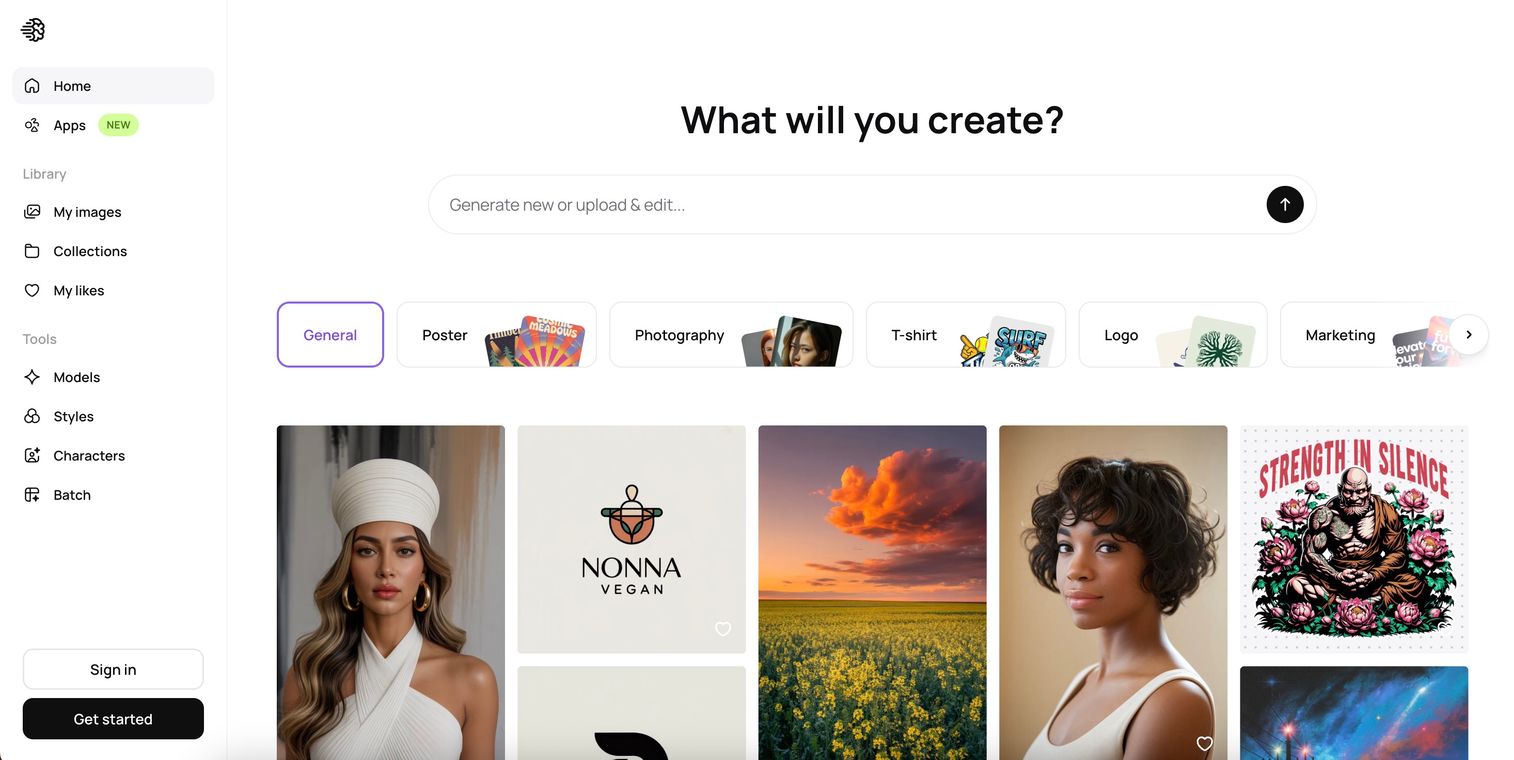
Ideogram solves the problem that plagues most AI image generators: text. While other tools produce garbled, misspelled, or nonsensical text in images, Ideogram generates legible, accurate typography.
Best for: Logos, posters, social media graphics, and any image that includes readable text.
Key strengths
- Accurate text rendering: Generates legible, correctly spelled text within images
- Logo design: Creates professional-looking logos with proper typography
- Style variety: Supports multiple artistic styles alongside text accuracy
Why choose Ideogram
Pick Ideogram whenever your image includes text. For images without text, other tools may produce better results. But for text-heavy visuals, Ideogram has no real competition.
Pricing
Free tier with 25 daily generations. Basic plan at $7/month, Plus at $16/month, Pro at $48/month.
6. FLUX
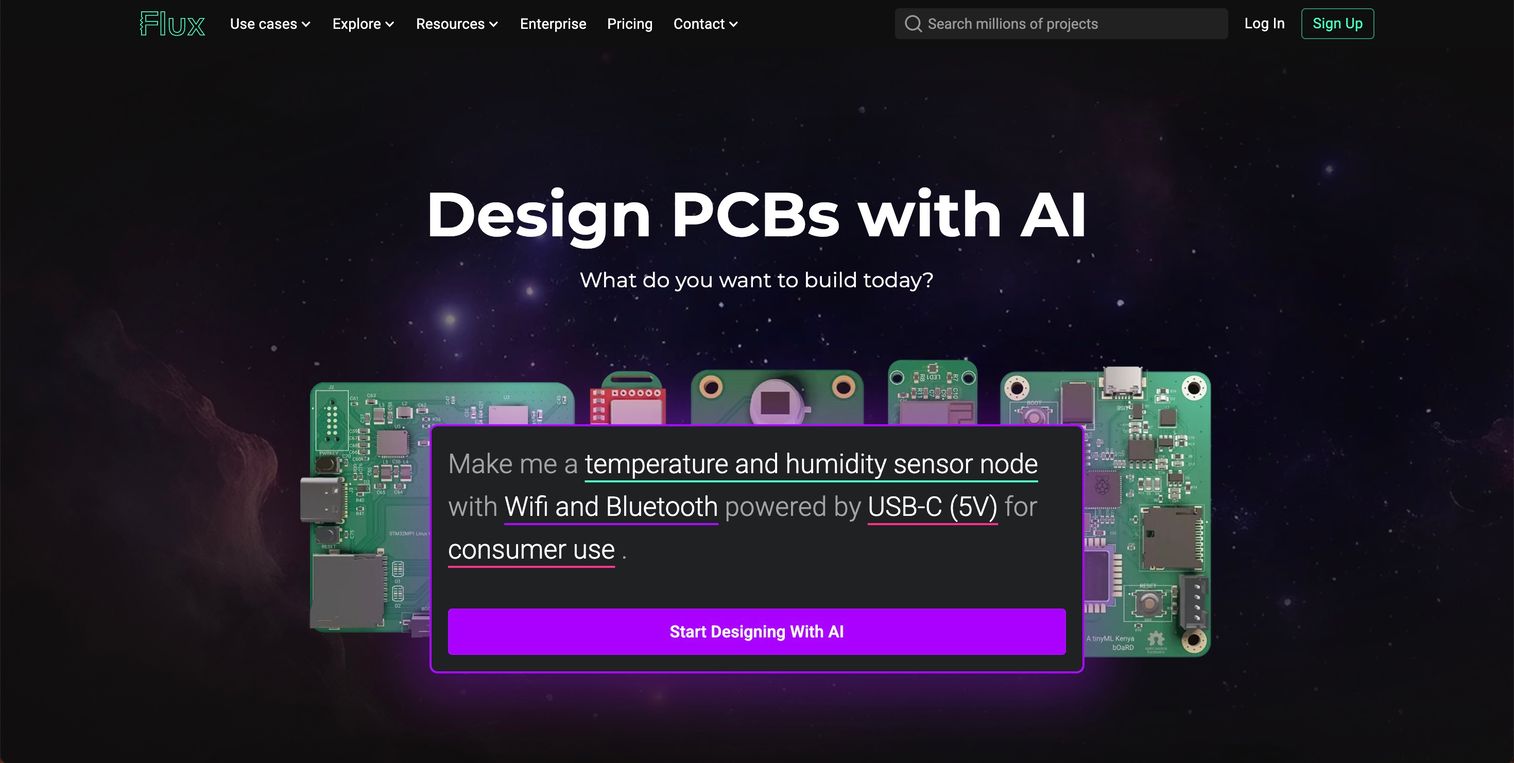
FLUX, developed by Black Forest Labs, offers multiple model variants (Pro, Dev, Schnell) with different speed and quality trade-offs. The open-source approach means you can run it locally, access it through various interfaces, or integrate via API.
Best for: Technical users who want maximum control, local deployment options, or custom model fine-tuning.
Key strengths
- Model flexibility: Choose between speed-optimized and quality-optimized variants
- Open-source availability: Run locally on your own hardware for privacy and cost control
- Fine-tuning support: Train custom models on your own images
Why choose FLUX
Choose FLUX when you want control over the entire generation pipeline, or when you want to fine-tune models on proprietary data. For users who just want to type a prompt and get an image, simpler tools will be more efficient.
Pricing
Free for self-hosted deployment (requires capable hardware). API access through providers like Replicate starts around $0.003 per image.
7. Adobe Firefly
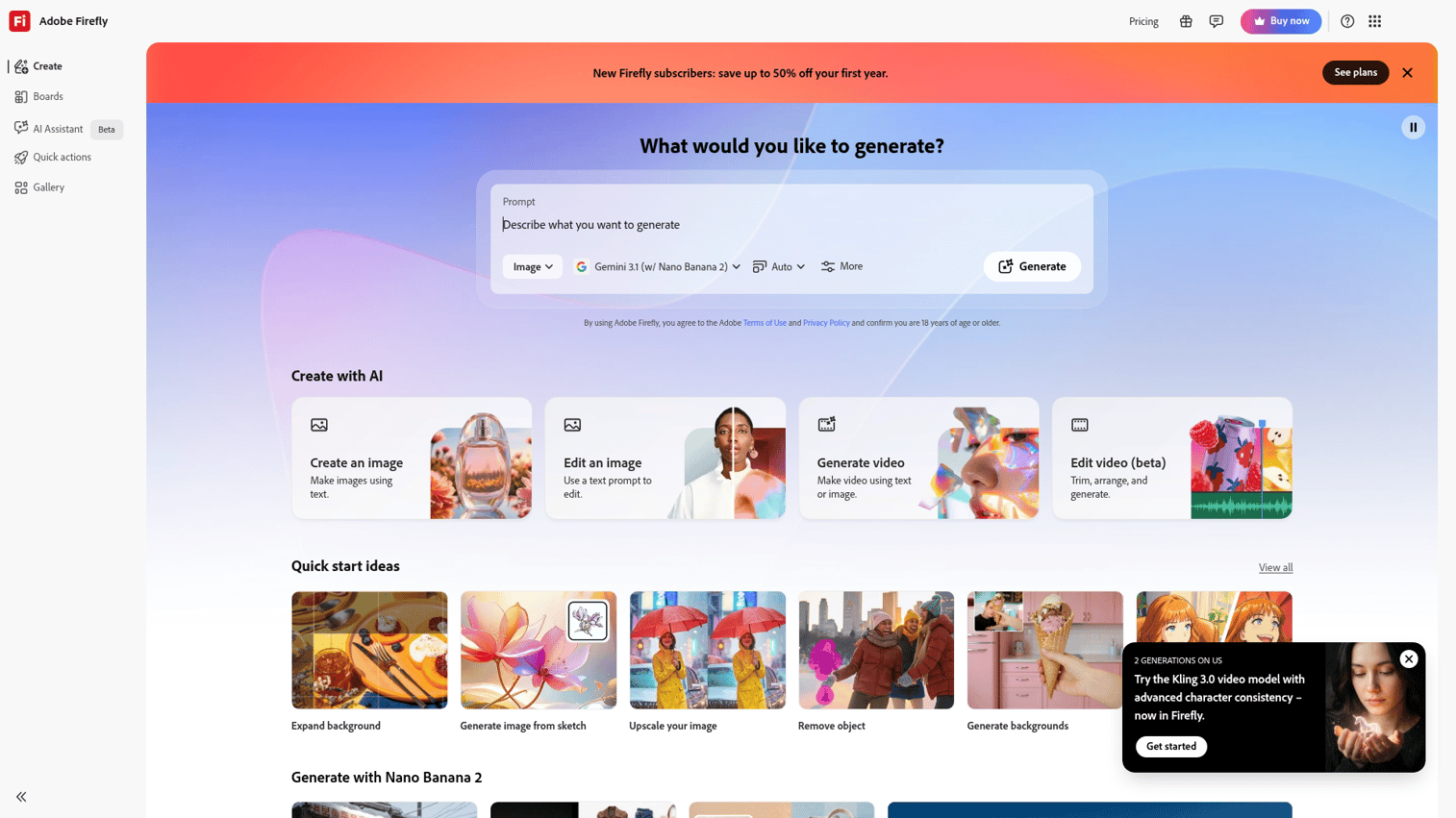
Adobe Firefly differentiates on commercial safety. The model trains exclusively on Adobe Stock images, licensed content, and public domain works, which means clearer legal standing for commercial use.
Best for: Professional designers and commercial projects requiring clear licensing and Creative Cloud integration.
Key strengths
- Commercial safety: Trained on licensed content, reducing legal risk for business use
- Creative Cloud integration: Generate images directly in Photoshop, Illustrator, and Express
- Generative fill: Edit existing images by describing what you want to add or change
Why choose Adobe Firefly
Pick Firefly when commercial licensing clarity matters, when you're already in the Adobe ecosystem, or when you want to edit existing images rather than generate from scratch.
Pricing
Free tier with 25 monthly credits. Premium plan at $4.99/month. Creative Cloud subscribers get Firefly included.
8. Recraft
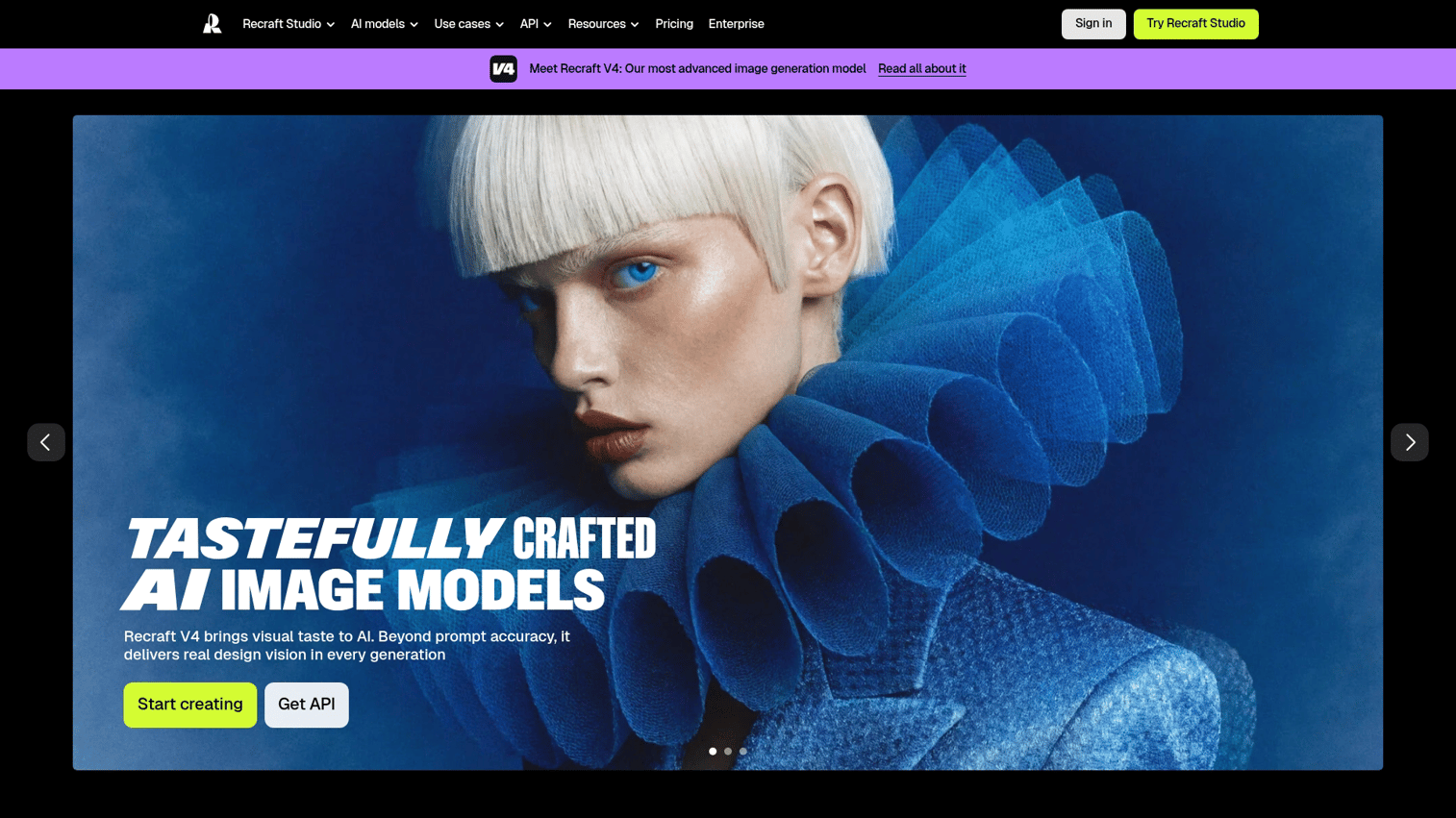
Recraft focuses on graphic design rather than photorealistic imagery, with standout vector output capability. You can generate illustrations, icons, and brand assets that export as scalable vector files.
Best for: Creating illustrations, icons, and brand assets that require vector format or consistent brand styling.
Key strengths
- Vector output: Generate scalable vector graphics, not just raster images
- Brand kit integration: Define brand colors, styles, and guidelines for consistent output
- Illustration focus: Optimized for graphic design rather than photorealism
Why choose Recraft
Choose Recraft when you want vector output for logos, icons, or illustrations that will be used at multiple sizes. Not the right tool for photorealistic images or artistic exploration.
Pricing
Free tier with daily limits. Pro plan at $20/month with higher limits and commercial rights.
9. Leonardo AI
Leonardo AI offers one of the most generous free tiers in the category, with 150 daily tokens that refresh every 24 hours. The platform includes multiple fine-tuned models optimized for different styles.
Best for: Users who want variety and volume without immediate payment, or who want specialized style models.
Key strengths
- Generous free tier: 150 daily tokens allow meaningful free usage
- Model variety: Multiple fine-tuned models for different styles and use cases
- Custom model training: Train models on your own images for consistent characters or styles
Why choose Leonardo AI
Pick Leonardo AI when you want to experiment extensively before committing to a paid plan, or when you want specialized models for specific styles like game assets, anime, or product photography.
Pricing
Free tier with 150 daily tokens. Apprentice plan at $12/month, Artisan at $30/month, Maestro at $60/month.
10. DALL-E 3
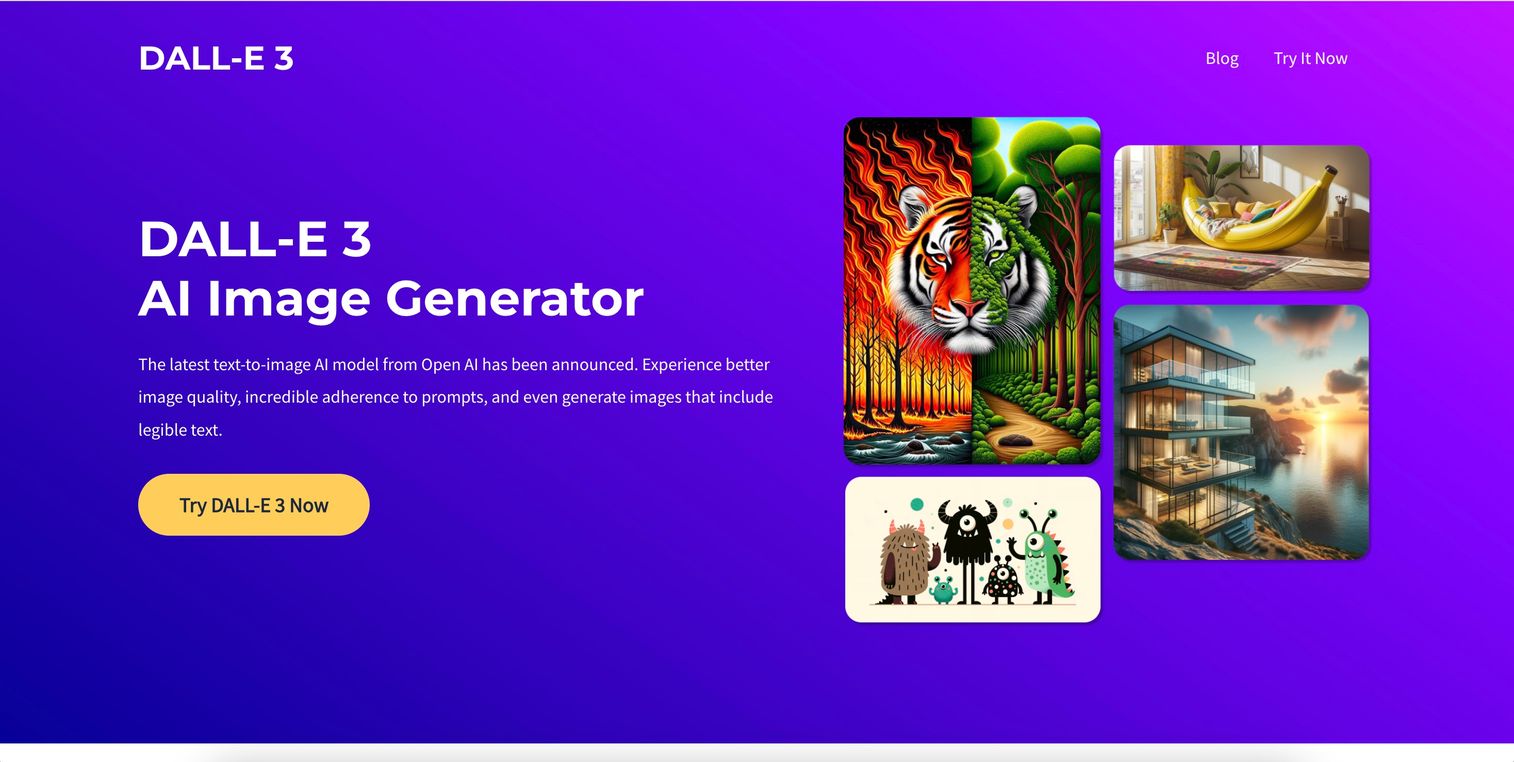
DALL-E 3 is OpenAI's standalone image model, available through API for developers building applications. While ChatGPT uses DALL-E technology, the direct API offers more control.
Best for: Developers integrating image generation into applications, products, or automated workflows.
Key strengths
- API-first design: Built for programmatic access and integration
- Strong prompt understanding: Handles complex, nuanced prompts well
- Bing Image Creator access: Free access through Microsoft's Bing interface
Why choose DALL-E 3
Choose DALL-E 3 when you're building an application that requires image generation, or when you want API access for automation.
Pricing
API pricing based on resolution: $0.040 per image (1024x1024), $0.080 per image (1024x1792). Free access through Bing Image Creator with daily limits.
11. Stable Diffusion
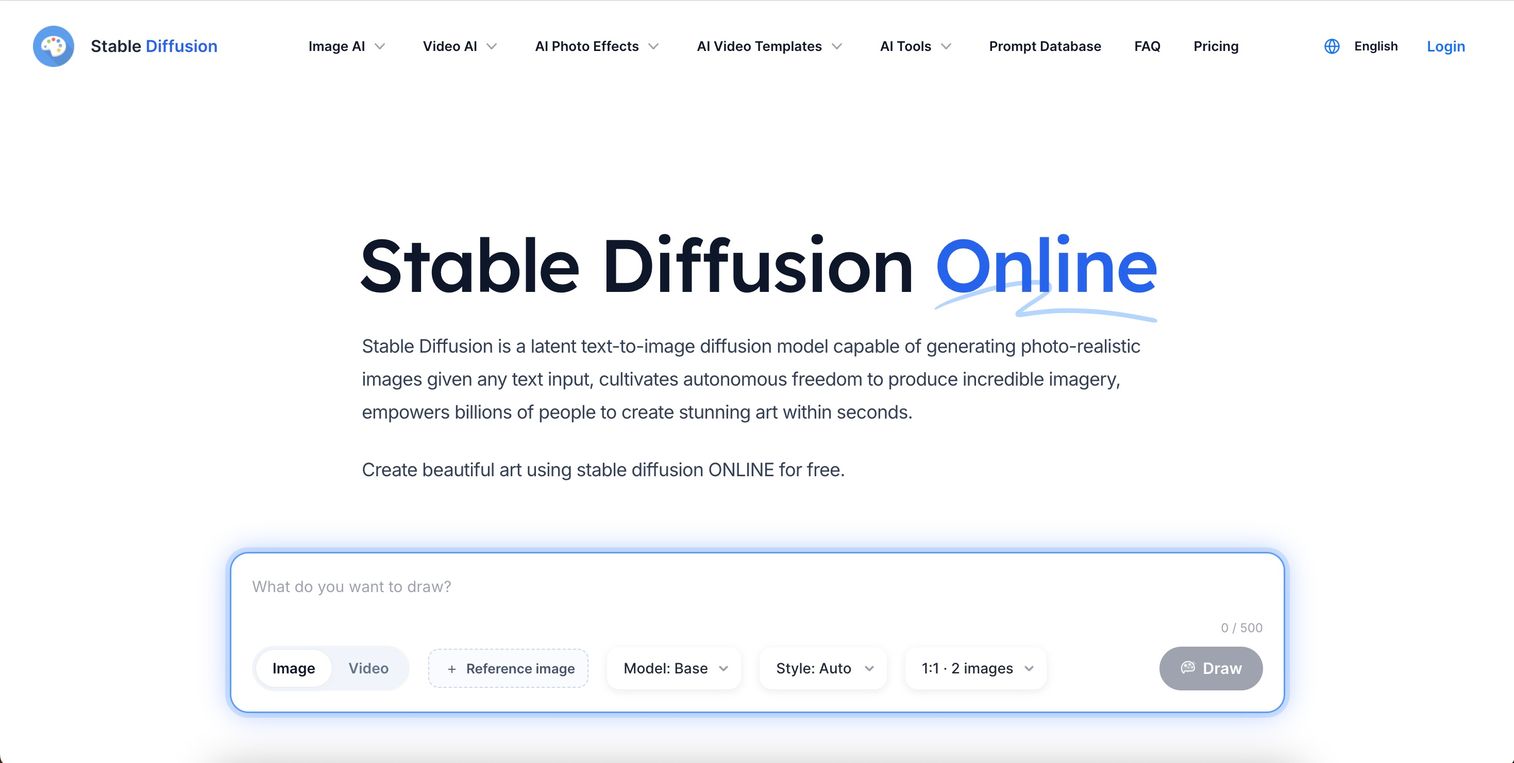
Stable Diffusion is the open-source foundation that many other tools build upon. You can run it locally on your own hardware, which means complete privacy, no usage limits, and no content restrictions.
Best for: Technical users prioritizing privacy, unlimited generation, or complete creative freedom.
Key strengths
- Local installation: Run on your own hardware with no data leaving your machine
- No content restrictions: Generate anything the model can produce
- Massive ecosystem: Thousands of community models, extensions, and tools
Why choose Stable Diffusion
Pick Stable Diffusion when privacy matters (nothing leaves your computer), when you want unlimited generations without ongoing costs, or when you want access to the full ecosystem of community models.
Pricing
Free and open-source. Hardware costs vary, but a capable GPU (8GB+ VRAM) is the main requirement.
12. Canva Magic Media
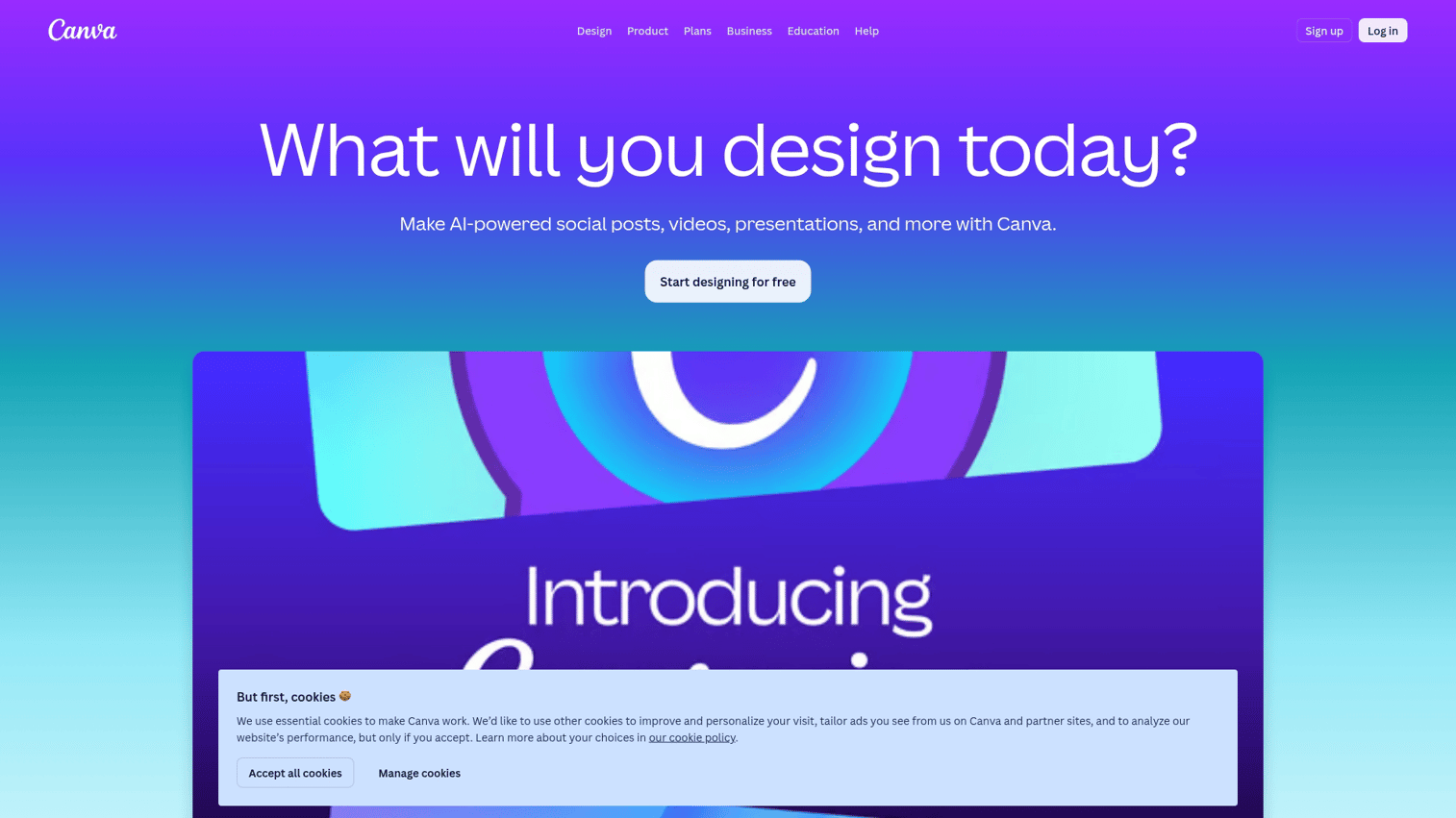
Canva Magic Media generates images directly within Canva's design platform. You can create AI-generated images in Canva and immediately use them in presentations, social posts, or marketing materials without switching tools.
Best for: Non-designers already using Canva who want image generation integrated into their existing workflow.
Key strengths
- In-platform generation: Create images directly in your design projects
- No learning curve: Same interface you already use for Canva designs
- Style presets: Quick style options like "Neon," "Watercolor," or "Minimalist"
Why choose Canva Magic Media
Choose Canva Magic Media when you're already using Canva and want the simplest possible path from idea to finished design. Learn how to make AI pictures in Canva to get started quickly. Output quality is good but not exceptional. For standalone image generation, dedicated tools produce better results.
Pricing
Free Canva users get 50 lifetime generations. Canva Pro at $12.99/month includes 500 monthly generations.
How to use an AI image generator
Getting started is straightforward, but a few practices will improve your results.
1. Choose your AI image generator
Match the tool to your primary use case. If you want text in images, start with Ideogram. If commercial licensing matters, start with Adobe Firefly. If you want to experiment freely, Leonardo AI's free tier gives you room to learn.
2. Write a descriptive prompt
Describe what you want to see with specific details. Include the subject, action, setting, style, and mood. "A golden retriever" produces generic results. "A golden retriever playing fetch on a beach at sunset, warm lighting, photorealistic" gives the model more to work with.
3. Select style and settings
Most tools offer style presets (photorealistic, illustration, anime) and aspect ratio options (square, portrait, landscape). Choose settings that match your intended use.
4. Generate and review outputs
Click generate and wait for results. Most tools produce multiple variations. Review all options before deciding.
5. Refine with variations or edits
Use regeneration to get new variations on the same prompt. Many tools offer editing features to modify specific parts of an image.
6. Download and export your images
Save in the appropriate format and resolution for your use case. For Canva users, learn how to download images from Canva in the right format. Check licensing terms before commercial use.
How to write better AI image prompts
The difference between mediocre and impressive results often comes down to prompt quality.
Start with the subject and action
Lead with what you want to see and what it's doing. "A chef preparing sushi in a modern kitchen" anchors the generation better than "modern kitchen with someone cooking."
Add style and artistic direction
Specify the visual style you want: oil painting, watercolor, digital art, photograph, pencil sketch. Reference genres or aesthetics like "cyberpunk," "minimalist illustration," or "Studio Ghibli."
Specify lighting and mood
Describe lighting conditions like golden hour, dramatic shadows, soft diffused light, or neon glow. Add emotional tone: serene, energetic, mysterious, melancholic.
Include composition details
Mention camera angle (aerial view, close-up, wide shot), focus area (shallow depth of field), and spatial arrangement (subject centered, rule of thirds).
Use negative prompts to exclude elements
Many tools support negative prompts that specify what you don't want. Common exclusions: "no text, no watermarks, no blurry elements, no extra limbs."
Iterate based on results
Treat first outputs as starting points. Note what worked and what didn't. Adjust your prompt and regenerate.
Who uses AI image generators
Different users get different value from AI image generators including the 53% of marketers using AI to create and edit visuals.
Content marketers and social media teams
Marketing teams use AI image generators for blog thumbnails, social graphics, ad creatives, and email visuals. Generating a custom image takes minutes instead of hours of design work or stock photo searching.
Graphic designers and creative professionals
Designers use AI for concept exploration, mood boards, and rapid iteration during early project phases. The technology augments rather than replaces design skills.
Entrepreneurs and small business owners
Small businesses use AI image generators for product mockups, pitch deck visuals, website imagery, and social media content.
Product teams and UX designers
Product teams use AI-generated images for wireframe illustrations, placeholder imagery, and user interface mockups. For teams creating product documentation or interactive demos, AI-generated visuals can illustrate features and workflows without requiring screenshots of unfinished interfaces. Teams can further enhance their demos with AI-powered adjustments and refinements that automatically improve the entire demonstration flow.
AI image copyright and legal considerations
Legal questions around AI-generated images remain unsettled after the March 2025 appeals court ruling, but here's what you can act on now.
Who owns AI generated images
Ownership varies by tool and jurisdiction. Most tools grant users rights to their outputs through their terms of service. However, whether AI-generated images qualify for copyright protection remains legally contested.
The January 2025 Copyright Office guidance says purely AI-generated images without human creative input cannot be copyrighted.
Commercial use and licensing terms
Read each tool's terms of service before commercial use. Key variations include:
- Full commercial rights: Use generated images for any business purpose
- Attribution required: Credit the tool or include specific notices
- Restricted uses: Prohibitions on certain applications (merchandise, advertising)
- Paid plan required: Free tiers often restrict commercial use
Training data and attribution questions
Ongoing lawsuits challenge whether AI models trained on copyrighted images infringe those rights. Tools like Adobe Firefly address this by training only on licensed and public domain content, offering clearer legal standing.
Platform terms to review before publishing
Before using AI-generated images commercially, check commercial use rights, content restrictions, attribution requirements, indemnification clauses, and usage contexts.
How to choose the right AI image generator
With 12 options covered, here's how to narrow down your choice.
Match the tool to your primary use case
Use case | Recommended tool |
|---|---|
Marketing visuals | Canva Magic Media or Adobe Firefly |
Artistic exploration | Midjourney or FLUX |
Text in images | Ideogram |
Technical control | Stable Diffusion or FLUX |
Commercial projects | Adobe Firefly |
Conversational iteration | ChatGPT |
Free experimentation | Leonardo AI |
Evaluate pricing against your volume needs
Free tiers work for occasional use and experimentation. For regular production work, calculate the cost per image across different plans.
Check integration with your existing tools
Match to your workflow. Canva users benefit from Magic Media's in-platform generation. Adobe users get Firefly integration across Creative Cloud. Developers building applications want API access from DALL-E 3, FLUX, or Stable Diffusion.
Test output quality for your target style
Run the same prompt across multiple tools before committing. Each tool has style biases that may or may not match your use case.
Choose your AI image generator and start creating
The right AI image generator depends on what you're creating, how you'll use it, and what trade-offs matter most. Commercial safety points toward Adobe Firefly. Artistic quality points toward Midjourney. Text accuracy points toward Ideogram. Maximum control points toward FLUX or Stable Diffusion.
Start with a free tier that matches your primary use case, run your actual projects through it, and upgrade when you hit limits that matter.
Start your journey with Guideflow today!
FAQs about AI image generators
Most tools offer limited free tiers with daily or monthly generation caps, lower resolution outputs, or watermarks. Unlimited or high-volume use typically requires a paid subscription or credit purchase.
Most paid plans allow commercial use, but terms vary significantly. Some platforms require attribution, others restrict certain commercial applications. Check each platform's license agreement before selling or using generated images for business purposes.
Canva Magic Media and ChatGPT offer the most approachable interfaces. Both use natural language prompts and require no technical setup.
Several tools including Canva, Leonardo AI, and ChatGPT offer mobile apps with image generation capabilities. Midjourney operates through Discord, which has mobile access.
Use tools trained on licensed content (like Adobe Firefly), review platform terms before commercial use, and avoid prompts requesting specific copyrighted characters or trademarked elements.
Output resolution varies by tool and subscription tier. Most generate images between 1024x1024 and 2048x2048 pixels natively. Some tools offer upscaling features for higher resolutions.
Ideogram currently leads in generating legible, correctly spelled text within images. Most other tools struggle with typography and often produce garbled or misspelled text.
Most cloud-based tools generate images in 10-60 seconds. Speed depends on server load, image complexity, and your subscription tier.
Yes, when using tools with appropriate commercial licenses. Adobe Firefly and paid tiers of most platforms explicitly permit business use.
Policies vary by platform. Some use prompts and generated images to improve their models. Others offer private modes or enterprise plans that exclude your data from training.