Storyboarding used to mean hiring an illustrator or sketching frames yourself. AI storyboard generators now convert scripts and text descriptions into visual frames automatically, cutting pre-production time to 27 minutes from 13 days.
This guide covers how these tools work, compares twelve options (including free AI storyboard generators), and explains when interactive demos outperform static storyboards for software products.
What is an AI storyboard generator
An AI storyboard generator converts scripts, text descriptions, or prompts into visual frames showing scenes, characters, and camera angles. Traditional storyboarding requires illustration skills or hiring artists. AI tools automate frame creation so you describe what you want to see, and the software produces sequential images mapping out your video or film.
The technology parses your input (a screenplay, plain text, or structured prompt) and generates images representing each shot. Some tools auto-detect scene breaks from screenplay formatting. Others let you describe scenes in natural language without learning complex prompt syntax.
Here's what AI storyboard generators typically handle:
- Script-to-storyboard conversion: Upload a screenplay or text file and receive visual frames automatically
- Text-based input: Describe scenes in plain language without artistic prompts or technical knowledge
- AI-generated imagery: The tool creates characters, backgrounds, and compositions without manual drawing
- Camera angle controls: Specify shot types like close-ups, wide shots, or over-the-shoulder angles
- Character consistency: Advanced tools maintain the same character appearance across multiple frames
What's inside
This guide covers how AI storyboarding tools work, when to use them versus interactive demos, and a comparison of 11 options including free AI storyboard generators. You'll find step-by-step guidance for creating storyboards from scripts, plus buying criteria to help you evaluate which tool fits your workflow.
TL;DR
- AI storyboard generators convert scripts and text into visual frames, replacing manual illustration with automated image creation
- Best for filmmakers, marketers, and content creators who want to visualize video concepts before production
- For software products, interactive demos outperform storyboards because prospects want to click through the actual experience
- Free options exist from Adobe Firefly, Higgsfield, Canva, and others, though with generation limits or watermarks
- Character consistency remains the biggest challenge, so look for tools with character locking or reference image features
How AI storyboarding tools work
Most AI storyboard generators follow a similar pipeline from input to output, though they differ in how much control you get at each stage.
Script analysis and scene detection
When you upload a screenplay, the AI parses standard formatting to identify individual shots. Scene headings (INT. COFFEE SHOP - DAY), action lines, and dialogue all provide context for what each frame shows.
Some tools auto-detect scene breaks and generate one frame per scene. Others require manual segmentation or let you specify how many frames you want per scene. The more sophisticated tools understand screenplay conventions and distinguish between establishing shots, dialogue coverage, and action sequences.
AI image generation for each frame
Once the tool understands your scenes, it generates visuals using diffusion models or proprietary image AI. You can input style references (cinematic, animated, noir, sketch) or let the AI choose a default visual style.
Generation usually takes a few seconds per frame. Most tools allow unlimited iterations, so you can regenerate problem frames without additional cost.
Character and scene consistency technology
The biggest complaint with AI storyboard generators is character inconsistency. A character might have brown hair in frame one and blonde hair in frame three. Their face might change entirely between shots.
Advanced tools address this with character locking or reference image uploads. You define a character once (either by uploading reference images or generating a character sheet), and the tool maintains that appearance across all frames.
Camera angle and framing controls
Specifying shot types matters for pre-production planning. You might want a close-up for emotional dialogue, a wide shot for establishing location, or an over-the-shoulder angle for conversation coverage.
Some tools offer 3D camera controls where you position a virtual camera in space. Others use text prompts like "low angle" or "bird's eye view."
When to use an AI storyboard generator
AI storyboard generators solve specific problems well. Understanding the right use cases helps you avoid investing in something that doesn't fit your actual workflow.
Film and video pre-production
Filmmakers and video producers use storyboards to plan shots before production. Traditionally, this meant hiring a storyboard artist or sketching frames yourself. AI tools speed up pre-visualization without illustration skills.
You can iterate quickly on shot composition, test different camera angles, and share visual references with your crew.
Marketing and promotional video planning
Marketing teams use storyboards to align stakeholders on ad concepts before investing in production. For a broader perspective on engaging marketing approaches, see our interactive marketing guide.
AI storyboard makers reduce iteration time. Instead of waiting days for revised sketches, you can generate new versions in 53% less time.
Product demos and software walkthroughs
Product teams sometimes storyboard demo flows to plan video tutorials or explainer content. However, static storyboards differ fundamentally from interactive experiences.
A storyboard shows what a demo might look like. An interactive demo lets someone actually use the product.
Pitch decks and client presentations
Agencies and creators use AI-generated storyboards to visualize concepts for clients before committing to full production. When you're competing for a project, showing visual frames demonstrates your creative vision more effectively than describing it.
Training and educational content
Instructional designers storyboard e-learning modules to map out visual sequences for courses and tutorials. AI tools help plan the flow of educational content, showing where graphics, animations, or video clips will appear.
When to choose an interactive demo over a storyboard
Storyboards visualize planned content, but they remain static images. For software products, 67% of B2B buyers want to click through the actual experience, not view illustrated frames.
Consider the difference in buyer engagement. A storyboard shows someone what your product looks like.
An interactive demo lets them experience how it works. They can click buttons, navigate menus, and explore features at their own pace.
Criteria | AI storyboard generator | Interactive demo platform |
|---|---|---|
Output type | Static image frames | Clickable product experience |
Best for | Video/film pre-production | Software demos and walkthroughs |
Buyer engagement | View only | Hands-on exploration |
Personalization | Limited to visual edits | Dynamic variables per prospect |
Analytics | None or basic | Engagement tracking and intent signals |
Teams showing software products get better results with tools that capture any workflow and let prospects interact directly. You record your actual product, add annotations and branching paths, then share or embed the experience anywhere.
The analytics difference matters too. With a storyboard, you know someone viewed it. With an interactive demo, you know which features they explored, where they spent time, and what questions they might have.
AI storyboard generator comparison table
# | Product | Best for | Key differentiation | Pricing | G2 rating |
|---|---|---|---|---|---|
1 | Adobe Firefly | Creative Cloud users | Integration with Photoshop, Premiere, and other Adobe tools | Free tier + subscription | 4.5/5 |
2 | Storyboarder.ai | Screenwriters and directors | Automated scene breakdown with 3D camera controls | Subscription-based | N/A |
3 | Higgsfield Popcorn | Social content creators | Built-in video generation from storyboard frames | Free tier available | N/A |
4 | Drawstory | Independent filmmakers | Script upload without manual prompting | Tiered plans | N/A |
5 | Boords | Agencies | Template library with client approval workflows | Free trial + paid | 4.7/5 |
6 | Krock.io | Video production teams | Project management built into storyboarding | Free tier + team plans | 4.8/5 |
7 | Canva | Non-designers | Familiar drag-and-drop interface | Free tier + Pro | 4.7/5 |
8 | Storyboard That | Educators | Pre-built character and scene libraries | Free tier + education pricing | 4.5/5 |
9 | Pixton | Character-driven content | Customizable character creator | Free trial + subscription | 4.5/5 |
10 | Milanote | Early concept development | Flexible visual boards for brainstorming | Free tier + paid | 4.8/5 |
11 | FrameForge | Professional film productions | 3D virtual studio with precise camera simulation | Premium pricing | 4.3/5 |
Best AI storyboard generators compared
1. Adobe Firefly
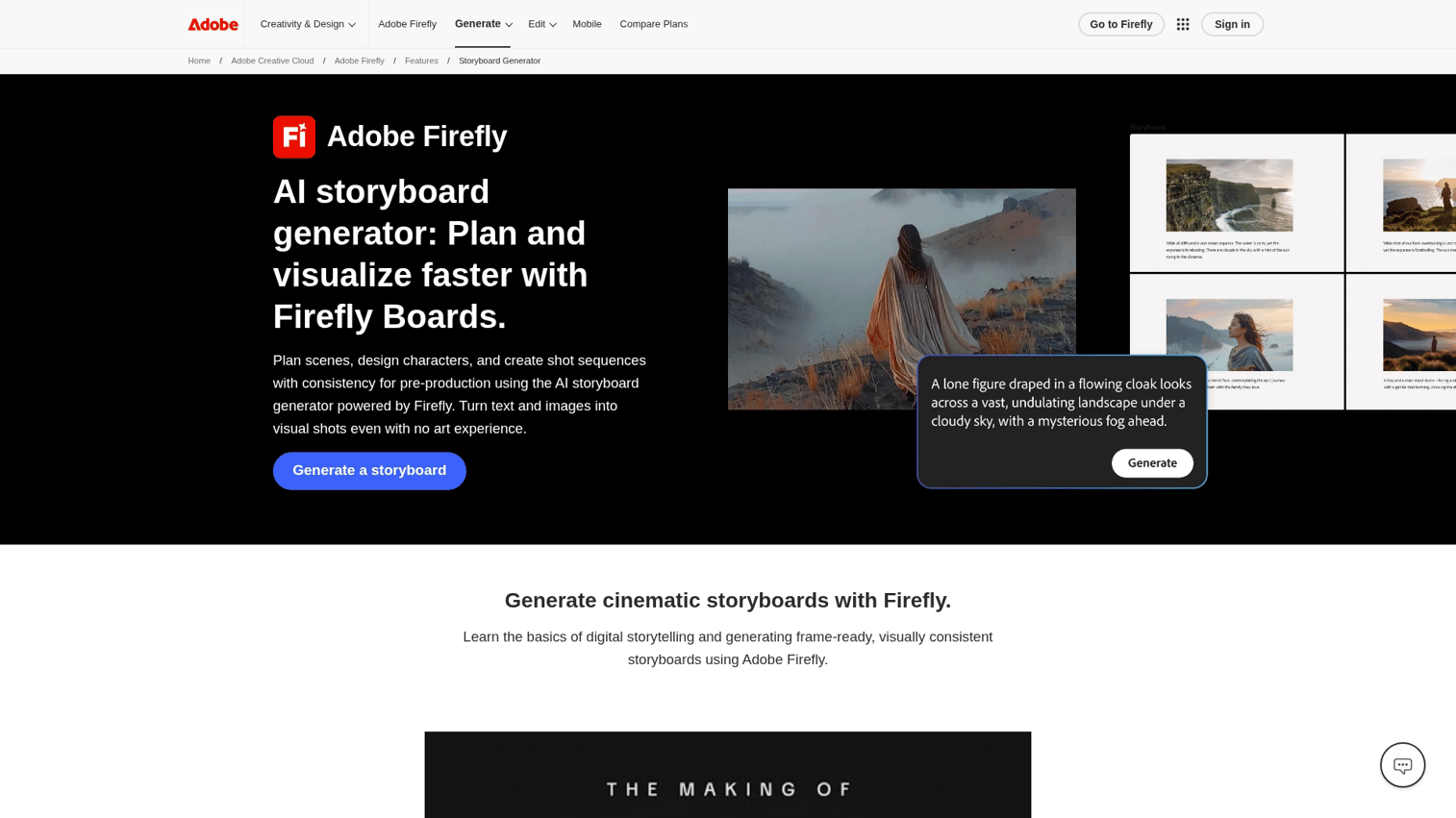
Adobe Firefly brings AI storyboarding into the Creative Cloud ecosystem. If your team already uses Photoshop, Premiere, or After Effects, Firefly integrates directly with those tools through native plugins and shared asset libraries.
The style reference feature helps maintain visual consistency across your entire storyboard. Upload examples of your desired art direction - whether that's a specific color palette, lighting style, or compositional approach - and Firefly generates frames that match those aesthetic parameters. This eliminates the visual inconsistency that plagues many AI-generated sequences.
Best for: Filmmakers and creative agencies already using Adobe Creative Cloud who need seamless workflow integration.
Key strengths
- Generate frames from text prompts or reference images with adjustable style intensity
- Consistent characters using style references and character locking across multiple scenes
- Direct export to Photoshop for refinement, Premiere for animatics, and After Effects for motion graphics
- Collaborative boards for team feedback with version history and commenting
- Commercial licensing included with paid plans
Pricing
Included with Firefly subscription starting at $4.99/month. Free tier available with 25 generative credits per month.
2. Storyboarder.ai
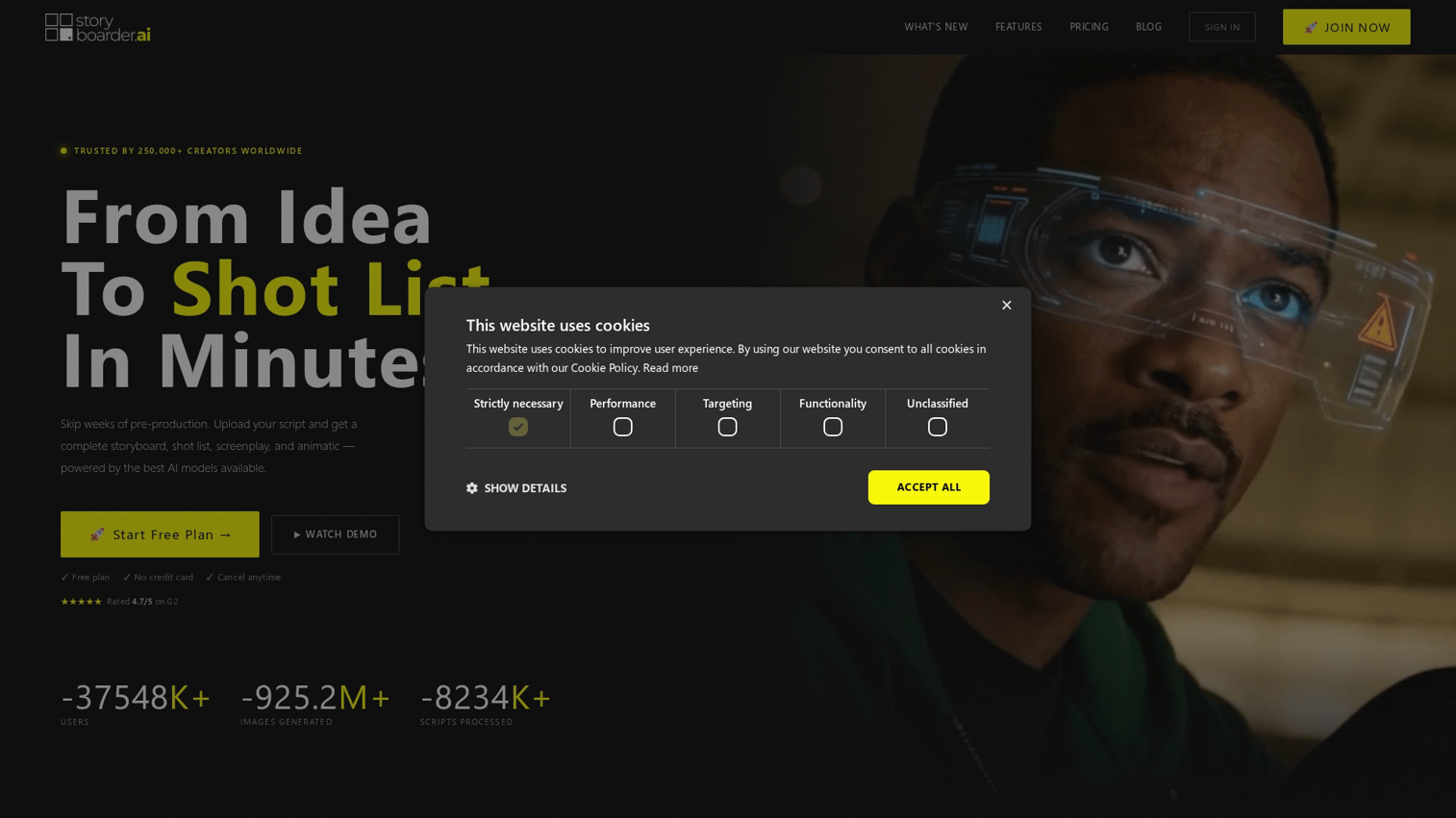
Storyboarder.ai focuses on the script-to-storyboard workflow filmmakers actually use. Upload a screenplay in Final Draft, PDF, or plain text format, and the tool automatically generates a scene breakdown, shot list, and storyboard with minimal manual intervention.
The 3D camera angle tool stands out from text-based competitors. Instead of describing shots in text prompts like "low angle close-up," you position a virtual camera in 3D space for precise framing control. This gives you the same level of control as professional pre-visualization software without the learning curve.
Best for: Screenwriters and directors who want full pre-production workflow in one tool, from script breakdown to pitch deck.
Key strengths
- Automated scene breakdown from screenplay upload with intelligent shot detection
- 3D camera-angle tool for precise shot composition with lens simulation
- One-click pitch deck export with customizable templates
- Animatic creation from storyboard frames with timing controls and audio sync
- Shot list generation with technical details for production planning
Pricing
Subscription-based starting at $29/month for individuals. Team and studio plans available. Check site for current tiers.
3. Higgsfield Popcorn
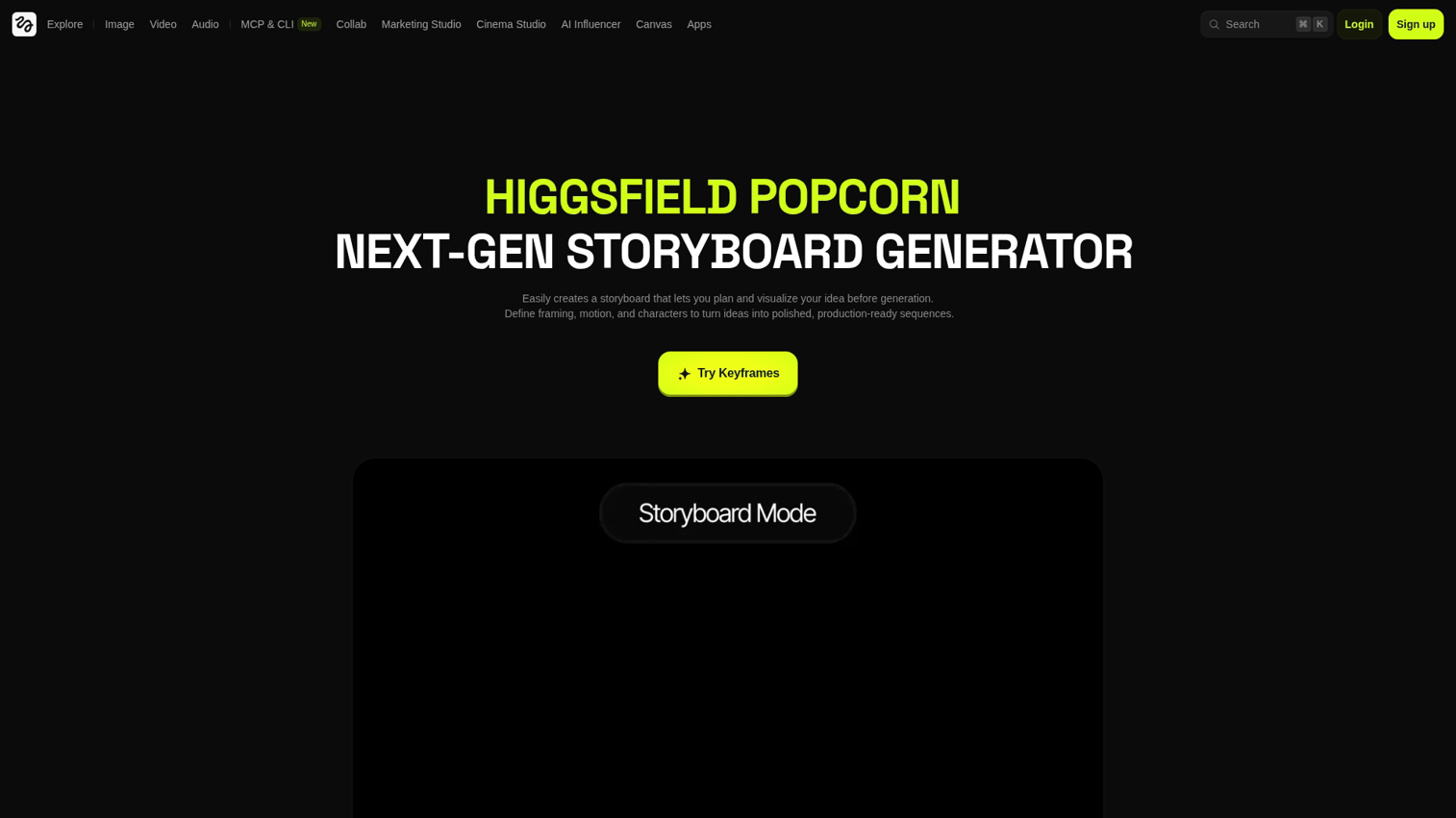
Higgsfield positions itself as a next-generation storyboard generator with built-in video creation. You can go from storyboard frames directly to generated video with motion and transitions, skipping traditional production for certain content types like social media ads or concept proofs.
Best for: Social content creators and short-form video producers who need rapid concept-to-video workflows.
Key strengths
- Consistent scene generation in a single flow with character persistence across frames
- Reference image upload for style matching with adjustable influence controls
- Built-in video generation from storyboard frames with automated transitions and camera movements
- Product placement capabilities for branded content with logo and product integration
- Export options for both static storyboards and animated video previews
Pricing
Free tier available with watermarks and limited generations. Premium features require subscription starting at $19/month.
4. Drawstory
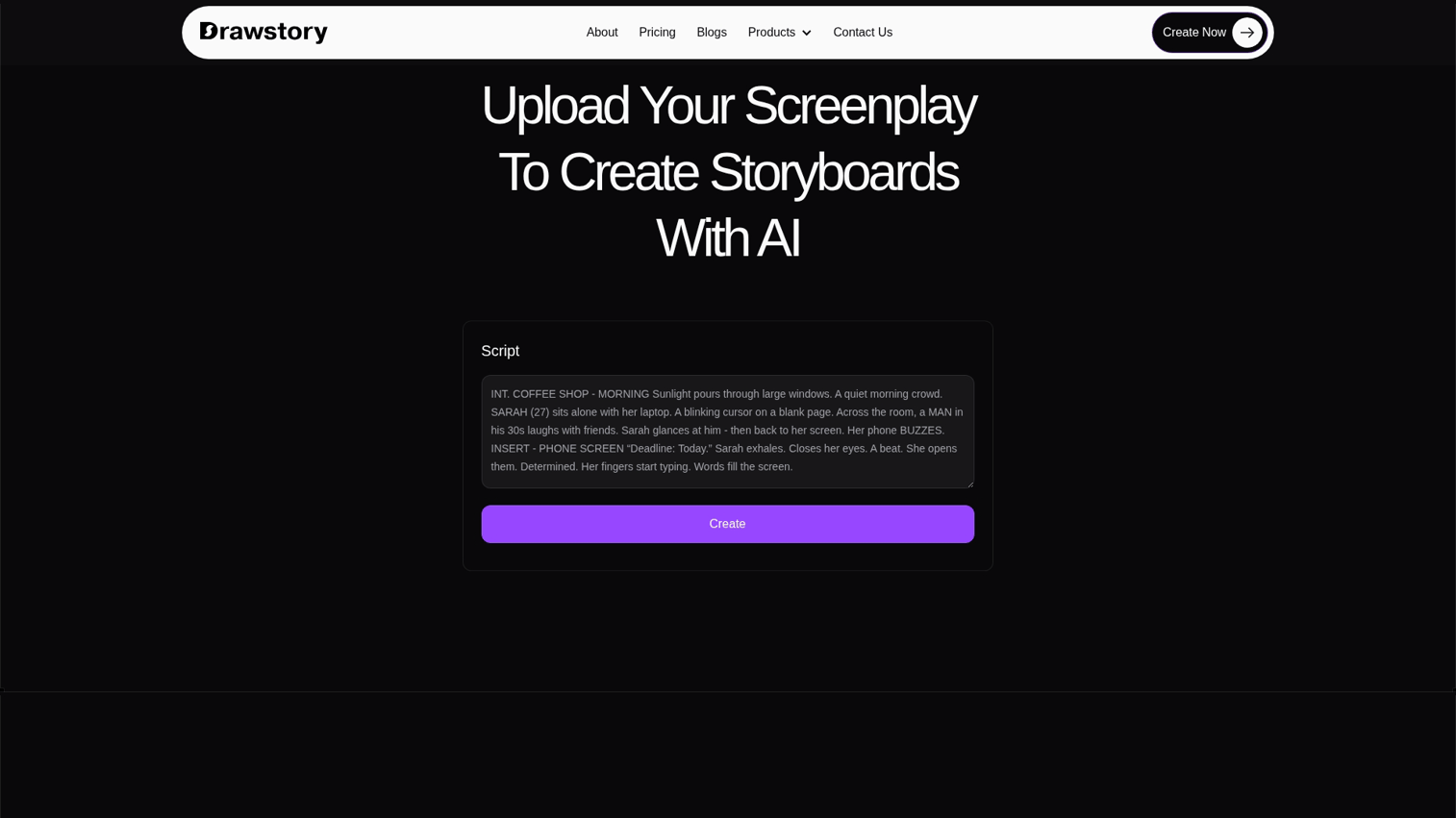
Drawstory emphasizes simplicity with its "script to storyboard AI" approach. Upload your screenplay without writing image prompts or learning prompt engineering, and the AI parses the formatting automatically to identify scenes, characters, and action.
The tool recognizes standard screenplay elements like scene headings, character names, and action lines, then generates appropriate visual frames without requiring technical knowledge of AI image generation.
Best for: Independent filmmakers working from completed screenplays who want minimal technical overhead.
Key strengths
- Script upload without manual prompting required - just upload and generate
- AI parses screenplay formatting automatically, recognizing INT/EXT, character cues, and action lines
- Multiple pricing tiers for different production scales from student films to commercial projects
- Batch generation for entire scripts with scene-by-scene review
Pricing
Tiered plans starting at $15/month for entry-level. Professional and enterprise options available with higher generation limits.
5. Boords
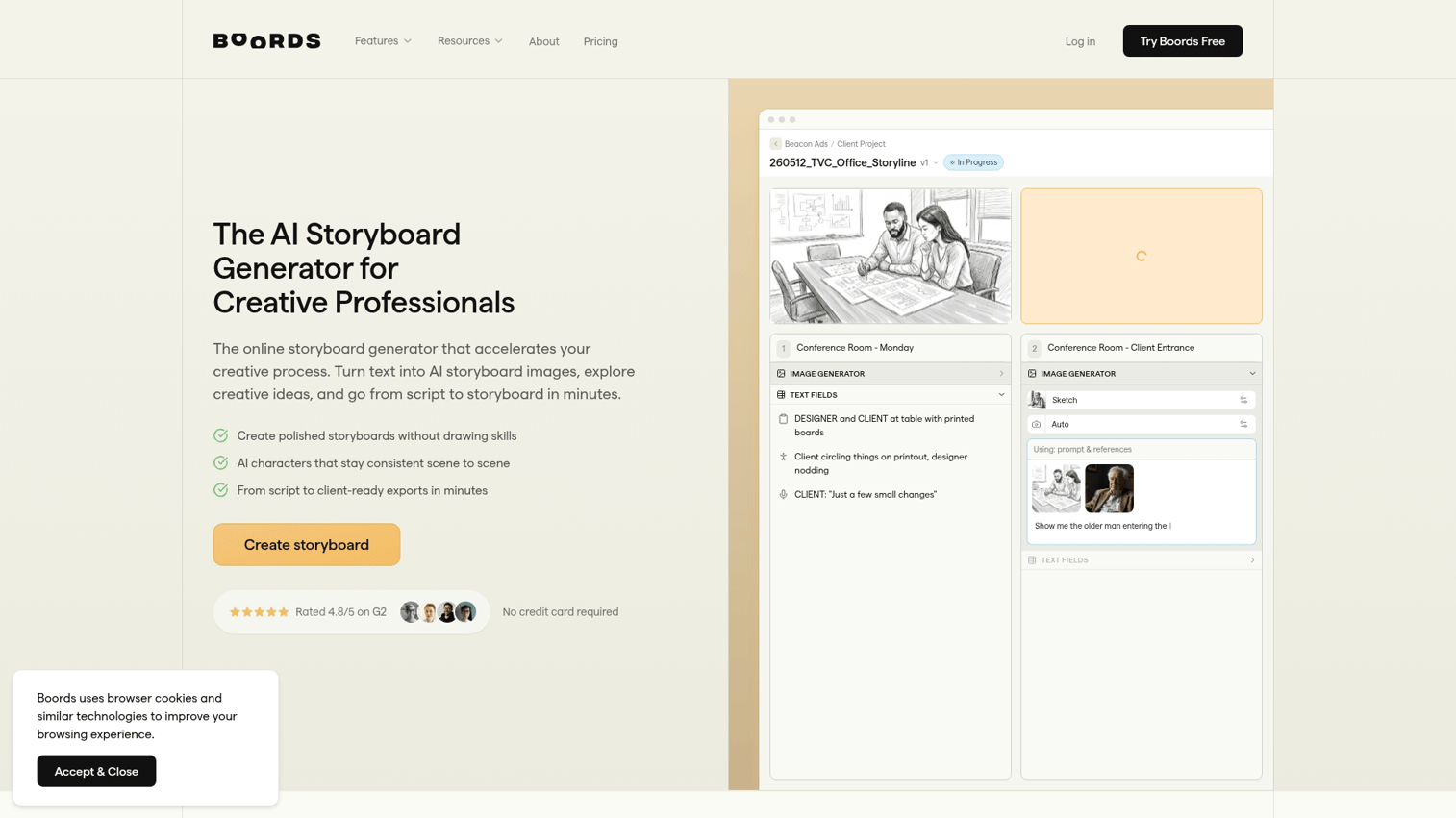
Boords combines traditional storyboard creation with AI-assisted frame generation. The platform offers mature features for team collaboration and client approval workflows, including version control, frame-by-frame commenting, and approval tracking.
Unlike pure AI tools, Boords lets you mix AI-generated frames with manual sketches or uploaded images, giving you flexibility when AI doesn't produce exactly what you need.
Best for: Agencies managing client storyboard approvals with multiple stakeholders and revision rounds.
Key strengths
- Storyboard template library for common formats including commercial, narrative, and explainer video layouts
- Frame-by-frame commenting for client feedback with threaded conversations and resolution tracking
- AI frame generation integrated with manual editing tools for hybrid workflows
- Export to PDF, animatic formats, and presentation decks with customizable branding
- Client approval workflows with status tracking and notification systems
Pricing
Free trial with limited projects. Paid plans start at $12/month for individuals, with team plans at $36/month per user.
6. Krock.io
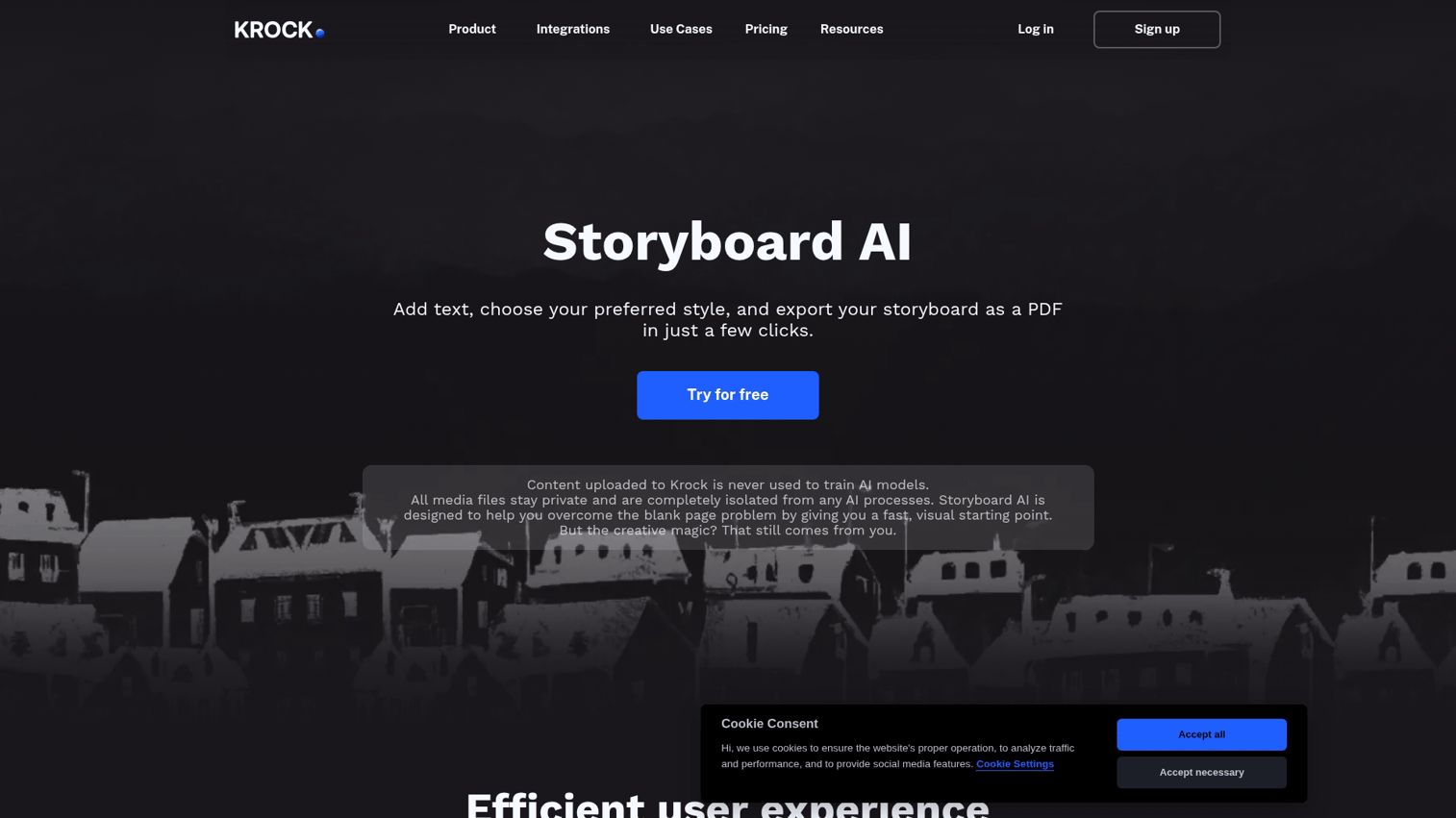
Krock.io positions itself as a visual project management tool with AI storyboarding features. The platform integrates workflow management directly into the storyboarding process, letting you assign frames to team members, set deadlines, and track progress alongside storyboard creation.
This makes it particularly useful for production companies juggling multiple projects where storyboards need to move through defined approval stages.
Best for: Video production teams managing multiple concurrent projects with complex approval workflows.
Key strengths
- Project management built into storyboarding workflow with task assignment and status tracking
- Version control for storyboard iterations with comparison views and rollback capabilities
- Team assignment and deadline tracking with calendar integration
- Client portal for external stakeholder review without requiring full platform access
Pricing
Free tier with limited features and 2 active projects. Team plans start at $29/month with unlimited projects.
7. Canva
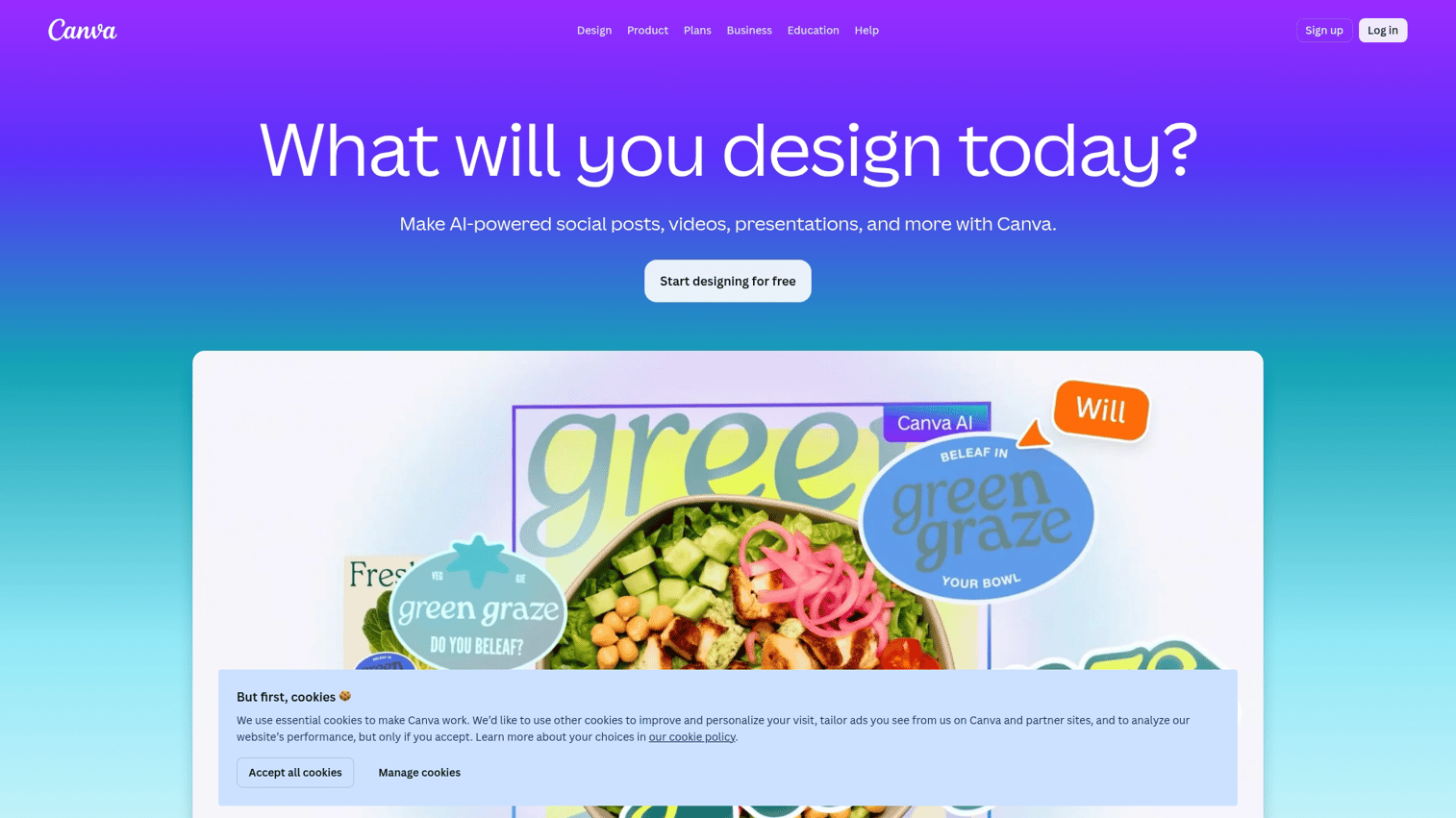
Canva offers AI image generation (Magic Media) within its familiar drag-and-drop interface. While not purpose-built for storyboarding, the platform includes storyboard templates that you can populate with AI-generated images or stock photos.
The advantage here is accessibility. If your team already uses Canva for other marketing materials, you can create storyboards without learning new software.
Best for: Marketing teams and non-designers needing quick visual concepts without specialized storyboarding software.
Key strengths
- Familiar drag-and-drop interface that requires no training for existing Canva users
- Large template library including storyboard formats for various video types
- AI image generation for custom frames with text-to-image and style controls
- Integration with Canva's broader design ecosystem for pitch decks and presentations
Pricing
Free tier available with limited AI generations. Canva Pro at $12.99/month unlocks 500 AI image generations per user.
8. Storyboard That
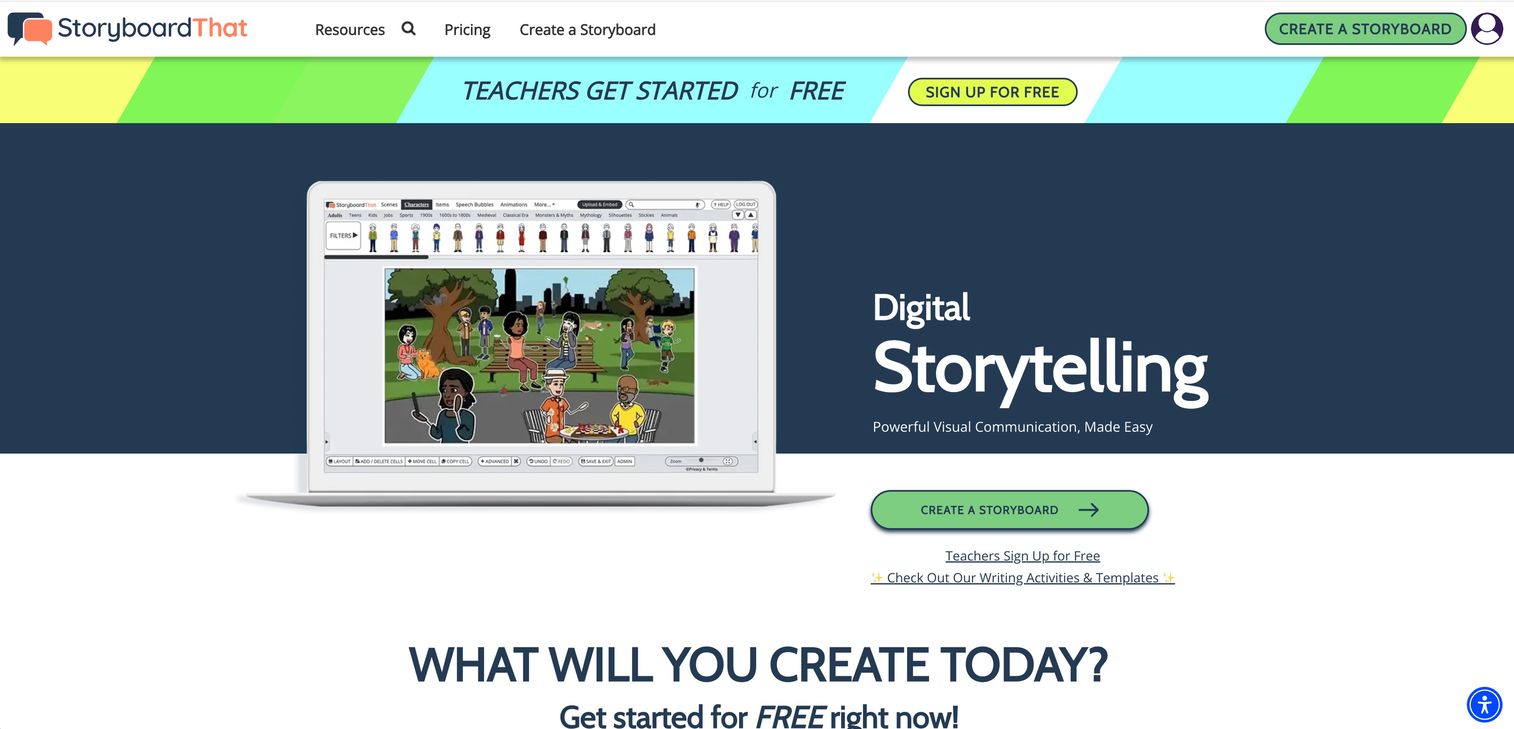
Storyboard That focuses on education with pre-built character and scene libraries designed for instructional content. The tool is simpler than film-focused options but works well for e-learning modules, training videos, and educational content where illustrated style is appropriate.
The drag-and-drop character posing system lets you create consistent characters across frames without AI generation, which can be more reliable for educational sequences requiring exact character repetition.
Best for: Educators and instructional designers creating course content, training materials, and educational videos.
Key strengths
- Pre-built character and scene libraries with thousands of poses and expressions
- Education-specific templates for lesson planning and instructional sequences
- Simple drag-and-drop creation with no learning curve
- Character consistency guaranteed through library-based approach rather than AI generation
Pricing
Free tier for basic use with watermarks. Education pricing starts at $8.99/month for teachers, with district licenses available.
9. Pixton
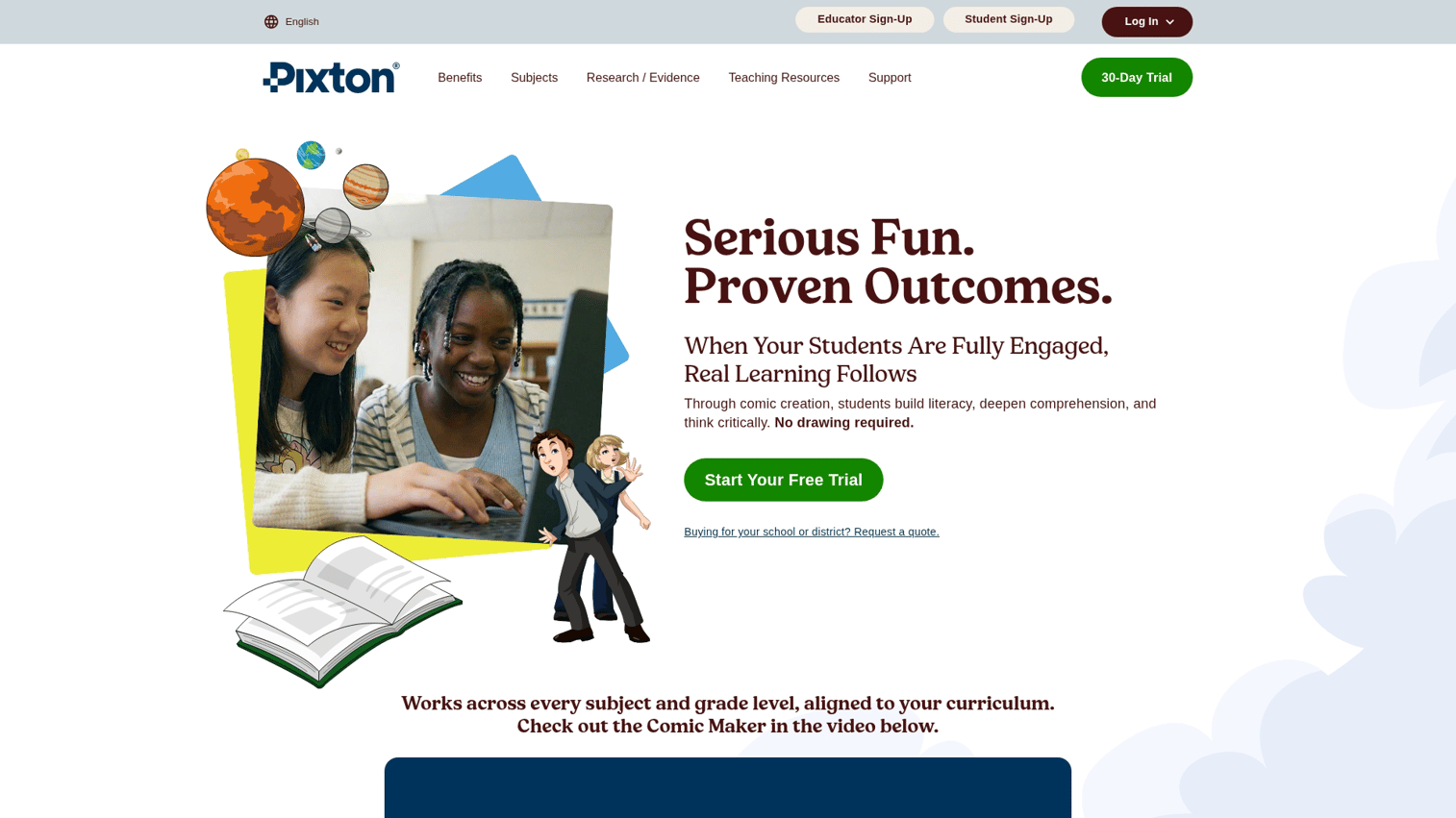
Pixton specializes in comic-style storyboards with extensive character customization. You can create detailed character designs with specific facial features, body types, clothing, and accessories, then pose them in hundreds of positions with adjustable expressions.
The comic-style aesthetic works particularly well for animated content, graphic novel adaptations, or projects where illustrated style is part of the creative vision.
Best for: Teams creating character-driven illustrated content, animation pre-production, or graphic novel storyboards.
Key strengths
- Customizable character creator with detailed options for facial features, body types, and clothing
- Comic-style panel layouts with speech bubbles and effect overlays
- Pose and expression libraries with hundreds of options per character
- Character saving for reuse across multiple projects with consistent appearance
Pricing
Free trial with limited features. Subscription plans start at $9.99/month for individuals, with team and education pricing available.
10. Milanote
Milanote is a visual workspace that includes storyboarding capabilities rather than a dedicated storyboard tool. The flexible board format works well for early-stage brainstorming where you're collecting reference images, sketching rough ideas, and organizing scenes before committing to detailed frames.
Think of it as a digital corkboard where you can pin images, notes, and rough sketches in a freeform layout, then organize them into storyboard sequences once your concept solidifies.
Best for: Creative teams in early concept development phase who need flexible ideation space before structured storyboarding.
Key strengths
- Flexible visual boards for early ideation with freeform layout options
- Storyboard-specific templates that convert brainstorm boards into structured sequences
- Real-time collaboration with cursor tracking and simultaneous editing
- Integration with image libraries and the ability to embed videos and links for reference
Pricing
Free tier with up to 100 notes, images, and files. Paid plans start at $9.99/month for unlimited content and advanced features.
11. FrameForge
FrameForge serves professional film productions requiring technical pre-visualization. The 3D virtual studio environment simulates actual camera and lens behavior with precise focal lengths, sensor sizes, and depth of field calculations.
This level of technical accuracy matters when you're planning complex shots with specific equipment. You can test whether a particular lens will achieve your desired framing before renting expensive gear.
Best for: Professional film productions requiring technical pre-visualization with accurate camera and lens simulation.
Key strengths
- 3D virtual studio environment with accurate set dimensions and spatial planning
- Precise camera and lens simulation including focal length, sensor size, and depth of field
- Industry-standard for film pre-production used by major studios and cinematographers
- Shot list generation with technical specifications for camera department
- Integration with professional production planning tools
Pricing
Premium pricing starting at $399 for perpetual license. Subscription options available. Check site for current rates and feature tiers.
Free AI storyboard generator options worth trying
Budget-conscious readers have several options. Most free tiers come with limitations: watermarks, generation limits, or restricted exports.
- Adobe Firefly: Limited free generations per month
- Higgsfield Popcorn: Free tier with basic features
- Canva: Free tier includes some AI image generation
- Storyboard That: Basic free tier for simple projects
- Krock.io: Free tier with project limitations
- Guideflow: Free tier for interactive demo creation (for software products)
Start with free tiers to test workflows before committing to paid plans. If you hit generation limits quickly, that signals you'll benefit from a paid plan.
How to create a storyboard with AI from your script
1. Write or upload your script
Most AI storyboard generators accept screenplay format (Final Draft, PDF) or plain text. Some tools auto-detect scene breaks from standard screenplay formatting. Others require manual segmentation.
2. Define visual style and reference images
Upload reference images for art direction before generating frames. Style keywords (cinematic, animated, noir) guide AI output, but visual references communicate more precisely.
3. Generate initial frames
Click generate and let the AI create first-pass frames. Expect imperfect results on the first attempt. AI storyboard generation is iterative.
4. Adjust camera angles and composition
Use 3D camera tools or text prompts to refine shot types. Specify close-ups for emotional moments, wide shots for establishing location.
5. Iterate and refine
Regenerate problem frames. Adjust character consistency settings if faces or costumes change between shots. Most tools allow unlimited iterations.
6. Export to PDF, pitch deck, or video
Common export formats include PDF, image sequences, and animatic formats. Some tools create animatics directly, letting you preview pacing before production. For simpler animations, you might also want to make a GIF in Figma.
What to look for in AI storyboarding software
Output consistency across frames
Character inconsistency remains the most common frustration with AI storyboard generators. A character might appear with brown hair in frame one, blonde hair in frame three, and a completely different face by frame five. This breaks visual continuity and undermines the storyboard's usefulness for production planning.
Look for tools offering character locking features that let you define a character once and maintain that appearance throughout your sequence. Reference image uploads work similarly - you provide photos or illustrations of your desired character design, and the AI uses those as anchors for consistency.
Test this capability during free trials by generating a 5-10 frame sequence featuring the same character in different poses and camera angles. If the character's core features (face structure, hair color, clothing) remain stable across frames, the tool handles consistency well. If major visual elements change between shots, you'll spend excessive time regenerating frames.
Script to storyboard capabilities
The difference between uploading a complete screenplay versus manually prompting each scene determines how much time you'll actually save. Tools with script parsing automatically detect scene breaks from standard formatting (INT. COFFEE SHOP - DAY), extract action lines, and generate appropriate frames without requiring you to describe each shot individually.
Manual prompting means you type or paste scene descriptions one at a time, then generate frames sequentially. For a 90-page screenplay with 60+ scenes, this becomes tedious quickly.
Evaluate whether the tool accepts your preferred script format - Final Draft (.fdx), PDF, or plain text. Some tools only work with specific formatting conventions, while others parse unstructured text. If you're working from existing screenplays, script upload capabilities eliminate hours of manual data entry.
Text-based input and no-prompt options
Prompt engineering - the skill of writing effective AI instructions - creates a learning curve many users want to avoid. Some AI storyboard generators require detailed prompts like "medium shot, 50mm lens, natural lighting, character positioned in left third of frame" to produce usable results.
No-prompt tools accept plain language descriptions: "Sarah sits at a coffee shop table looking worried." The AI interprets this naturally without technical photography terminology or composition instructions.
Check whether the tool provides prompt templates or examples if it does require structured input. Some platforms offer a middle ground with optional advanced controls - you can use simple descriptions for most frames and add technical specifications only when needed for specific shots.
Export formats and production integrations
Your storyboard needs to move into your actual production workflow. Common export requirements include PDF for client presentations, PNG or JPEG sequences for video editing software, and animatic formats with timing information.
Verify the tool exports at sufficient resolution for your needs. Low-resolution exports work for internal planning but fail when you need to present to clients or print physical storyboards. Look for at least 1920x1080 resolution for professional use.
Production integrations matter if you're using specific software ecosystems. Adobe Firefly connects directly to Premiere and After Effects. Other tools export standard formats that any editor can import. For software product demos, check whether the platform integrates with HubSpot, Salesforce, and more to track engagement and connect with your existing sales stack.
Pricing models and free tiers
AI storyboard generators typically use one of three pricing models: credit systems (pay per generation), subscription with generation limits, or unlimited subscriptions.
Credit systems charge for each frame generated. If you iterate heavily - regenerating frames 3-5 times to get the right composition - costs accumulate quickly. A 30-frame storyboard requiring 3 iterations per frame consumes 90 credits. At $0.50 per credit, that's $45 for a single storyboard.
Subscription models with generation limits (like "500 frames per month") work better for predictable usage but can bottleneck projects if you hit the cap mid-production. Unlimited subscriptions cost more upfront but eliminate per-generation anxiety.
Free tiers let you test workflows before committing, but typically include watermarks, lower resolution exports, or strict monthly limits (often 10-25 generations). Use free tiers to evaluate the tool's output quality and interface, then upgrade if it fits your workflow.
Team collaboration features
Production teams need more than solo storyboard creation. Multiple stakeholders - directors, producers, clients, department heads - review and comment on storyboards before production begins.
Frame-by-frame commenting lets reviewers leave feedback on specific shots rather than general notes. Threaded conversations keep discussions organized, and resolution tracking shows which feedback has been addressed.
Approval workflows formalize the review process with defined stages (draft, client review, approved, final). Status tracking shows which frames are pending feedback and which are locked for production.
Real-time co-editing allows multiple team members to work simultaneously without version conflicts. Version history lets you roll back changes if a revision doesn't work out. For agencies managing client projects, look for client portal features that let external stakeholders review and approve without requiring full platform access or software licenses.
Start planning your visual content today
AI storyboard generators work well for video and film pre-production, helping you visualize concepts before investing in production. The tools covered here range from simple free options to professional-grade software.
However, if you're showing software products, static storyboards miss the point. Prospects evaluating your tool want hands-on experience. They want to click through your product and see how it actually works.
That's where interactive demos deliver what storyboards cannot. You capture your actual product, add annotations and branching paths, then share demos via link or embed anywhere.
Start your journey with Guideflow today!
FAQs about AI storyboard generators
Most tools allow commercial use, but check the specific terms of service. Some free tiers restrict commercial licensing while paid plans include it.
AI tools generate usable frames quickly but lack the intentionality of human artists. They work best for rapid iteration and concept development rather than final production art.
Most major tools support multiple languages for script parsing, though image generation prompts may default to English. Check individual tool documentation for specific language support.
Many AI storyboard tools accept reference images for style matching and character consistency. Upload examples of your desired art direction to improve output quality.
Midjourney generates individual images from prompts, while AI storyboard generators parse scripts and manage multi-frame sequences with character consistency. Storyboard tools optimize for sequential visual storytelling.
Tools parse screenplay formatting to distinguish scene headings, action lines, and dialogue. The AI uses action descriptions to compose frames while dialogue typically appears as text overlays.
Several AI storyboard generators include animatic features that add timing, transitions, and audio to static frames. Animatics let you preview pacing before entering full production.
Export capabilities vary by tool. Common integrations include Adobe Premiere, Final Cut Pro, and standard formats like PDF and PNG sequences that any editor can import.