
Juggling five social apps before your first coffee gets old fast. The average social media manager spends 6+ hours weekly just switching between platforms, and that's before actually creating anything.
This guide breaks down 15 social media management tools that consolidate scheduling, analytics, and engagement into one dashboard, with honest takes on which ones fit different team sizes and budgets.
What's inside
This guide covers the top social media management tools for scheduling posts, tracking analytics, and managing engagement across Instagram, LinkedIn, X, TikTok, and more. We selected tools based on platform coverage, ease of daily use, pricing transparency, and collaboration features. Whether you're a solopreneur or running an agency with dozens of clients, you'll find options that match your workflow.
TL;DR
- Best for small businesses: Buffer offers simple scheduling and a generous free tier
- Best for agencies: Sendible and SocialPilot provide white-label reporting and multi-client management
- Best for analytics: Metricool and Iconosquare deliver deep performance insights across channels
- Best all-in-one platform: Hootsuite and Sprout Social serve enterprise teams needing social listening, publishing, and CRM integration
- Best for visual content: Later and Tailwind specialize in Instagram and Pinterest planning
What are social media management tools
Social media management tools are platforms that let you schedule posts, monitor mentions, engage with audiences, and track performance across multiple social networks from one dashboard. Instead of logging into five different apps every morning, you handle everything in a single interface.
A basic scheduler queues posts. A full management platform adds analytics, team collaboration, social listening, and integrations with your CRM or help desk. The difference comes down to depth.
- Scheduling and publishing: Queue posts across Instagram, Facebook, LinkedIn, X, and TikTok from one calendar
- Social inbox: Respond to comments, DMs, and mentions without switching between apps
- Analytics: Track engagement, reach, and follower growth in unified reports
- Collaboration: Assign tasks, set approval workflows, and manage team permissions
When to use social media management software
You manage more than two social accounts
Logging into separate platforms eats time and creates room for mistakes. With the average user now active on 6.83 social platforms, a unified dashboard cuts the overhead and keeps your posting consistent.
You want to schedule content in advance
Batch content creation works better than scrambling for posts each day. Social media planning tools let you map out a week or month of content in one sitting, then let the scheduler handle the rest.
Your team collaborates on social content
Approval workflows prevent the wrong post from going live. Role permissions keep freelancers out of sensitive settings. Internal notes replace scattered Slack threads about which version is final.
You want to track performance across channels
Comparing native analytics across platforms is tedious. A unified social media management platform pulls everything into one report, so you can see what's working without building spreadsheets.
The best social media management tools compared
The 15 best social media management tools for 2026
1. Buffer
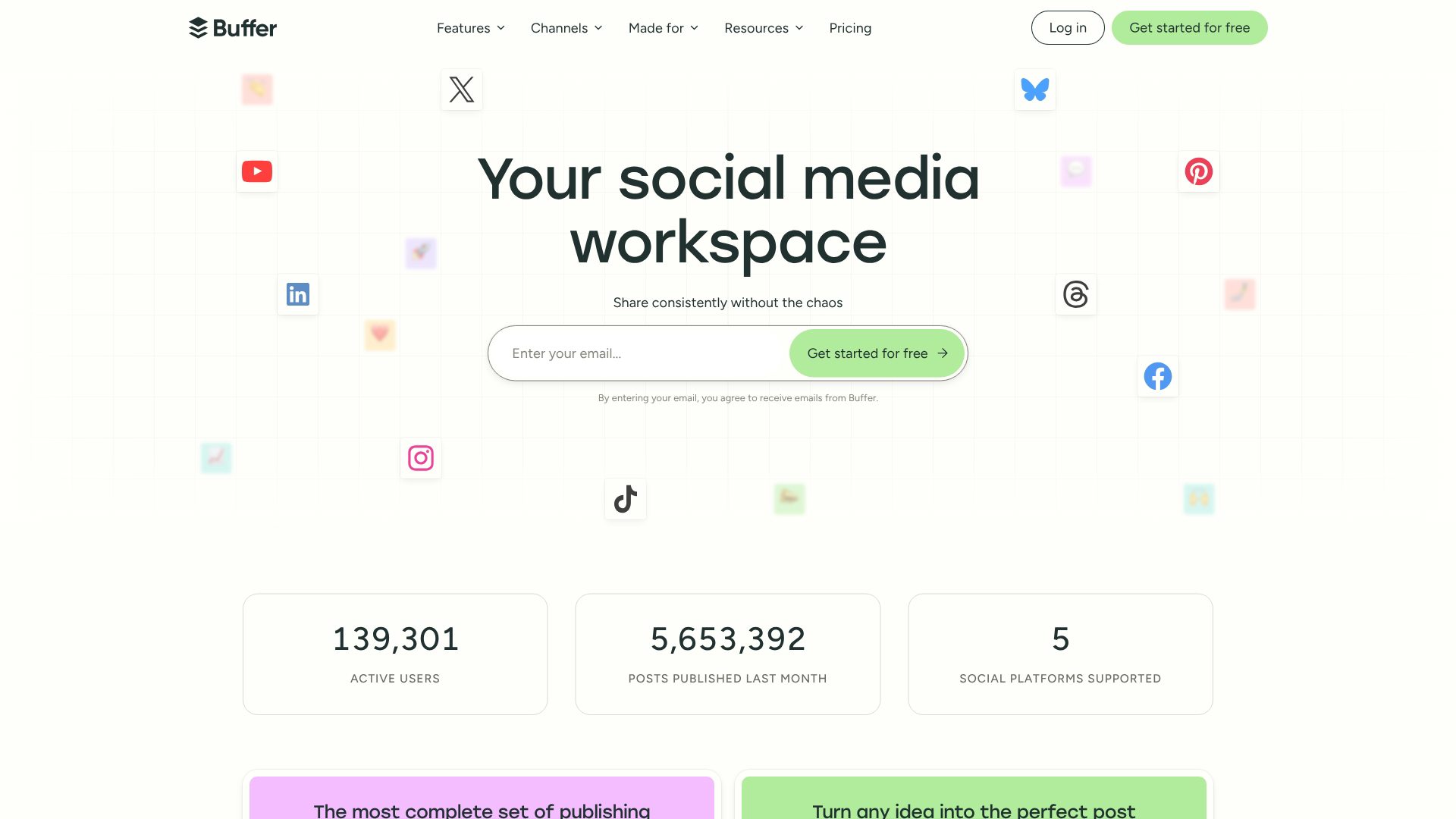
Buffer built its reputation on simplicity. The interface stays clean even as you add more accounts, and the free tier gives solopreneurs enough room to get started without a credit card.
Best for: Creators, solopreneurs, and small teams who want straightforward scheduling without a learning curve.
Key strengths
- Intuitive content calendar for social media content management
- Browser extension for quick post queuing from anywhere
- Built-in AI writing assistant for caption suggestions
- Start Page for link-in-bio functionality
Buffer works well when you want to schedule and forget. The analytics are solid for basic reporting, though teams needing deep competitive analysis or social listening will outgrow it.
Pricing: Free plan available. Paid plans start at $6/month per channel.
2. Hootsuite
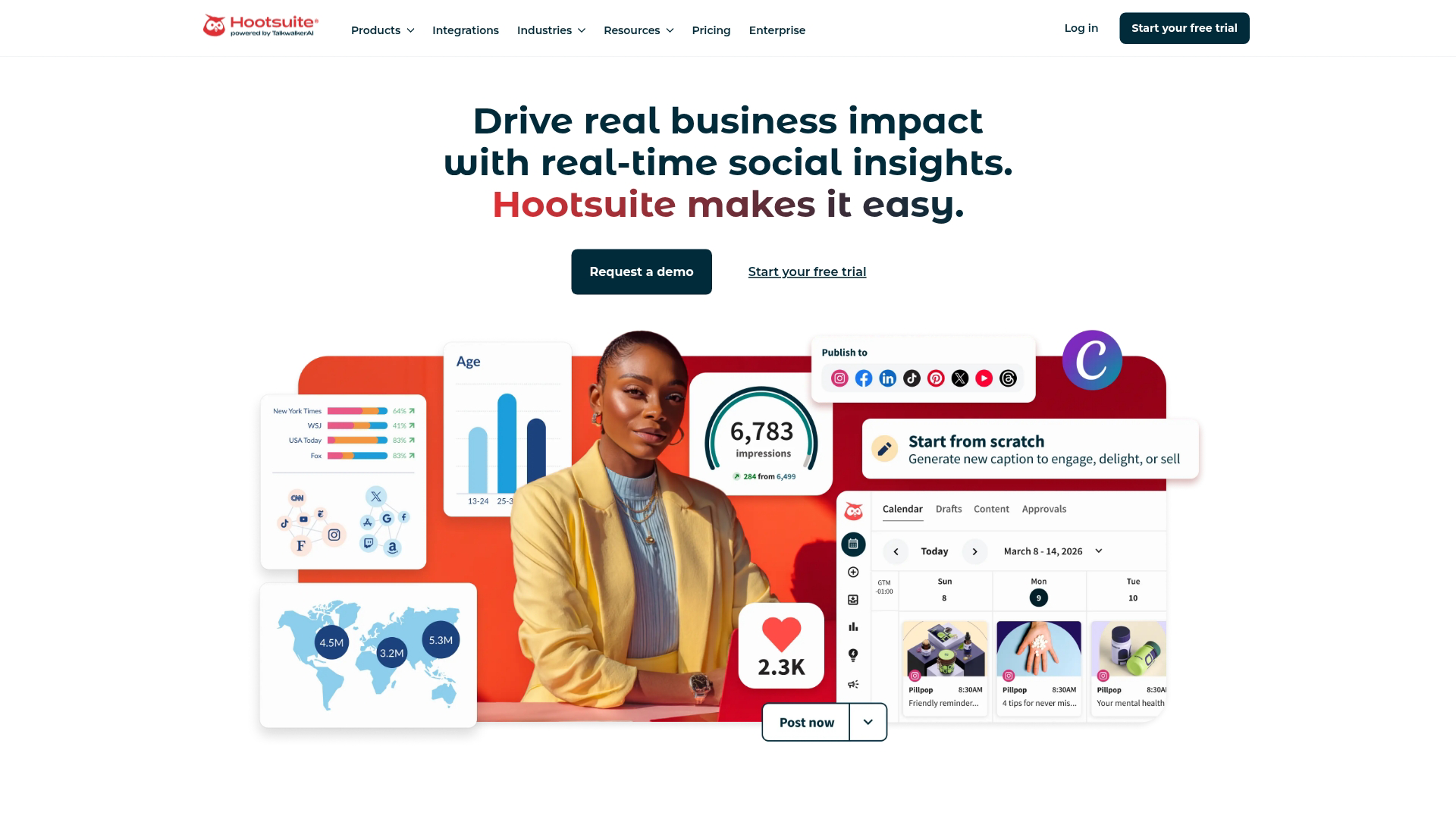
Hootsuite has been around since 2008, and that longevity shows in the depth of features. Social listening, competitive benchmarking, and a unified inbox make it a fit for larger organizations with complex requirements.
Best for: Enterprise teams needing social listening, compliance features, and extensive third-party integrations.
Key strengths
- Social listening and sentiment analysis across channels
- Unified social inbox for managing all engagement in one place
- OwlyWriter AI for content generation
- Extensive integrations with CRM and analytics platforms
The tradeoff is complexity. Smaller teams often find the interface overwhelming, and pricing has moved upmarket in recent years.
Pricing: Plans start at $99/month.
3. Sprout Social
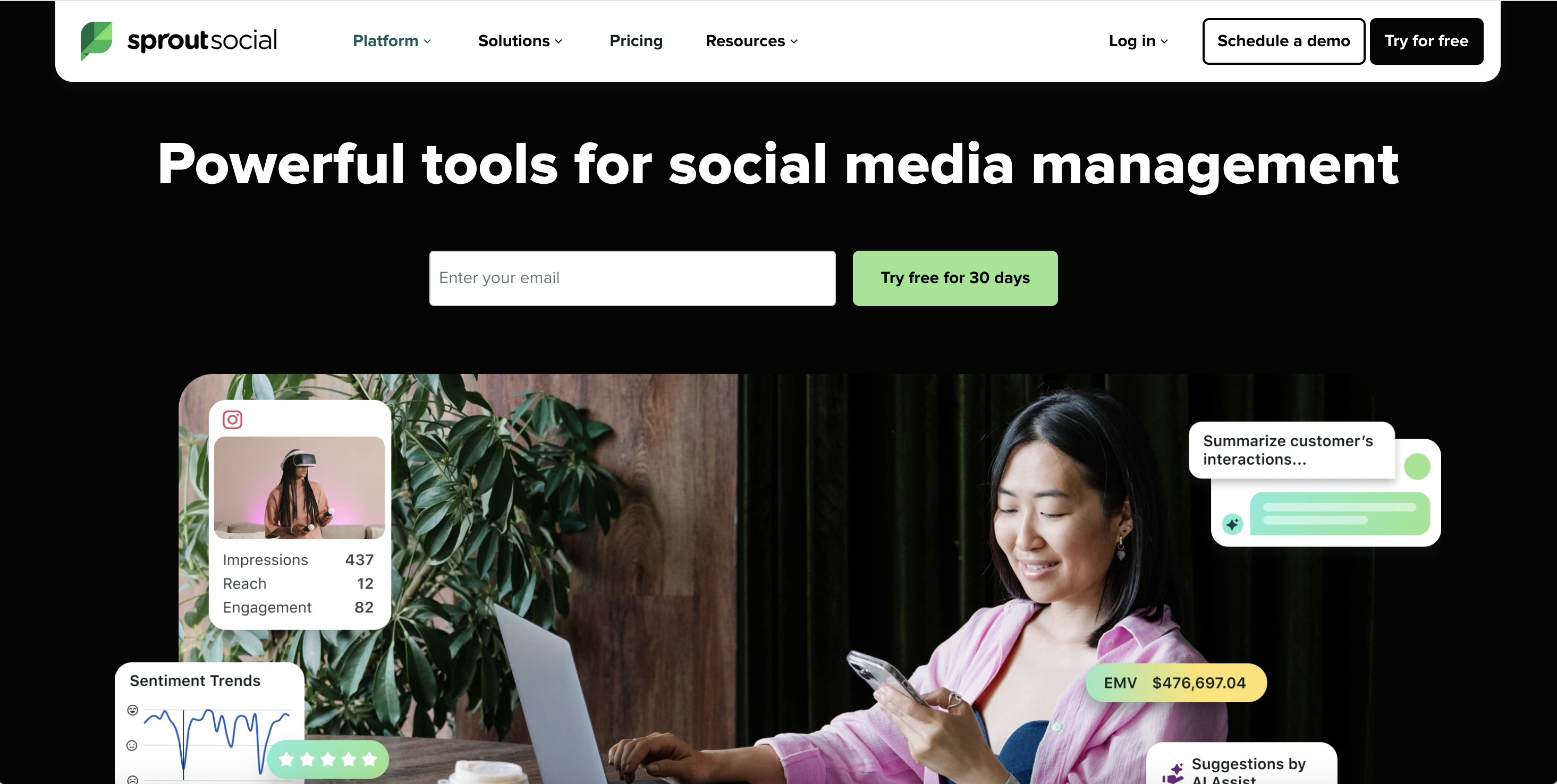
Sprout Social positions itself as a premium platform, and the feature set reflects that. CRM integration, employee advocacy tools, and detailed reporting make it popular with mid-market marketing teams.
Best for: Mid-market teams who want tight integration between social and sales data.
Key strengths
- Smart inbox with collision detection so two people don't respond to the same message
- Employee advocacy module for amplifying content through team members
- Advanced reporting with custom tagging
- Native Salesforce and HubSpot integration
The price point is higher than most alternatives, so it makes sense when you're already investing heavily in social and want the analytics to prove ROI.
Pricing: Plans start at $199/month per seat.
4. Zoho Social
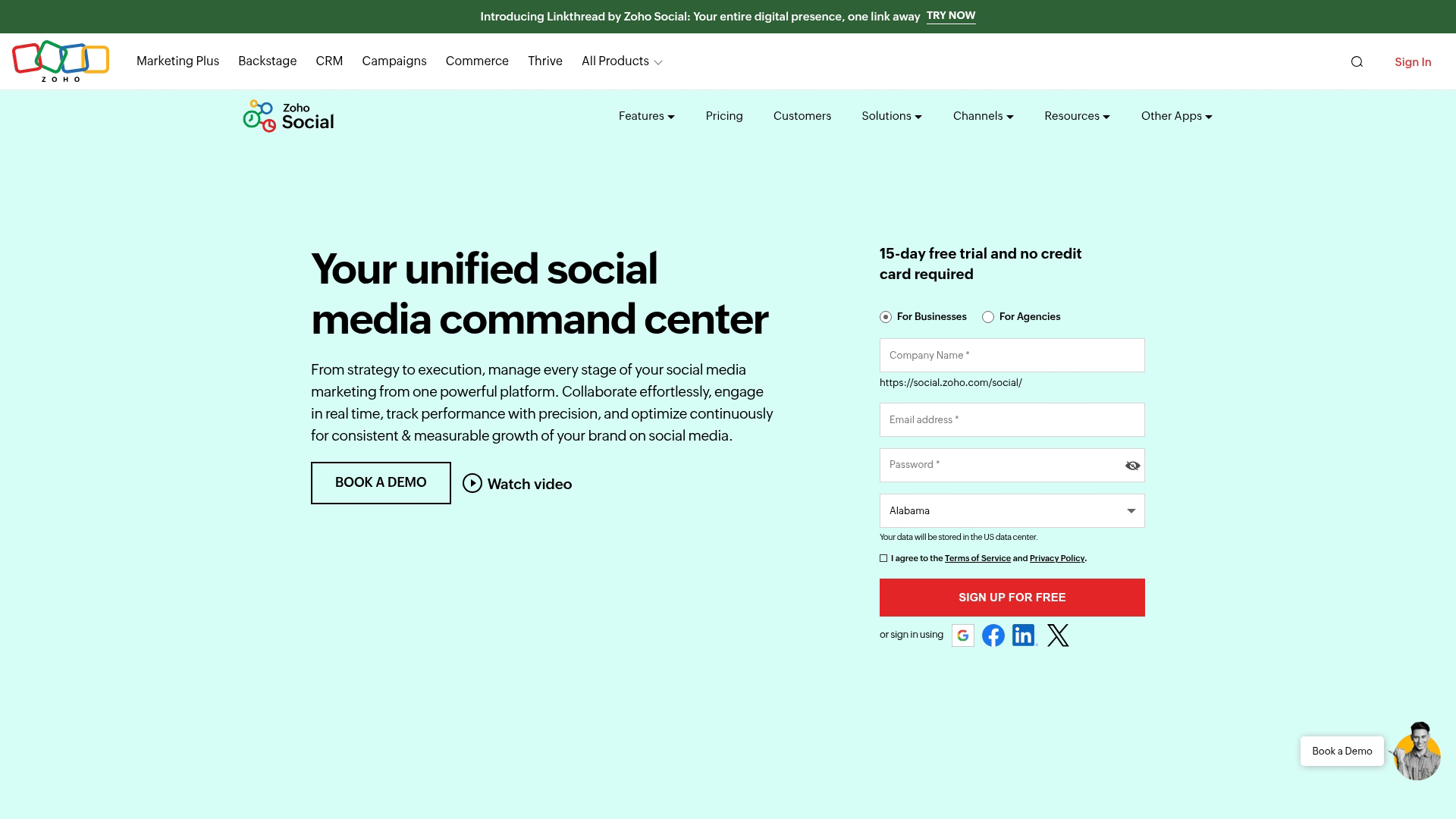
Zoho Social fits naturally if you're already using Zoho CRM, Zoho Desk, or other parts of the Zoho ecosystem. The native integrations mean your social engagement data flows directly into customer records.
Best for: Small businesses and teams already invested in Zoho's suite.
Key strengths
- Native Zoho CRM and Desk integration
- SmartQ for optimal posting time suggestions
- Brand health dashboard for monitoring sentiment
- Affordable agency plans for managing multiple brands
If you're not using other Zoho products, the integration advantage disappears. For Zoho shops, though, it's a natural fit.
Pricing: Plans start at $15/month.
5. Later
Later started as an Instagram scheduler and still excels at visual content planning. The drag-and-drop calendar makes it easy to see how your feed will look before anything goes live.
Best for: Influencers, e-commerce brands, and anyone focused on Instagram and Pinterest.
Key strengths
- Visual content calendar with drag-and-drop scheduling
- Linkin.bio for shoppable Instagram feeds
- UGC collection and rights management
- Influencer discovery tools
Later has expanded to other platforms, but the visual-first approach still shines brightest for image-heavy content strategies.
Pricing: Free plan available. Paid plans start at $25/month.
6. Agorapulse
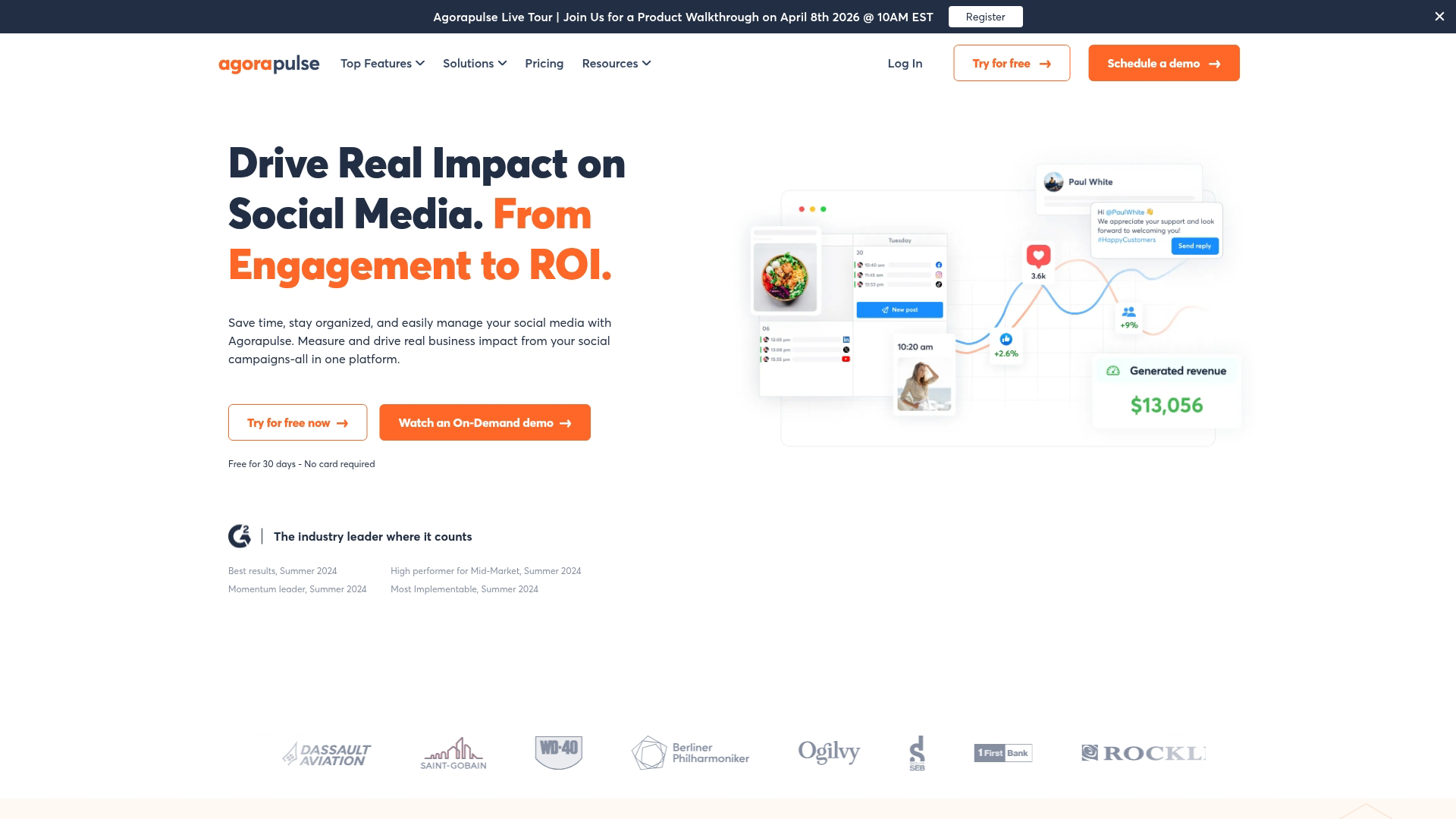
Agorapulse emphasizes inbox management with an "inbox zero" philosophy. Every comment, mention, and message gets tracked until someone handles it, which prevents things from slipping through the cracks.
Best for: Agencies and brands with high engagement volume who want nothing to get missed.
Key strengths
- Inbox assistant with automated moderation rules
- Social ROI calculator for tying engagement to revenue
- Shared calendar for client collaboration
- Power reports designed for agency presentations
The ROI tracking feature stands out, especially given that 33% of marketers cite ROI measurement as their top challenge. You can tag conversions and see which social activities actually drive results.
Pricing: Plans start at $49/month.
7. Metricool
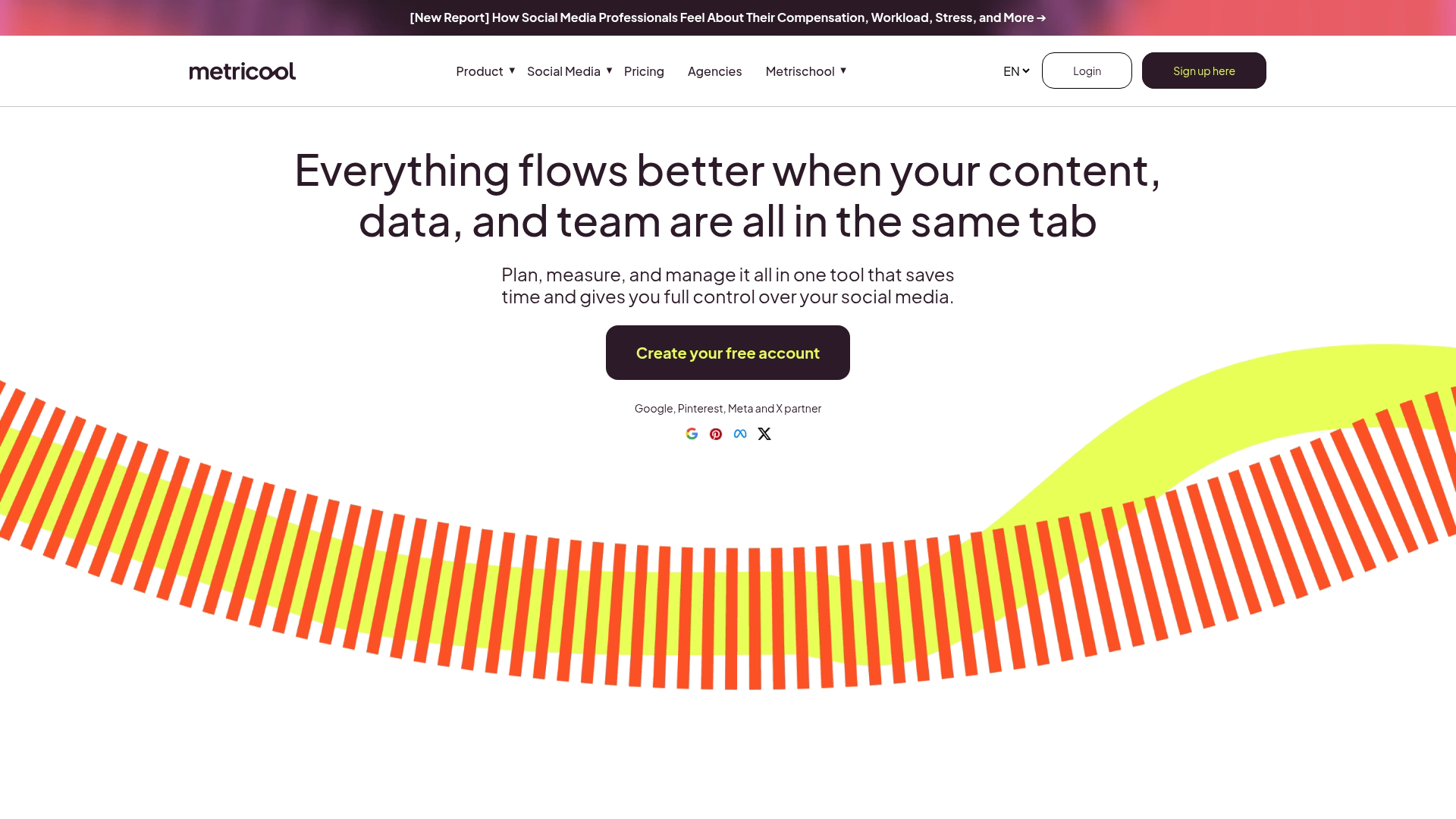
Metricool leads with analytics. The free tier includes more reporting depth than many paid competitors, making it attractive for marketers who prioritize data over bells and whistles.
Best for: Data-driven marketers who want unified analytics without a big budget.
Key strengths
- Unified analytics dashboard across social and web
- Competitor tracking to benchmark performance
- Google and social ads management in one place
- SmartLinks for bio optimization
The scheduling features are solid, though not as polished as dedicated scheduling tools. The value is in the analytics.
Pricing: Free plan available. Paid plans start at $22/month.
8. Vista Social
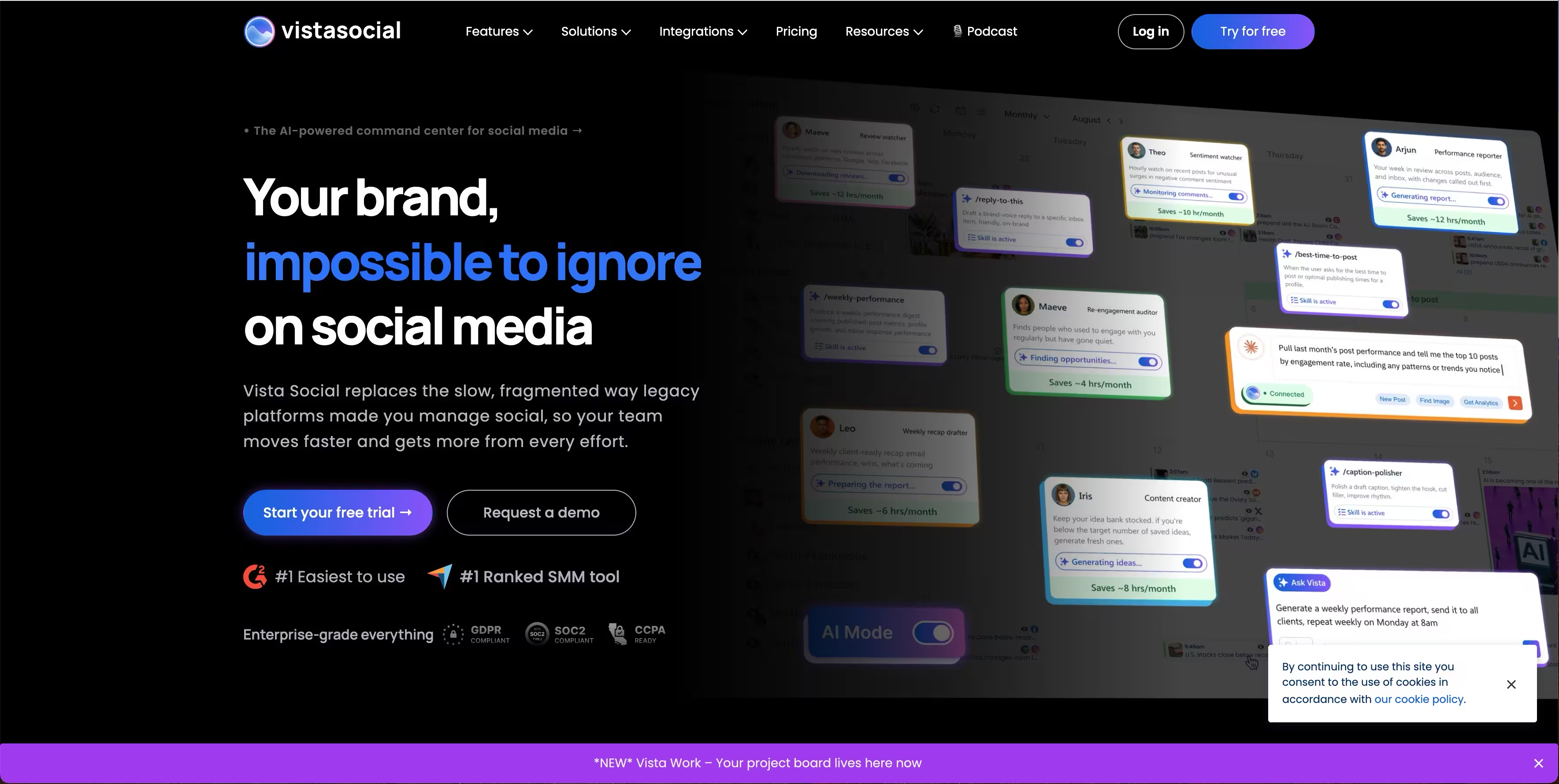
Vista Social packs features that usually cost more into an affordable package. Review management, social listening, and AI content generation all come included at price points that undercut larger competitors.
Best for: Small teams who want enterprise-level features without enterprise pricing.
Key strengths
- Review management integration for Google and Facebook reviews
- AI content generation built into the composer
- Canva integration for in-app design
- Listening and sentiment tracking
The interface is modern and the feature set keeps expanding. Worth watching if you're budget-conscious but don't want to sacrifice capability.
Pricing: Plans start at $39/month.
9. SocialPilot
SocialPilot targets agencies with features like white-label reports, bulk scheduling via CSV, and client approval workflows. The pricing stays reasonable even as you add more accounts.
Best for: Growing agencies managing multiple client accounts on a budget.
Key strengths
- White-label reports and dashboards for client presentations
- Bulk scheduling via CSV upload
- Client approval workflows to prevent unauthorized posts
- Content curation from RSS feeds
The interface is functional rather than beautiful, but the value proposition for agencies is strong.
Pricing: Plans start at $30/month.
10. Sendible
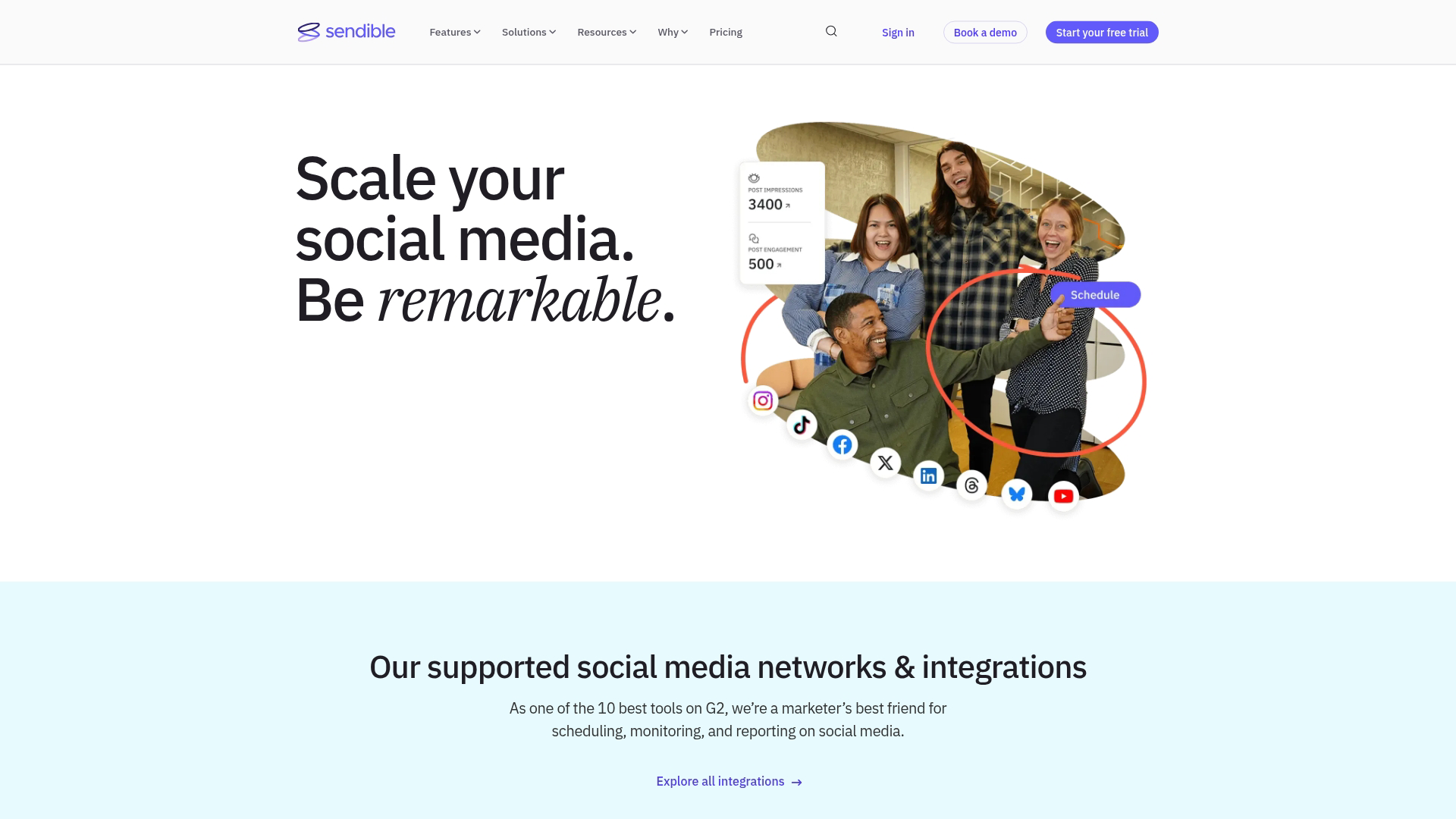
Sendible focuses on agency requirements with extensive white-label options. You can customize dashboards with your own branding so clients see your agency's name, not Sendible's.
Best for: Agencies who want to present a fully branded experience to clients.
Key strengths
- White-label client dashboards with custom branding
- Smart compose box with platform-specific previews
- Priority inbox for managing high-volume engagement
- Canva, Dropbox, and Google Drive integrations
The white-labeling goes deeper than most competitors, which matters if client perception is part of your value proposition.
Pricing: Plans start at $29/month.
11. Iconosquare
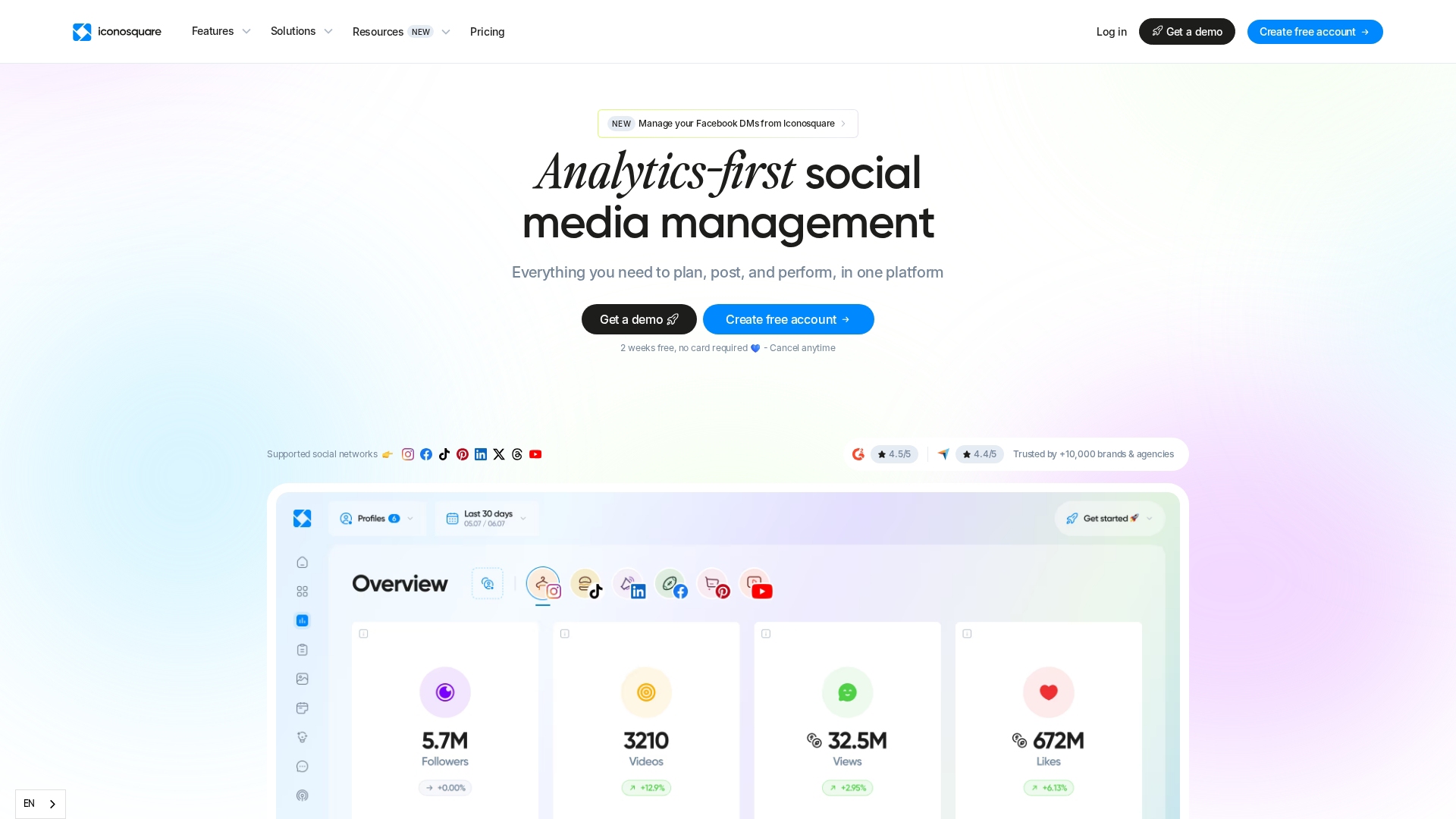
Iconosquare specializes in analytics for visual platforms. If Instagram and TikTok drive your strategy, the depth of reporting here exceeds what you'll find in general-purpose tools.
Best for: Brands focused on Instagram and TikTok who want detailed performance insights.
Key strengths
- Deep Instagram and TikTok analytics
- Industry benchmark comparisons
- Hashtag and competitor tracking
- Visual content performance insights
The scheduling features exist but aren't the main draw. You're paying for analytics depth.
Pricing: Plans start at $49/month.
12. Tailwind
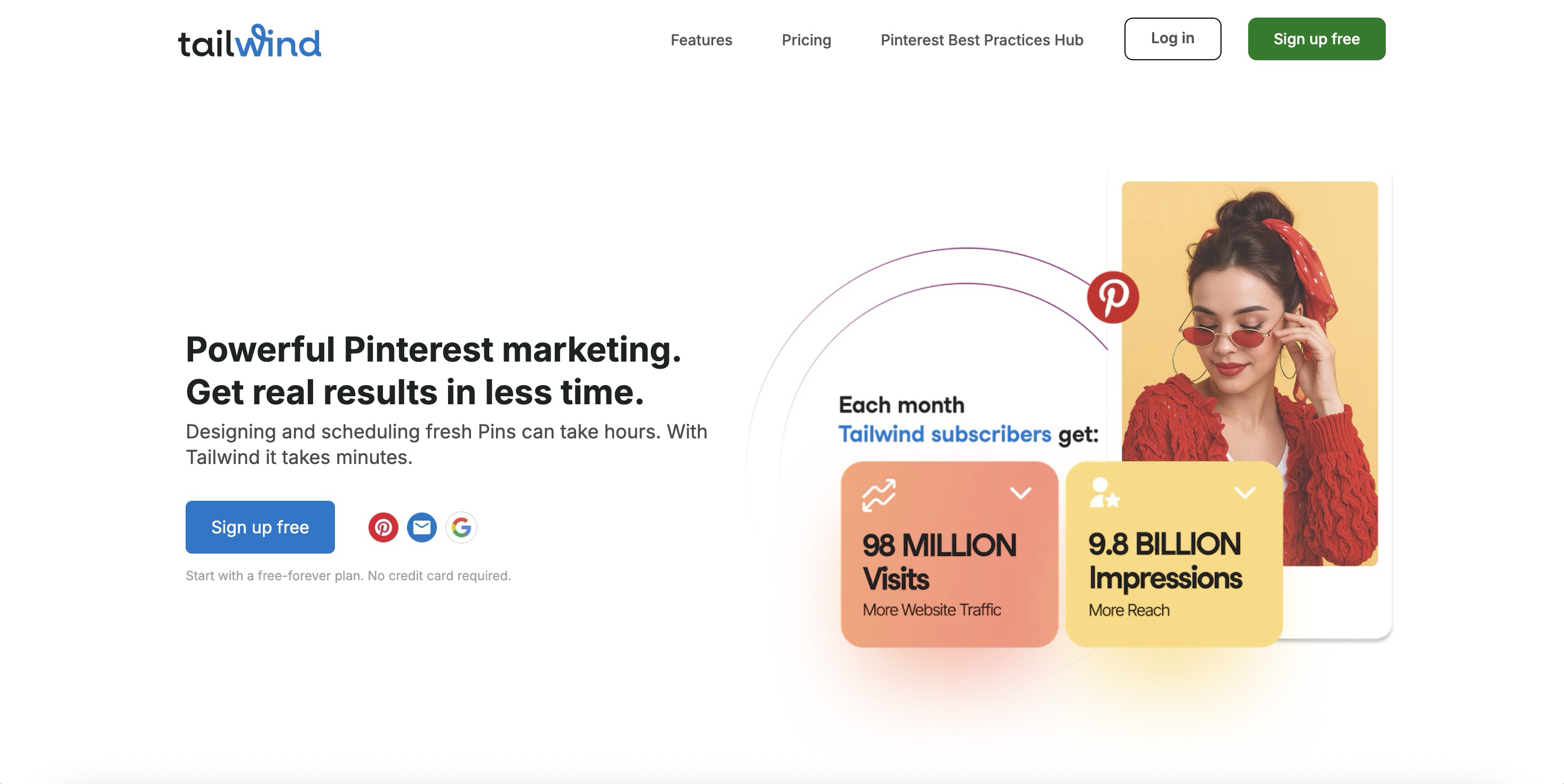
Tailwind built its reputation on Pinterest, where it remains the go-to tool for serious pinners. SmartSchedule optimizes posting times, and Tailwind Communities help extend reach through collaborative boards.
Best for: E-commerce brands and bloggers who rely on Pinterest traffic.
Key strengths
- Pinterest-optimized scheduling with SmartSchedule
- Tailwind Communities for collaborative reach
- Ghostwriter AI for caption generation
- Instagram hashtag suggestions
If Pinterest isn't part of your strategy, Tailwind offers less value. For Pinterest-heavy workflows, though, nothing else comes close.
Pricing: Plans start at $19.99/month.
13. Planable
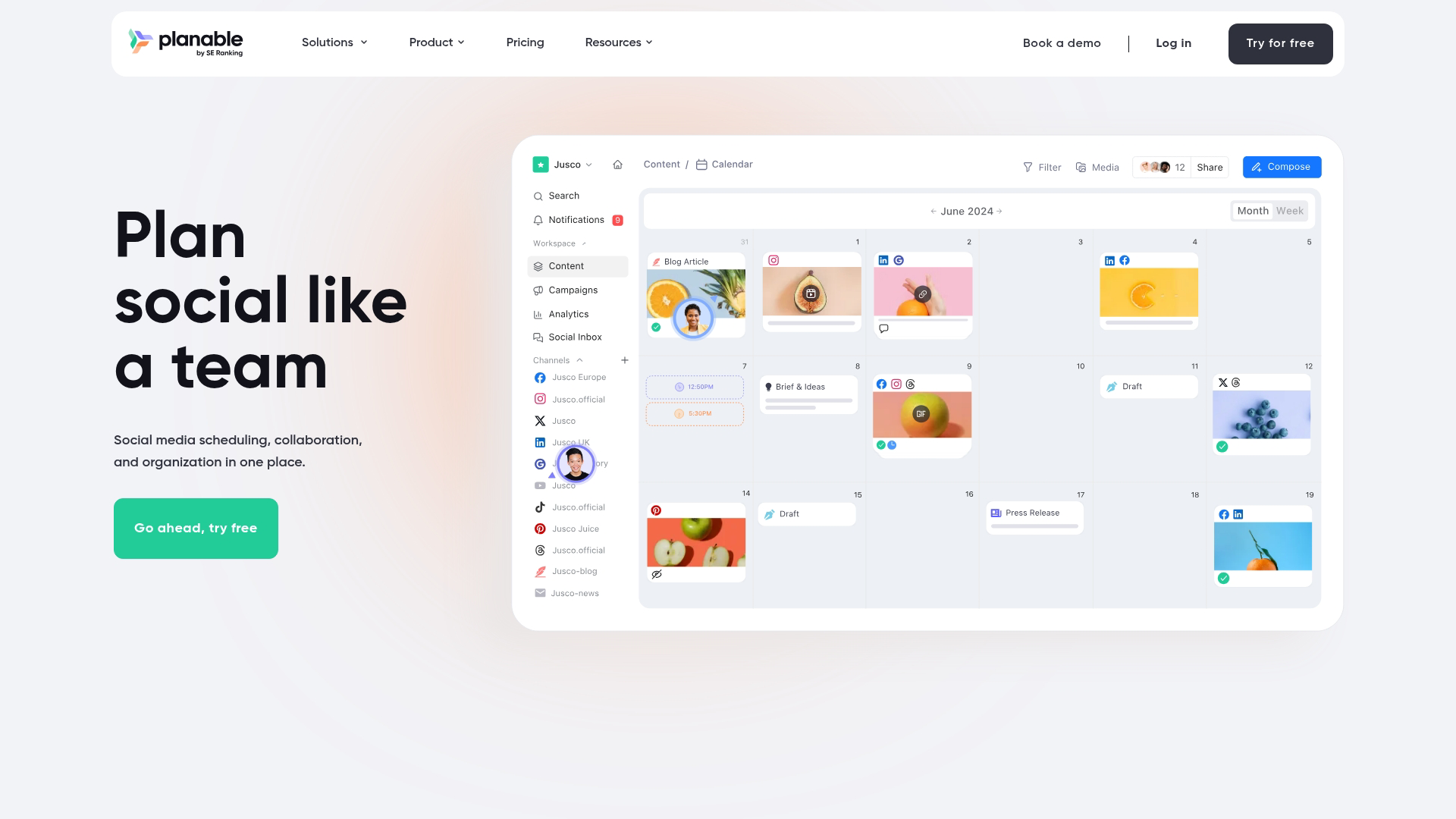
Planable treats content collaboration as the core feature rather than an add-on. Real-time editing, visual previews, and multi-level approval workflows make it popular with teams where multiple stakeholders touch every post.
Best for: Teams with complex approval processes who want to collaborate visually.
Key strengths
- Real-time content collaboration with comments and feedback
- Multi-level approval workflows
- Feed preview for visual accuracy before publishing
- Universal content support for blogs and newsletters
The collaboration features are excellent. The analytics and listening features are lighter than dedicated platforms.
Pricing: Plans start at $33/month.
14. Sprinklr
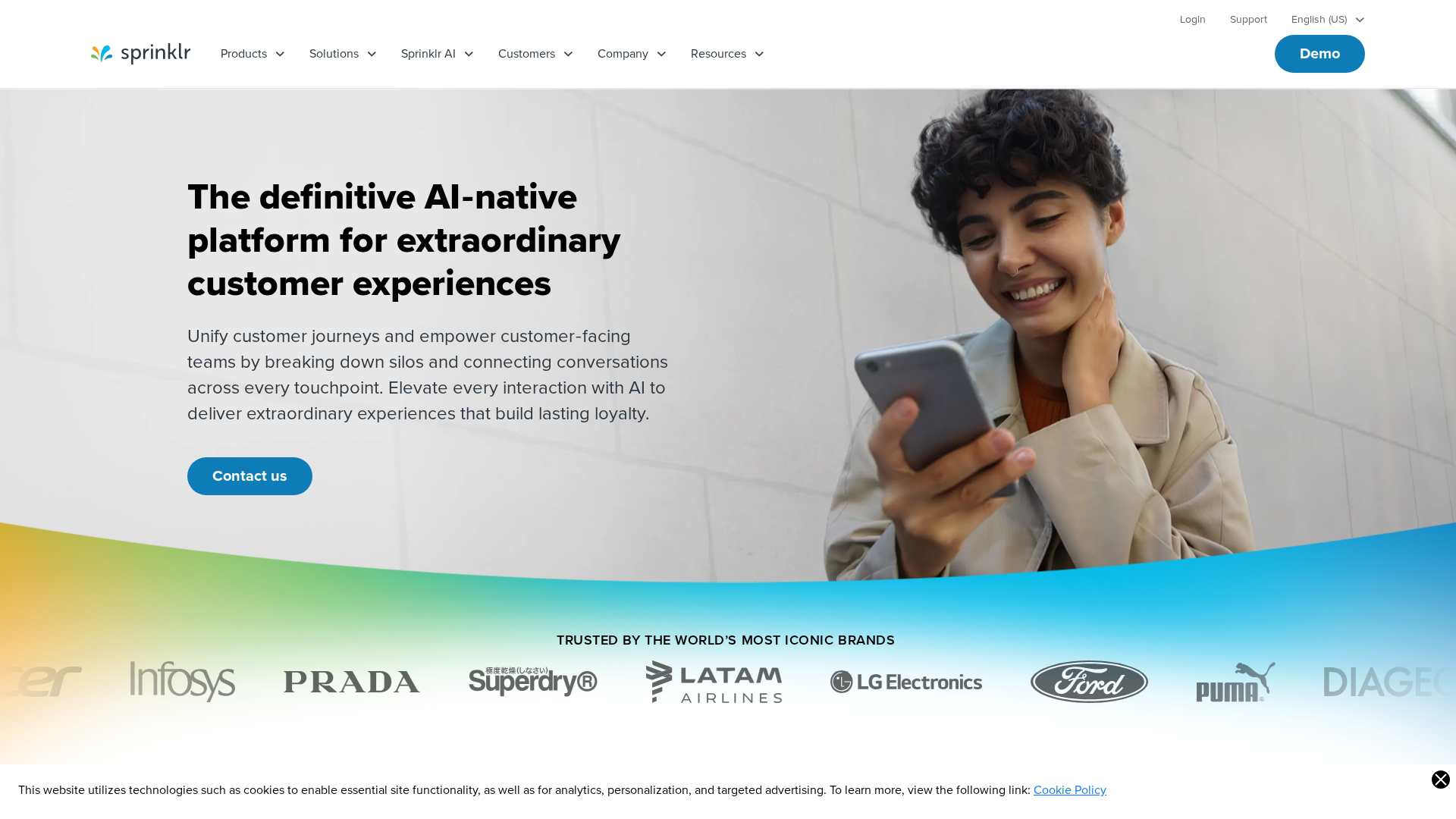
Sprinklr serves large enterprises with a unified customer experience management platform. Social is one piece of a broader suite that includes customer service, marketing, and research.
Best for: Large enterprises with complex governance requirements and big budgets.
Key strengths
- Unified customer experience management across channels
- AI-powered insights at enterprise scale
- Global governance and compliance features
- Omnichannel publishing and listening
The complexity and price point put it out of reach for most teams. For global brands managing social across dozens of markets, though, the governance features matter.
Pricing: Custom pricing based on requirements.
15. Loomly
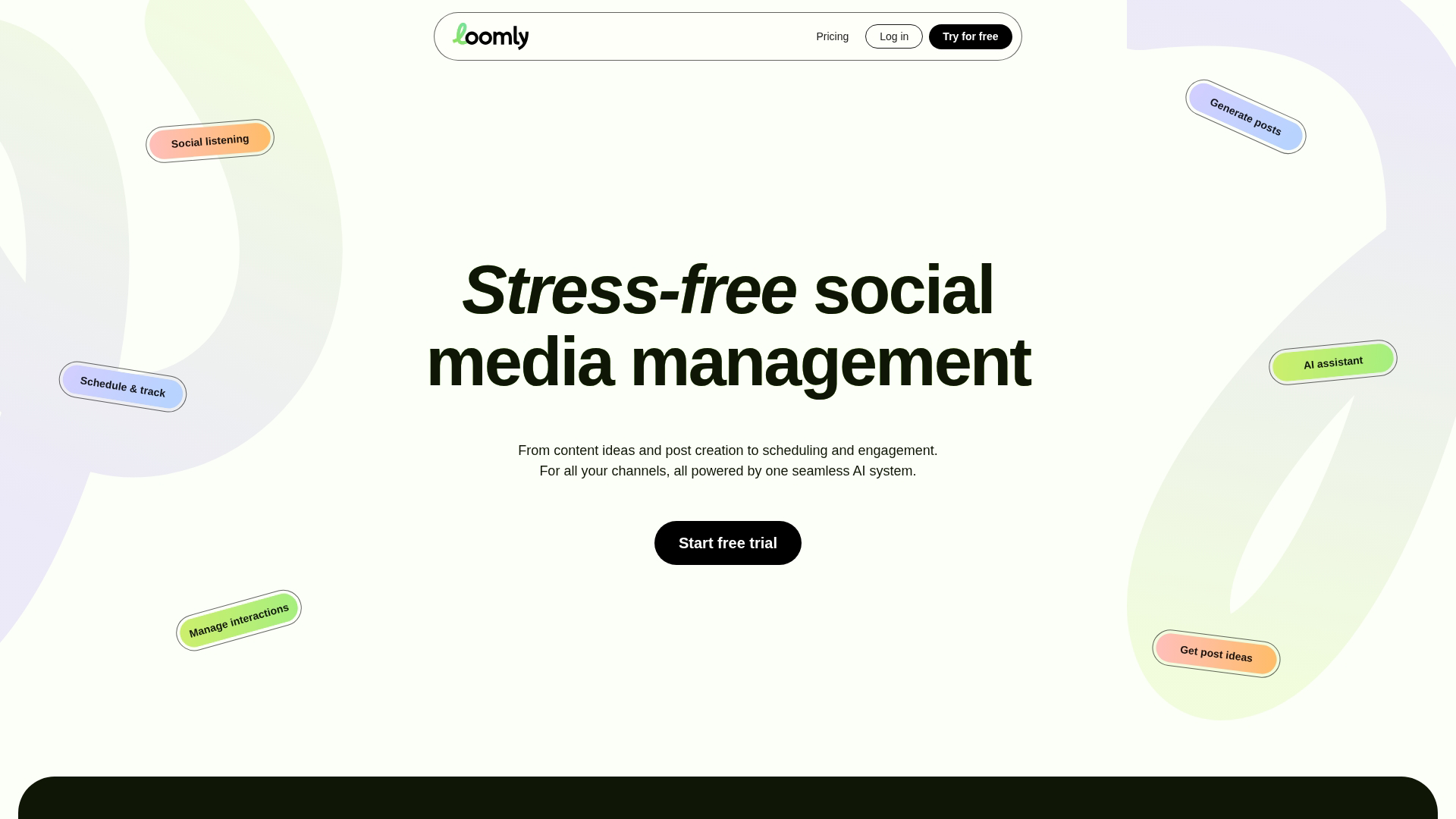
Loomly guides users through content creation with post ideas, optimization tips, and a clean workflow. It's a good entry point for teams new to social media management who want structure without overwhelm.
Best for: Small marketing teams who want guided content creation and simple workflows.
Key strengths
- Post inspiration and content ideas based on trends
- Automated post optimization tips
- Simple approval workflows
- Hashtag and UTM management
Loomly won't replace enterprise platforms, but it provides enough structure to help small teams stay consistent.
Pricing: Plans start at $42/month.
Best social media management software for small businesses
With 96% of American small businesses using social media, ease of use, affordable pricing, and minimal learning curve are top priorities. Four tools stand out:
- Buffer: Best free tier for solopreneurs who want to start without commitment
- Zoho Social: Best for small businesses already using Zoho CRM
- Vista Social: Best value with listening features included at lower price points
- Loomly: Best for teams wanting guided content creation
Top social media management platforms for agencies
Agencies face different challenges: multiple clients, white-label requirements, and bulk operations. Three platforms address agency workflows directly:
- Sendible: Best white-label customization for client-facing dashboards
- SocialPilot: Best budget option for growing agencies
- Agorapulse: Best social inbox for high-volume engagement management
Key features in social media management platforms
Scheduling and publishing
Calendar views let you see your content plan at a glance. Queue management handles the timing. Bulk upload saves hours when you're planning a month of content. Optimal timing suggestions take the guesswork out of when to post.
Social inbox and engagement management
A unified inbox pulls comments, DMs, and mentions from all platforms into one stream. Response assignment prevents two people from replying to the same message. Saved replies speed up common responses.
Analytics and reporting
Native analytics from each platform get aggregated into unified reports. Custom reports let you focus on the metrics that matter. Export options make it easy to share with stakeholders or clients.
Team collaboration and approval workflows
Role permissions control who can publish versus who can only draft. Approval chains prevent unauthorized posts. Content versioning tracks changes. Internal notes keep context attached to each post.
AI-powered content and optimization
AI caption writing generates starting points for posts. Hashtag suggestions improve discoverability. Optimal posting time recommendations maximize reach. Content recommendations surface ideas based on what's performing.
Platform coverage and integrations
Most tools support Instagram, Facebook, LinkedIn, X, TikTok, Pinterest, and YouTube. Threads support is newer and varies by platform. Integration with your CRM, help desk, and marketing automation software determines how well social data flows into your broader stack.
How to choose the right social media manager tool
- Audit your channel mix: Confirm the tool supports all networks you use, including newer platforms like Threads and TikTok
- Map your workflow: Solo creator requirements differ from agency multi-client management
- Test the interface: Most tools offer free trials; evaluate ease of daily use before committing
- Check integration requirements: Verify compatibility with your CRM, analytics, and product marketing tools
- Calculate true cost: Factor in per-user pricing, social profile limits, and feature tiers
Teams evaluating multiple tools can use interactive demos to compare interfaces before committing to trials. Seeing the actual workflow beats reading feature lists.
Social media management tool pricing
Pricing models vary significantly across the category:
Watch for hidden costs. Some tools charge extra for analytics, team members, or specific platform connections. Calculate your total cost at your expected usage level, not just the starting price.
Start managing all your social media in one place
The right social media management solution depends on your team size, channel mix, and workflow complexity. Small businesses often thrive with Buffer or Zoho Social. Agencies typically gravitate toward SocialPilot or Sendible. Enterprise teams look to Hootsuite or Sprout Social.
Start with a free trial using your actual accounts and content. The tool that feels natural after a week of real use is usually the right choice.
Start your journey with Guideflow today!