



Product managers spend an average of 12 hours per week just coordinating across tools and chasing down information scattered across platforms. That's nearly a third of your working time lost to tool friction instead of actual product work.
This guide breaks down 14 product management tools across roadmapping, analytics, feedback, collaboration, and experimentation. Each entry includes an honest evaluation of what the tool does well and where it falls short.
What's inside
This guide covers the best product management software across key categories: roadmapping, analytics, feedback, collaboration, and experimentation. You'll find our selection criteria, a comparison table, and detailed breakdowns of each tool. We also include buying considerations for product managers building a new stack or upgrading their current one.
TL;DR
- Product management tools span multiple categories: Most teams use a combination of specialized tools rather than a single all-in-one solution.
- Top picks by category: Productboard for roadmapping, Amplitude for analytics, Dovetail for feedback, and Asana for collaboration.
- Key buying criteria: Integration capabilities with your existing stack, maintenance overhead, and depth of analytics.
What are product management tools
Product management tools help teams build, prioritize, track, and launch features across the entire product lifecycle. Choosing the right product management tools is essential for high-performing teams.
High-performing product teams typically use between three and six tools spanning roadmapping, analytics, project tracking, and documentation. The platforms connect customer insights to product decisions and help PMs prove impact without relying on manual tracking.
Here's how the main categories break down:
- Roadmapping software: Visual planning, communicating strategy, and aligning stakeholders around priorities.
- Analytics tools: Tracking user behavior, measuring feature adoption, and understanding engagement patterns.
- Feedback tools: Collecting, organizing, and centralizing customer input from various sources.
- Collaboration platforms: Facilitating cross-team communication, documentation, and project tracking.
- Experimentation tools: Managing feature flags and running A/B tests to validate ideas before full rollout.
How we selected these product management software tools
We evaluated each tool based on criteria that matter most for modern product teams. These product management tools were assessed across integration, scalability, and security.
- Integration depth: How well the tool connects with existing CRM, analytics, and communication stacks like Salesforce, Slack, and Jira.
- Scalability: Whether the software supports teams of all sizes and adapts to expanding use cases.
- Maintenance burden: The effort required to keep the tool updated, especially as your product's UI changes.
- Measurement capabilities: The ability to track outcomes and prove impact without heavy engineering instrumentation.
- Security and compliance: Adherence to enterprise-ready standards like SOC 2, GDPR, and support for single sign-on.
Comparison of product management software for teams
| # | Product | Category | Best for | Pricing | G2 rating |
|---|---|---|---|---|---|
| 1 | Productboard | Roadmapping | Customer-driven strategy | From $20/user/mo | 4.3/5 |
| 2 | Airfocus | Roadmapping | Customizable prioritization | From $19/user/mo | 4.4/5 |
| 3 | Amplitude | Analytics | Behavioral analysis | Free + paid plans | 4.5/5 |
| 4 | Mixpanel | Analytics | Real-time event tracking | Free + paid plans | 4.6/5 |
| 5 | Pendo | Analytics and onboarding | All-in-one analytics and guidance | Custom pricing | 4.4/5 |
| 6 | Dovetail | User research | Synthesizing qualitative data | From $29/user/mo | 4.5/5 |
| 7 | Maze | User research | Prototype validation | Free + paid plans | 4.5/5 |
| 8 | Linear | Project management | Engineering-led teams | Free + $8/user/mo | 4.8/5 |
| 9 | Asana | Project management | Cross-functional collaboration | Free + paid plans | 4.4/5 |
| 10 | Jira | Project management | Agile development teams | Free + $7.75/user/mo | 4.3/5 |
| 11 | LaunchDarkly | Feature management | Controlled rollouts | Custom pricing | 4.5/5 |
| 12 | Figma | Design and prototyping | Collaborative UI/UX design | Free + paid plans | 4.7/5 |
| 13 | Notion | Documentation | Flexible knowledge bases | Free + paid plans | 4.7/5 |
| 14 | Miro | Collaboration | Remote brainstorming | Free + paid plans | 4.7/5 |
The 14 product management tools reviewed
1. Productboard
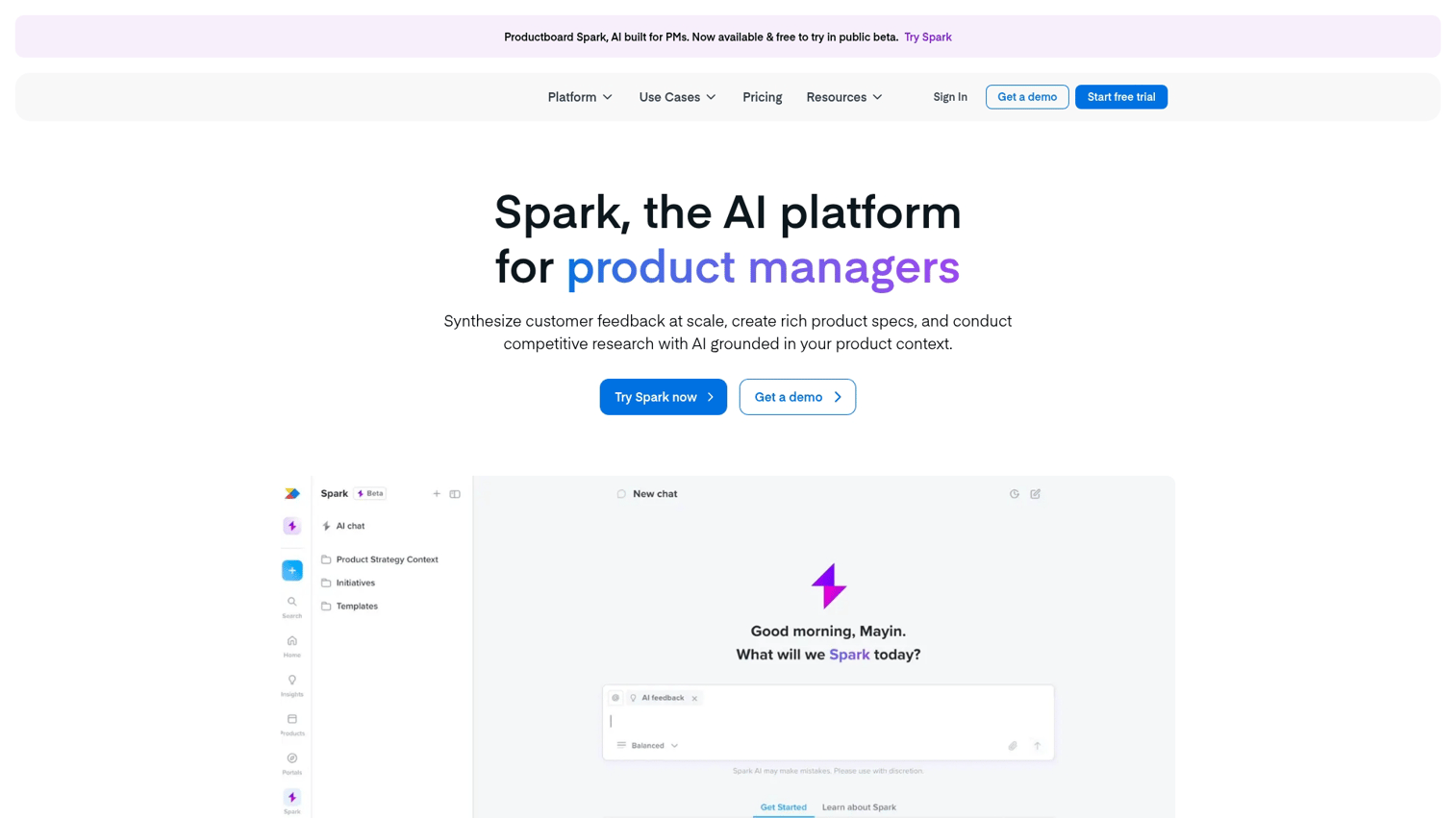
Productboard is a customer-driven roadmapping platform that centralizes feedback from support tickets, sales calls, and user research. It connects that input directly to roadmap items, helping you build a case for your priorities with data rather than opinions.
The platform excels at making customer insights actionable. You can tag feedback to specific features and score ideas using prioritization frameworks. You can also share visual roadmaps with stakeholders who want to see the "why" behind your decisions.
Key strengths
- Feedback portal: Collect and organize input from multiple channels in one place.
- Prioritization scoring: Use frameworks like RICE or custom criteria to rank features objectively.
- Stakeholder roadmaps: Create different views for executives, sales, and engineering.
- Integrations: Connects with Jira, Slack, Salesforce, and Zendesk.
Best for: Product managers who want to align strategy with clear customer input and justify priorities to leadership.
Pricing: From $20/user/month.
2. Airfocus
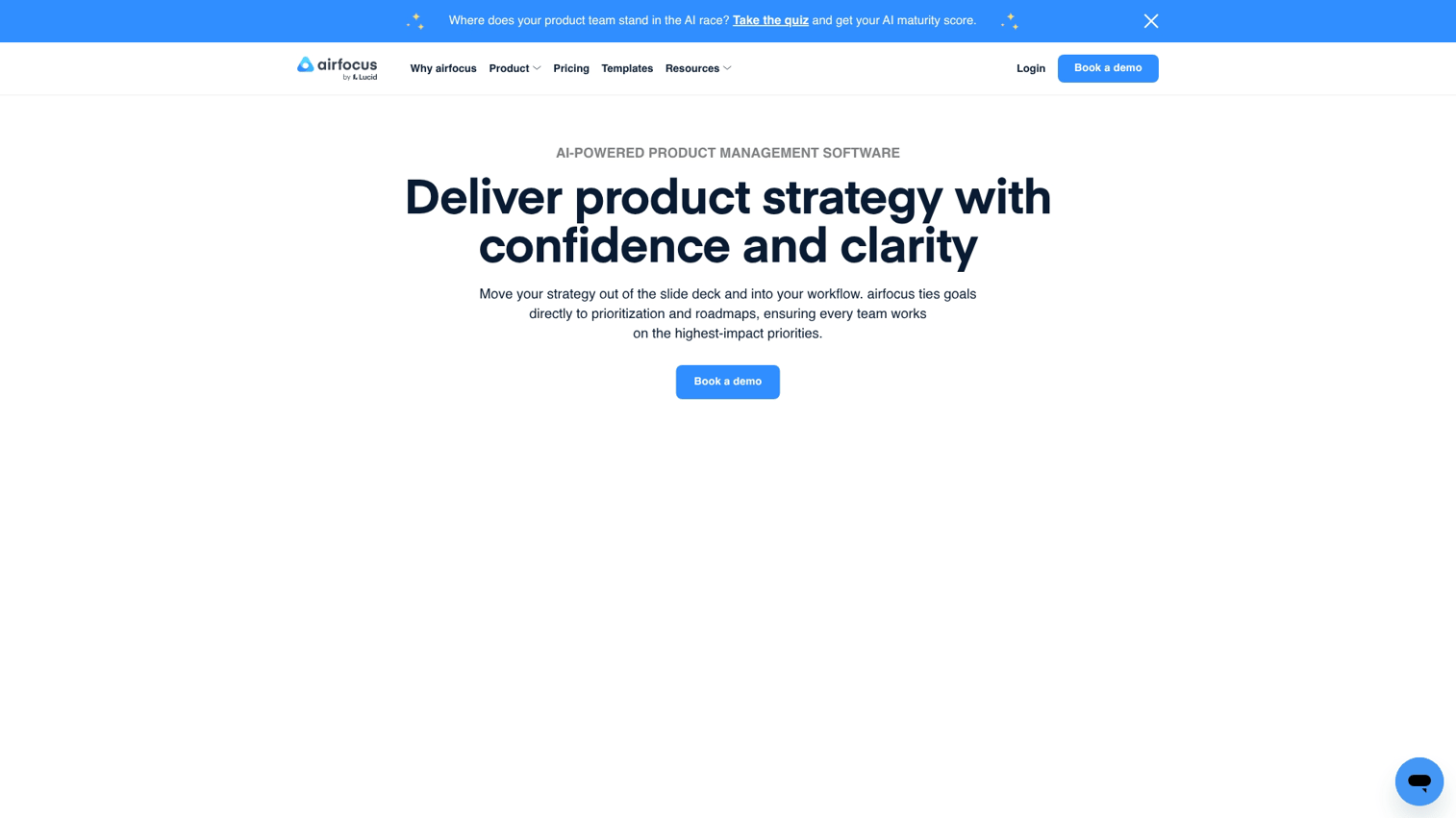
Airfocus offers a modular roadmapping experience with deep prioritization features. Its main strength is flexibility: you can use and customize different prioritization frameworks like RICE, value vs. effort, or your own weighted scoring model.
Unlike more rigid tools, Airfocus lets you build the workflow that fits your team. You can create multiple roadmaps, link them to OKRs, and adjust your prioritization criteria as your strategy evolves.
Key strengths
- Customizable prioritization: Build your own scoring models or use pre-built frameworks.
- Modular roadmaps: Create different views for different audiences without duplicating work.
- OKR alignment: Link roadmap items to company objectives.
- Integrations: Connects with Jira, Trello, Asana, and Slack.
Best for: Teams that want flexible prioritization without being locked into rigid workflows.
Pricing: From $19/user/month.
3. Amplitude
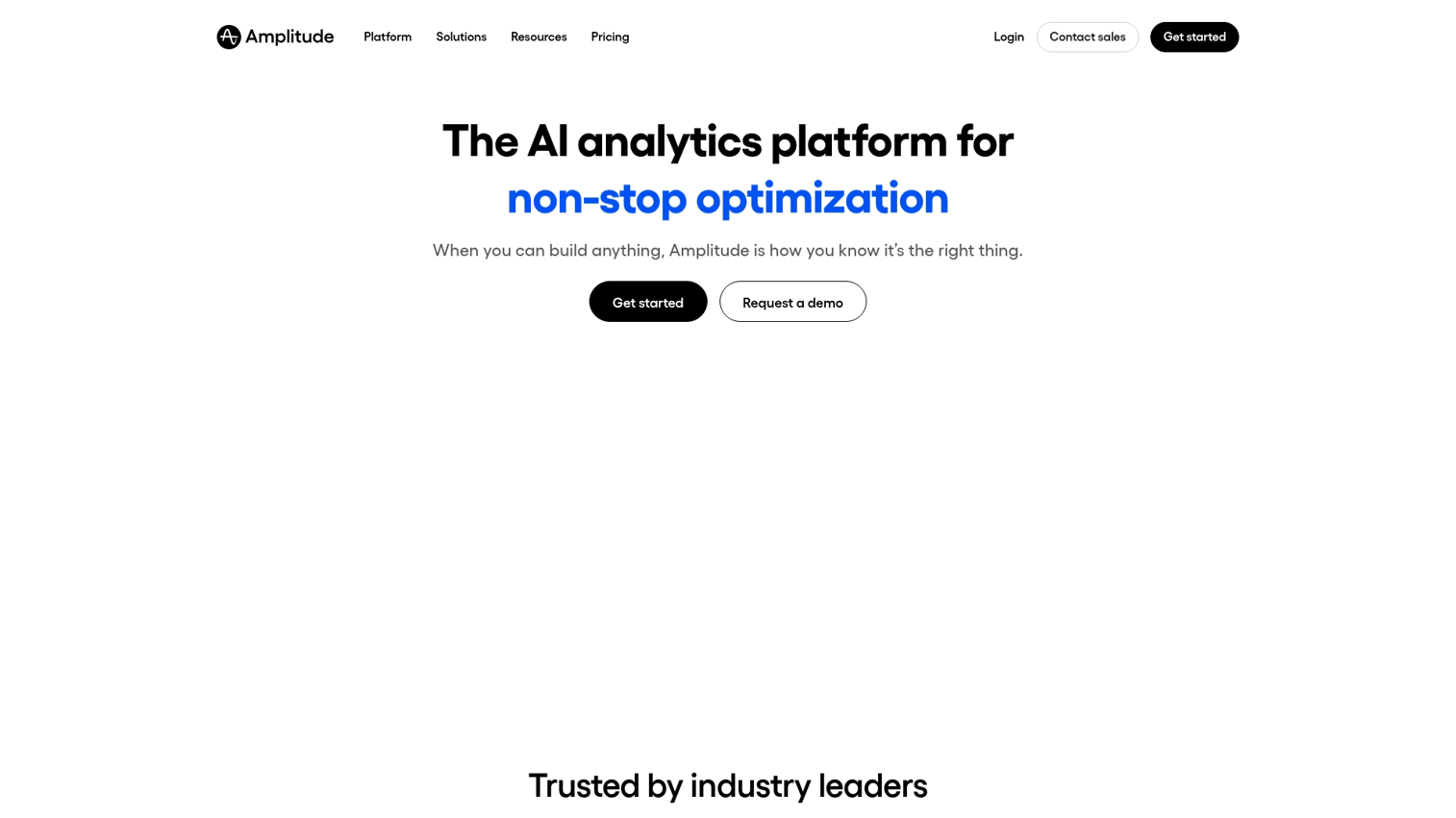
Amplitude is a behavioral analytics platform built for product growth. It enables PMs to track complex user journeys, measure feature adoption, and analyze retention patterns with cohort analysis.
The platform goes beyond basic event tracking. You can build funnels, identify drop-off points, and segment users by behavior to understand what drives activation. This is particularly useful when you're trying to prove the impact of a feature change or optimize onboarding flows.
Key strengths
- Behavioral cohorts: Group users by actions, not just demographics.
- Funnel analysis: Identify where users drop off in key flows.
- Retention tracking: Measure how often users return and what keeps them engaged.
- Experimentation: Run A/B tests and measure impact on key metrics.
Best for: Data-driven product managers focused on optimizing activation and engagement metrics.
Pricing: Free plan available. Paid plans scale with usage.
4. Mixpanel
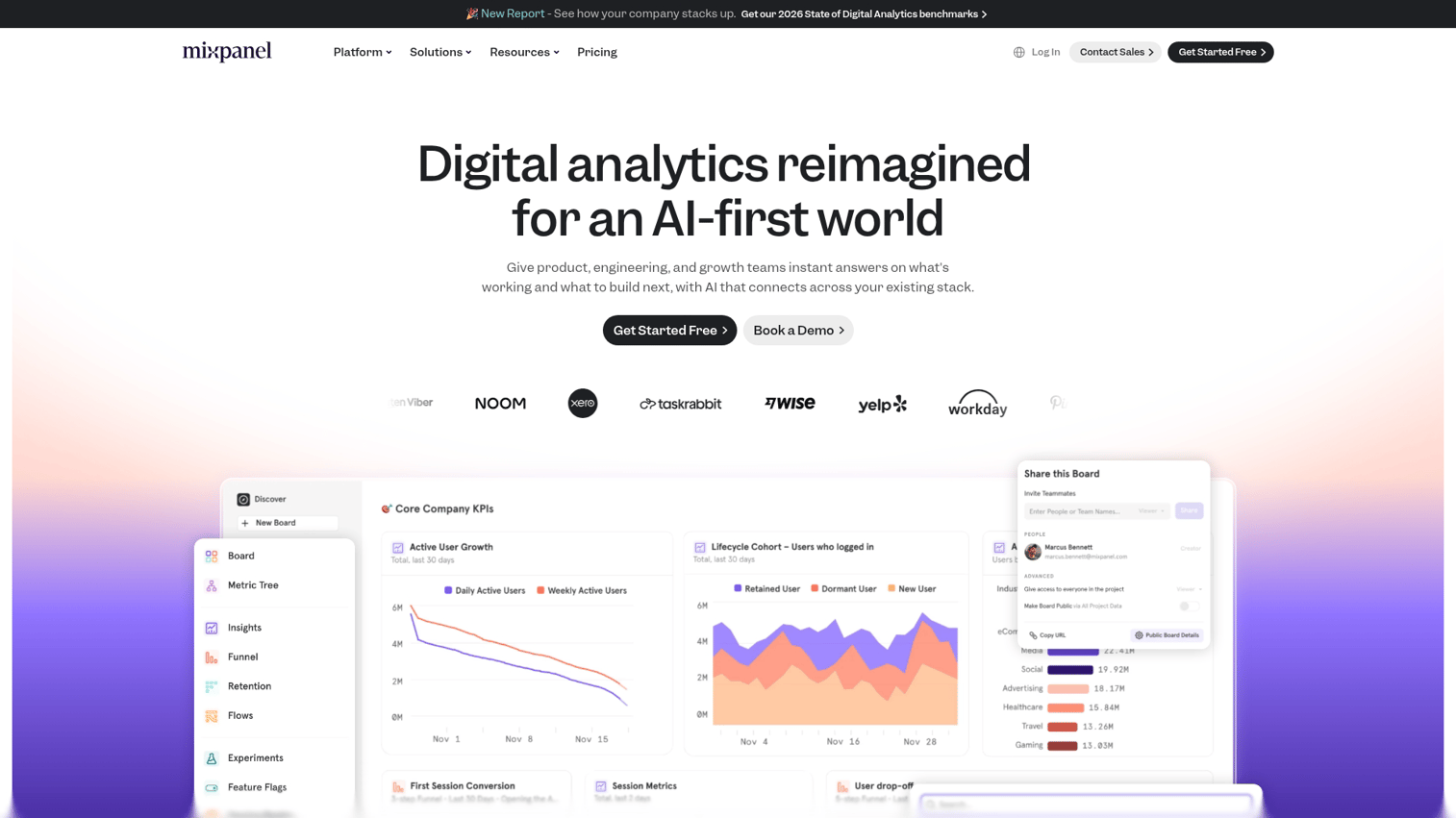
Mixpanel provides real-time analytics with a strong focus on retention. Its event-based tracking and cohort analysis help teams understand user behavior at a granular level without requiring heavy engineering setup.
The platform is known for its speed and ease of use. You can set up tracking quickly, build reports without SQL, and share dashboards with stakeholders who want to see product performance in real time.
Key strengths
- Real-time event tracking: See user actions as they happen.
- Retention reports: Understand how often users return and what drives engagement.
- Self-serve analytics: Build reports without relying on data teams.
- Integrations: Connects with data warehouses, CDPs, and marketing tools.
Best for: Teams that want detailed user behavior data with a fast, low-effort setup process.
Pricing: Free plan available. Paid plans scale with tracked users.
5. Pendo
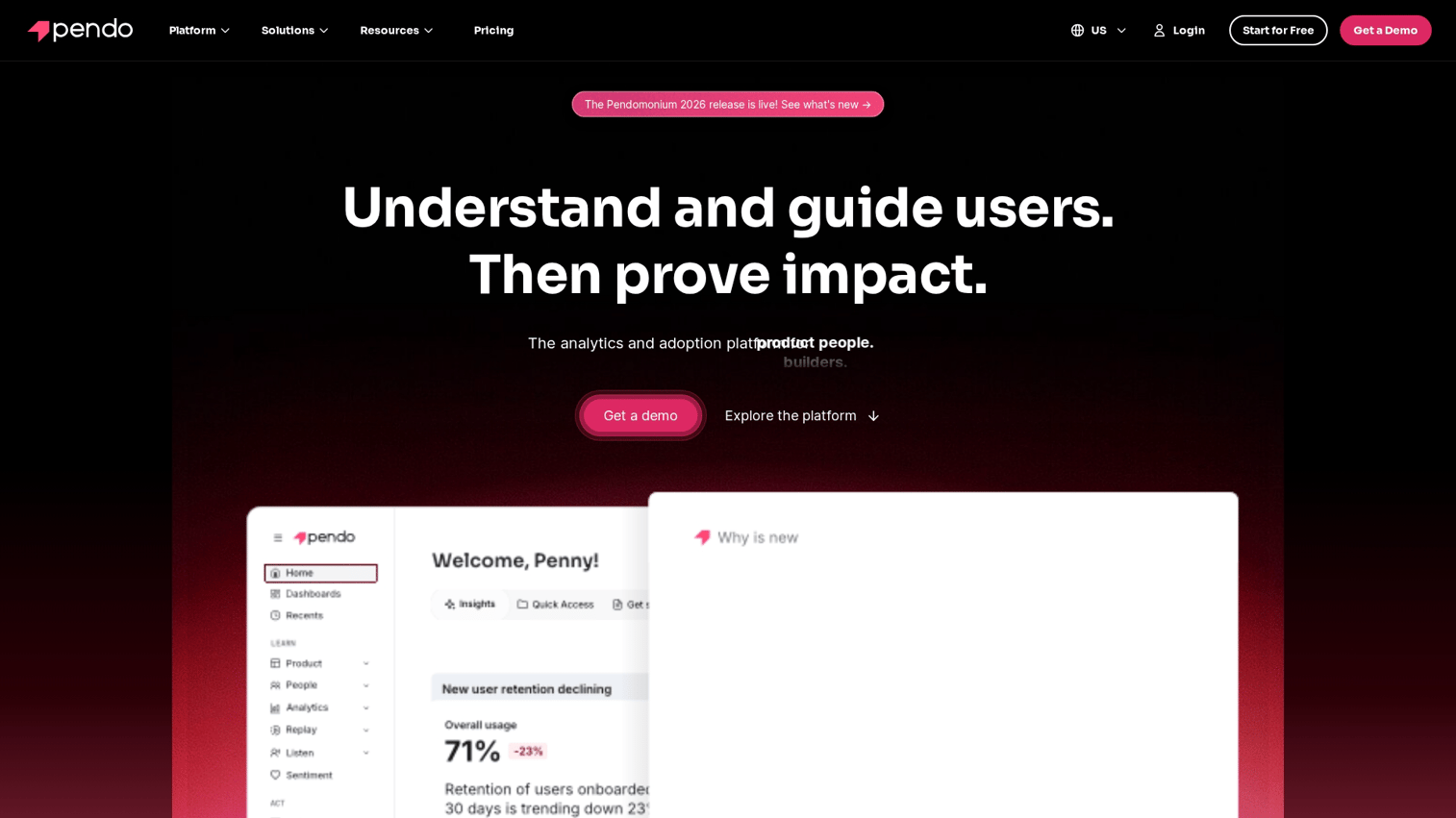
Pendo combines product analytics with built-in user feedback and in-app guidance. This allows PMs to see product usage data alongside NPS surveys and deploy guides to improve onboarding, all from one platform.
The combination is powerful for teams that want to close the loop between what users do and what they say. You can identify friction points in analytics, then deploy targeted guides to address them without waiting for a code release.
Key strengths
- Product analytics: Track feature adoption, user paths, and engagement.
- In-app guides: Deploy tooltips, walkthroughs, and announcements without code.
- Feedback collection: Run NPS surveys and collect feature requests in-product.
- Retroactive analytics: Analyze historical data without pre-defining events.
Best for: PMs who want analytics, feedback, and user onboarding capabilities in a single platform.
Pricing: Custom pricing based on usage.
6. Dovetail
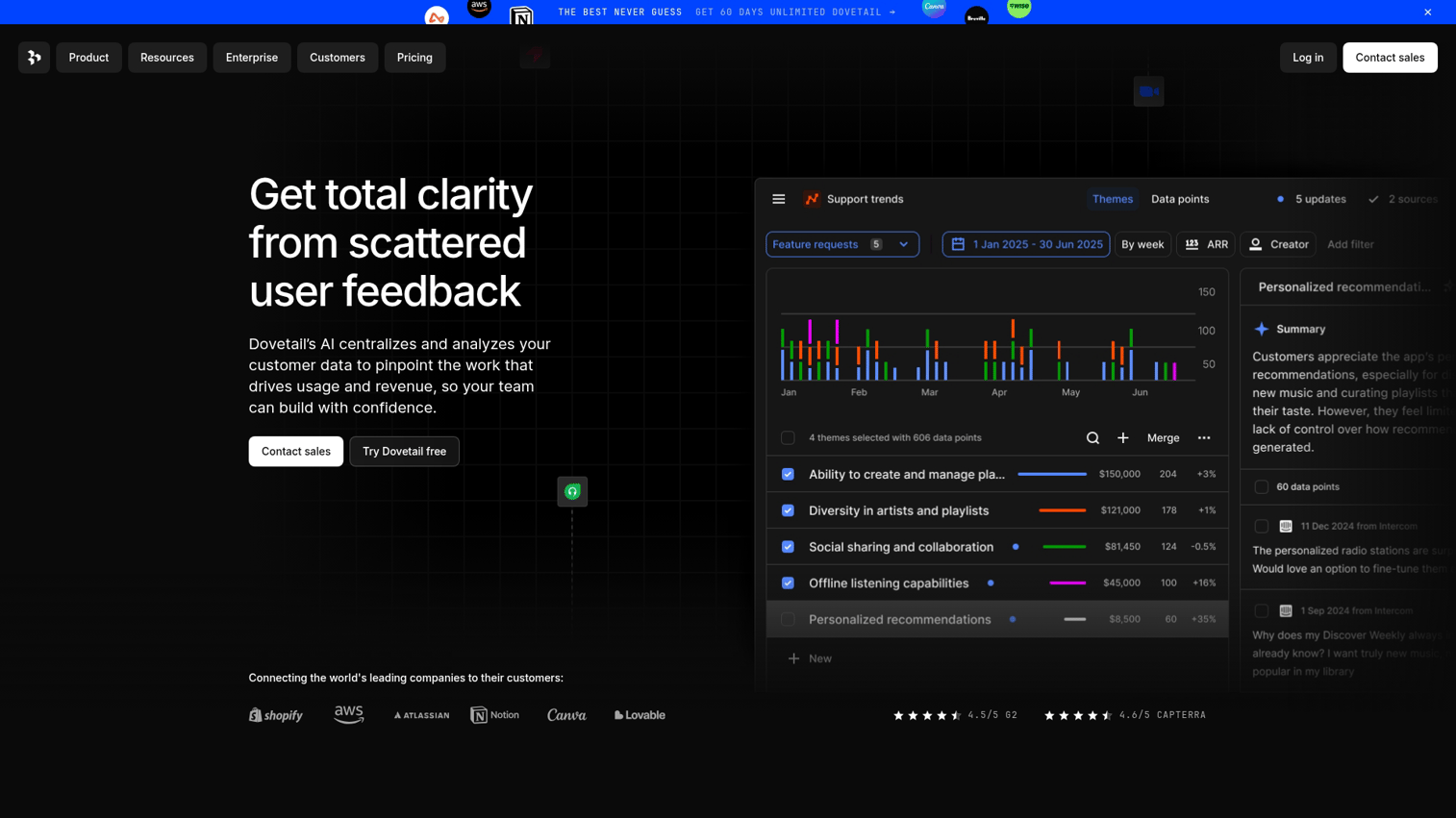
Dovetail is a centralized hub for customer research and qualitative insights. It helps teams organize user interviews, surveys, and research findings into a searchable repository, making it easy to identify patterns across studies.
For research-heavy teams, Dovetail solves the problem of scattered insights. Instead of digging through Google Docs or Notion pages, you can tag findings and link them to themes. You can then share evidence with stakeholders who want to see the data behind your recommendations.
Key strengths
- Research repository: Store and organize interviews, surveys, and notes in one place.
- Tagging and themes: Identify patterns across multiple studies.
- Collaboration: Share insights with stakeholders and link to product decisions.
- Integrations: Connects with Slack, Jira, and Productboard.
Best for: Research-heavy product teams that want to synthesize qualitative data effectively.
Pricing: From $29/user/month.
7. Maze
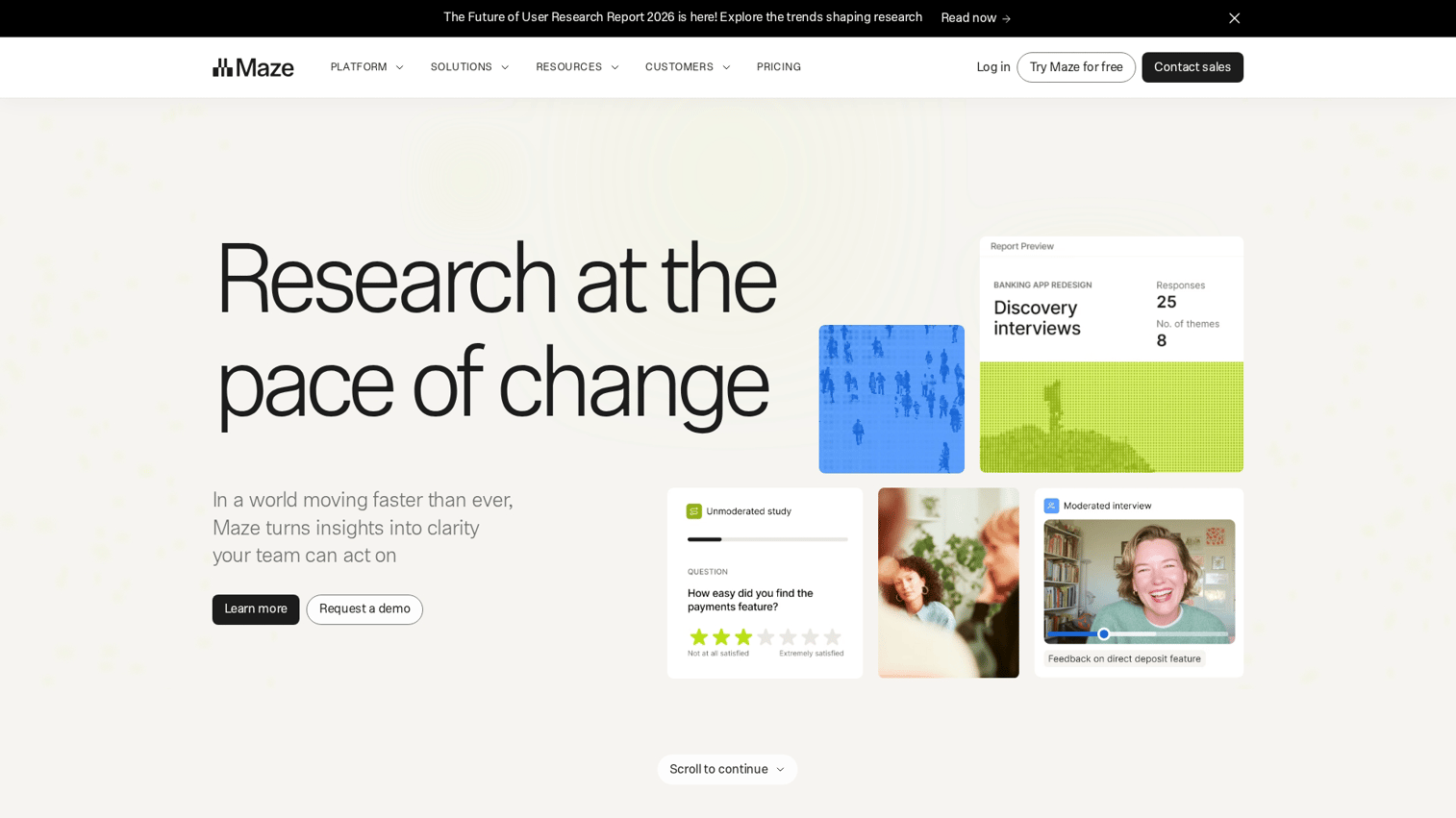
Maze is a tool for rapid product discovery and prototype validation. It integrates with design tools like Figma to create usability tests and concept validation workflows, providing quick feedback on ideas before you commit engineering resources.
The platform is built for speed. You can set up a test in minutes and recruit participants from your own users or Maze's panel. Results come back fast enough to inform your next sprint.
Key strengths
- Prototype testing: Test Figma, Sketch, or Adobe XD prototypes with real users.
- Usability metrics: Measure task completion, misclicks, and time on task.
- Participant recruitment: Use your own users or Maze's panel.
- Integrations: Connects with Figma, Slack, and Jira.
Best for: PMs who want to validate ideas with real users before committing to development.
Pricing: Free plan available. Paid plans scale with usage.
8. Linear
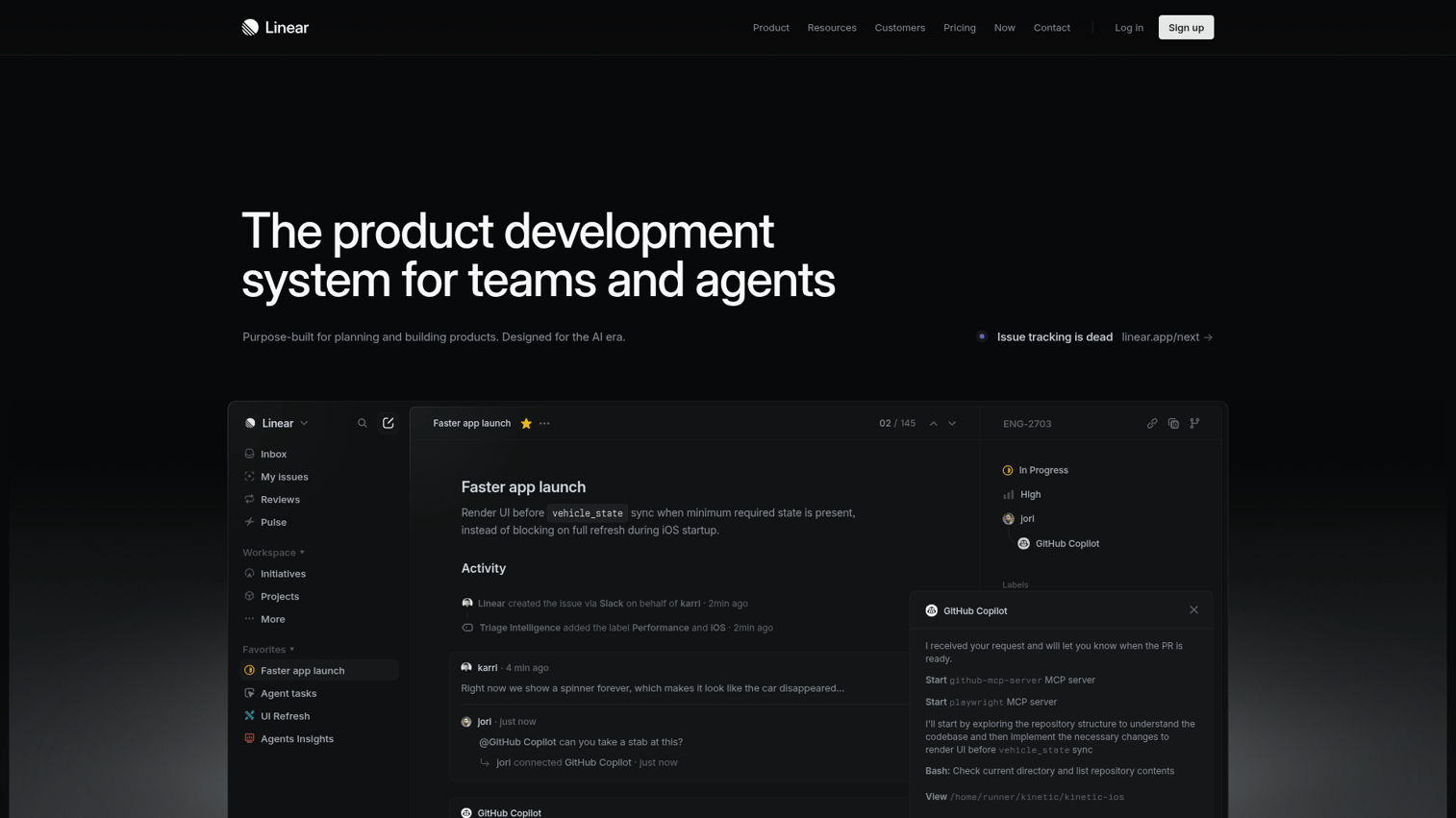
Linear is a modern alternative to legacy project tracking tools. It's designed for speed, with powerful keyboard shortcuts and a clean, developer-friendly interface that engineering teams actually enjoy using.
The platform focuses on reducing friction in issue tracking. Everything is fast: creating issues, updating status, and navigating between projects. This matters when your team is moving quickly and doesn't want the tool to slow them down.
Key strengths
- Speed: Keyboard-first design with instant search and navigation.
- Cycles: Built-in sprint planning without the overhead of traditional agile tools.
- Roadmaps: Visualize projects and milestones alongside day-to-day work.
- Integrations: Connects with GitHub, Slack, and Figma.
Best for: Engineering-led teams that prioritize speed and an efficient issue-tracking workflow.
Pricing: Free plan available. Paid plans from $8/user/month.
9. Asana
Asana is a task and project tracking platform with strong collaboration features. Its timeline views and cross-functional project management capabilities make it ideal for coordinating complex launches that involve marketing, sales, and product.
The platform works well when you have multiple teams contributing to a single initiative. You can create dependencies, assign tasks across departments, and track progress in a way that keeps everyone aligned without constant status meetings.
Key strengths
- Timeline views: Visualize project schedules and dependencies.
- Cross-functional projects: Coordinate work across multiple teams and add priority fields to keep initiatives aligned.
- Automation: Create rules to automate repetitive tasks.
- Integrations: Connects with Slack, Google Workspace, and Salesforce.
Best for: Teams coordinating work across marketing, sales, and product departments.
Pricing: Free plan available. Paid plans from $10.99/user/month.
10. Jira
Jira is the industry standard for agile project tracking for development teams. It supports sprint planning, backlog management, and deep developer workflows for both Scrum and Kanban methodologies.
The platform is highly configurable, which is both its strength and its challenge. Teams that invest in setting it up properly get powerful workflows and reporting. Teams that don't can end up with a cluttered, confusing system.
Key strengths
- Agile boards: Scrum and Kanban views with customizable workflows.
- Backlog management: Prioritize and groom backlogs with drag-and-drop.
- Reporting: Burndown charts, velocity tracking, and sprint reports.
- Integrations: Deep connections with Confluence, Bitbucket, and hundreds of other tools.
Best for: Engineering teams running formal agile processes with sprints and story points.
Pricing: Free plan available. Paid plans from $7.75/user/month.
11. LaunchDarkly
LaunchDarkly is a feature flagging platform for controlled rollouts and progressive delivery. It allows PMs to separate code deployment from feature release, mitigating risk by enabling targeted releases and instant rollbacks.
This matters when you're launching to a large user base and want to test with a small segment first. It works similarly to how sandbox demos provide safe testing environments. You can roll out to 5% of users, monitor for issues, then gradually expand without requiring new deployments.
Key strengths
- Feature flags: Control who sees what without code changes.
- Progressive rollouts: Release to percentages of users and expand gradually.
- Targeting: Release to specific segments based on user attributes.
- Experimentation: Run A/B tests tied to feature flags.
Best for: PMs who want to de-risk launches and test features with specific user segments.
Pricing: Custom pricing based on usage.
12. Figma
Figma is a collaborative UI/UX design and prototyping tool. Its real-time collaboration features and design system management capabilities allow product and design teams to work together without version control headaches.
For PMs, Figma is where you review designs, leave comments, and understand what's being built before it goes to engineering. The ability to click through prototypes helps you catch issues early and align on the user experience.
Key strengths
- Real-time collaboration: Multiple people can edit and comment simultaneously.
- Prototyping: Create clickable prototypes to test flows before development.
- Design systems: Maintain consistent components across products.
- Developer handoff: Inspect designs and export assets directly.
Best for: Product teams that work closely with designers on interface decisions and prototypes.
Pricing: Free plan available. Paid plans from $15/editor/month.
13. Notion
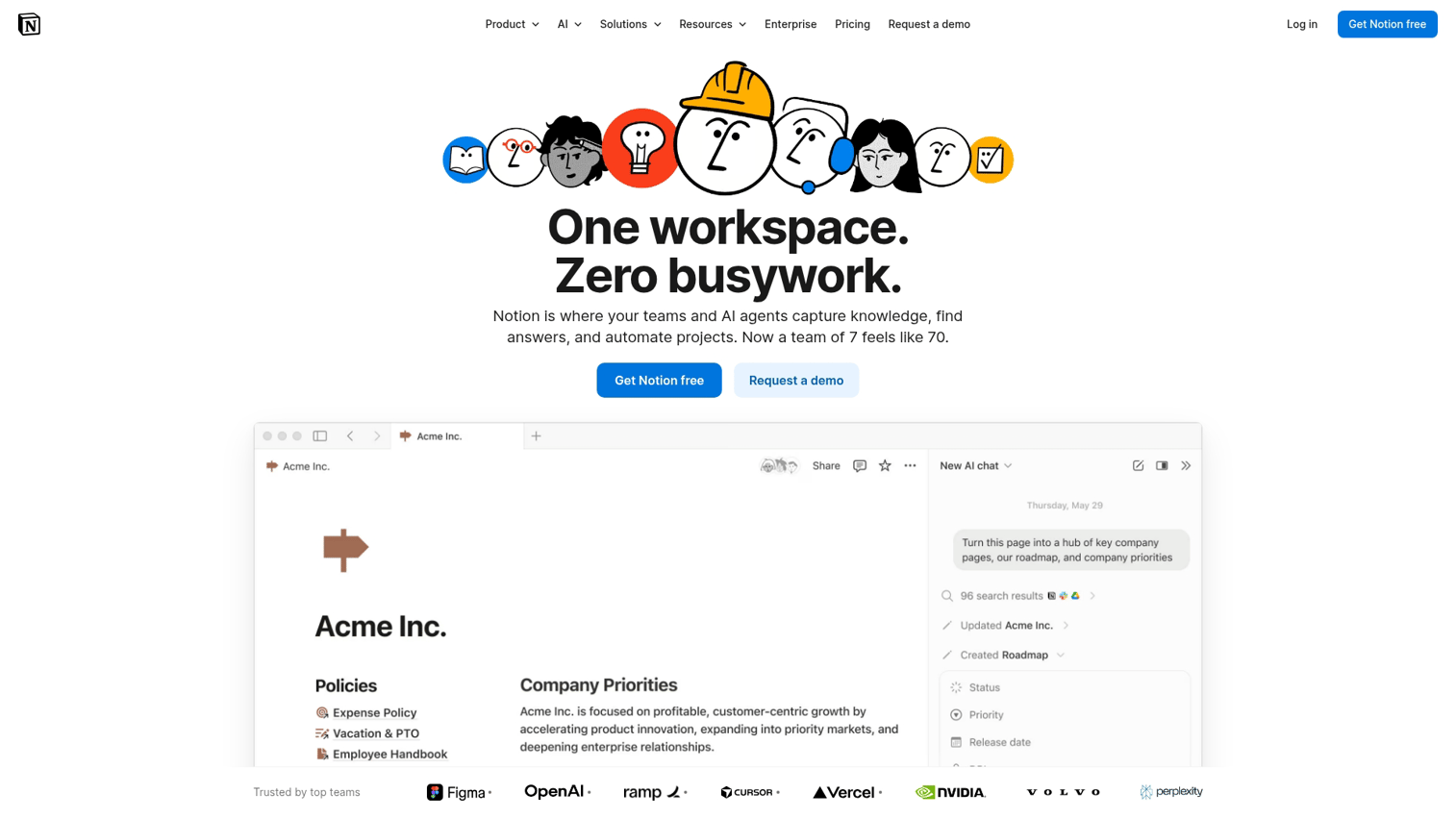
Notion is a highly flexible documentation and knowledge base platform. It can be used for writing PRDs, creating team wikis, and managing all forms of team documentation in one place.
The platform's flexibility is its main appeal. You can structure it however you want, from simple docs to complex databases with linked views. This works well for teams that want to customize their workspace but can be overwhelming for those who prefer more structure out of the box.
Key strengths
- Flexible structure: Build pages, databases, and wikis however you want.
- Templates: Start with pre-built templates for PRDs, meeting notes, and roadmaps.
- Collaboration: Comment, mention, and edit together in real time.
- Integrations: Connects with Slack, Jira, and GitHub.
Best for: Teams that want a flexible documentation solution without a rigid structure.
Pricing: Free plan available. Paid plans from $10/user/month.
14. Miro
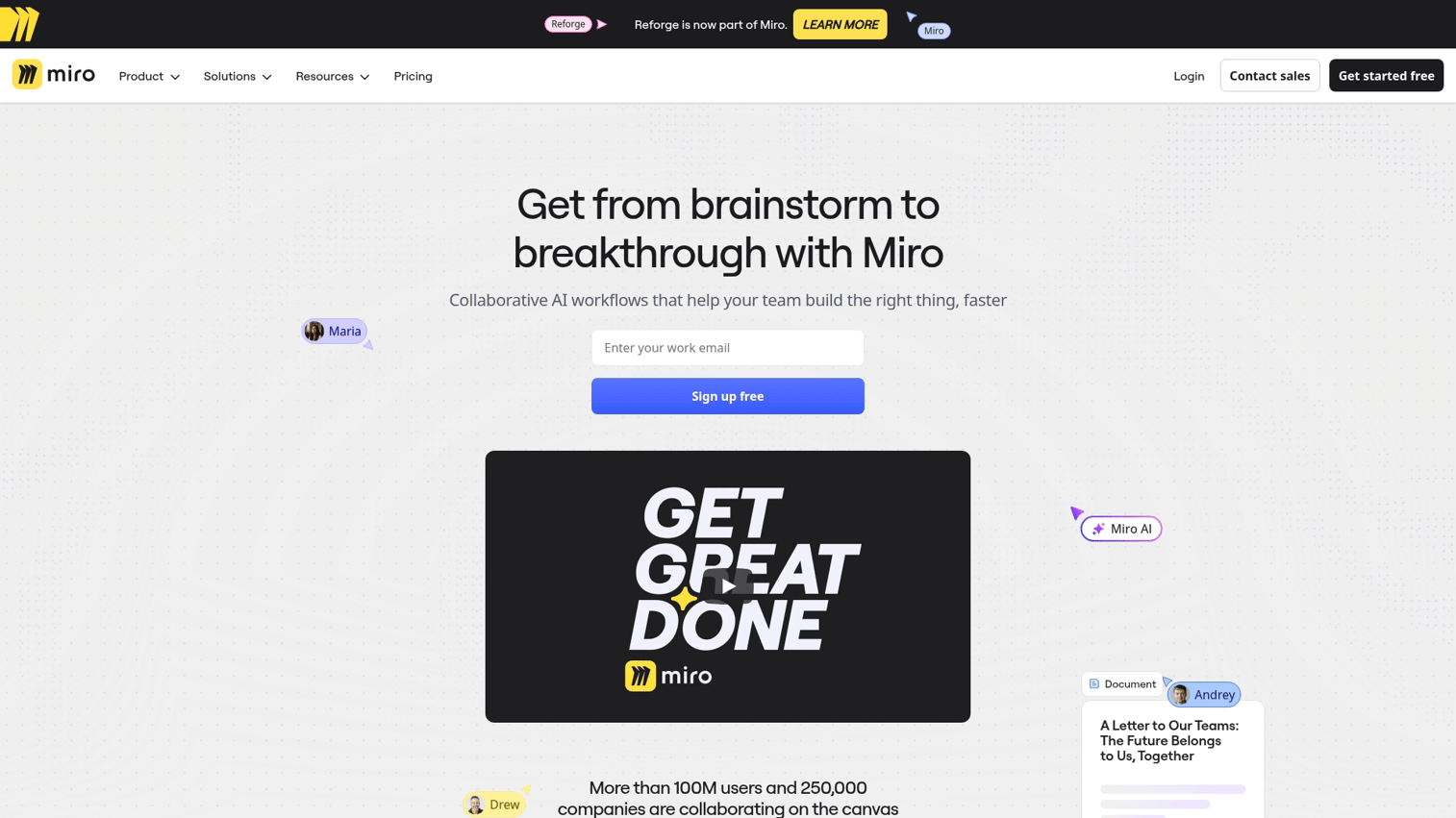
Miro is a virtual whiteboard designed for brainstorming and workshops. It enables teams to conduct ideation sessions, map user flows, and run planning sessions in a collaborative visual space. The platform shines for distributed teams that miss working together in a physical room. Having the right product marketing software stack becomes even more critical when your team works remotely. You can run design sprints, create journey maps, and facilitate retrospectives with participants in different time zones.
Key strengths
- Infinite canvas: Unlimited space for brainstorming and mapping.
- Templates: Pre-built templates for user journeys, retrospectives, and workshops.
- Real-time collaboration: Work together with video chat and cursor tracking.
- Integrations: Connects with Jira, Asana, Slack, and Microsoft Teams.
Best for: Distributed teams that run discovery and planning sessions remotely.
Pricing: Free plan available. Paid plans from $8/user/month.
Roadmapping and product strategy software compared
Roadmapping software helps teams visualize priorities, communicate strategy, and align stakeholders around a common plan. The right choice depends on how you work with customer feedback and how much flexibility you want in prioritization.
- Choose Productboard when: You want to connect customer feedback directly to roadmap items and build a case for your priorities with data.
- Choose Airfocus when: You want modular prioritization frameworks that you can customize to fit your team's specific workflow.
Analytics and user tracking tools for product teams
Product analytics tools are essential for measuring feature adoption, understanding user behavior, and tracking key metrics like activation and retention. The differences come down to depth of analysis versus ease of setup.
- Choose Amplitude when: Deep behavioral analysis and mapping complex user journeys are your top priorities.
- Choose Mixpanel when: You want real-time event tracking with a fast, low-effort setup process.
- Choose Pendo when: You want a single platform that combines analytics with in-app guidance and user feedback collection.
Feedback and user research software for product managers
Systematic feedback collection is critical for making informed prioritization decisions. It is one area where product management tools deliver clear value for user-centric teams. The tools in this category help you move from scattered notes to actionable insights.
- Choose Dovetail when: You run frequent user interviews and want a central place to organize and synthesize qualitative findings.
- Choose Maze when: You want to quickly validate prototypes and concepts with users before committing to development.
Interactive demos can also surface user intent signals through their engagement analytics, providing another layer of insight into what features resonate.
Project management and collaboration platforms
Project management and collaboration platforms cover the execution side of product management tools: task tracking, documentation, and team coordination. The right choice depends on your team's culture and how formal your processes are.
- Choose Linear when: Engineering velocity and a clean, fast workflow are the most important factors.
- Choose Jira when: Your team runs formal agile processes with sprints, story points, and detailed backlogs.
- Choose Asana when: Your primary focus is coordinating work across non-technical teams like marketing and sales.
- Choose Notion when: You want a flexible, all-in-one solution for documentation, wikis, and light project tracking.
- Choose Miro when: Your team frequently engages in remote brainstorming, visual planning, and collaborative workshops.
Feature management and experimentation tools
Feature flags allow product managers to control feature rollouts without requiring new code deployments. LaunchDarkly is a leader in this category, enabling progressive delivery, targeted releases, and risk reduction by separating deployment from release.
This approach is particularly valuable when you're launching to a large user base and want to test with a small segment first. You can monitor for issues, gather feedback, and expand gradually without the all-or-nothing risk of a traditional release.
What to look for when choosing product management tools
Integration with your existing tool stack
Your product management tools work best when they connect with your other systems: CRM, Slack, analytics platforms, and GitHub. Siloed tools create data gaps and increase maintenance overhead, forcing teams to manually sync information between platforms. Nearly 75% of product professionals cite standardization across teams as a top driver for tool consolidation.
Scalability across teams and use cases
Choose a tool that can grow with your team and adapt to new use cases. A tool that works well for a small team might break down as you add more product managers, engineers, or product lines.
Maintenance and update requirements
Consider the ongoing maintenance burden. Some tools, particularly those that rely on screen captures or CSS selectors, require constant updates every time your product's UI changes. Look for tools that stay current with minimal effort.
Analytics and measurement capabilities
The ability to track outcomes is essential for proving impact. 72.5% of product teams say analytics visibly helped them hit key goals. The best tools provide clear metrics on engagement, completion rates, and conversion without requiring heavy engineering instrumentation.
Security and compliance standards
For B2B SaaS companies, enterprise-grade security is non-negotiable. Ensure any tool you consider meets key compliance standards like SOC 2 and GDPR, and offers security features like single sign-on.
How to build a product management tool stack
Most teams use a combination of product management tools across different categories rather than a single all-in-one solution. Here's a simple framework for building your stack:
- Start with the essentials: One roadmapping tool, one analytics tool, and one project tracker.
- Add based on specific use cases: Incorporate feedback tools if you run regular research, or experimentation tools if you want controlled rollouts.
- Avoid functional overlap: Don't purchase multiple tools that solve the exact same problem. 58% of technology leaders are rationalizing overlapping tools.
- Consider interactive demos: Use a platform like Guideflow for communicating product value to prospects, new users, and internal stakeholders.
| Team stage | Roadmapping | Analytics | Project tracking | Feedback and research |
|---|---|---|---|---|
| Early stage | High priority | High priority | High priority | Medium priority |
| Growth stage | High priority | High priority | High priority | High priority |
| Enterprise | High priority | High priority | High priority | High priority |
Start building better products with the right tools
To build a successful product, you want product management tools that support your unique workflow. Evaluate tools based on your team's specific priorities, whether that's a focus on user activation, a research-heavy discovery process, or an engineering-led culture.
Remember that showing your product's value is just as important as building it. A well-chosen set of tools will empower your team to do both effectively.
Start your journey with Guideflow today!
FAQs about product management tools
Product management software focuses on the "why" and "what": strategy, prioritization, and customer insights. Project management software focuses on the "how" and "when": task execution, resource allocation, and team coordination. Most product teams use both types together to manage the full lifecycle.
Most teams use between three and six tools spanning roadmapping, analytics, project tracking, and documentation. The exact number depends on team size, maturity, and workflow complexity.
Free tiers work well for small teams or for trying out basic use cases. However, growing teams typically upgrade to paid plans to access essential features like advanced integrations, deeper analytics, and collaboration controls.
ROI can be measured by tracking time saved on manual processes and improvements in key product metrics like activation and retention. Also consider reduction in support tickets related to user confusion or setup issues.
Yes. Tools like Pendo offer in-app guidance and walkthroughs. Additionally, interactive demo platforms let users experience a product's value immediately, either before or during the onboarding process, without requiring live support.
It's a good practice to review your tool stack annually or whenever a major workflow change occurs. Triggers for reassessment include significant team growth, new product launches, or shifts in company-wide strategic priorities.
For distributed teams, look for tools with strong real-time collaboration features, async-friendly workflows, and deep integrations with communication platforms like Slack and Zoom. Tools like Miro, Figma, and Notion are particularly well-suited for remote work.
Build a clear business case that shows how the new tool will save time, improve key metrics, or help the team align with company priorities. Starting with a free trial to demonstrate value firsthand is an effective way to build support before requesting budget.










