How to add priority field in Asana
Here is how to add priority field in asana
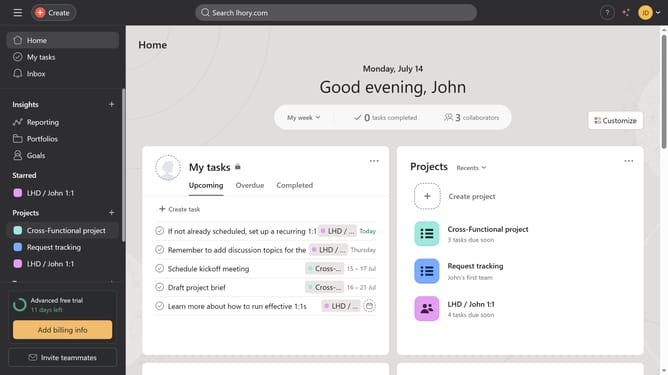
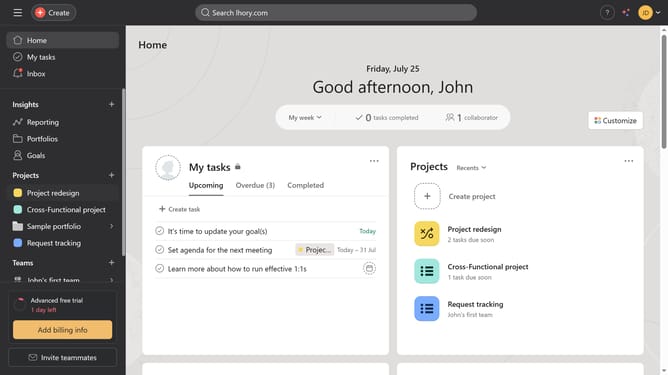
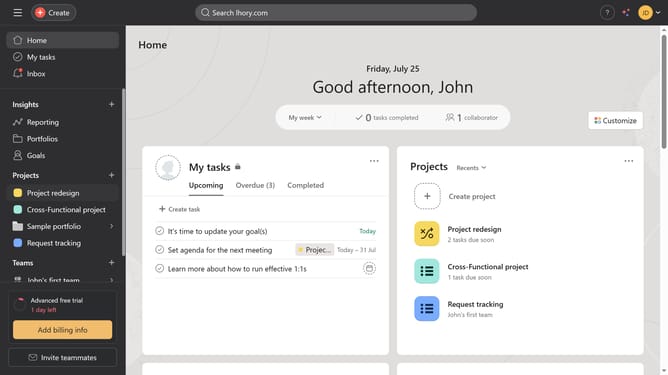
- First click on "My tasks" in the left sidebar menu
- Then click on the "+" icon option in the top right corner
- Next click on the empty text field
- Then type "priority" in the text field
- Finally select "Priority" from the field types menu
Why should you add priority field in Asana
Asana is a dynamic tool designed to streamline team collaboration and project management.
By adding a priority field to your Asana tasks, you empower your team to instantly identify and focus on what matters most.
This feature helps align team efforts, enabling swift response to urgent matters while ensuring strategic tasks are not overlooked.
With enhanced visibility, prioritizing tasks within Asana leads to increased efficiency and goal attainment across the board.
Last update