How to organize tasks in Asana
Here is how to organize tasks in asana
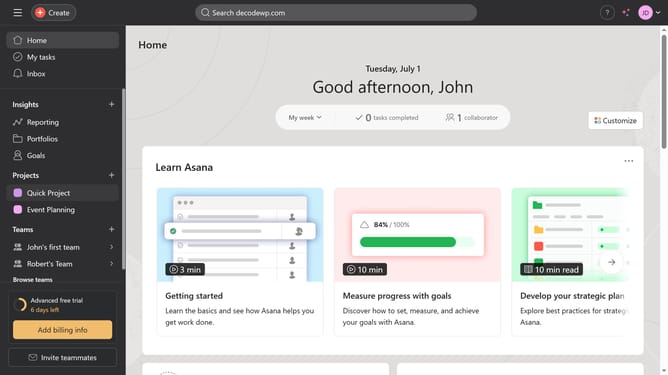
- First click on your project in the left sidebar
- Then click the “Add Section” button at the bottom of the task list to group your tasks
- Type in the desired section name and hit enter on your keyboard
- Click and drag any task to reorder it or move it to the desired section
- Next click the "Sort" button in the top toolbar
- Finally select the preferred sort option from the sort dropdown menu
Why should you organize tasks in Asana
Asana is a dynamic tool designed for seamless task management and enhanced team collaboration.
By organizing tasks in Asana, users gain the ability to streamline workflows, ensuring projects move forward with clarity and efficiency.
Its intuitive interface allows teams to categorize, prioritize, and track tasks effortlessly, reducing chaos and boosting productivity.
The features encourage transparency and accountability, ultimately leading to smoother communication and a more cohesive working environment.
Last update