How to add a Gantt view in Asana
Here is how to add a gantt view in asana
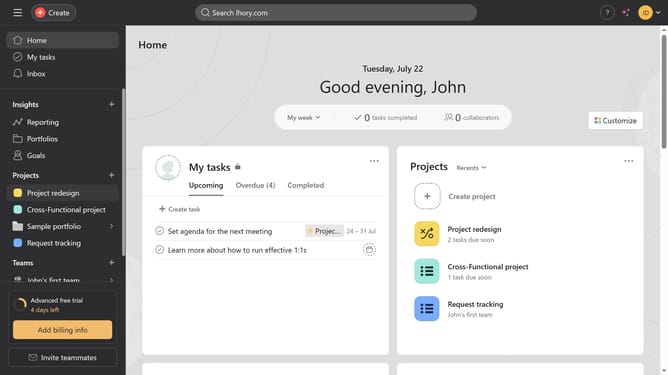
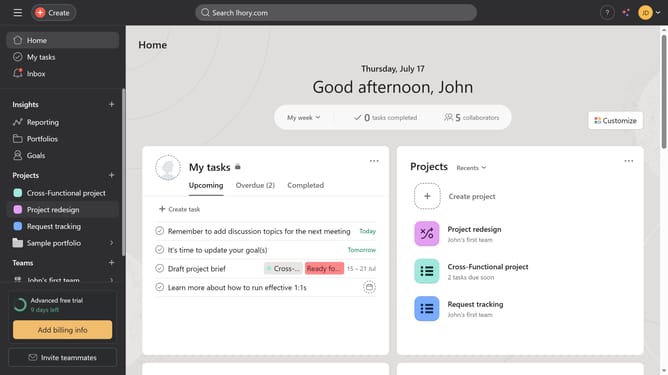
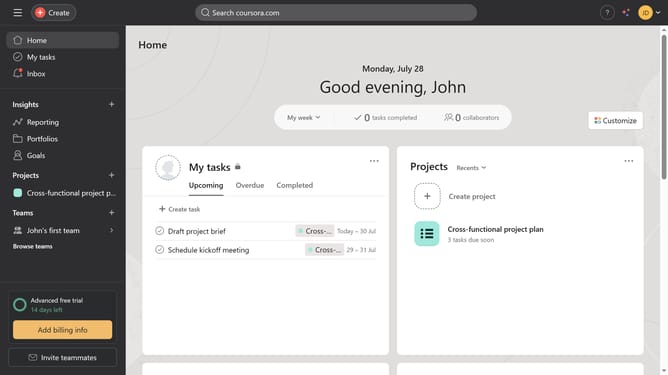
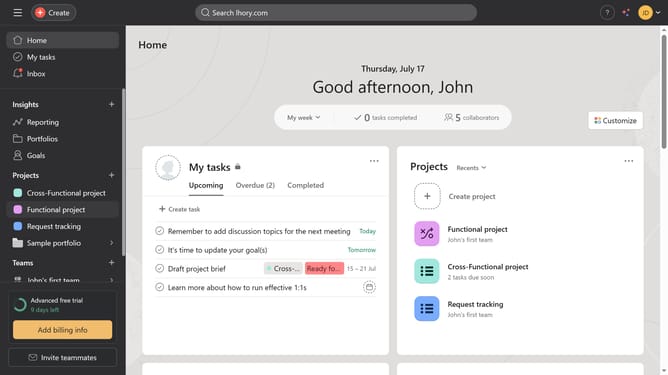
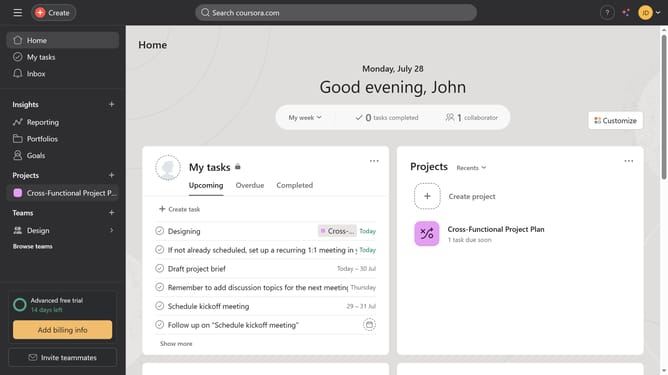
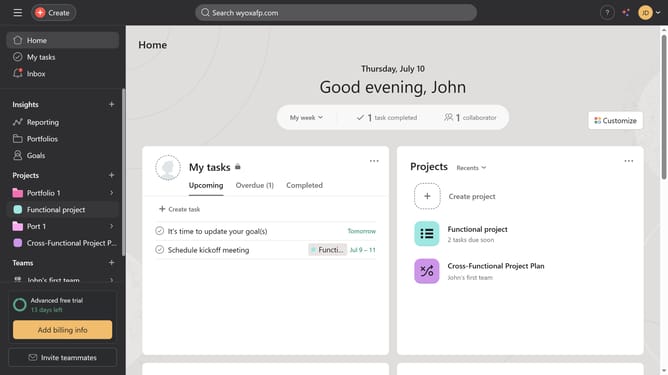
- First click on a project in the Projects section of the left sidebar
- Then click on the "+" button in the top navigation bar next to the Files tab
- Next select the "Gantt" option from the dropdown menu
- Then click the "Close" button in the top-right corner of the Project dependency settings dialog
Why should you add a Gantt view in Asana
Asana is a dynamic project management tool designed to streamline team collaboration and boost productivity.
Adding a Gantt view in Asana transforms your task list into a visual timeline, providing a clear overview of project progress and task dependencies.
This feature is essential for comprehensive project planning, allowing you to foresee potential obstacles and reallocate resources efficiently.
By visualizing project timelines, teams can enhance coordination and ensure timely project delivery.
Last update