Asana
Asana is a work management tool for planning, tracking, and executing projects.
Website
Industry
Project Management
Share this article:

How to pause notifications in your profile in Asana

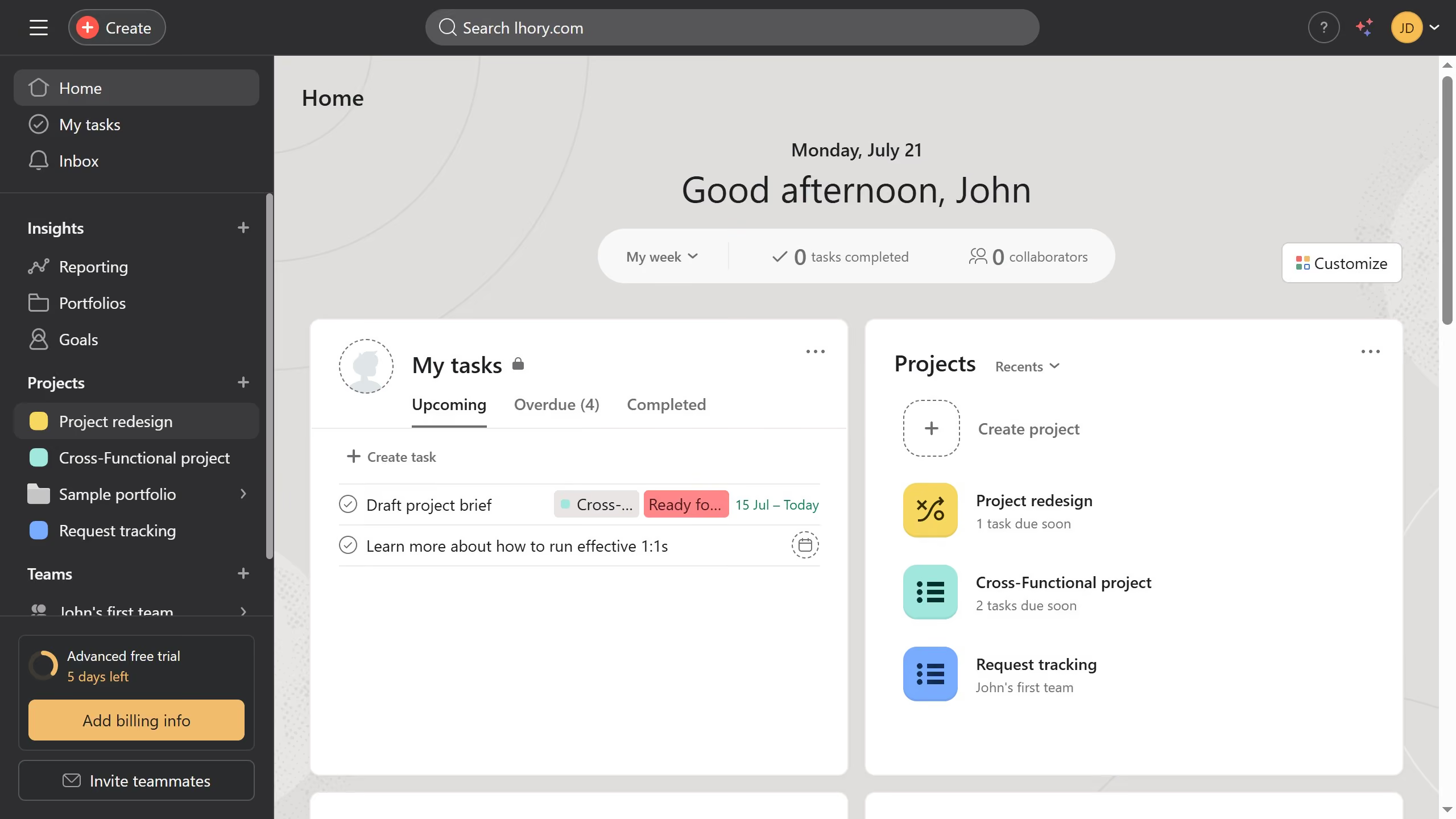
Here is how to pause notifications in your profile in asana

  1. First click on the user profile icon in the top-right corner of the header
  2. Then click on the "Profile" option in the dropdown menu
  3. Next click on the "Edit profile" button on the profile page
  4. Click on the "Notifications" tab in the Settings modal window
  5. Scroll down until you see the Do Not Disturb section
  6. Click to expand the "Do not disturb" section
  7. Click on the "Pause notifications" button in the Do not disturb settings
  8. Finally desired time duration from the pause duration dropdown menu

Create your own interactive guide with Guideflow

Why should you pause notifications in your profile in Asana

Asana is a powerful platform designed to streamline team collaboration and task management effortlessly.

One of its standout features is the ability to pause notifications in your profile. This allows you to work without distractions, promoting a more focused and productive environment.

By temporarily halting notifications, you can immerse yourself in deep work or attend important meetings without interruption, ensuring you're always focused on what truly matters. This enhances your efficiency and project engagement intuitively.


Last update
June 16, 2026
Cursor MariaA cursor points to a button labeled "James."

Create your first demo in less than 30 seconds.