Asana
Asana is a work management tool for planning, tracking, and executing projects.
Website
Industry
Project Management
Share this article:

How to add a project description in Asana

Here is how to add a project description in asana

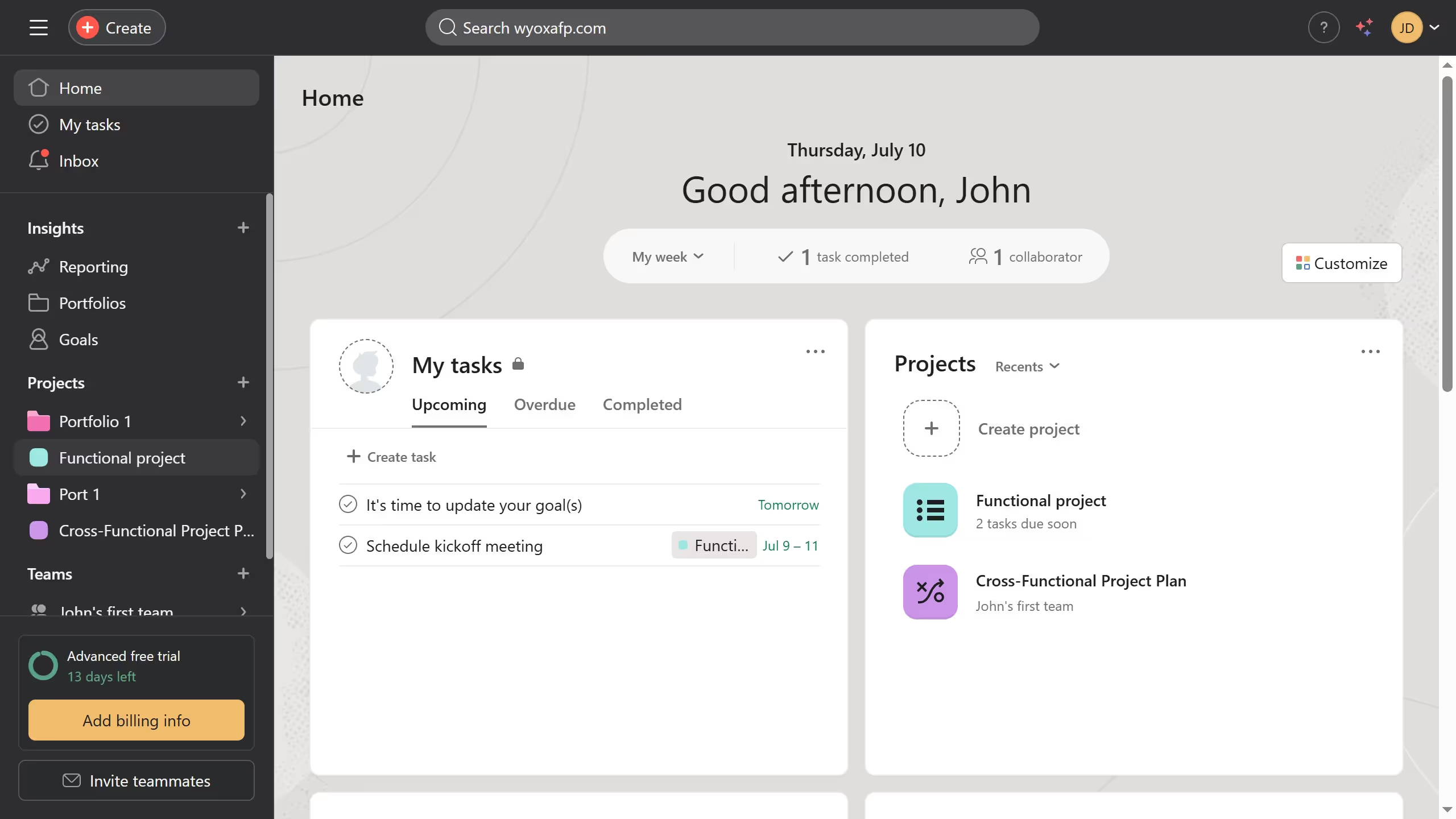
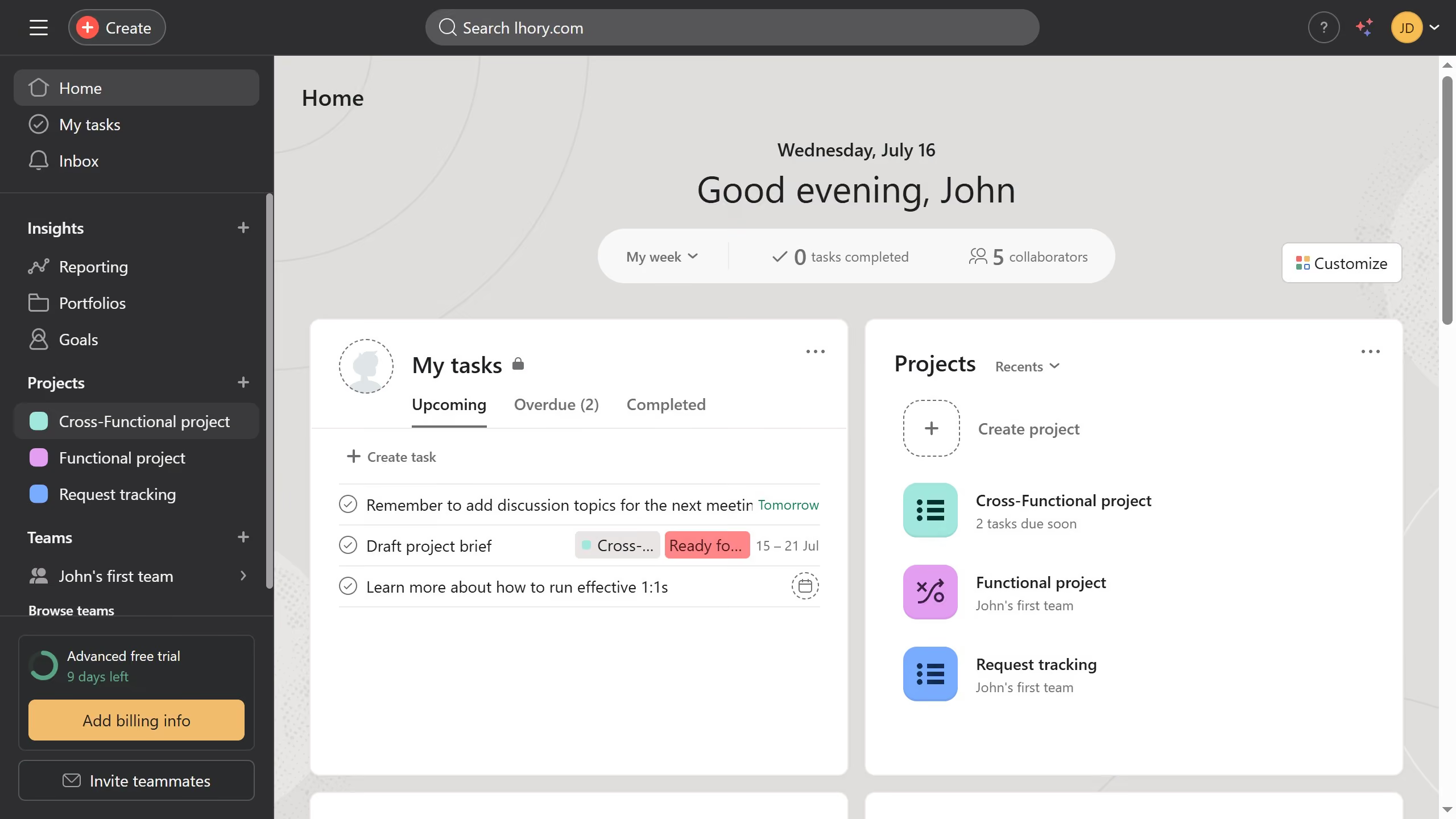
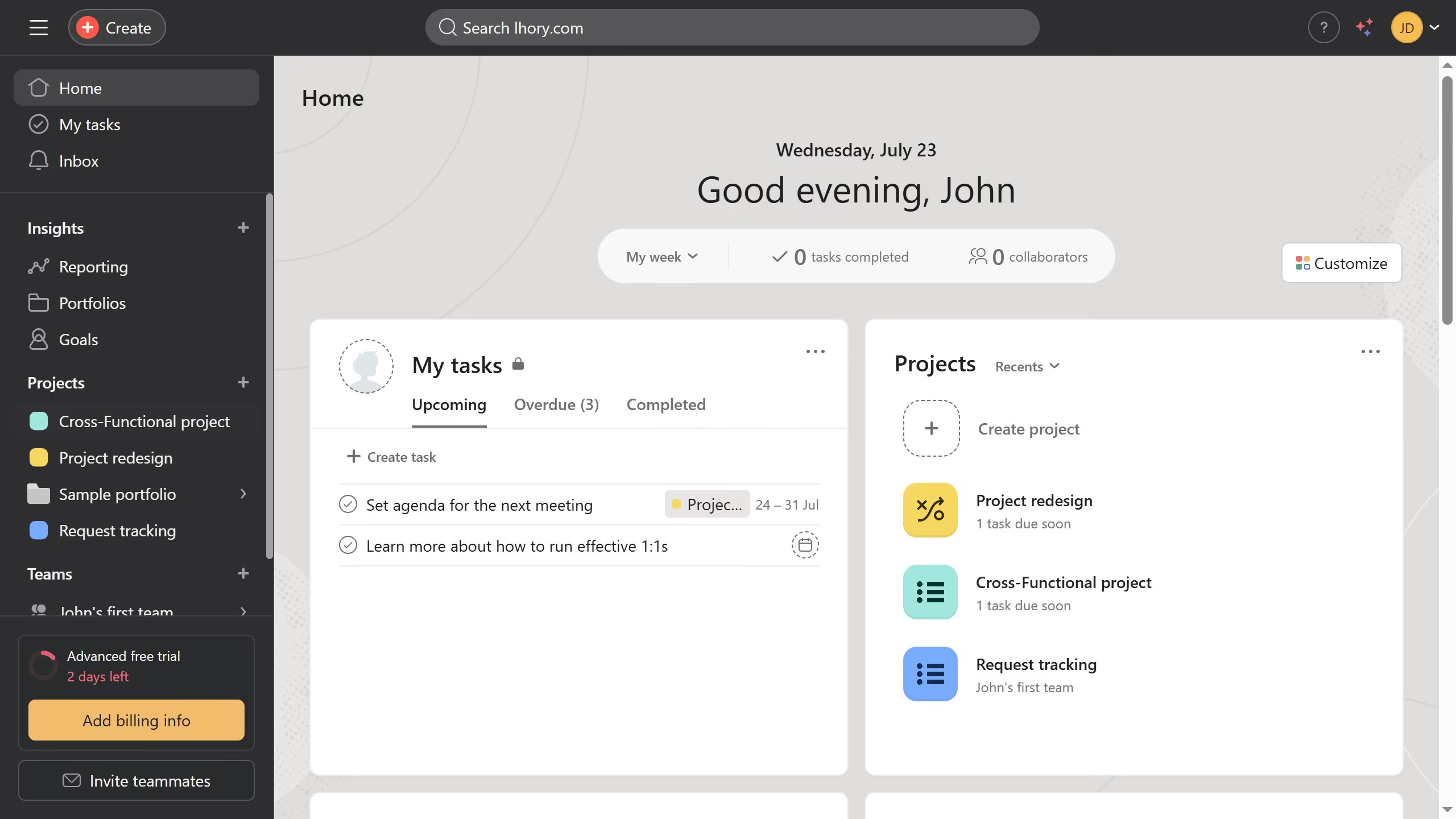
  1. First click on a project in the left sidebar under Projects section
  2. Then click on the "Overview" tab in the top navigation menu
  3. Next click on the empty description field with placeholder "What's this project about?"
  4. Then type in the project description text in the description field
  5. Finally, click outside the field to save your changes
Create your own interactive guide with Guideflow

Why should you add a project description in Asana

Asana is a powerful project management tool designed to streamline team collaboration and efficiency.

Adding a project description in Asana enhances your workflow by setting a clear objective for every team member.

This feature brings much-needed context, ensuring everyone is on the same page, making it easier to track project milestones.

By integrating comprehensive project descriptions, you boost communication and project alignment, leading to a more organized and productive team environment.

Last update
June 23, 2026
Cursor MariaA cursor points to a button labeled "James."

Create your first demo in less than 30 seconds.