How to add description to a task template in Asana
Here is how to add description to a task template in asana
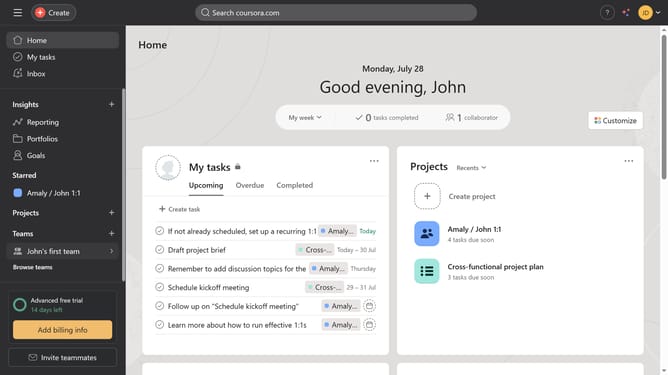
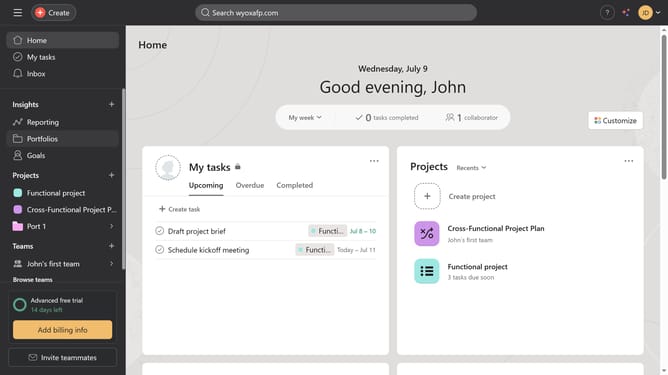
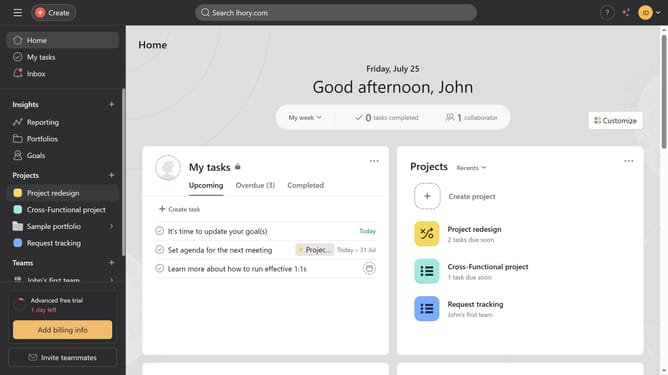
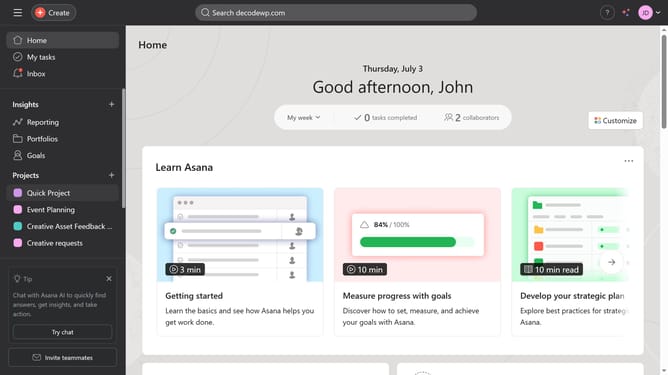
- First click on a project in the left sidebar under Projects section
- Then click on the "Customize" button in the top-right corner of the project view
- Next click on "Task templates" option in the customization menu
- Click the three dots icon next to the template you want to add a description
- Select the "Edit" option from the dropdown menu
- Click on the description text field with placeholder "What is this task about?"
- Type in the description you want to have in the description field
- Finally click the "Done" button in the bottom right corner
Why should you add description to a task template in Asana
Asana is a dynamic project management tool designed to streamline teamwork and enhance productivity.
Adding descriptions to task templates in Asana allows users to provide essential details and context upfront, ensuring team members understand the purpose and specifics of tasks from the outset.
By enriching task templates with descriptions, teams can reduce ambiguity, improve communication, and facilitate smoother project execution. This feature promotes clarity and alignment, helping teams work more efficiently and effectively.
Last update