How to delete a project in Asana
Here is how to delete a project in asana
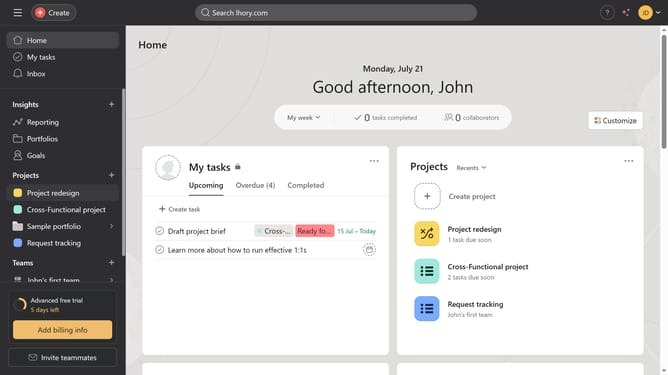
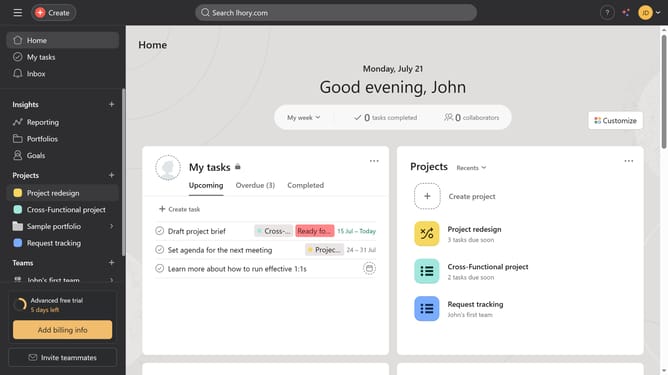
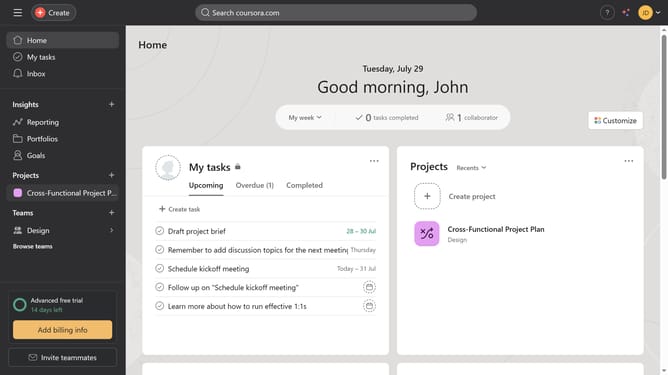
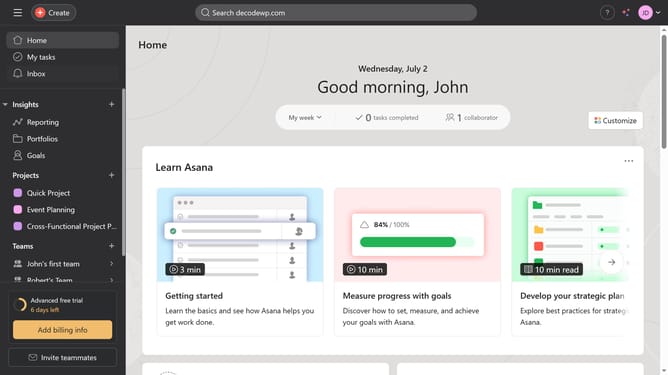
- First click on a project in the left sidebar navigation menu
- Then click on the "List" view option in the top navigation bar
- Next click on the "Actions" dropdown menu in the project header
- Then click on the "Delete project" option in the Actions dropdown menu
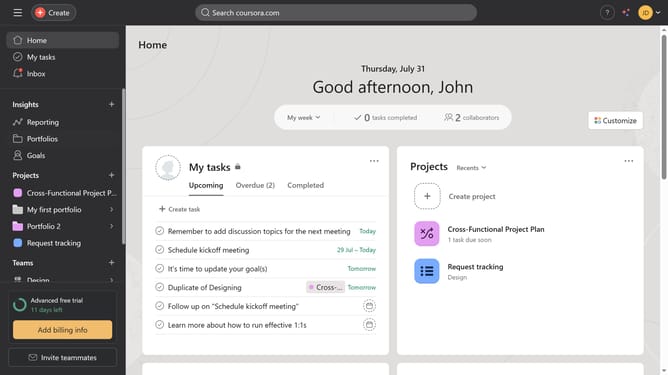
- Finally verify the task "Schedule kickoff meeting" due date shows as "Jun 24 - 26" in the My Tasks view
Why should you delete a project in Asana
Asana is a powerful tool designed to streamline project management and enhance team collaboration.
The feature to delete a project in Asana is a crucial capability for maintaining an organized workspace.
By eliminating outdated or irrelevant projects, users can keep their dashboard clutter-free, heightening focus and productivity.
This feature also aids in better resource management, allowing teams to concentrate on current and high-priority tasks, promoting a more efficient workflow.
Last update