Asana
Asana is a work management tool for planning, tracking, and executing projects.
Website
Industry
Project Management
Share this article:

How to add ID field in board view in Asana

Here is how to add id field in board view in asana

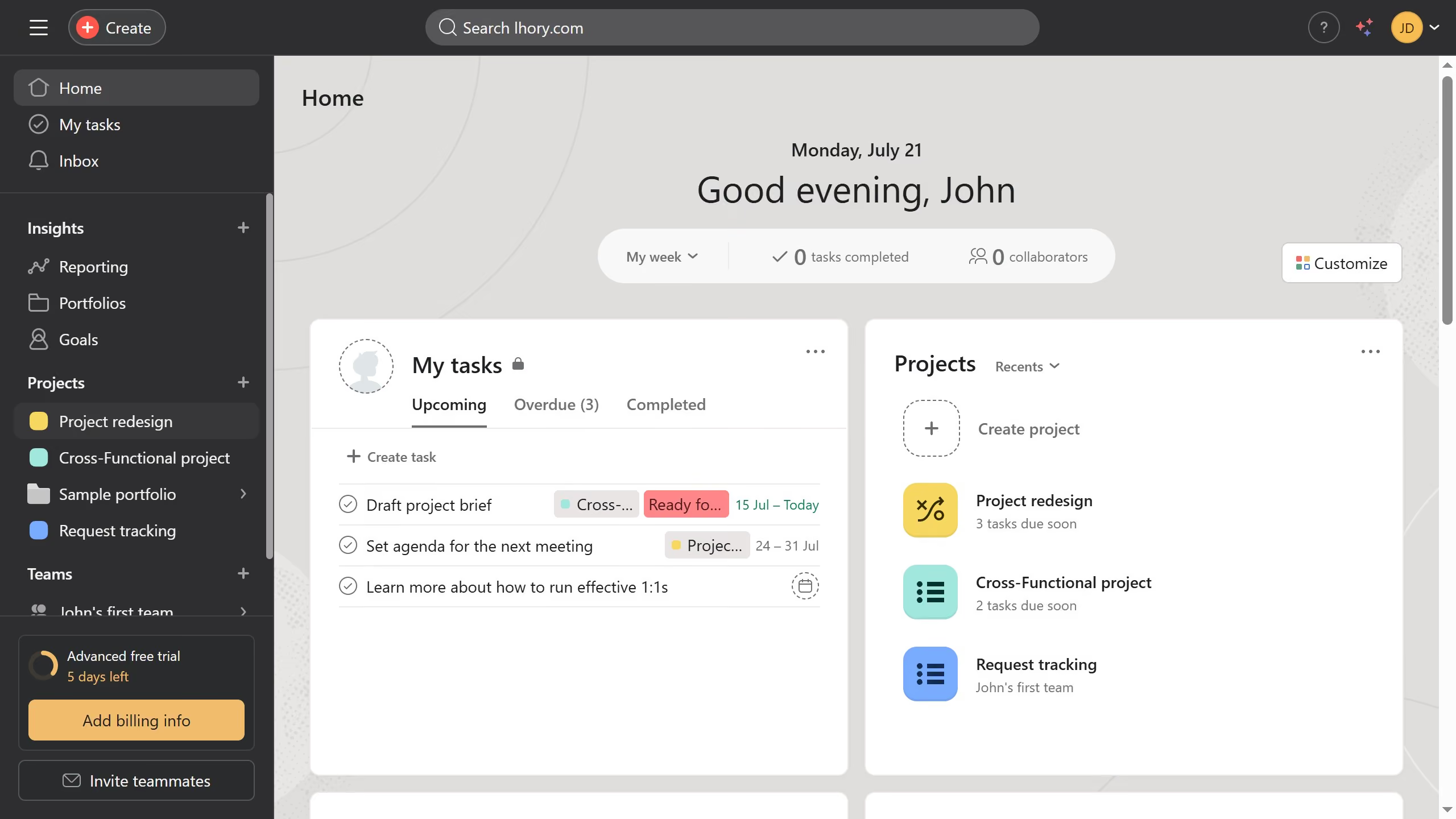
  1. First click on a project in the left sidebar
  2. Then click on the "Board" tab in the top navigation menu
  3. Next click on the "Customize" button in the top-right corner
  4. Then click on the "Fields" option in the customization menu
  5. Click on the "Add" button in the fields section
  6. Select "Create new" in the Add field modal
  7. Click on the "Field type" dropdown menu
  8. Select the "ID" option from the field type list
  9. Click the title input field to start entering the title
  10. Type the desired title in the title input field
  11. Finally click the "Create field" button to save the new ID field

Create your own interactive guide with Guideflow

Why should you add ID field in board view in Asana

Asana is a dynamic project management tool designed to boost team collaboration and streamline workflows.

Integrating an ID field in Board View can enhance organization by assigning unique identifiers to tasks, ensuring clarity and precision in complex projects.

This feature facilitates seamless task tracking and prioritization, especially beneficial for teams managing large volumes of work where accurate task referencing is crucial.

Adding an ID field not only elevates task management efficiency but also supports more robust reporting and tracking of project progress.


Last update
June 23, 2026
Cursor MariaA cursor points to a button labeled "James."

Create your first demo in less than 30 seconds.