Asana
Asana is a work management tool for planning, tracking, and executing projects.
Website
Industry
Project Management
Share this article:

How to edit an existing project brief in Asana

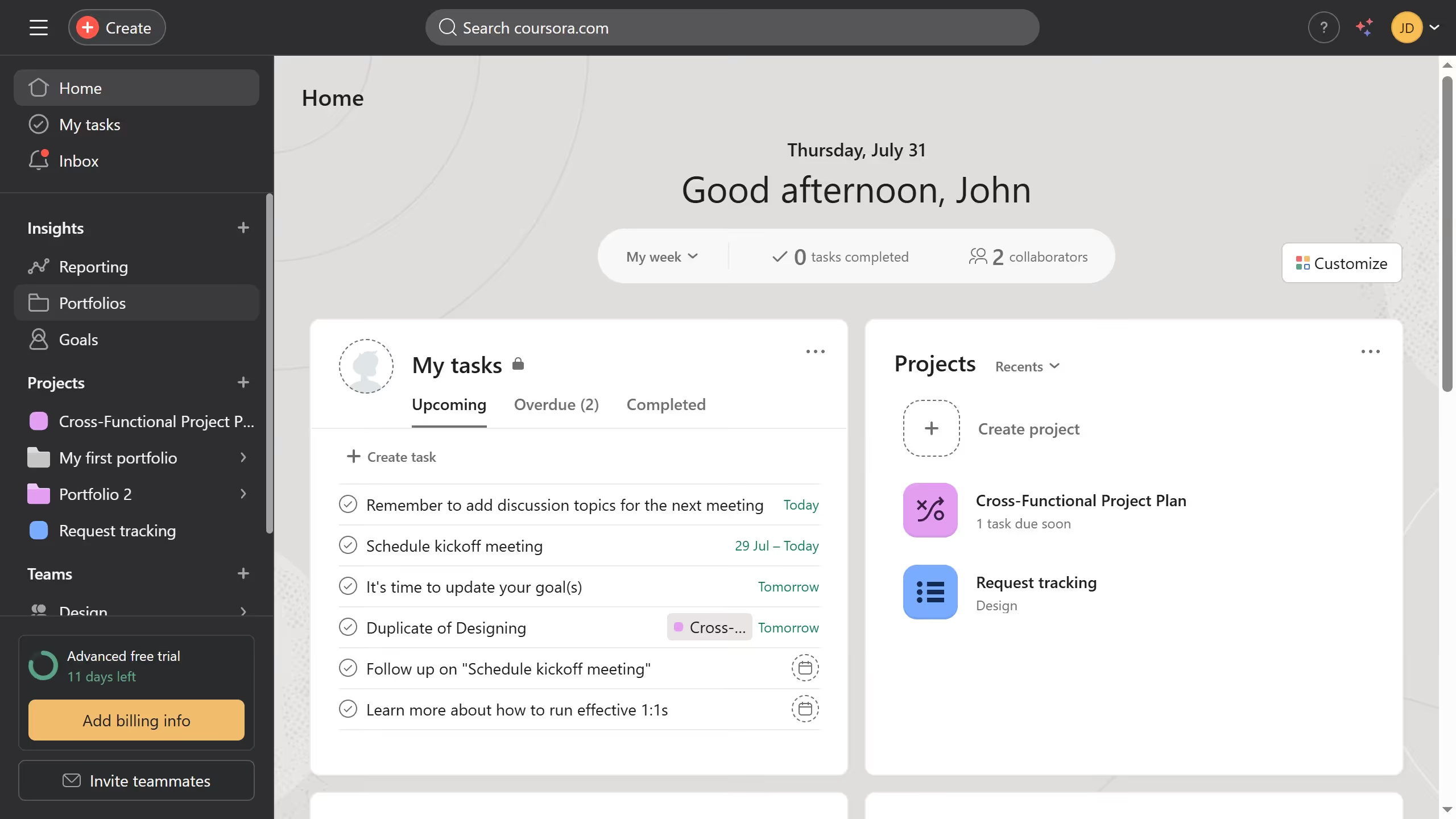
Here is how to edit an existing project brief in asana

  1. First click on a project in the left sidebar under Projects section
  2. Then click on "Overview" tab in the top navigation menu
  3. Next scroll down the overview page until you see the key resources section
  4. Then click on the project brief you want to edit in the Key resources section
  5. Next click on "Edit" button in the top-right corner
  6. Then edit the information you want in the project brief
  7. Finally click on "Done" in the upper right corner of the project brief

Create your own interactive guide with Guideflow

Why should you edit an existing project brief in Asana

Asana is a powerful tool designed to streamline team collaboration and project management.

Easily editing an existing project brief in Asana allows teams to stay agile and responsive to changes. This feature simplifies the process of updating essential project details, ensuring that all team members remain aligned with the latest objectives and priorities.

Utilizing Asana's project brief editing feature enhances efficiency by minimizing misunderstandings and maintaining a clear path to project success. It empowers teams to adapt quickly and keeps everyone informed with real-time updates.


Last update
June 23, 2026
Cursor MariaA cursor points to a button labeled "James."

Create your first demo in less than 30 seconds.