How to group projects in portfolio by connected goals in Asana
Here is how to group projects in portfolio by connected goals in asana
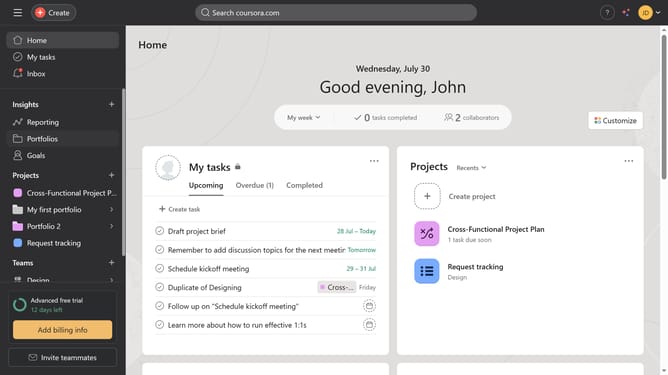
- First click on "Portfolios" in the left sidebar menu
- Then click on a portfolio in the Recent portfolios section
- Next click on the "Group" button in the top toolbar
- Then select "Connected goals" from the grouping options dropdown menu
- Finally click on "Save view" button in the top toolbar
Why should you group projects in portfolio by connected goals in Asana
Asana is a dynamic tool designed to streamline team collaboration and enhance productivity.
By grouping projects in your portfolio according to connected goals, Asana empowers teams to maintain a transparent and goal-driven workflow.
This feature provides clarity on how multiple projects contribute to overarching objectives, ensuring that everyone stays aligned and focused on shared targets.
Using this method, tracking progress becomes intuitive, leading to better strategic planning and more effective resource allocation.
Last update