How to remove project from a portfolio in Asana
Here is how to remove project from a portfolio in asana
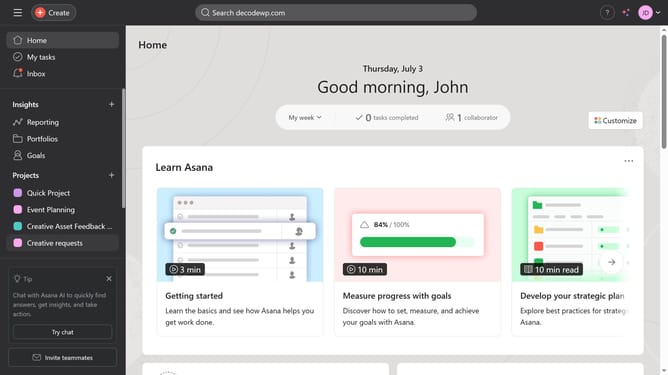
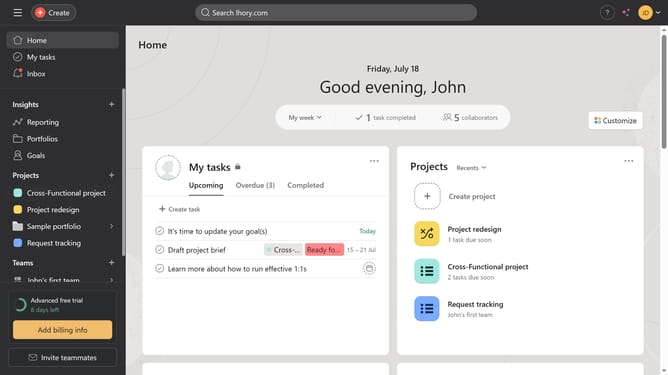
- First click on "Portfolios" in the left sidebar menu
- Then click the portfolio where you want to remove a project in the main content area
- Next right click on the project you want to remove from your portfolio in the project list
- Finally select "Remove from portfolio" option from the project context menu
Why should you remove project from a portfolio in Asana
Asana is a streamlined project management tool designed to enhance team productivity and collaboration.
Removing a project from a portfolio in Asana is a straightforward feature that helps users keep their workspace organized and relevant.
By simplifying your portfolio, you can focus on active projects, ensuring your team's efforts are aligned with current goals and priorities.
This clarity boosts efficiency and productivity, making it easier to allocate resources where they're needed most.
Last update