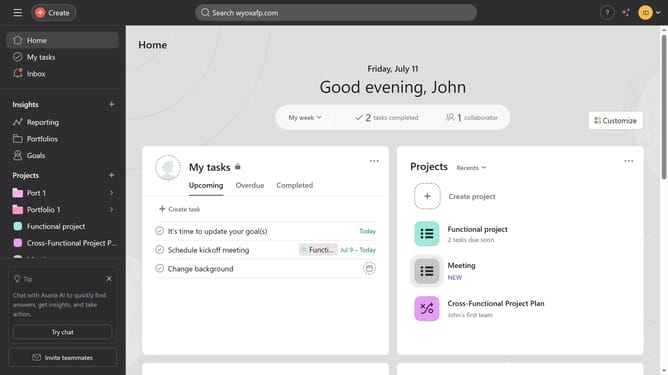
How to add headings to your forms in Asana
Here is how to add headings to your forms in asana
- First click on a project in the left sidebar menu
- Then click on the "Customize" button in the top right corner
- Next click on "Forms" in the right sidebar settings menu
- Then click the menu icon (three dots) next to the form name where you want to add headings
- Select "Edit" from the dropdown menu
- Click on "Heading" in the right sidebar form elements menu
- Click on the text input field that says "Enter a form heading"
- Change the heading text to your desired heading
- Finally click the "Save" button in the bottom right corner
Why should you add headings to your forms in Asana
Asana is an intuitive project management tool designed to streamline teamwork and enhance productivity.
Adding headings to your forms in Asana allows you to organize content effectively, making your forms clear and visually appealing. This feature is incredibly beneficial for segmenting information, providing structure, and guiding users through sections seamlessly.
Utilizing headings enhances the user experience by simplifying navigation and ensuring that key information is highlighted, thereby aiding both creators and respondents in focusing on essential details effortlessly.
Last update