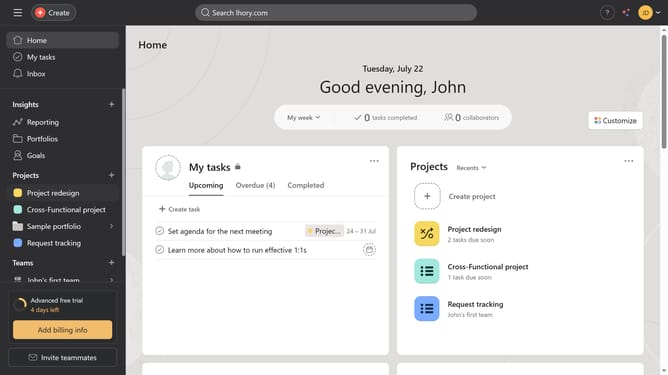
How to convert an existing task into a template in Asana
Here is how to convert an existing task into a template in asana
- First click on a project in the sidebar menu
- Then click on the task you want to convert into a template in the main task list
- Next click on the three dots button in the top-right corner of the task details panel
- Then click on the "Convert to" option in the dropdown menu
- Finally select "Task template" from the conversion options submenu
Why should you convert an existing task into a template in Asana
Asana is a powerful task management tool designed to help teams organize work efficiently and achieve their goals seamlessly.
Transforming an existing task into a template in Asana is a game-changer for productivity. This feature allows you to save time by reusing the structure of a task you’ve already fine-tuned.
This not only streamlines repetitive processes but also ensures consistency across projects, enhancing team collaboration.
Last update