How to filter projects by owner in portfolio in Asana
Here is how to filter projects by owner in portfolio in asana
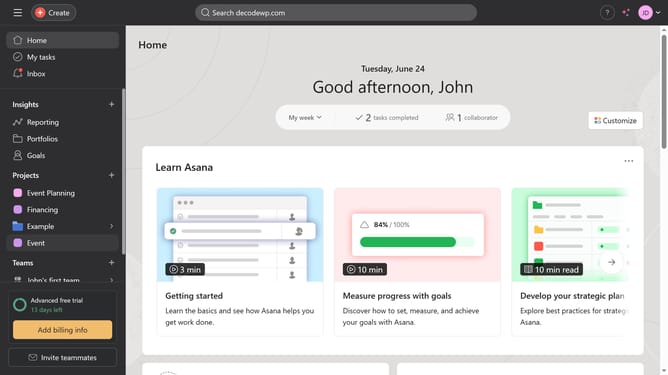
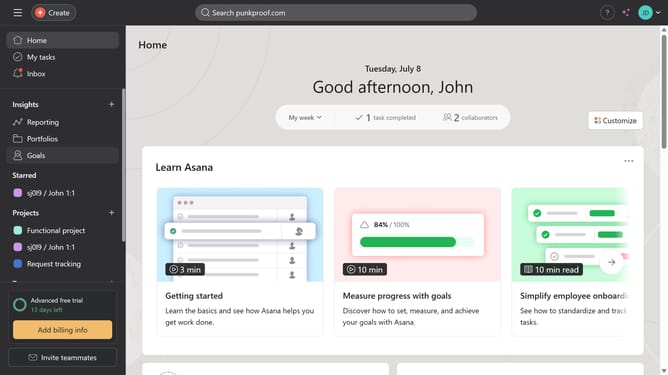
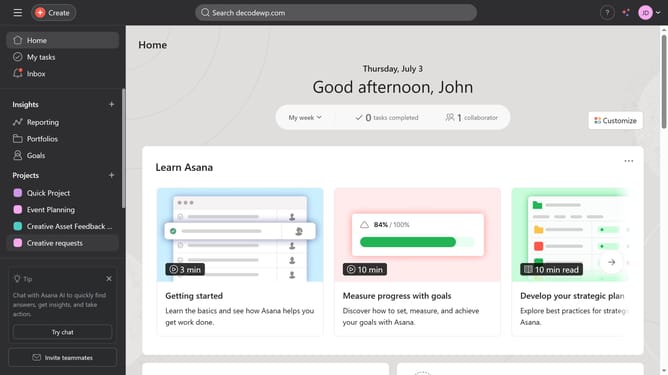
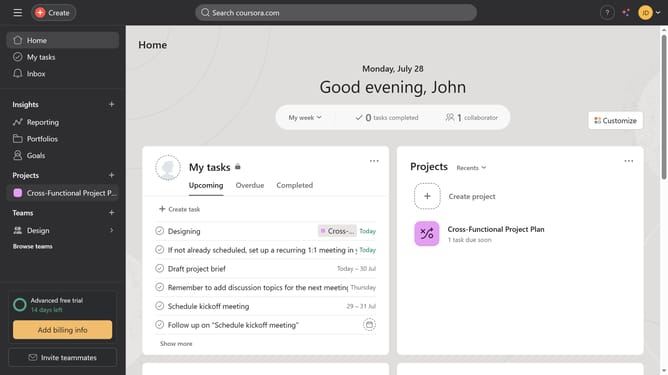
- First click on the "Portfolios" option in the left sidebar menu
- Then click on a portfolio in the Recent portfolios section
- Click on the "Filter" button in the top toolbar
- Next click on "Add filter" button in the filters panel
- Then select "Owner" option from the filter dropdown menu
- Click in the Owner filter search field
- Type the name of the Owner you want to filter in the filter search field
- Select the name from the dropdown list
- Finally click on the "Save view" button in the top toolbar
Why should you filter projects by owner in portfolio in Asana
Asana is a versatile project management tool designed to streamline team collaboration and task organization.
One standout feature is the ability to filter projects by owner in Portfolios, enhancing visibility and accountability.
By filtering projects by owner, you can quickly identify who is responsible for each project, making it easier to manage workloads and ensure transparency.
This feature facilitates efficient team management, helping users to allocate resources more effectively, track progress, and prioritize tasks seamlessly.
Last update