How to change status of a project in Asana
Here is how to change status of a project in asana
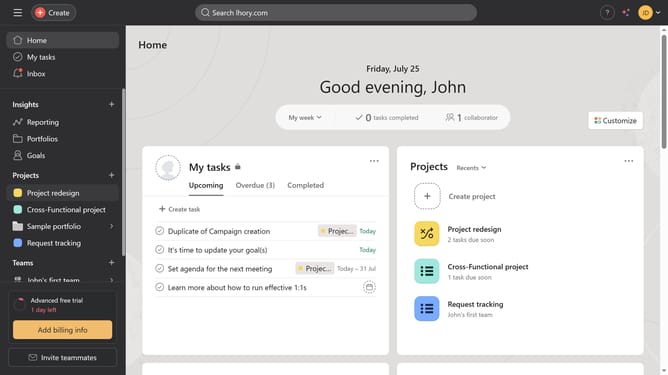
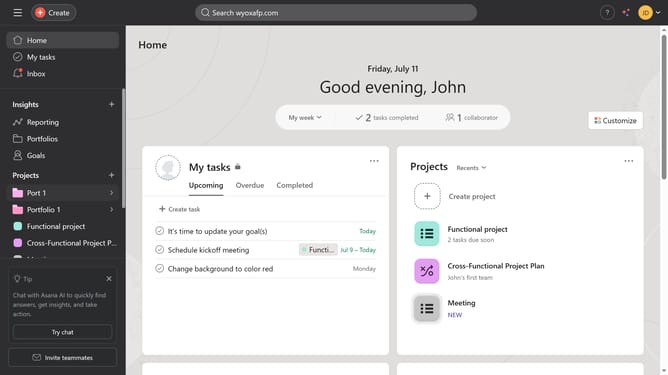
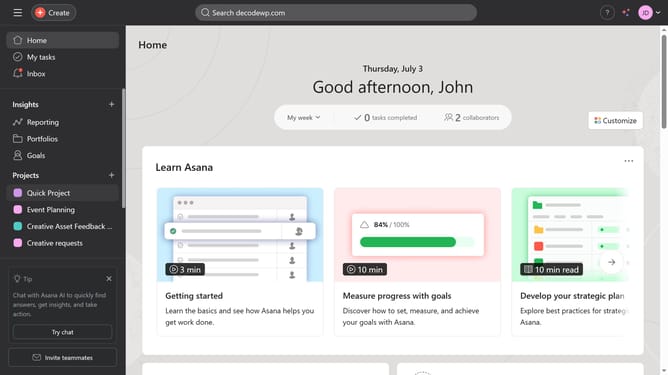
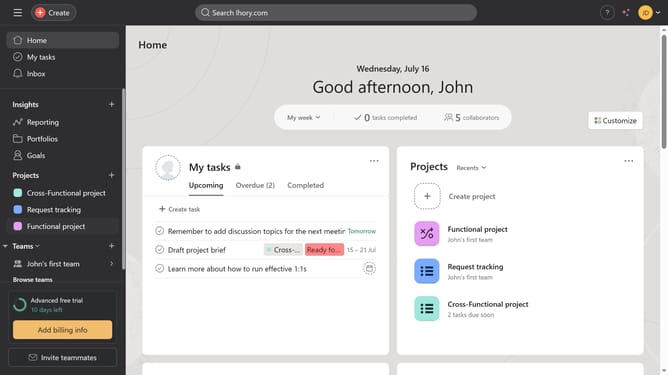
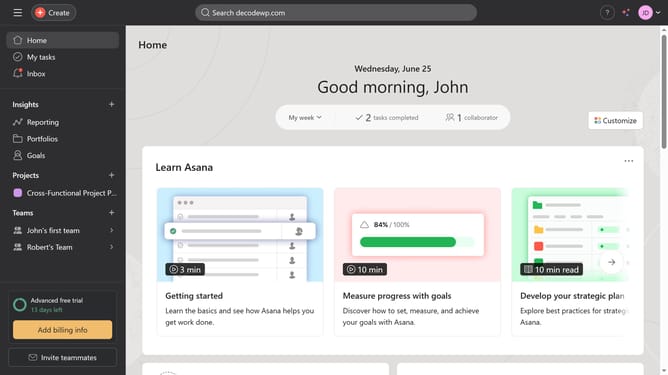
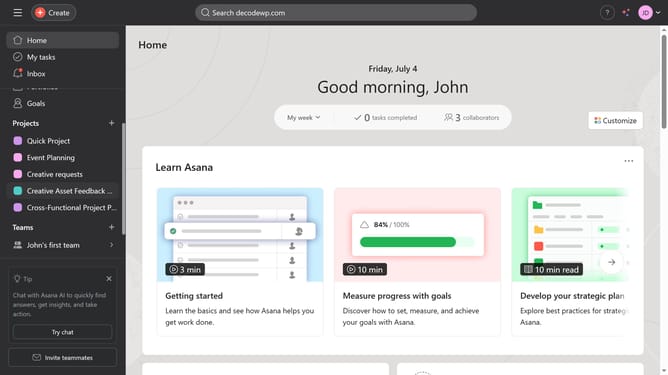
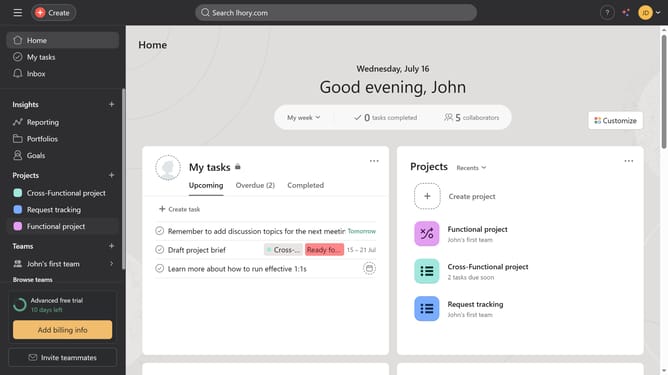
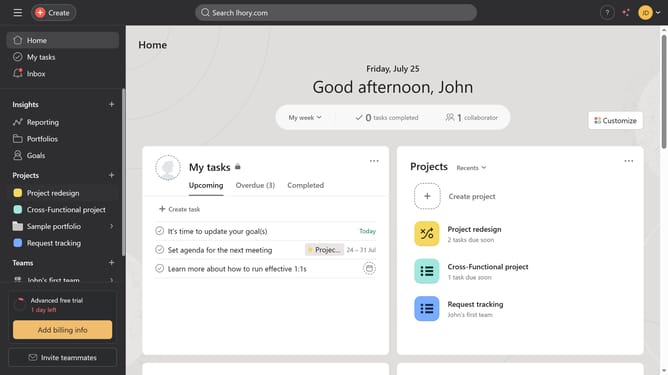
- First click on the "Home" button in the left sidebar menu
- Then click on the a completed project in the Projects section
- Next click on the arrow dropdown button in the top menu
- Then click on the desired status option in the status update dropdown
- Finally click on the "Post" button in the status update form
Why should you change status of a project in Asana
Asana is a dynamic project management tool designed to streamline task coordination and enhance team productivity.
Changing the status of a project in Asana is a key feature that ensures team members remain aligned and informed about project progress.
This functionality not only allows you to communicate current standings but also helps in setting clear milestones and expectations, fostering efficient team collaboration.
By regularly updating project status, teams can assess performance, quickly identify areas needing attention, and maintain a steady workflow towards achieving goals.
Last update