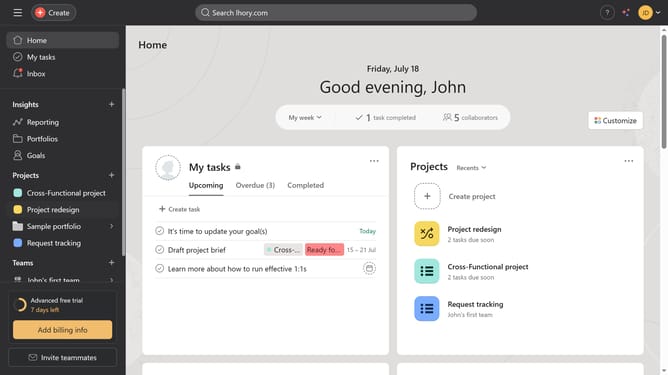
How to add time estimates in Asana
Here is how to add time estimates in asana
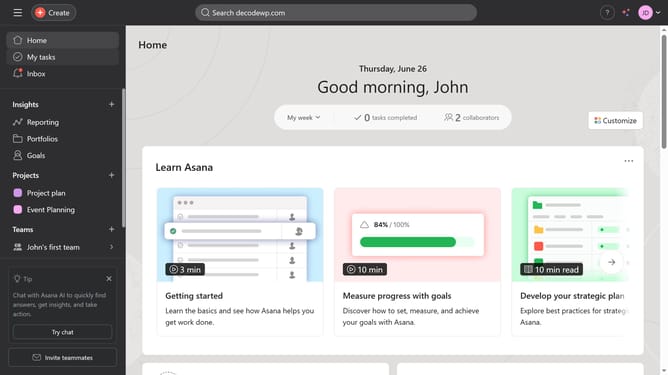
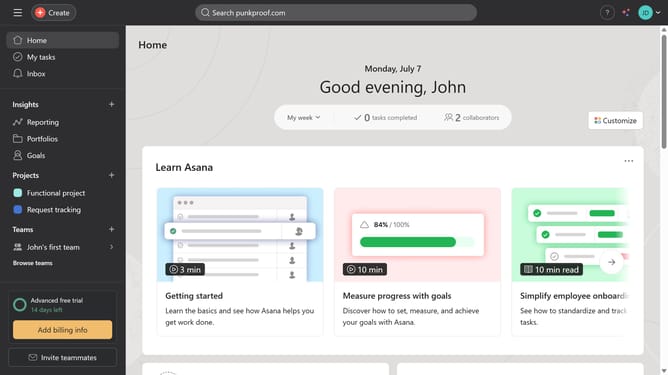
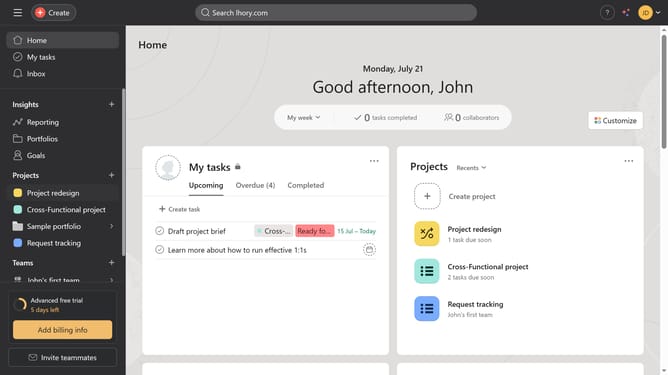
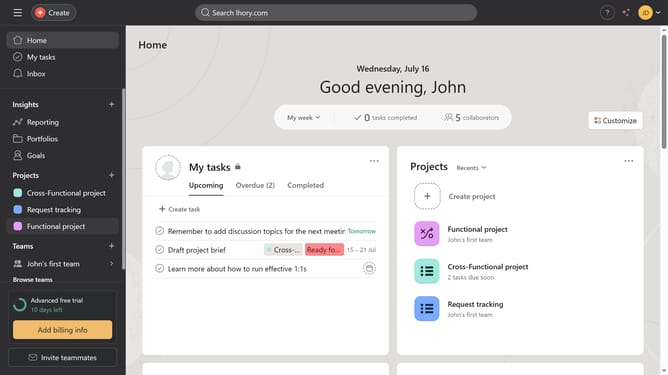
- First click on a project in the left sidebar under Projects section
- Then click on the "Customize" button in the top-right corner of the project view
- Next click on "Fields" option in the customization panel
- Then click on "Browse library" button in the Fields section
- Click the search field in the upper middle of the page
- Type in "Estimated time" in the search field
- Next click the Estimated Time field from the suggested options
- Then click "Add to project" button in the bottom-right corner of the modal
- Next click the empty Estimated Time input field
- Finally type the time and press Enter on your keyboard
Why should you add time estimates in Asana
Asana is a versatile project management tool designed to enhance team collaboration and productivity.
Adding time estimates to tasks in Asana enables teams to allocate resources effectively and manage workloads more efficiently. This feature provides clarity into project timelines, helping ensure that deadlines are realistic and achievable.
By integrating time estimates, teams can prioritize tasks better and ensure a balanced distribution of work, leading to improved performance and a more streamlined workflow.
Utilizing time estimates not only enhances transparency but also fosters a sense of accountability, as team members can easily track progress and stay aligned with the project's goals.
Last update