How to archive a portfolio in Asana
Here is how to archive a portfolio in asana
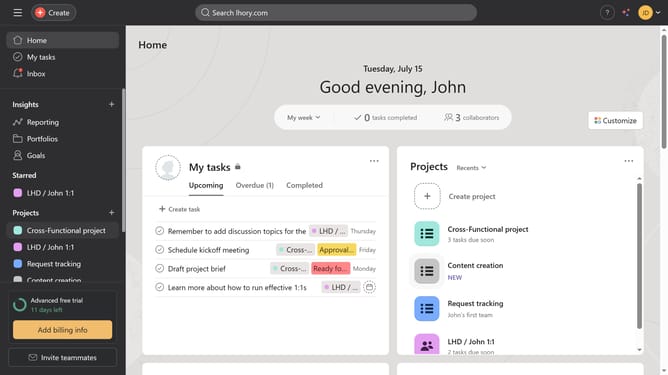
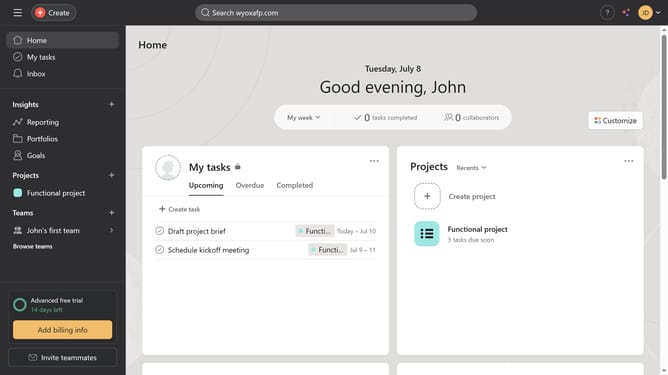
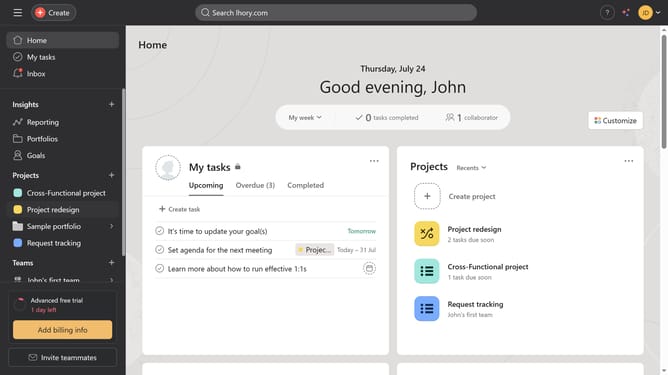
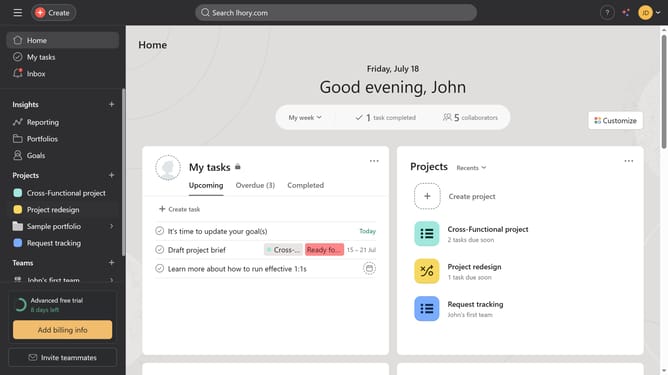
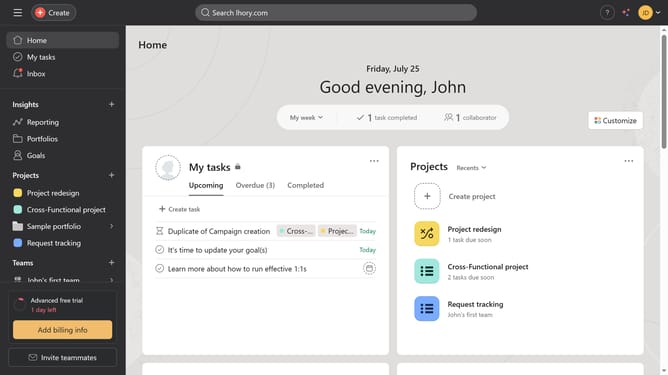
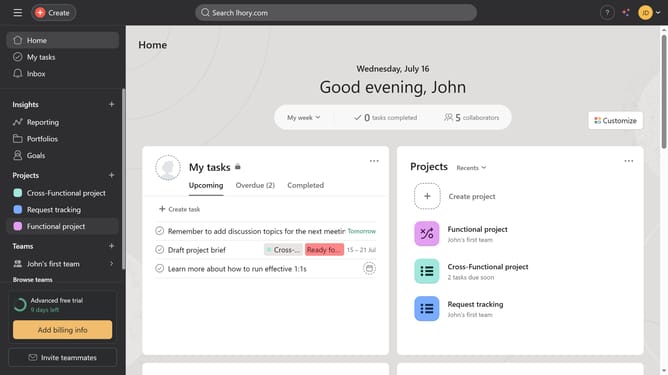
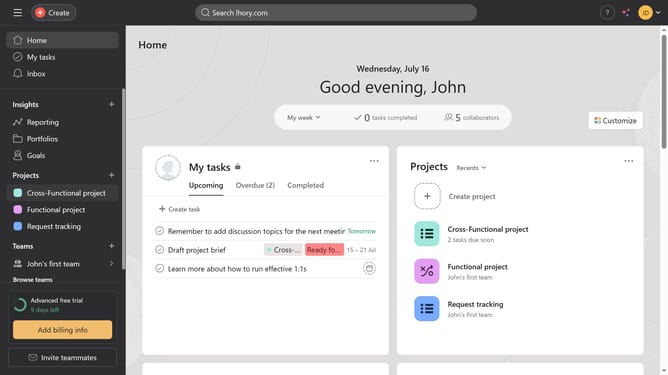
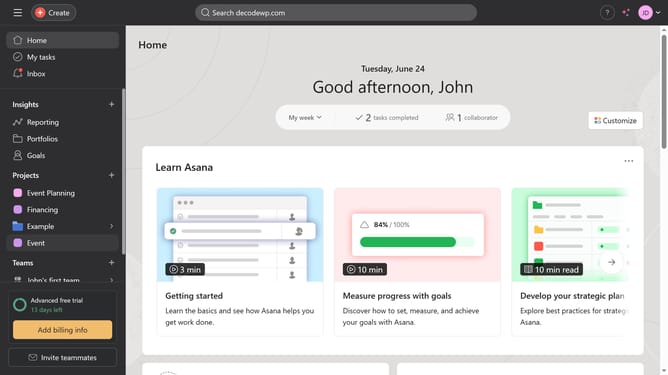
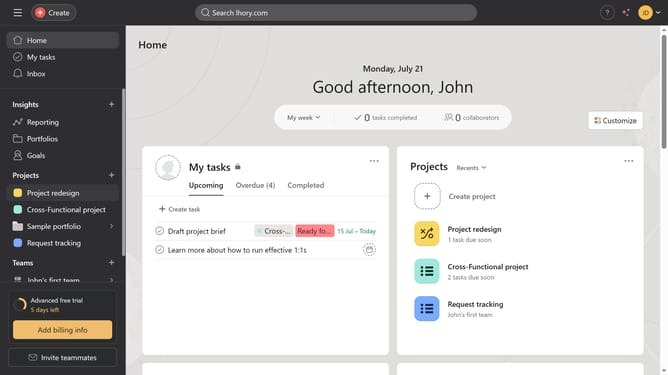
- First click on the "Portfolios" item in the left sidebar menu
- Then click on the portfolio you want to archive in the Recent portfolios section
- Next click on the dropdown menu arrow next to your portfolio in the portfolio header
- Finally click on "Archive portfolio" option in the dropdown menu
Why should you archive a portfolio in Asana
Asana is a versatile project management tool designed to help teams streamline their workflow and boost productivity.
Archiving a portfolio in Asana is a simple feature that ensures your workspace remains clutter-free and organized.
When a project is completed, archiving its portfolio prevents unnecessary information from crowding your dashboard, allowing you to focus on active tasks without distraction.
This feature provides the additional benefit of keeping all historical data accessible, ensuring you can always retrieve past projects easily.
Last update