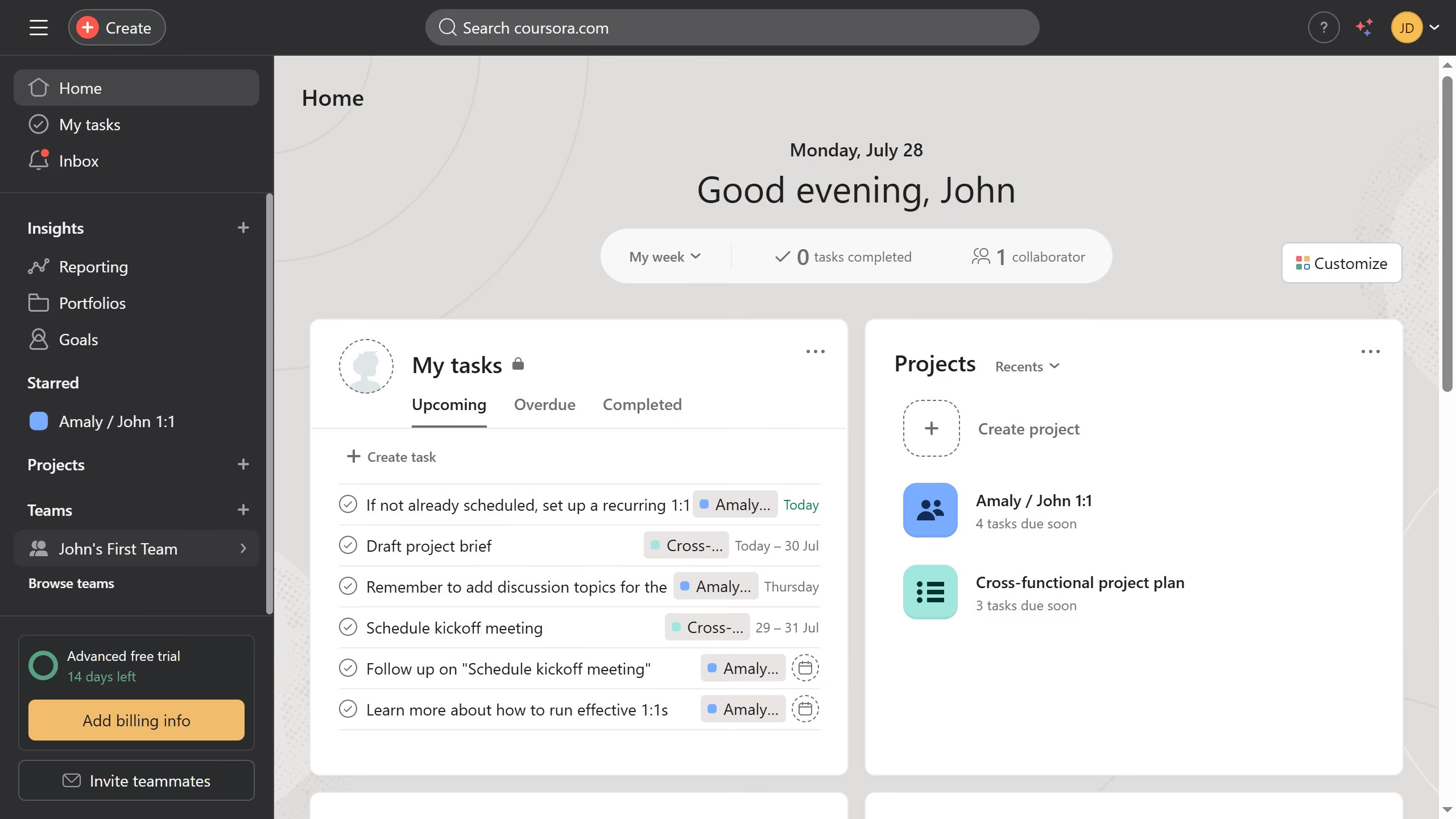
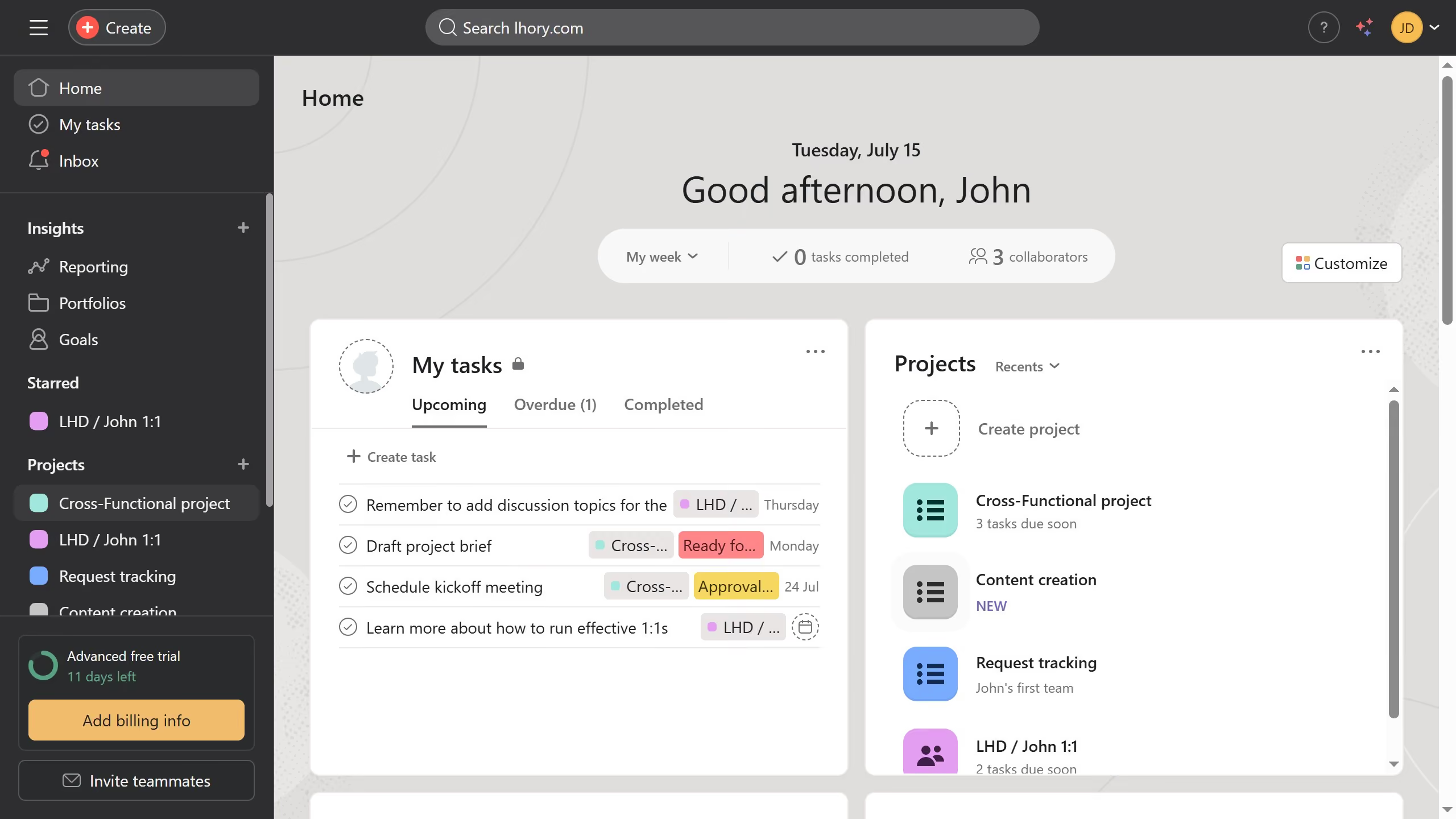
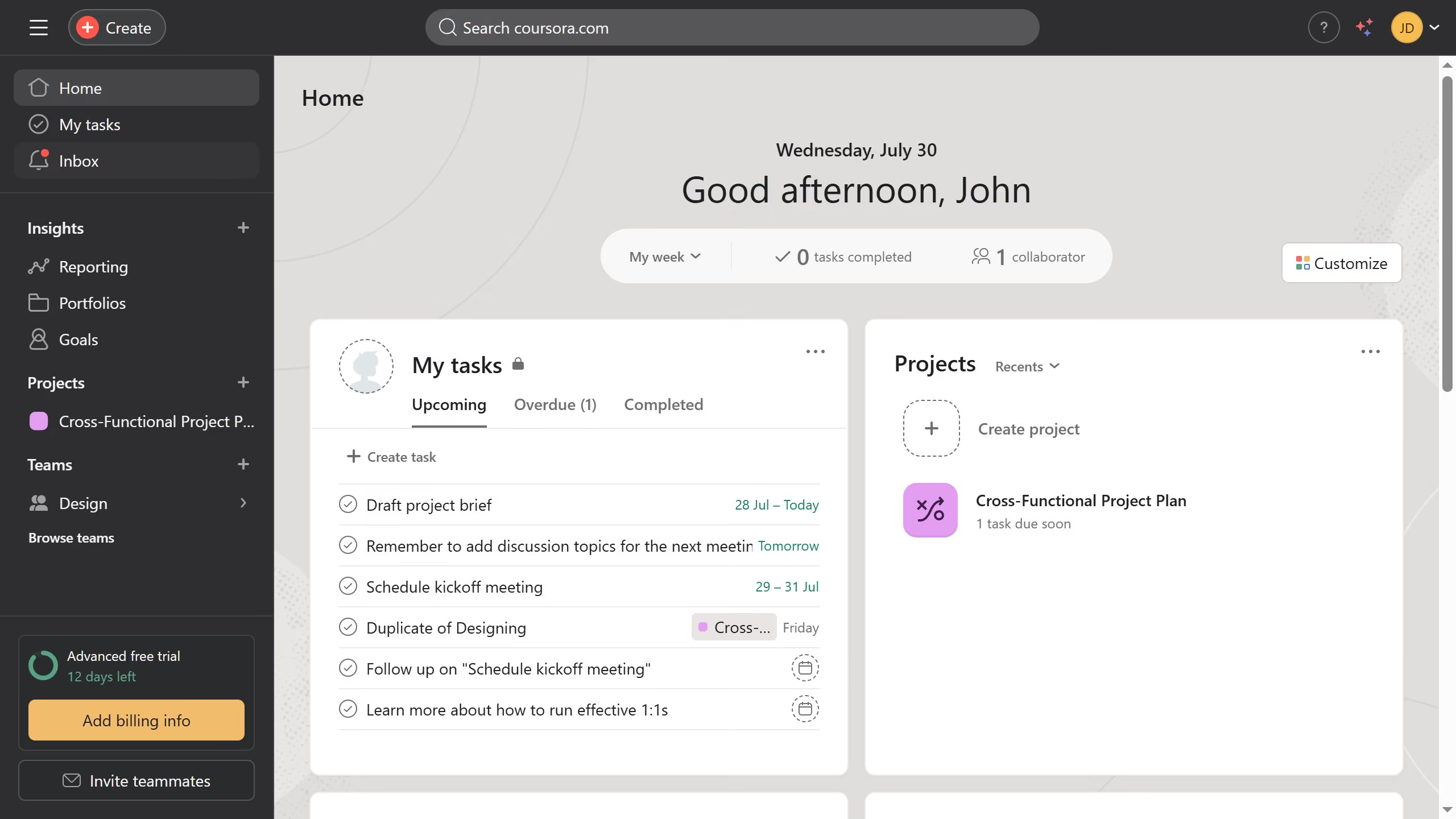
Here is how to remove due dates in asana
- First click on a project in the left sidebar menu
- Then click on the "List" tab in the top navigation menu
- Next click on the task you want to remove the due date in the task list
- Finally click on the "x" button next to the due date in the task details panel to remove the due date